
1. Úvod a konecview
The KuWFi RM503Qpro is an advanced AX3000 WiFi 6 5G router designed for versatile connectivity. Featuring dual SIM card slots, it supports global 5G and 4G LTE networks, providing ultra-fast broadband connections wherever you need them. This router is ideal for use as a primary or backup internet solution in homes, apartments, RVs, mobile living, remote work environments, and small businesses. Its robust design includes a 2.5G WAN port and an integrated fan cooling system to ensure stable performance.

Image: KuWFi RM503Qpro 5G WiFi 6 Router, highlighting its advanced features.
2. Obsah balení
Ujistěte se, že v balení jsou přítomny všechny položky:
- 1 x KuWFi RM503Qpro 5G WiFi 6 Router
- 7 x Detachable Cellular Antennas
- 1 x napájecí adaptér
- 1 x ethernetový kabel RJ45
- 1 x Quick Installation Guide (Manual)
- 1 x SIM Card Ejector Tool (for Nano-SIM)
3. Konec produktuview
3.1 Indikátory na předním panelu
- Indikátor napájení: Ukazuje stav napájení.
- Internetový indikátor: Zobrazuje stav připojení k internetu.
- 2.4G WiFi Indicator: Shows 2.4GHz Wi-Fi activity.
- 5G WiFi Indicator: Shows 5GHz Wi-Fi activity.
- Síla mobilního signálu: Zobrazuje sílu mobilního signálu 5G/4G.
3.2 Porty a tlačítka na zadním panelu
Obrázek: Zadní view of the KuWFi RM503Qpro router, detailing port layout.
- Tlačítko RST (Reset): Stiskněte a podržte po dobu 5–10 sekund pro obnovení továrního nastavení.
- Tlačítko MESH: For mesh networking configuration.
- SIM1 & SIM2 Slots: Insert Nano-SIM cards for cellular connectivity.
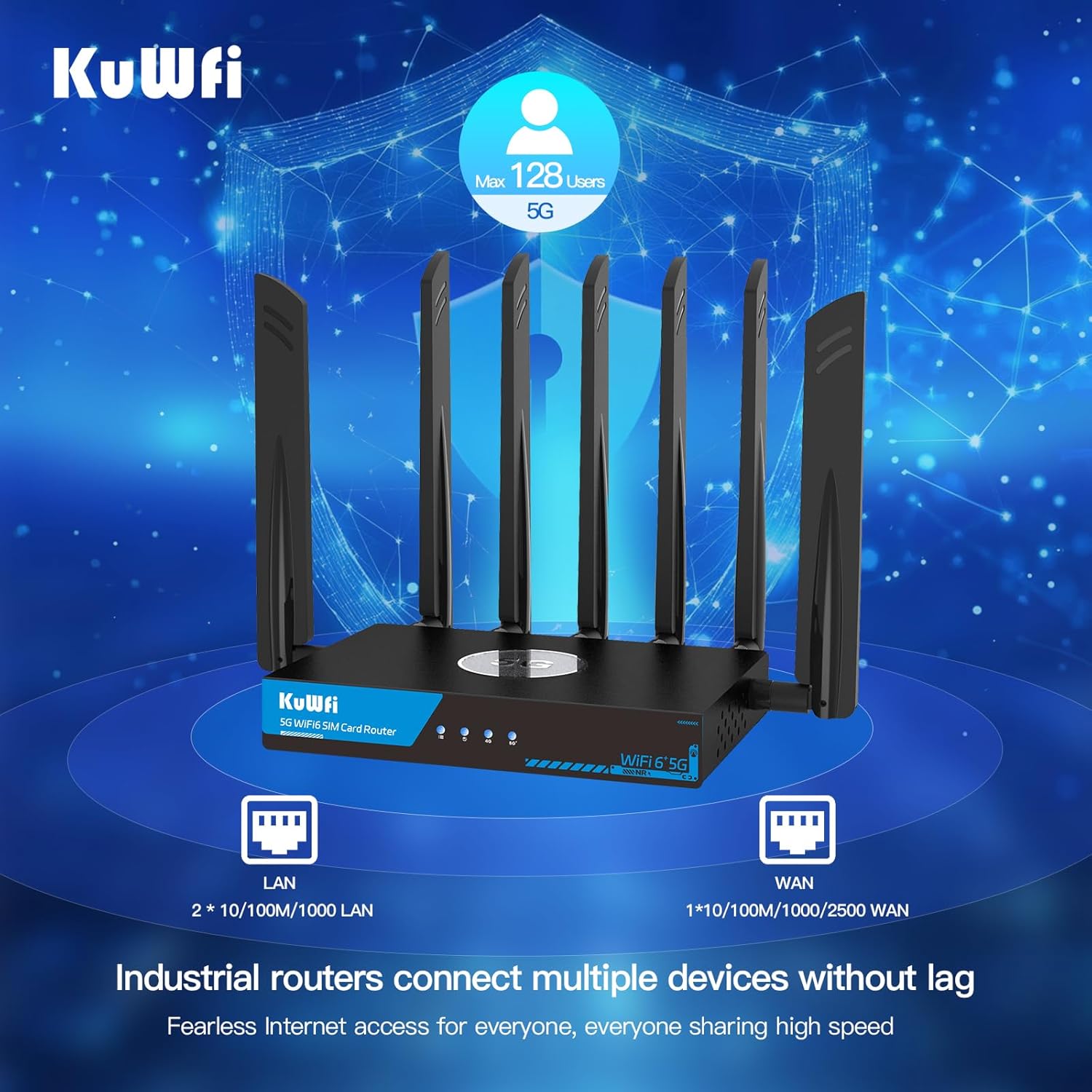
- LAN porty (x3): Gigabitové ethernetové porty pro kabelová zařízení.
- WAN/LAN 2.5G Port (x1): A 2.5 Gigabit Ethernet port that can function as either a WAN or LAN port.
- Vstup DC 12V: Připojte dodaný napájecí adaptér.
- Anténní konektory: Multiple SMA connectors for attaching external 5G NR and Wi-Fi antennas.
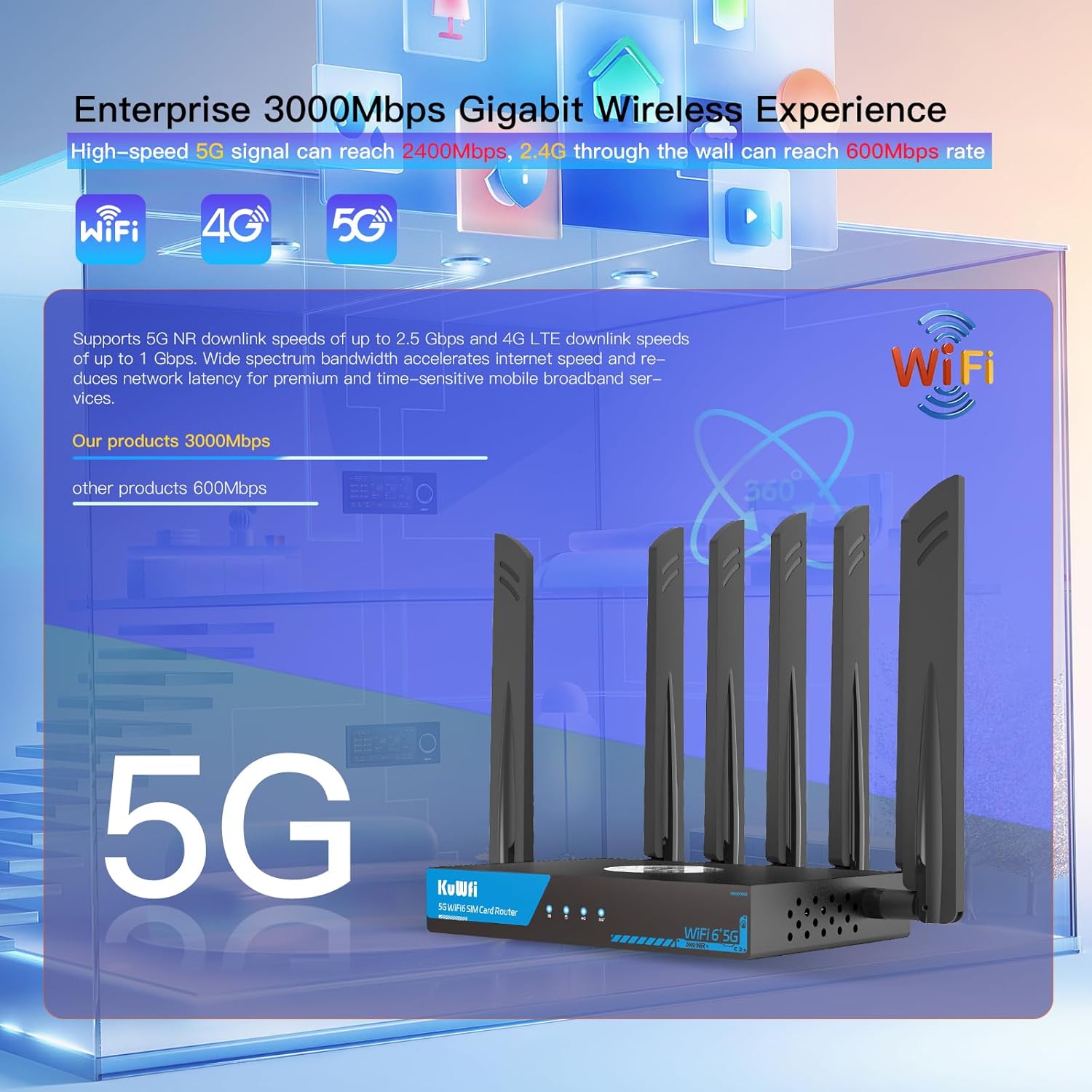
Image: Close-up of the router's LAN and WAN ports.

Obrázek: Podrobný view of the dual Nano-SIM card slots.
4. Nastavení
4.1 Instalace SIM karty
- Locate the SIM1 and SIM2 slots on the rear panel of the router.
- Using the provided SIM ejector tool or a paperclip, gently press into the small hole next to the SIM slot to release the tray.
- Place your Nano-SIM card(s) into the tray(s) with the gold contacts facing down and the notched corner aligned correctly.
- Gently push the tray(s) back into the router until it clicks into place.
4.2 Instalace antény
- Identify the antenna connectors on the rear panel. There are connectors for NR 5G and 2.4/5.8G Wi-Fi.
- Screw the provided external antennas onto their respective connectors. Ensure they are finger-tight.
- Upravte antény pro optimální příjem signálu.
4.3 Připojení napájení
- Connect the power adapter to the DC 12V power input port on the router.
- Zapojte napájecí adaptér do standardní elektrické zásuvky.
- The Power LED indicator on the front panel should light up.
4.4 Počáteční konfigurace (Web Přístup k uživatelskému rozhraní)
- Wait for the router to boot up. The Internet and Cellular Signal LEDs should eventually turn blue, indicating a successful connection. If the Cellular Signal LED is red, check SIM card installation and network coverage.
- Connect your computer or smartphone to the router's default Wi-Fi network. The default SSID and password can typically be found on a label on the bottom of the router.
- Otevřete a web browser and enter the default access IP address (e.g., 192.168.1.1) or URL (e.g., http://kuwfi.com) into the address bar.
- Přihlaste se pomocí výchozího uživatelského jména a hesla (obvykle „admin“ pro oba, nebo jak je uvedeno na štítku).
- Follow the on-screen setup wizard to configure basic settings such as timezone, APN profile (if not automatically detected), and customize your Wi-Fi network name (SSID) and password.
Video: KuWFi Industrial Cellular 5G Router with Dual SIM Slot - This video demonstrates the physical setup and features of the router, including SIM card insertion and port overview.
5. Návod k obsluze
5.1 High-Speed Wi-Fi 6 Connectivity
The router supports dual-band AX3000 Wi-Fi 6, providing high-speed wireless connectivity for up to 256 devices simultaneously. This ensures smooth streaming, gaming, and general internet usage.

Image: Illustration of the router providing extensive Wi-Fi 6 coverage.
5.2 Dual SIM Failover
With dual SIM slots, the router offers automatic failover. If the primary SIM's network connection is lost or unstable, the router will automatically switch to the secondary SIM, ensuring uninterrupted internet access.

Image: Visual representation of the dual SIM functionality for reliable connectivity.
5.3 VPN and Security Features
The router comes with pre-installed VPN protocols including WireGuard, OpenVPN, and IPsec. These features enable secure and private internet browsing, as well as secure remote access to your network. Parental controls are also included to manage internet access for specific devices or users.

Image: Router highlighting VPN and security features.
5.4 Multi-WAN Backup
The 2.5G WAN port allows the router to be used with existing broadband or satellite routers, providing a multi-WAN backup solution for maximum internet uptime and reliability.
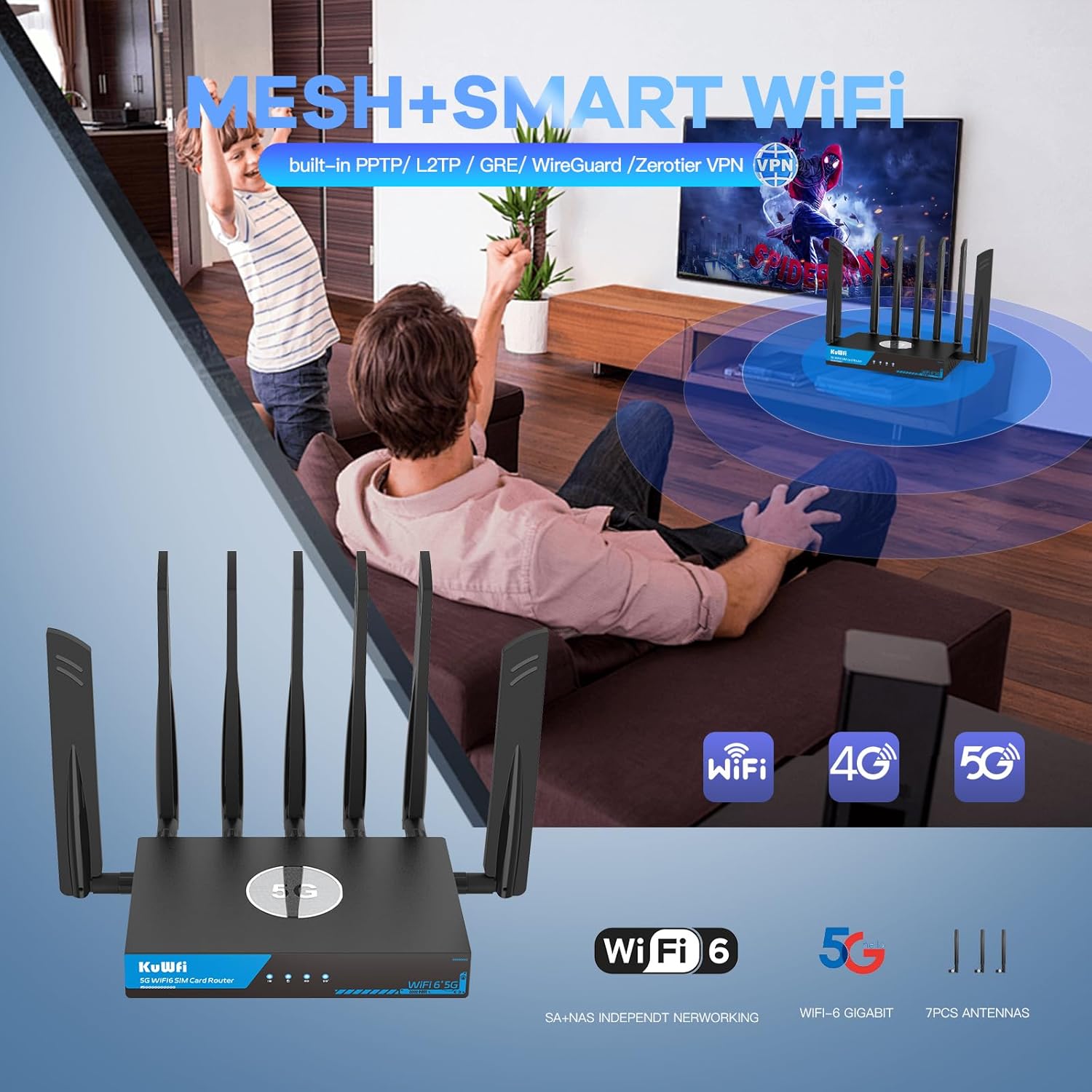
Image: Router seamlessly integrated into a home environment.

Image: Router providing connectivity in an RV setting.
6. Údržba
6.1 Fan Cooling System
The KuWFi RM503Qpro is equipped with a built-in fan cooling system. This system actively dissipates heat, preventing overheating and throttling, which is crucial for maintaining stable performance during continuous operation, especially in demanding environments.

Image: Diagram illustrating the router's internal fan cooling system.
6.2 aktualizací firmwaru
To ensure optimal performance, security, and access to the latest features, it is recommended to regularly check for and install firmware updates for your router. Refer to the web management interface for available updates and installation instructions.
7. Řešení problémů
7.1 No Cellular Signal or Red LED
- Zkontrolujte SIM kartu: Ensure the Nano-SIM card(s) are correctly inserted into the SIM slots.
- Pokrytí sítě: Verify that you are in an area with adequate 5G/4G cellular network coverage.
- Nastavení APN: Přístup k web management interface and confirm that the APN (Access Point Name) settings are correctly configured for your cellular provider.
- Antén: Ensure all cellular antennas are securely attached and properly oriented.
7.2 Pomalá rychlost internetu
- Síla signálu: Check the cellular signal strength indicator. Low signal can result in slower speeds.
- Zatížení zařízení: Too many devices connected or high-bandwidth activities (streaming, large downloads) can impact speed.
- Přetížení sítě: Výkon mobilní sítě se může lišit v závislosti na místním přetížení.
- Rušení Wi-Fi: Ensure your Wi-Fi channels are not congested. Adjust channels in the web UI if necessary.
7.3 Nelze přistupovat Web Rozhraní pro správu
- Wi-Fi připojení: Confirm your device is connected to the router's Wi-Fi network.
- IP adresa: Ensure you are using the correct default IP address (e.g., 192.168.1.1) or URL (http://kuwfi.com).
- Přihlašovací údaje: Verify the username and password. If forgotten, a factory reset may be necessary.
7.4 Obnovení továrního nastavení
If you encounter persistent issues or forget your login credentials, you can perform a factory reset. With the router powered on, use a pin or paperclip to press and hold the RST button on the rear panel for 5-10 seconds until the indicators flash. The router will restart with default settings.
8. Specifikace
| Název modelu | RM503Qpro |
| Rozměry produktu | 3.5 x 2.5 x 0.5 palce |
| Hmotnost položky | 2.2 libry |
| Třída frekvenčního pásma | Dvoupásmové (2.4 GHz a 5 GHz) |
| Standard bezdrátové komunikace | 802.11ax (Wi-Fi 6) |
| Technologie připojení | Wi-Fi, Cellular (5G/4G/3G), Ethernet |
| Speciální funkce | Parental Control, Dual SIM Failover, Fan Cooling, VPN (WireGuard, OpenVPN, IPsec) |
| 5G NR SA/NSA Bands | n1/ 2/ 3/ 5/ 7/ 8/ 12/ 13/ 14/ 18/ 20/ 25/ 26/ 28/ 29/ 30/ 38/ 40/ 41/ 48/ 66/ 70/ 71/ 75/ 76/ 77/78/ 79 |
| 4G&3G Frequency Bands | LTE-FDD B1/ 2/ 3/ 4/ 5/ 7/ 8/ 12/ 13/ 14/ 17/ 18/ 19/ 20/ 25/ 26/ 28/ 29/ 30/ 32/ 66/ 71 LTE-TDD B34/ 38/ 39/ 40/ 41/ 42/ 43/ 48 |
9. Záruka a podpora
The KuWFi RM503Qpro router is covered by a Záruka 12 měsíců from the date of purchase against product quality issues. For any technical assistance, questions, or warranty claims, please contact our dedicated support team:
E-mail: support@kuwfi.com
We are committed to providing prompt technical solutions or, if necessary, a complete device replacement.