
1. Úvod
This manual provides essential information for setting up, operating, maintaining, and troubleshooting your HP 255 15.6-inch laptop. Please read this manual thoroughly to ensure proper use and to maximize the lifespan of your device.
The HP 255 laptop is designed for everyday tasks, productivity, and general computing. It features an AMD Ryzen 3 7330U processor, a 15.6-inch Full HD display, Wi-Fi 6, Bluetooth 5.3, and runs on Windows 11 Pro.
2. Nastavení
2.1 Vybalení a úvodní kontrola
Opatrně vyjměte všechny součásti z obalu. Ujistěte se, že jsou přítomny následující položky:
- HP 255 15.6-inch Laptop
- Napájecí adaptér
- Dokumentace (tato příručka, informace o záruce)
Inspect the laptop for any physical damage. If any damage is found, contact your retailer or HP support immediately.
2.2 Připojení napájecího adaptéru
- Connect the power adapter cable to the power-adapter port on the laptop.
- Zapojte napájecí adaptér do uzemněné elektrické zásuvky.
- Před prvním použitím nechte baterii nabíjet alespoň 30 minut nebo dokud indikátor baterie neukáže dostatečné nabití.
Obraz: Diagram illustrating the various ports and slots on the HP 255 laptop, with labels for USB Type-A, HDMI 1.4, USB Type-C (data only), 3.5mm Headset Jack, and Power-adapter port. This helps identify where to connect the power adapter.
2.3 Počáteční zapnutí a nastavení systému Windows
- Otevřete víko notebooku.
- Stiskněte tlačítko napájení, které se obvykle nachází na klávesnici.
- Follow the on-screen instructions to complete the Windows 11 Pro setup. This includes selecting your region, language, connecting to a network, and creating a user account.
3. Návod k obsluze
3.1 Řízení spotřeby
- Zapnutí: Stiskněte tlačítko napájení.
- Vypnout: Klikněte na tlačítko Start, poté na Napájení a poté na Vypnout.
- Restartovat: Klikněte na tlačítko Start, poté na Napájení a poté na Restartovat.
- Spát: Close the lid or click the Start button, then Power, then Sleep.
3.2 Klávesnice a touchpad
The laptop features a full-size keyboard and a multi-touch touchpad. Refer to the Windows 11 Pro documentation for detailed gestures and keyboard shortcuts.
3.3 Připojení k sítím a zařízením

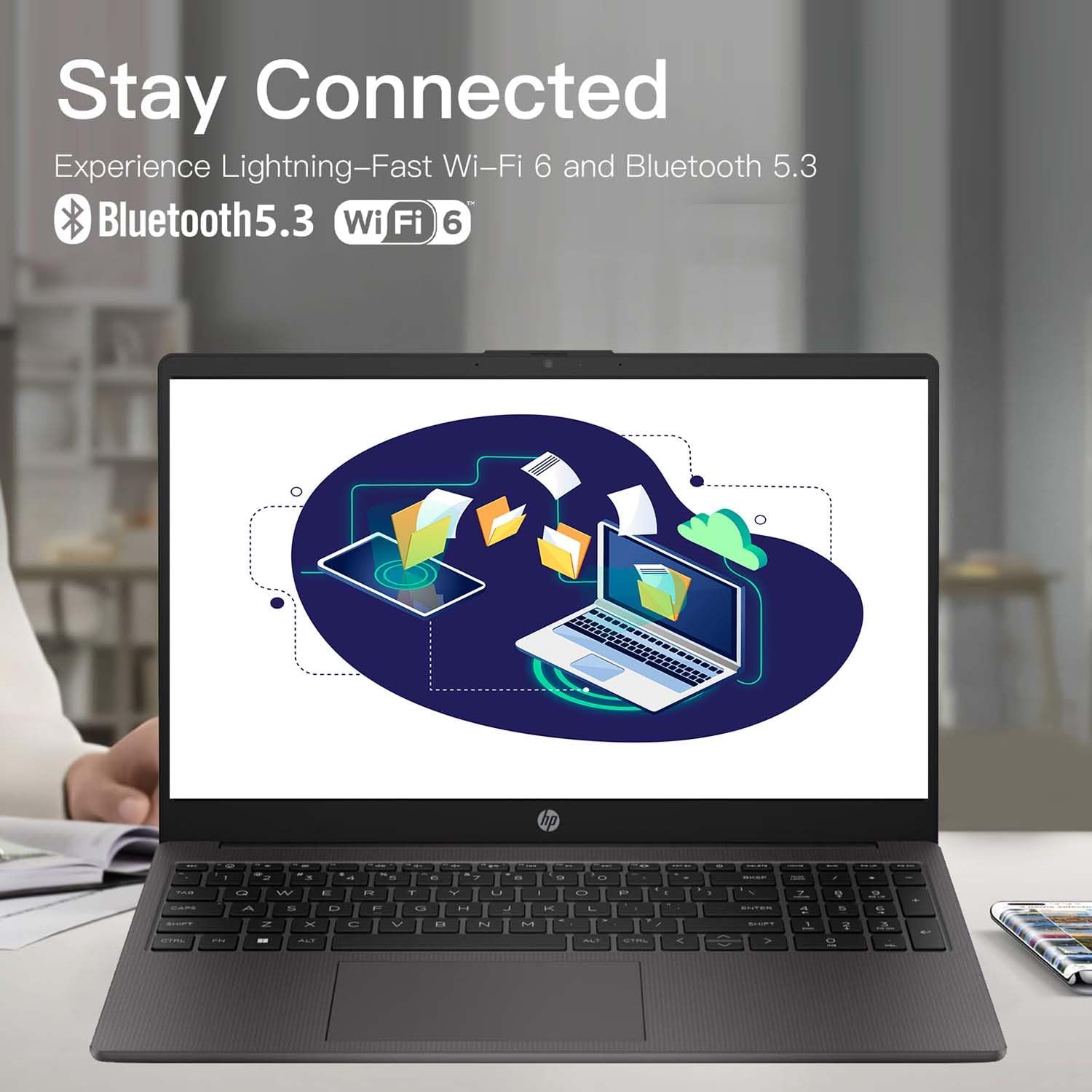
Obraz: The HP 255 laptop screen showing icons for Wi-Fi 6 and Bluetooth 5.3, indicating its wireless connectivity capabilities.
- Wi-Fi 6: Chcete-li se připojit k bezdrátové síti, klikněte na ikonu Wi-Fi na hlavním panelu, vyberte požadovanou síť a v případě potřeby zadejte heslo.
- Bluetooth 5.3: Chcete-li spárovat zařízení Bluetooth, přejděte do Nastavení systému Windows > Bluetooth a zařízení a podle pokynů přidejte nové zařízení.
- Ethernet: Connect an Ethernet cable to the Ethernet port for a wired network connection.
- Zařízení USB: Connect USB devices (e.g., mouse, external drive) to the available USB Type-A or USB Type-C ports.
- Externí displej: Use the HDMI 1.4 port to connect an external monitor or projector.
3.4 Výdrž baterie a nabíjení
The laptop is equipped with a 3-cell 41WH Li-Ion battery. For optimal battery performance:
- Před prvním použitím baterii plně nabijte.
- Vyhněte se častému úplnému vybíjení baterie.
- Use the provided HP power adapter for charging.

Obraz: A user operating the HP laptop in an outdoor setting, emphasizing its design and battery endurance for mobile use.
3.5 Multitasking a produktivita
The HP 255 laptop, powered by the AMD Ryzen 3 7330U processor and ample memory, is designed to handle multiple applications simultaneously, enhancing your productivity.

Obraz: The HP 255 laptop screen showcasing various applications running concurrently, such as video editing, document creation, and web browsing, demonstrating its multitasking capabilities.
4. Údržba
4.1 Čištění notebooku
- Obrazovka: Lehce používejte měkký hadřík, který nepouští vlákna dampvodou nebo čističem obrazovek. Nestříkejte tekutinu přímo na obrazovku.
- Klávesnice a šasi: Použijte měkký, suchý hadřík. Na odolnou špínu použijte lehceamp Lze použít hadřík. Vyhněte se agresivním chemikáliím.
- Porty: Udržujte porty bez prachu a nečistot. V případě potřeby použijte stlačený vzduch, ale nevkládejte do portů žádné předměty.
4.2 Aktualizace softwaru
Regularly update your Windows operating system and drivers to ensure optimal performance and security. Go to Windows Settings > Windows Update to check for and install updates.
4.3 Správa úložiště
Pravidelně uklízejte nepotřebné files and applications to maintain system performance. The laptop comes with a 1TB PCIe SSD.
5. Řešení problémů
This section addresses common issues you might encounter with your HP 255 laptop.
5.1 Problémy s napájením
- Notebook se nezapne:
- Ujistěte se, že je napájecí adaptér bezpečně připojen k notebooku i k funkční elektrické zásuvce.
- Ověřte funkčnost elektrické zásuvky zapojením jiného zařízení.
- Pokud je baterie zcela vybitá, může trvat několik minut nabíjení, než se notebook zapne.
- Baterie se nenabíjí:
- Zkontrolujte napájecí adaptér a kabel, zda nejsou poškozené.
- Ensure the power adapter is correctly seated in the laptop's power port.
- Zkuste jinou zásuvku.
5.2 Problémy se zobrazením
- Obrazovka je prázdná nebo černá:
- Ujistěte se, že je notebook zapnutý a není v režimu spánku.
- Stiskněte Fn + F2 (or the appropriate function key with a display icon) to toggle the display output.
- If an external monitor is connected, ensure it is powered on and correctly configured.
5.3 Performance and System Stability
- System crashes or freezes during Windows installation:
- Ensure the laptop is receiving adequate power and is not overheating.
- If repeated crashes occur during initial setup, this may indicate a hardware issue. Contact HP support for assistance.
- Overheating or fan noise:
- Ensure the laptop's vents are not blocked.
- Používejte notebook na tvrdém a rovném povrchu, aby bylo zajištěno správné proudění vzduchu.
- If cooling fans are reported as inoperable (e.g., via a blue screen error), immediately power off the laptop and contact HP support. Continued use can cause damage.
6. Specifikace
The following table outlines the key technical specifications of the HP 255 15.6-inch Laptop (16GB RAM | 1TB PCIe configuration):

Obraz: The HP 255 laptop with its physical dimensions indicated as 14.17 inches in width and 9.29 inches in depth, illustrating its compact and portable design.
| Funkce | Specifikace |
|---|---|
| Název modelu | HP 255 |
| Velikost obrazovky | 15.6 palců |
| Maximální rozlišení obrazovky | 1920x1080 pixelů (Full HD) |
| Procesor | AMD Ryzen 3 7330U (až 4.6 GHz) |
| BERAN | 16 GB DDR4 |
| Skladování | 1 TB PCIe SSD |
| Grafický koprocesor | Grafická karta AMD Radeon (integrovaná) |
| Operační systém | Windows 11 Pro |
| Bezdrátové připojení | Wi-Fi 6 (802.11ax), Bluetooth 5.3 |
| Porty | 3x USB 3.0 (Type-A), 1x HDMI 1.4, 1x USB Type-C (data only), 1x 3.5mm Headset Jack, Ethernet Port, Power-adapter port |
| Baterie | 3-Cell 41WH Li-Ion |
| Rozměry (DxŠxV) | 14.11 x 0.7 x 9.5 palce |
| Hmotnost položky | 5 libry |
| Barva | Šedá |
| Speciální funkce | Anti Glare Coating, HD Audio, Numeric Keypad, Spill Resistant |
Obraz: A bar chart comparing the performance metrics of the AMD Ryzen 3 7330U processor against the Intel i5-1135G7, showing scores for single-core, multi-core, power efficiency, and integrated graphics.
7. Záruka a podpora
7.1 Informace o záruce
Your HP 255 laptop comes with a standard manufacturer's warranty. For detailed information regarding warranty terms, conditions, and duration, please refer to the warranty card included in your product packaging or visit the official HP support webmísto.
7.2 Technická podpora
If you encounter issues that cannot be resolved using the troubleshooting steps in this manual, please contact HP technical support. You can find contact information and additional resources on the official HP support webmísto:
When contacting support, please have your laptop's serial number and model number (HP 255) ready.