
Konec produktuview
The Yoidesu 100-Key Mechanical RGB Gaming Keyboard is designed for desktop PC and laptop use, offering a compact yet full-sized typing experience. It features durable white mechanical switches, customizable RGB backlighting, and a hot-swappable design for personalized switch replacement.
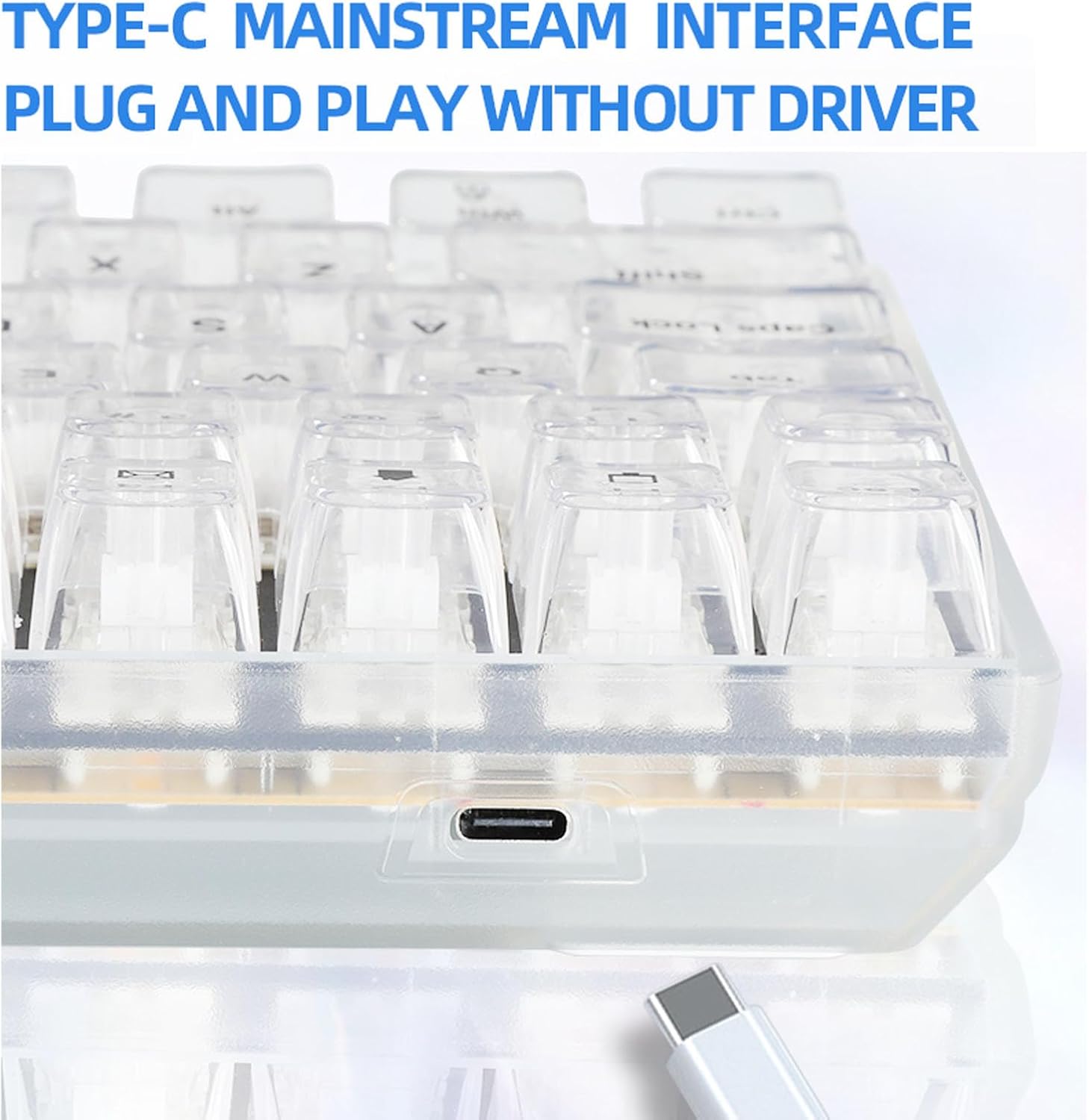
Image: The Yoidesu 100-Key Mechanical RGB Gaming Keyboard, showcasinjeho plné rozložení a zářivé RGB podsvícení.
Obsah balení
- 1 x Yoidesu Mechanical Gaming Keyboard
- 1 x USB kabel
- 1 x stahovák klíčenky
- 2 x Replacement White Switches
Pokyny pro nastavení
- Rozbalte klávesnici: Opatrně vyjměte klávesnici a veškeré příslušenství z obalu.
- Připojte kabel USB: Locate the USB Type-C port on the keyboard. Insert one end of the provided USB cable into this port.
- Připojení k počítači: Insert the other end of the USB cable into an available USB port on your desktop PC or laptop.
- Plug and Play: The keyboard is designed for plug-and-play functionality. Your operating system should automatically detect and install the necessary drivers. No additional software installation is typically required.

Obrázek: Detailní záběr view of the USB Type-C port located on the Yoidesu keyboard, indicating the connection point for the USB cable.
Návod k obsluze
Ovládání podsvícení RGB
The keyboard features customizable RGB backlighting with multiple modes and colors.
- Režimy osvětlení: The keyboard offers 18 distinct RGB backlit modes.
- Single Color Modes: Additionally, there are 8 single-color backlit modes available.
- Adjusting Brightness and Speed: Specific key combinations (refer to keyboard function keys, often Fn + arrow keys or dedicated lighting keys) allow adjustment of brightness levels and lighting effect speed.
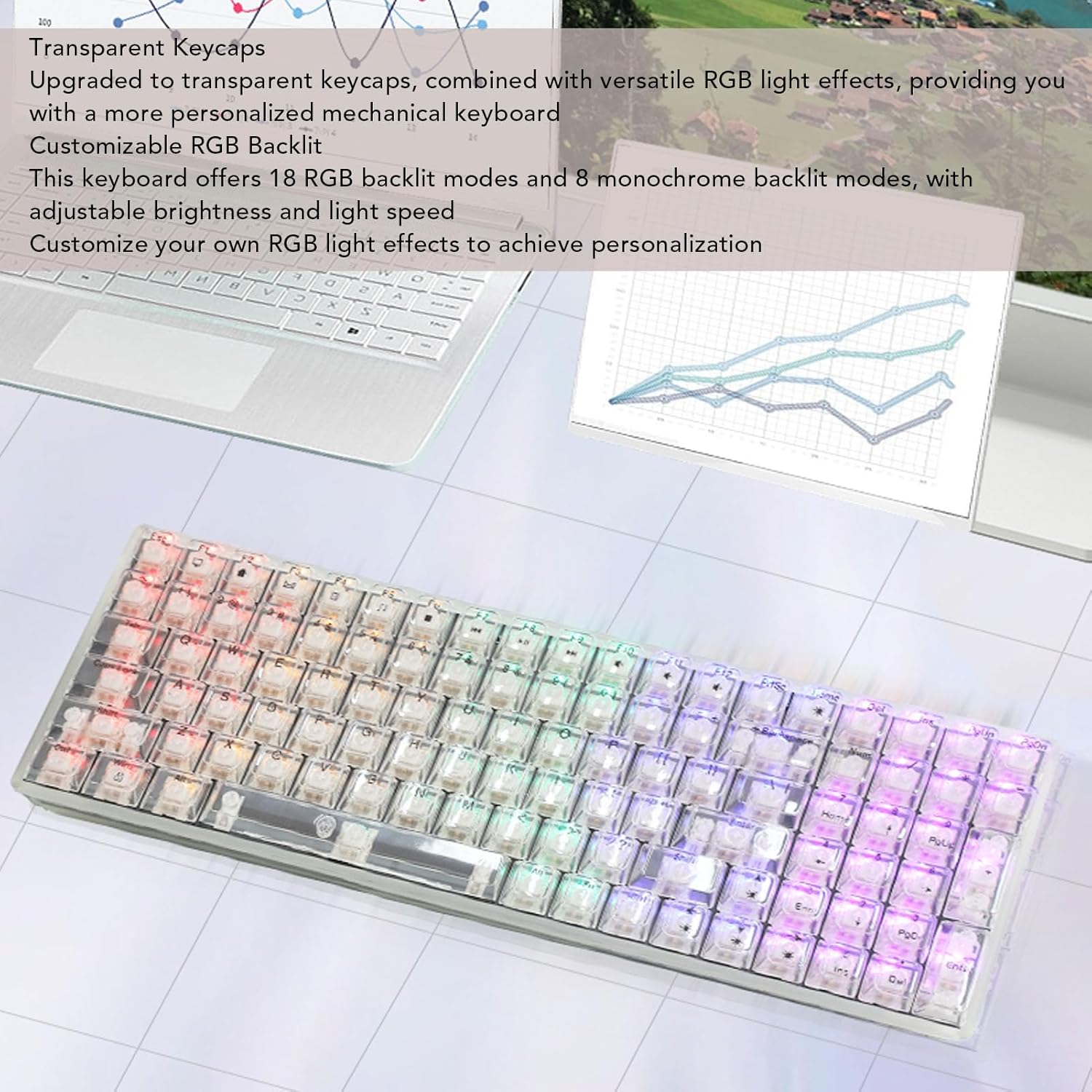
Image: The Yoidesu keyboard displaying various RGB lighting effects across its transparent keycaps.
Přepínače vyměnitelné za provozu
The keyboard supports hot-swappable mechanical switches, allowing users to replace switches without soldering.
- Odstranění krytky kláves: Pomocí dodaného stahováku na klávesy jemně vyjměte požadovanou klávesu.
- Odstraňte přepínač: Use a switch puller (not included, but often integrated with keycap puller) to carefully extract the mechanical switch from its socket.
- Vložit nový přepínač: Align the pins of the new mechanical switch with the holes on the PCB and press down firmly until it clicks into place. Ensure pins are not bent.
- Výměna krytky kláves: Nasaďte krytku kláves zpět na nový spínač.

Image: An illustration demonstrating the process of removing a keycap and a mechanical switch from the keyboard for replacement.
Ergonomický design
The keyboard features an ergonomic high and low key layout and adjustable tilt angle for comfortable use.
- Nastavitelné nožičky: Two support feet are located on the bottom of the keyboard. Flip them out to increase the keyboard's tilt angle for a more comfortable typing position.
Údržba
Pravidelné čištění pomáhá udržovat výkon a vzhled vaší klávesnice.
- Generální úklid: K otření povrchu klávesnice použijte měkký, suchý hadřík.
- Čištění kláves: For deeper cleaning, keycaps can be removed using the provided keycap puller and cleaned with a mild soap solution. Ensure keycaps are completely dry before reattaching.
- Odstranění prachu: Pomocí stlačeného vzduchu odstraňte prach a nečistoty z prostoru mezi klávesami a spínači.
- Vyhněte se tekutinám: Do not immerse the keyboard in water or spray cleaning solutions directly onto it.
Odstraňování problémů
Klávesnice nereaguje
- Zkontrolujte připojení USB: Ujistěte se, že je kabel USB bezpečně připojen ke klávesnici i k počítači. Zkuste jiný port USB na počítači.
- Restartujte počítač: Někdy může problémy s připojením vyřešit jednoduchý restart počítače.
- Test na jiném zařízení: If possible, test the keyboard on another computer to determine if the issue is with the keyboard or the original computer.
RGB světla nefungují
- Zkontrolujte nastavení jasu: Ensure the brightness level is not set to minimum. Use the keyboard's function keys to increase brightness.
- Režimy cyklů: Try cycling through the different RGB modes to see if any light up.
- Znovu připojte klávesnici: Odpojte a znovu připojte kabel USB.
Specifikace
| Funkce | Specifikace |
|---|---|
| Značka | Yoidesu |
| Název modelu | Yoidesu1695r38yma |
| Typ položky | Mechanická herní klávesnice |
| Materiál | ABS |
| Klíče | 100 keys (96% full size) |
| Spojení | Kabelové (USB Type-C) |
| Typ přepínače | White Mechanical Switches (Hot-Swappable) |
| Délka kabelu | Approx. 1.8m / 70.87in |
| Backlit Effect | RGB (18 modes, 8 single colors) |
| Vstup napájení | DC 5V / <200mA |
| Rozměry (přibližně) | 390 mm (D) x 141 mm (Š) x 40 mm (V) / 15.35 palce (D) x 5.55 palce (Š) x 1.57 palce (V) |

Image: The Yoidesu keyboard with its approximate length, width, and height dimensions indicated.
Záruka a podpora
For warranty information or technical support, please refer to the documentation included with your purchase or contact Yoidesu customer service through the retailer where the product was purchased. Please have your model number (Yoidesu1695r38yma) and purchase details ready when contacting support.