
1. Úvod
Děkuji za nákupasing the JUNJIEUNVO B36 Wireless Over-Ear Headphones. This manual provides detailed instructions for the proper setup, operation, and maintenance of your headphones. Please read this manual thoroughly before use to ensure optimal performance and longevity of your device.

Figure 1: B36 Wireless Over-Ear Headphones. A front-facing view of the B36 Wireless Over-Ear Headphones, showcasing their sleek black design, premium mesh fabric headband, and silver metal accents.
2. Obsah balení
Ujistěte se, že máte v balení všechny níže uvedené položky:
- B36 Wireless Over-Ear Headphones
- Uživatelská příručka (tento dokument)
- Charging Cable (not explicitly listed in product data, but typically included with wireless headphones)

Figure 2: Product Packaging. The retail packaging for the B36 Hi-Fi Wireless Headphones, showing product features and safety precautions.
3. Konec produktuview a ovládací prvky
The B36 headphones feature an ergonomic design for comfortable extended wear, with intuitive controls located on the earcup for easy access.
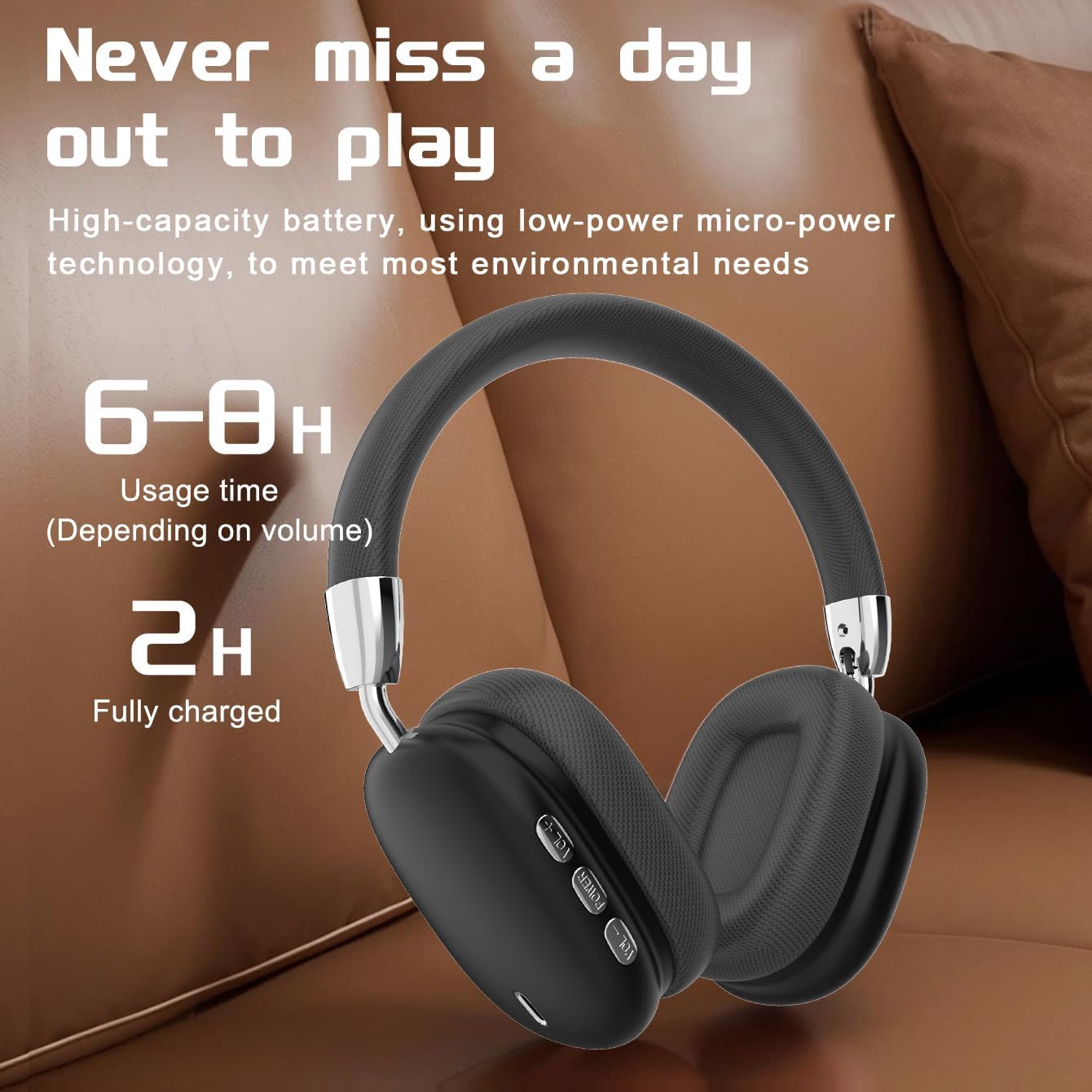
Figure 3: Earcup Controls and Battery Information. This image highlights the battery performance of the B36 headphones, indicating 6-8 hours of usage time and a 2-hour full charge time, with visible control buttons on the earcup.
Ovládací tlačítka:
- Vypínač: Used for powering the headphones on/off and initiating Bluetooth pairing.
- Zvýšení hlasitosti (+): Zvyšuje hlasitost zvuku.
- Snížit hlasitost (-): Snižuje hlasitost zvuku.
- Multifunkční tlačítko (MFB): Controls playback (play/pause), track selection (next/previous), and call management (answer/end calls).
4. Nastavení
4.1 Nabíjení sluchátek
- Připojte nabíjecí kabel k nabíjecímu portu na sluchátkách.
- Druhý konec nabíjecího kabelu připojte k USB zdroji napájení (např. k USB portu počítače, USB adaptéru do zásuvky).
- The indicator light will show charging status (refer to LED indicator section for details, if available).
- Plné nabití trvá přibližně 2 hodin.
Important: The charging cable current should be 0.2A. Do not use a high-power charging head for charging. If you use a fast-charging head, please equip yourself with a corresponding power charging cable to avoid overheating and catching fire.
4.2 Zapnutí/vypnutí
- Zapnutí: Stiskněte a podržte tlačítko napájení přibližně 3 sekundy, dokud se nerozsvítí kontrolka.
- Vypnout: Stiskněte a podržte tlačítko napájení přibližně 3 sekundy, dokud kontrolka nezhasne.
4.3 Párování Bluetooth
- Ujistěte se, že jsou sluchátka vypnutá.
- Stiskněte a podržte tlačítko napájení přibližně 5 sekund, dokud kontrolka nezačne rychle blikat (obvykle modře a červeně), což signalizuje režim párování.
- Na svém zařízení (chytrý telefon, tablet, počítač) povolte Bluetooth a vyhledejte dostupná zařízení.
- Select "B36" from the list of found devices.
- Once paired, the indicator light on the headphones will change (e.g., slow blue flash or solid blue).
- Pokud budete vyzváni k zadání hesla, zadejte „0000“.
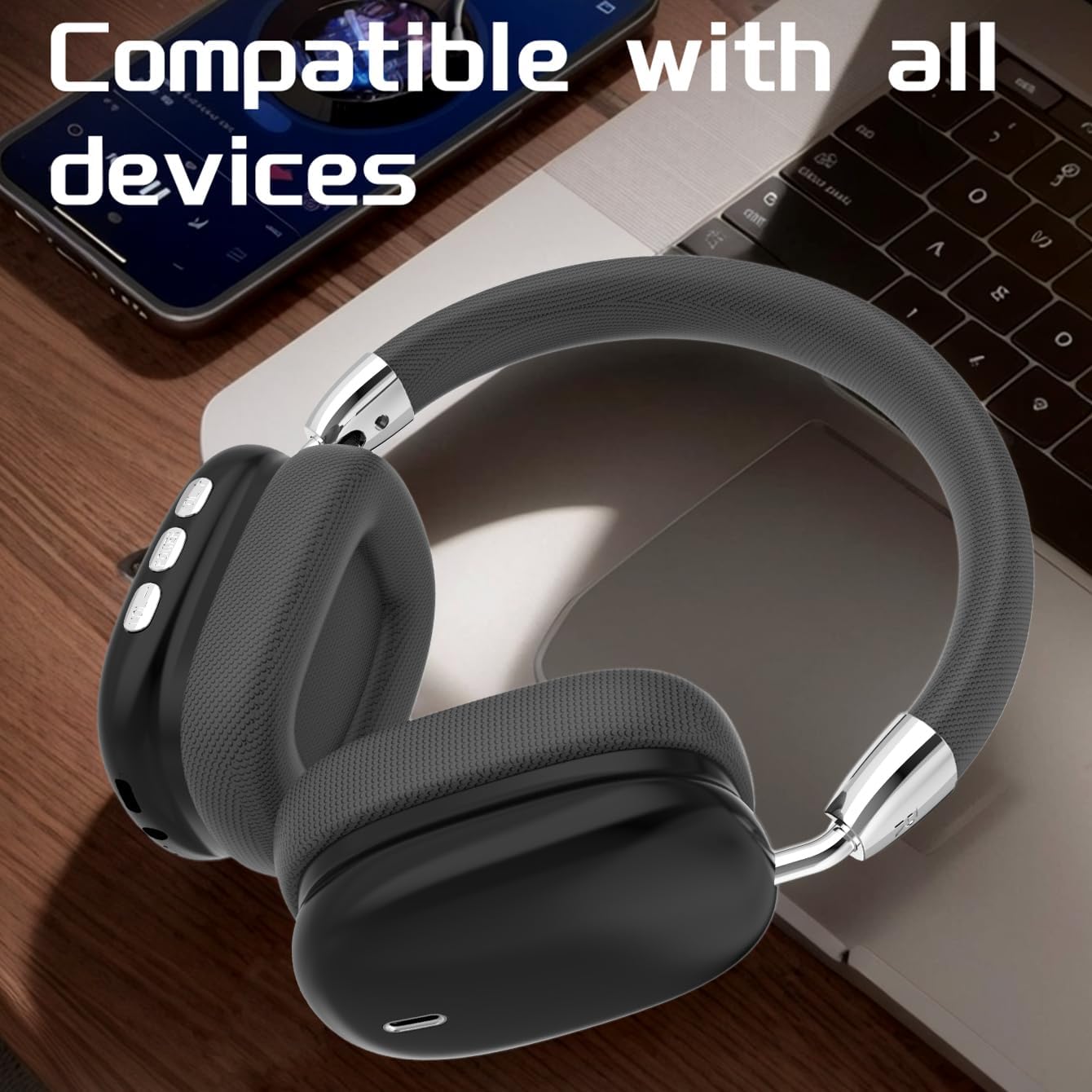
Figure 4: Device Compatibility. The B36 Wireless Over-Ear Headphones placed near a laptop and smartphone, illustrating their broad compatibility with Bluetooth-enabled devices.
5. Návod k obsluze
5.1 Přehrávání zvuku
- Přehrát/pozastavit: Stiskněte jednou MFB.
- Další skladba: Stiskněte a podržte tlačítko pro zvýšení hlasitosti (+).
- Předchozí skladba: Stiskněte a podržte tlačítko pro snížení hlasitosti (-).
5.2 Ovládání hlasitosti
- Zvýšení hlasitosti: Krátce stiskněte tlačítko pro zvýšení hlasitosti (+).
- Snížit hlasitost: Krátce stiskněte tlačítko pro snížení hlasitosti (-).
5.3 Správa hovorů
- Přijmout/ukončit hovor: Press the MFB once during an incoming call or active call.
- Odmítnout hovor: Press and hold the MFB for 2 seconds during an incoming call.
- Znovu vytočit poslední číslo: Dvakrát stiskněte MFB.

Figure 5: In-Use Comfort. A user wearing the B36 Wireless Over-Ear Headphones, demonstrating their comfortable over-ear fit and suitability for various activities.
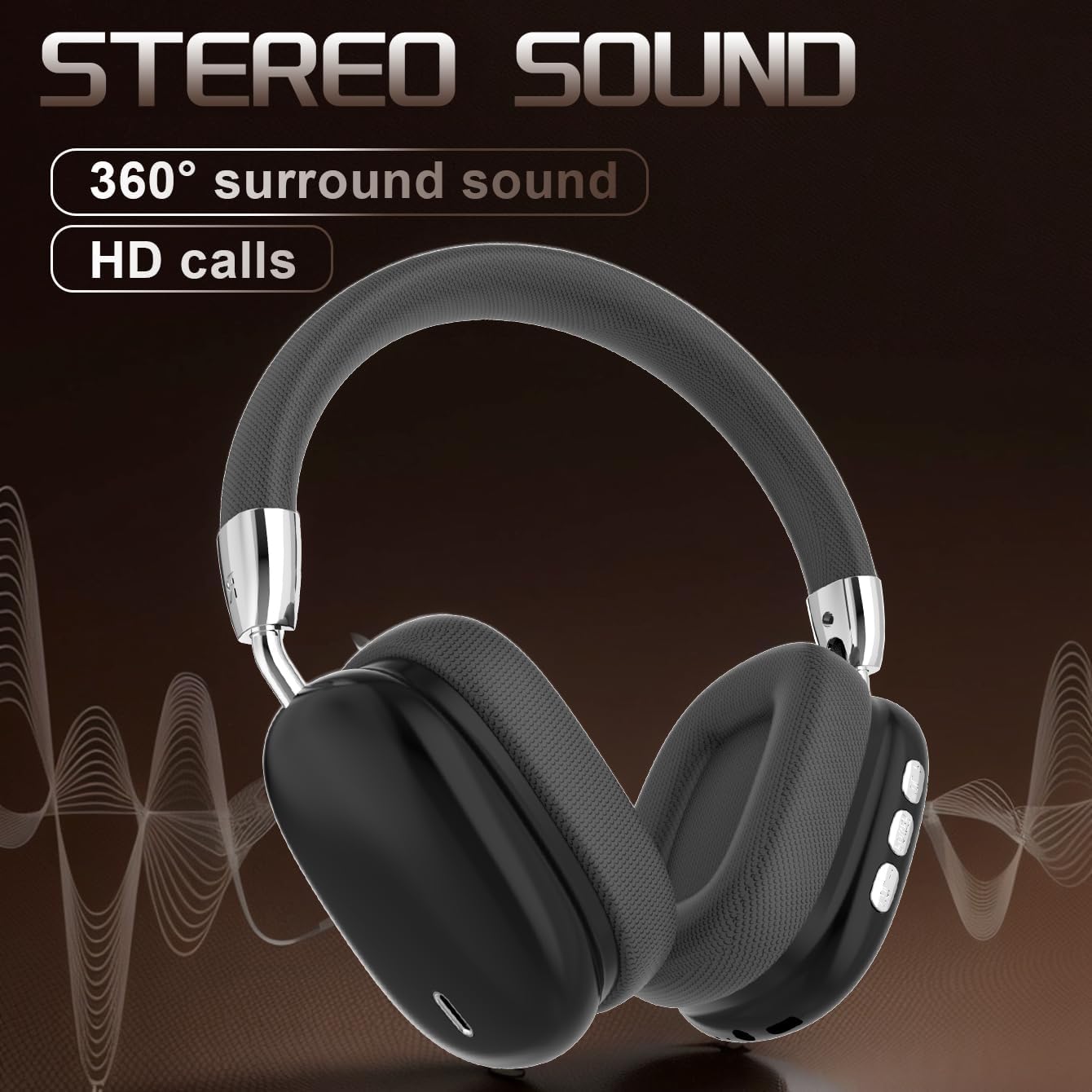
Figure 6: Audio Quality. A visual representation emphasizing the 360-degree surround sound and HD call capabilities of the B36 headphones.
6. Údržba
- Čištění: Use a soft, dry cloth to clean the headphones. For the mesh fabric, a slightly damp cloth can be used, but ensure it is not wet. Do not use harsh chemicals or abrasive cleaners.
- Voděodolnost: Tato sluchátka jsou není voděodolný. Avoid exposure to liquids, moisture, and extreme humidity.
- Skladování: Pokud sluchátka nepoužíváte, skladujte je na chladném a suchém místě mimo dosah přímého slunečního záření a extrémních teplot. Skládací konstrukce umožňuje kompaktní skladování.
- Péče o baterie: If the product is not used for a long time, please make sure to charge it at least once every two months to maintain battery health.
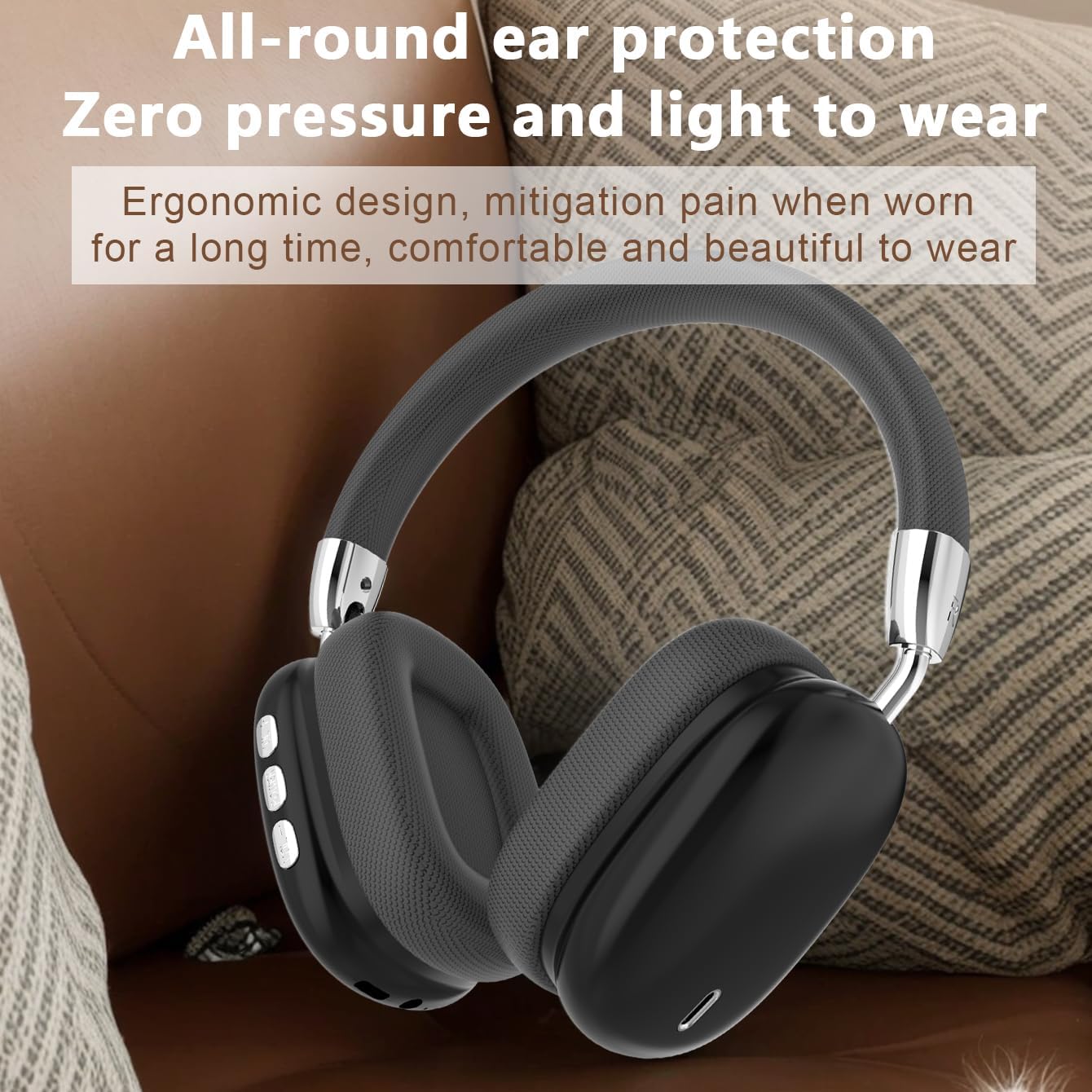
Figure 7: Ergonomic Design. The B36 Wireless Over-Ear Headphones shown with text describing their ergonomic design, providing zero pressure and light wear for extended comfort.
7. Řešení problémů
| Problém | Možná příčina | Řešení |
|---|---|---|
| Sluchátka se nezapínají. | Slabá baterie. | Nabíjejte sluchátka alespoň 2 hodiny. |
| Nelze spárovat se zařízením. | Sluchátka nejsou v režimu párování; Bluetooth na zařízení vypnutý; zařízení je příliš daleko. | Ensure headphones are in pairing mode (flashing indicator light). Turn on Bluetooth on your device. Move headphones closer to the device (within 33 feet). |
| Žádný zvuk nebo nízká hlasitost. | Příliš nízká hlasitost na sluchátkách nebo zařízení; sluchátka nejsou připojena. | Increase volume on both headphones and connected device. Re-pair the headphones if connection is lost. |
| Kvalita zvuku je nízká. | Rušení; zařízení je příliš daleko; slabá baterie. | Move away from sources of interference (Wi-Fi routers, other Bluetooth devices). Move closer to the connected device. Charge the headphones. |
8. Specifikace
| Funkce | Detail |
|---|---|
| Název modelu | B36 |
| Technologie připojení | Bezdrátové (Bluetooth) |
| Verze Bluetooth | 5.0 |
| Dosah Bluetooth | 33 10 stop (XNUMX XNUMX metrů) |
| Umístění uší | Přes ucho |
| Kontrola hluku | Pasivní potlačení hluku |
| Frekvenční odezva | 20 Hz (Lower limit, upper limit not specified) |
| Citlivost | 102 dB |
| Impedance | 32 Ohmy |
| Velikost zvukového ovladače | 40 milimetrů |
| Doba nabíjení | 2 hodiny |
| Doba použití | 6-8 Hours (depending on volume) |
| Materiál | Kov, plast, prémiová síťovina |
| Hmotnost položky | 310 gramů (10.9 unce) |
| Úroveň odolnosti proti vodě | Není odolný vůči vodě |
| Výrobce | UNVO |
9. Záruka a podpora
The product has a shelf life of one year, which typically implies a one-year warranty period from the date of purchase. Please retain your proof of purchase for warranty claims.
For technical support, warranty inquiries, or service, please contact the manufacturer or your retailer. Refer to the contact information provided on the product packaging or the official JUNJIEUNVO webmísto.
Poznámka: V této příručce nejsou uvedeny konkrétní kontaktní údaje.
10. Bezpečnostní opatření
- Nevystavujte sluchátka extrémním teplotám, přímému slunečnímu záření ani vysoké vlhkosti.
- Sluchátka sami nerozebírejte, neopravujte ani neupravujte. Mohlo by dojít ke zrušení záruky a poškození.
- Uchovávejte sluchátka mimo dosah dětí a domácích zvířat.
- Vyhněte se dlouhodobému poslechu při vysoké hlasitosti, abyste předešli poškození sluchu.
- Výrobek zlikvidujte zodpovědně v souladu s místními předpisy.


