
1. Úvod
This manual provides detailed instructions for the setup, operation, and maintenance of your symcode Industrial 433Mhz Wireless Barcode Scanner, Model MJ-2020-370LB. This device features both Bluetooth 6.0 and 433Mhz wireless connectivity, an IP65 drop-proof design, and a convenient charging cradle. It is designed for efficient barcode scanning in various industrial and commercial environments.
2. Obsah balení
Prosím, ověřte, zda jsou v balení přítomny všechny položky:
- Skener čárových kódů (x1)
- 433Mhz Base (x1)
- Uživatelská příručka (x1)
3. Konec produktuview
The symcode MJ-2020-370LB barcode scanner is engineered for durability and ease of use. It features an ergonomic design with a curved, thickened handle and a smooth trigger for comfortable grip during extended operation. The scanner is accompanied by a charging cradle that also serves as the 433Mhz wireless receiver.
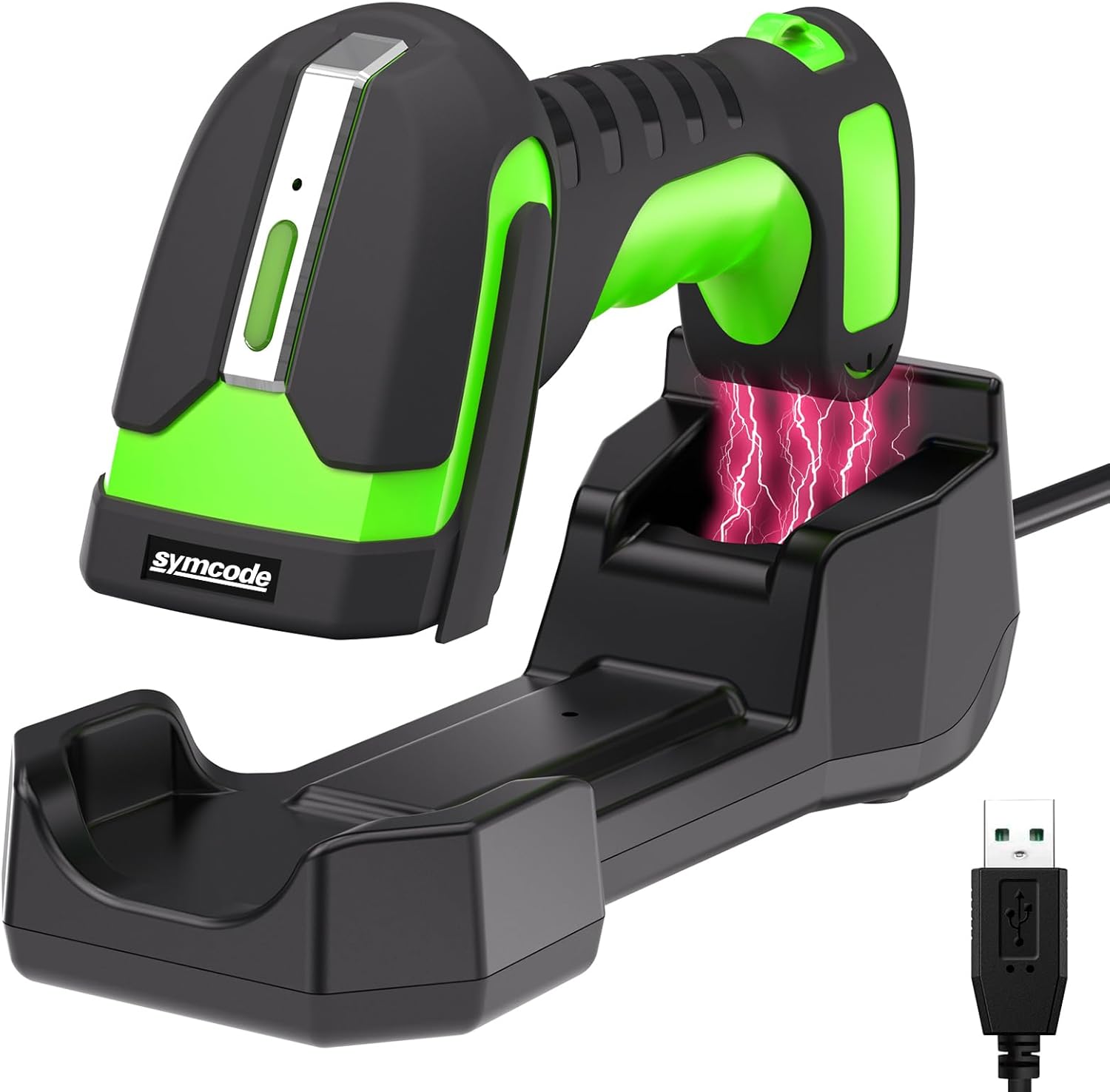
Image 3.1: The symcode MJ-2020-370LB barcode scanner resting in its charging cradle, with a USB cable for connection.
4. Nastavení
4.1. Nabíjení skeneru
The scanner is equipped with an 1800mAh high-capacity rechargeable Lithium Polymer battery. Before initial use, fully charge the scanner.
- Place the scanner into the charging cradle.
- Připojte nabíjecí kolébku ke zdroji napájení pomocí dodaného kabelu USB.
- A full charge typically takes approximately 4 hours, providing up to 30 hours of scanning time.

Image 4.1: Illustration of the scanner charging wirelessly in its cradle, highlighting the 1800mAh battery capacity and charging/scanning times.
4.2. Připojení skeneru
The scanner supports two primary connection methods: 433Mhz wireless and Bluetooth 6.0.
4.2.1. 433Mhz Wireless Connection
- Connect the 433Mhz dongle base to your host device (e.g., laptop, desktop).
- The scanner will automatically pair with the base.
- This connection offers an extended range of up to 650 meters (approximately 2132 feet) between the scanner and the base.
4.2.2. Připojení Bluetooth 6.0
- Ensure Bluetooth is enabled on your host device (e.g., laptop, tablet, smartphone).
- Follow your device's instructions to search for and pair with the barcode scanner.
- The Bluetooth connection range is up to 20 meters (approximately 65 feet).
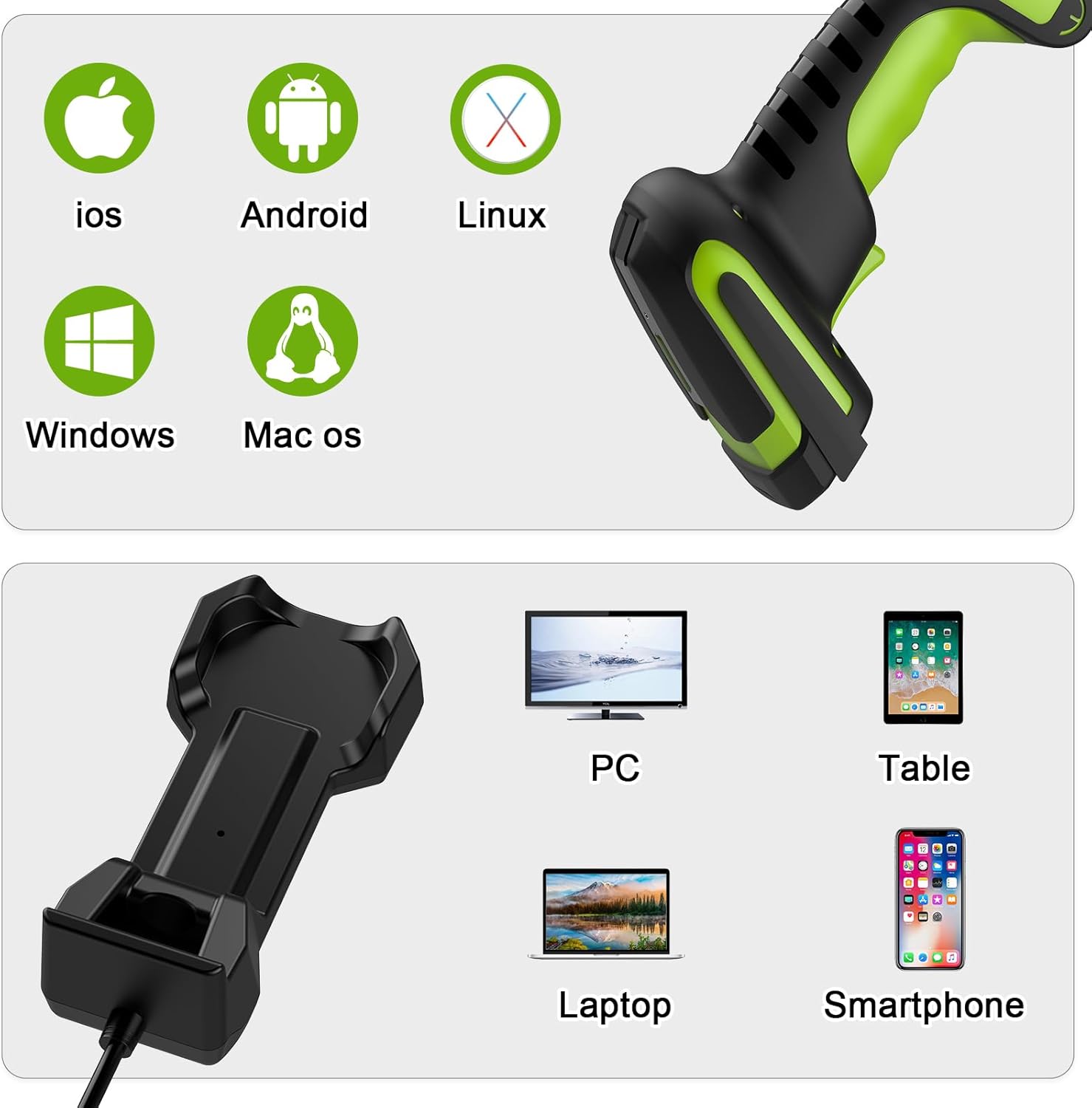
Obrázek 4.2: Příkladamples of connecting the scanner via 433Mhz dongle to a laptop and via Bluetooth to a tablet.
4.3. Kompatibilita zařízení
The scanner is compatible with a wide range of operating systems and devices:
- Operační systémy: iOS, Android, Linux, Windows, Mac OS
- Zařízení: Počítač, notebook, tablet, chytrý telefon
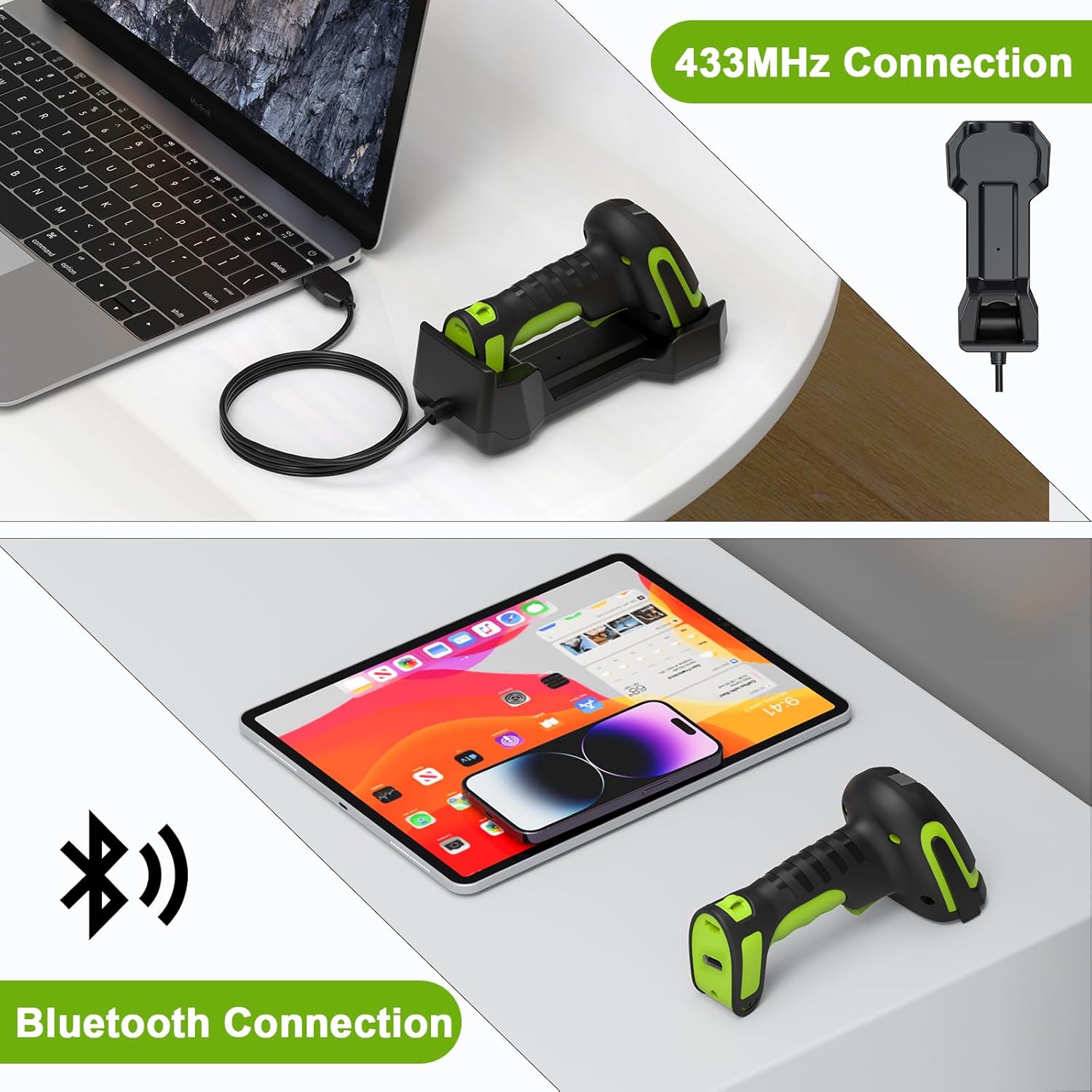
Image 4.3: Icons representing compatible operating systems (iOS, Android, Linux, Windows, Mac OS) and devices (PC, Laptop, Tablet, Smartphone).
5. Návod k obsluze
5.1. Režimy skenování
The MJ-2020-370LB offers flexible scanning modes to suit various operational needs:
- Manuální spouštěcí režim: Stiskněte spoušť pro naskenování každého čárového kódu.
- Režim nepřetržitého skenování: The scanner continuously scans without needing to press the trigger.
- Režim skenování s automatickým snímáním: The scanner activates when a barcode is presented within its scanning field.
- Režim paměti: This mode allows for barcode storage when outside the range of Bluetooth or 433Mhz connectivity. It supports storage of up to 100,000 barcodes. Data can be uploaded once connectivity is re-established.
5.2. Scanning Range
The scanner is designed for versatile use, including scanning barcodes on goods at heights in warehouses.
- The effective scanning distance for barcodes is typically between 30 cm and 2.5 meters (approximately 1 foot to 8.2 feet).
- Barcodes closer than 25 cm (approximately 9.8 inches) may not be readable.
- The wireless connection range for the 433Mhz base is up to 650 meters.

Image 5.1: Diagram illustrating the scanner's long-range capability, showing a scanning range of 0-650 meters for wireless communication, and its application for barcodes at heights.

Image 5.2: A person using the scanner to read a barcode on a pallet in a warehouse, demonstrating its extended range capability (10-650cm).
5.3. Kompatibilita čárových kódů
The scanner is designed to read various 1D laser barcode types:
- Code11, Code39, Code93, Code32, Code128, Coda Bar
- UPC-A, UPC-E, EAN-8, EAN-13, JAN.EAN/UPC Add-on2/5
- MSI/Plessey, Telepen, China Postal Code
- Interleaved 2 of 5, Industrial 2 of 5, Matrix 2 of 5
Poznámka: This scanner is not designed to read on-screen barcodes.
6. Údržba
To ensure optimal performance and longevity of your barcode scanner, follow these maintenance guidelines:
- Čištění: Use a soft, dry, lint-free cloth to clean the scanner's exterior and scanning window. Avoid abrasive cleaners or solvents.
- Skladování: Store the scanner and cradle in a cool, dry place away from direct sunlight and extreme temperatures.
- Péče o baterie: Při delším skladování se ujistěte, že je baterie částečně nabitá (kolem 50 %). Nevystavujte baterii úplnému vybíjení po delší dobu.
- Trvanlivost: The scanner features an IP65 drop-proof design, providing protection against dust and water jets, and resistance to drops from up to 2.5 meters. However, avoid intentional misuse or excessive force.
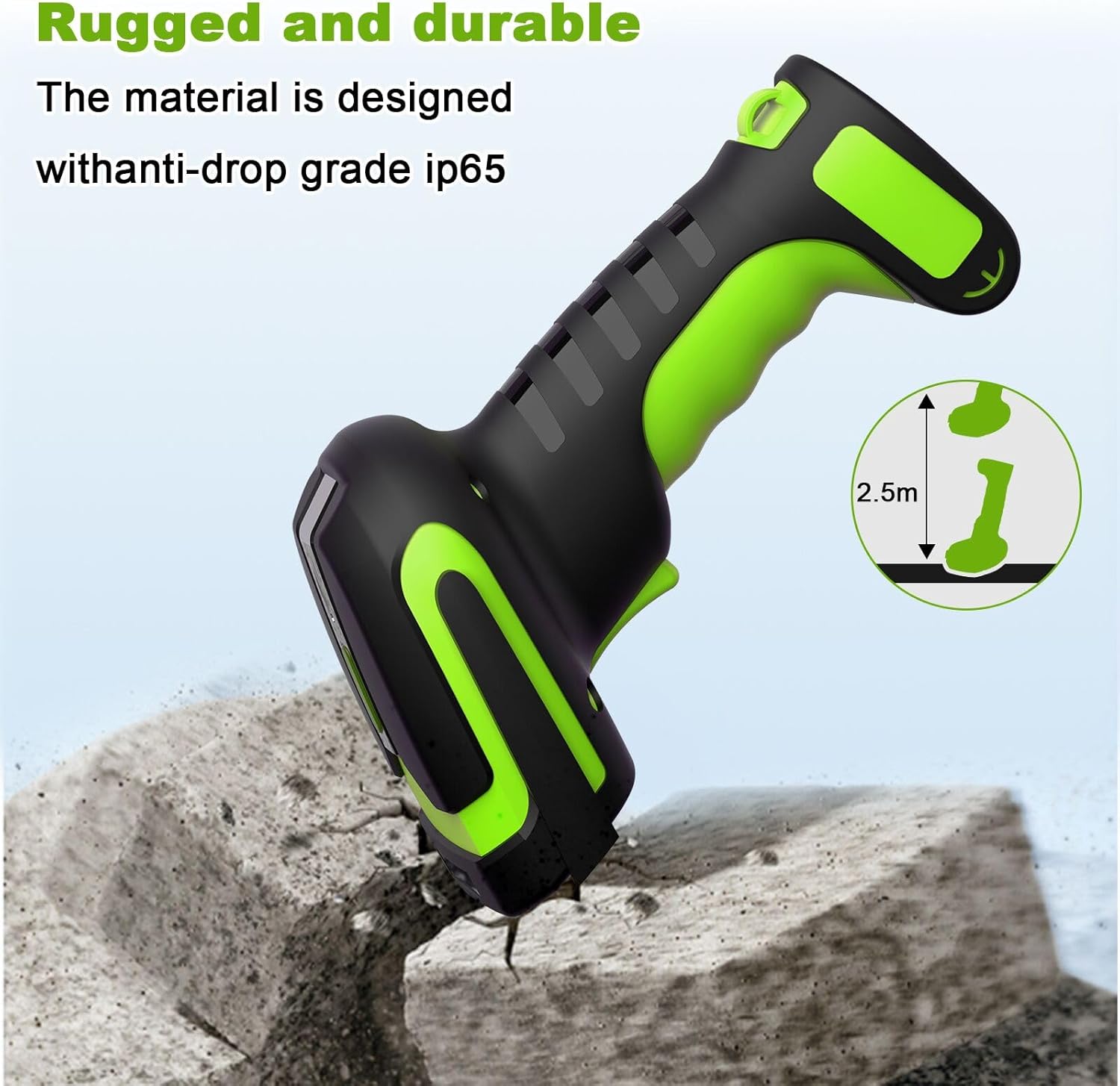
Image 6.1: Illustration highlighting the rugged and durable design of the scanner, indicating its anti-drop grade IP65 and resistance to drops from 2.5 meters.
7. Řešení problémů
Pokud se se skenerem setkáte s problémy, podívejte se na následující běžné problémy a jejich řešení:
- Skener nečte čárové kódy: Ensure the barcode is within the optimal scanning range (30cm-2.5m). Barcodes closer than 25cm may not be readable. Check if the barcode type is supported (1D laser codes only; on-screen barcodes are not readable).
- No connection (433Mhz): Verify the 433Mhz dongle base is securely connected to your device. Ensure the scanner is within the 650m wireless range of the base.
- No connection (Bluetooth): Confirm Bluetooth is enabled on your host device and the scanner is paired. Ensure the scanner is within the 20m Bluetooth range.
- Scanner not charging: Ensure the scanner is correctly seated in the charging cradle and the cradle is connected to a power source. Check the USB cable for damage.
- Data not transmitting: If using Memory Mode, ensure you are back within range and have initiated the data upload process.
For more detailed troubleshooting or specific configuration settings, please refer to the comprehensive user manual included in your package or contact symcode customer support.
8. Specifikace
| Funkce | Specifikace |
|---|---|
| Způsoby připojení | Bluetooth 6.0, 433Mhz Wireless |
| Hmotnost | 156 g (0.34 lb) |
| svtage a proud | 5V ±0.5V DC1800mA |
| Světelný zdroj | Aiming: 528nm LED, Illumination: 630nm LED |
| Field of Depth | 50-300 mm |
| Roll/Pitch/Yaw | 360°, ±65°, ±60° |
| Dekódovací schopnost (1D) | UPC/EAN and with supplemental, Code 39, Code 93 full ASCII, Tri-optic Code 39, RSS variants, UCC/EAN 128, Code 128, Code 128 full ASCII, Code 93, Codabar(NW1), Interleaved 2 of 5, etc. |
| Kontrast tisku | Minimální rozdíl odrazivosti 25 %. |
| Image (Pixels) | 0.35 Megapixels (752 pixels H x 480 pixels V) |
| Provozní teplota | 0℃~50℃ (32℉~122℉) |
| Skladovací teplota | -40℃~70℃ (-40℉~158℉) |
| Vlhkost | 5%~95% nekondenzující |
| Baterie | 1 lithium-polymerová baterie (součástí balení) |
| 433Mhz Wireless Range | Až 650 mil |
| Bezdrátový dosah Bluetooth | Až 20 mil |
| Doba nabíjení | Přibl. 4 hodin |
| Scanning Time (per charge) | Až 30 hodin |
| Kapacita paměti | Až 100 000 čárových kódů |
| Ochrana proti pádu | IP65, resistant to drops from 2.5 meters |
| UPC | 765569540960 |
9. Záruka a podpora
Warranty information for the symcode Industrial 433Mhz Wireless Barcode Scanner MJ-2020-370LB is typically provided with the product at the time of purchase or can be found on the manufacturer's official webstránky. Uschovejte si prosím doklad o koupi pro případ reklamace.
For technical support, service, or further inquiries, please refer to the contact information provided in the physical user manual included with your product or visit the official symcode support channels.