
Crelander T40
Uživatelská příručka pro 10.1palcový tablet Crelander Android 13
Model: T40
Zavedení
This user manual provides comprehensive instructions for setting up, operating, and maintaining your Crelander 10.1-inch Android 13 Tablet. Designed for versatility and performance, this tablet comes equipped with a powerful processor, ample storage, and a vibrant display, making it suitable for various tasks from entertainment to productivity.

Image: The Crelander 10.1-inch Android 13 Tablet shown with its accompanying keyboard, mouse, and stylus, highlighting its 12GB RAM and 512GB ROM capabilities.
Co je v krabici
Po vybalení zkontrolujte, zda jsou součástí balení všechny následující položky:
- Crelander 10.1-inch Android 13 Tablet
- Ochranné pouzdro
- Bezdrátová klávesnice
- Bezdrátová myš
- Stylus Pen
- USB-C kabel
- OTG Data Cable
- Uživatelská příručka (tento dokument)
- Ochrana obrazovky
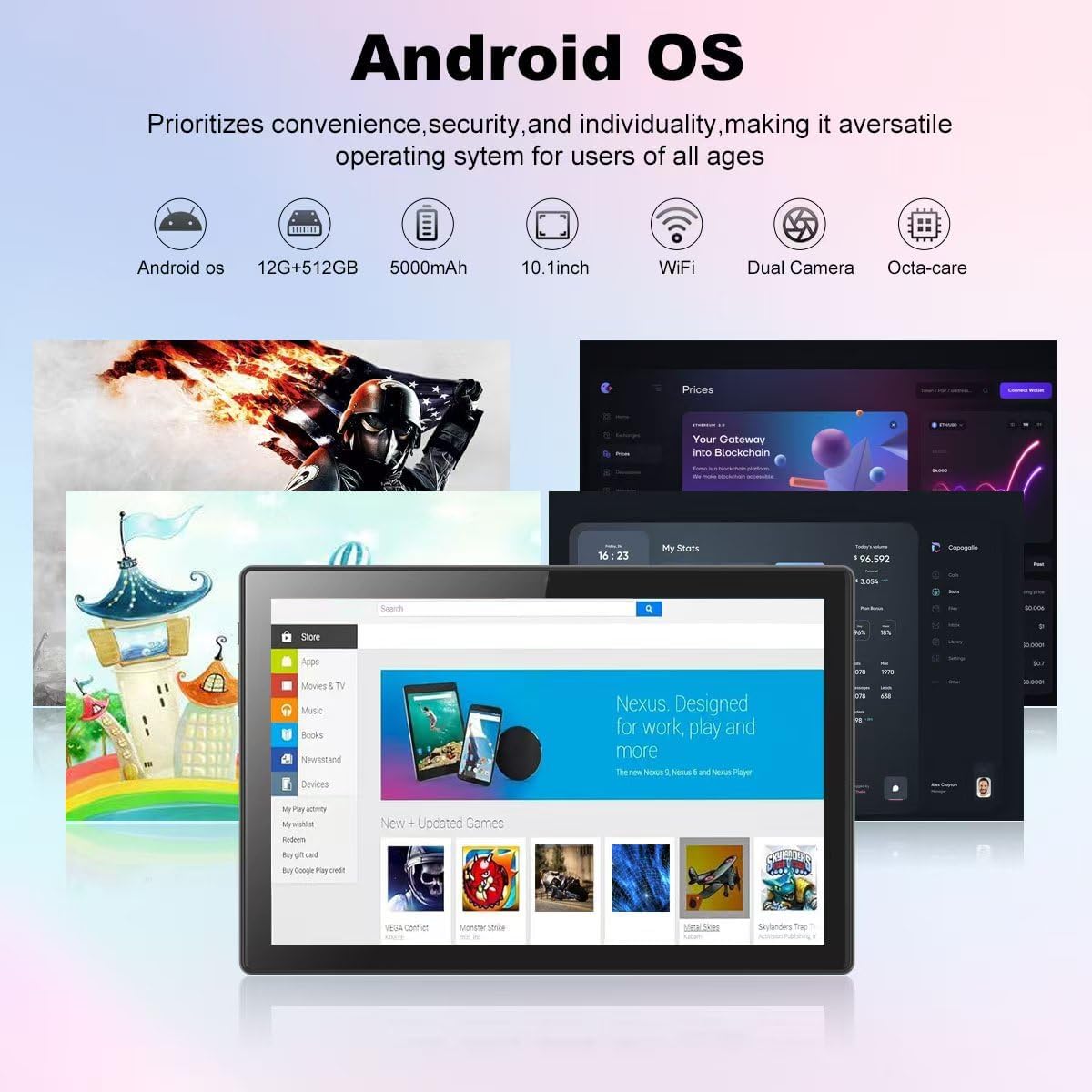
Image: A visual representation of the Crelander tablet package contents, including the tablet, protective case, keyboard, mouse, stylus, and cables.
Konec produktuview
Fyzické komponenty

Image: A detailed diagram illustrating the various ports and buttons on the Crelander tablet, including the Type-C port, Reset button, Volume controls, Power button, Headphone Jack, TF-Card/SIM-Card slot, and speakers.
- Port typu C: Pro nabíjení a přenos dat.
- Resetovací tlačítko: Small pinhole for system reset if needed.
- Tlačítka hlasitosti: Upravte hlasitost zvuku.
- Vypínač: Press and hold to power on/off or restart. Short press to sleep/wake.
- Sluchátkový jack: 3.5mm audio výstup.
- TF-Card / SIM-Card Slot: Insert a TF (MicroSD) card for expandable storage (up to 1TB) or a SIM card for cellular data (if supported by your model).
- Řečníci: Integrovaný zvukový výstup.
Klíčové vlastnosti
- Zobrazit: 10.1-inch 1280x800 IPS HD Touch Screen for vibrant visuals.
- Výkon: 12GB RAM and 512GB ROM, powered by Android 13 for smooth multitasking.
- Rozšiřitelné úložiště: Supports up to 1TB via Micro SD card.
- Kamery: Dual cameras (5MP Front, 13MP Rear) for photos and video calls. Features LED Flash and Face Unlock.
- Konektivita: Built-in WiFi and Bluetooth for seamless wireless connections.
- Baterie: Baterie s kapacitou 8000 mAh pro delší používání.

Obrázek: Overview of the Crelander tablet's features, including its 10-inch HD screen, dual camera system, 8000mAh battery, SIM card slot, and Android OS.

Image: Details on the tablet's camera capabilities, showing 5MP front and 13MP rear cameras, LED flash, and face unlock functionality.
Nastavení
Počáteční nabíjení
Before first use, fully charge the tablet using the provided USB-C cable and a compatible power adapter. The battery indicator on the screen will show charging status.
Zapnutí/vypnutí
- Zapnutí: Press and hold the Power button until the Crelander logo appears.
- Vypnutí: Press and hold the Power button until a power menu appears, then select "Power off".
- Restartovat: Press and hold the Power button until a power menu appears, then select "Restart".
Připojení příslušenství
The tablet comes with a keyboard, mouse, and stylus for enhanced productivity. These accessories typically connect via Bluetooth.
- Klávesnice/myš:
- Ujistěte se, že je klávesnice/myš nabitá a zapnutá.
- Na tabletu přejděte na Nastavení > Připojená zařízení > Bluetooth.
- Zapněte Bluetooth a vyhledejte dostupná zařízení.
- Select the keyboard/mouse from the list and follow on-screen pairing instructions.
- Stylus: The provided stylus is a passive capacitive stylus and does not require pairing. Simply use it directly on the screen.
Obsluha tabletu
Základní navigace
Tablet běží na systému Android 13 a nabízí intuitivní uživatelské rozhraní. Pro navigaci používejte dotyková gesta:
- Klepněte na: Vyberte položku nebo otevřete aplikaci.
- Výpad: Procházení stránek nebo nabídek.
- Přiblížení/zvětšení prsty: Přiblížení nebo oddálení obrázků a web stránky.
- Dlouhé stisknutí: Přístup k kontextovým nabídkám nebo přesun ikon.

Image: A screenshot of the Android OS interface on the Crelander tablet, showcasing various applications and the overall user experience.
Wi-Fi připojení
Připojení k síti Wi-Fi:
- Přejít na Nastavení > Síť a internet > Wi-Fi.
- Zapněte Wi-Fi.
- Vyberte požadovanou síť ze seznamu.
- Pokud se zobrazí výzva, zadejte heslo a klepněte na „Připojit“.
SIM Card Installation (if applicable)
If your model supports cellular data, you can install a SIM card:
- Locate the SIM card slot on the side of the tablet (refer to Product Overview diagram).
- Use the SIM ejector tool (not explicitly listed but implied for SIM slot) or a paperclip to open the tray.
- Place the SIM card correctly into the tray.
- Jemně zatlačte zásobník zpět do slotu, dokud nezacvakne na místo.
Používání kamer
The tablet features a 5MP front camera and a 13MP rear camera. Open the "Camera" app to capture photos or record videos.

Image: The tablet's dual camera setup, showing the rear camera module and a user taking a photo with the tablet.
Video Playback Demonstration
Watch this video to see the Crelander tablet in action, demonstrating its display quality and accessory integration.
Video: An official product video from Crelander, showcasing the 10.1-inch Android 13 Tablet, its accessories, and demonstrating video playback and general usage.
Specifikace
| Funkce | Specifikace |
|---|---|
| Značka | Crelander |
| Název modelu | T40 |
| Operační systém | Android 13 |
| Velikost obrazovky | 10.1 palce |
| Maximální rozlišení obrazovky | 1280x800 pixelů |
| Značka procesoru | MT6750 |
| BERAN | 12 GB |
| Interní úložiště (ROM) | 512 GB |
| Rozšiřitelné úložiště | Up to 1TB via TF (MicroSD) Card |
| Přední kamera | 5 MP |
| Zadní kamera | 13 MP |
| Kapacita baterie | 8000 XNUMX mAh |
| Konektivita | Wi-Fi, Bluetooth |
| Hmotnost položky | 3.3 libry |
| Rozměry produktu (DxŠxV) | 10 x 0.3 x 7 palce |
| Barva | Šedočerná |

Image: Diagram showing the physical dimensions of the Crelander 10.1-inch tablet.
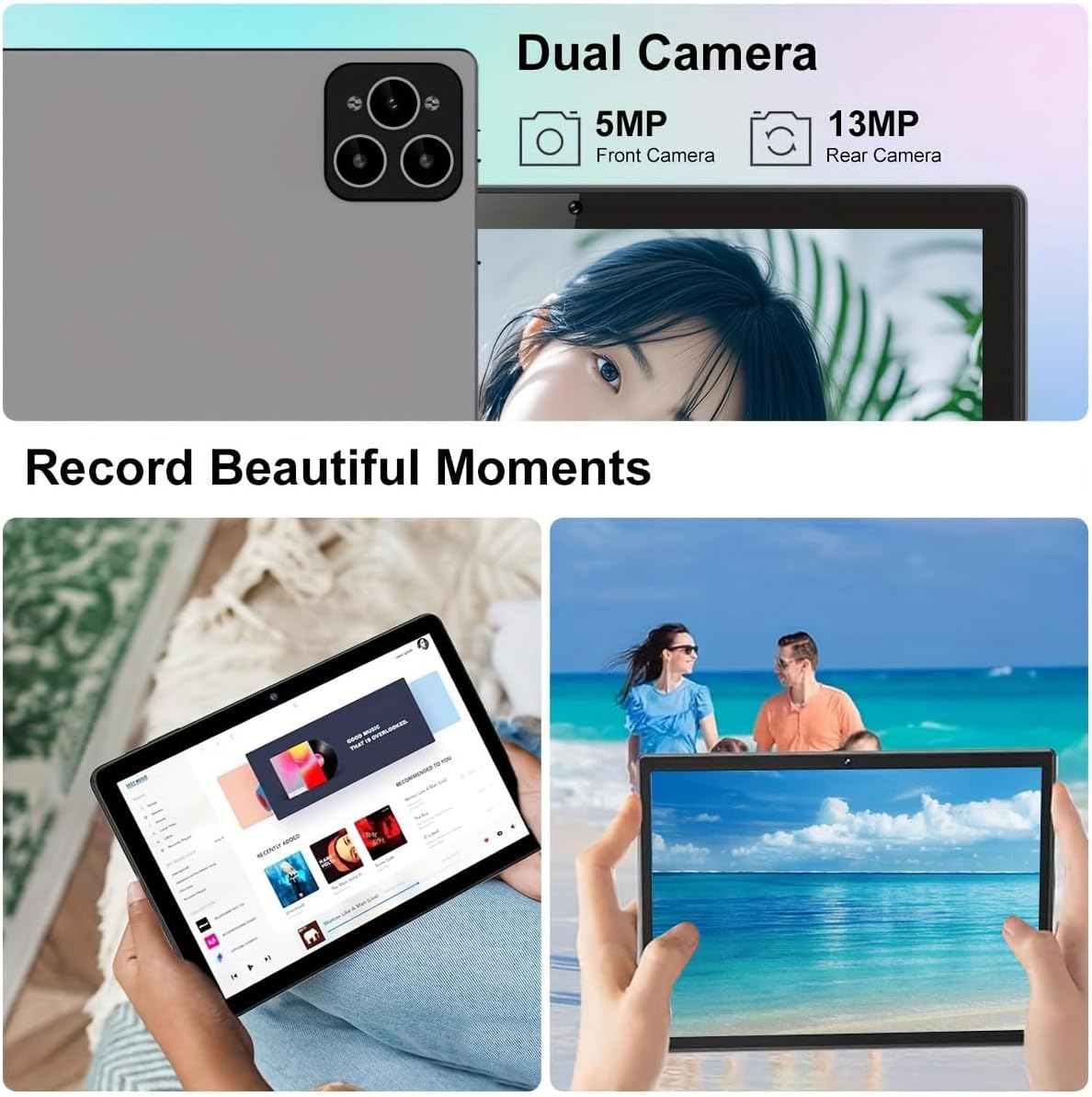
Image: Visual representation of the tablet's storage (12GB RAM, 512GB ROM, 1TB expandable) and processor (MTK 6763) capabilities.
Údržba
- Čištění: K čištění obrazovky a těla přístroje používejte měkký hadřík, který nepouští vlákna. Nepoužívejte abrazivní čisticí prostředky ani rozpouštědla.
- Péče o baterie: To prolong battery life, avoid extreme temperatures and do not let the battery fully drain frequently.
- Aktualizace softwaru: Pravidelně kontrolujte a instalujte aktualizace systému, abyste zajistili optimální výkon a zabezpečení. Přejděte na Nastavení > Systém > Aktualizace systému.
- Správa úložiště: Pravidelně odstraňujte nepotřebné filea aplikace pro udržení dostatečného úložného prostoru a výkonu.
Odstraňování problémů
| Problém | Řešení |
|---|---|
| Tablet se nezapne. | Ensure the tablet is fully charged. Press and hold the Power button for at least 10 seconds. |
| Nelze se připojit k Wi-Fi. | Check if Wi-Fi is enabled in settings. Restart your router. Ensure you are entering the correct password. |
| Tablet je pomalý nebo nereaguje. | Close unused applications. Clear cache. Restart the tablet. Consider a factory reset if issues persist (backup data first). |
| Příslušenství (klávesnice/myš) se nepřipojuje. | Ensure accessories are charged and in pairing mode. Re-pair them via Bluetooth settings. |
Záruka a podpora
Crelander offers dedicated after-sales support for any inquiries or issues you may encounter with your tablet. Please refer to your purchase documentation for specific warranty terms and contact information. For general support, visit the official Crelander webnebo kontaktujte jejich zákaznický servis.
Online zdroje:
- Crelander Store on Amazon: Visit Crelander Store
Ask a question about this manual
Ask about setup, troubleshooting, compatibility, parts, safety, or missing instructions. Manuals+ will review the question and use this page’s manual context to help answer it.