
1. Úvod
The Amazon Basics 3-Axis Smartphone Gimbal Stabilizer (AB-M01) is designed to provide smooth, stable footage for smartphone videography. This manual provides essential information for setting up, operating, and maintaining your gimbal to achieve professional-quality videos and photos.
2. Co je v krabici
Ověřte, zda jsou v balení přítomny všechny komponenty:
- Kardanový stabilizátor
- Stativ
- Nabíjecí kabel USB-C
- Uživatelská příručka
- Skladovací taška

Image: All items included in the Amazon Basics 3-Axis Smartphone Gimbal Stabilizer package.
3. Konec produktuview a ovládací prvky
Familiarize yourself with the main parts and control buttons of your gimbal:

Image: Labeled diagram of the gimbal's controls and components.
- Button/Power Button: Used to switch gimbal modes, toggle horizontal/vertical shooting, and display remaining power.
- Rocker: Controls the gimbal's movement for precise adjustments.
- Spouštěcí klíč: Activates features like lock follow, gimbal return, inception mode, lock mode, and mad dog mode.
- Fill Light Power Button: Controls the integrated fill light's brightness and modes.
- Tlačítko fotoaparátu: Initiates photo capture or video recording, and switches between front and rear cameras.
4. Nastavení a první použití
4.1 Rozložení gimbalu
The gimbal features a foldable design for portability. Gently unfold the gimbal until it locks into its operational position.

Image: The gimbal in its folded and unfolded states, highlighting its compact design.
4.2 Montáž a vyvážení smartphonu
- Prodloužení délky telefonuamp a bezpečně umístěte smartphone do středu.
- Ensure the phone is balanced. If the phone tilts to one side, adjust its position within the clamp until it remains level when the gimbal is off. Proper balancing is crucial for optimal performance and battery life.
4.3 Zapnutí/vypnutí
Press and hold the Power Button for a few seconds to turn the gimbal on or off. The indicator lights will illuminate or extinguish accordingly.
4.4 Instalace aplikace
For full functionality, download and install the "Gimbal Show" app on your smartphone. Scan the QR code provided in the product packaging or search for it in your device's app store. Connect the gimbal to the app via Bluetooth.

Image: QR code for downloading the Gimbal Show App and a preview funkcí aplikace.
5. Provozní režimy
The gimbal offers multiple operational modes to suit various shooting scenarios:

Image: Visual representation of the gimbal's 3-axis operational modes.
- Semi-Follow Mode (Pan Follow): The gimbal follows your pan movements while keeping the tilt and roll axes locked.
- All-Follow Mode (Pan + Tilt Follow): The gimbal follows both your pan and tilt movements, providing dynamic tracking.
- Full Lock Mode (Three-Axis Lock Mode): All three axes are locked, keeping the camera fixed on a single point regardless of gimbal movement.
- POV Mode (Three-Axis Following/FPV Mode): The gimbal follows all three axes, allowing for immersive first-person view výstřely.
5.1 Horizontal and Vertical Switching
Double-press the M Key (Mode Button) to quickly switch between horizontal and vertical shooting orientations, ideal for different social media platforms.
5.2 Creative Modes
Utilize the "Gimbal Show" app to unlock creative shooting modes such as slow motion, hyper-lapse, panorama, and Inception Mode for dynamic visual effects.

Image: Multiple shooting modes available through the companion app.
6. AI Tracking Features
The gimbal incorporates advanced AI for intelligent subject tracking:

Image: Smart AI Tracking features for face and body focus.
- AI Smart Tracking: Automatically locks onto and follows your chosen subject or face, keeping them centered in the frame.
- Ovládání gesty: Use specific hand gestures to initiate recording or other functions without touching the gimbal or phone.
- Hitchcock Zoom Effect: Create dramatic zoom-in effects while maintaining focus on your subject, available through the app.
7. Adjustable Fill Light
Enhance your shots in various lighting conditions with the built-in adjustable fill light:
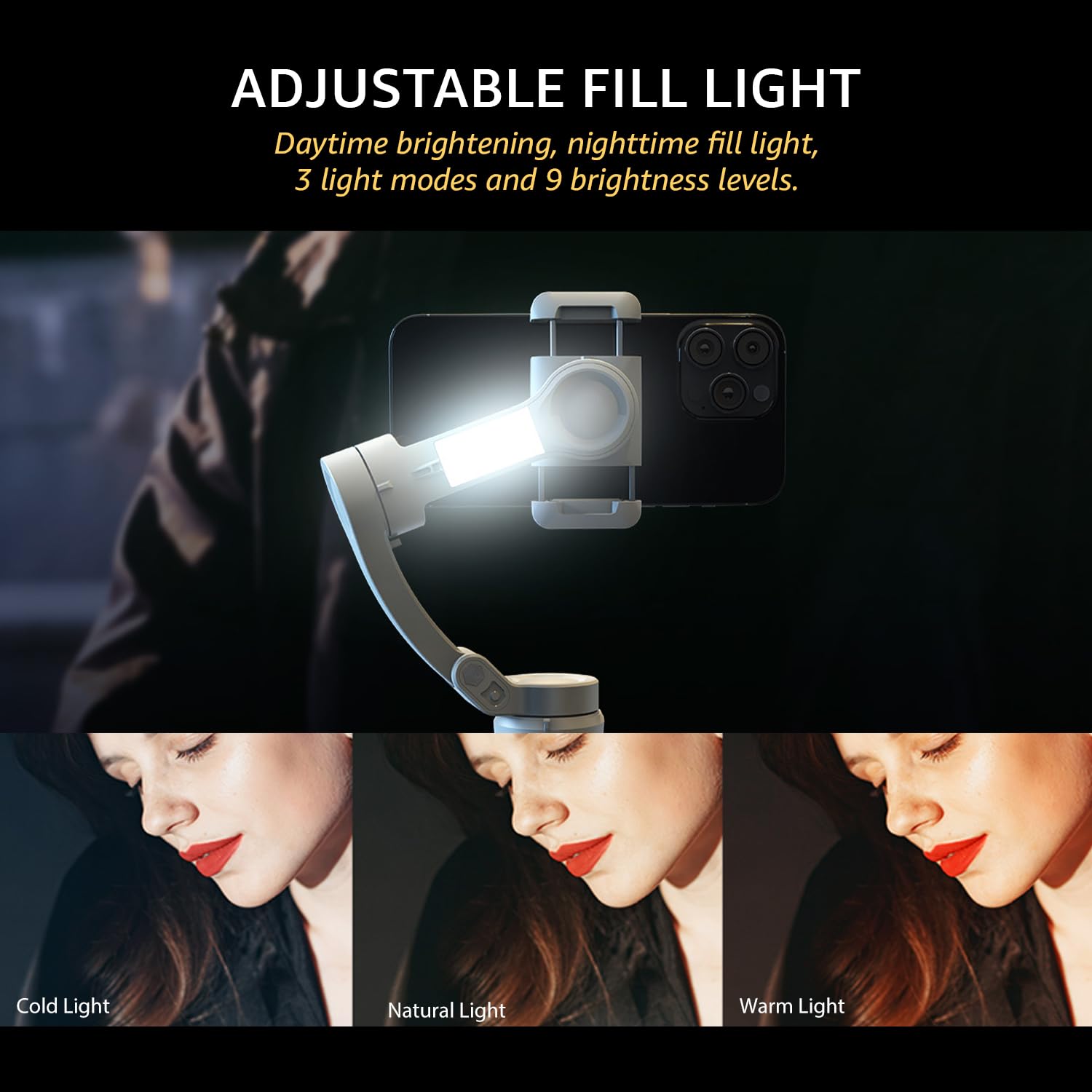
Image: The adjustable fill light with different color temperatures.
- The fill light offers 3 light modes (Cold, Natural, Warm) and 9 brightness levels.
- Press the Fill Light Power Button to cycle through modes and adjust brightness.
8. Baterie a nabíjení
The gimbal is equipped with a high-capacity battery for extended use:
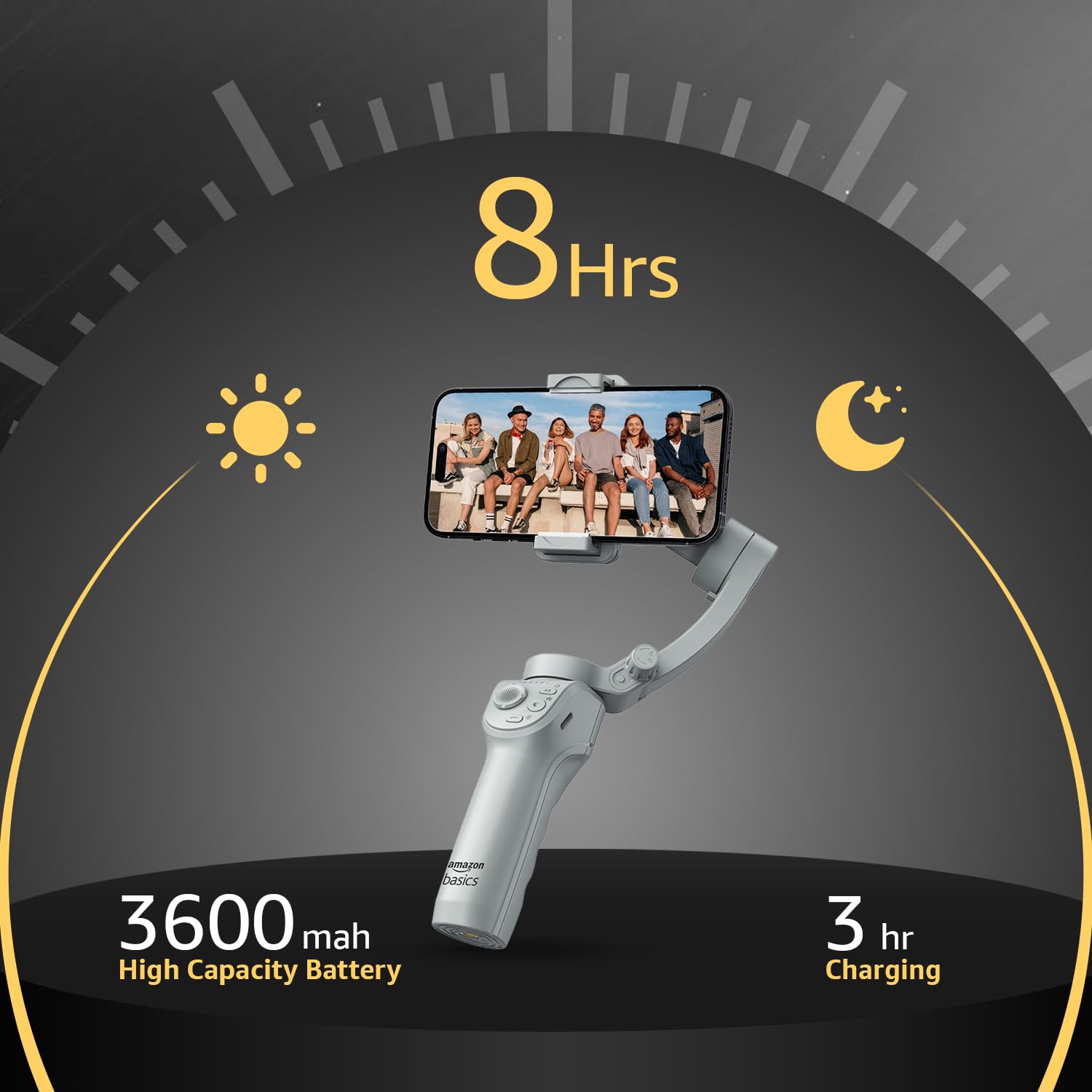
Obrázek: Výdrž baterie a podrobnosti o nabíjení.
- Životnost baterie: Up to 8 hours of continuous operation on a full charge.
- Nabíjení: Use the provided USB-C cable to charge the gimbal. A full charge typically takes approximately 3 hours.
- The battery indicator lights on the gimbal will show the current charge level.
9. Údržba
To ensure the longevity and optimal performance of your gimbal, follow these maintenance guidelines:
- Čištění: K čištění gimbalu používejte měkký, suchý hadřík. Nepoužívejte tekuté čisticí prostředky ani rozpouštědla.
- Skladování: When not in use, fold the gimbal and store it in the provided storage bag to protect it from dust and damage. Store in a cool, dry place.
- Péče o baterie: Pro dlouhodobé skladování nabíjejte baterii přibližně na 50–60 % každé tři měsíce, abyste zabránili jejímu hlubokému vybití.
- Vyhněte se dopadu: Chraňte gimbal před pády nebo silnými nárazy, které by mohly poškodit motory a vnitřní součásti.
10. Řešení problémů
If you encounter issues with your gimbal, refer to the following common problems and solutions:
| Problém | Možná příčina | Řešení |
|---|---|---|
| Gimbal se nezapíná | Slabá baterie; Tlačítko napájení nebylo správně stisknuto | Plně nabijte gimbal; Stiskněte a podržte tlačítko napájení po dobu 3 sekund. |
| Nestabilní jídlotage/vibration | Smartphone not balanced; Gimbal not calibrated | Znovu vyvažte smartphone v clamp; Perform a gimbal calibration via the "Gimbal Show" app. |
| App not connecting to gimbal | Bluetooth off; App permissions; Gimbal not discoverable | Ensure Bluetooth is enabled on your phone; Grant necessary permissions to the app; Restart both gimbal and phone. |
| Sledování AI nefunguje | Poor lighting; Subject too far/close; App issue | Ensure adequate lighting; Maintain optimal distance from subject; Restart the app and gimbal. |
11. Specifikace
| Funkce | Detail |
|---|---|
| Číslo modelu | AB-M01 |
| Rozměry produktu (složený) | 166 mm x 105.2 mm x 45.9 mm |
| Tripod Dimensions (folded) | 94.7 mm x 32.3 mm x 32.3 mm |
| Hmotnost položky | 388 g |
| Životnost baterie | Až 8 hodin |
| Doba nabíjení | Přibližně 3 hodiny (přes USB-C) |
| Speciální funkce | AI Face & Body Tracking, Adjustable Fill Light |
| Kompatibilní zařízení | Chytré telefony (iPhone, Android) |
| Materiál | Hliník |
12. Oficiální video produktu
Video: Overview of the Amazon Basics 3-Axis Smartphone Gimbal Stabilizer, demonstrating its folding design, 3-axis stability, multiple shooting modes, AI intelligent tracking for faces and objects, inception auto shooting, and the beauty fill light feature. This video highlights the gimbal's ease of use and advanced capabilities for mobile photography and videography.
13. Záruka a podpora
For warranty information and customer support, please refer to the warranty card included in your product packaging or visit the official Amazon Basics support page. Keep your purchase receipt for warranty claims.