
Vueroid S10-UQ 3CH
Vueroid S1 4K Infinite 3 Channel Dash Cam User Manual
Model: S10-UQ 3CH
1. Úvod
This manual provides detailed instructions for the installation, operation, and maintenance of your Vueroid S1 4K Infinite 3 Channel Dash Cam. Please read this manual thoroughly before using the product to ensure proper function and safety. Keep this manual for future reference.
2. Bezpečnostní informace
- Nepoužívejte zařízení za jízdy. Nastavení upravujte pouze tehdy, když je vozidlo bezpečně zaparkované.
- Ensure the dash cam is securely mounted to prevent obstruction of the driver's view nebo aktivaci airbagu.
- Use only approved power cables and accessories to avoid damage or fire.
- Nevystavujte zařízení extrémním teplotám, delšímu přímému slunečnímu záření nebo vlhkosti.
- Nepokoušejte se zařízení sami rozebírat nebo opravovat. Požádejte o pomoc zákaznickou podporu.
3. Obsah balení
Ověřte, zda jsou v balení přítomny všechny položky:
- Přední kamera
- Rear Camera & Cable (approx. 20ft)
- Hardwire Power Cable 3M
- Cigar Jack Cable
- USB 2.0 C-Type Data Cable
- Cable Clip (6EA)
- Nástroj pro oříznutí
- Foam Tape (3EA)
- Uživatelská příručka
Note: MicroSD card is not included. For optimal performance, we recommend using 128GB, 256GB, or 512GB cards.
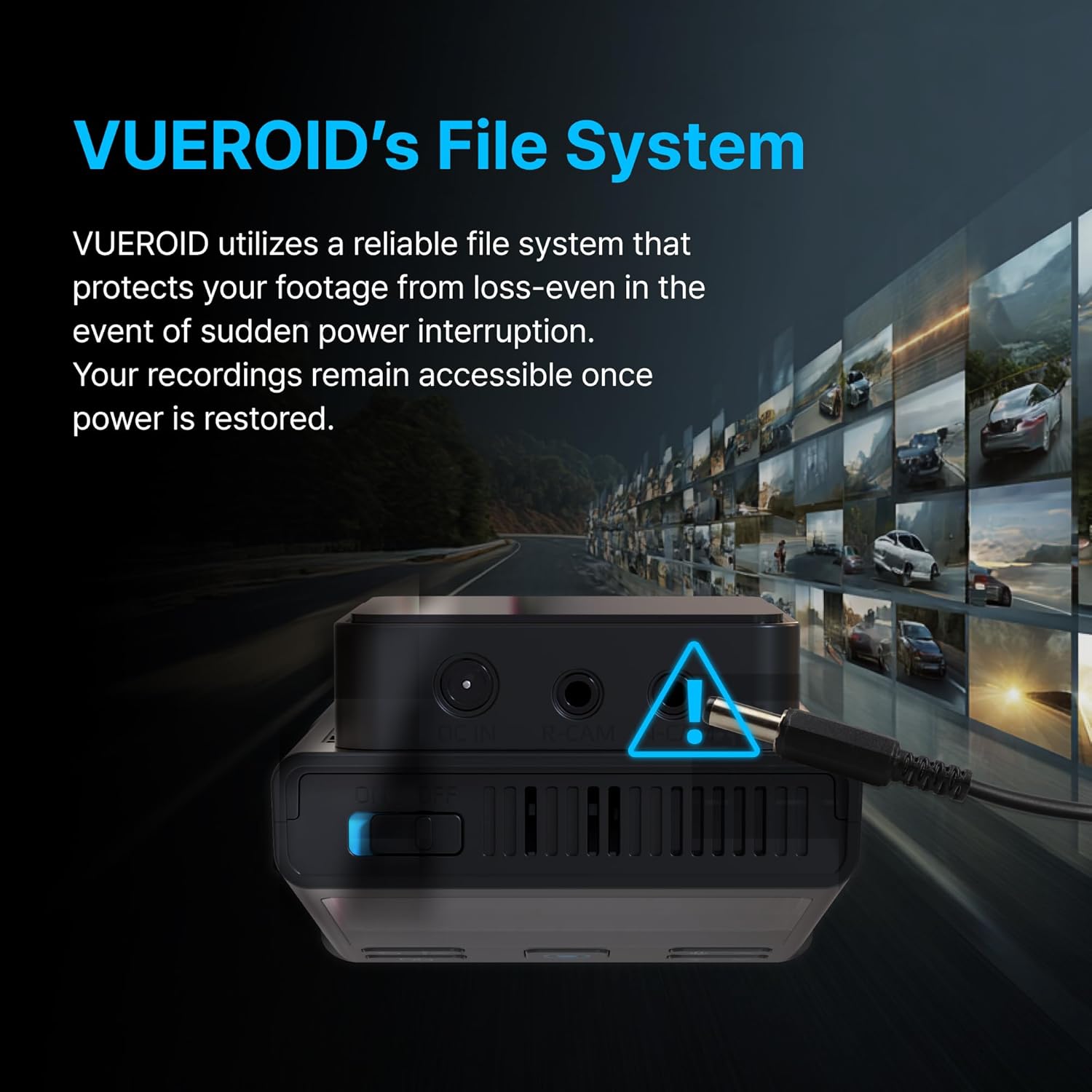
Figure 3.1: Contents of the Vueroid S1 4K Infinite 3 Channel Dash Cam package.
4. Konec produktuview
The Vueroid S1 4K Infinite is a 3-channel dash cam system designed to record video from the front, interior, and rear of your vehicle. It features a 4K front camera, 2.5K interior camera, and FHD rear camera, utilizing a Sony STARVIS 2 image sensor for enhanced clarity.
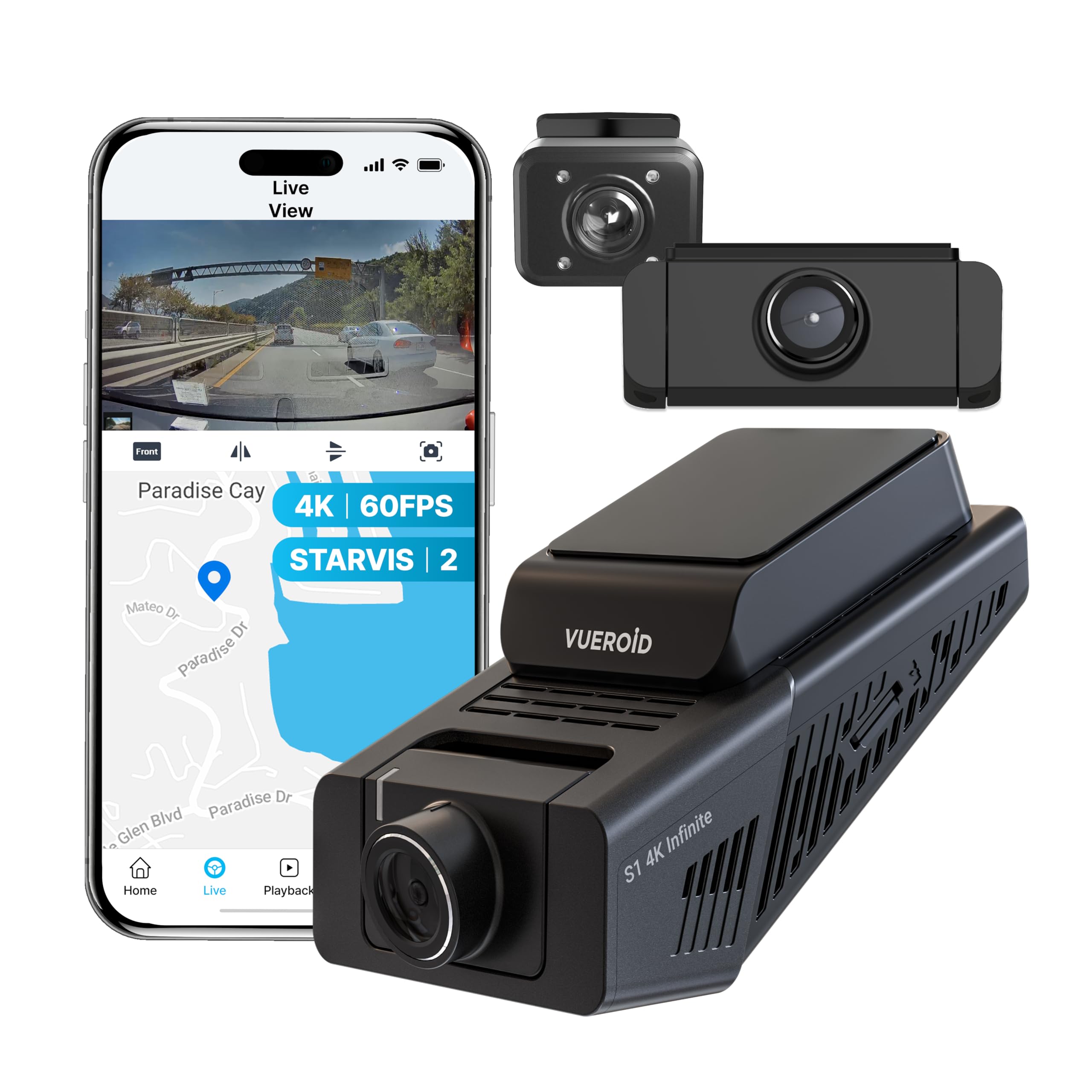
Figure 4.1: Vueroid S1 4K Infinite 3 Channel Dash Cam main unit and cameras.
5. Nastavení
5.1. Vložení karty MicroSD
Before powering on the device, insert the MicroSD card into the designated slot. Push the card in until you hear a 'click' sound, ensuring it is securely in place.
Video 5.1: This video demonstrates the unboxing of the Vueroid S1 4K Infinite, including the insertion of the MicroSD card into the main unit.
5.2. Počáteční konfigurace
After inserting the MicroSD card and powering on the device, follow the on-screen prompts for initial configuration. Use the navigation buttons (Up, Down, Confirm) on the device to make selections.
- Výběr jazyka: Vyberte preferovaný jazyk.
- Formát času: Select the desired time format (e.g., YYYY/MM/DD). The date will be automatically set via GPS. Daylight Saving Time settings can be adjusted later.
- Časové pásmo: Set the time zone for your current location.
- Systémová frekvence: Select the system frequency (e.g., 60Hz for NTSC/US) to prevent video flickering.
- Rear Camera Usage: Choose whether to enable or disable the rear camera. This can be changed later in system settings.
- Rozlišení a snímková frekvence: Select your preferred recording resolution and frame rate. Note that for 4K 60fps front recording in 3-channel mode, rear and interior cameras are limited to 15fps.
- Bitová rychlost: Choose the desired bitrate (Low, Mid, High). Higher bitrate results in better quality but larger file sizes, reducing total recording time.
- Memory Allocation: Configure how storage space is allocated for different recording modes (Driving, Parking, Event).
Video 5.2: This video provides a step-by-step guide for the initial setup of the Vueroid S1 4K Infinite Dash Cam, covering language, time, frequency, and recording settings.
5.3. Instalace
Mount the front camera on your windshield, ensuring a clear view of the road. Install the interior and rear cameras as per your vehicle's layout. Connect the hardwire power cable to your vehicle's fuse box for continuous power and parking mode functionality. Use the provided cable clips and trim tool to neatly route cables.
6. Návod k obsluze
6.1. Driving Recording
The Vueroid S1 automatically begins recording when the vehicle starts. It captures footage in Ultra 4K (front), 2.5K (interior), and FHD (rear) resolutions. The Sony STARVIS 2 image sensor and HDR mode ensure clear video quality in various lighting conditions.
Video 6.1: Driving footage captured by the Vueroid S1 4K Infinite main camera, demonstrating video quality during daytime driving.

Figure 6.1: Key features of the Vueroid S1 4K Infinite Dash Cam.
6.2. Parking Mode (24/7 Surveillance)
With the included hardwire kit, the S1 Infinite provides 24/7 parking surveillance. It features DURASHIFT Parking Mode, which prevents overheating by entering a low-power state and records instantly upon impact. The Geofencing System automatically disables parking mode when you enter a specified 'safe' area to prevent battery drain.

Figure 6.2: Extreme Low Power Parking Mode operation.
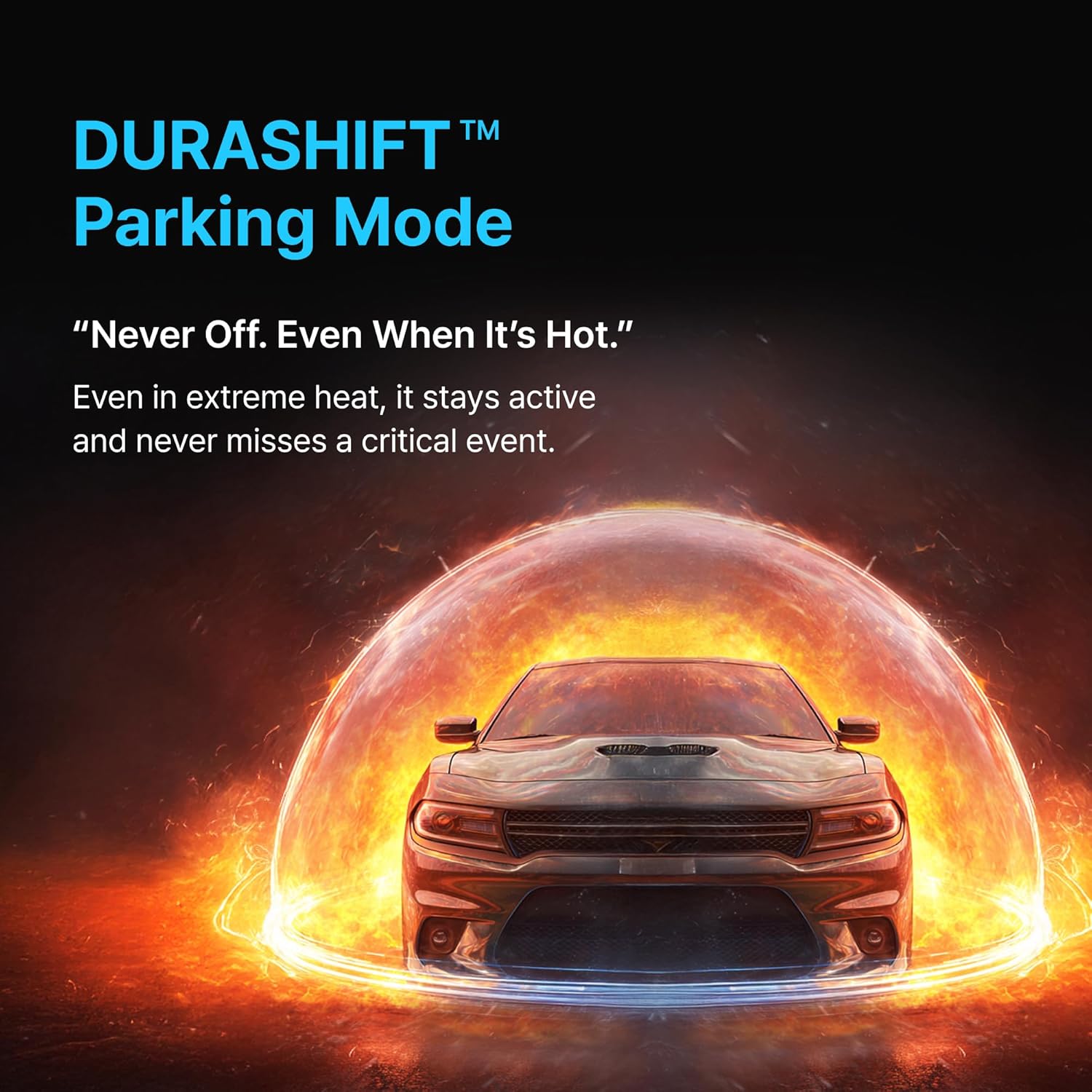
Figure 6.3: DURASHIFT Parking Mode for continuous protection.

Figure 6.4: Auto REC Off Zone functionality.
6.3. Funkce umělé inteligence
The S1 Infinite incorporates advanced AI for enhanced footage clarity and privacy.
- AI License Plate Restoration: Enhances blurry license plates in footage, making them clearer for recognition.
- AI Privacy Protection: Automatically blurs personal information, such as license plates and faces, to safeguard privacy.
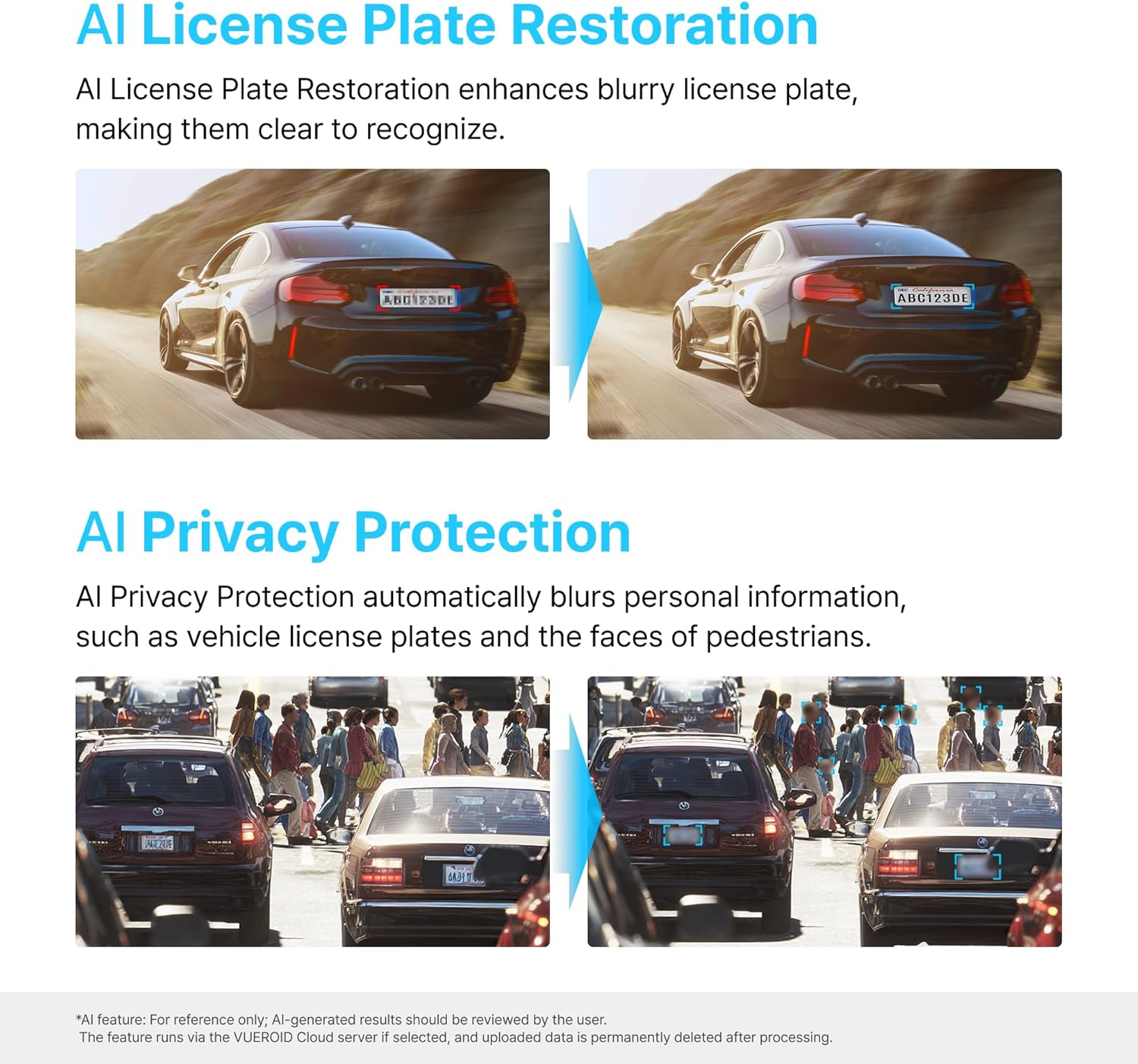
Figure 6.5: AI-powered features for clarity and privacy.
6.4. Vueroid File Systém
The Vueroid S1 utilizes a reliable file system that protects your footage from loss, even in the event of a sudden power interruption. Recordings remain accessible once power is restored.

Figure 6.6: Vueroid's robust file systém.
6.5. Konektivita
The dash cam features built-in 5G WiFi and GPS. Use the dedicated mobile application to easily access, reviewa sdílejte své footage. Firmware updates can also be performed wirelessly via the app.
7. Údržba
7.1. Správa karet MicroSD
- Regularly format the MicroSD card (e.g., once a month) to maintain optimal performance and prevent data corruption.
- Replace the MicroSD card if you experience frequent errors or reduced recording capacity.
7.2. Čištění
- Wipe the camera lenses with a soft, dry cloth to ensure clear recordings.
- Clean the device exterior with a slightly damp tkanina. Nepoužívejte agresivní chemikálie nebo abrazivní čisticí prostředky.
8. Řešení problémů
| Problém | Možná příčina | Řešení |
|---|---|---|
| Zařízení se nezapne | Žádné napájení; Volné připojení | Check power cable connection; Ensure vehicle ignition is on (if not hardwired). |
| Recording errors | Faulty/full MicroSD card; Incorrect card format | Format MicroSD card; Replace card if necessary; Use recommended card types. |
| Špatná kvalita videa | Dirty lens; Incorrect resolution settings | Clean camera lenses; Adjust resolution and bitrate settings. |
| Problémy s připojením Wi-Fi | Incorrect password; Device out of range | Verify Wi-Fi password; Ensure mobile device is close to the dash cam. |
9. Specifikace
| Funkce | Detail |
|---|---|
| Rozměry produktu | 1.8 x 2.38 x 4.09 palce |
| Hmotnost položky | 2.42 libry |
| Název modelu | S1 Infinite 3CH |
| Rozlišení záznamu videa | 2160p (4K Front) |
| Technologie připojení | Wi-Fi |
| Speciální funkce | Ovládání aplikací |
| Typ montáže | Držák na palubní desku |
| Pole View | 151 stupňů |
| Zahrnuté komponenty | Sada k pevnému zapojení |
10. Záruka a podpora
For warranty information, technical support, or service inquiries, please refer to the official Vueroid webnebo se obraťte přímo na jejich zákaznický servis. Uschovejte si účtenku jako doklad o koupi pro případ reklamace.
Můžete také navštívit Vueroid Store on Amazon pro další zdroje a kontaktní informace.
Ask a question about this manual
Ask about setup, troubleshooting, compatibility, parts, safety, or missing instructions. Manuals+ will review the question and use this page’s manual context to help answer it.