
Zavedení
Thank you for choosing the TCL 65Q6C 65-inch 4K QD-Mini LED Google TV. This manual provides essential information for the safe and efficient use of your television. Please read it thoroughly before operating the device and retain it for future reference.
Klíčové vlastnosti
- Technologie QD-Mini LED: Enhances color accuracy and contrast, improving overall display quality. Precise dimming reaches 512 zones, with over a billion shades of perfect vivid colors.
- High Brightness HDR: Enjoy unparalleled brightness with high HDR technology, offering deep contrast and stunning highlights for an immersive viewzážitek z hraní. Sledujte, jak každý detail ožívá s úžasnou jasností a zářivými barvami.
- QLED displej: Features 93% DCI-P3 color gamut coverage, providing unparalleled color for stunning and vibrant visuals and enhanced color accuracy.
- Nativní obnovovací frekvence 144 Hz: Experience ultra-smooth motion with a native 144Hz refresh rate, ideal for gaming and fast-paced scenes.
- Onkyo 2.1 Hi-Fi Audio System: Delivers rich and immersive sound for a complete home entertainment experience.

Obrázek 1: Přední strana view of the TCL 65Q6C 65-inch 4K QD-Mini LED Google TV.

Obrázek 2: Znázorňuje výhodytages of QD-Mini LED technology over ordinary LED TVs, highlighting improvements in color, brightness, and contrast.

Obrázek 3: Overview of the key technologies and design elements integrated into the TCL 65Q6C TV.
Nastavení
1. Vybalení a kontrola
Carefully remove the TV from its packaging. Inspect for any damage. Ensure all accessories are present: remote control, power cable, stand components, and screws.
2. Instalace stojanu (volitelné)
If using the TV stand, place the TV face down on a soft, flat surface. Attach the stand bases to the TV using the provided screws, ensuring they are securely fastened.
3. Montáž na stěnu (volitelné)
For wall mounting, refer to the VESA mounting standard: 600 x 400 mm. Use a compatible wall mount bracket (sold separately) and follow its instructions carefully. Professional installation is recommended for safety.

Obrázek 4: Boční profíkfile of the TV, illustrating its slim design and port locations.
4. Připojení zařízení
- Moc: Připojte napájecí kabel k televizoru a poté do zásuvky ve zdi.
- Zařízení HDMI: Use HDMI cables to connect external devices like gaming consoles, Blu-ray players, or set-top boxes to the HDMI ports. This model supports HDMI connectivity.
- Zařízení USB: Connect USB drives for media playback or other compatible devices to the USB ports. This model includes USB 3.0 ports.
- Zvukové systémy: For external audio, connect via HDMI (ARC/eARC) or Bluetooth. The TV features an Onkyo 2.1 Hi-Fi audio system with Dolby Atmos support.

Obrázek 5: Zadní view of the TV, highlighting the VESA mounting points and various input/output connections.
5. Počáteční zapnutí a nastavení Google TV
After connecting power, press the power button on the remote control. Follow the on-screen instructions to complete the initial setup, including network connection, Google account login, and channel scanning.
Provozní
1. Funkce dálkového ovládání
The remote control allows you to navigate the Google TV interface, adjust volume, change channels, select inputs, and access smart features. Familiarize yourself with the button layout for optimal use.
2. Rozhraní Google TV
Your TV runs on Google TV, providing a personalized home screen with content recommendations, access to streaming apps, and Google Assistant voice control. Use the directional pad on your remote to navigate menus and select items.
3. Výběr vstupu
To switch between connected devices (e.g., HDMI 1, USB), press the 'Input' button on your remote and select the desired source from the on-screen menu.
4. Hlasové ovládání
Stiskněte tlačítko Google Assistant na dálkovém ovladači a mluvte do mikrofonu pro vyhledávání obsahu, ovládání chytrých domácích zařízení, získávání odpovědí a další.
5. Herní funkce
The TCL 65Q6C is optimized for gaming with its 144Hz native refresh rate and Game Master mode. Ensure your gaming console is connected to an HDMI port that supports high refresh rates for the best experience.
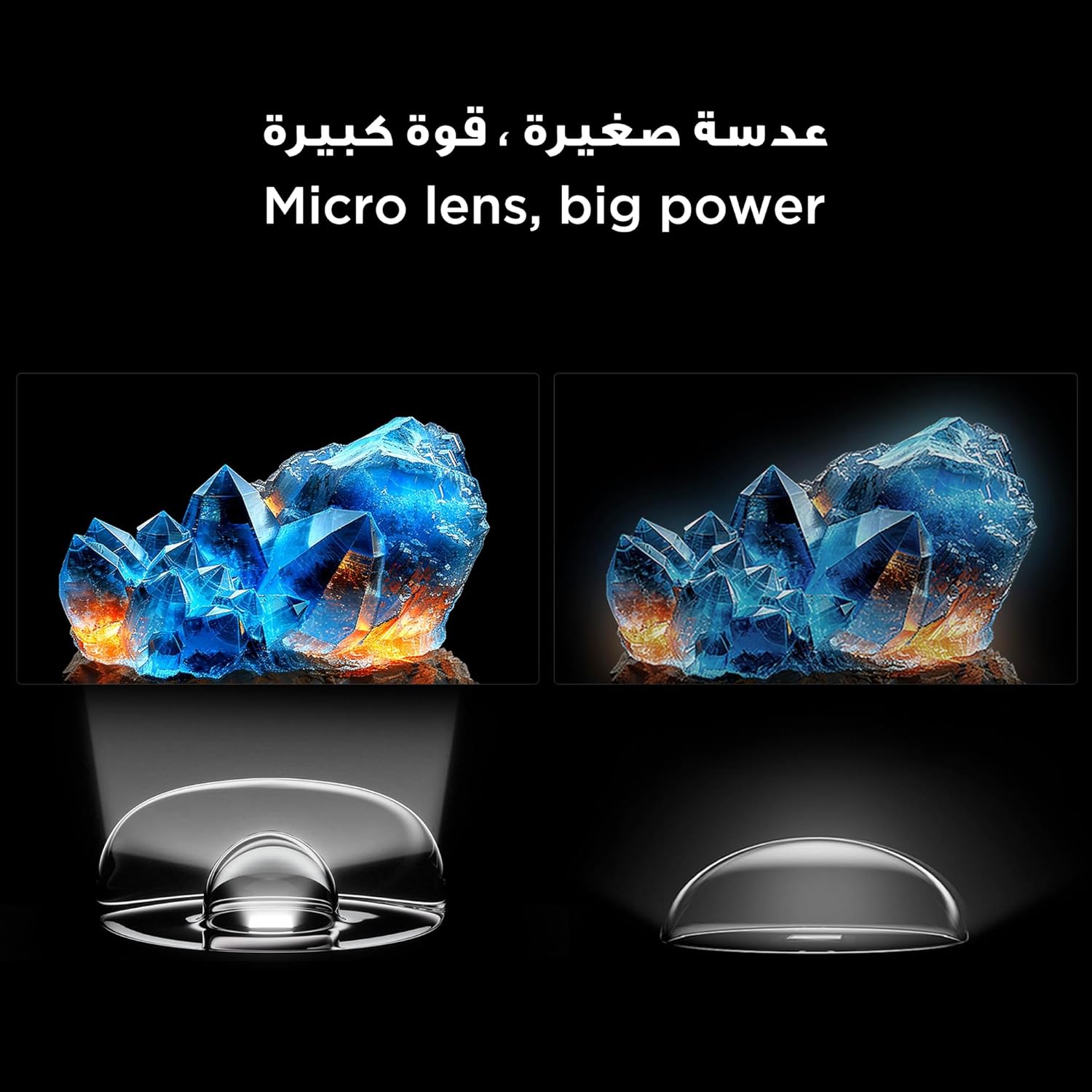
Figure 6: Demonstrates the smooth and clear motion provided by the 144Hz native refresh rate, ideal for fast-paced content and gaming.
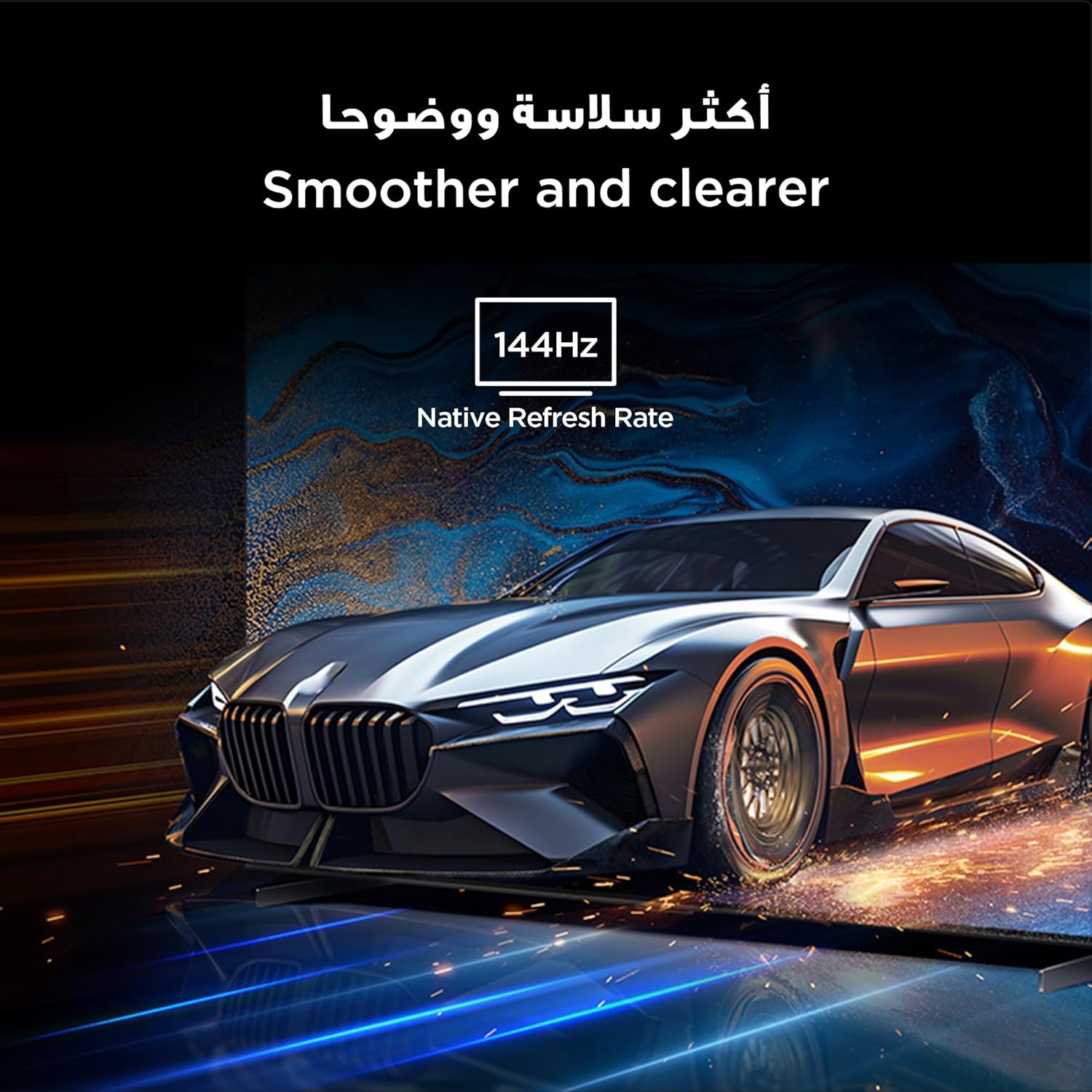
Figure 7: Highlights the immersive audio experience delivered by the integrated Onkyo 2.1 sound system, defining a new standard for home theater.
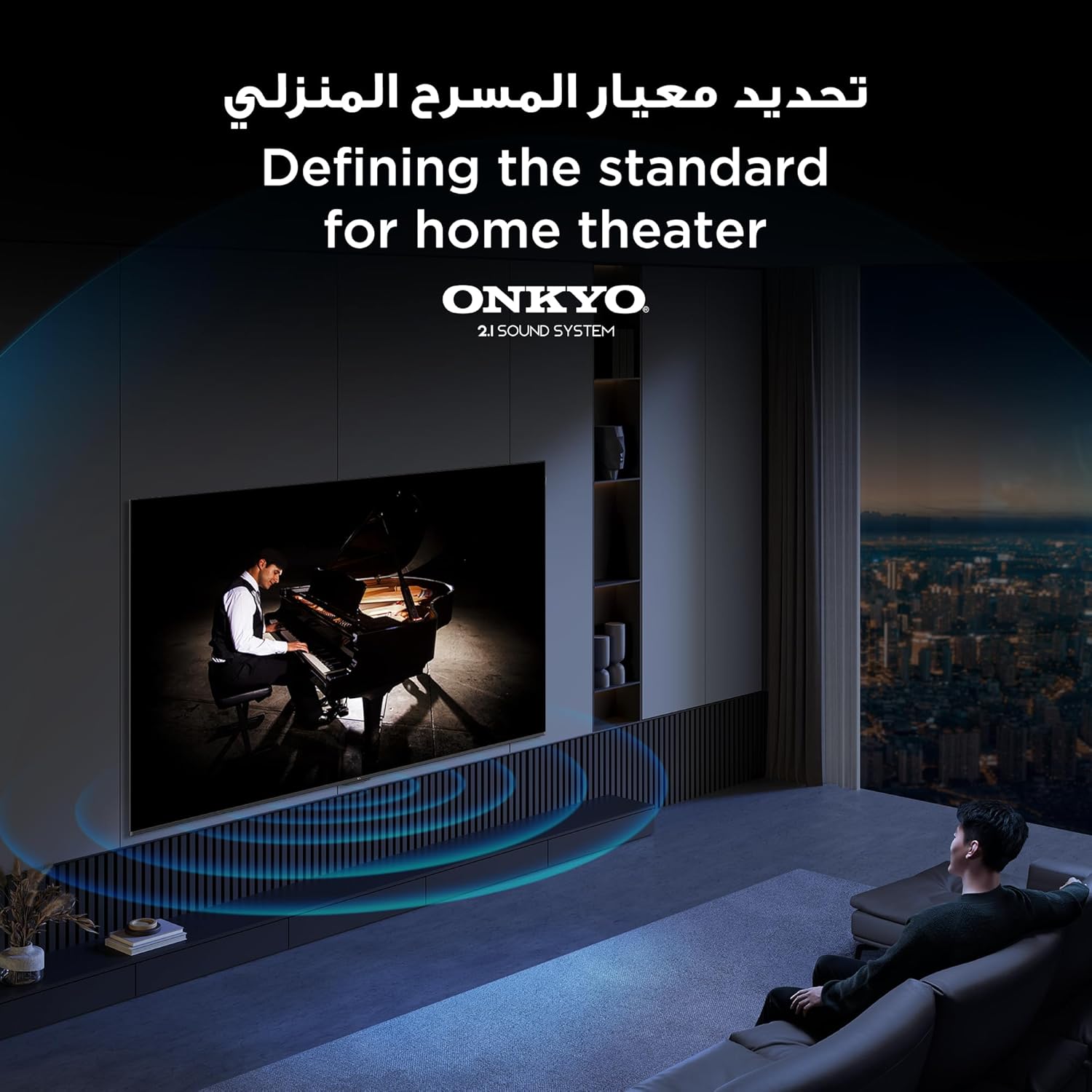
Figure 8: Visual representation of the AiPQ Pro Processor, which intelligently perceives, thinks, and produces optimized visuals and audio.

Figure 9: Illustrates the smart control capabilities of the TCL TV, allowing users to manage other TCL smart devices within their home.
Údržba
1. Čištění obrazovky
Obrazovku jemně otřete měkkým hadříkem, který nepouští vlákna. Na odolné skvrny použijte čisticí roztok určený speciálně pro televizory, který nanesete na hadřík, nikoli přímo na obrazovku.
2. Čištění rámu
Rám a stojan televizoru otřete měkkým, suchým hadříkem. Nepoužívejte abrazivní čisticí prostředky ani rozpouštědla.
3. Aktualizace softwaru
Ensure your TV is connected to the internet to receive automatic software updates. These updates improve performance and add new features. You can also manually check for updates in the TV's settings menu.
4. Safe Handling
Avoid placing heavy objects on the TV. Do not block ventilation openings. Disconnect the power cable during lightning storms or when the TV will be unused for extended periods.
Odstraňování problémů
This section addresses common issues you might encounter with your TCL 65Q6C TV.
Žádná síla
- Zkontrolujte, zda je napájecí kabel bezpečně připojen k televizoru i k elektrické zásuvce.
- Zkontrolujte, zda zásuvka funguje, zapojením jiného zařízení.
- Stiskněte tlačítko napájení na samotném televizoru, nejen na dálkovém ovladači, abyste vyloučili problém s dálkovým ovladačem.
Žádný obraz / Zkreslený obraz
- Ověřte, zda je vybrán správný vstupní zdroj (např. HDMI 1, HDMI 2).
- Zkontrolujte všechna kabelová připojení (HDMI, anténa), zda nejsou uvolněná nebo poškozená.
- Try connecting a different device to the same HDMI port to see if the issue is with the source device.
- Upravte nastavení obrazu (jas, kontrast, barvy) v nabídce televizoru.
Žádný zvuk / Zkreslený zvuk
- Ujistěte se, že hlasitost není ztlumená nebo nastavená příliš nízko.
- Check audio output settings in the TV menu to ensure the correct output (e.g., TV speakers, external audio system) is selected.
- Pokud používáte externí reproduktory, zkontrolujte jejich napájení a připojení.
Dálkové ovládání nefunguje
- Vyměňte baterie v dálkovém ovladači.
- Ujistěte se, že mezi dálkovým ovladačem a infračerveným senzorem televizoru nejsou žádné překážky.
- Pokud se jedná o dálkový ovladač Bluetooth, zkuste jej znovu spárovat s televizorem (pokyny k párování naleznete v nastavení televizoru).
Problémy s připojením k síti
- Restartujte Wi-Fi router a modem.
- Pokud se připojujete bezdrátově, zkontrolujte heslo k Wi-Fi.
- Pokud je to možné, zkuste připojit televizor k internetu pomocí ethernetového kabelu.
- Go to the TV's network settings to diagnose the connection.
Obnovení továrního nastavení
If problems persist, a factory reset may resolve them. Be aware that this will erase all your settings and installed apps. Navigate to Settings > System > About > Reset > Factory data reset.
Specifikace
| Funkce | Popis |
|---|---|
| Značka | TCL |
| Název modelu | 65 6 QXNUMXC |
| Číslo modelu | 65 6 QXNUMXC |
| Modelová řada | Q6C |
| Rok výroby | 2025 |
| Velikost obrazovky | 65 palce |
| Technologie displeje | Mini LED, LED |
| Rezoluce | 4K |
| Obnovovací frekvence | 144 Hz |
| Kontrastní poměr obrazu | Vysoký |
| Podpora formátu HDR | HDR10+ |
| Motion Enhancement Technology | Native 144Hz Refresh Rate |
| Image Quality Enhancement Technology | QD-Mini LED, QLED, HDR 10+ |
| Screen Backlight Technology | Mini LED |
| Operační systém | Google TV |
| Podporované internetové služby | Google TV for Gaming |
| Technologie připojení | HDMI, USB, Bluetooth |
| Hardwarové rozhraní | HDMI, USB, Bluetooth |
| Celkový počet portů HDMI | 1 |
| Celkový počet portů USB | 1 |
| Total USB 3.0 Ports | 1 |
| Technologie bezdrátové komunikace | Bluetooth |
| Popis reproduktoru | Onkyo 2.1 Channel Hi-Fi Speakers |
| Konfigurace kanálů prostorového zvuku | 2.1 |
| Built-in Surround Sound Format | Dolby Atmos |
| Kontrolní metoda | Vzdálený |
| Typ montáže | Držák na zeď |
| Standardní montáž VESA | 600 x 400 mm |
| Hmotnost položky | 24.2 kilogramu |
Záruka
This TCL television comes with a limited warranty. The specific terms and duration of the warranty may vary by region and retailer. Please refer to the warranty card included in your product packaging or visit the official TCL webPodrobné informace o záruce naleznete na webových stránkách. Uschovejte si účtenku jako doklad o koupi pro případné reklamace.
Podpora
Pro další pomoc, technickou podporu nebo servisní dotazy využijte prosím následující zdroje:
- Oficiální TCL Webmísto: Návštěva www.tcl.com for product information, FAQs, and support contact details specific to your region.
- Služby zákazníkům: Refer to the contact information provided in your warranty documentation or on the TCL webstránky pro přímou zákaznickou podporu.
- Online zdroje: Many common issues can be resolved by consulting the online support sections or user forums available on the TCL webmísto.