
Zavedení
Thank you for choosing the JBL Tune 520C wired on-ear headphones. This manual provides essential information for setting up, operating, and maintaining your headphones to ensure optimal performance and longevity.

Obrázek: Overview of JBL Tune 520C features including Pure Bass Sound, foldable design, tangle-free cable, and remote control.
Co je v krabici
- 1 x sluchátka JBL Tune 520C USB-C
- 1 x Záruční/varovný dokument
Klíčové vlastnosti
- Zvuk JBL Pure Bass: Experience clear, powerful audio from 32mm dynamic drivers.
- Wide USB-C Compatibility: Connect to various devices including PCs, mobile phones, gaming devices, tablets, and laptops.
- 3-Button Remote with Microphone: Manage calls, music playback, volume, and EQ presets directly from the cable.
- Comfort Fit and Foldable Design: Padded on-ear design for extended wear and a foldable structure for easy storage.
- Plochý kabel odolný proti zamotávání: Durable, reinforced USB-C cable designed to prevent tangling.
- Zvuk ve vysokém rozlišení: Enjoy higher quality music at 24-bit/96kHz with the DSP chipset.
Nastavení
Follow these steps to set up your JBL Tune 520C headphones for first use.
Připojení sluchátek
- Locate the USB-C connector on your JBL Tune 520C headphones.
- Insert the USB-C connector into the compatible USB-C port on your audio device (e.g., smartphone, laptop, tablet).
- Ensure the connection is secure. Your device should automatically recognize the headphones.
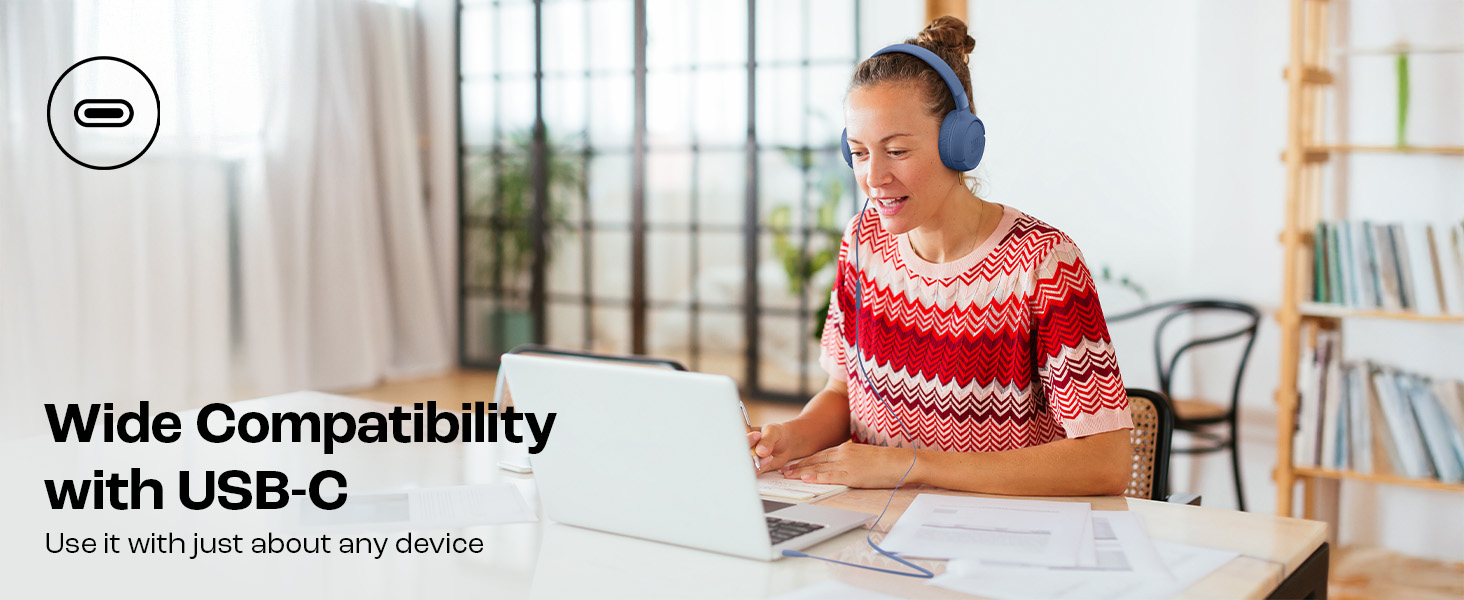
Image: JBL Tune 520C headphones connected to a laptop, demonstrating wide USB-C compatibility.
Úprava pro pohodlí
- Gently extend or retract the headband to fit your head comfortably.
- Position the earcups so they rest fully on your ears, creating a seal for optimal sound.
Návod k obsluze
Learn how to use the 3-button remote and microphone for various functions.
Using the 3-Button Remote

Obrázek: Podrobný view of the 3-button remote control on the headphone cable.
- Zvýšení hlasitosti (+): Press the top button to increase volume.
- Snížit hlasitost (-): Press the bottom button to decrease volume.
- Play/Pause/Call (Center Button):
- Jedním stisknutím spustíte nebo pozastavíte hudbu.
- Jedním stisknutím přijmete nebo ukončíte hovor.
- Dvojím stisknutím přeskočíte na další skladbu.
- Stiskněte třikrát pro přechod na předchozí skladbu.
Using EQ Presets
The JBL Tune 520C features selectable EQ presets to customize your listening experience.
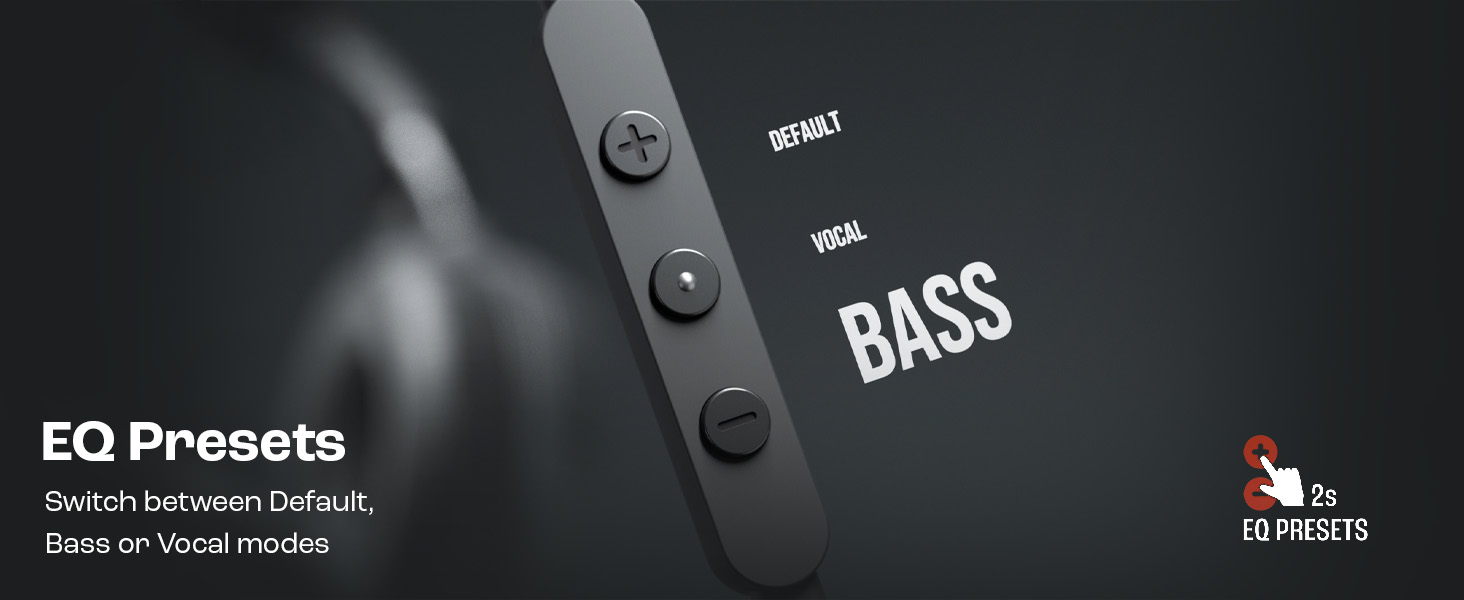
Image: Remote control showing options for Default, Vocal, and Bass EQ presets.
- To switch between EQ presets (Default, Vocal, Bass), press and hold the center button for approximately 2 seconds. The headphones will cycle through the available presets.
Údržba
Správná péče a údržba prodlouží životnost vašich sluchátek.
Čištění
- Use a soft, dry cloth to wipe the earcups and headband.
- Do not use liquid cleaners or abrasive materials, as they may damage the finish or internal components.
- Keep the USB-C connector clean and free of dust or debris.
Skladování
The JBL Tune 520C headphones feature a foldable design for convenient storage.
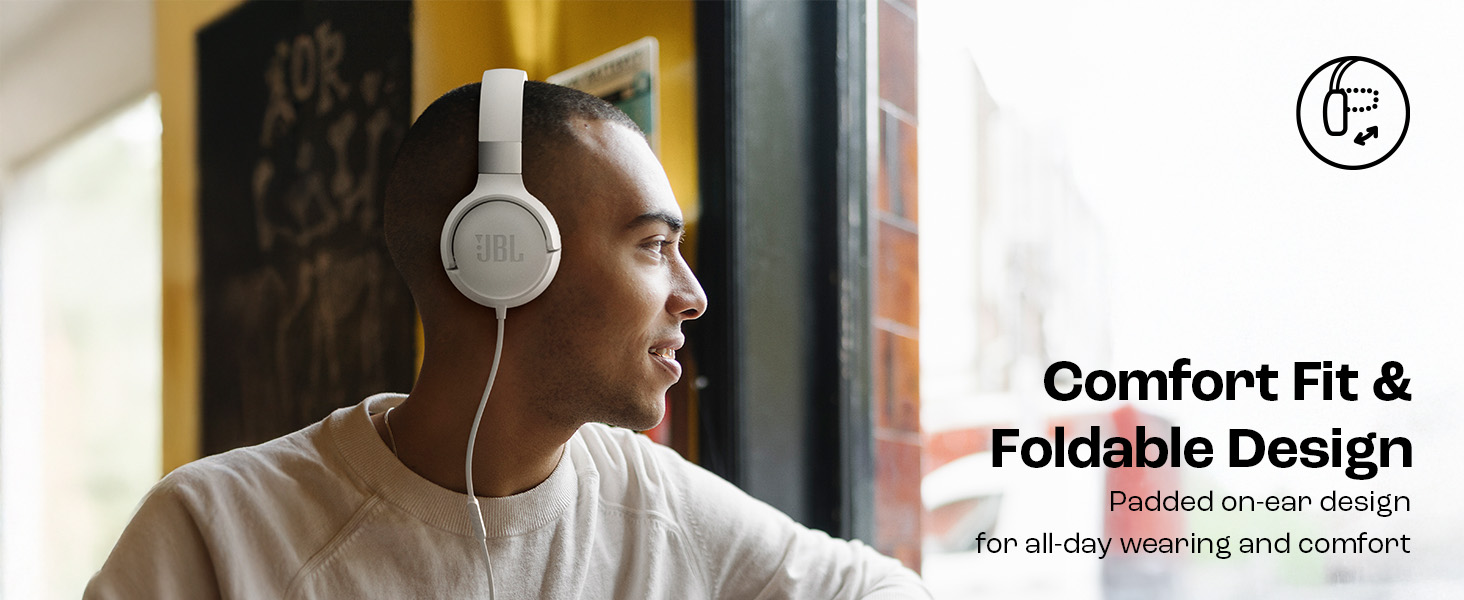
Image: JBL Tune 520C headphones demonstrating comfort fit and foldable design.
- Fold the earcups inward to reduce the headphone's size.
- Sluchátka skladujte na chladném a suchém místě mimo dosah přímého slunečního záření a extrémních teplot.
- Avoid placing heavy objects on the headphones during storage.
Péče o kabely
The tangle-free flat cable is designed for durability, but proper handling is still recommended.
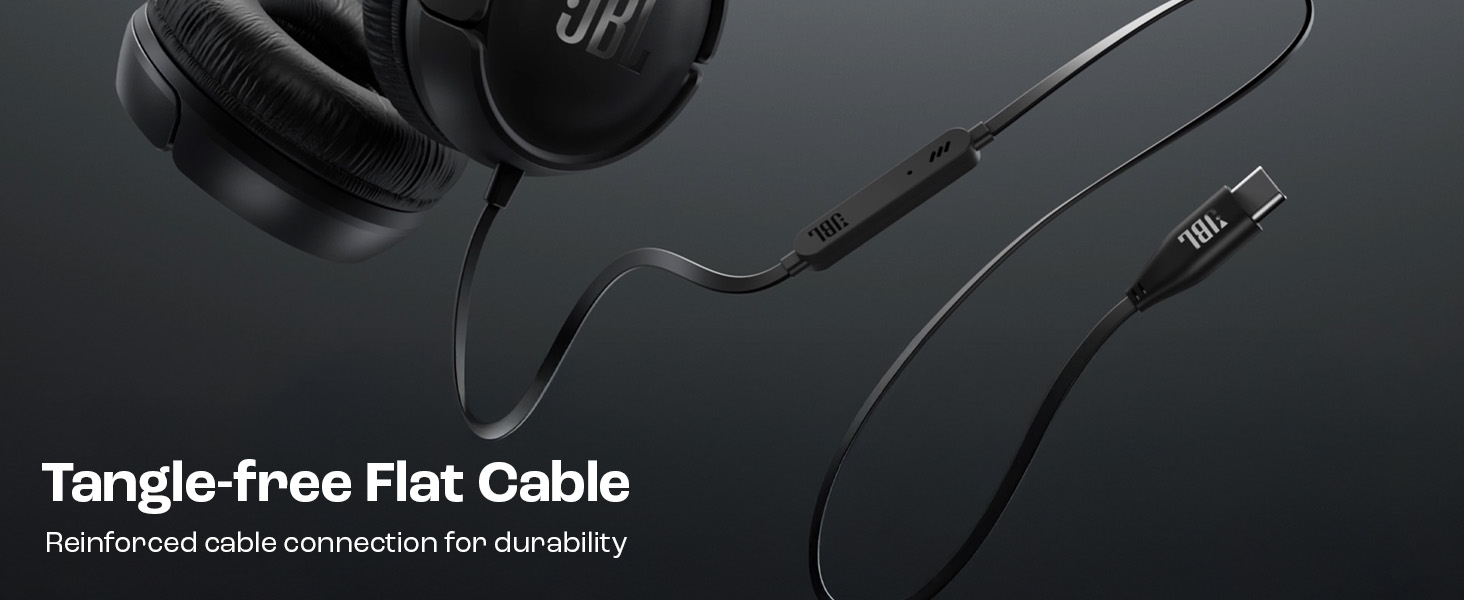
Image: The tangle-free flat USB-C cable of the JBL Tune 520C headphones.
- Vyhněte se ostrým ohybům nebo nadměrnému tahání za kabel.
- When coiling the cable for storage, do so loosely to prevent strain.
Odstraňování problémů
If you encounter issues with your headphones, refer to the following common problems and solutions.
| Problém | Řešení |
|---|---|
| Žádný zvuk ze sluchátek |
|
| Mikrofon nefunguje |
|
| Špatná kvalita zvuku |
|
| Tlačítka dálkového ovládání nereagují |
|
Specifikace
Detailed technical specifications for the JBL Tune 520C headphones.
| Funkce | Detail |
|---|---|
| Značka | JBL |
| Název modelu | JBL Tune 520C |
| Číslo modelu | JBLT520CBLK |
| Umístění uší | Na uchu |
| Form Factor | Na uchu |
| Impedance | 32 ohmů |
| Frekvenční odezva | 20 Hz - 20,000 XNUMX Hz |
| Citlivost | 103 dB |
| Typ zvukového ovladače | Dynamický ovladač |
| Kompatibilní zařízení | Tablets, Desktops, Telephones, Gaming Consoles, Cellphones, Laptops |
| Jack pro sluchátka | USB-C konektor |
| Kontrolní metoda | Remote (3-button) |
| Hmotnost položky | 150 gramů |
| Země původu | Čína |
Záruka a podpora
Informace o záruce
The JBL Tune 520C headphones come with a 1-letá záruka poskytnuto výrobcem od data nákupu. Uschovejte si prosím doklad o koupi pro případné reklamace.
Zákaznická podpora
For technical assistance, warranty claims, or further inquiries, please contact Harman International customer support. Refer to the warranty/warning document included in your product box for specific contact details for your region.
Kontaktní údaje výrobce:
HARMAN International Industries, Incorporated
8500 Balboa Boulevard, Northridge, CA 91329 USA
Importer Contact Information (India):
Harman International (India) Pvt Ltd
Salarpuria Sattva Knowledge Court, Office-1, Wing ‘A’ & ‘B’ 3rd floor, Plot No. 9, Phase I, Doddenakkundi Industrial area Bangalore -560048, Karnataka.