
Zavedení
Děkuji za nákupasing the MONODEAL Portable CD Player. This device is designed to provide high-quality audio playback from your favorite CDs, with the added convenience of Bluetooth connectivity and built-in stereo speakers. Please read this manual carefully before using the product to ensure proper operation and to maximize its lifespan.
Obsah balení

Figure 1: Package Contents. The image displays the MONODEAL Portable CD Player alongside its included accessories: a dual AUX cable, a USB-C charging cable, wired earphones, and the user manual.
- MONODEAL Portable CD Player (Model: MD-602)
- Nabíjecí kabel USB-C
- Dual AUX Cable
- Kabelová sluchátka
- Uživatelská příručka
Konec produktuview

Obrázek 2: Přední strana view of the MONODEAL Portable CD Player, highlighting the central control panel with playback buttons, mode selection, volume, and the digital display showing track information and battery status.
The MONODEAL Portable CD Player features a compact design with intuitive controls. It includes a digital display for track information, battery status, and mode indicators. Key features include:
- Vestavěné stereo reproduktory: Užijte si zvuk bez sluchátek.
- Připojení Bluetooth 5.0: Easily connect to Bluetooth headphones, earphones, or speakers.
- Více režimů přehrávání: Play in order, repeat track, repeat all, A-B repeat, and shuffle.
- Zvukové efekty ekvalizéru: Choose from BBS, Pop, Jazz, Rock, and Classic.
- Funkce životopisu: Remembers the last played track.
- FM vysílač: Connect to car stereos or home radios via FM.
- Dobíjecí baterie: Long-lasting 2000mAh battery for extended playback.
Nastavení
1. Nabíjení zařízení
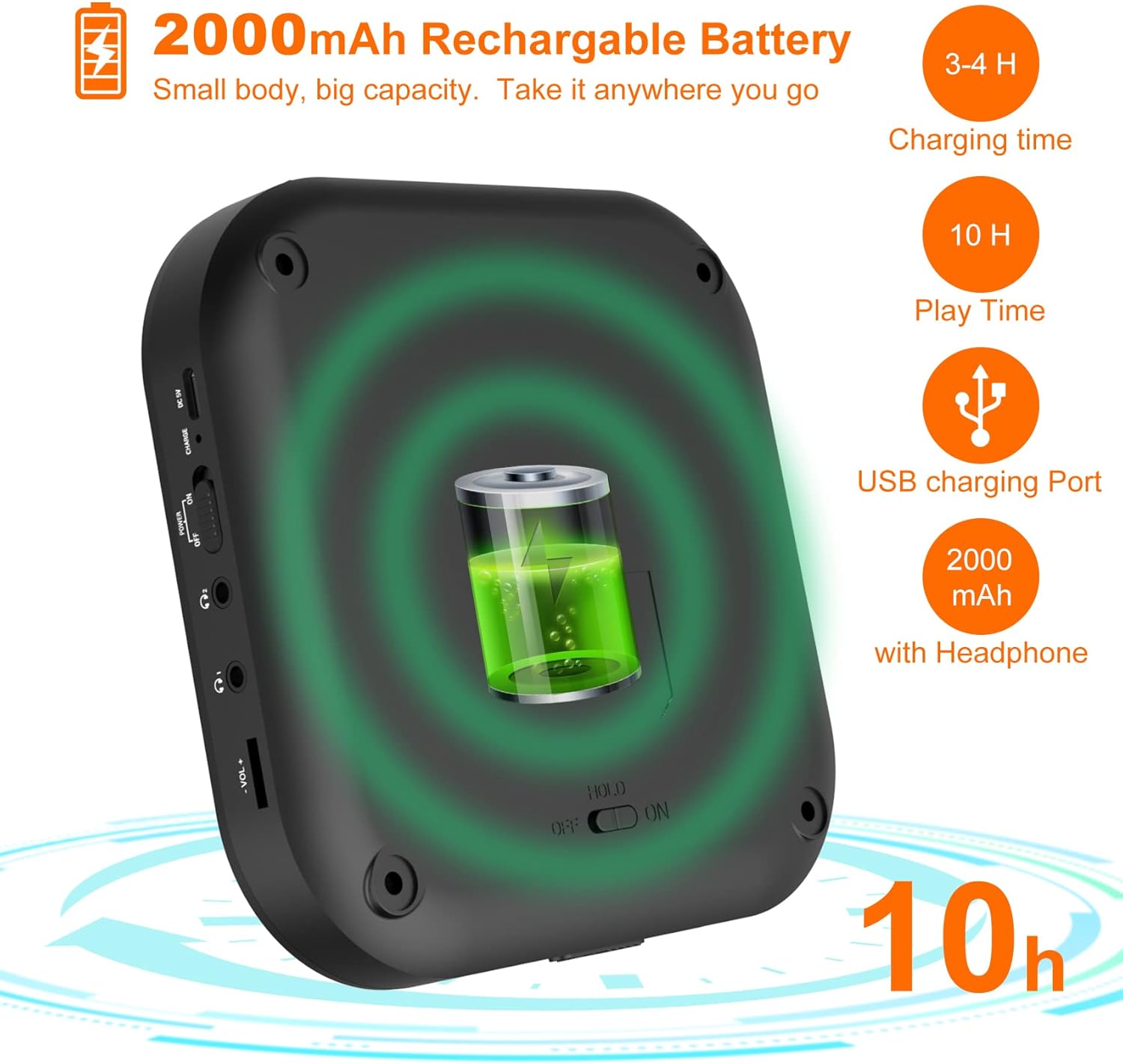
Figure 3: Battery and Charging. This image illustrates the 2000mAh rechargeable battery capacity, indicating a charging time of 3-4 hours and a play time of up to 10 hours with headphones, using the USB charging port.
Before first use, fully charge the CD player. Connect the supplied USB-C charging cable to the device's USB-C port and the other end to a USB power adapter (not included) or a computer's USB port. The charging indicator light will show the charging status. A full charge typically takes 3-4 hours and provides up to 10 hours of playback with headphones.
2. Vložení CD
- Gently slide the "OPEN" switch to open the CD compartment lid.
- Vložte CD na vřeteno potištěnou stranou nahoru.
- Press down gently on the center of the CD until it clicks into place.
- Pevně zavřete víko přihrádky na CD, dokud nezaklapne.
Návod k obsluze
Základní přehrávání
- Ensure the "HOLD" switch on the side of the player is in the "OFF" position.
- Stiskněte tlačítko PLAY/PAUSE tlačítko (▶‖) pro spuštění přehrávání.
- Stiskněte tlačítko PLAY/PAUSE button again to pause playback.
- Použijte PŘEDCHOZÍ (⏮) a DALŠÍ (⏭) buttons to skip tracks. Press and hold to fast forward or rewind.
- Upravte hlasitost pomocí VOL+ a VOL- tlačítka.
Bluetooth připojení

Figure 4: Bluetooth Connectivity. This image demonstrates the player's built-in Bluetooth 5.0, showing its compatibility with Bluetooth headphones, earphones, and speakers, with a woman enjoying music wirelessly.
- Zapněte CD přehrávač.
- Stiskněte tlačítko Bluetooth tlačítko (&B;) to activate Bluetooth pairing mode. The Bluetooth indicator will flash.
- Enable Bluetooth on your desired device (headphones, speaker, etc.) and set it to pairing mode.
- Select "MONODEAL CD Player" from the list of available devices.
- Po připojení přestane indikátor Bluetooth blikat a zůstane svítit nepřerušovaně.
Funkce FM vysílače

Figure 5: Car Connection Options. This image illustrates two methods to connect the CD player to a car audio system: via AUX connection or FM connection, highlighting its suitability for cars without a built-in CD player.
The player can transmit audio to an FM radio, ideal for car stereos without a CD player.
- Stiskněte tlačítko PROG/FM button to enter FM transmission mode.
- The display will show the FM frequency. Use the PŘEDCHOZÍ (⏮) a DALŠÍ (⏭) buttons to adjust the frequency.
- Tune your car radio or home radio to the same FM frequency.
- Adjust the volume on your radio for optimal sound.
Play Modes and EQ Settings

Figure 6: Play Modes and EQ. This image shows a family enjoying music, with text detailing the 5 available play modes (Play in order, Repeat a track, Repeat all, A-B repeat, Shuffle) and 5 EQ sound effects (BBS, Pop, Jazz, Rock, Classic).
- Tlačítko MODE: Press to cycle through different play modes:
- Jeden cyklus: Opakuje aktuální skladbu.
- VŠE: Opakuje všechny skladby na CD.
- ÚVOD: Přehraje prvních 10 sekund každé skladby.
- SHUF: Přehrává skladby v náhodném pořadí.
- Opakování AB: Stiskněte tlačítko AB button at the start point (A) and again at the end point (B) of the desired section to repeat it. Press a third time to cancel.
- Tlačítko EQ: Press to cycle through different equalizer sound effects: BBS, Pop, Jazz, Rock, Classic.
Údržba
- Keep the device clean by wiping it with a soft, dry cloth. Do not use liquid cleaners or aerosols.
- Nevystavujte přehrávač extrémním teplotám, přímému slunečnímu záření nebo vysoké vlhkosti.
- Do not disassemble the device. Repairs should only be performed by qualified personnel.
- Pokud přehrávač delší dobu nepoužíváte, skladujte jej na chladném a suchém místě.
Odstraňování problémů
| Problém | Možná příčina | Řešení |
|---|---|---|
| Přehrávač se nezapne. | Baterie je vybitá. HOLD switch is ON. | Nabijte baterii. Set HOLD switch to OFF. |
| Z reproduktorů/sluchátek není slyšet žádný zvuk. | Hlasitost je příliš nízká. Sluchátka nejsou správně připojena. Bluetooth device not connected. | Zvyšte hlasitost. Ujistěte se, že jsou sluchátka zcela zasunutá. Znovu spárujte zařízení Bluetooth. |
| CD skips or stops. | CD is dirty or scratched. Player is subjected to strong vibrations. | Clean the CD with a soft cloth. Používejte na stabilním povrchu. |
| Nelze se připojit přes Bluetooth. | Zařízení je mimo dosah. Bluetooth není v režimu párování. | Přibližte zařízení. Ensure player and receiving device are in pairing mode. |
Specifikace
| Funkce | Detail |
|---|---|
| Značka | MONODEAL |
| Číslo modelu | MD-602 |
| Barva | Stříbro |
| Technologie připojení | Bluetooth, USB |
| Podporovaný formát zvuku | CD |
| Includes MP3 Player | Ano |
| Typ baterie | Je vyžadována 1 lithium-iontová baterie |
| Kapacita baterie | 2000mAh (approx. 10 hours playback with headphones) |
| UPC | 673143964531 |
Záruka a podpora
For warranty information or technical support, please refer to the contact details provided with your purchase or visit the official MONODEAL webUschovejte si účtenku jako doklad o koupi pro případné reklamace.