
Zavedení
The Metz MPE7300Z is a 24-inch portable smart television designed for versatility and high-quality viewing. It features a built-in battery, 12V car charging capability, and an anti-glare LED FHD display, making it suitable for various environments including campers, trains, boats, and outdoor activities. This manual provides essential information for setting up, operating, maintaining, and troubleshooting your device.
Key features of the Metz MPE7300Z include:
- Přenosnost: Equipped with a carrying handle and internal battery for mobile use.
- Antireflexní displej: Provides clear, reflection-free viewi na přímém slunečním světle.
- Oceněný design: Recognized for its elegant and functional design.
- Všestranné použití: Adaptable for office, home, and outdoor settings.
- Špičkový vzhled: Offers high-quality images with HDMI and USB connectivity.
- Baterie s dlouhou výdrží: Up to 3 hours of autonomy on a single charge, with 12V car charging support.
- Optimální Viewing Vzdálenost: Doporučeno viewing distance between 0.8 and 1.5 meters for a 24-inch screen.
Obsah balení
Before proceeding with the setup, please ensure all components are present in the box:
- Metz MPE7300Z Portable TV
- Dálkové ovládání
- 2 x AAA baterie (pro dálkové ovládání)
- Uživatelská příručka (tento dokument)
- Napájecí adaptér (12V, 5A)
- Power Cable (1.5m length)

Nastavení
1. První zapnutí a nabíjení
For the first use, the TV must be connected to a power source to turn on, even if it has an internal battery. Use the provided power adapter to connect the TV to a standard electrical outlet. For portable use, the TV supports 12V car charging. The internal battery provides up to 3 hours of viewčas.
2. Nastavení dálkového ovládání
Insert the two AAA batteries (included) into the remote control, ensuring correct polarity.
3. Připojení antény
Connect your antenna cable to the appropriate antenna input port on the TV for receiving broadcast channels (DVB-T/T2, DVB-C, DVB-S/S2).
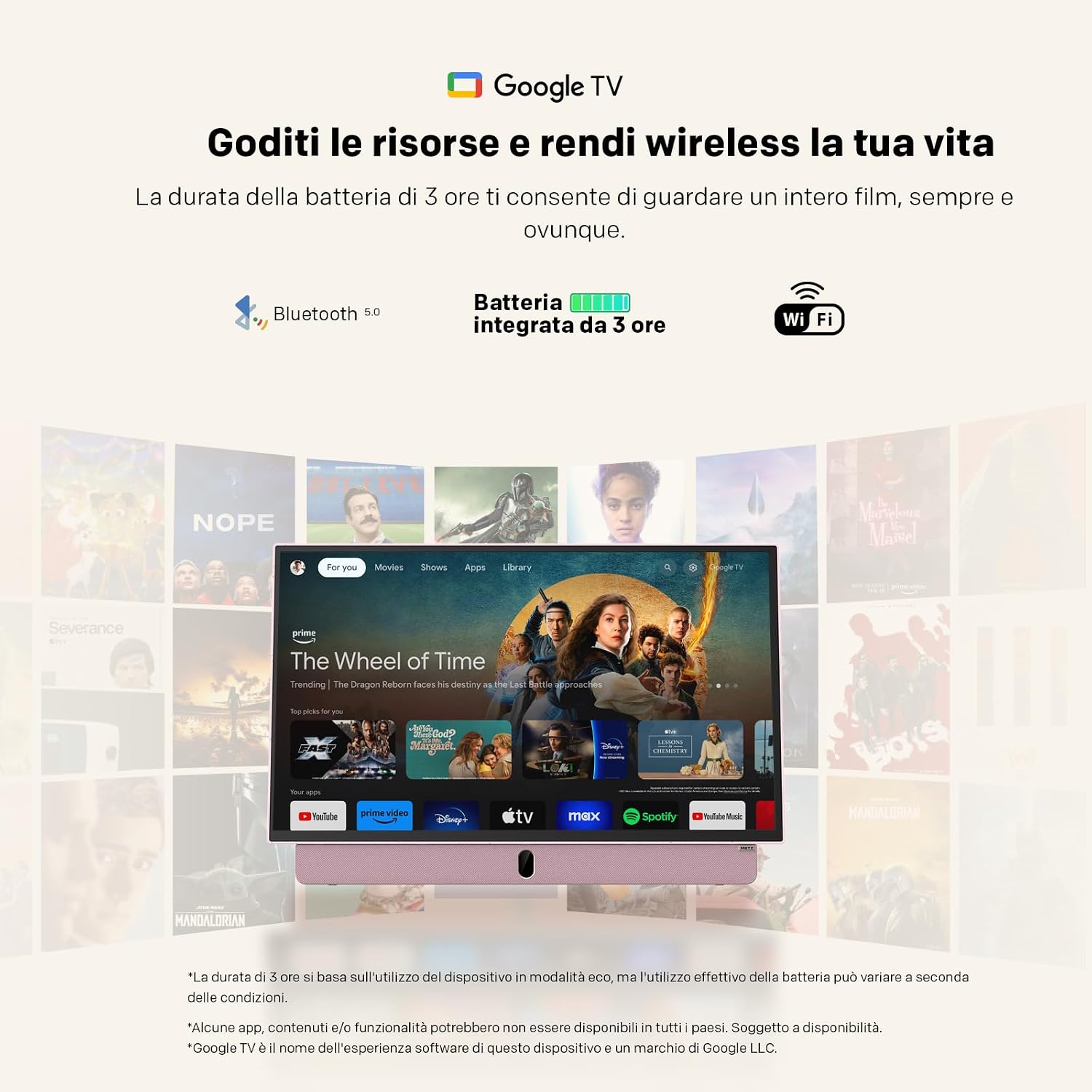
4. Network and Google TV Setup
Upon first power-on, the TV will guide you through the initial setup process for Google TV. This requires an internet connection (Wi-Fi 5 or LAN) and a Google account. Follow the on-screen instructions to connect to your Wi-Fi network and log in to your Google account. This step is mandatory for full functionality, including accessing smart features and apps.
Návod k obsluze
Základní operace
- Zapnutí/vypnutí: Press the power button on the remote control or the TV. Initial power-on requires a connected power source.
- Ovládání hlasitosti: Použijte tlačítka pro zvýšení/snížení hlasitosti na dálkovém ovladači.
- Navigace kanálu: Use the number buttons or the program up/down buttons on the remote to change channels.
- Výběr zdroje: Press the "Source" button on the remote to switch between inputs (HDMI, USB, TV, etc.).
Konektivita
- HDMI: Connect external devices like gaming consoles, Blu-ray players, or laptops using an HDMI cable.
- USB: Vložte USB disky do view photos, play videos, or listen to music. The USB port provides 5V/500mA.
- Bluetooth: Pair Bluetooth-enabled devices such as headphones or speakers for wireless audio.
- Wi-Fi 5 / LAN: Connect to your network for internet access, streaming services, and Google TV features.
Funkce Google TV
Navigate the Google TV interface using the remote control's directional pad and select button. Access a wide range of streaming applications, live TV, and personalized content recommendations. A stable internet connection is required for optimal performance of smart features.

Údržba
Čištění televizoru
Obrazovku jemně otřete měkkým hadříkem, který nepouští vlákna. V případě odolných skvrn ji lehce otřete.ampOmyjte hadřík vodou nebo roztokem na čištění obrazovky. Nepoužívejte agresivní chemikálie ani abrazivní materiály. Na tělo televizoru použijte suchý, měkký hadřík.
Péče o baterie
- Chcete-li prodloužit životnost baterie, vyvarujte se častého úplného vybíjení.
- Pokud televizor delší dobu nepoužíváte, skladujte jej na chladném a suchém místě.
- Pokud skladujete zařízení delší dobu, nabijte baterii před uskladněním přibližně na 50 %.
Odstraňování problémů
- Televizor se nezapne: Ensure the TV is connected to a power source for the initial power-on. Check if the power adapter is securely connected to both the TV and the electrical outlet. If using battery, ensure it is charged.
- No picture/sound: Verify that the correct input source is selected (e.g., HDMI 1, TV). Check all cable connections. For broadcast TV, ensure the antenna is properly connected and positioned.
- Problémy s připojením Wi-Fi: The TV may not remember Wi-Fi settings after a power cycle, requiring manual reconnection to your hotspot each time. Ensure your Wi-Fi network is active and within range. Try restarting your router.
- Dálkové ovládání nefunguje: Zkontrolujte a vyměňte baterie v dálkovém ovladači. Ujistěte se, že mezi dálkovým ovladačem a infračerveným senzorem televizoru nejsou žádné překážky.
- Pomalý výkon: Ensure your internet connection is stable. Close any unused applications running in the background on Google TV.
- Adhesives on screen: If you encounter stubborn screen adhesives, gently warm them with a hairdryer on a low setting before peeling. Clean any residue with a soft cloth and screen cleaner.
Specifikace
| Funkce | Specifikace |
|---|---|
| Značka | Metz |
| Model | MPE7300Z |
| Velikost obrazovky | 24 palce |
| Technologie displeje | LED |
| Rezoluce | 1080p (FHD) |
| Obnovovací frekvence | 60 Hz |
| Speciální funkce | Portable, Anti-glare, Google TV |
| Technologie připojení | HDMI, USB, Bluetooth, Wi-Fi 5 |
| Rozměry produktu (D x Š x V) | 8P x 55d x 37v cm (cca 8 x 55 x 37 cm) |
| Celkový počet portů HDMI | 1 |
| Baterie | 1 Lithium Ion battery (included), up to 3 hours autonomy |
| Modelový rok | 2025 |
| Kódování videa | Hlavní HEVC 10 |
Informace o záruce
The Metz MPE7300Z Portable Smart TV comes with a 2letá záruka výrobce. Please retain your proof of purchase for warranty claims. For detailed terms and conditions, refer to the official Metz webwebu nebo kontaktujte zákaznickou podporu.
Podpora
For further assistance, please refer to the digital user manual available on the product page or visit the official Metz support website. You can also contact Metz customer service for technical support or service inquiries.
Oficiální uživatelská příručka (PDF): Download PDF Manual
Metz Store on Amazon: Visit Metz Store
Související videa
August DA383 10-inch Portable TV Overview
Toto video poskytuje přesview of the August DA383 10-inch Portable TV, demonstrating its features such as DVD playback and multimedia storage options. While not the Metz MPE7300Z, it illustrates general portable TV functionalities that may be similar.