
1. Úvod
This manual provides detailed instructions for the assembly, operation, and maintenance of your Perlegear PGTVS32B Universal Swivel TV Stand with LED Lights. Please read this manual thoroughly before installation and retain it for future reference. This TV stand is designed to support 30-70 inch flat-panel LCD/LED TVs weighing up to 88 lbs (40 kg), with VESA patterns ranging from 100x100mm to 400x400mm.
2. Bezpečnostní informace
VAROVÁNÍ: Failure to read and follow these instructions may result in serious personal injury or property damage. If you do not understand these instructions or have doubts about the safety of the installation, please contact customer service.
- Verify that the TV stand can support the weight of your TV. The maximum load capacity is 88 lbs (40 kg).
- Ujistěte se, že je montážní vzor VESA vašeho televizoru kompatibilní se stojanem (100x100 mm až 400x400 mm).
- Do not exceed the maximum screen size of 70 inches.
- Tento výrobek je určen pouze pro vnitřní použití.
- Během montáže držte děti a domácí zvířata mimo dosah.
- Tighten all screws firmly but do not overtighten. Overtightening can damage the screws and components.
- Always use an assistant for lifting and positioning the TV.
- Regularly check the stand for any loose screws or signs of wear.
3. Obsah balení
Please ensure all parts are present and undamaged before assembly. If any parts are missing or defective, contact Perlegear customer service for assistance.
The package includes the TV stand components, necessary assembly hardware (screws, washers, spacers), and tools for assembly.
4. Montážní návod
Follow these steps carefully for proper assembly. An assembly video is provided below for visual guidance.
Official Perlegear assembly video for the Universal Swivel TV Stand with LED Lights.
- Krok 1: Připevněte držáky televizoru k televizoru
Carefully place your TV face down on a soft, clean surface. Attach the TV brackets to the back of your TV using the appropriate screws and spacers. Ensure the brackets are securely fastened and aligned with the VESA mounting holes.
Image: TV brackets being attached to the rear of the television.
- Step 2: Connect the Support Pillar to the Base
Assemble the support pillar to the tempered glass base using the provided screws and tools. Ensure the connection is stable and secure.

Image: The stable tempered glass base of the TV stand.
- Step 3: Secure the TV Plate to the Extension Pillar
Attach the TV plate to the top of the support pillar. Use the designated screws to firmly secure the plate, which will hold the TV.
- Step 4: Attach the Light Bar Brackets
Install the light bar brackets onto the TV plate. These brackets will hold the LED light bars in place.
- Step 5: Hang the TV on the TV Plate
With assistance, carefully lift your TV and hook the attached TV brackets onto the TV plate. Ensure the TV is properly seated and secured.
- Step 6: Insert the Light Bars
Slide the LED light bars into the installed light bar brackets. Connect the light bars to the control unit.

Image: The TV stand with integrated RGB LED lighting.
- Krok 7: Správa kabelů
Utilize the integrated cable management clips on the support pillar to organize and conceal TV and light bar cables for a tidy appearance.

Image: Detail of cable management clips and security locks.

5. Návod k obsluze
5.1 Nastavení výšky
The TV stand offers 9 levels of height adjustment, allowing you to position your TV between 18 inches and 24.5 inches from the tabletop. This is achieved through 3 installation positions on the column and 3 height choices on the TV brackets. Adjust the height before hanging the TV or with assistance if the TV is already mounted.

Image: Visual representation of the 9 height adjustment settings.
5.2 Nastavení natočení
The TV stand allows for a swivel range of +/-30 degrees. This feature enables you to adjust the viewing angle without moving the entire stand, reducing glare and optimizing your viewing experience. To adjust, gently rotate the TV to the desired angle.

Image: TV stand demonstrating its swivel capability for flexible viewIng.
5.3 Nastavení sklonu
The TV can be tilted up to 8 degrees to further optimize viewing angles and reduce reflections. Use the provided Allen key to loosen the tilt adjustment screws, set the desired tilt, and then re-tighten the screws.
5.4 Ovládání LED osvětlení
The integrated LED lights offer 16.8 million colors and various effects. You can control the lighting using three methods:
- Telefonní aplikace: Download the dedicated app to access full customization, including color selection, effects, speed, and brightness.
- Dálkové ovládání: Use the included remote to change colors, effects, and adjust settings.
- Dálkové ovládání ve kabelu: A basic control unit on the cable allows for quick adjustments.
A music sync mode is also available, allowing the lights to react to audio.

Image: Custom colors and effects of the LED lighting, showing app, remote, and in-line controls.
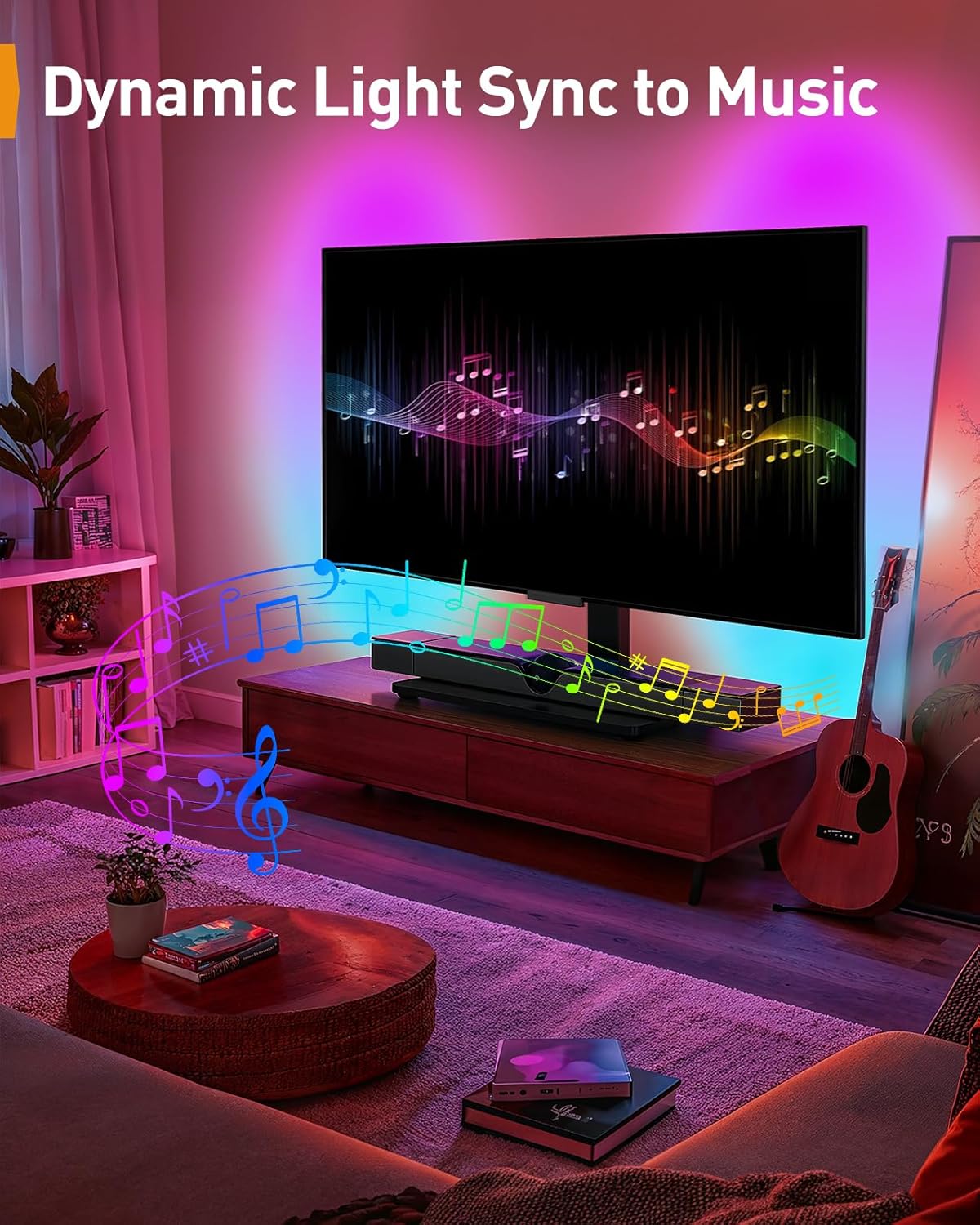
Image: Dynamic light sync to music feature in action.
6. Údržba
- Čištění: Use a soft, dry cloth to clean the stand. Avoid abrasive cleaners or solvents that may damage the finish.
- Inspekce: Pravidelně kontrolujte všechny šrouby a spoje, zda jsou pevně utažené. V případě potřeby je dotáhněte.
- Správa kabelů: Ensure cables are neatly managed and not pinched or strained.
7. Řešení problémů
- TV is wobbly: Ensure all assembly screws are tightened. Verify the TV weight and size are within the stand's specifications.
- LED světla nefungují: Check power connections. Ensure the remote control batteries are functional. Try controlling with the app or in-line remote.
- Difficulty with tilt/swivel: Ensure adjustment screws are sufficiently loosened before attempting to move the TV, then re-tighten.
- TV does not fit: Double-check your TV's VESA pattern and screen size against the stand's compatibility (30-70 inches, VESA 100x100mm to 400x400mm).
8. Specifikace
| Funkce | Specifikace |
|---|---|
| Model | PGTVS32B |
| Kompatibilní velikost TV | 30 - 70 palce |
| Maximální nosnost | 88 lb (40 kg) |
| Kompatibilita VESA | 100x100mm, 100x200mm, 200x100mm, 200x200mm, 200x300mm, 300x200mm, 300x300mm, 400x200mm, 400x300mm, 400x400mm |
| Nastavení výšky | 9 levels (18 - 24.5 inches) |
| Otočný rozsah | +/- 30 stupňů |
| Úhel náklonu | Až 8 stupňů |
| Materiál | Legovaná ocel, tvrzené sklo |
| Barva | Černý |
| LED osvětlení | RGB (16.8 million colors), Music Sync, App/Remote/In-line control |

Obrázek: Overview of universal fit, VESA compatibility, and maximum load.

Image: Explanation of VESA mounting, showing horizontal and vertical distances.

Image: Various compatible VESA patterns from 100x100mm to 400x400mm.
9. Záruka a podpora
Perlegear provides a 5-year warranty for this product. For detailed warranty information, product support, or to report any issues, please contact Perlegear customer service directly. Contact information can typically be found on the manufacturer's webmísto nebo obal produktu.