
1. Úvod
Thank you for choosing the truke Crystal Dyno True Wireless Earbuds. These earbuds are designed to provide an immersive audio experience with advanced features such as Spatial Audio, long battery life, and clear call quality. This manual will guide you through the setup, operation, and maintenance of your new earbuds.

Image: truke Crystal Dyno True Wireless Earbuds in Oak Brown with their charging case.
2. Co je v krabici
Upon unboxing your truke Crystal Dyno Earbuds, please ensure all the following items are present:
- truke Crystal Dyno True Wireless Earbuds
- Bezdrátové nabíjecí pouzdro
- USB nabíjecí kabel
- Ušní nástavce (různé velikosti)
- Uživatelská příručka (tento dokument)

Image: The truke Crystal Dyno Earbuds, charging case, and accessories included in the package.
3. Nastavení a první použití
3.1 Nabíjení sluchátek a pouzdra
Before first use, fully charge the earbuds and the charging case. Connect the provided USB charging cable to the charging port on the case and a power source. The LED indicator on the case will show charging status. Once fully charged, the indicator will change or turn off.
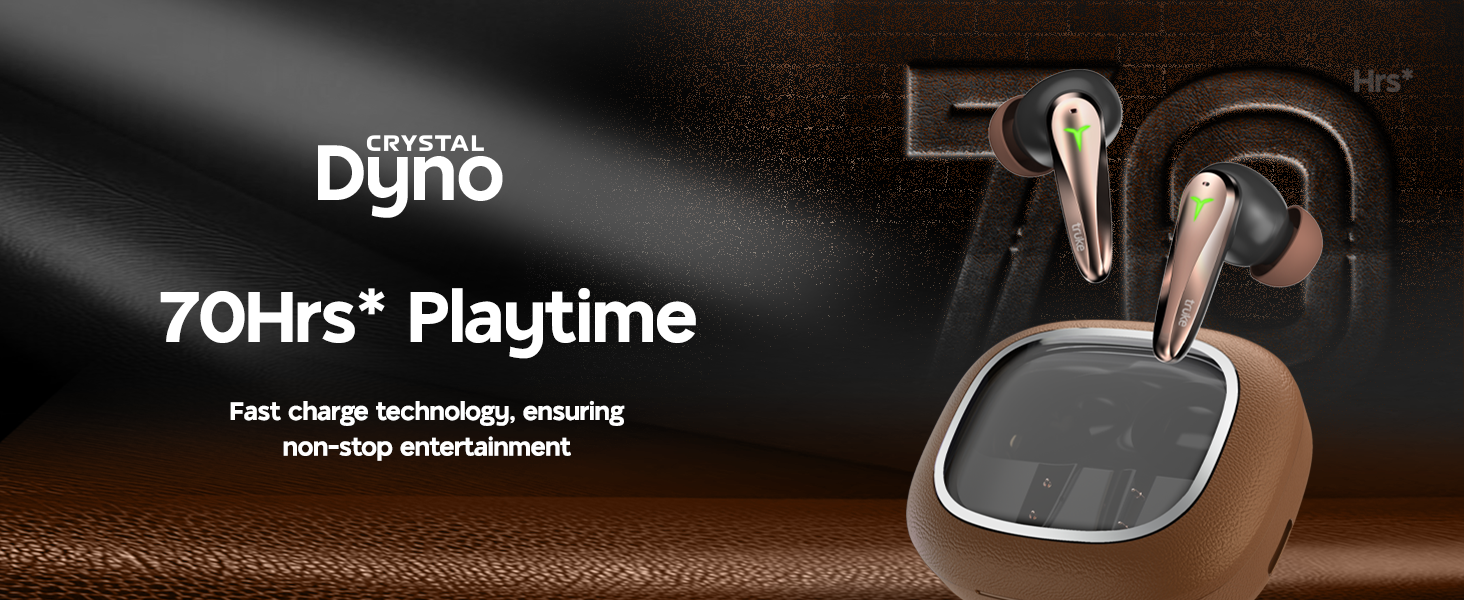
Image: The truke Crystal Dyno Earbuds in their charging case, illustrating the 70 hours of playtime and rapid charge feature.
3.2 Párování s vaším zařízením
- Otevřete nabíjecí pouzdro. Sluchátka se automaticky přepnou do režimu párování, což bude signalizováno blikajícími LED diodami na sluchátkách.
- Na smartphonu nebo jiném zařízení s podporou Bluetooth přejděte do nastavení Bluetooth.
- Hledat available devices and select "truke Crystal Dyno" from the list.
- Once connected, the LED indicators on the earbuds will stop flashing, and you will hear a confirmation tone.
The earbuds will automatically reconnect to the last paired device when taken out of the case, provided Bluetooth is enabled on your device.
4. Návod k obsluze
4.1 Dotykové ovládání
The truke Crystal Dyno Earbuds feature intuitive touch controls on each earbud. Refer to the table below for common functions:
| Akce | Funkce |
|---|---|
| Jedno klepnutí (vlevo/vpravo) | Přehrát/Pozastavit hudbu, Přijmout/Ukončit hovor |
| Dvojité klepnutí (vpravo) | Další stopa |
| Dvojité klepnutí (vlevo) | Předchozí stopa |
| Trojité klepnutí (vpravo) | Zvýšení hlasitosti |
| Trojité klepnutí (vlevo) | Snížit hlasitost |
| Dlouhé stisknutí (2 s) (vlevo/vpravo) | Aktivace hlasového asistenta, odmítnutí hovoru |
| Quad Tap (Left/Right) | Toggle Gaming Mode (40ms Ultra Low Latency) |
4.2 Prostorový zvuk
The earbuds feature 360° Spatial Audio for an immersive listening experience. This feature is automatically enabled when supported content is played. Ensure your device's audio settings are configured to utilize spatial audio if available.
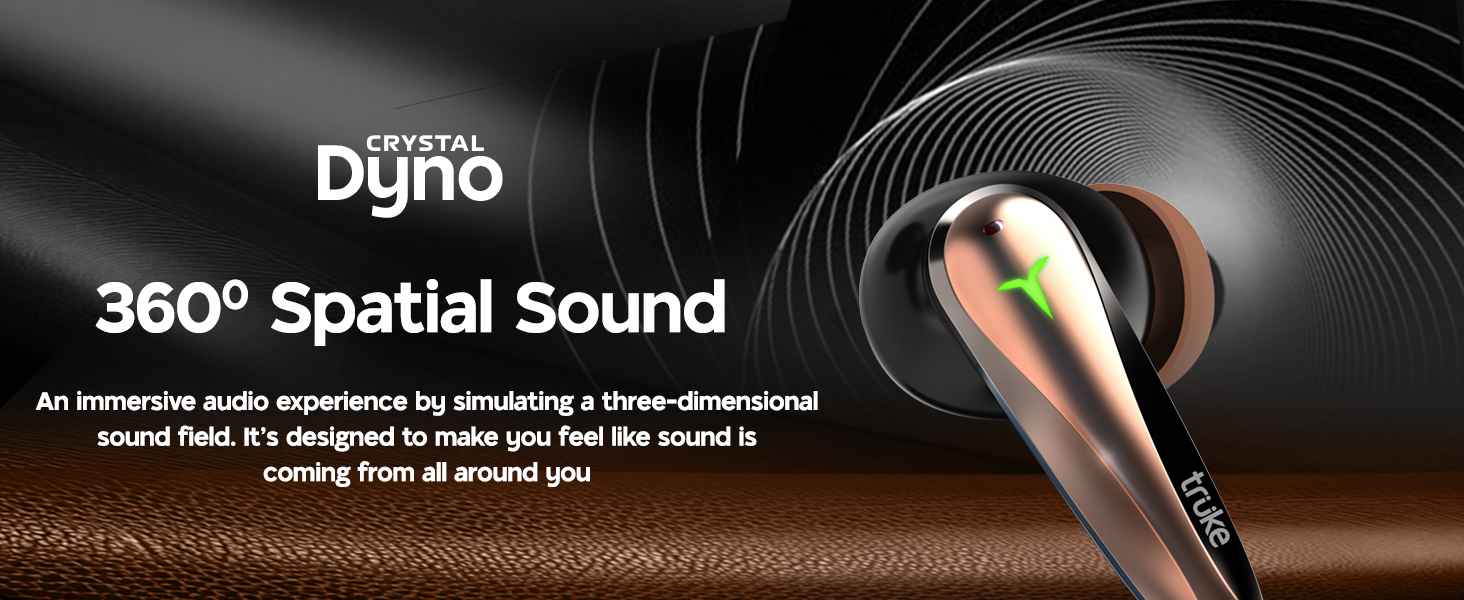
Image: A person enjoying music with the truke Crystal Dyno Earbuds, illustrating the 360° Spatial Sound feature.
5. Údržba
To ensure the longevity and optimal performance of your truke Crystal Dyno Earbuds, follow these maintenance guidelines:
- Čištění: Pravidelně čistěte sluchátka a nabíjecí pouzdro měkkým, suchým hadříkem, který nepouští vlákna. Nepoužívejte agresivní chemikálie ani abrazivní materiály.
- Špunty do uší: Pravidelně sundávejte ušní ocásky a čistěte je vodou a jemným mýdlem. Před opětovným nasazením se ujistěte, že jsou zcela suché.
- Skladování: Pokud sluchátka nepoužíváte, uložte je do nabíjecího pouzdra, abyste je chránili před prachem a poškozením.
- Voděodolnost: The earbuds are IPX5 water resistant, meaning they can withstand splashes and sweat. Do not submerge them in water or expose them to heavy rain.
6. Řešení problémů
If you encounter any issues with your truke Crystal Dyno Earbuds, please refer to the following common solutions:
| Problém | Řešení |
|---|---|
| Sluchátka se nespárují | Ujistěte se, že jsou sluchátka nabitá. Vypněte a zapněte Bluetooth na zařízení. V nastavení Bluetooth zařízení zapomeňte a znovu jej spárujte. |
| Funkční pouze jedno sluchátko | Place both earbuds back in the case, close it, then open again. Ensure both earbuds are charged. |
| Žádný zvuk nebo nízká hlasitost | Check device volume and earbud volume. Ensure earbuds are properly seated in your ears. Clean any debris from the earbud grilles. |
| Problémy s nabíjením | Ensure charging cable is securely connected. Try a different USB port or power adapter. Clean charging contacts on earbuds and case. |
| Špatná kvalita hovoru | Ensure microphones are not obstructed. Move to an area with less background noise. |
Pokud problém přetrvává, kontaktujte prosím zákaznickou podporu.
7. Specifikace
| Funkce | Detail |
|---|---|
| Název modelu | truke Crystal Dyno |
| Číslo modelu | F221 |
| Technologie připojení | Bezdrátové (Bluetooth) |
| Verze Bluetooth | 5.4 |
| Typ zvukového ovladače | 13mm titanový dynamický měnič |
| Životnost baterie | Až 70 hodin (s nabíjecím pouzdrem) |
| Rychlé nabíjení | 10 minutes charge = 150 minutes playback |
| Nízká latence | 40 ms ultra nízká latence |
| Mikrofony | Quad-mic PureVoice ENC (Environmental Noise Cancellation) |
| Speciální funkce | Spatial Audio, IPX5 Water Resistance |
| Kontrolní metoda | Dálkové ovládání (dotykové ovládání) |
| Umístění uší | V uchu |
| Materiál | Plastic (with Leather Finish case) |
| Hmotnost položky | 41.1 g |
| Rozměry produktu | 5 x 5 x 2.6 cm |
8. Záruka a podpora
Your truke Crystal Dyno Earbuds come with a 12-month warranty from the date of purchase, ensuring peace of mind and reliable service support. For any warranty claims, technical assistance, or product-related inquiries, please contact truke customer service.
For further information and support, you may also visit the official truke website or refer to your purchase platform's support section.
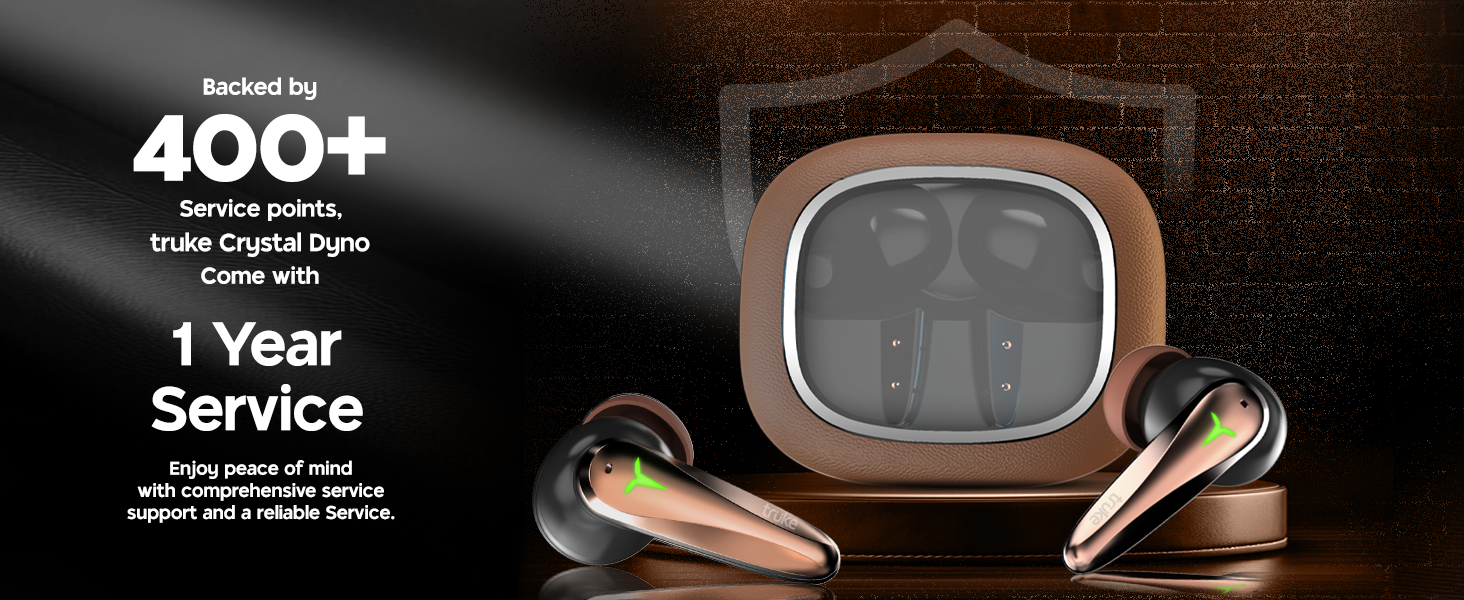
Image: truke Crystal Dyno Earbuds highlighting 1 year service and 400+ service points.