
DOOGEE U11-V
Tablet DOOGEE U11 s Androidem 15
Uživatelská příručka
Konec produktuview
The DOOGEE U11 is an 11-inch Android 15 tablet designed for versatile use, from productivity to entertainment. It features a powerful Octa-Core processor, a high-resolution 90Hz display, and a long-lasting 8580mAh battery. This tablet comes equipped with ample storage and expandable memory, along with a suite of accessories to enhance your experience.
Key features include: Android 15 OS, 11-inch IPS 90Hz display, T606 Octa-core processor, 16GB RAM (expandable), 128GB internal storage (expandable up to 2TB), 8580mAh battery, 13MP main camera, 5MP front camera, dual speakers, Dual-Band WiFi, Bluetooth 5.0, AGPS, Face ID, and pre-installed WPS Office.

Image: DOOGEE U11 Android 15 Tablet shown with its full accessory kit, including the tablet, keyboard, mouse, and stylus.
Obsah balení
Po otevření balení ověřte, zda jsou v něm obsaženy všechny následující položky:
- 1 x DOOGEE U11 Tablet
- 1 x Tempered Glass Film
- 1 x Business Leather Case
- 1 x Bluetooth Keypad
- 1 x Stylus
- 1x Myš
- 1x Nabíječka
- 1 x USB kabel typu C
- 1 x jehla pro vyjmutí SIM karty
- 1 x Uživatelská příručka
- 1 x Balící krabice
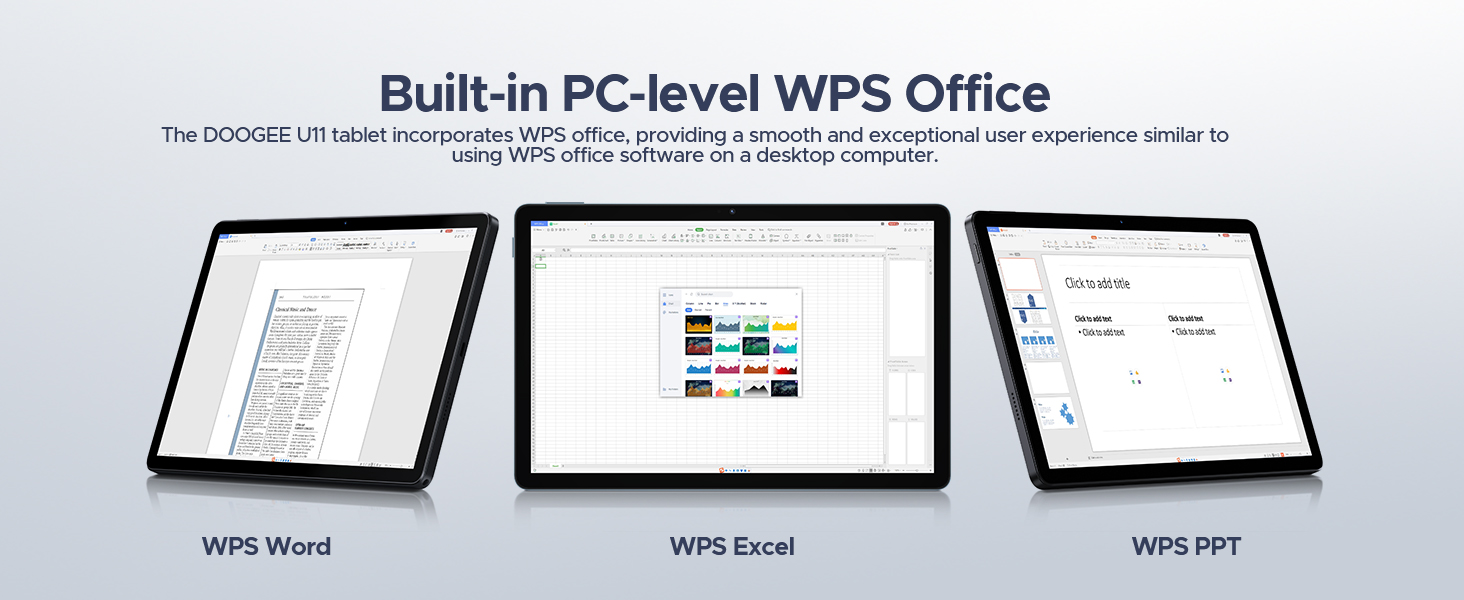
Image: A visual representation of all items included in the DOOGEE U11 Tablet package.
Průvodce nastavením
1. Počáteční nabíjení
Before first use, fully charge the DOOGEE U11 tablet using the provided charger and Type-C USB cable. Connect the cable to the tablet's charging port and the charger to a power outlet. The battery indicator on the screen will show charging progress.
2. Zapnutí/vypnutí
- Zapnutí: Stiskněte a podržte tlačítko napájení na boku tabletu, dokud se nezobrazí logo DOOGEE.
- Vypnutí: Stiskněte a podržte tlačítko Napájení, dokud se na obrazovce nezobrazí nabídka možností napájení. Vyberte možnost „Vypnout“ a potvrďte.
3. Počáteční nastavení systému Android
Upon first power-on, follow the on-screen prompts to complete the initial Android 15 setup. This includes selecting your language, connecting to a Wi-Fi network, setting up your Google account, and configuring basic security settings.
4. Installing SIM/TF Card (Optional)
If you plan to use mobile data or expand storage, locate the SIM/TF card slot on the tablet. Use the provided SIM card removal needle to open the tray. Carefully insert your Nano-SIM card and/or microSD/TF card (up to 2TB) into the designated slots, ensuring correct orientation. Close the tray securely.
5. Connecting Bluetooth Accessories
The DOOGEE U11 comes with a Bluetooth keyboard and mouse. To pair them:
- Přejít na Nastavení > Připojená zařízení > Bluetooth on your tablet and turn Bluetooth on.
- Put the keyboard/mouse into pairing mode (refer to their individual manuals for specific instructions, usually involves holding a button).
- Select the accessory from the list of available devices on your tablet and follow any on-screen prompts to complete pairing.
Návod k obsluze
Funkce displeje
The DOOGEE U11 features an 11-inch IPS full-color display with a 1280x800 pixel resolution, offering clear and vibrant visuals. The 90Hz refresh rate provides a smoother scrolling and gaming experience.

Image: Details of the tablet's 11-inch IPS display, highlighting its resolution, screen-to-body ratio, screen color, and contrast.
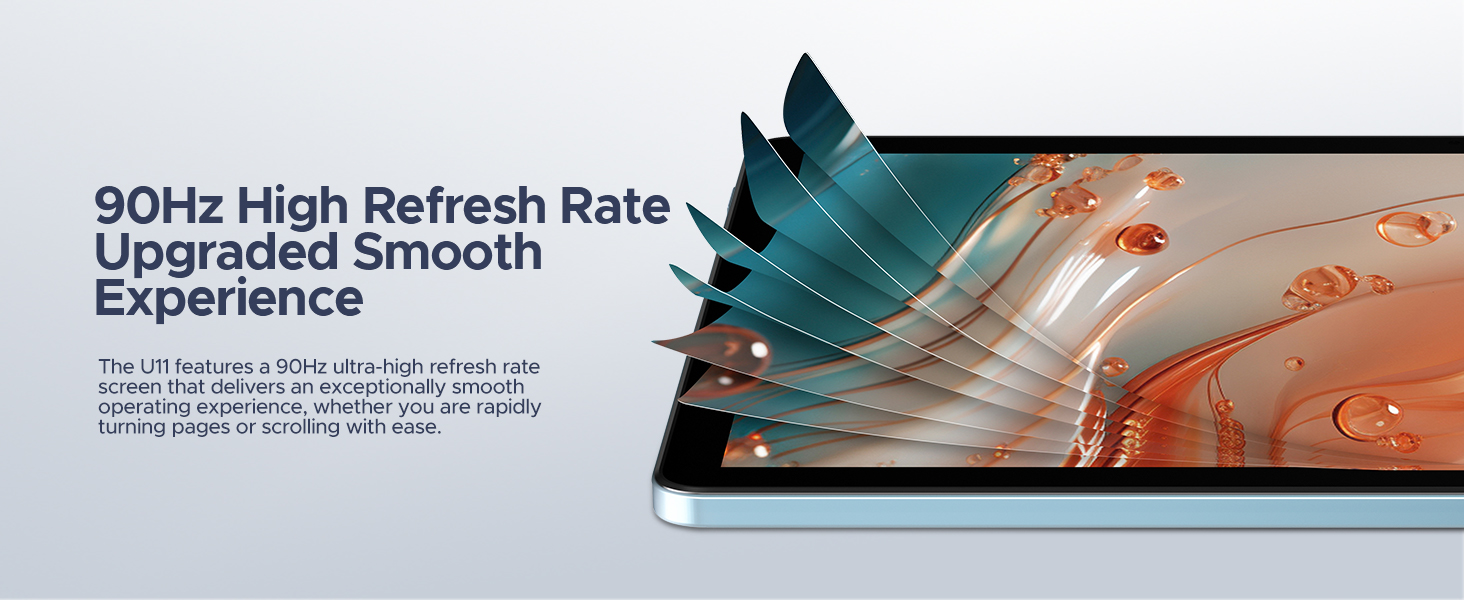
Image: Visual representation of the 90Hz high refresh rate, indicating a smoother user experience.
Výkon a úložiště
Equipped with a Unisoc T606 Octa-core processor, the tablet ensures efficient multitasking and smooth operation. It comes with 16GB of RAM (4GB physical + 12GB expandable) and 128GB of internal storage, which can be expanded up to 2TB using a microSD/TF card.

Image: Diagram illustrating the Unisoc T606 Octa-core processor, its clock speed, and GPU.

Image: Visualizing the 128GB internal storage with 2TB expansion capability and 4GB physical RAM with 12GB virtual expansion.
Životnost baterie
The 8580mAh battery provides extended usage times for various activities, including standby, music playback, video watching, and web browsing. The tablet also supports reverse charging, allowing it to act as a power bank for other devices.

Obrázek: Interní view of the tablet highlighting the 8580mAh battery and its estimated usage hours for different activities.
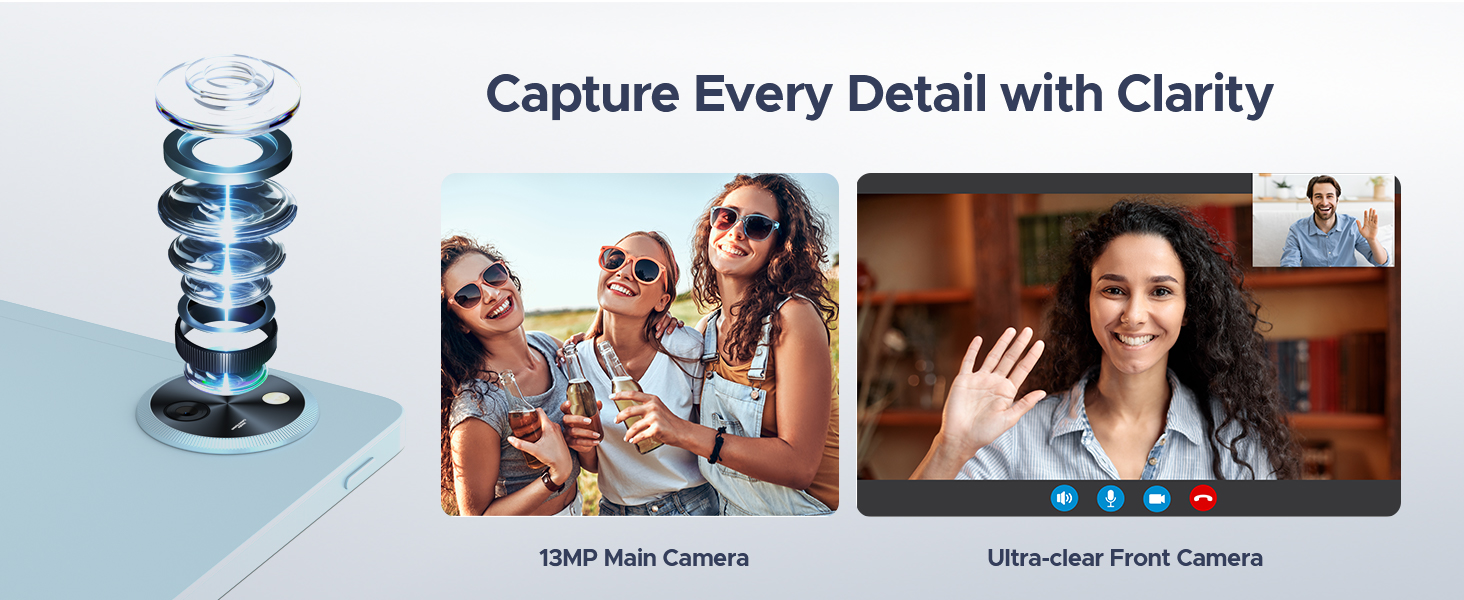
Image: The tablet connected via USB-C to a smartphone, demonstrating its reverse charging capability.
Cameras and Audio
Capture moments with the 13MP main camera and engage in clear video calls using the 5MP front camera. The tablet's professionally tuned dual speakers deliver clear and loud sound for an immersive audio experience.

Image: Depiction of the tablet's 13MP main camera and 5MP front camera, showcasing their clarity for photos and video calls.

Image: The tablet displaying a game, with a visual representation of sound waves emanating from its dual speakers.
Softwarové funkce (Android 15)
The DOOGEE U11 runs on the Android 15 operating system, offering a secure and personalized user experience. Features include:
- PC Mode with WPS Office: Easily switch to a PC-like interface for efficient work with pre-installed WPS Office (Word, Excel, PPT).
- Funkce rozdělené obrazovky: Zvládněte více úkolů současně spouštěním dvou aplikací na obrazovce.
- Režim slabého modrého světla: Snižuje vyzařování modrého světla pro pohodlné viewběhem delšího používání.
- Rodičovská kontrola: Manage and restrict access for children.
- Funkce pro více uživatelů: Vytvořte samostatného uživatele profiles for different individuals.
- Odemknutí obličejem: Bezpečně odemkněte zařízení pomocí rozpoznávání obličeje.
- Certifikace Widevine L1: Enjoy 1080P HD streaming on platforms like YouTube, HBO, and Amazon Prime Video.
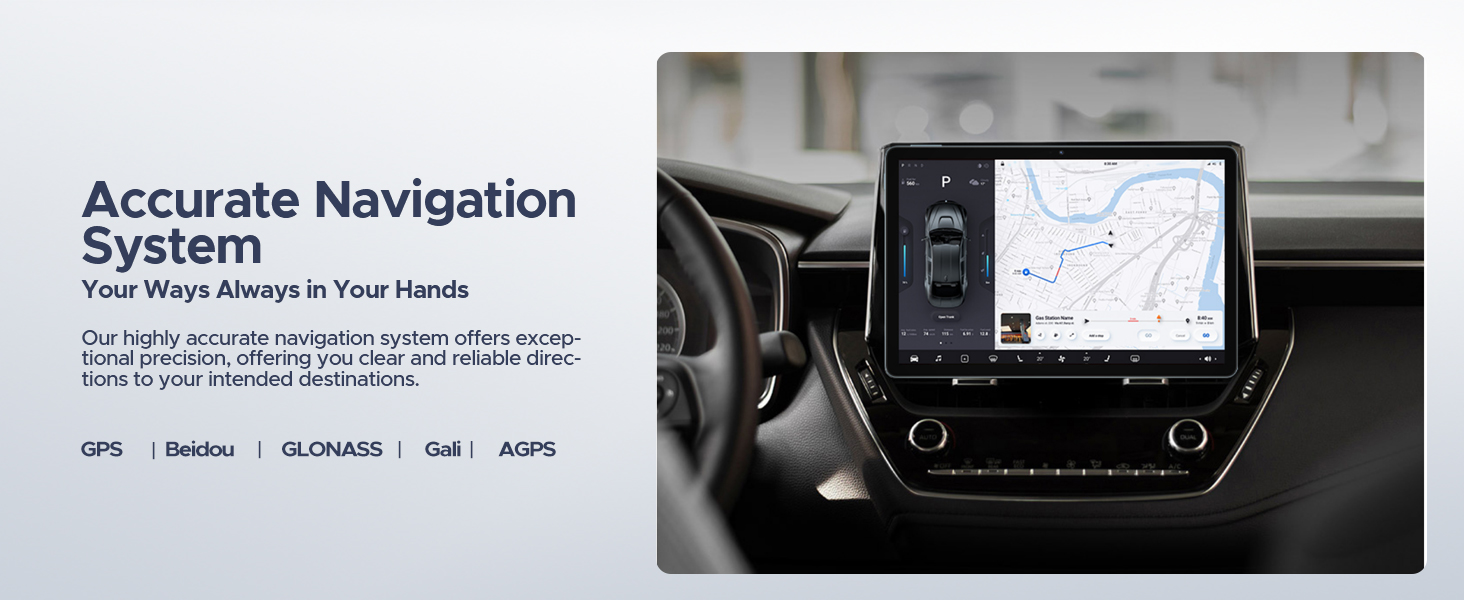
- Přesný navigační systém: Supports GPS, Beidou, GLONASS, Gali, and AGPS for reliable location services.
- Funkce FM rádia: Listen to FM radio stations by plugging in headphones.
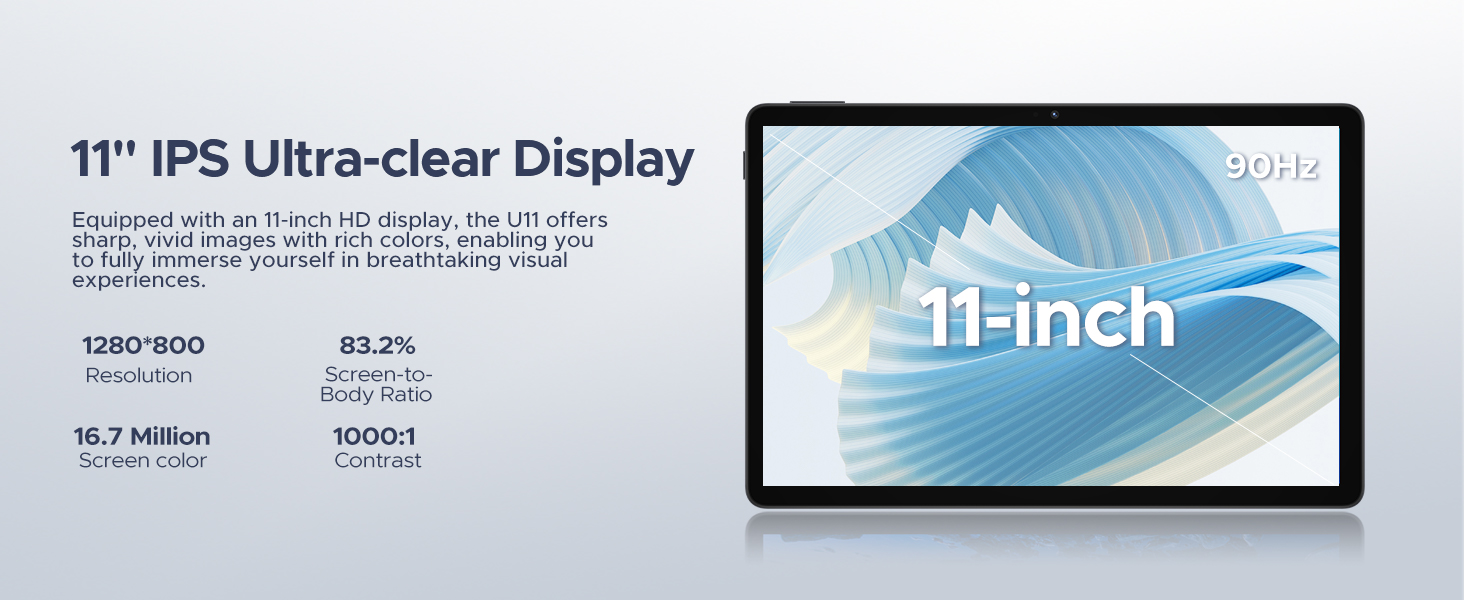
Image: The tablet screen displaying the Android 15 logo and various app icons, emphasizing the new operating system.
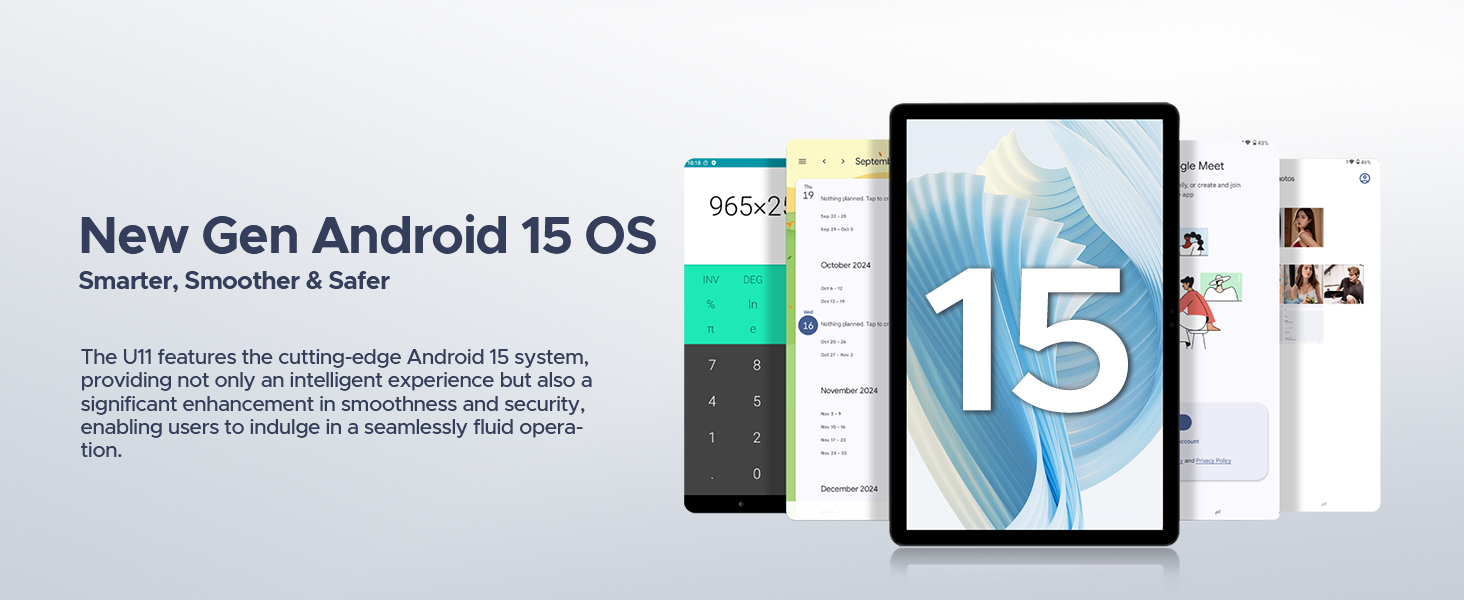
Image: Icons representing Bedtime Mode, Automatic Screen Brightness Adjustment, Multi-user System, and Parental Control features.

Image: The tablet screen showing two applications running side-by-side in split-screen mode, demonstrating multitasking.
Obrázek: Uživatel pohodlně viewing the tablet, with examples of the screen in normal and low blue light modes.
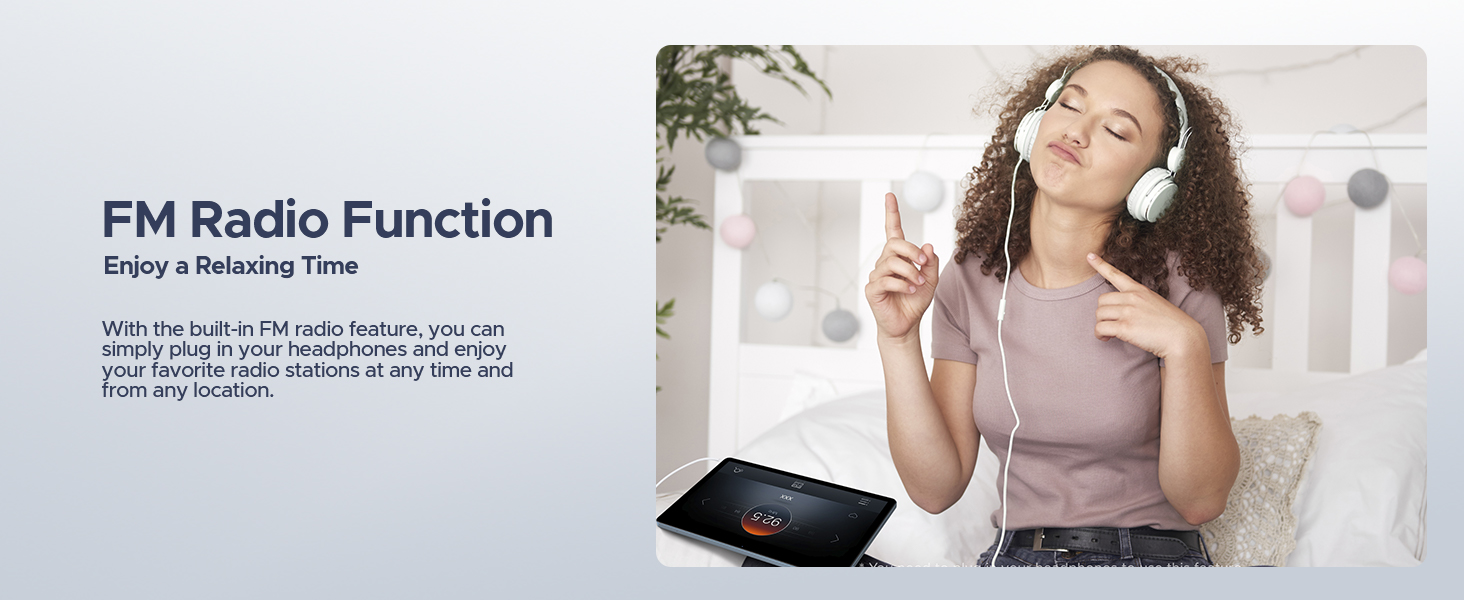
Image: A user unlocking the tablet using facial recognition technology.
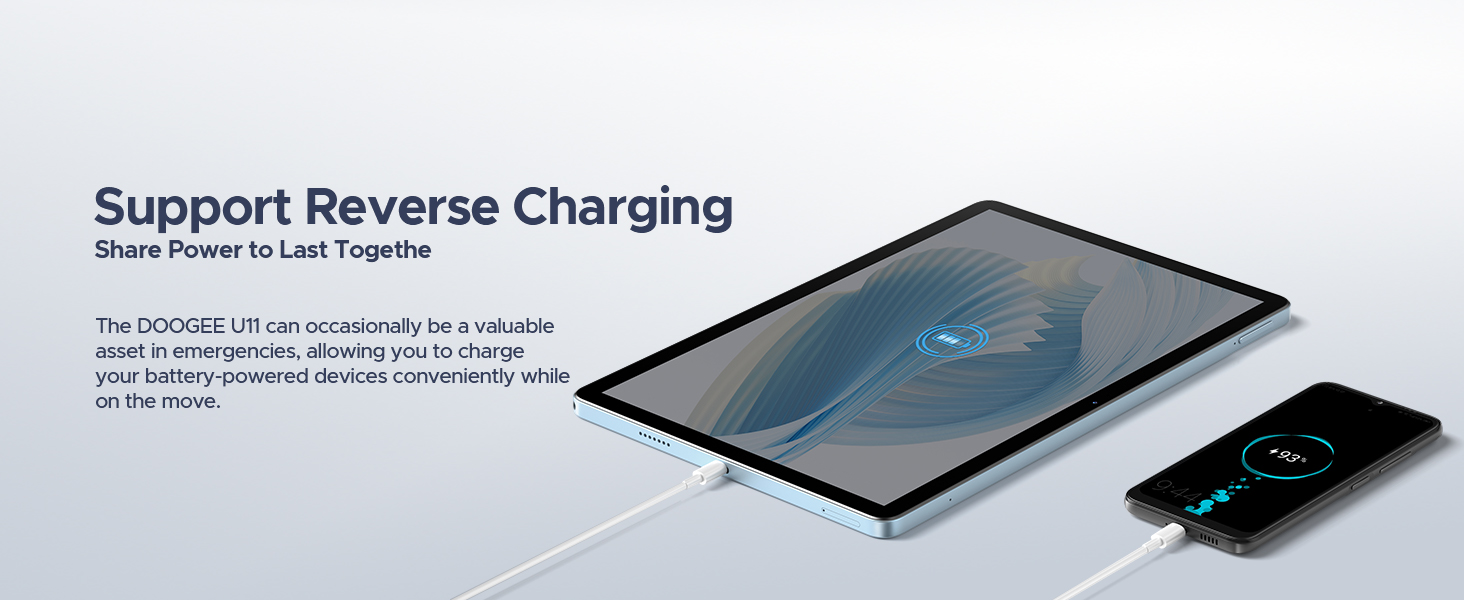
Image: The tablet displaying a high-definition video, with logos of streaming services like Netflix, Hulu, Prime Video, HBO Max, and YouTube, indicating Widevine L1 support.
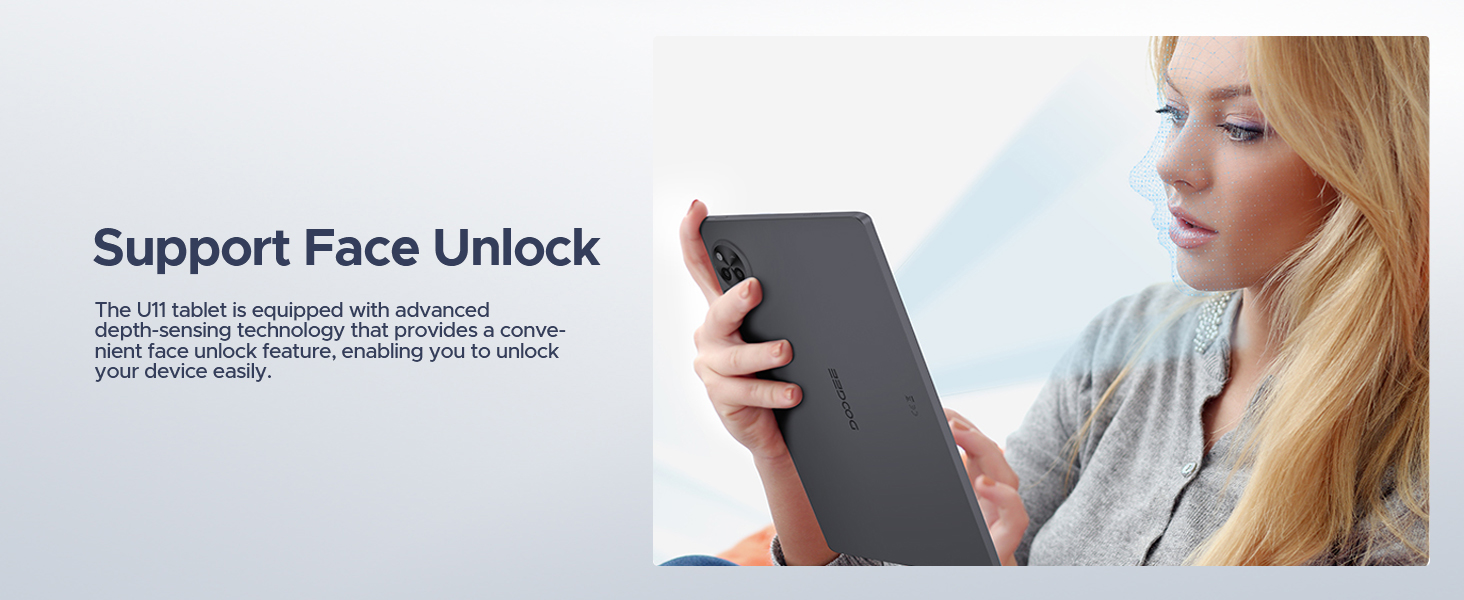
Image: The tablet displaying a navigation map within a car, highlighting support for GPS, Beidou, GLONASS, Gali, and AGPS.
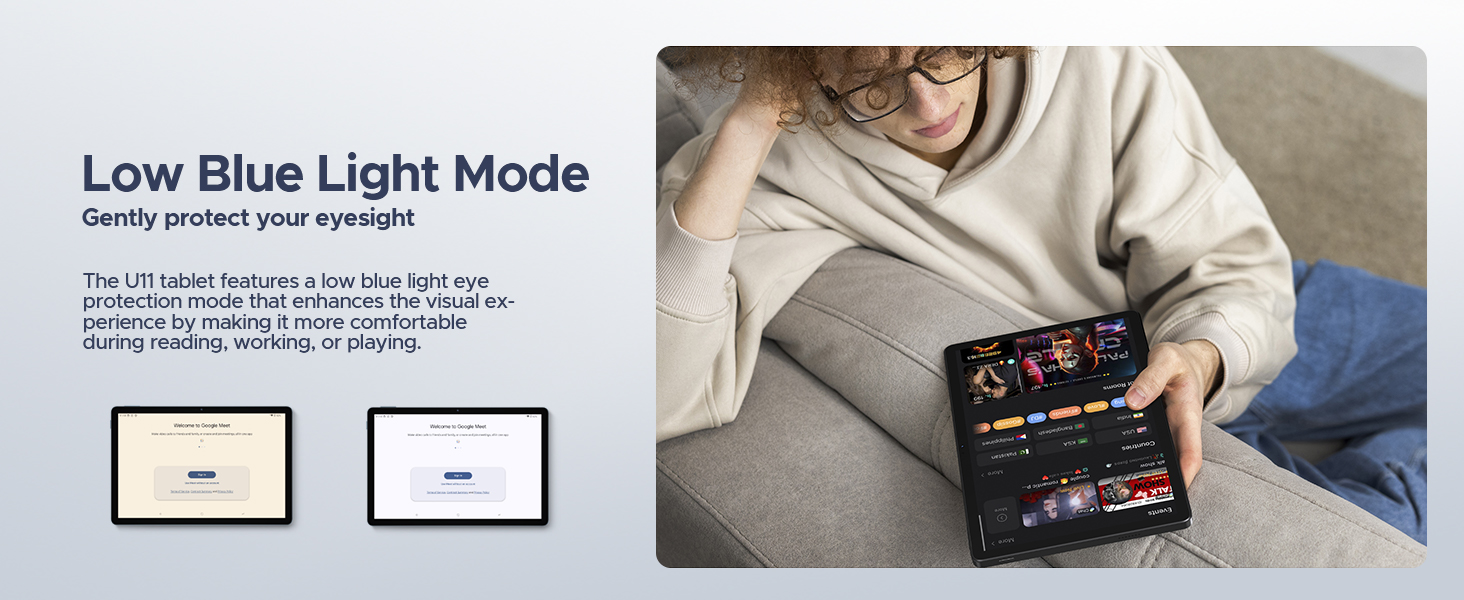
Image: The tablet screen showing WPS Office applications (Word, Excel, PPT), indicating PC-level productivity.
Údržba
Čištění tabletu
K čištění obrazovky a těla tabletu použijte měkký hadřík, který nepouští vlákna. V případě odolných šmouh lehceampOtřete hadřík vodou nebo čisticím roztokem vhodným pro obrazovku. Nepoužívejte agresivní chemikálie, abrazivní materiály ani nadměrnou vlhkost, protože by mohly zařízení poškodit.
Aktualizace softwaru
Pravidelně kontrolujte a instalujte aktualizace systému, abyste zajistili optimální výkon, zabezpečení a přístup k novým funkcím. Přejděte na Nastavení > Systém > Aktualizace systému to check for available updates. Ensure your tablet is connected to Wi-Fi and has sufficient battery life before starting an update.
Péče o baterie
Pro prodloužení životnosti baterie:
- Vyhněte se extrémním teplotám.
- Nenechávejte baterii často úplně vybít.
- Use the original charger provided with the tablet.
- Pokud tablet skladujete delší dobu, nabijte jej před vypnutím přibližně na 50 %.
Odstraňování problémů
Tato část se zabývá běžnými problémy, se kterými se můžete setkat u tabletu DOOGEE U11.
Zařízení se nezapíná
- Ujistěte se, že je baterie nabitá. Připojte tablet k nabíječce a před opětovným zapnutím počkejte několik minut.
- Stiskněte a podržte tlačítko napájení po dobu alespoň 10–15 sekund, abyste vynutili restart.
Obrazovka nereaguje nebo zamrzá
- Force restart the tablet by pressing and holding the Power button until the device reboots.
- Pokud problém přetrvává, zvažte provedení obnovení továrního nastavení (Note: This will erase all data on the tablet. Back up important data first.).
Wi-Fi or Bluetooth Connectivity Issues
- Toggle Wi-Fi/Bluetooth off and on in the tablet's settings.
- Restartujte Wi-Fi router nebo zařízení Bluetooth, ke kterému se pokoušíte připojit.
- Zapomeňte na síť/zařízení v nastavení a zkuste se znovu připojit.
Apps Crashing or Not Responding
- Vymažte mezipaměť a data aplikace (Nastavení > Aplikace > [Název aplikace] > Úložiště a mezipaměť).
- Odinstalujte a znovu nainstalujte problematickou aplikaci.
- Ujistěte se, že software tabletu je aktuální.
Specifikace
| Funkce | Detail |
|---|---|
| Značka | DOOGEE |
| Název modelu | U11-V |
| Operační systém | Android 15 |
| Velikost obrazovky | 11 palce |
| Maximální rozlišení obrazovky | 1280*800 pixelů |
| Procesor | 1.6 GHz Octa-Core (Unisoc T606) |
| BERAN | 16 GB (4 GB fyzická + 12 GB rozšiřitelná) |
| Interní úložiště | 128 GB |
| Rozšiřitelné úložiště | Až 2 TB (TF karta) |
| Kapacita baterie | 8580 XNUMX mAh |
| Hlavní fotoaparát | 13 MP |
| Přední kamera | 5 MP |
| Konektivita | Dual-Band WiFi (5GHz/2.4GHz), Bluetooth 5.0, AGPS |
| Rozměry (DxŠxV) | 10.1 x 6.67 x 0.31 palce |
| Hmotnost položky | 3.27 libry |
| Barva | Šedá |
Záruka a podpora
The DOOGEE U11 tablet comes with a two-year warranty service. DOOGEE also offers lifetime technical support for this product. If you encounter any issues or have questions, customer support is available to assist you within 24 hours.
For support, please refer to the contact information provided in your product packaging or visit the official DOOGEE webmísto.

Obrázek: Informace o zákaznickém servisu DOOGEE, včetně 30denní záruky vrácení peněz, 2leté omezené záruky a online podpory 24 hodin denně, 7 dní v týdnu.
Ask a question about this manual
Ask about setup, troubleshooting, compatibility, parts, safety, or missing instructions. Manuals+ will review the question and use this page’s manual context to help answer it.