
1. Úvod
The Access AST300 L1 Fingerprint Scanner is a biometric device designed for secure and accurate fingerprint authentication. Featuring a FAP 20 thermal sensor, it provides reliable live finger detection for various applications. This manual provides essential information for setting up, operating, maintaining, and troubleshooting your device to ensure optimal performance.
2. Konec produktuview
The AST300 L1 is a compact and lightweight fingerprint scanner. It connects via a C PIN (USB Type-C) for seamless integration with compatible systems. The device is designed for ease of use and portability.
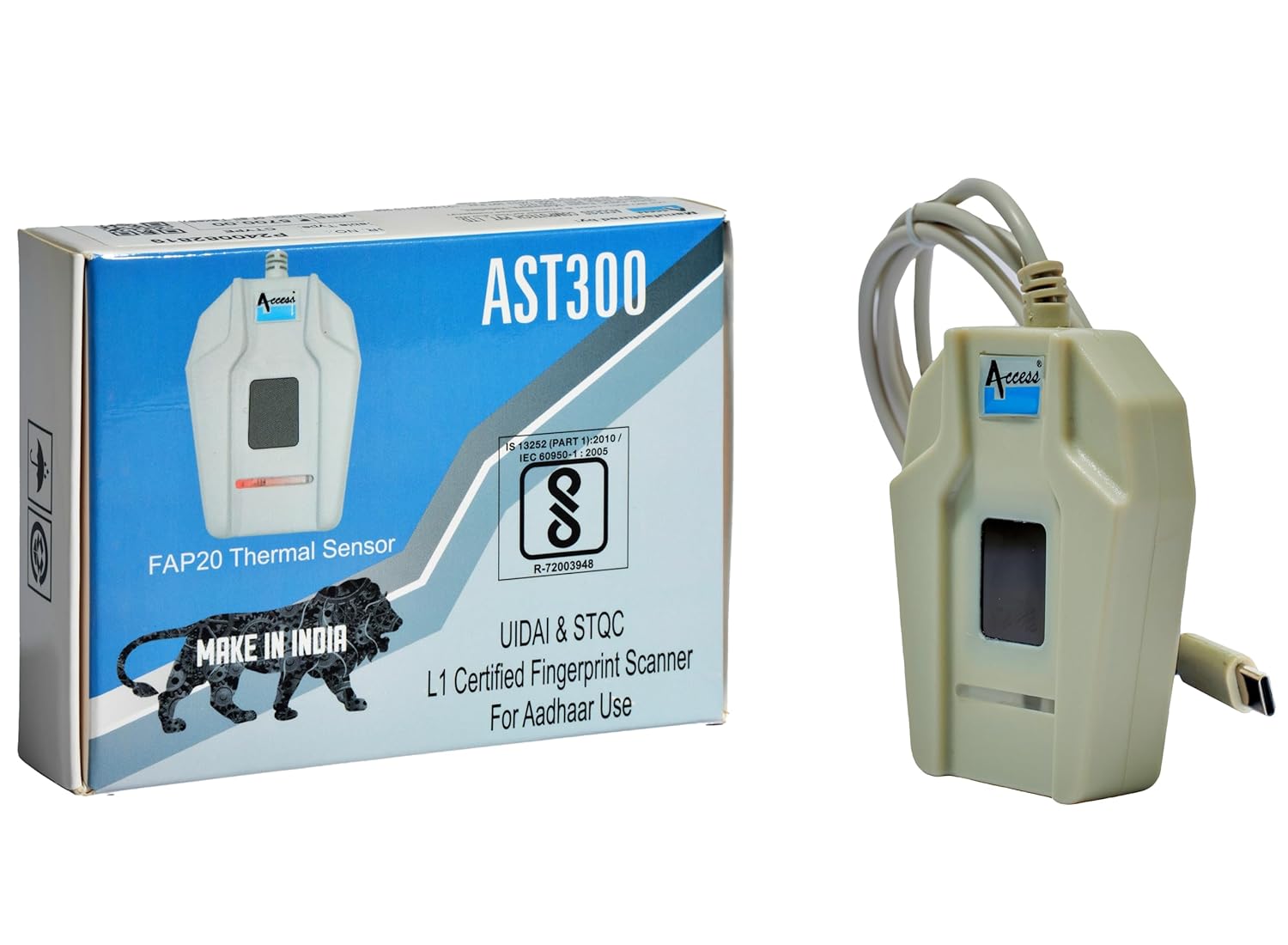
Obrázek 2.1: Access AST300 L1 Fingerprint Scanner with its retail packaging. The packaging highlights the FAP20 Thermal Sensor and L1 certification for Aadhaar use.
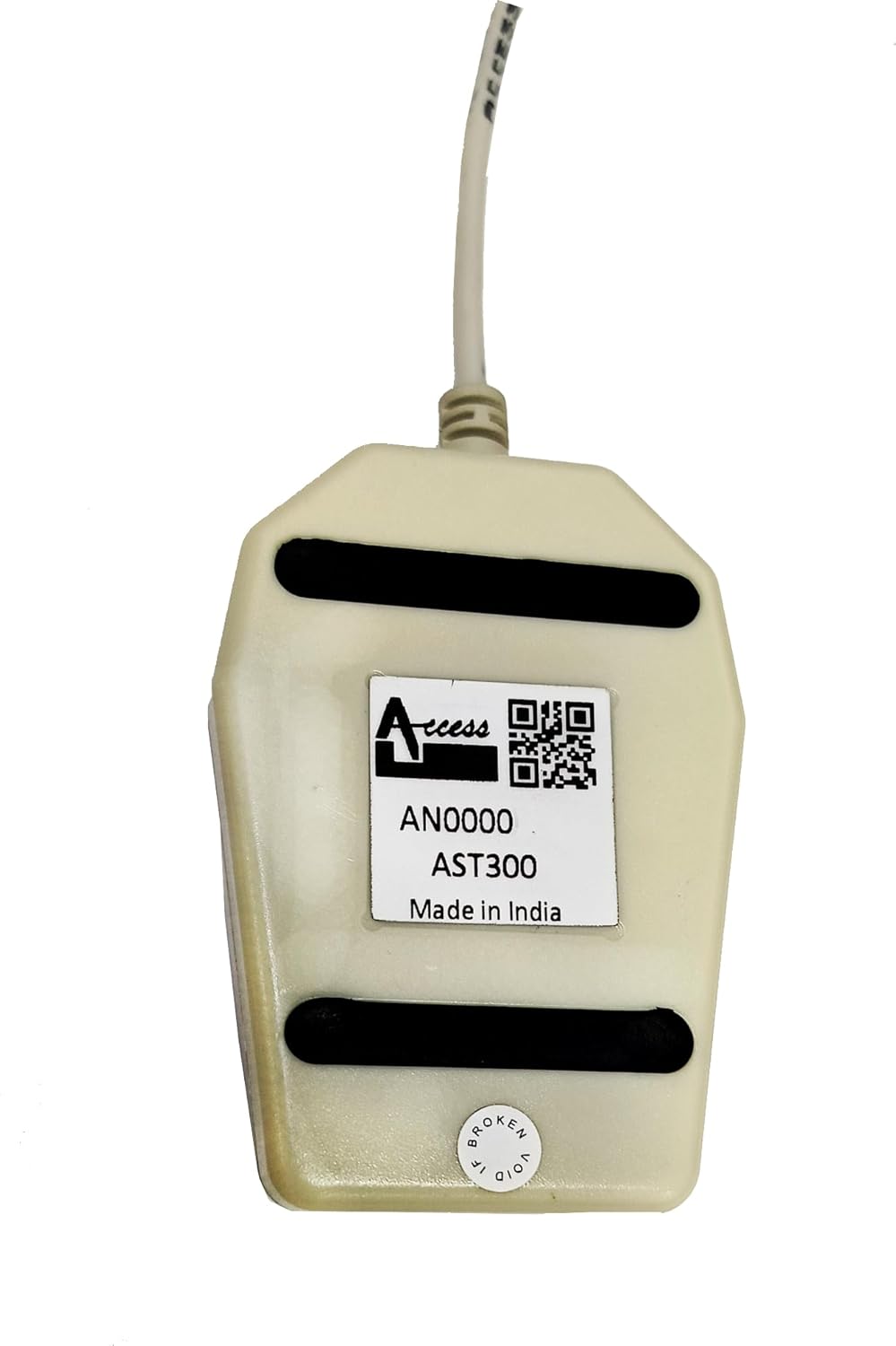
Obrázek 2.2: Zadní view of the Access AST300 L1 Fingerprint Scanner, displaying the model number (AST300) and manufacturing details.
3. Klíčové vlastnosti
- FAP 20 Thermal Sensor: Provides a large fingerprint capture area for improved matching performance and reliability across various fingerprint types.
- Live Finger Detection: Advanced technology to detect real fingerprints, enhancing security and preventing fraudulent inputs.
- Easy Type-C Connectivity: Seamless setup and connection with Windows and Linux operating systems.
- UIDAI Whitelisted: Officially approved for Aadhaar Authentication, AEBAS (Aadhaar Enabled Biometric Attendance System), AEPS (Aadhaar Enabled Payment System), and KYC & Aadhaar-Based Authentication Services.
- Vysoká účinnost: Optimized for fast fingerprint detection with minimal rejections.
- Kompaktní design: Tabletop design for convenience and portability.
4. Pokyny k nastavení
Follow these steps to set up your Access AST300 L1 Fingerprint Scanner:
- Připojte zařízení: Plug the C PIN connector of the AST300 L1 scanner into an available USB Type-C port on your computer (Windows or Linux).
- Driver and RD Service Installation: The device requires specific drivers and an RD (Registered Device) service for proper functionality, especially for Aadhaar-related applications.
- Download the necessary setup files from the official Access Computech website. A direct link for the RD service setup is: Download RD Service Setup.
- Follow the on-screen instructions to install the drivers and RD service. Ensure all components are installed correctly for seamless operation.
- Ověření: After installation, verify the device is recognized by your system and the RD service is running. Refer to your operating system's device manager or the RD service status application.

Obrázek 4.1: The AST300 L1 scanner, highlighting its USB Type-C connectivity and compatibility with Windows, along with its certifications for Aadhaar and STQC.
5. Návod k obsluze
Once the device is set up and drivers are installed, you can begin using your AST300 L1 scanner:
- Application Integration: The scanner is designed to work with various applications that require biometric authentication, such as Aadhaar-based services (AEBAS, AEPS, KYC). Ensure your application is configured to use the AST300 L1.
- Umístění prstů: Place your finger flat and centered on the scanner's thermal sensor. Ensure full contact for an accurate reading.
- Proces ověření: Follow the prompts within your application for fingerprint capture and authentication. The device will typically provide visual feedback (e.g., an LED indicator) during the scanning process.
- Bezpečný provoz: The live finger detection feature ensures that only real, live fingerprints are accepted, enhancing the security of your authentication processes.
6. Údržba
Proper maintenance ensures the longevity and optimal performance of your AST300 L1 scanner:
- Čištění: Regularly clean the thermal sensor surface with a soft, lint-free cloth. If necessary, use a small amount of isopropyl alcohol on the cloth, ensuring no liquid enters the device.
- Skladování: Přístroj skladujte na chladném a suchém místě mimo dosah přímého slunečního záření a extrémních teplot.
- Zacházení: Zabraňte pádu zařízení nebo jeho vystavování silným nárazům. Nepokoušejte se otevřít kryt.asing, protože by to mohlo vést ke zrušení záruky.
- Péče o kabely: Handle the USB cable gently. Avoid bending or twisting it sharply, which can damage the internal wires.
7. Řešení problémů
If you encounter issues with your AST300 L1 scanner, refer to the following troubleshooting tips:
- Zařízení nebylo rozpoznáno:
- Ensure the C PIN cable is securely connected to both the scanner and your computer.
- Try connecting to a different USB Type-C port.
- Verify that the necessary drivers and RD service are correctly installed. Reinstall them if needed.
- Check your computer's Device Manager (Windows) or equivalent (Linux) to see if the device is listed without errors.
- Fingerprint Capture Issues:
- Ujistěte se, že máte prst čistý a suchý.
- Place your finger flat and firmly on the sensor, covering the entire area.
- Vyčistěte povrch senzoru podle pokynů v části Údržba.
- Ensure the application you are using is compatible and properly configured for the AST300 L1.
- Application Specific Problems (e.g., Airtel Mitra App):
- Some applications may require specific versions of the RD service or have their own compatibility requirements. Contact the application provider's support for assistance.
- Ensure your RD service is active and up-to-date.
- Device Malfunction After Some Use:
- If the device stops functioning after a period, ensure it has not been subjected to physical damage or improper handling.
- Reinstall drivers and RD service.
- If the issue persists, refer to the Warranty and Support section for further assistance.
8. Specifikace
| Značka | Přístup |
| Model | AST300 L1 |
| Typ skeneru | Fingerprint (Thermal Biometric Scanner) |
| Technologie připojení | USB Type-C |
| Rezoluce | 600 dpi |
| Stupně šedi | 256 úrovní |
| Typ světelného zdroje | LED |
| Wattage | 1 wattů |
| Rozměry produktu (DxŠxV) | 10 x 6 x 2.5 cm |
| Hmotnost položky | 90 g |
| Země původu | Indie |

Obrázek 8.1: Physical dimensions of the Access AST300 L1 Fingerprint Scanner, showing approximate length of 9cm and width of 5.6cm.
9. Záruka a podpora
Your Access AST300 L1 Fingerprint Scanner comes with the following:
- 1-letá záruka: For peace of mind against manufacturing defects.
- 1-Year Free RD Service: Ensures uninterrupted usage and compliance with biometric authentication standards.
For technical support, warranty claims, or further inquiries, please contact the Access Computech Support Team. You can find their contact information on the official Access Computech webwebu nebo prostřednictvím vaší nákupní dokumentace.
Výrobce: ACCESS COMPUTECH PVT LTD, Vadodara, Gujarat, India.
10. Důležité informace
The AST300 L1 biometric device has been officially whitelisted by UIDAI, making it fully approved for:
- Aadhaar Authentication
- AEBAS (Aadhaar Enabled Biometric Attendance System)
- AEPS (Aadhaar Enabled Payment System)
- KYC & Aadhaar-Based Authentication Services
This ensures seamless device registration, continued functionality, and secure, real-time authentication for banking, access control, and government applications.