
Konec produktuview
The ATTACK SHARK R5Ultra is a high-performance wireless gaming mouse designed for speed and precision. It features an ultra-lightweight carbon fiber composite construction, weighing only 39g, ensuring durability and comfort during extended use. Equipped with the advanced PixArt PAW3950 MAX sensor and Nordic 52840 MCU chip, it offers exceptional accuracy and a high polling rate for competitive gaming.
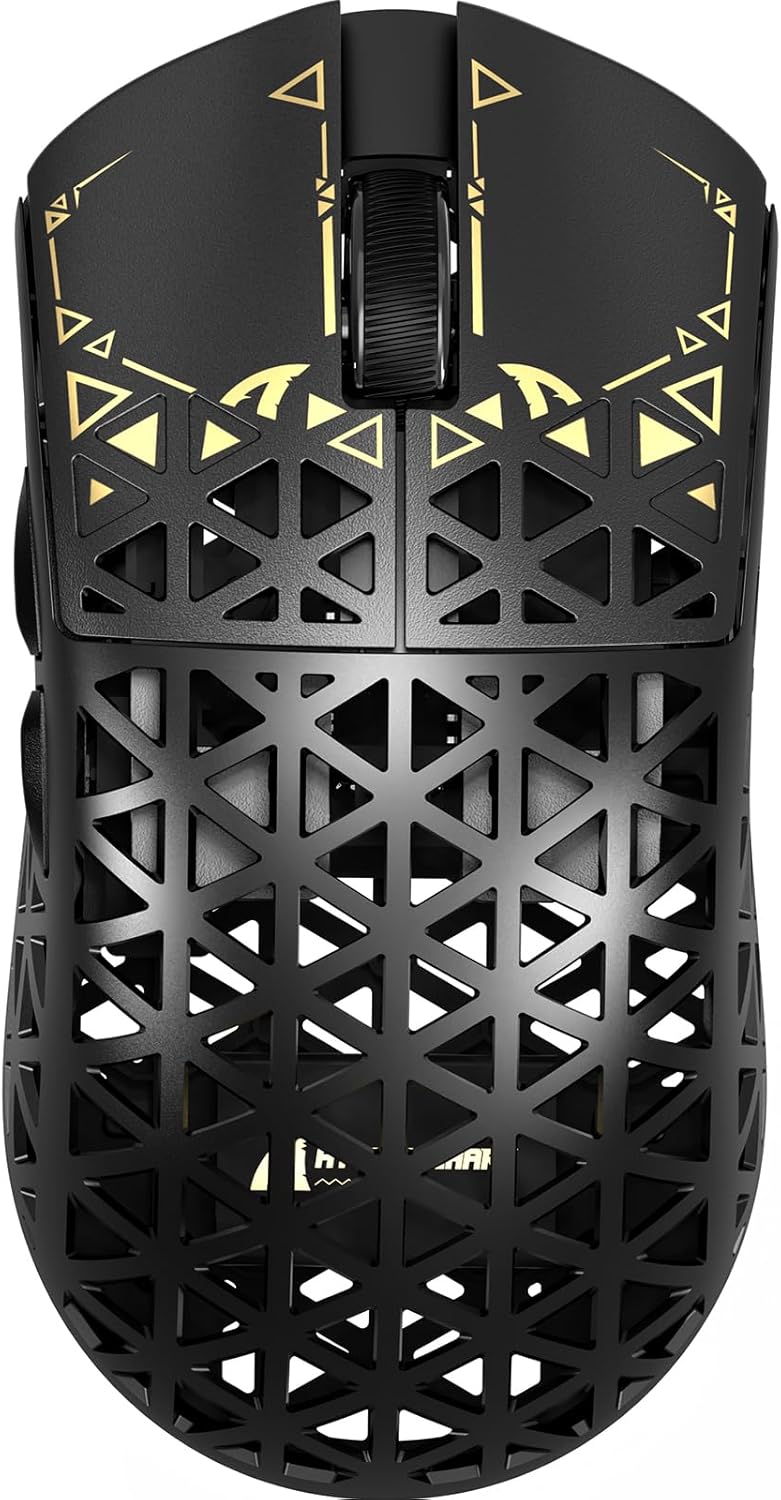
Obrázek: Nahoře view of the ATTACK SHARK R5Ultra gaming mouse, showcasing its lightweight carbon fiber design and intricate patterns.
This mouse supports tri-mode connectivity, allowing seamless switching between 2.4GHz wireless, Bluetooth, and wired USB connections. Its programmable features are managed via an innovative cloud-driven webpage, eliminating the need for traditional software installations.
Obsah balení
- ATTACK SHARK R5Ultra Wireless Gaming Mouse
- Nabíjecí kabel USB-C
- 8K Mini Receiver (USB Dongle)
- Uživatelská příručka (tento dokument)
- Additional PTFE feet (may be included)
Průvodce nastavením
1. Počáteční nabíjení
Before first use, it is recommended to fully charge the mouse. Connect the provided USB-C cable to the mouse's charging port and the other end to a USB power source (e.g., computer USB port, USB wall adapter).
2. Režimy připojení
The R5Ultra mouse supports three connection modes: 2.4GHz Wireless, Bluetooth, and Wired USB. A switch on the back of the mouse allows you to select your preferred mode.

Image: Diagram illustrating the tri-mode connectivity options: 2.4G Wireless with receiver, Bluetooth, and USB-C wired connection, along with charging.
2.1. Bezdrátový režim 2.4 GHz
- Locate the 8K Mini Receiver (USB dongle) included in the package.
- Zapojte USB přijímač do volného USB portu na vašem počítači.
- Přepněte přepínač režimů na spodní straně myši na ikonu bezdrátového připojení 2.4 GHz.
- Myš by se měla automaticky připojit k přijímači.
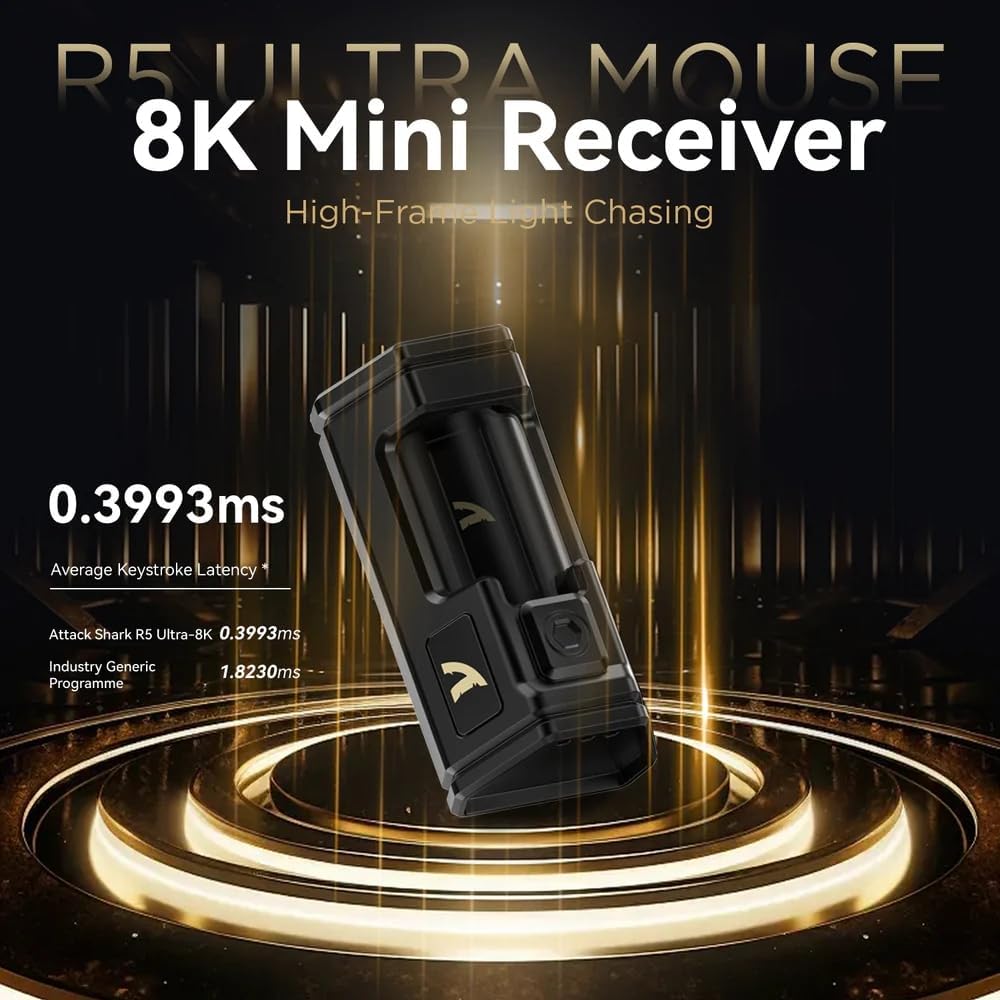
Image: Close-up of the compact 8K Mini Receiver, highlighting its low latency capabilities.
2.2. Režim Bluetooth
- Přepněte přepínač režimů na spodní straně myši na ikonu Bluetooth.
- V počítači nebo zařízení otevřete nastavení Bluetooth a vyhledejte nová zařízení.
- Select "ATTACK SHARK R5Ultra" from the list of available devices to pair.
2.3. Wired USB Mode
- Připojte dodaný kabel USB-C k myši a druhý konec k portu USB v počítači.
- Myš se automaticky přepne do kabelového režimu a začne se nabíjet.
3. Driver and Customization
The R5Ultra utilizes an AI-designed cloud-driven webpage for customization, eliminating the need for traditional software downloads. Access the customization options by visiting the official ATTACK SHARK website and navigating to the R5Ultra product page or driver section. The webpage will automatically detect your system.
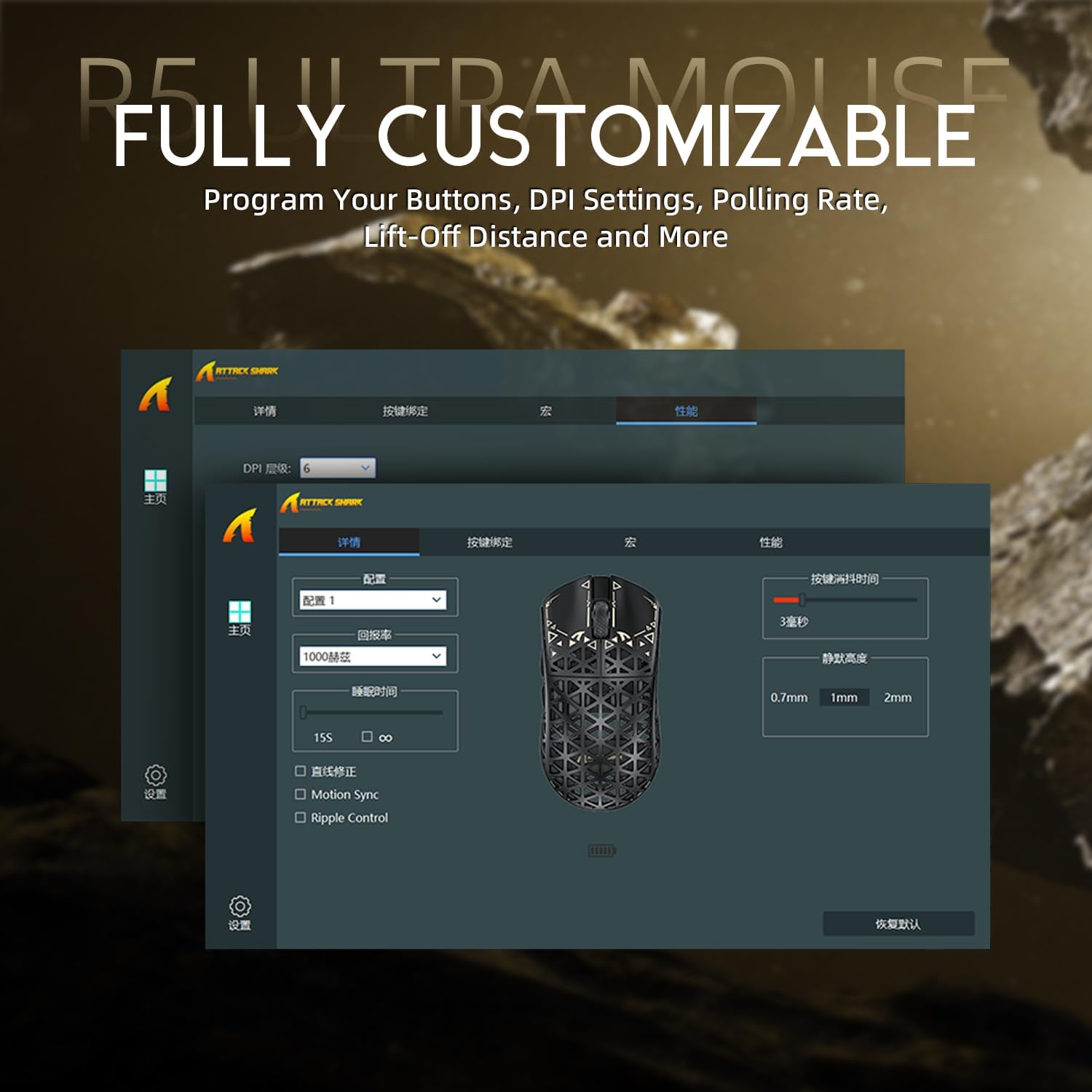
Image: Screenshot of the R5Ultra's web-based customization interface, showing options for DPI, polling rate, and button mapping.
Návod k obsluze
Úprava DPI
The R5Ultra mouse features a PixArt PAW3950 MAX sensor capable of up to 42,000 programmable DPI. DPI settings can be adjusted through the cloud-driven customization webpage. You can set multiple DPI stages and switch between them using a dedicated button on the mouse (if configured) or through the software.

Obrázek: Podrobný view of the PixArt PAW3950 MAX sensor, highlighting its advanced capabilities for high DPI and acceleration.
Míra hlasování
The mouse supports an 8KHz wireless polling rate, providing extremely low latency and fast data transmission. In wired mode, a 1KHz polling rate is maintained. Higher polling rates consume more battery power. You can adjust the polling rate via the customization webpage to balance performance and battery life.
Programovatelná tlačítka
The R5Ultra features multiple programmable buttons. Through the cloud-driven customization webstránce můžete:
- Přemapovat funkce tlačítek.
- Vytvářet a přiřazovat makra.
- Adjust lift-off distance.
- Configure competitive modes.
Správa baterie
To optimize battery life, consider adjusting the polling rate to a lower setting (e.g., 1KHz or 2KHz) when not engaged in competitive gaming. The mouse can be charged while in wired mode, allowing continuous use.
Klíčové vlastnosti
- Ultralehký design: Weighing only 39g, constructed from injection-molded carbon fiber material with a hollow design for enhanced durability and reduced weight.

Obrázek: Vícenásobný views of the R5Ultra mouse, showcasing its carbon fiber composite housing and lightweight structure.
- Pokročilý senzor: Features the PixArt PAW3950 MAX sensor, offering up to 42,000 DPI, 750 IPS speed, and 50g acceleration for precise tracking.
- Vysoká míra hlasování: Supports an 8KHz wireless polling rate for minimal latency and rapid response, crucial for competitive gaming.
- Třírežimové připojení: Seamlessly switch between 2.4GHz wireless, Bluetooth, and wired USB connections for versatile use across various devices and platforms.
- Odolné spínače: Equipped with OMRON microswitches, rated for over 100 million clicks, ensuring long-lasting performance and crisp feedback.
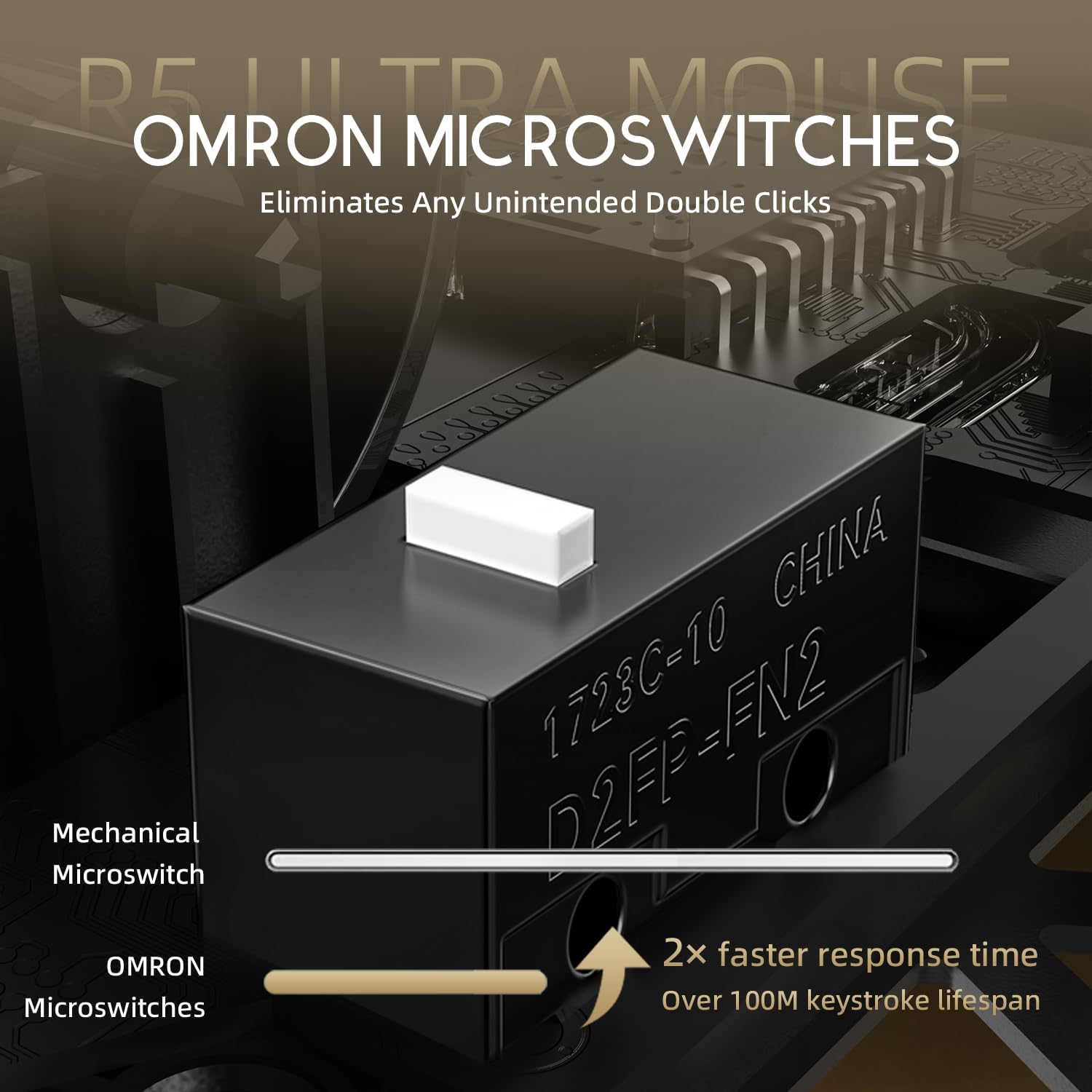
Image: Close-up of the OMRON microswitches, illustrating their mechanical design and durability for over 100 million clicks.
- Cloud-Based Driver: Innovative AI-designed driver accessible via a webpage, allowing for comprehensive customization without software installation.
- PTFE patky: 100% Virgin Grade PTFE feet provide consistent and smooth glide for optimal mouse movement.
Údržba a péče
- Čištění: K otření povrchu myši použijte měkký, suchý hadřík. V případě odolných nečistot použijte lehceamp Lze použít hadřík a ujistit se, že do myši nevnikne žádná tekutina. Vyhněte se agresivním chemikáliím nebo abrazivním materiálům.
- Údržba senzoru: Keep the optical sensor area on the bottom of the mouse clean and free from dust or debris to ensure accurate tracking.
- Skladování: Myš skladujte na chladném a suchém místě mimo dosah přímého slunečního záření a extrémních teplot.
- Péče o baterie: Avoid fully discharging the battery frequently. For long-term storage, charge the mouse to about 50% to prolong battery life.
Odstraňování problémů
Problémy s připojením
- Bezdrátové připojení 2.4 GHz: Ensure the USB receiver is securely plugged in and the mouse is switched to 2.4GHz mode. Try plugging the receiver into a different USB port.
- Bluetooth: Verify Bluetooth is enabled on your device and the mouse is in Bluetooth pairing mode. Remove previous pairings and re-pair if necessary.
- Kabelové: Check the USB-C cable connection at both ends. Try a different USB port or cable if available.
Problémy se sledováním
- Vyčistěte optický senzor na spodní straně myši.
- Ensure you are using the mouse on a suitable surface (e.g., a mouse pad). Highly reflective or uneven surfaces can affect tracking.
- If experiencing issues at higher polling rates (e.g., 8KHz), try reducing the polling rate via the customization webpage to 1KHz, 2KHz, or 4KHz to see if performance improves.
- Check the mouse feet (PTFE skates) for wear or damage. Worn feet can affect glide and tracking consistency.
Rychlé vybíjení baterie
- Higher polling rates (e.g., 8KHz) consume more power. Reduce the polling rate if extended battery life is desired.
- Ujistěte se, že je myš plně nabitá.
- Pokud problém přetrvává, kontaktujte zákaznickou podporu.
Specifikace
| Funkce | Detail |
|---|---|
| Číslo modelu | R5 |
| Konektivita | Bezdrátové 2.4G, Bluetooth, kabelové USB |
| Senzor | PixArt PAW3950 MAX Optical Sensor |
| Rozsah DPI | Up to 42,000 DPI (Programmable) |
| Míra hlasování | 8000Hz Wireless, 1000Hz Wired |
| Akcelerace | 50 g |
| Rychlost IPS | 750 IPS |
| Spínače | OMRON Microswitches (100 Million Clicks Lifespan) |
| Hmotnost | Approximately 39g (Ultra-lightweight) |
| Materiál | Kompozit uhlíkových vláken |
| Materiál nohou | 100% Virgin Grade PTFE |
| Rozměry | 6.85 x 4.21 x 2.8 palce (rozměry balení) |
| Kompatibilita | Windows, macOS, PCs, Laptops, Mac, Tablet Devices, Consoles |
Záruka a podpora
For warranty information, please refer to the warranty card included with your product or visit the official ATTACK SHARK website. If you encounter any issues not covered in this manual or require further assistance, please contact ATTACK SHARK customer support through their official webnebo kontaktní informace poskytnuté při nákupu.
You can visit the ATTACK SHARK Store for more information and support: Obchod ATTACK SHARK na Amazonu