
1. Úvod
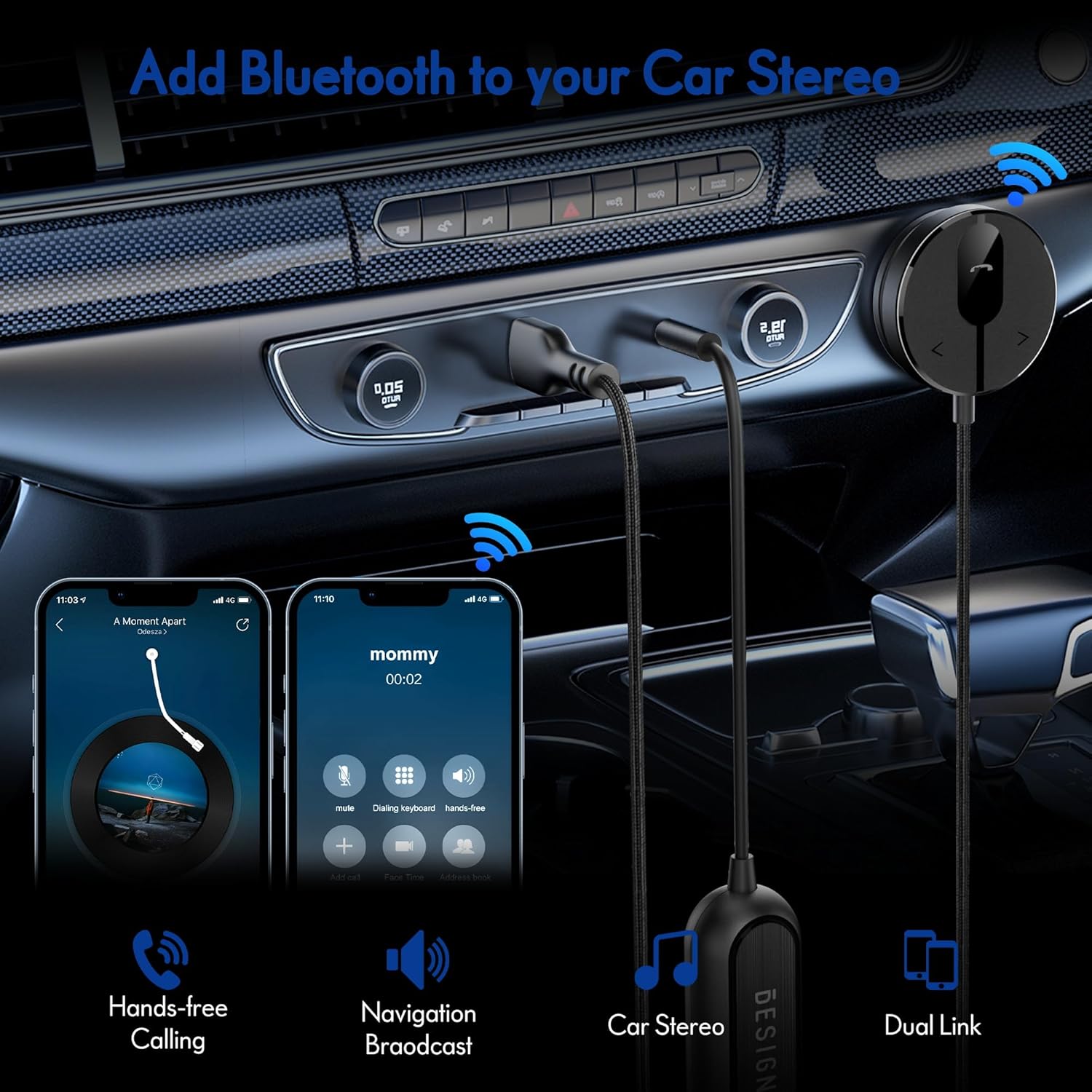
The BESIGN BK01 Bluetooth Car Kit is designed to enhance your driving experience by adding Bluetooth 5.3 connectivity to your car's audio system. This device allows for wireless music streaming, hands-free calling, and navigation broadcast through your car speakers, utilizing your vehicle's 3.5mm Aux input and USB power port. It includes a ground loop noise isolator to ensure clear audio quality.
2. Konec produktuview
Familiarize yourself with the components of your BESIGN BK01 Bluetooth Car Kit.

Sada obsahuje:
- Bluetooth Receiver Unit: Main control unit with Multi-Function Button (MFB), LED indicator, microphone, and track control buttons.
- Magnetic Mounting Disc: For secure placement of the receiver unit.
- Ground Loop Noise Isolator: Reduces buzzing noise in the audio.
- 3.5mm Auxiliary Out Cable: Connects to your car's Aux input.
- USB napájecí port: Connects to a USB power source in your car.
Stav LED indikátoru
| LED indikátor | Postavení |
|---|---|
| Flashing Red And Blue | Režim párování |
| Jednobarevná modrá | Připojeno |
3. Specifikace
- Číslo modelu: BK01
- Verze Bluetooth: 5.3
- Technologie připojení: Bluetooth
- Zdroj napájení: Car Cigarette USB power supply
- Speciální vlastnosti: Automatic On/Off, Built-In Microphone, Hands-Free Calls, Noise Cancellation
- Hmotnost položky: 3.84 unce
- Rozměry balení: 4.13 x 3.11 x 1.77 palce
4. Pokyny k nastavení
Follow these steps to install and connect your BESIGN BK01 Bluetooth Car Kit.
- Připojení napájení a zvuku:
- Plug the USB power port of the BK01 into a USB power source in your car (e.g., a car charger or a built-in USB port).
- Connect the 3.5mm Aux cable from the BK01 to your car's 3.5mm Aux input port.
- If experiencing buzzing noise, connect the included ground loop noise isolator between the BK01's 3.5mm Aux cable and your car's Aux input.
- Namontujte přijímač:
- Choose a convenient location on your dashboard or console for the magnetic mounting disc. Ensure the surface is clean and dry.
- Peel off the adhesive backing from the magnetic mounting disc and firmly press it onto the chosen surface.
- Attach the Bluetooth receiver unit to the magnetic disc.
- Zapnutí a párování:
- Once connected to power, the BK01 will automatically power on. The LED indicator will flash red and blue, indicating it is in pairing mode.
- On your smartphone or other Bluetooth device, go to the Bluetooth settings and search for available devices.
- Select "BK01" from the list to pair. If prompted for a PIN, enter "0000".
- Once successfully paired, the LED indicator will turn solid blue.
- Automatické připojení: The BK01 is designed to automatically power on and connect to the last paired device when your car starts (ensure your phone's Bluetooth is active). If it doesn't connect automatically, a short press on the Multi-Function Button (MFB) can initiate reconnection.

5. Návod k obsluze
5.1. Přehrávání hudby
- Přehrát/pozastavit: Press the Multi-Function Button (MFB) once.
- Další skladba: Press the ">" button once.
- Předchozí skladba: Press the "<" button once.
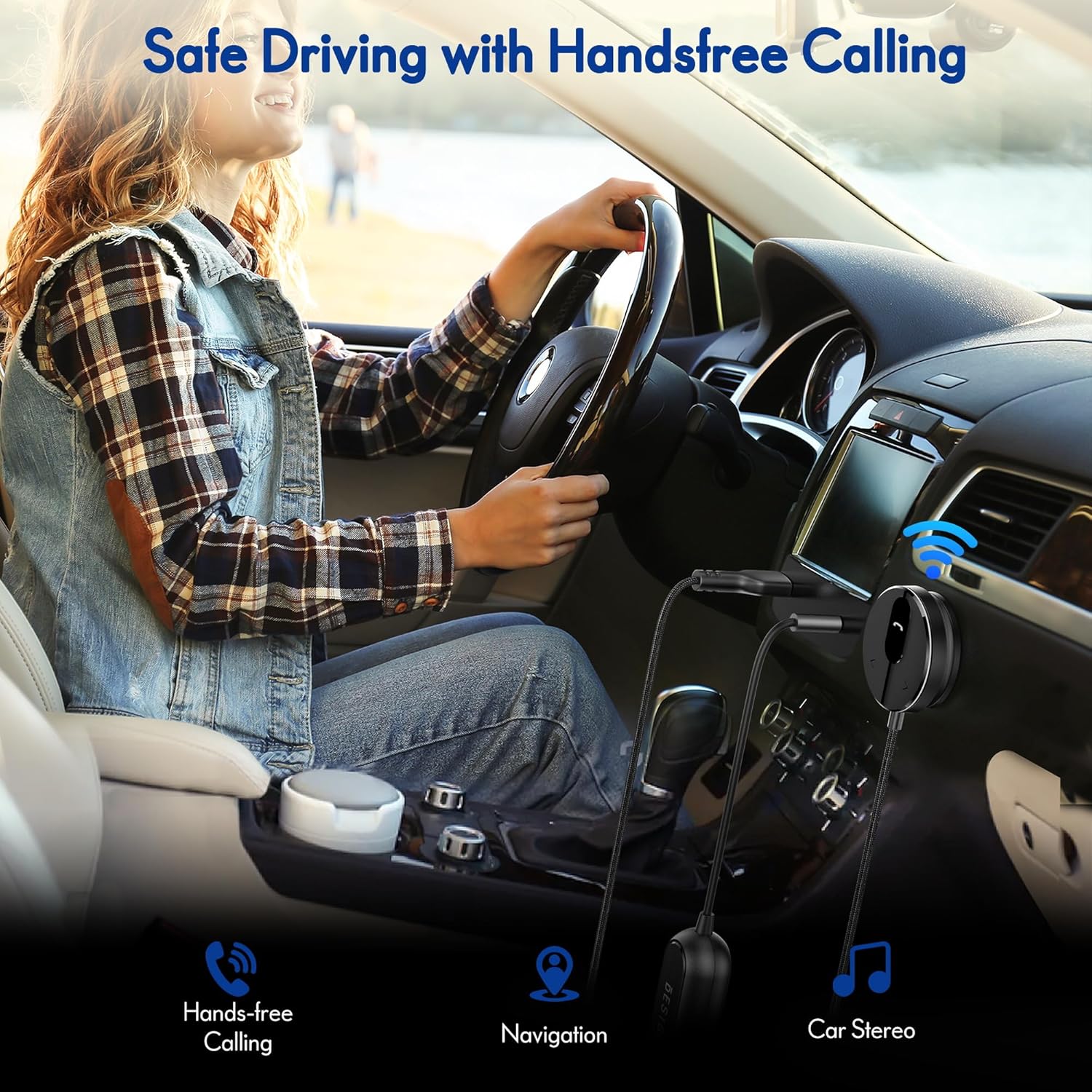
5.2. Hands-free volání
- Přijmout hovor: Press the Multi-Function Button (MFB) once.
- Ukončit hovor: Press the Multi-Function Button (MFB) once during a call.
- Odmítnout hovor: Stiskněte a podržte multifunkční tlačítko (MFB) po dobu 2 sekund.
- Znovu vytočit poslední číslo: Double-press the Multi-Function Button (MFB).
5.3. Aktivace hlasového asistenta
Press and hold the ">" button to activate your smartphone's voice assistant (e.g., Siri for iPhone, Google Assistant for Android).
5.4. Připojení dvou telefonů
The BK01 supports connecting to two phones simultaneously. It will manage calls from both devices and mute music if a call comes in on the other phone.
6. Řešení problémů
- Buzzing Noise (Ground Loop Noise): If you experience a buzzing or humming noise, especially when music is paused, connect the included ground loop noise isolator. This device is specifically designed to eliminate such electrical interference.
- No Power/No Connection:
- Ensure the USB power port is securely plugged into a working power source.
- Verify your car's USB port or cigarette lighter adapter is providing power.
- Check that your phone's Bluetooth is enabled and within range.
- If the device does not auto-connect, press the MFB button to manually initiate connection.
- Špatná kvalita zvuku:
- Ensure the 3.5mm Aux cable is fully inserted into both the BK01 and your car's Aux input.
- Upravte hlasitost na telefonu i na autorádiu.
- If using the ground loop noise isolator, ensure it is correctly connected.
- Microphone Volume Low During Calls: This can sometimes occur with Bluetooth devices. Ensure the microphone on the BK01 receiver unit is not obstructed and is positioned optimally. Adjust call volume on your phone.

7. Údržba
- Udržujte zařízení čisté otíráním měkkým suchým hadříkem.
- Nevystavujte zařízení extrémním teplotám, přímému slunečnímu záření nebo vlhkosti.
- Nepokoušejte se zařízení rozebírat ani opravovat sami, jinak by došlo ke ztrátě jakékoli záruky.
8. Bezpečnostní informace
- Neobsluhujte zařízení způsobem, který by vás rozptyloval od řízení. Vždy upřednostňujte bezpečnost silničního provozu.
- Uchovávejte zařízení a jeho součásti mimo dosah dětí.
- Do not dispose of batteries (if applicable) in fire.
9. Záruka a podpora
For warranty information or technical support, please refer to the product packaging or contact BESIGN customer service directly through their official webna webu nebo u prodejce, kde byl produkt zakoupen.