
POYBPCY CT369-S
Uživatelská příručka k palubní kameře POYBPCY 4K
Model: CT369-S | Brand: POYBPCY
1. Úvod
Thank you for choosing the POYBPCY 4K Dash Cam. This manual provides essential information for the proper installation, operation, and maintenance of your device. Please read this manual thoroughly before use to ensure optimal performance and safety. This dash cam is designed to record high-quality video footage of your journeys, providing crucial evidence in case of incidents and enhancing your driving safety.
2. Bezpečnostní informace
- Do not operate the dash cam while driving. Adjust settings or review footage only when the vehicle is safely parked.
- Ujistěte se, že je palubní kamera bezpečně upevněna a nepřekáží vám view silnice nebo narušovat aktivaci airbagů.
- Use only the original power cable provided to prevent damage to the device or your vehicle.
- Nevystavujte palubní kameru extrémním teplotám, delšímu přímému slunečnímu záření nebo nadměrné vlhkosti.
- Keep the lens clean to ensure clear video recording. Use a soft, dry cloth for cleaning.
- Nepokoušejte se zařízení sami rozebírat nebo opravovat. Požádejte o pomoc zákaznickou podporu.
3. Obsah balení
Zaškrtněte prosím políčko u následujících položek:
- POYBPCY 4K Front Dash Cam
- Napájecí kabel typu C
- CPL filtr
- 64GB SD karta
- USB čtečka paměťových karet
- 3M Lepicí držák
- Pry Tool (Crowbar)
- Kabelové spony
- Uživatelská příručka
- Resetovat PIN

Image: All items included in the POYBPCY 4K Dash Cam package.
4. Konec produktuview
The POYBPCY 4K Dash Cam features a compact design with a 3.69-inch IPS display for clear viewing and playback. It utilizes a magnetic mount for easy installation and removal, and the front camera angle is adjustable up to 40 degrees for optimal positioning.
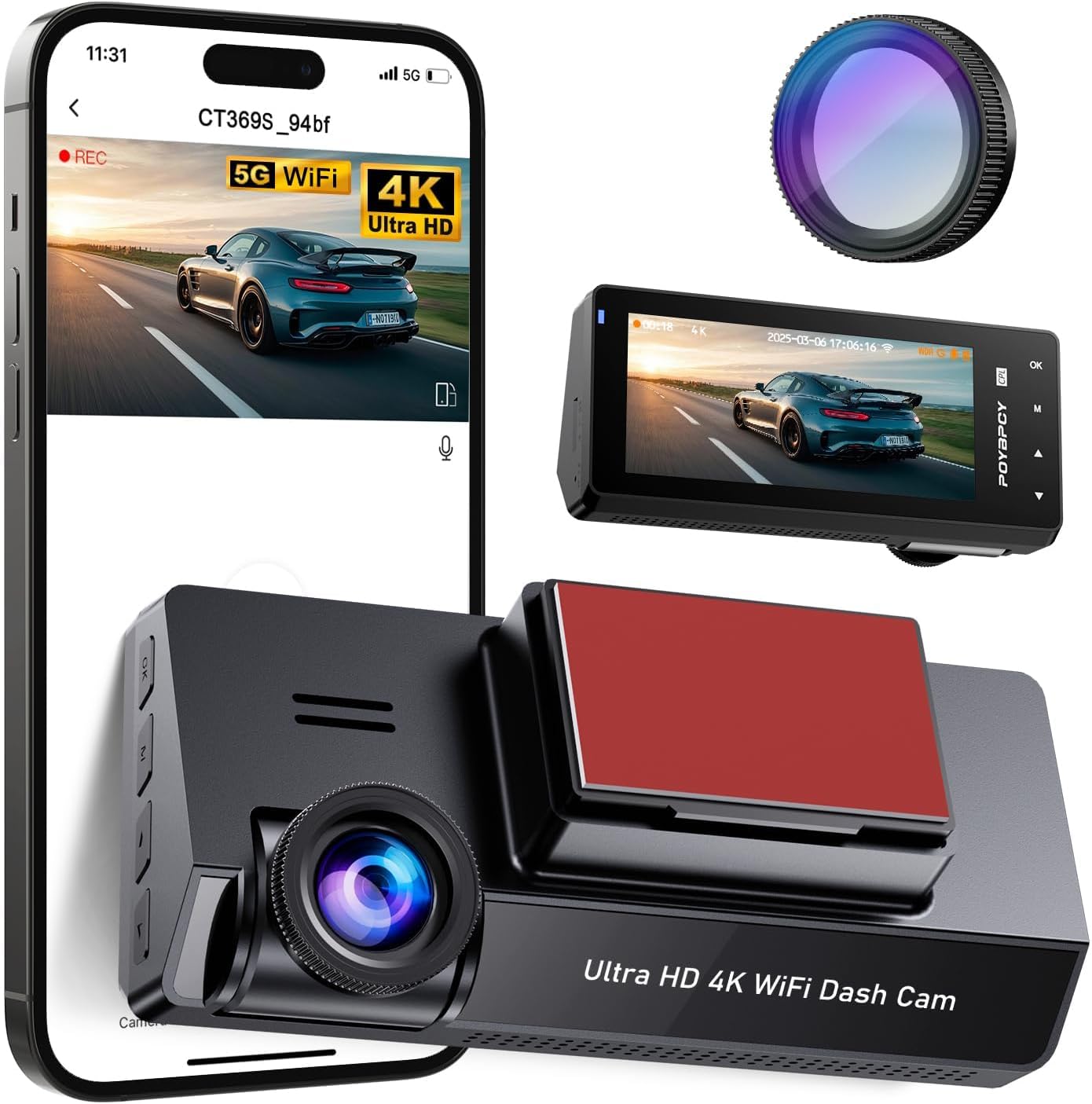
Image: POYBPCY 4K Dash Cam and its key components.

Image: Details of the 3.69-inch screen, magnetic mount, and adjustable camera angle.
5. Nastavení
5.1. Instalace SD karty
- Ujistěte se, že je palubní kamera vypnutá.
- Najděte slot pro SD kartu na boku palubní kamery.
- Insert the provided 64GB SD card into the slot until it clicks into place.
- Chcete-li kartu vyjmout, jemně ji zatlačte, dokud nevyskočí.
5.2. Montáž Dash Cam
- Vyčistěte oblast čelního skla, kam chcete namontovat palubní kameru. Ujistěte se, že je bez prachu a mastnoty.
- Attach the 3M adhesive mount to the desired location on your windshield, ensuring it does not obstruct your view.
- Connect the dash cam to the magnetic mount. The magnetic connection allows for easy attachment and detachment.
- Adjust the camera angle to ensure the lens captures the road ahead clearly. The camera can be rotated up to 40 degrees vertically.
5.3. Připojení napájení
- Connect the Type-C power cable to the dash cam's power port.
- Plug the other end of the power cable into your vehicle's cigarette lighter socket or a suitable USB power source.
- Route the cable neatly using the provided cable clips to avoid interference with driving.
6. Návod k obsluze
6.1. 4K UHD Recording
The dash cam records video in stunning 4K resolution, capturing every detail on the road. It features a 170° wide-angle front camera, providing extensive coverage and minimizing blind spots.
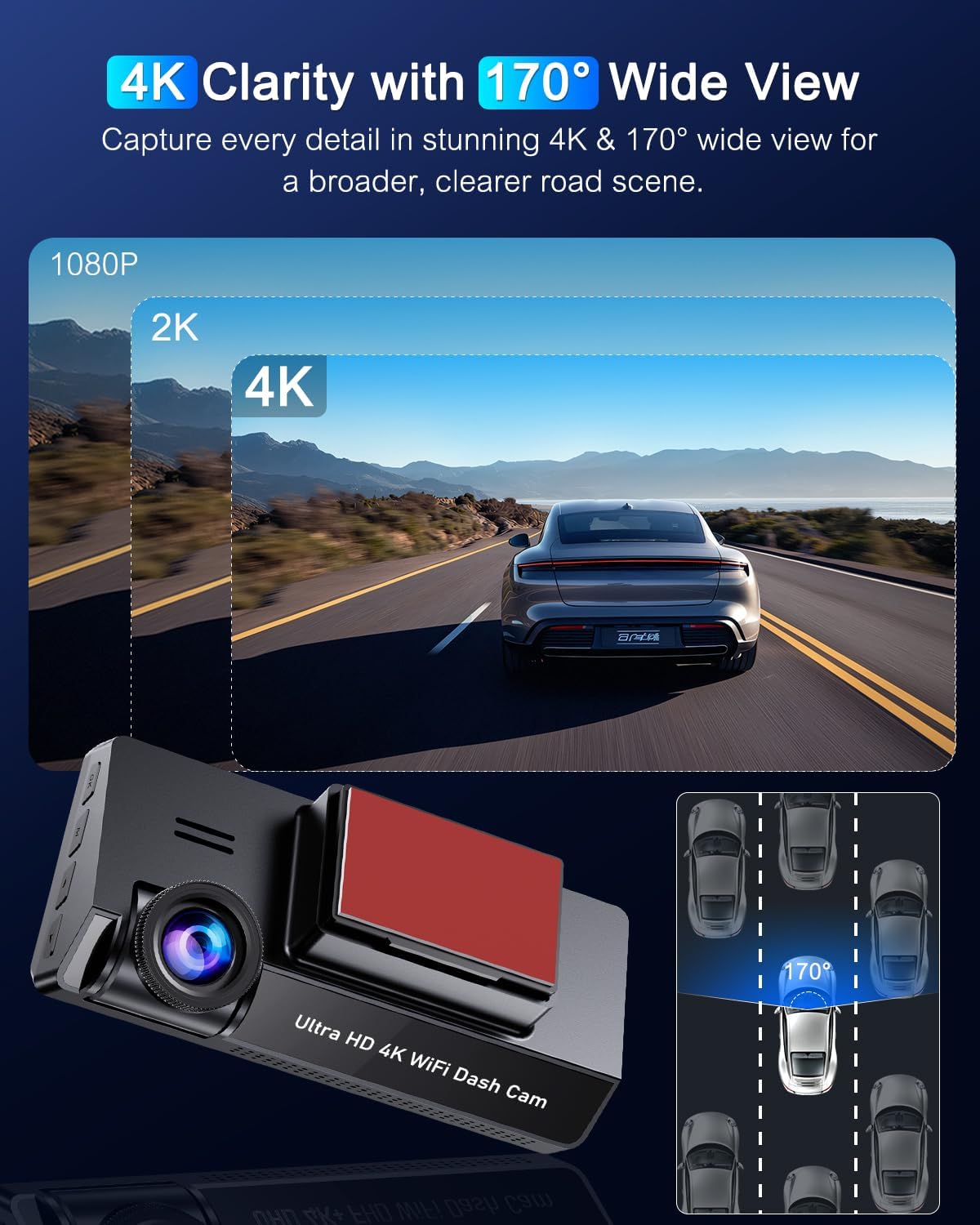
Image: 4K clarity and 170° wide view.
6.2. Filtr CPL
The included CPL (Circular Polarizing Lens) filter reduces glare and reflections from the windshield, improving image quality, color tone, and detail, especially in bright conditions. It also enhances night recording by reducing light reflection.

Image: CPL Filter for glare-free clarity.
6.3. 5GHz WiFi Connectivity & App Control
Connect to the dash cam via 5GHz WiFi using the dedicated app (available on Apple App Store and Google Play). The app allows you to view live recordings, download/edit files, and modify dash cam settings wirelessly. The 5GHz connection offers faster data transfer speeds compared to 2.4GHz.

Image: Built-in 5GHz WiFi for app control.
6.4. Super Night Vision & WDR
Equipped with advanced Night Vision and WDR (Wide Dynamic Range) technology, the dash cam automatically adjusts to varying light conditions, providing clear and detailed visibility even at night or in low-light environments. This ensures optimal exposure and color balance for video recording.
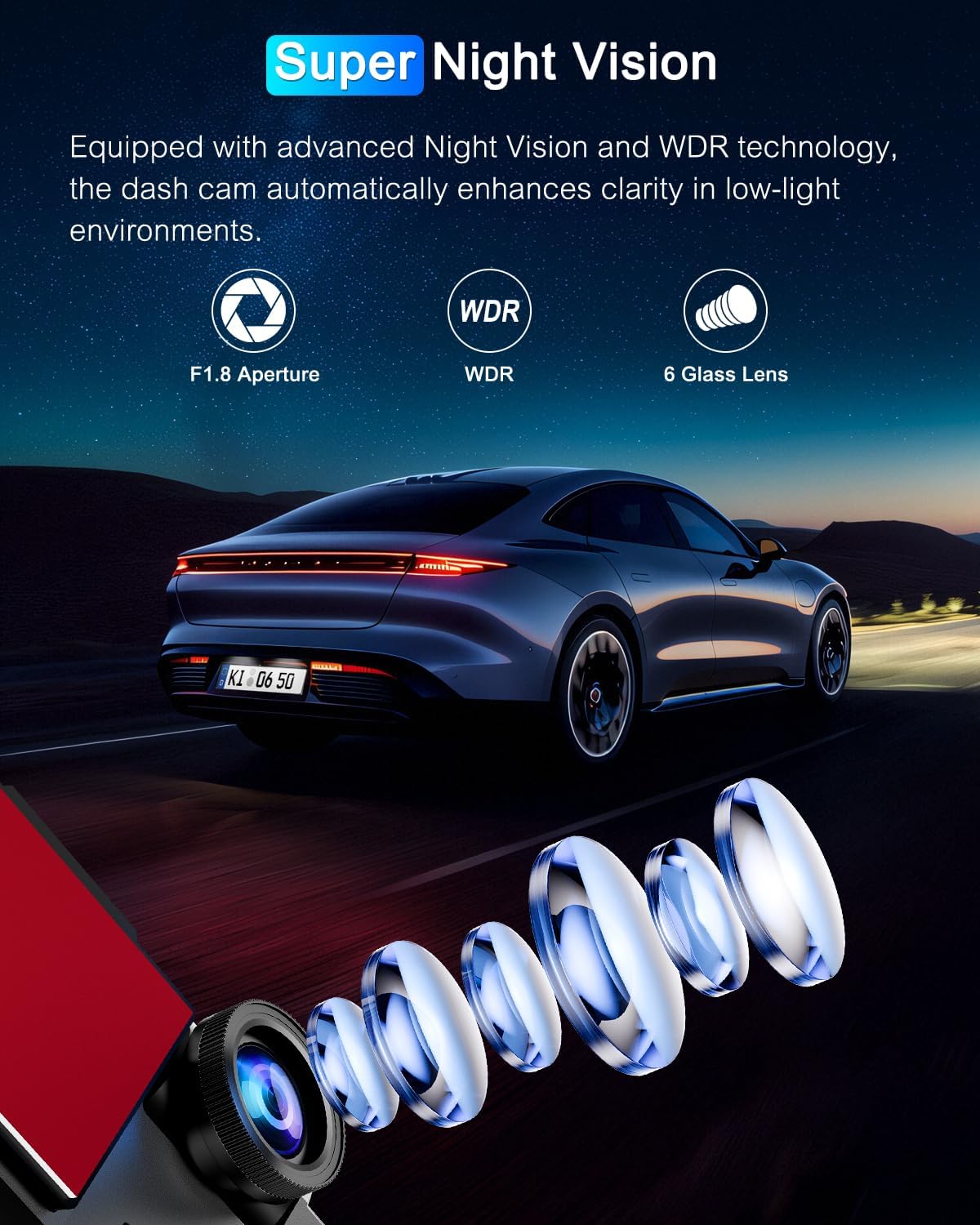
Obrázek: Technologie Super Night Vision.

Image: WDR Technology for optimized video recording.
6.5. G-senzor a smyčkové nahrávání
The G-Sensor automatically detects sudden vibrations or collisions. When activated, the current video footage is locked and saved as evidence, preventing it from being overwritten. It is recommended to set the G-Sensor sensitivity to low during driving to avoid unnecessary locking of files.
Loop recording ensures continuous recording. When the memory card is full, the newest videos automatically overwrite the oldest unlocked videos. Locked files jsou chráněny před přepsáním.

Image: G-Sensor, Loop Recording, and 24H Parking Monitor features.
6.6. 24hodinový parkovací monitor
When your vehicle is parked and the dash cam is connected to a hardwire kit (not included, sold separately), it automatically switches to parking mode. This mode records continuously with minimal power consumption and a low frame rate, protecting your vehicle from theft or vandalism 24/7. It supports time-lapse photography and collision detection modes.

Image: Two modes of 24H parking monitoring.
7. Údržba
7.1. Správa SD karty
- Regularly format the SD card (at least once a month) to ensure optimal performance and prevent data corruption. This can usually be done through the dash cam's settings menu.
- Use high-quality Class 10 or U3 (UHS Speed Class 3) microSD cards for reliable 4K recording.
7.2. Čištění zařízení
- Wipe the dash cam's exterior and lens with a soft, lint-free cloth.
- Do not use chemical cleaners or abrasive materials, as they may damage the device.
8. Řešení problémů
| Problém | Možná příčina | Řešení |
|---|---|---|
| Palubní kamera se nezapne. | Žádné napájení; vadný kabel; problém se zásuvkou ve vozidle. | Check power cable connection. Ensure vehicle's power outlet is working. Try a different power source. |
| Nahrávání se zastaví nebo zamrzne. | Chyba SD karty; plná SD karta; nekompatibilní SD karta. | Format the SD card. Use a high-quality Class 10/U3 SD card. Replace the SD card if damaged. |
| Špatná kvalita videa. | Dirty lens; CPL filter not adjusted; low light conditions. | Clean the lens. Adjust or remove the CPL filter if not needed. Ensure WDR is enabled for low light. |
| Problémy s připojením k Wi-Fi. | Nesprávné heslo; příliš daleko od zařízení; problémy s aplikací. | Ensure correct WiFi password. Stay within close range. Restart the app and dash cam. |
| G-Sensor too sensitive/not sensitive enough. | Sensitivity setting is too high/low. | Adjust G-Sensor sensitivity in the settings menu. |
| Parkovací monitor nefunguje. | Hardwire kit not installed; incorrect settings. | Ensure a hardwire kit is properly installed and connected. Check parking mode settings. |
9. Specifikace
| Funkce | Detail |
|---|---|
| Značka | POYBPCY |
| Název modelu | CT369-S |
| Rozměry produktu | 3.8P x 11L x 5H cm (approx. 3.78 x 11 x 4.93 cm) |
| Hmotnost položky | 100 gramů |
| Velikost displeje | 3.69 palce |
| Typ zobrazení | LCD |
| Rozlišení záznamu videa | 2160p (4K UHD) |
| Skutečný úhel View | 170 stupňů |
| Speciální funkce | Loop Recording, G-Sensor, WDR, Night Vision, CPL Filter, 5GHz WiFi, 24H Parking Monitor (requires hardwire kit) |
| Velikost paměťové karty | 64 GB |
| Typ baterie | Lithium Polymer (součástí balení) |
| Typ montáže | Držák na čelní sklo (magnetický) |
10. Záruka a podpora
For any questions, technical support, or warranty claims, please contact POYBPCY customer service. Refer to the contact information provided on the product packaging or the official POYBPCY webwebu. Uschovejte si prosím doklad o koupi pro účely záruky.
Ask a question about this manual
Ask about setup, troubleshooting, compatibility, parts, safety, or missing instructions. Manuals+ will review the question and use this page’s manual context to help answer it.