
1. Úvod
This manual provides detailed instructions for the safe and efficient use of your DOOGEE Tab G6 Android 15 Tablet. Please read this manual thoroughly before operating your device to ensure proper functionality and to prevent damage. Keep this manual for future reference.
2. Obsah balení
Ověřte, zda jsou všechny níže uvedené položky součástí balení. Pokud některé položky chybí nebo jsou poškozené, kontaktujte prosím svého prodejce.
- DOOGEE Tab G6 Tablet
- Kabel typu C
- Nabíječka
- Stylus (VIP edice)
- Pre-applied Screen Protector Film
- Bluetooth myš (VIP edice)
- Protective Leather Case (VIP Edition)
- Bluetooth klávesnice (VIP edice)
- Nástroj pro vysunutí SIM karty
- Uživatelská příručka

Image: The DOOGEE Tab G6 tablet shown with its full set of accessories, including a Bluetooth keyboard, mouse, stylus, charger, and protective case.

Image: A visual representation of the complete package contents for the DOOGEE Tab G6, detailing each accessory.
3. Uspořádání zařízení
The DOOGEE Tab G6 features a sleek design with a metallic body. It is designed to be thin and lightweight for portability.
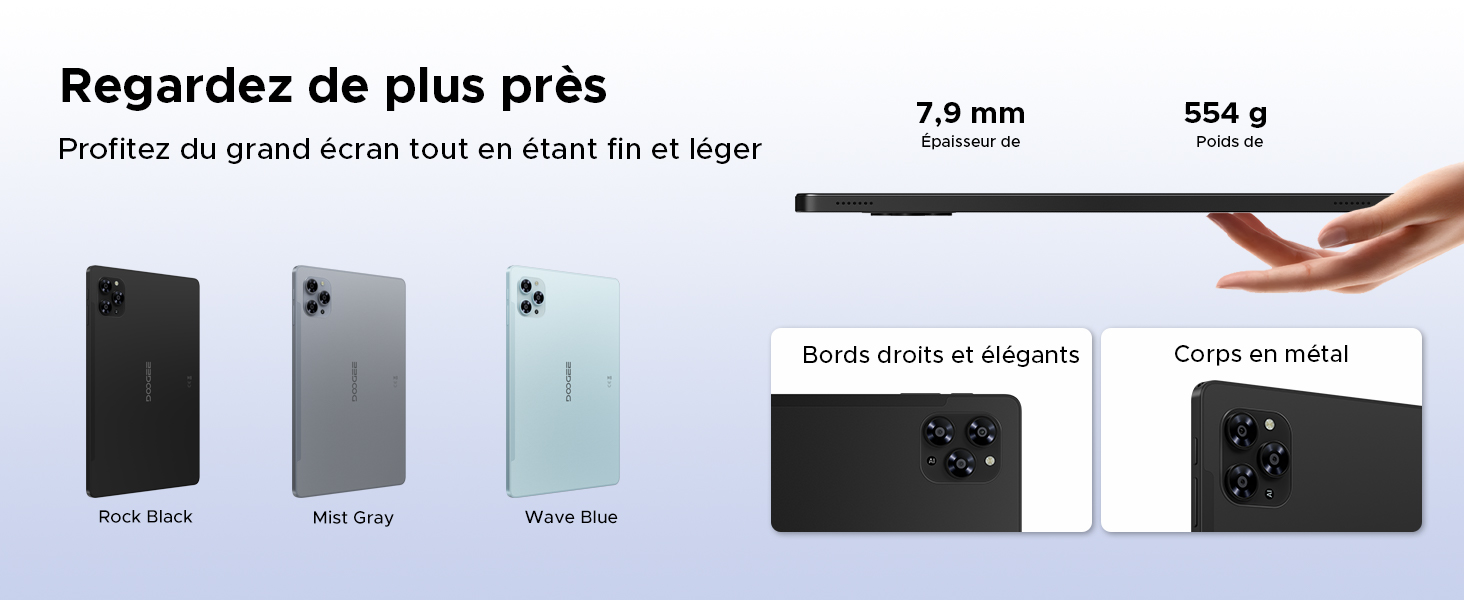
Image: A visual emphasizing the tablet's slim profile (7.9 mm thickness) and light weight (554 g), alongside details of its metal construction and design.
4. Počáteční nastavení
4.1 Nabíjení tabletu
Before first use, fully charge your DOOGEE Tab G6 using the provided charger and Type-C cable. Connect the Type-C cable to the tablet's charging port and the charger to a power outlet. The battery indicator on the screen will show the charging status.
4.2 Zapnutí/vypnutí
- Zapnutí: Stiskněte a podržte tlačítko napájení, dokud se na obrazovce nezobrazí logo DOOGEE.
- Vypnutí: Press and hold the Power button until the power options appear. Select 'Power off' and confirm.
4.3 Instalace SIM a MicroSD karty
The DOOGEE Tab G6 supports dual SIM cards and a MicroSD card for expanded storage.
- Vyhledejte držák SIM karty na boku tabletu.
- Vložte nástroj pro vysunutí SIM karty do malého otvoru vedle zásobníku a jemně zatlačte, dokud zásobník nevyskočí.
- Vložte karty Nano-SIM a/nebo karty MicroSD do určených slotů v držáku a dbejte na správnou orientaci.
- Opatrně zatlačte zásobník zpět do tabletu, dokud nezacvakne na místo.

Obrázek: Podrobný view of the tablet's dual SIM and MicroSD card tray, illustrating how to insert the cards.
4.4 Connecting Bluetooth Accessories
Your DOOGEE Tab G6 comes with a Bluetooth keyboard and mouse. To connect them:
- Ensure the accessories are charged and in pairing mode (refer to their individual manuals if needed).
- Na tabletu přejděte na Nastavení > Připojená zařízení > Bluetooth.
- Zapněte Bluetooth a vyhledejte dostupná zařízení.
- Select the keyboard or mouse from the list to pair. Follow any on-screen prompts.
5. Ovládání tabletu
Operační systém 5.1 Android 15
The DOOGEE Tab G6 runs on the latest Android 15 operating system, offering an intuitive interface and enhanced features.
- Systém pro více uživatelů: Vytvořte samostatného uživatele profiles for different individuals, each with their own apps, settings, and data.
- Rodičovská kontrola: Manage and restrict content, screen time, and app usage for children's profiles.
- Režim před spaním: Schedule the tablet to automatically switch to grayscale and silence notifications for a better night's sleep.
- Enhanced Security and Privacy: Benefit from improved app permission management, data encryption, and regular security updates.

Image: An illustration of the Android 15 operating system and its key features for user management and well-being.
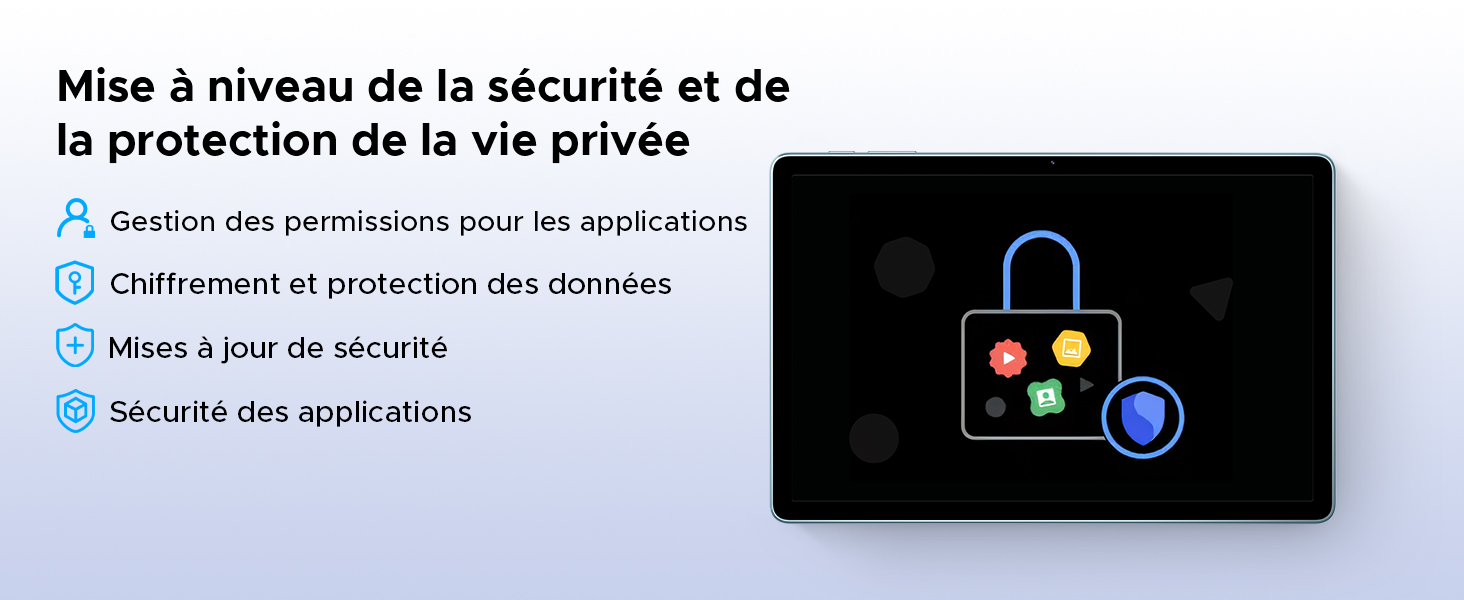
Image: A visual representation of the security and privacy enhancements in Android 15.
5.2 Zobrazení a vizuální prvky
The tablet features an 11-inch HD IPS display with a 90Hz refresh rate for smooth visuals.
- Obnovovací frekvence 90Hz: Poskytuje plynulejší rolování a herní zážitek.
- Režim pohodlí pro oči: Snižuje vyzařování modrého světla, aby se minimalizovalo namáhání očí, zejména při delším používání.
- Tmavý režim: Changes the system's color scheme to a darker palette, which can be more comfortable for eyes in low-light conditions and save battery.
- Podpora Widevine L1: Allows for streaming high-definition content from supported platforms like Netflix, Amazon Prime Video, and YouTube.

Image: The tablet's 11-inch HD 90Hz IPS display, showcasinjeho vizuální jasnost a plynulý výkon.
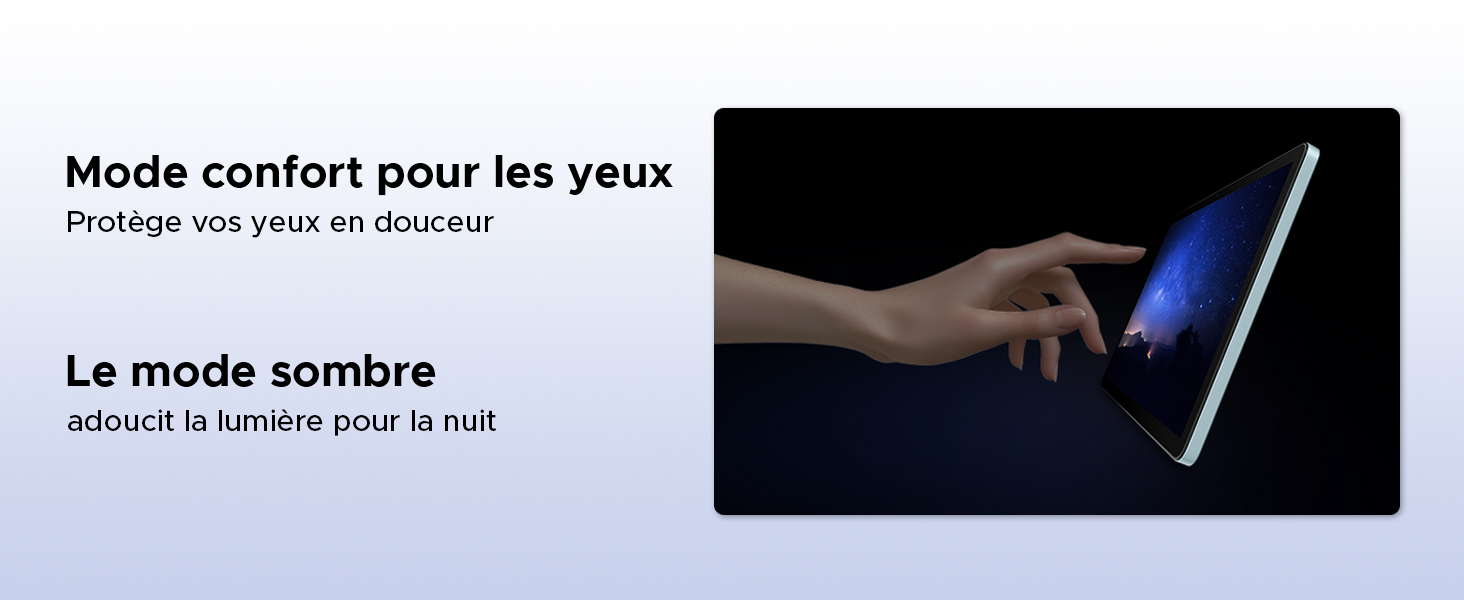
Image: Demonstrating the eye comfort and dark mode features for improved viewzkušenosti.
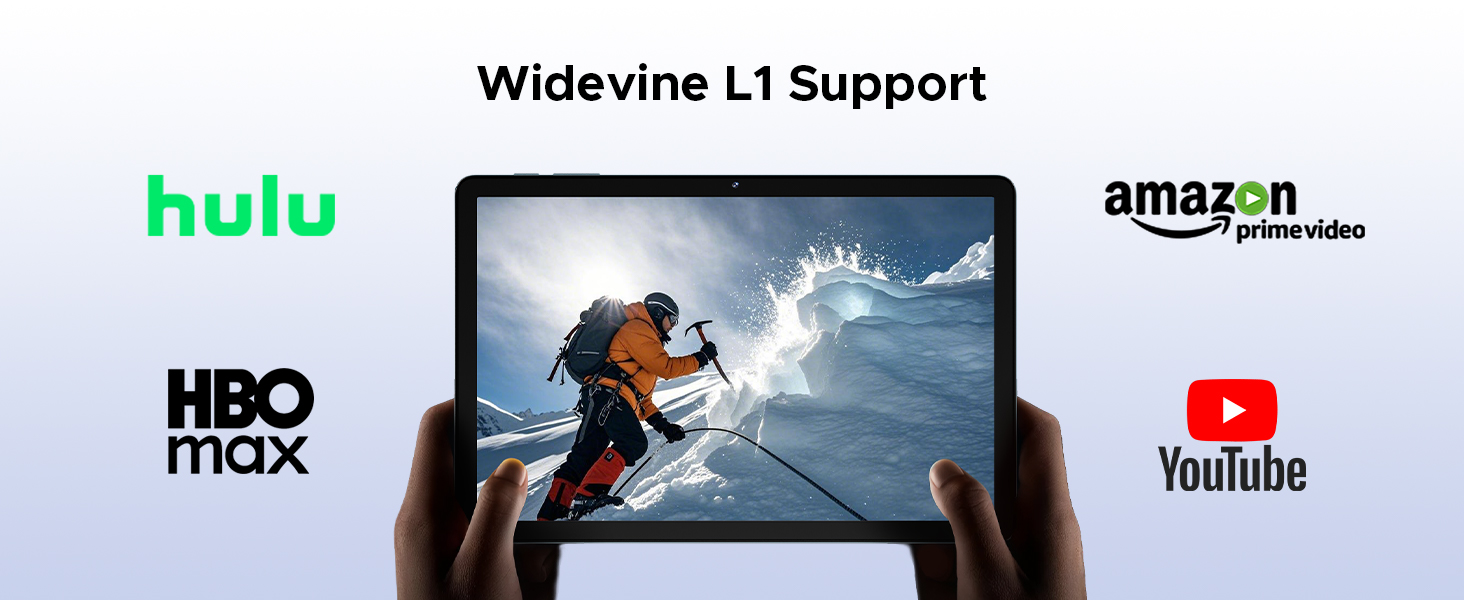
Image: Highlighting the tablet's Widevine L1 support for streaming HD content from popular platforms.
5.3 Výkon a úložiště
The DOOGEE Tab G6 is powered by an Octa-Core Unisoc T7250 processor and offers ampúložiště.
- Osmijádrový procesor Unisoc T7250: Provides efficient performance for multitasking, gaming, and media consumption.
- 30GB RAM (6GB Physical + 24GB Virtual): Ensures smooth operation and quick app switching.
- 256GB Internal Storage (ROM): Sufficient space for applications, photos, and videos.
- Expandable Storage up to 2TB (TF Card): Allows for significant expansion of storage capacity for large media libraries.

Obrázek: Podrobný view of the Unisoc T7250 octa-core processor, emphasizing its role in the tablet's performance.
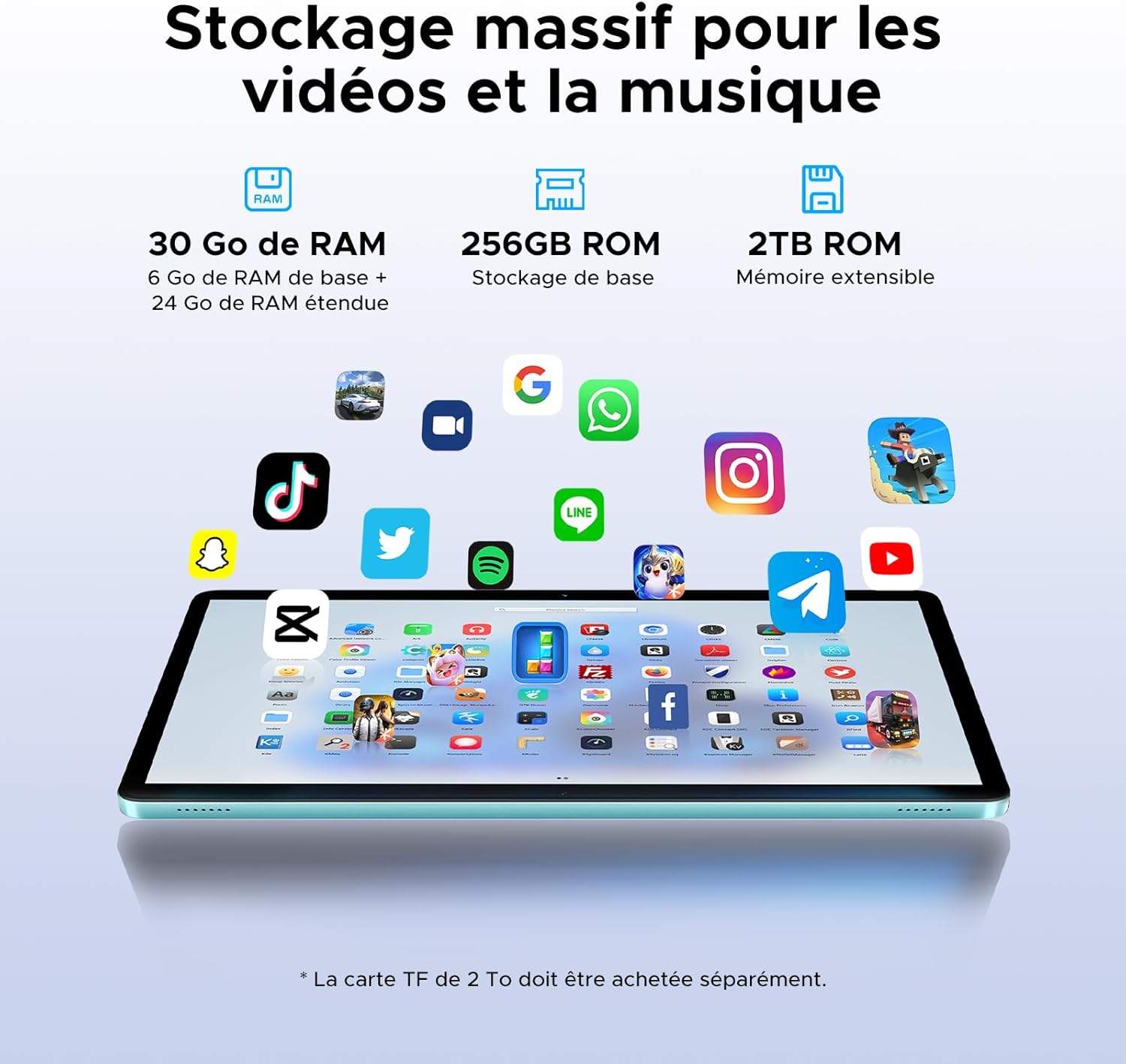
Image: Illustrating the tablet's substantial storage capabilities for apps, videos, and music.
5.4 Konektivita
Stay connected with versatile network options.
- Duální SIM karta 4G LTE: Supports mobile data and calls, providing connectivity even without Wi-Fi.
- Wi-Fi 5 (802.11ac): Offers fast and stable wireless internet connection.
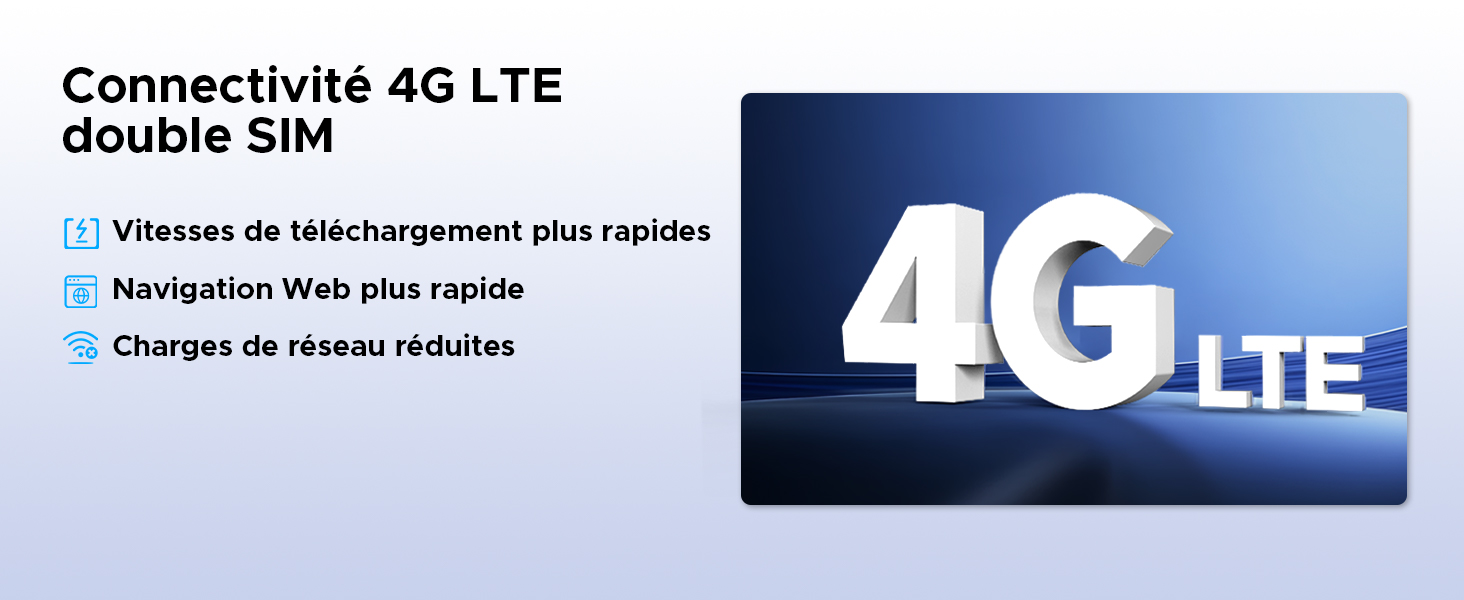
Image: Highlighting the benefits of 4G LTE dual SIM connectivity for mobile internet and calls.
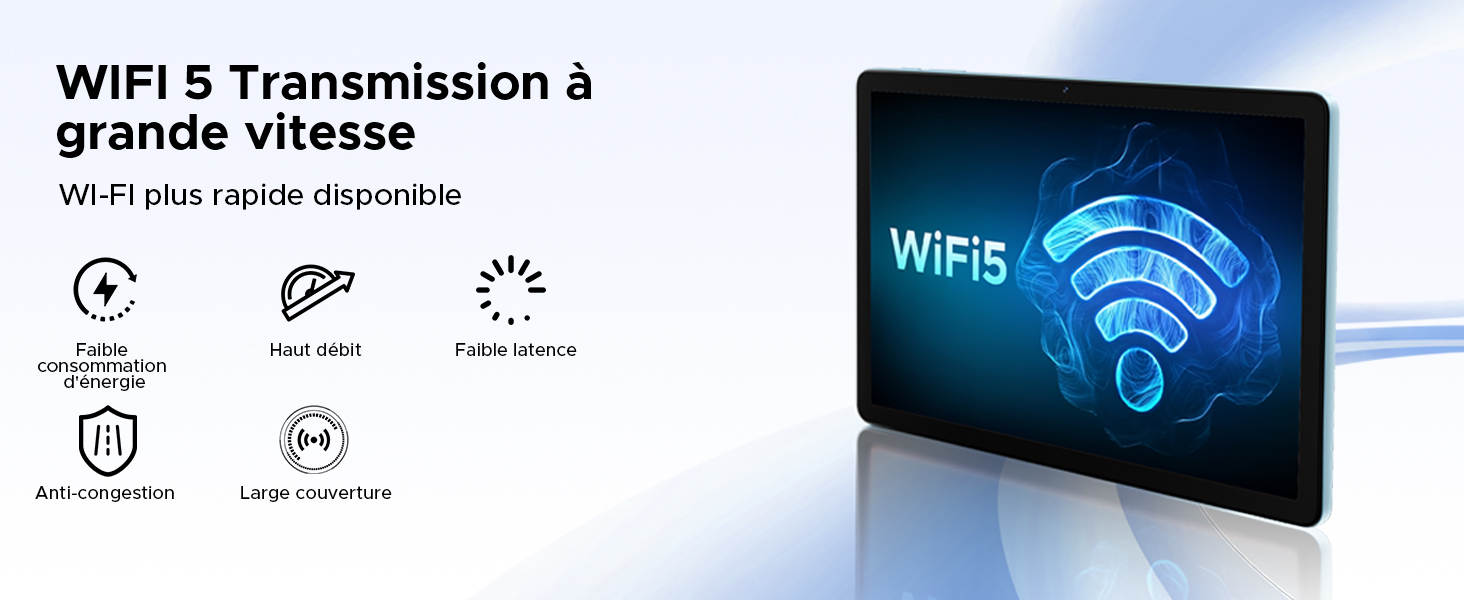
Image: Detailing the advantages of WiFi 5 for fast and reliable internet access.
5.5 Funkce fotoaparátu
Capture moments and unlock your device with the integrated cameras.
- 13MP hlavní fotoaparát: For clear photos and videos.
- 5MP přední fotoaparát: Ideální pro videohovory a selfie.
- ID obličeje: Bezpečně odemkněte tablet pomocí rozpoznávání obličeje.
- Režimy fotoaparátu: Includes filter and beauty modes for enhanced photography.

Obrázek: Showcasing the tablet's 13MP main and 5MP front cameras, along with sampobrázky.
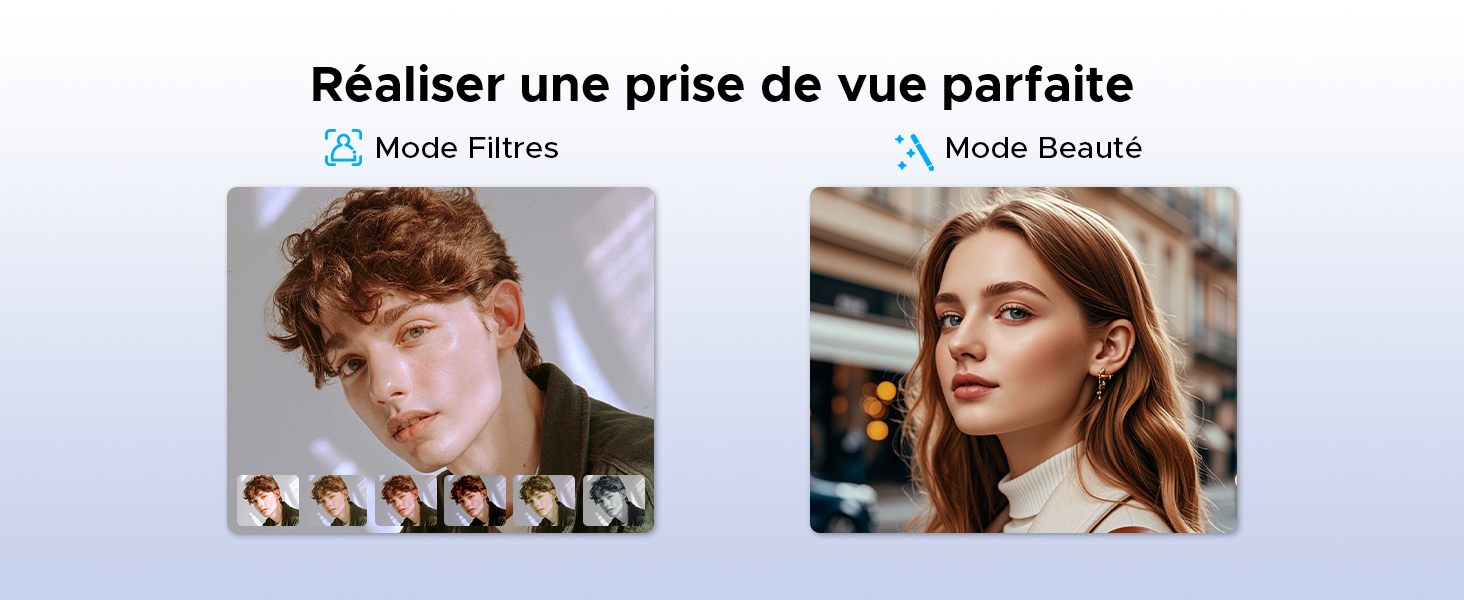
Obrázek: Přamples of filter and beauty modes available in the camera application.
5.6 Zvuk a zábava
Enjoy immersive sound and radio on your tablet.
- Premium 1217 BOX Dual Speakers: Poskytuje čistý a pohlcující stereo zvuk.
- FM rádio: Connect wired earphones to use the built-in FM radio function.

Image: The tablet's dual speakers providing an immersive audio experience during gaming.
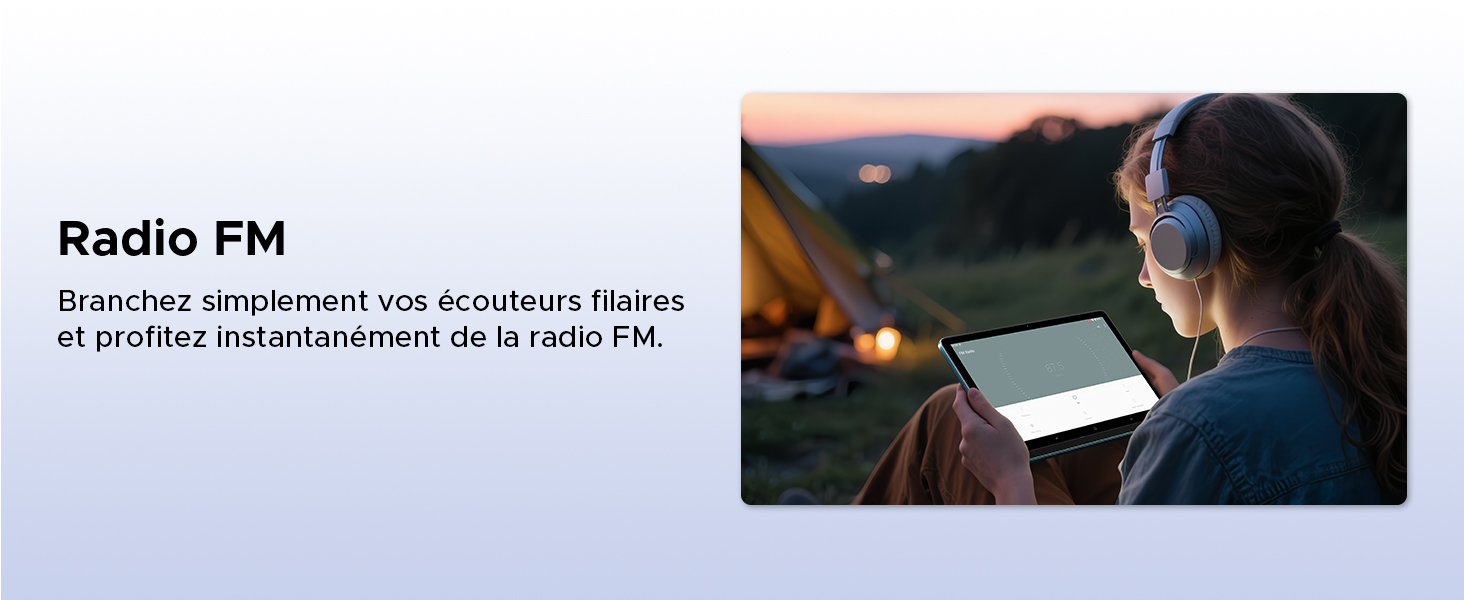
Image: Demonstrating the FM radio functionality, accessible by plugging in wired earphones.
5.7 Productivity
Enhance your work and multitasking capabilities.
- WPS Office Integration: Pre-installed WPS Office allows for easy document editing and file viewIng.
- Multitasking na rozdělené obrazovce: Use two applications simultaneously side-by-side for increased productivity.
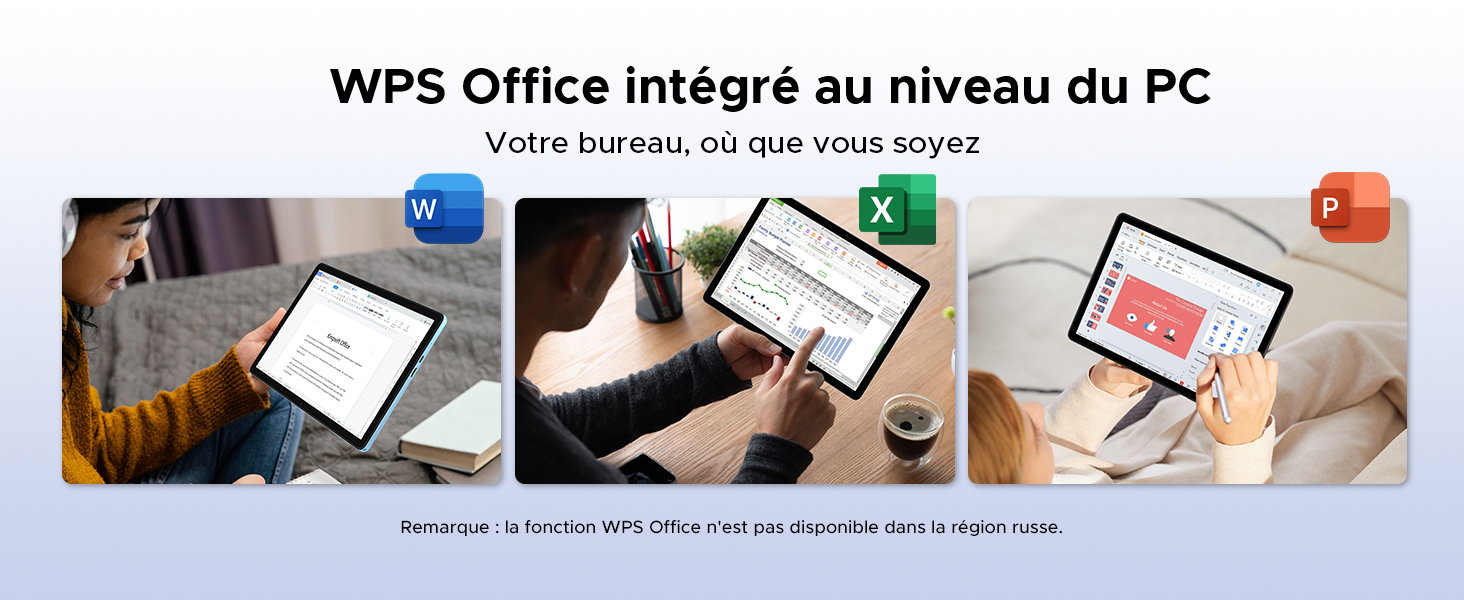
Image: Illustrating the tablet's capability for office tasks using WPS Office, anytime and anywhere.
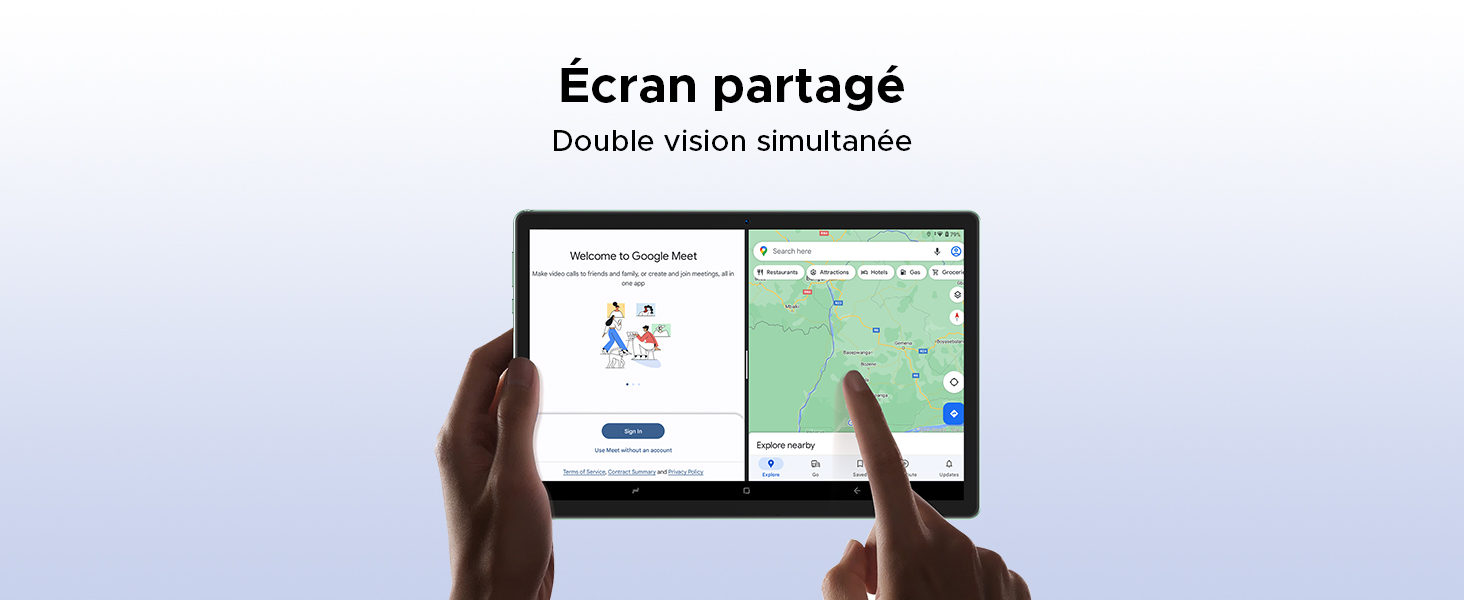
Image: Demonstrating the split-screen feature for simultaneous dual-app viewIng.
5.8 Navigace
The DOOGEE Tab G6 supports multiple global navigation satellite systems for precise positioning.
- GPS, Glonass, Galileo, Beidou: Ensures accurate and reliable navigation services.
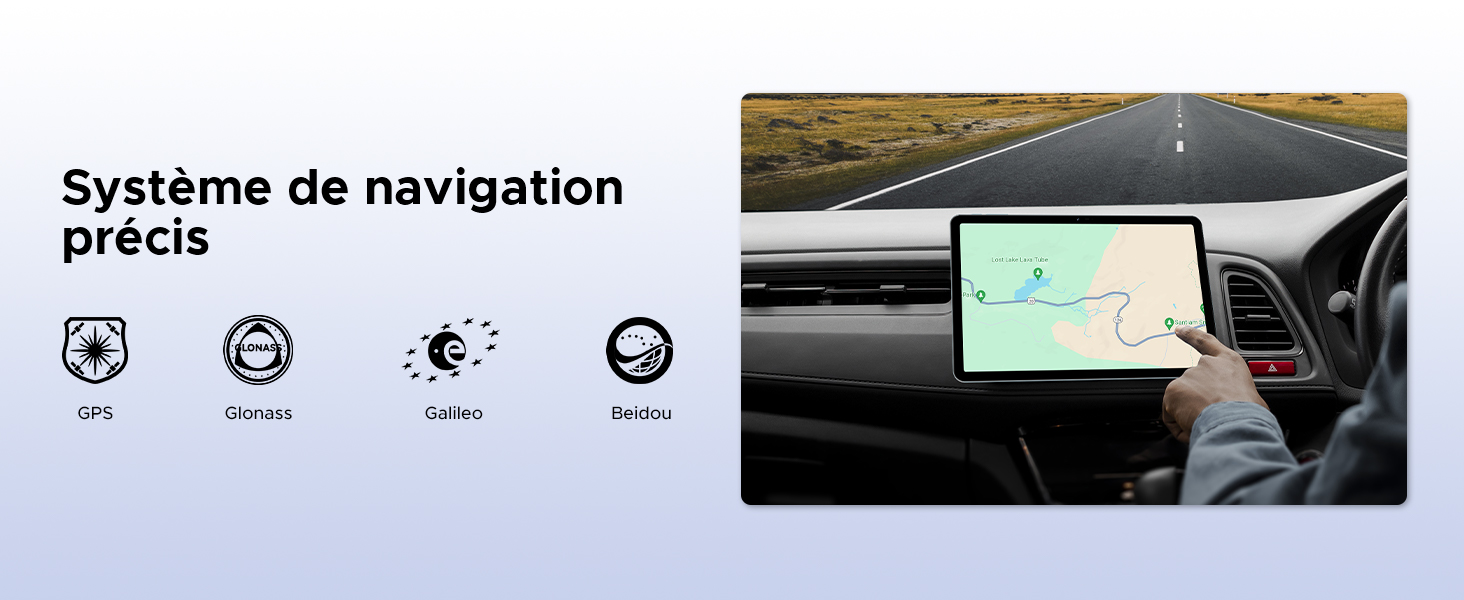
Image: The tablet being used for precise navigation in a vehicle, supported by multiple satellite systems.
6. Údržba a péče
6.1 Čištění tabletu
K čištění tabletu použijte měkký hadřík, který nepouští vlákna. V případě odolných šmouh lehceampOtřete hadřík vodou nebo čističem obrazovek určeným pro elektroniku. Nepoužívejte agresivní chemikálie, abrazivní materiály ani nadměrnou vlhkost.
6.2 Životnost baterie
The DOOGEE Tab G6 is equipped with an 8000mAh battery. To maximize its lifespan:
- Vyhněte se extrémním teplotám.
- Nenechávejte baterii často úplně vybít.
- Použijte originální nabíječku a kabel.
- Pro dlouhodobé skladování nabijte tablet přibližně na 50 % a vypněte jej.

Obrázek: Interní view of the tablet highlighting its 8000mAh battery, along with its charging capabilities.
6.3 Aktualizace softwaru
Pravidelně kontrolujte a instalujte aktualizace softwaru, abyste zajistili, že váš tablet má nejnovější funkce, bezpečnostní záplaty a vylepšení výkonu. Tuto možnost obvykle najdete v Nastavení > Systém > Aktualizace systému.
7. Řešení problémů
If you encounter issues with your DOOGEE Tab G6, try the following common solutions:
- Zařízení se nezapne: Ujistěte se, že je baterie nabitá. Připojte nabíječku a před opětovným zapnutím počkejte několik minut.
- Aplikace padá nebo zamrzá: Close and restart the app. If the issue persists, clear the app's cache (Settings > Apps > [App Name] > Storage > Clear cache) or reinstall the app.
- Problémy s připojením (Wi-Fi/4G): Toggle Wi-Fi or mobile data off and on. Restart your router for Wi-Fi issues. Ensure your SIM card is correctly inserted and active for 4G issues.
- Pomalý výkon: Zavřete nepotřebné aplikace na pozadí. Vymažte mezipaměť a dočasné files. Consider performing a factory reset as a last resort (back up your data first).
- Dotyková obrazovka nereaguje: Restart the tablet. If the issue continues, contact support.
For more complex issues, refer to the online support resources or contact DOOGEE customer service.
8. Specifikace
| Funkce | Specifikace |
|---|---|
| Značka | DOOGEE |
| Číslo modelu | TAB G6-V |
| Série | TAB G6 VIP |
| Operační systém | Android 15 |
| Značka procesoru | Unisoc |
| Velikost obrazovky | 11 Inches (10.1 Inches in some specs) |
| Rozlišení obrazovky | 1200 x 1920 pixels (1280x800 in some images) |
| BERAN | 30 GB (6 GB fyzického + 24 GB virtuálního) |
| Kapacita úložiště | 256 GB |
| Rozšiřitelné úložiště | Až 2 TB (TF karta) |
| Typ připojení | Mobilní připojení, Wi-Fi |
| Hardwarové rozhraní | Bluetooth, USB |
| Kompatibilní periferie | Klávesnice, myš |
| Výdrž baterie (průměrná) | 24 hours (8000 mAh) |
| Rozměry položky (D x Š x V) | 24.5 x 16.3 x 1 centimetrů |
| Hmotnost položky | 514 gramů |
| Hlavní fotoaparát | 13 MP |
| Přední kamera | 5 MP |
| Rok modelu | 2025 |
9. Informace o záruce a podpoře
For warranty details, please refer to the warranty card included in your product packaging or visit the official DOOGEE website. If you require technical assistance or have questions not covered in this manual, please contact DOOGEE customer support through their official channels.