
Zavedení
The HP K270 Wireless Keyboard is designed to provide a comfortable and efficient typing experience. This keyboard features a reliable 2.4 GHz wireless connection, vintage round keycaps, and integrated multimedia controls, making it suitable for various computing tasks. This manual provides essential information for setting up, operating, maintaining, and troubleshooting your keyboard.

Image: HP K270 Wireless Keyboard, showcasing jeho úplné rozvržení.
Pokyny pro nastavení
Follow these steps to set up your HP K270 Wireless Keyboard:
- Vložte baterie: Open the battery compartment on the underside of the keyboard. Insert the required batteries (typically AA or AAA, not specified in product data, assume standard for wireless keyboards) ensuring correct polarity.
- Připojte USB přijímač: Locate the 2.4 GHz USB receiver, usually stored within the battery compartment or a dedicated slot on the keyboard. Plug this receiver into an available USB port on your computer.
- Zapnutí: Ensure the keyboard's power switch (if present) is in the 'ON' position.
- Automatické připojení: The keyboard should automatically connect to your computer. No additional drivers are typically required for basic functionality.

Image: Visual representation of the 2.4 GHz wireless connection setup.
Ovládání klávesnice
The HP K270 keyboard offers standard typing functionality along with several convenient features:
- Standardní klíče: Všechny standardní alfanumerické, symbolové a navigační klávesy fungují podle očekávání.
- Function (Fn) Key Combinations: The keyboard integrates 12 shortcut combinations using the Fn key. These allow quick access to functions such as music control, movie playback, volume adjustment, homepage access, bookmark management, and email client launch. Refer to the key legends for specific combinations.
- Numerická klávesnice: A dedicated numeric keypad is included for efficient data entry.
- Kontrolky: The keyboard features illuminated indicators for Num Lock, Caps Lock, and Scroll Lock, providing clear visual feedback on their status.
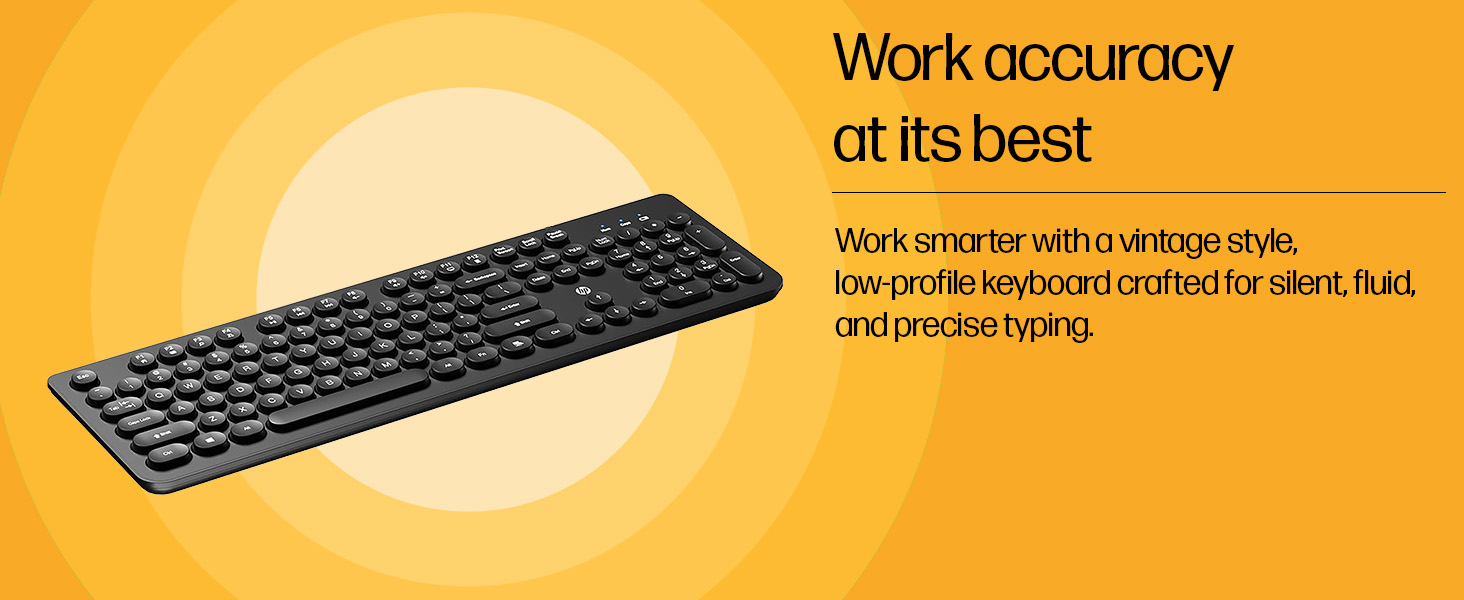
Image: Close-up of the keyboard highlighting the function keys and their shortcuts.
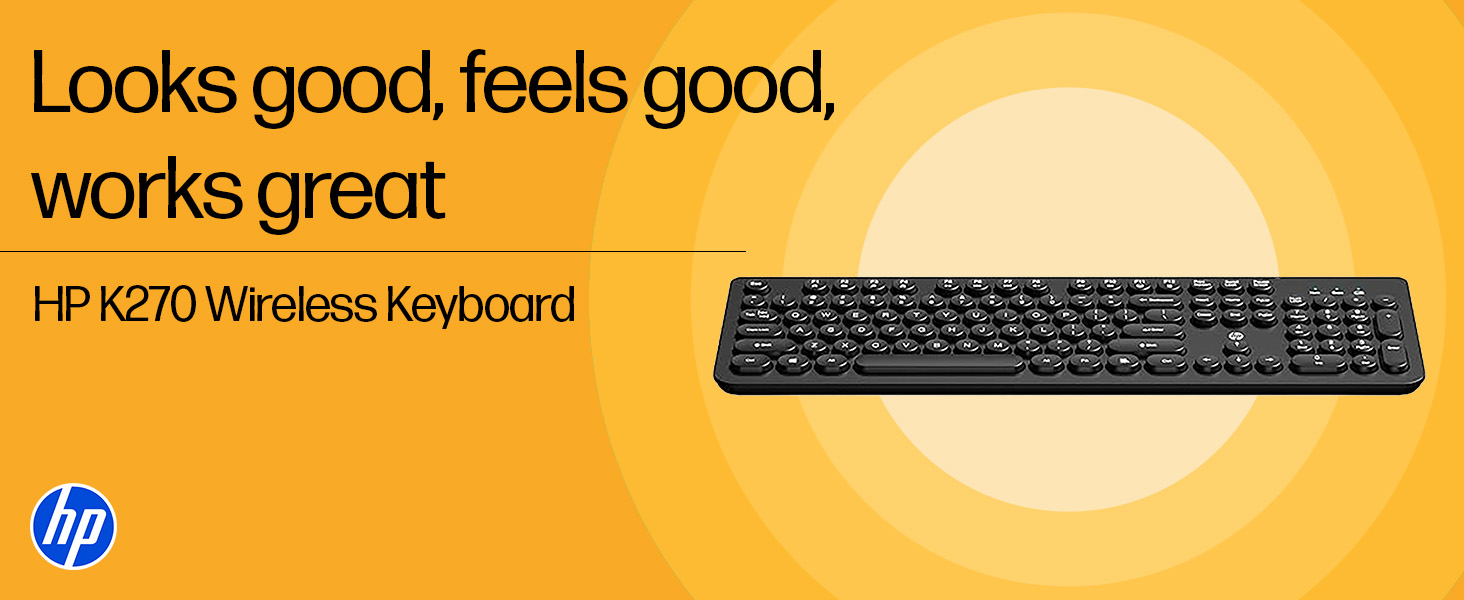
Image: Detail of the keyboard showing the illuminated status indicators.
Údržba
To ensure the longevity and optimal performance of your HP K270 Wireless Keyboard, follow these maintenance guidelines:
- Čištění: K otření povrchu klávesnice použijte měkký, suchý hadřík. Pro důkladnější čištění použijte lehceamp cloth with mild soap can be used, ensuring no liquid enters the key mechanisms. Avoid abrasive cleaners or solvents.
- Výměna baterie: When the keyboard's performance degrades or it stops responding, replace the batteries. Always use fresh batteries of the specified type. Dispose of old batteries responsibly.
- Skladování: Klávesnici skladujte na chladném a suchém místě mimo dosah přímého slunečního záření a extrémních teplot.
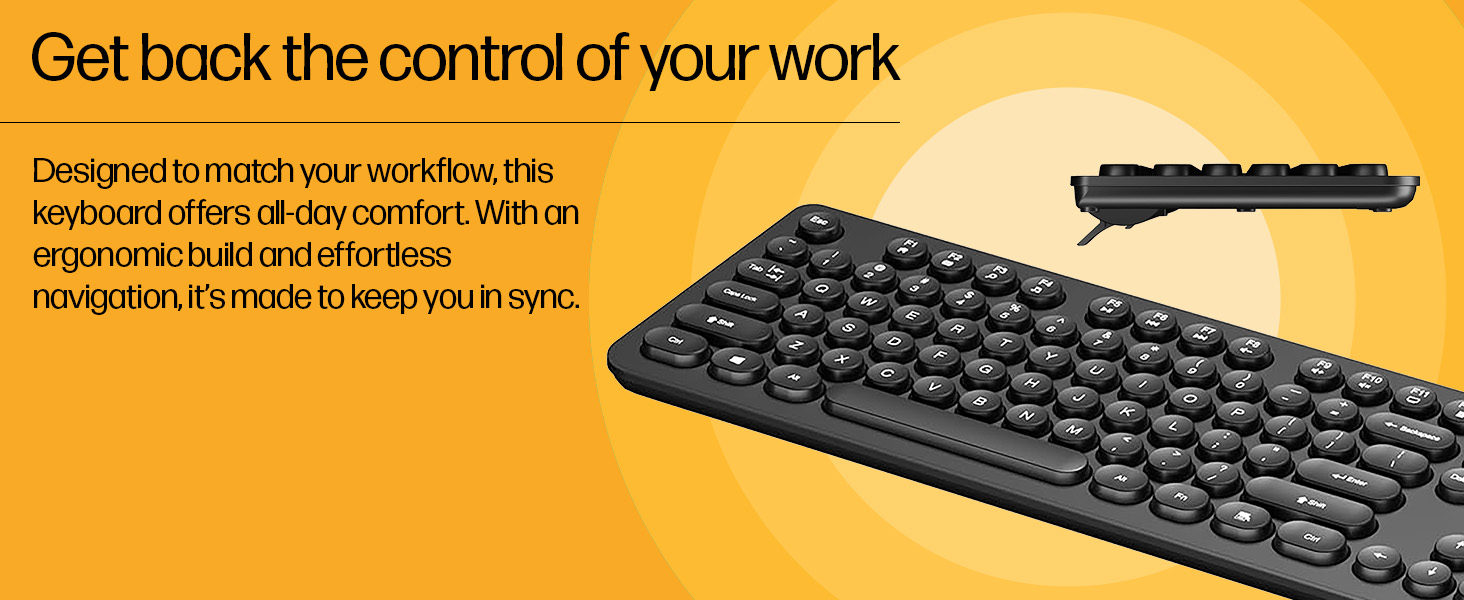
Image: Close-up of the keyboard's keycaps, illustrating its design for easy cleaning.
Odstraňování problémů
If you encounter issues with your HP K270 Wireless Keyboard, try the following solutions:
| Problém | Možné řešení |
|---|---|
| Klávesnice nereaguje |
|
| Lag or intermittent response |
|
| Nefungují konkrétní klávesy |
|
Specifikace
| Funkce | Detail |
|---|---|
| Značka | HP |
| Model | K270 |
| Číslo modelu položky | AB3D4AA |
| Technologie připojení | Bezdrátové (2.4 GHz) |
| Popis klávesnice | Multimédia |
| Barva | Černý |
| Rozměry produktu (DxŠxV) | 44 x 14.1 x 2.6 cm |
| Hmotnost položky | 400 g |
| Kompatibilní zařízení | Laptops, PCs |
| Speciální funkce | Backlit LED (for indicators) |
Záruka a podpora
Na produkty HP se vztahuje omezená záruka. Podrobné informace o záruce naleznete v záručním listu dodaném s produktem nebo navštivte oficiální stránky podpory HP. webweb. Pro technickou pomoc, stažení ovladačů nebo další dotazy navštivte www.hp.com/support or contact HP customer service in your region.