
1. Úvod
The Delton S22 Vertical Wireless Mouse is designed to provide a comfortable and efficient computing experience. Its ergonomic vertical design aims to reduce wrist strain and promote a natural hand posture, making it suitable for extended use. This manual provides instructions for setting up, operating, maintaining, and troubleshooting your Delton S22 mouse.

This image illustrates the ergonomic benefits of the Delton S22 Vertical Wireless Mouse. It compares the unnatural wrist position required by a traditional mouse with the natural, handshake-like grip promoted by the vertical mouse, highlighting how it reduces strain and is recommended by rheumatologists.
2. Konec produktuview a Komponenty
Familiarize yourself with the various parts of your Delton S22 Vertical Wireless Mouse:

Tento diagram poskytuje podrobný view of the Delton S22 mouse, pointing out its key components: Left Button, Scroll Wheel, Right Button, DPI Switch, Detachable Wrist Pad, Optical Sensor, USB Receiver Compartment, Back Cover, 2*AA Battery Slot, Glide Pads, Forward Button, Back Button, and Power On/Off switch.
- Levé tlačítko: Standardní funkce levého kliknutí.
- Pravé tlačítko: Standardní funkce kliknutí pravým tlačítkem myši.
- Rolovací kolečko: Pro vertikální rolování a funkci kliknutí prostředním tlačítkem myši.
- Tlačítko vpřed: Naviguje vpřed web prohlížeče popř file průzkumníci.
- Tlačítko Zpět: Naviguje zpět web prohlížeče popř file průzkumníci.
- Přepínač DPI: Upravuje citlivost kurzoru (800/1600/2400 DPI).
- Vypínač napájení: Conserves battery life when the mouse is not in use.
- Optický senzor: Sleduje pohyb myši.
- Přihrádka pro USB přijímač: Stores the 2.4G USB dongle.
- Slot baterie: Holds two AA batteries (not included).
- Detachable Wrist Pad: Provides additional wrist support and reduces friction.
3. Nastavení
- Nainstalujte baterie: Open the battery compartment on the underside of the mouse. Insert two AA batteries, ensuring correct polarity. Close the compartment.
- Připojení USB dongle: Locate the USB receiver (dongle) stored in its compartment on the underside of the mouse. Plug the USB dongle into an available USB-A port on your computer (PC, laptop, or tablet PC).
- Zapnutí: Flip the Power On/Off switch on the underside of the mouse to the "On" position.
- Automatické párování: The mouse should automatically pair with the USB dongle. Your computer's operating system will typically install the necessary drivers automatically.
- Attach Wrist Pad (Optional): If desired, attach the detachable wrist pad to the base of the mouse for enhanced comfort.
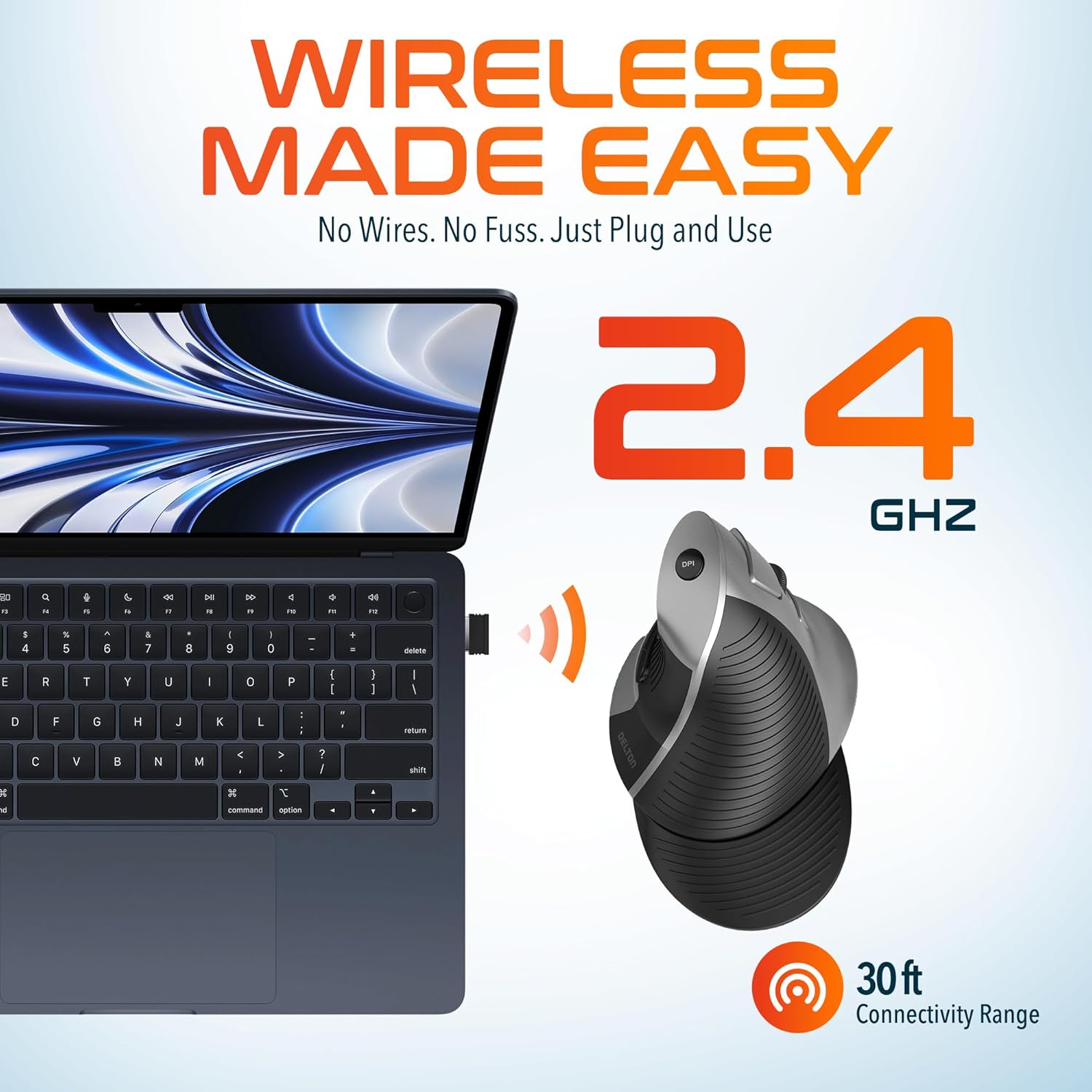
This image demonstrates the wireless connectivity of the Delton S22 mouse. It shows the mouse operating wirelessly with a laptop, emphasizing the 2.4 GHz connection and a 30 ft connectivity range, indicating a simple plug-and-use setup.
4. Návod k obsluze
Funkce tlačítek
The Delton S22 mouse features 6 buttons for enhanced functionality:
- Levé kliknutí: Primární výběr a aktivace.
- Klikněte pravým tlačítkem myši: Accesses context menus.
- Rolovací kolečko: Vertikálně posouvá dokumenty a web pages. Pressing it acts as a middle-click.
- Tlačítko vpřed: Navigates to the next page in supported applications.
- Tlačítko Zpět: Navigates to the previous page in supported applications.
- Přepínač DPI: Cykluje mezi nastaveními DPI.
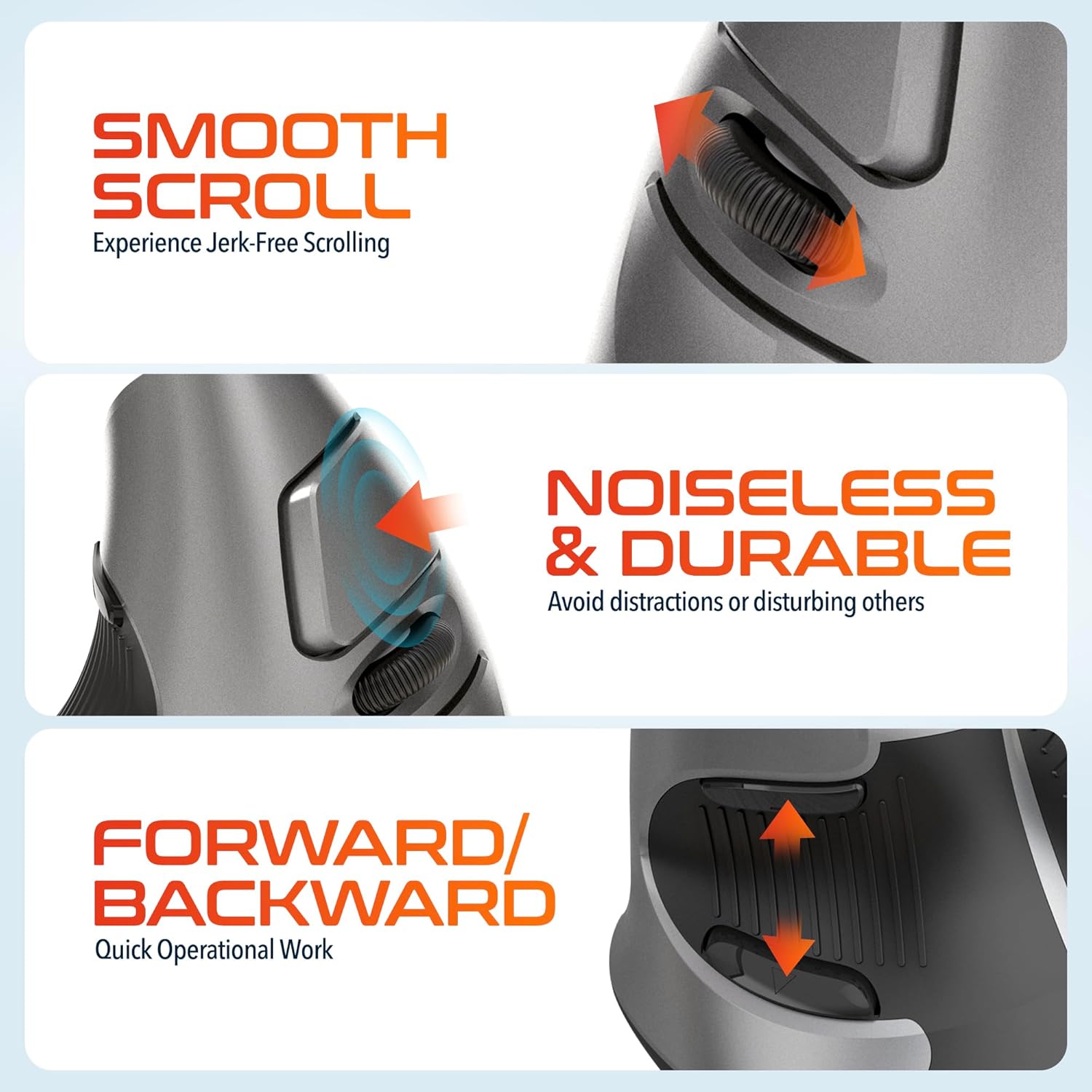
This composite image highlights three key operational features: the smooth, jerk-free scrolling experience, the noiseless and durable buttons designed to prevent distractions, and the convenient forward/backward buttons for quick navigation.
Úprava DPI
The DPI (Dots Per Inch) switch allows you to adjust the cursor sensitivity to match your preference or task requirements. Press the DPI button located on the top of the mouse to cycle through the following settings:
- 800 DPI: Lower sensitivity for precise tasks.
- 1600 DPI: Střední citlivost pro všeobecné použití.
- 2400 DPI: Vyšší citlivost pro rychlejší pohyb kurzoru.

This image focuses on the high precision control offered by the Delton S22 mouse. It shows the DPI switch button and how it allows users to toggle between 800, 1600, and 2400 DPI settings for customized cursor sensitivity.
Správa napájení
To conserve battery life, switch the mouse to the "Off" position using the power switch on the underside when not in use for extended periods.
5. Kompatibilita
The Delton S22 Vertical Wireless Mouse is designed for broad compatibility with various operating systems and devices:
- Operační systémy: Windows, macOS, iOS, Android, Chrome OS, Linux.
- Kompatibilní zařízení: Laptop, Personal Computer, Tablet.
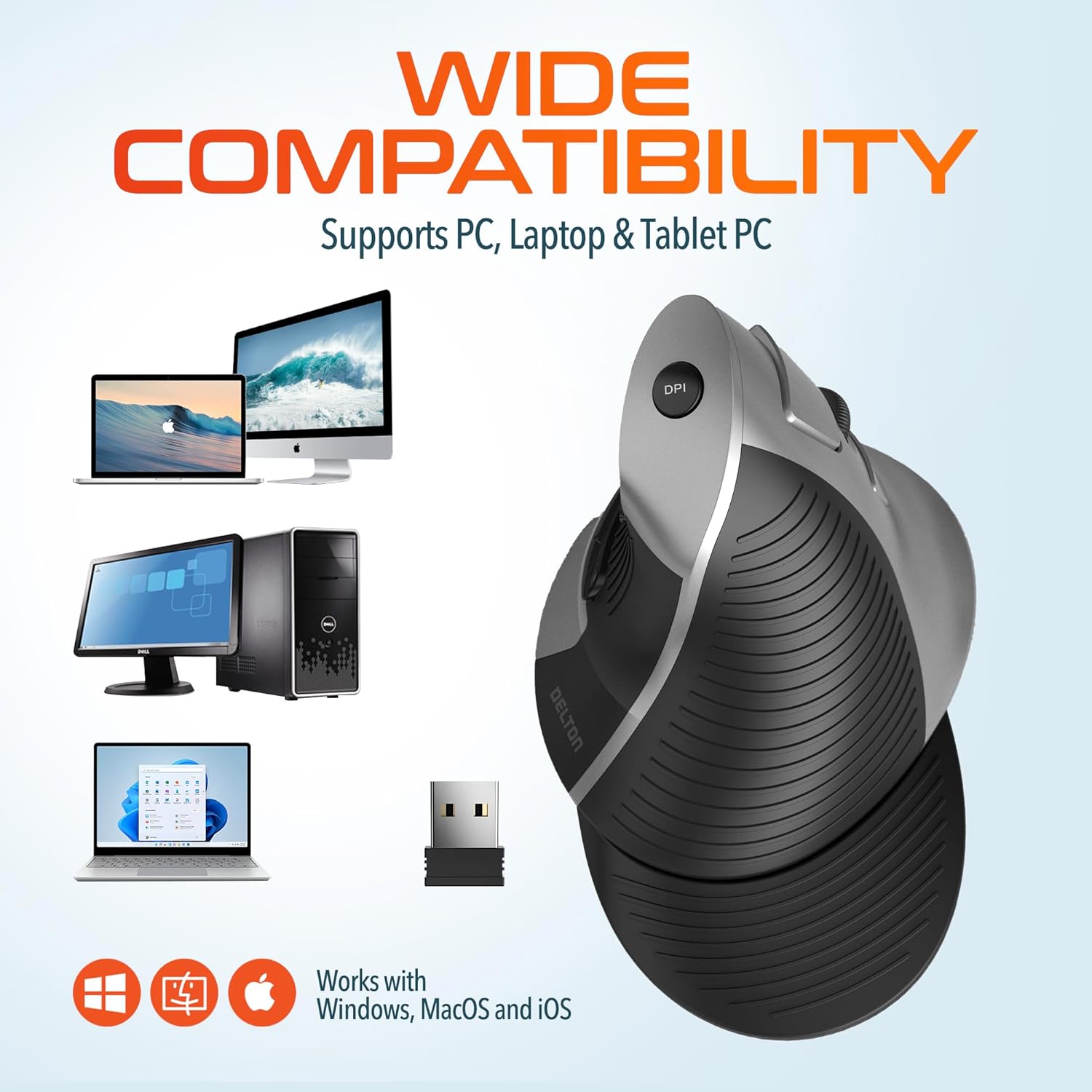
This image illustrates the wide compatibility of the Delton S22 mouse, showing it works seamlessly with PCs, laptops, and tablet PCs across Windows, macOS, and iOS operating systems. The USB dongle is also depicted as the connection method.
6. Údržba
- Čištění: K čištění myši použijte měkký, suchý hadřík. V případě odolných nečistot lehceampOtřete hadřík vodou nebo jemným čisticím roztokem. Vyhněte se agresivním chemikáliím nebo abrazivním materiálům.
- Výměna baterie: When the mouse performance degrades or it stops responding, replace the two AA batteries. Ensure the power switch is off before replacing batteries.
- Skladování: When transporting or storing the mouse, ensure the USB dongle is securely placed in its dedicated compartment to prevent loss.
7. Řešení problémů
| Problém | Možné řešení |
|---|---|
| Myš nereaguje. |
|
| Pohyb kurzoru je nepravidelný nebo trhaný. |
|
| DPI setting is not changing. |
|
| Forward/Back buttons not working. |
|
8. Specifikace
| Funkce | Detail |
|---|---|
| Značka | Delton |
| Číslo modelu | S22 |
| Technologie připojení | Bezdrátové 2.4G (USB adaptér) |
| Speciální funkce | Vertical, Ergonomic Design, Wireless |
| Technologie detekce pohybu | Optický |
| Množství tlačítek | 6 |
| Orientace rukou | Právo |
| Kompatibilní zařízení | Notebook, osobní počítač, tablet |
| Kompatibilita operačního systému | Windows, macOS, iOS, Android, Chrome OS, Linux |
| Zdroj napájení | Napájení z baterií (2 x AA baterie, nejsou součástí balení) |
| Úrovně DPI | 800, 1600, 2400 |
| Bezdrátové Dosah | Až 30 stop |
| Barva | Černý |
| Rozměry položky (D x Š) | 5.3"D x 3.7"Š |
| UPC | 802029086375 |
9. Záruka a podpora
The Delton S22 Vertical Wireless Mouse comes with a 1-letá záruka výrobce. Tato záruka se vztahuje na vady materiálu a zpracování při běžném používání.
For warranty claims, technical support, or any questions regarding your product, please refer to the contact information provided with your purchase or visit the official Delton webmísto pro zdroje podpory.
Online zdroje: For additional information, FAQs, or driver downloads (if applicable), please visit the Delton Store on Amazon.