
DOOGEE TabA9
Uživatelská příručka k tabletu DOOGEE Tab A9 s Androidem 15
Model: Tab A9 | Brand: DOOGEE
1. Úvod
Thank you for choosing the DOOGEE Tab A9 Android 15 Tablet. This manual provides essential information for setting up, operating, and maintaining your device. Please read it thoroughly to ensure optimal performance and longevity of your tablet.
The DOOGEE Tab A9 is a 10-inch tablet running on the latest Android 15 system, powered by a Unisoc T310 quad-core processor. It features 12GB RAM, 64GB ROM (expandable up to 2TB), a 6580mAh battery, dual speakers, 8MP AI camera, 5MP front camera, and supports Face ID.

Obrázek: Přední a zadní strana view of the DOOGEE Tab A9 tablet, highlighting its 6580mAh battery, 5G WiFi, 10.1-inch IPS display, Android 15, 12GB RAM, 64GB ROM, and Unisoc T310 processor.
2. Co je v krabici
- DOOGEE Tab A9 Tablet
- Nabíječka
- Kabel USB typu C
3. Uspořádání zařízení
Familiarize yourself with the physical components of your DOOGEE Tab A9 tablet.

Obrázek: Boční view of the DOOGEE Tab A9 tablet, illustrating the placement of buttons and ports such as the power button, volume rocker, and USB-C port.
- Vypínač: Nachází se na boku, slouží k zapnutí/vypnutí nebo probuzení/uspání zařízení.
- Tlačítka hlasitosti: Upravte hlasitost zvuku.
- Port USB Type-C: Pro nabíjení a přenos dat.
- 3.5mm audio jack: Pro připojení sluchátek.
- Přední fotoaparát (5MP): Located above the screen, for video calls and selfies.
- Zadní fotoaparát (8MP): Nachází se na zadní straně, pro pořizování fotografií a videí.
- Duální reproduktory: Located on the sides/bottom for enhanced audio experience.
4. Nastavení
4.1 Počáteční zapnutí
- Stiskněte a podržte Tlačítko napájení dokud se neobjeví logo DOOGEE.
- Postupujte podle pokynů na obrazovce a vyberte jazyk, připojte se k Wi-Fi a nastavte si účet Google.
4.2 Nabíjení tabletu
Connect the provided Type-C USB cable to the tablet's charging port and the other end to the charger. Plug the charger into a power outlet. The battery icon on the screen will indicate charging status.

Image: Visual representation of the 6580mAh large battery and 10W fast charging capability of the DOOGEE Tab A9 tablet.
4.3 Vložení karty Micro SD (volitelné)
The tablet supports storage expansion up to 2TB via a Micro SD card (not included). Locate the SIM/SD card tray on the side of the tablet. Use the provided ejector tool to open the tray and insert the Micro SD card as shown in the diagram (refer to device layout section for tray location). Ensure the tablet is powered off before inserting or removing the card.
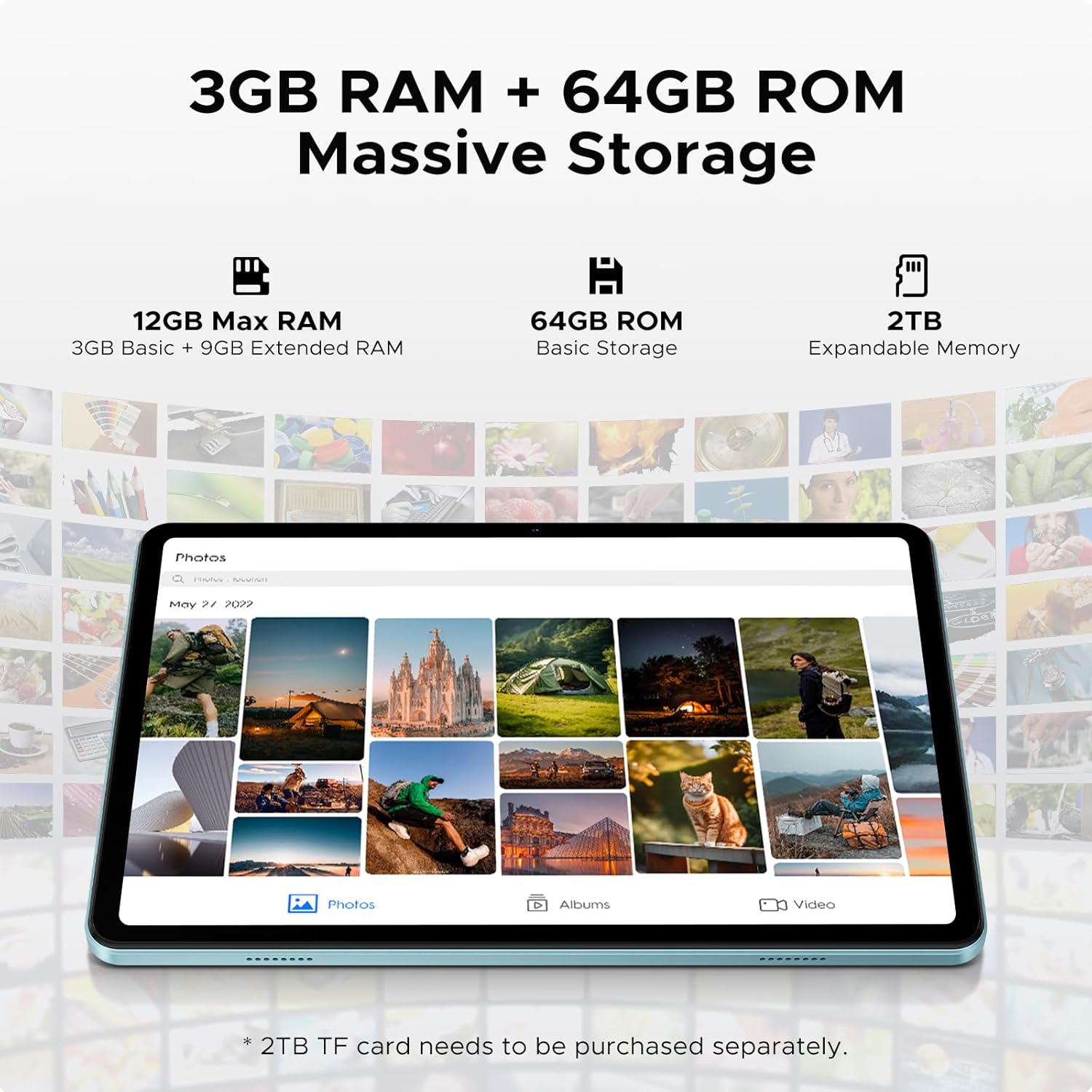
Image: Details on the tablet's 12GB Max RAM (3GB Basic + 9GB Extended RAM) and 64GB ROM Basic Storage, with a note about 2TB Expandable Memory via TF card (sold separately).
5. Návod k obsluze
5.1 Základní navigace
- Dotek: Klepnutím na ikonu nebo možnost ji vyberte.
- Výpad: Tažením prstu po obrazovce můžete procházet stránky nebo obsah.
- Přiblížení/zvětšení prsty: Pro přiblížení nebo oddálení obrázků použijte dva prsty nebo web stránky.
5.2 Připojení k Wi-Fi
- Přejít na Nastavení > Síť a internet > Wi-Fi.
- Zapněte Wi-Fi. Tablet vyhledá dostupné sítě.
- Vyberte požadovanou síť a v případě potřeby zadejte heslo.
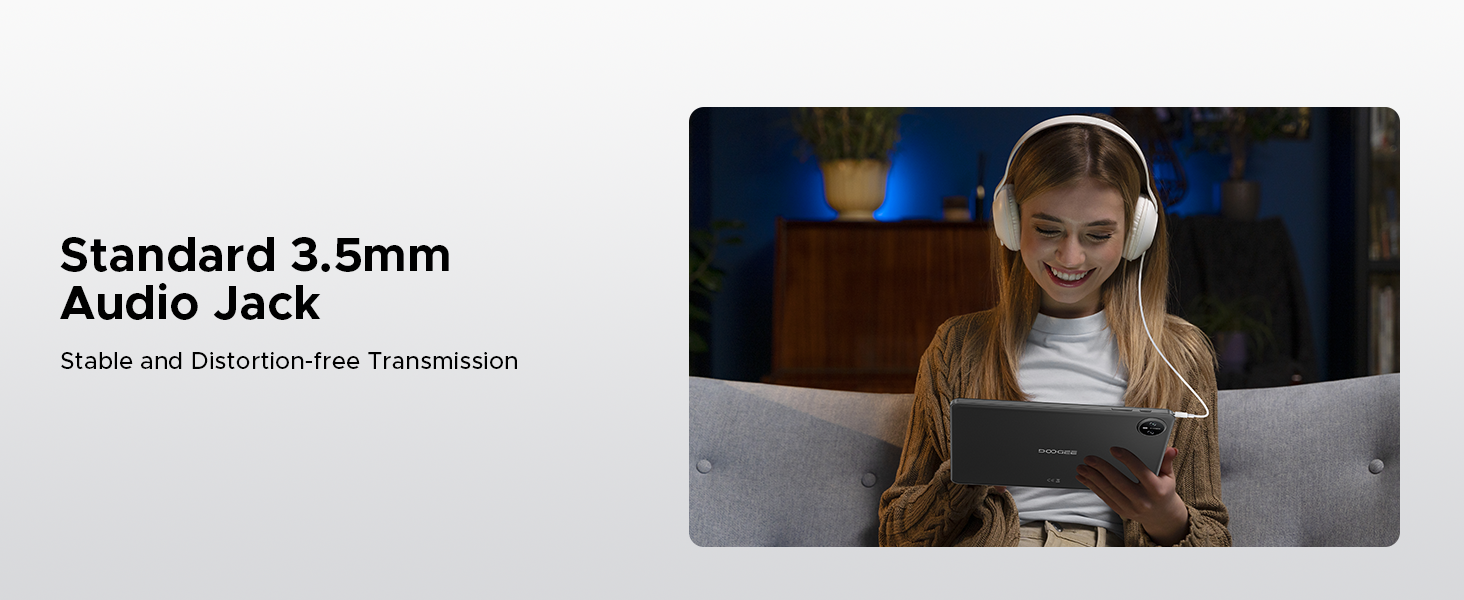
Image: Diagram illustrating the benefits of Faster WiFi 5 connectivity, including low latency, anti-congestion, wide coverage, low power consumption, and high speed.
5.3 Použití Face ID
The DOOGEE Tab A9 supports facial recognition for quick and secure unlocking.
- Přejít na Nastavení > Zabezpečení a soukromí > Odemknutí obličejem.
- Registrujte svůj obličej podle pokynů na obrazovce.
- Once registered, you can unlock your tablet by simply looking at the front camera.
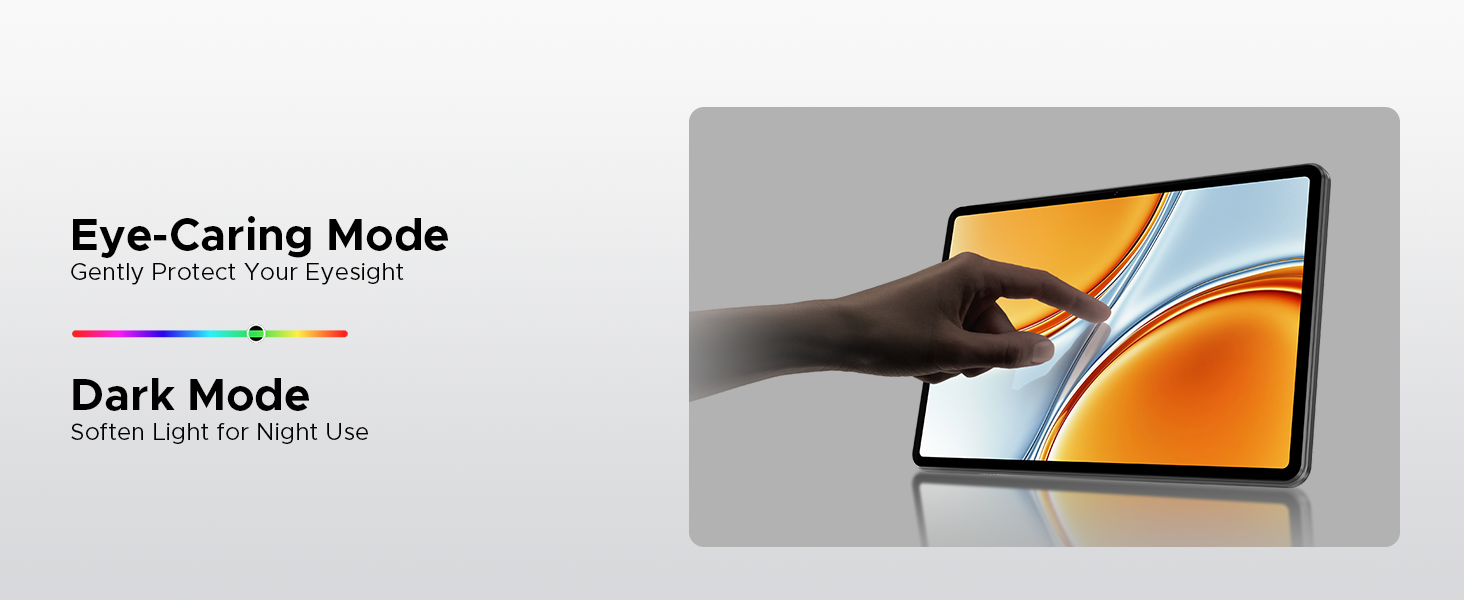
Image: A visual demonstrating the Facial Recognition Unlock feature for effortless access to the tablet.
5.4 Obsluha kamery
Zachyťte okamžiky s 8MP zadním fotoaparátem a 5MP předním fotoaparátem.
- Otevřete Fotoaparát aplikace.
- Klepnutím na tlačítko spouště pořídíte fotografii.
- Přepínejte mezi předním a zadním fotoaparátem pomocí ikony přepínače fotoaparátu.
- Explore various modes like Beauty Mode for enhanced photos.

Image: Depiction of the 8MP main camera and 5MP front camera, highlighting their use for capturing lively moments and video calls.
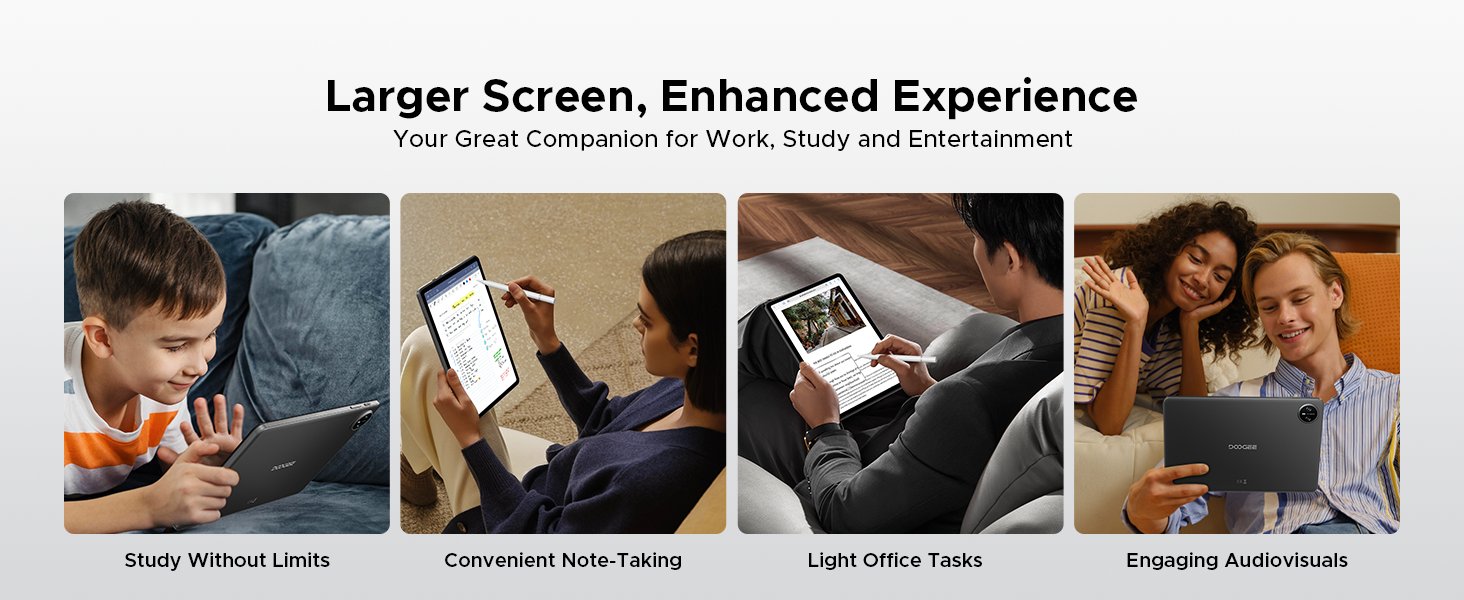
Image: A visual demonstrating the "Beauty Mode" feature for enhancing photos.
5.5 Split-Screen Multitasking
The tablet supports efficient split-screen multitasking, allowing you to use two apps simultaneously.
- Open the first app you want to use.
- Přejetím prstem od spodní části obrazovky nahoru a podržením zobrazíte nedávno používané aplikace.
- Tap the app icon at the top of the app's card and select "Split screen".
- Vyberte druhou aplikaci z posledních aplikací nebo ze seznamu aplikací.
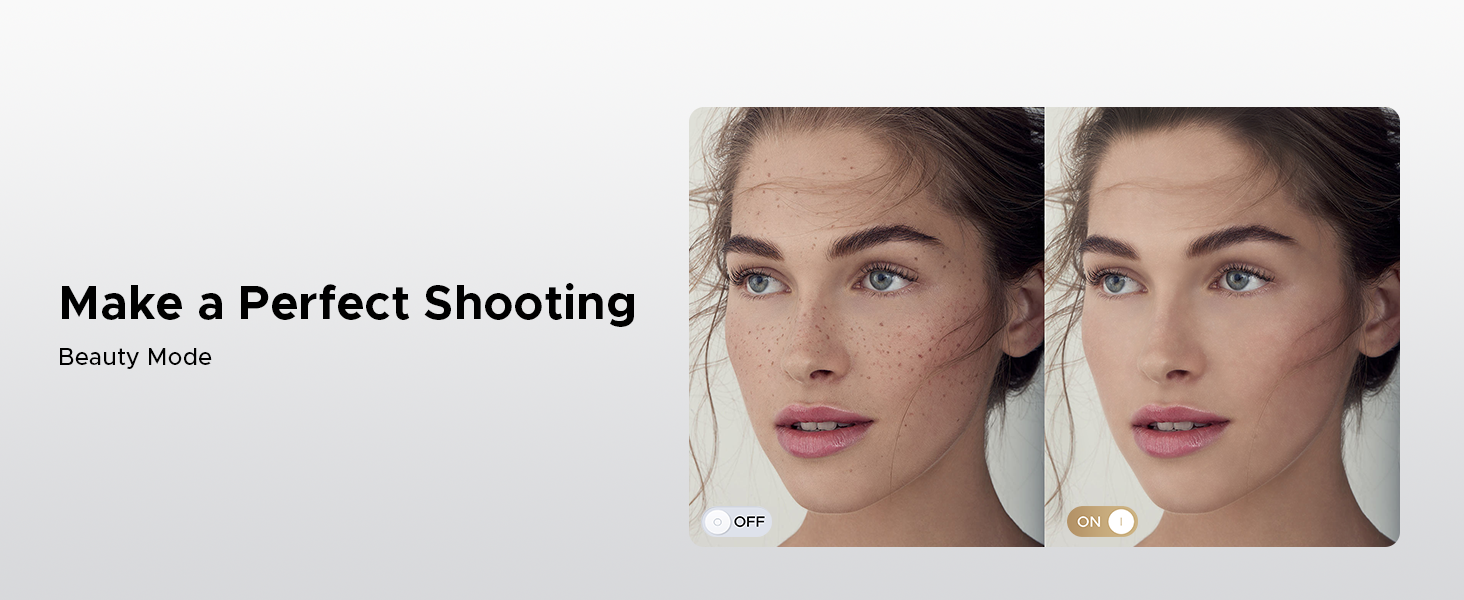
Image: A user demonstrating efficient split-screen multitasking on the DOOGEE Tab A9 tablet, with two applications open side-by-side.
6. Klíčové vlastnosti
Systém 6.1 Android 15
The DOOGEE Tab A9 runs on the latest Android 15, offering enhanced performance, improved app launch speeds, and a more secure privacy management system.
Image: The Android 15 system logo, emphasizing intelligence, seamlessness, and security.
Image: Features of the Fortified Privacy Shield in Android 15, including precision permission control, robust data encryption, timely security patches, and proactive app screening.
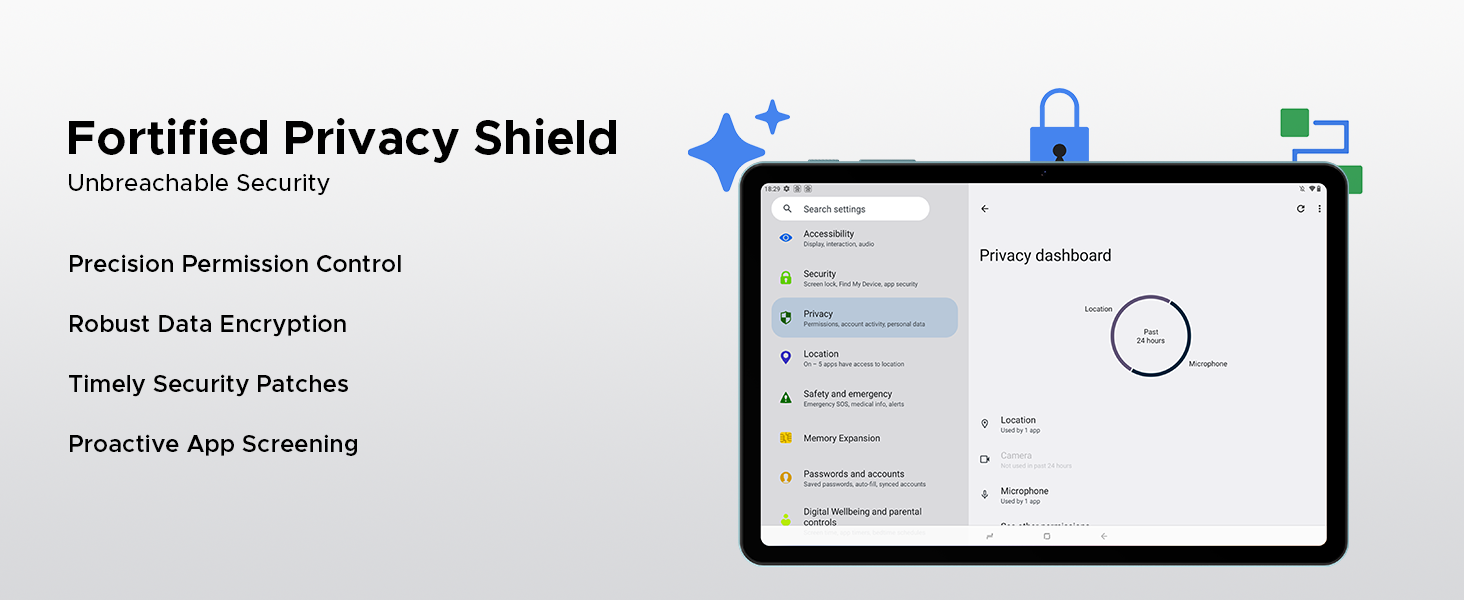
Image: Illustrations of additional Android 15 features such as Bedtime Mode, Multi-user System, and Parental Control.
6.2 Unisoc T310 Quad-Core Processor
Equipped with the Unisoc T310 processor, the tablet delivers smooth performance for daily tasks, web browsing, and office software, while maintaining low power consumption.

Obrázek: Schéma znázorněníasing the Unisoc T310 Quad-Core Processor, highlighting its powerful quad-core design, 2.0GHz ultimate frequency, and 12nm advanced process technology.
6.3 10.1" IPS HD Display
Enjoy a wide field of view and vibrant colors on the 10.1-inch IPS HD display with 1280x800 resolution.
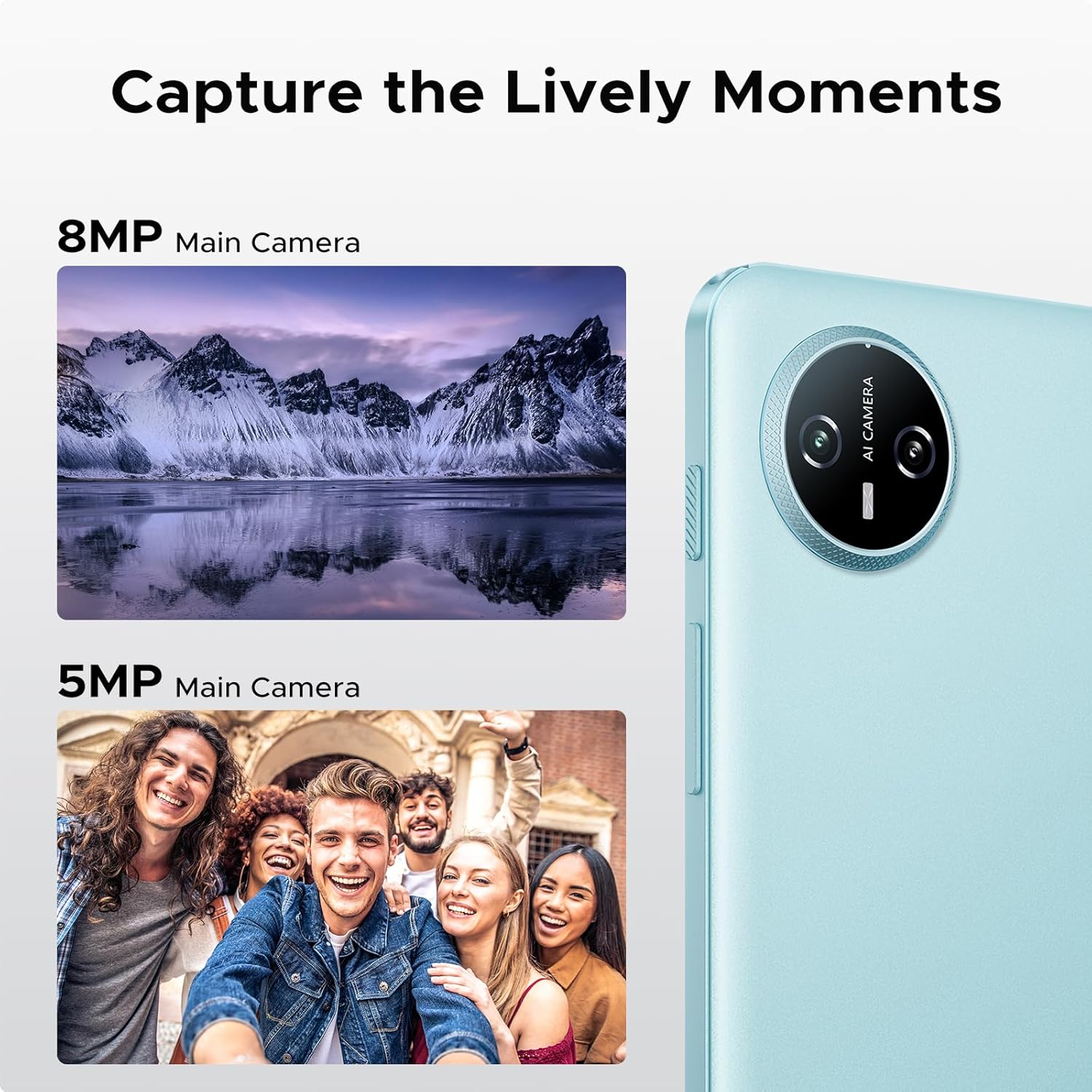
Image: Specifications of the 10.1-inch IPS HD display, including 1280*800 resolution, 16:10 aspect ratio, 80.2% screen-to-body ratio, 1200:1 contrast, 16.7 million screen colors, and 2.5D cover glass.
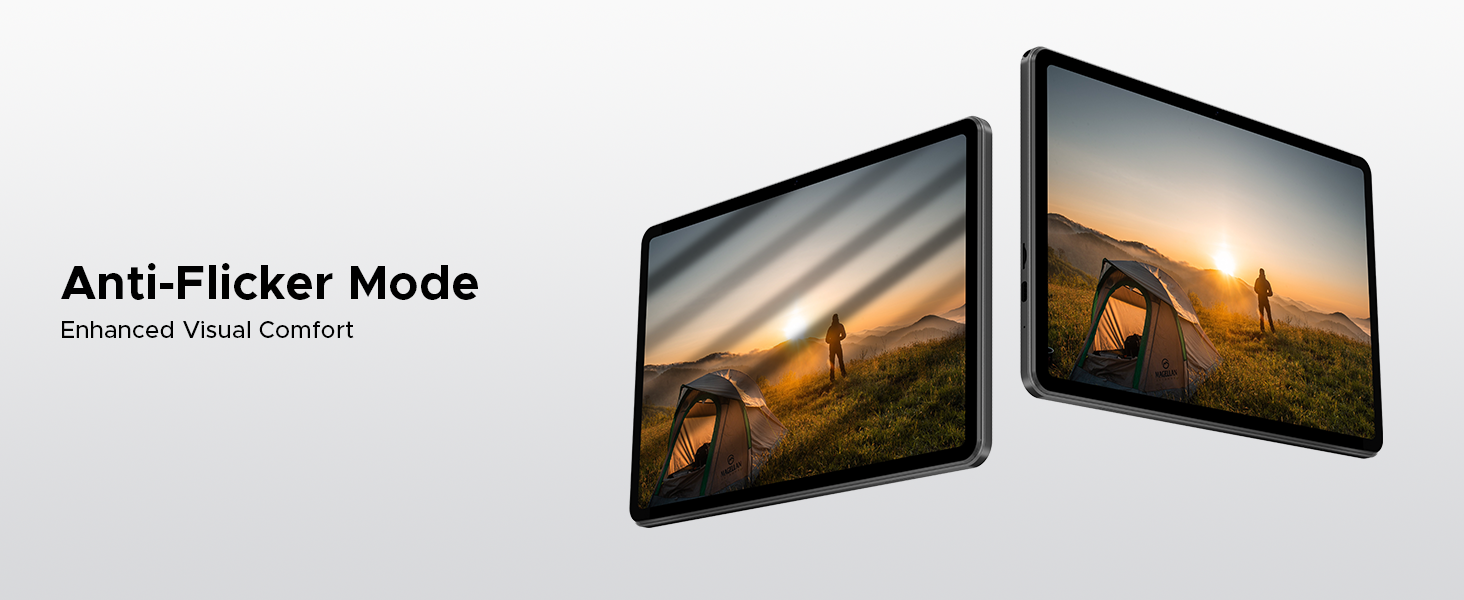
Image: Visuals explaining Eye-Caring Mode to gently protect eyesight and Dark Mode to soften light for night use.
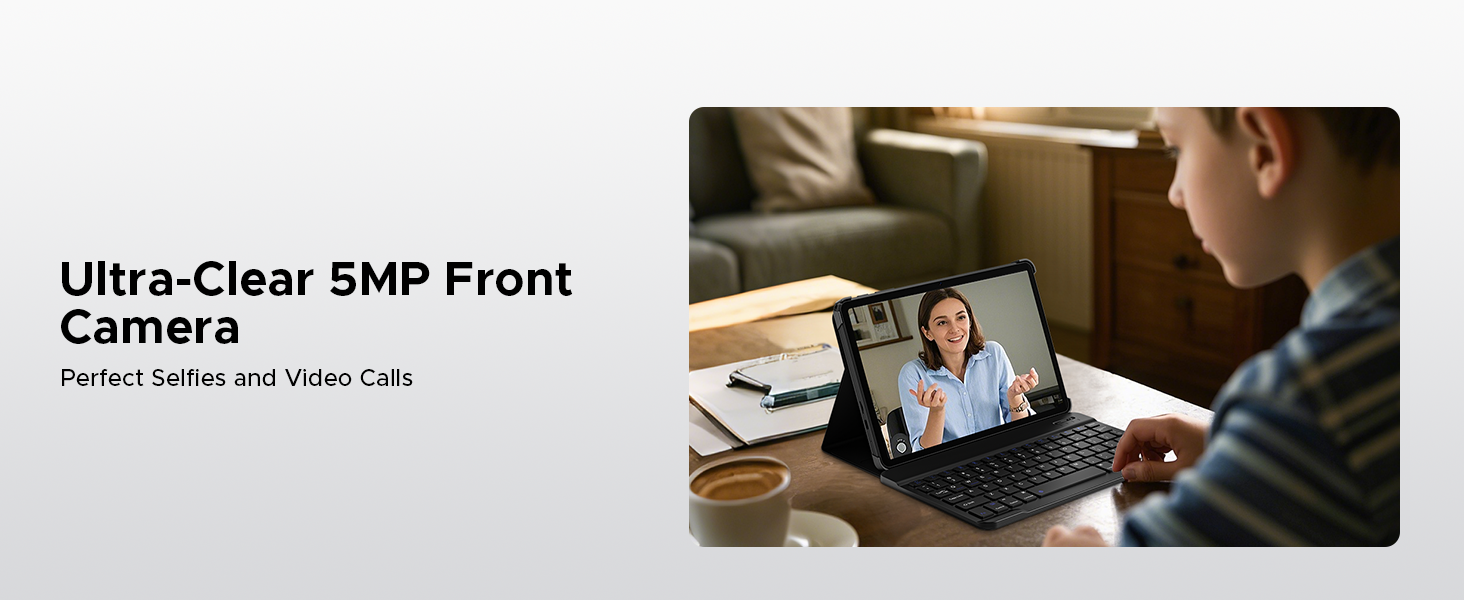
Image: Various usage scenarios for the tablet, including studying, note-taking, light office tasks, and engaging with audiovisuals.
6.4 Duální reproduktory
Experience crystal-clear sound with the premium 1217 BOX dual speakers.

Image: Illustration of the 1217 BOX Dual Speakers, indicating sound follows the picture for an immersive experience.
6.5 Built-in WPS Office
The tablet comes with built-in PC-level WPS Office for seamless productivity on-the-go, supporting Word, Excel, and PowerPoint documents.

Image: Tablets displaying WPS Word, Excel, and PPT applications, demonstrating the built-in PC-level WPS Office suite.
7. Údržba a péče
- Keep the tablet dry. Moisture can damage the internal circuits.
- Avoid extreme temperatures. High temperatures can shorten the life of electronic devices and deform certain plastics.
- Do not drop, knock, or shake the tablet. Rough handling can break internal circuit boards and fine mechanics.
- Používejte pouze schválené nabíječky a příslušenství.
- Obrazovku čistěte měkkým hadříkem, který nepouští vlákna. Nepoužívejte agresivní chemikálie.
8. Řešení problémů
| Problém | Možné řešení |
|---|---|
| Tablet se nezapne. | Ujistěte se, že je baterie nabitá. Připojte nabíječku a před opětovným zapnutím počkejte několik minut. |
| Obrazovka nereaguje. | Perform a forced restart by holding the power button for about 10-15 seconds. If the issue persists, contact support. |
| Problémy s připojením k Wi-Fi. | Restart your Wi-Fi router. Go to Settings > Network & internet > Wi-Fi and try reconnecting. Forget the network and re-add it if necessary. |
| Aplikace padají nebo zamrzají. | Clear the cache of the problematic app (Settings > Apps > [App Name] > Storage & cache > Clear cache). If it continues, uninstall and reinstall the app. Ensure sufficient storage space. |
| Baterie se rychle vybíjí. | Reduce screen brightness, close unused apps running in the background, disable unnecessary notifications, and turn off Wi-Fi/Bluetooth when not in use. |
9. Specifikace
- Model: Záložka A9
- Operační systém: Android 15
- Procesor: Unisoc T310 čtyřjádrový, 1.8 GHz
- BERAN: 12 GB (3 GB základní + 9 GB rozšířené)
- Interní úložiště: 64GB ROM
- Rozšiřitelné úložiště: Up to 2TB via Micro SD (TF card)
- Zobrazit: 10.1-inch IPS HD, 1280 x 800 pixels
- Zadní kamera: 8MP AI fotoaparát
- Přední kamera: 5 MP
- Baterie: Lithium-polymer 6580 mAh
- Konektivita: 5G Wi-Fi, Bluetooth
- Porty: USB typu C, 3.5mm audio konektor
- Rozměry: 24.25 x 16.09 x 0.97 cm
- Hmotnost: 900 g
- Speciální vlastnosti: Face ID, OTG Support, Dual Speakers, GMS Certified
10. Oficiální produktová videa
Watch these official videos for more information and visual guides on your DOOGEE Tab A9 tablet.
DOOGEE Tab A9 Android tablets
Toto video poskytuje přesview of the DOOGEE Tab A9 Android tablet, showcasinjeho design a klíčové funkce.
DOOGEE Tablet Android 15-Tab A9
A detailed look at the DOOGEE Tab A9, highlighting its Android 15 operating system and user experience.
DOOGEE 10 Inch Tablet Tab A9 Android Tablets
This video focuses on the 10-inch display and overall design of the DOOGEE Tab A9, suitable for various uses.
DOOGEE Tab A9 Android 15 Tablet
A concise video highlighting the key selling points of the DOOGEE Tab A9 Android 15 Tablet.
11. Záruka a podpora
DOOGEE provides comprehensive support for its products.
- Záruka: This product typically comes with a 2-year limited warranty. Please refer to your purchase documentation for specific terms and conditions.
- Vrácení: A 30-day money-back guarantee and free return policy may apply. Check with your retailer for details.
- Služby zákazníkům: For technical assistance or customer support, please visit the official DOOGEE webwebu nebo kontaktujte jejich zákaznický servis.
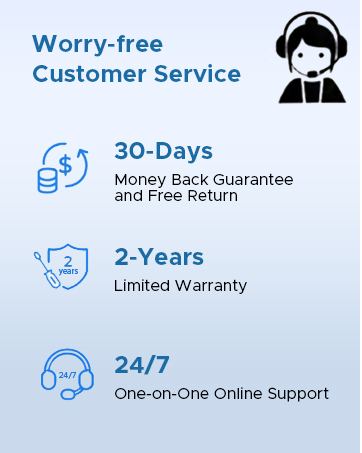
Image: Information on DOOGEE's customer service, including 30-day money back guarantee, 2-year limited warranty, and 24/7 online support.
Ask a question about this manual
Ask about setup, troubleshooting, compatibility, parts, safety, or missing instructions. Manuals+ will review the question and use this page’s manual context to help answer it.