
Zavedení
This user manual provides comprehensive instructions for the DOOGEE Tab E3 Pro 13-inch Android Tablet. It covers setup, operation, maintenance, and troubleshooting to help you maximize your device's potential. The DOOGEE Tab E3 Pro is designed for versatile use, offering a large display, powerful performance, and extensive features for productivity, entertainment, and communication.

Figure 1: DOOGEE Tab E3 Pro 13-inch Android Tablet, showcasinjeho elegantní design a velký displej.
Průvodce nastavením
1. Počáteční nabíjení
Before first use, fully charge your DOOGEE Tab E3 Pro. Connect the provided Type-C USB cable to the tablet's charging port and the charger to a power outlet. The tablet supports 18W fast charging for quick power-ups.
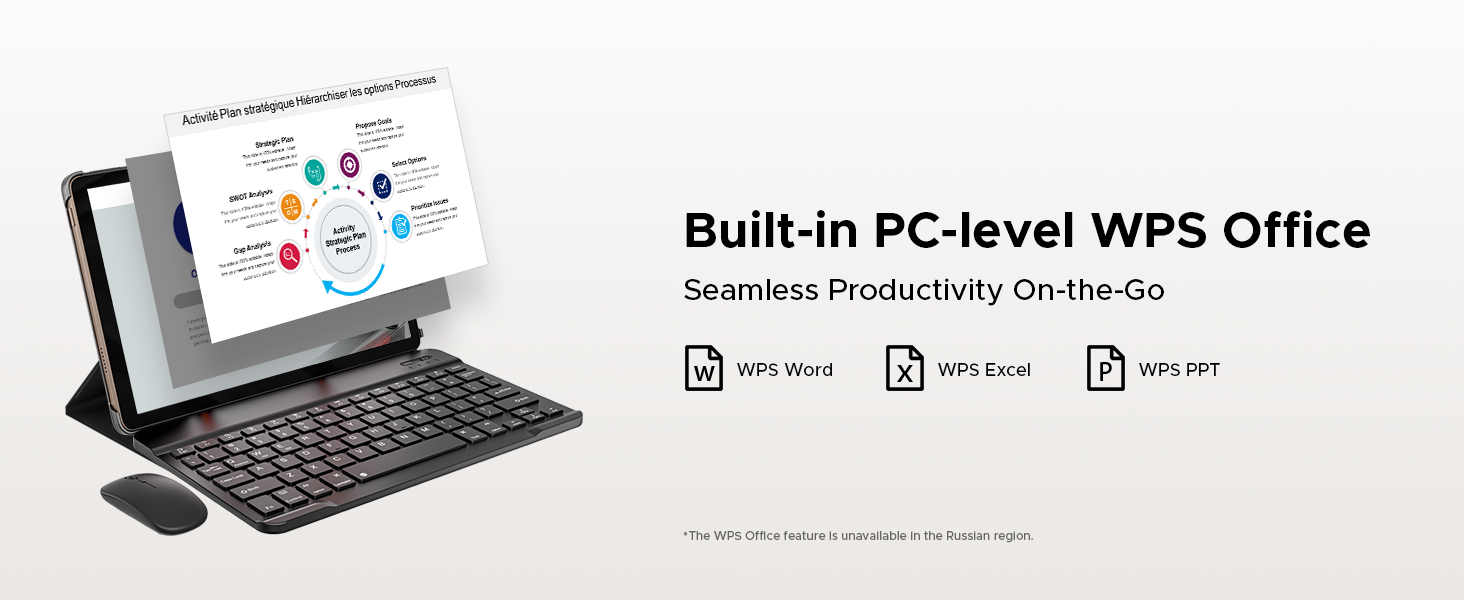
Figure 2: The tablet features an 11000mAh high-capacity battery with 18W fast charging capability, ensuring long usage times and quick recharges.
2. Zapnutí/vypnutí
To power on, press and hold the power button located on the side of the tablet until the DOOGEE logo appears. To power off, press and hold the power button, then select "Power off" from the options displayed on the screen.
3. Instalace SIM karty a karty MicroSD
The tablet supports dual Nano SIM cards or one Nano SIM and one TF (microSD) card for expanded storage. Use the provided SIM card remover tool to open the SIM tray. Insert the cards as indicated on the tray and gently push the tray back into the slot.

Figure 3: Illustration of the dual card slots, supporting two Nano SIMs or one Nano SIM and one TF card for flexible connectivity and storage expansion.
Návod k obsluze
1. Zobrazení a vizuální prvky
The DOOGEE Tab E3 Pro features a 13-inch IPS FHD+ display with a 1920x1200 resolution and an 84.6% screen-to-body ratio. The 90Hz refresh rate provides smooth visuals for all content. An Eye-Caring Mode with reduced blue light setting is available to protect your eyes during extended use.

Figure 4: The tablet's 13-inch IPS FHD+ display offers an enchanting visual experience with vibrant colors and sharp details.

Figure 5: The 90Hz screen refresh rate ensures a fluid and smooth experience across all scenarios, from scrolling to gaming.
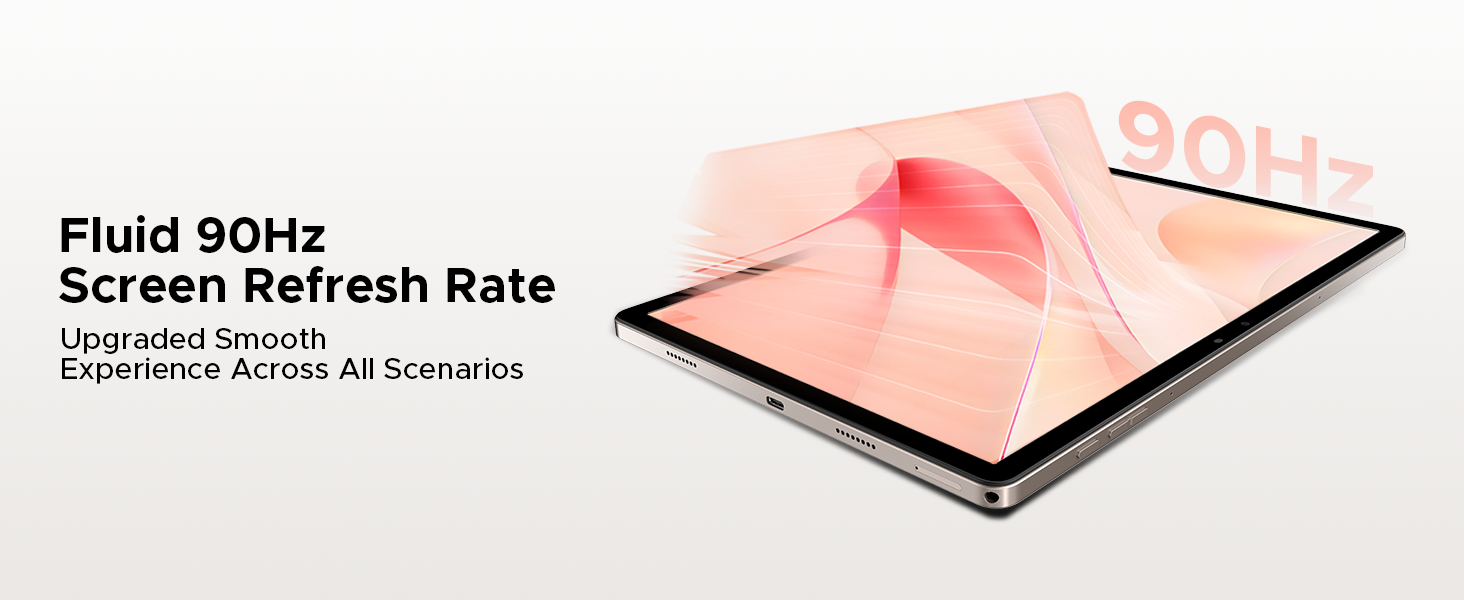
Figure 6: Activate Eye-Caring Mode to reduce blue light emission, protecting your eyes during prolonged reading or viewIng.
2. Výkon a úložiště
Powered by the Helio G100 Octa-Core processor and the latest Android 15 system, the tablet offers enhanced multitasking capabilities. It comes with 32GB RAM (8GB physical + 24GB virtual) and 256GB internal storage, expandable up to 2TB via microSD card (sold separately).
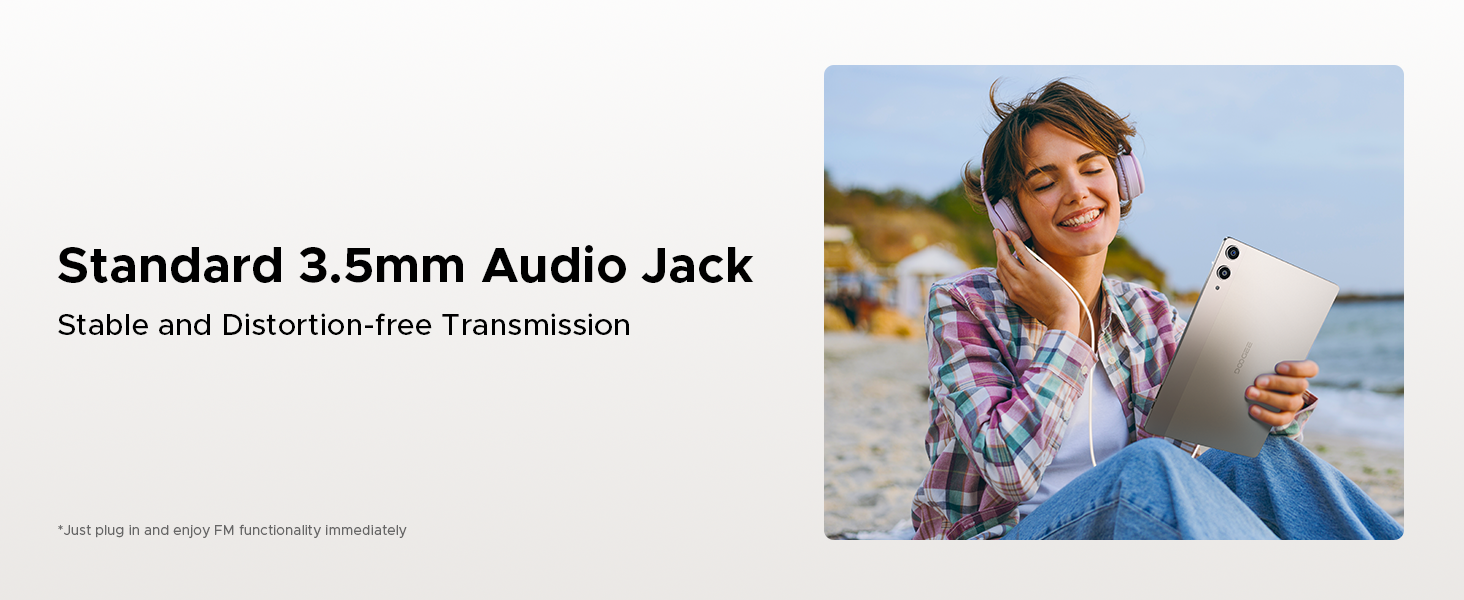
Figure 7: The powerful Helio G100 Octa-Core Processor ensures superior performance and efficient operation for all your tasks.

Figure 8: With 32GB RAM (8GB basic + 24GB extended), the tablet provides a smooth performance for demanding applications and multitasking.

Figure 9: The 256GB internal storage, expandable up to 2TB, offers ample space for all your apps, media, and documents.

Figure 10: Experience intelligent, seamless, and secure operation with the latest Android 15 system.
Figure 11: The tablet includes a fortified privacy shield with precision permission control, robust data encryption, timely security patches, and proactive app screening.
3. Konektivita
Enjoy stable and fast internet access with dual-band 2.4G/5G WiFi. The tablet also supports LTE for mobile data connectivity via its dual SIM card slots. Bluetooth 5.2 ensures seamless connection with wireless accessories.
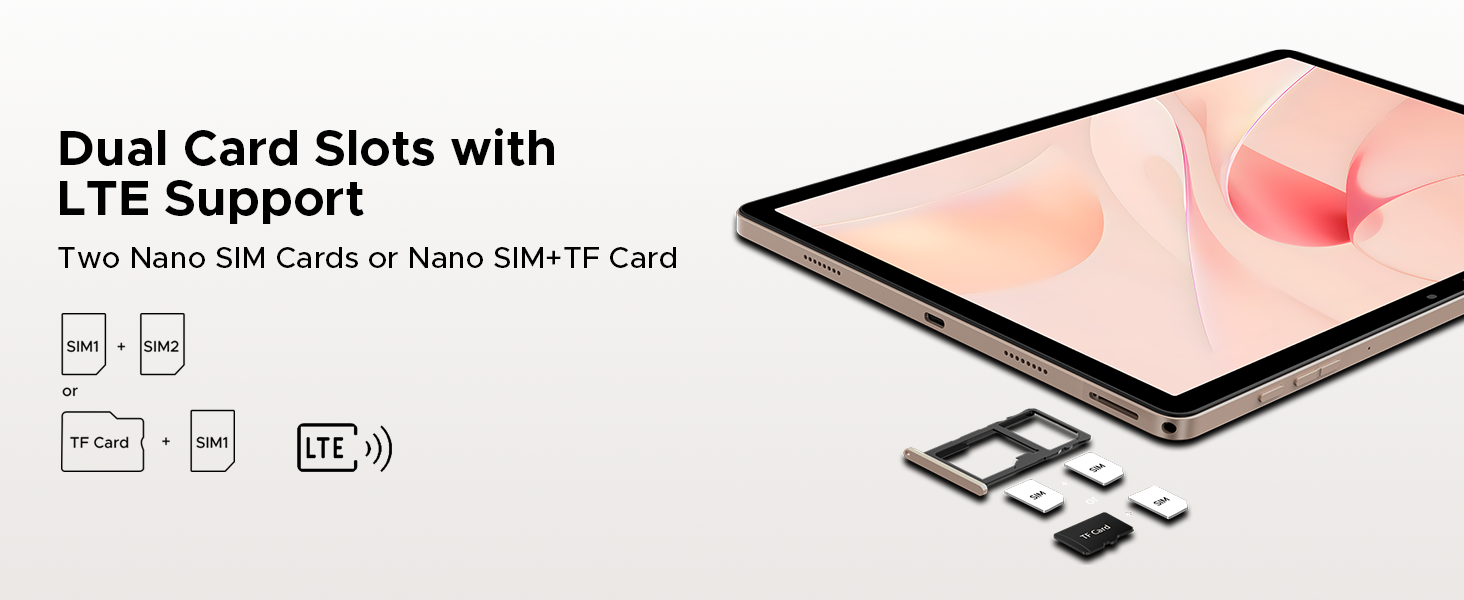
Figure 12: Faster WiFi 5 provides seamless connectivity across 2.4G and 5G bands, ensuring low latency and wide coverage.
4. Fotoaparát a multimédia
Capture high-quality photos and videos with the 13MP rear camera and 8MP front camera, both supporting 2K video recording. Features like anti-flicker, portrait mode, and beauty filters enhance your photography. The tablet is equipped with a 1217 BOX quad-speaker system for immersive audio and a standard 3.5mm audio jack for wired headphones. An FM radio function is also built-in.

Figure 13: The 13MP main camera and 8MP front camera allow you to capture lively moments with clarity and detail.

Figure 14: Enjoy crystal-clear sound experience with the premium 1217 BOX quad speakers.
Figure 15: The standard 3.5mm audio jack provides stable and distortion-free transmission for your wired audio devices.
5. Smart Features and AI
The DOOGEE Tab E3 Pro integrates the intelligent Gemini AI assistant to streamline daily tasks, including content creation, information retrieval, image analysis, code development, language learning, and smart assistance. It also features advanced face unlock technology for quick and secure access, and a high-precision GPS system (GPS, Glonass, Galileo, Beidou) for accurate navigation.

Figure 16: Built-in Gemini AI makes work and life easier with various intelligent functionalities.

Figure 17: Gemini Live offers conversational interaction and functional application for task assistance.
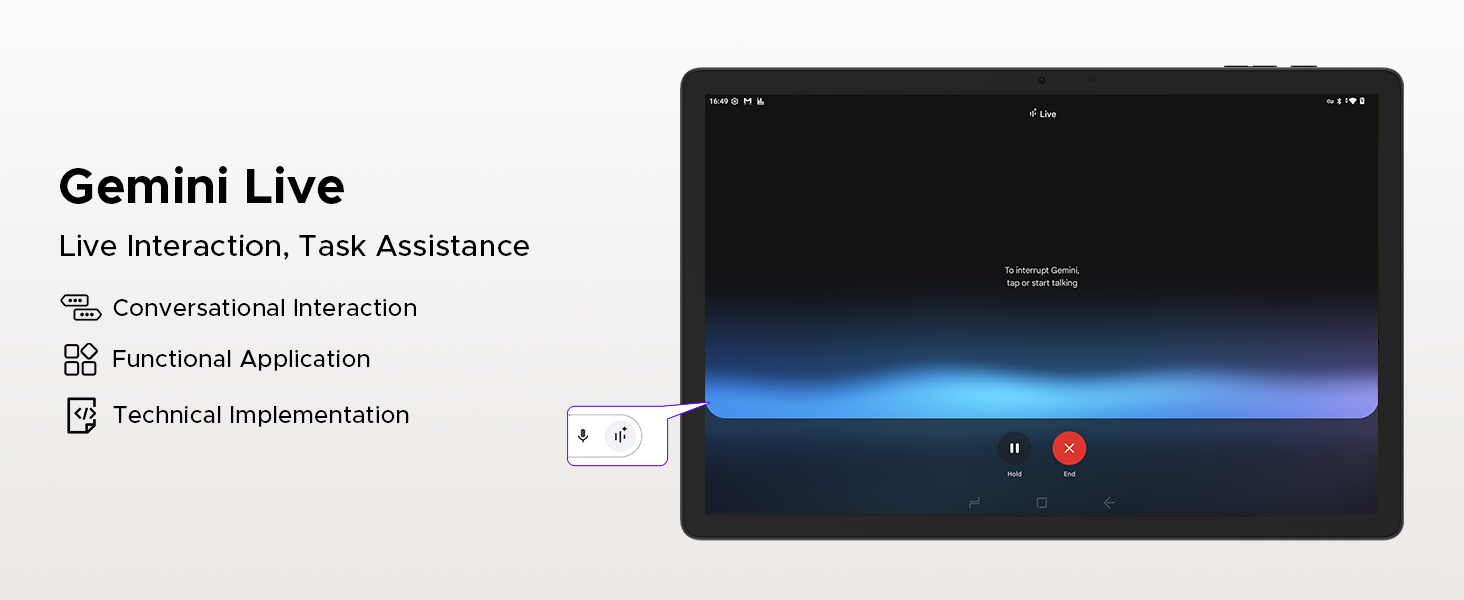
Figure 18: Gemini Deep Research boosts analysis and deepens insights for complex tasks.
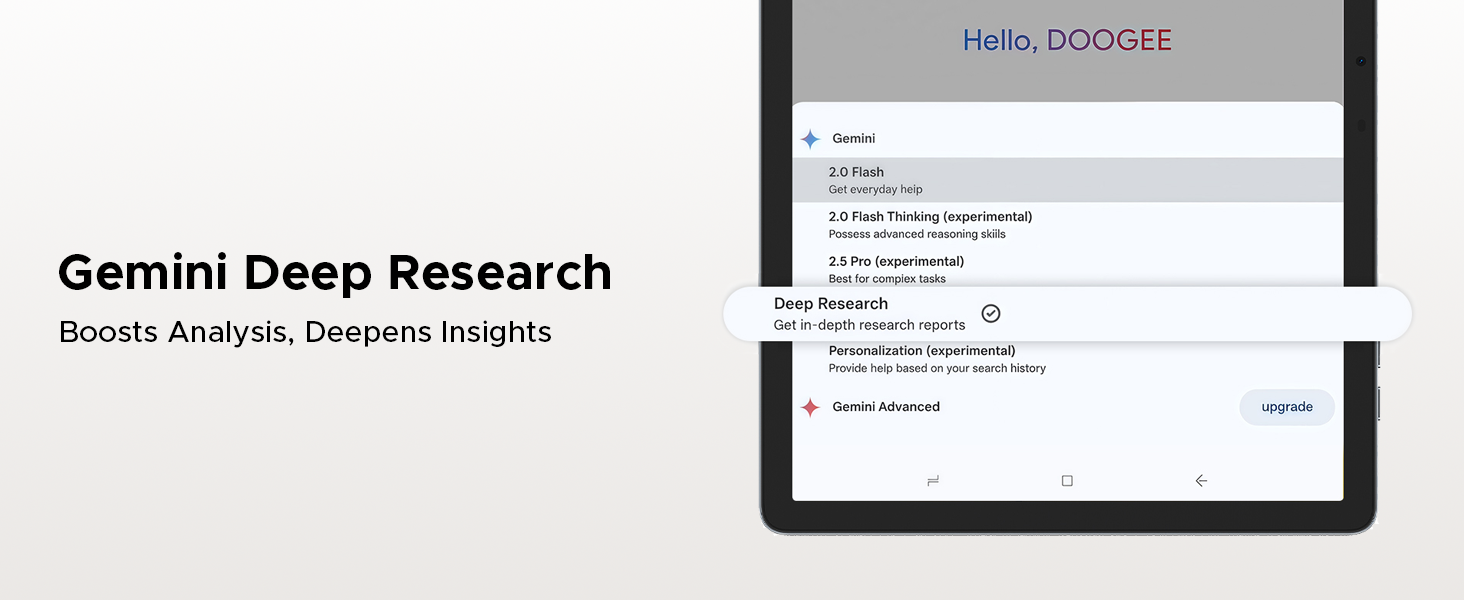
Figure 19: The precise navigation system, supporting GPS, Glonass, Galileo, and Beidou, ensures accurate positioning.
6. Productivity Features
The tablet comes with built-in PC-level WPS Office, supporting Word, Excel, and PowerPoint functionalities for seamless productivity on the go. Screen splitting is also supported for enhanced multitasking.
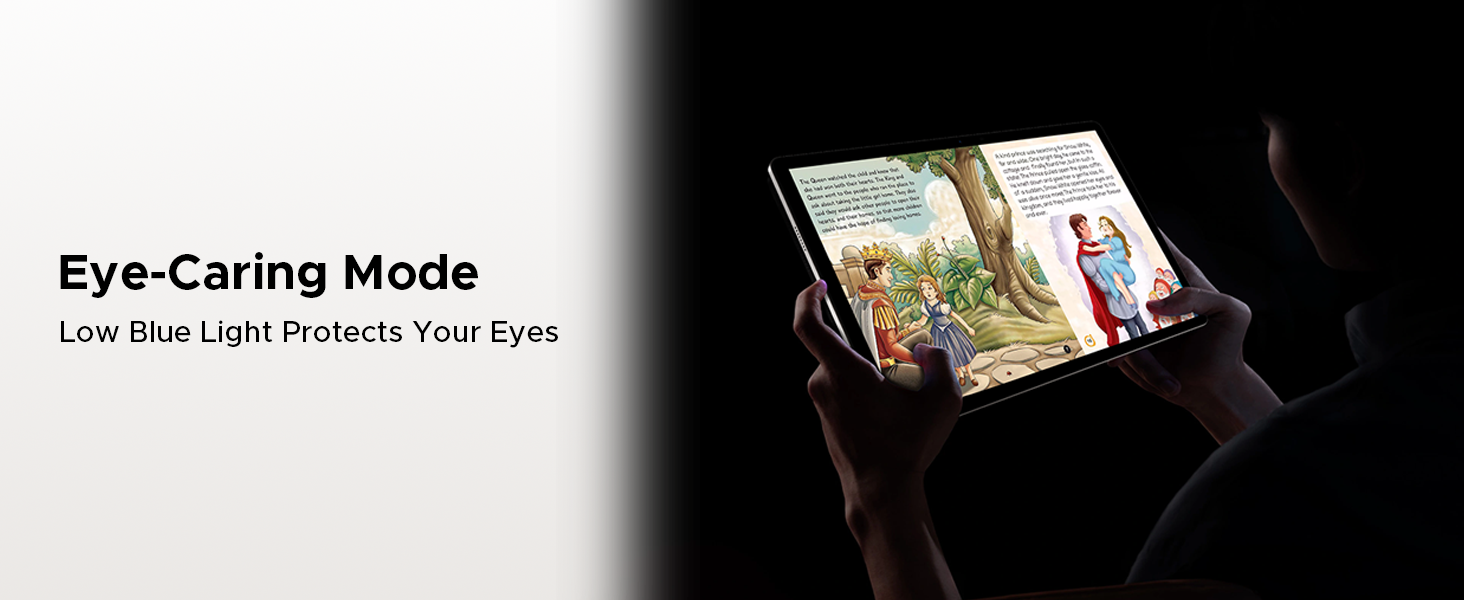
Figure 20: Built-in PC-level WPS Office allows for seamless productivity, enabling you to work on documents, spreadsheets, and presentations.
Údržba
1. Péče o baterie
To prolong battery life, avoid extreme temperatures. Charge the tablet regularly and avoid letting the battery drain completely before recharging. Use only the provided charger or a compatible 18W fast charger.
2. Aktualizace softwaru
Ensure your tablet's software is up-to-date to benefit from the latest features, security patches, and performance improvements. You can check for updates in the tablet's settings menu under "System" or "About tablet."
3. Čištění
K čištění obrazovky a těla tabletu používejte měkký hadřík, který nepouští vlákna. Nepoužívejte agresivní chemikálie ani abrazivní materiály, které by mohly poškodit povrch.
Odstraňování problémů
1. Tablet se nezapíná
- Ujistěte se, že je baterie nabitá. Připojte nabíječku a před zapnutím počkejte několik minut.
- Stiskněte a podržte tlačítko napájení po dobu alespoň 10–15 sekund, abyste provedli nucený restart.
2. Pomalý výkon
- Zavřete nepotřebné aplikace na pozadí.
- Vymažte data mezipaměti často používaných aplikací.
- Ensure sufficient storage space is available. Consider moving large filena kartu microSD nebo do cloudového úložiště.
- Tablet pravidelně restartujte.
3. Problémy s připojením k Wi-Fi
- V nastavení vypněte a zapněte Wi-Fi.
- Restartujte Wi-Fi router.
- Zapomeňte na síť a znovu se připojte, přičemž znovu zadejte heslo.
- Ujistěte se, že je tablet v dosahu signálu Wi-Fi.
4. Face Unlock Not Working
- Ujistěte se, že jste v dobře osvětleném prostředí.
- Check if the front camera lens is clean and unobstructed.
- Re-register your face data in the security settings.
Technické specifikace
| Funkce | Specifikace |
|---|---|
| Model | DOOGEE Tab E3 Pro |
| Velikost displeje | 13 palce |
| Maximální rozlišení obrazovky | 1920x1200 pixelů (FHD+) |
| Obnovovací frekvence | 90 Hz |
| Operační systém | Android 15 |
| Procesor | Osmijádrový procesor Helio G100 |
| BERAN | 32 GB (8 GB fyzické + 24 GB virtuální) |
| Interní úložiště | 256 GB |
| Rozšiřitelné úložiště | Up to 2TB MicroSD |
| Kapacita baterie | 11000 XNUMX mAh |
| Nabíjení | 18W Fast Charging, OTG Support |
| Zadní kamera | 13 MP |
| Přední kamera | 8 MP |
| Konektivita | Dual SIM (Nano SIM), LTE, Wi-Fi 5 (2.4G/5G), Bluetooth 5.2 |
| Navigace | GPS, Glonass, Galileo, Beidou |
| Zvuk | 1217 BOX Quad Speakers, 3.5mm Audio Jack, FM Radio |
| Rozměry | 302.1 x 197.5 x 7.9 mm |
| Hmotnost | 718 g (1.58 lb) |
Obsah balení
The DOOGEE Tab E3 Pro package includes the following items:
- 1x DOOGEE Tab E3 Pro Tablet
- 1x USB kabel typu C
- 1x Nabíječka
- 1x Vytahovač SIM karty
- 1x Balící krabice
- 1x Uživatelská příručka (tento dokument)
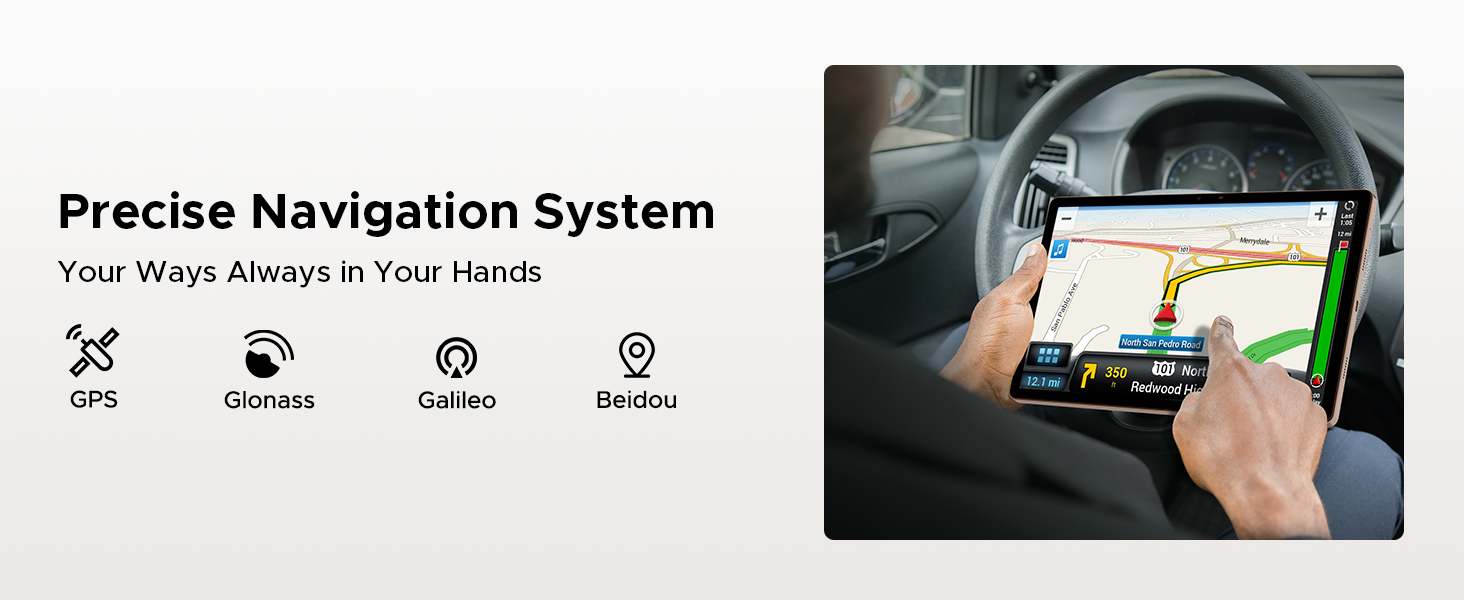
Figure 21: All items included in the DOOGEE Tab E3 Pro retail package.
Záruka a podpora
DOOGEE offers comprehensive support for your Tab E3 Pro:
- 30denní záruka vrácení peněz: Využijte 30denní záruku vrácení peněz a možnost bezplatného vrácení zboží.
- 2letá omezená záruka: Na produkt se vztahuje 2letá omezená záruka.
- Nepřetržitá online podpora: Access 24/7 online support for any queries or assistance.
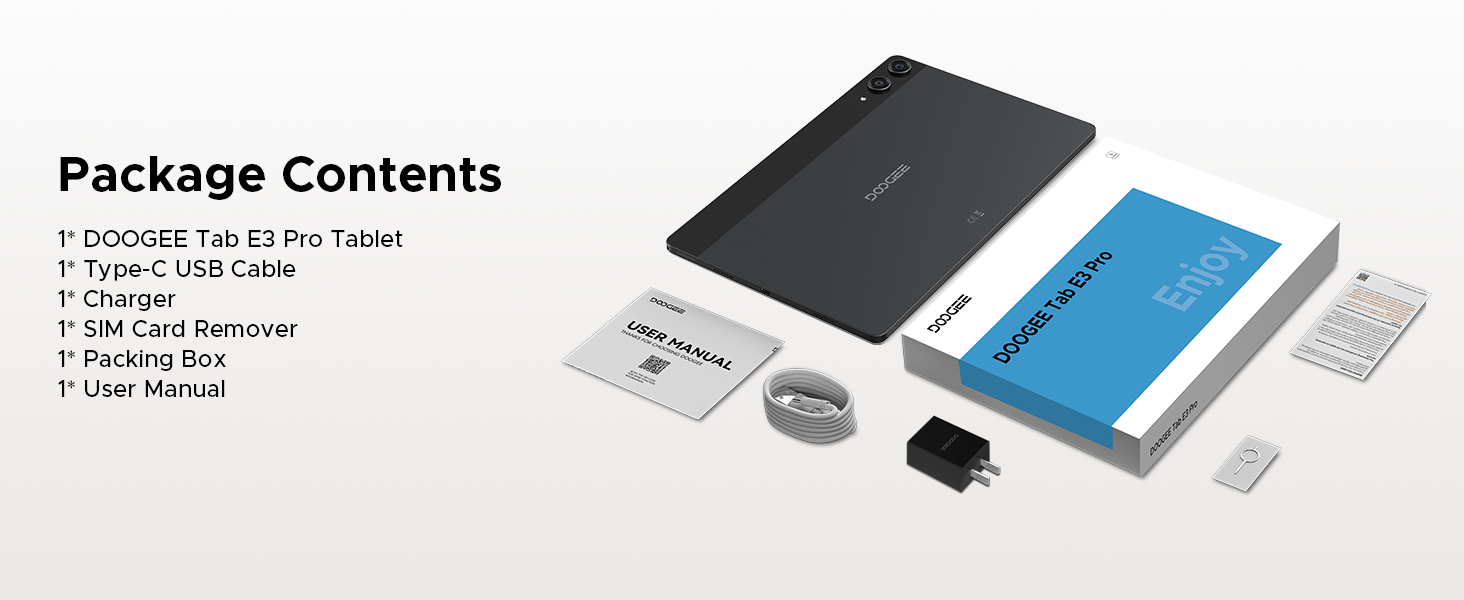
Figure 22: DOOGEE's commitment to customer satisfaction, including warranty and support details.
Produktová videa
DOOGEE Tab E3 Pro 13 inch Tablet Overview
Video 1: Overview of the DOOGEE Tab E3 Pro 13-inch tablet, highlighting its key features and design.
DOOGEE Tab E3 Pro Helio G100 Processor
Video 2: A closer look at the powerful Helio G100 Octa-Core Processor, demonstrating its performance capabilities.
11000mAh Large Battery DOOGEE Tab E3 Pro
Video 3: Details on the tablet's massive 11000mAh battery, emphasizing its long-lasting power for extended use.
The First 13 INCH Tablet --DOOGEE Tab E3 Pro
Video 4: A promotional video highlighting the DOOGEE Tab E3 Pro as a pioneering 13-inch tablet.