
DOOGEE Tab E3 Max 14 inch Tablet
Uživatelská příručka k 14palcovému tabletu DOOGEE Tab E3 Max
Model: Tab E3 Max 14 inch Tablet
1. Úvod
Welcome to the user manual for your new DOOGEE Tab E3 Max 14-inch Tablet. This device is designed to provide a versatile and powerful experience for both work and entertainment. Featuring a large 14-inch FHD+ IPS display, a robust 13500mAh battery, and powered by the MediaTek Helio G100 octa-core processor with Android 15, this tablet offers exceptional performance and extended usage. This manual will guide you through the setup, operation, and maintenance of your tablet to ensure optimal performance and longevity.
2. Obsah balení
Ověřte prosím, zda jsou ve vašem balení obsaženy všechny níže uvedené položky:
- 1 x Tablet DOOGEE Tab E3 Max
- 1x Nabíječka
- 1 x USB kabel typu C
- Klávesnice 1 x Bluetooth
- 1 x Bluetooth myš
- 1 x Stylus
- 1 x kožený ochranný kryt
- 1 x Screen Protector (Tempered Film)
- 1 x Card Removal Needle
- 1 x Uživatelská příručka
- 1 x Záruční list

Image: The DOOGEE Tab E3 Max tablet shown with its accompanying accessories, including the Bluetooth keyboard, mouse, and stylus.
3. Konec produktuview
The DOOGEE Tab E3 Max features a sleek, ultra-thin metal body design, providing both durability and a premium feel. Its large 14-inch display is ideal for immersive viewa produktivita.
Obrázek: Vedlejší profesionálfile of the DOOGEE Tab E3 Max, illustrating its slim 8.9mm thickness and elegant metal construction.
Klíčové komponenty:
- Zobrazit: 14-inch FHD+ IPS screen (2160*1440 resolution).
- Kamery: 16MP Main Camera (rear), 8MP Front Camera, 2MP Macro Camera.
- tlačítka: Tlačítko napájení, tlačítka pro zvýšení/snížení hlasitosti.
- Porty: Type-C USB port, 3.5mm Audio Jack.
- Slot na kartu: Dual SIM card slot (supports 4G LTE) or 1 SIM + 1 TF card.
- Řečníci: Premium 1217 BOX Quad Speakers.
4. Nastavení
4.1 Počáteční nabíjení
Before first use, fully charge your tablet using the provided charger and Type-C USB cable. Connect the cable to the tablet's Type-C port and the charger to a power outlet. The charging indicator will show the charging status.
4.2 Zapnutí/vypnutí
- Zapnutí: Stiskněte a podržte tlačítko napájení, dokud se nezobrazí logo DOOGEE.
- Vypnutí: Stiskněte a podržte tlačítko Napájení, dokud se nezobrazí nabídka možností napájení, poté vyberte „Vypnout“.
- Restartovat: Stiskněte a podržte tlačítko Napájení, dokud se nezobrazí nabídka možností napájení, a poté vyberte „Restartovat“.
4.3 Instalace SIM karty a TF karty
The tablet supports dual SIM cards for 4G LTE connectivity or one SIM card and one TF (microSD) card for expandable storage up to 2TB.
- Vyhledejte držák SIM karty na boku tabletu.
- Insert the provided card removal needle into the small hole next to the tray to eject it.
- Vložte kartu (karty) Nano-SIM a/nebo kartu TF do určených slotů v zásobníku a dbejte na správnou orientaci.
- Jemně zatlačte zásobník zpět do tabletu, dokud nezacvakne na místo.

Image: Illustration of the dual card slots, demonstrating how to insert SIM cards or a SIM card and a TF card.
4.4 Počáteční konfigurace
Po prvním zapnutí postupujte podle pokynů na obrazovce a dokončete počáteční nastavení:
- Vyberte preferovaný jazyk.
- Připojte se k síti Wi-Fi.
- Přihlaste se pomocí svého účtu Google nebo si vytvořte nový.
- Nastavte zámek obrazovky (PIN, vzorec, heslo nebo rozpoznávání obličeje).
5. Ovládání tabletu
5.1 Zobrazení a vizuální zážitek
The 14-inch FHD+ IPS display offers a resolution of 2160*1440 pixels, providing clear and vibrant visuals. It features eye-protection technology to reduce blue light and minimize eye fatigue during prolonged use.
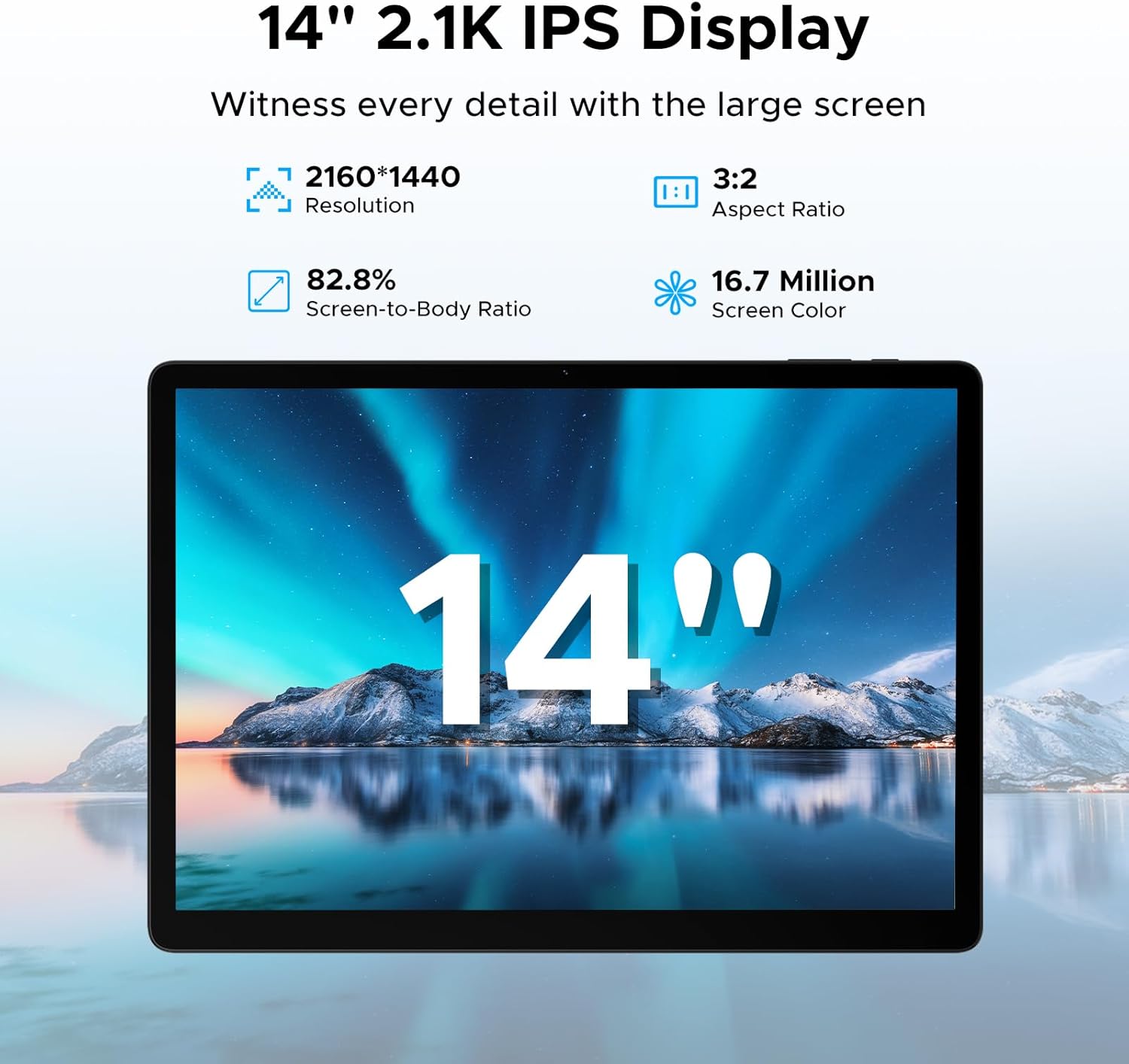
Image: The tablet's 14-inch 2.1K IPS display, highlighting its resolution, aspect ratio, screen-to-body ratio, and color depth.
5.2 Výkon a úložiště
Equipped with the MediaTek Helio G100 octa-core processor, the tablet delivers smooth performance for various tasks, from gaming to multitasking. It comes with 32GB of RAM (8GB physical + 24GB expandable) and 256GB of internal storage, expandable up to 2TB with a TF card.

Image: Visual representation of the MediaTek Helio G100 octa-core processor, emphasizing its 2.2GHz ultimate frequency and 6nm advanced process technology.
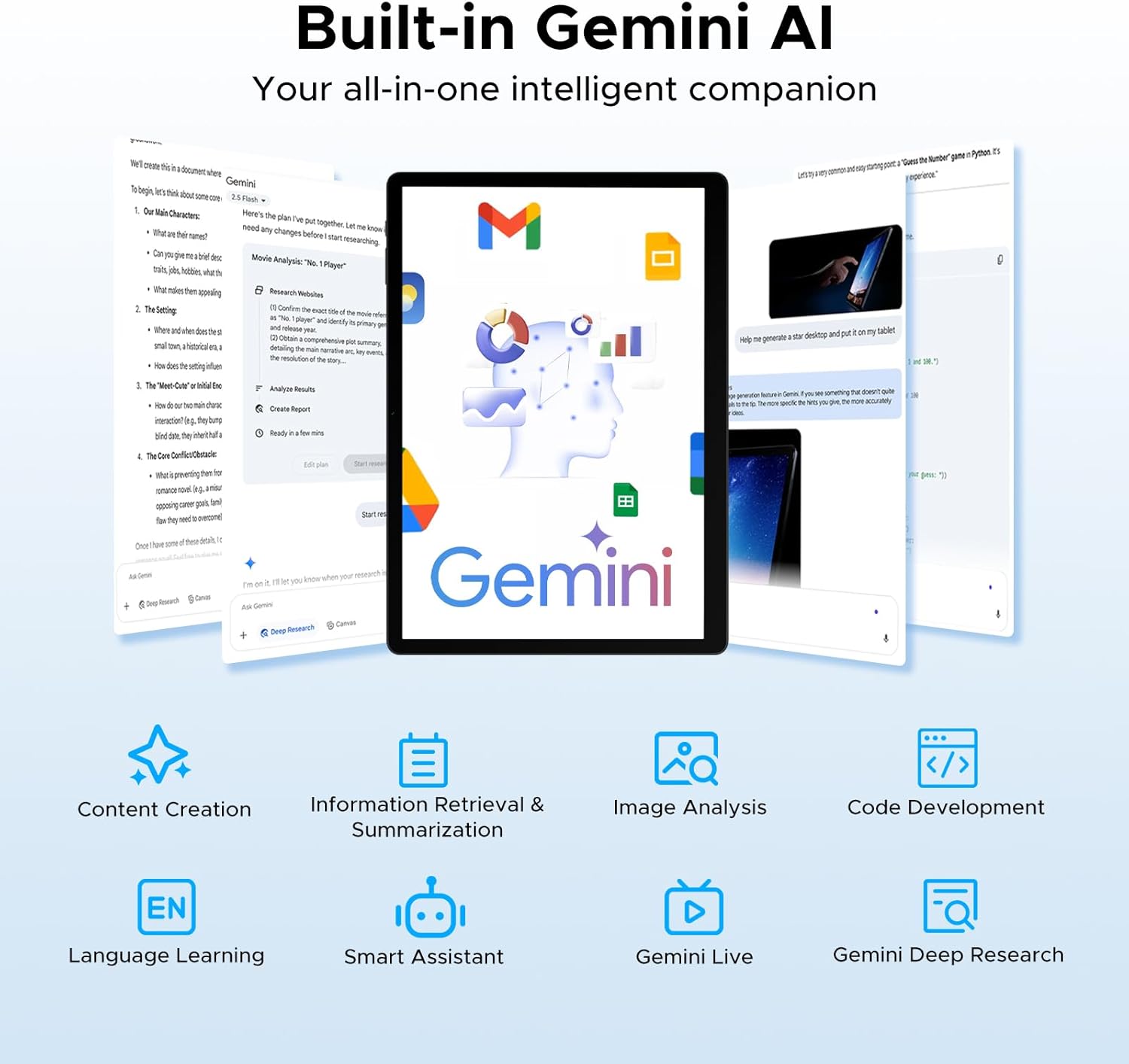
Image: A graphic detailing the tablet's 8GB RAM (expandable to 32GB) and 256GB ROM, with support for up to 2TB expandable memory.
5.3 Životnost baterie
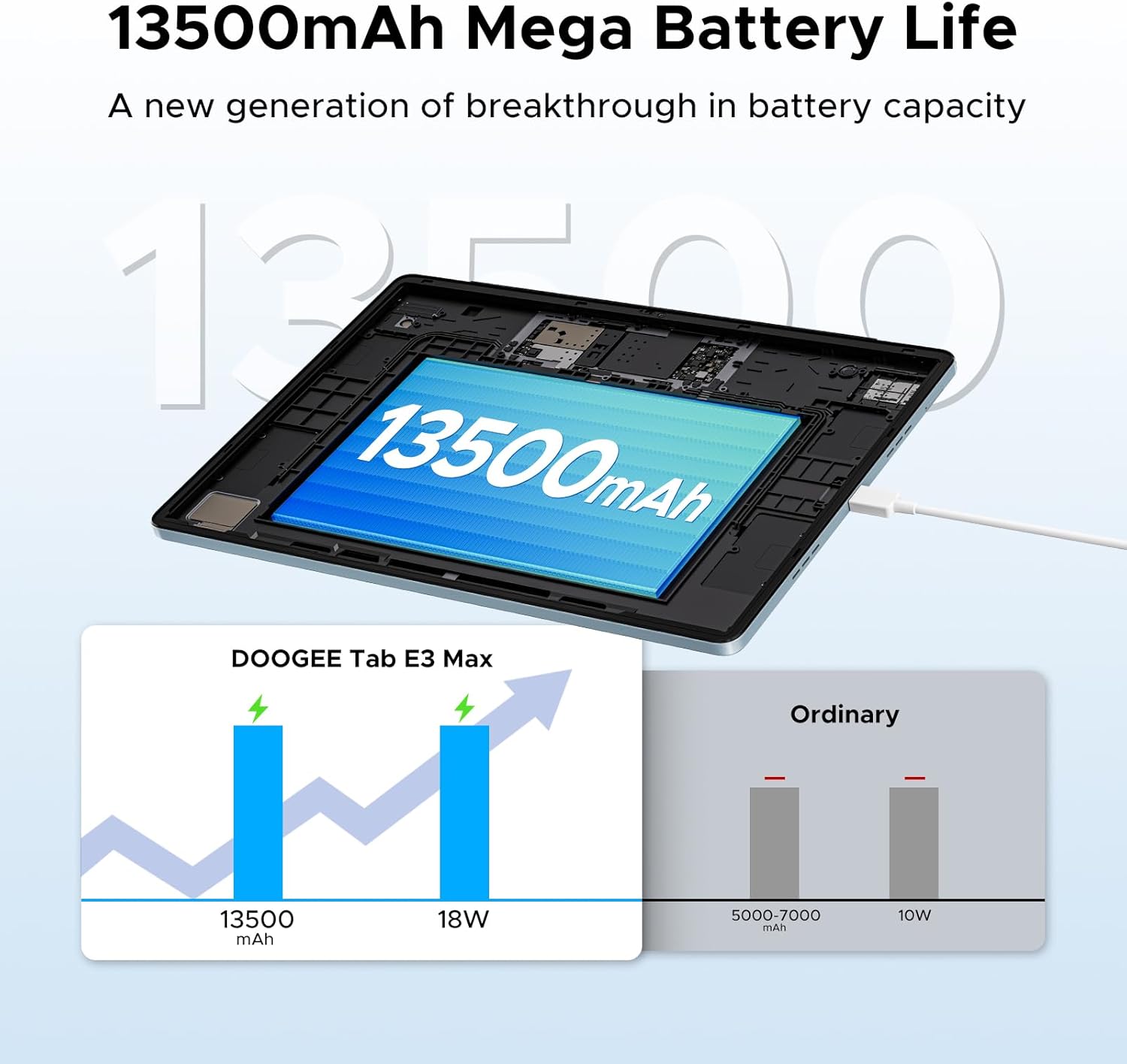
The tablet features a large 13500mAh battery, providing extended usage times for music, movies, web browsing, and calls.
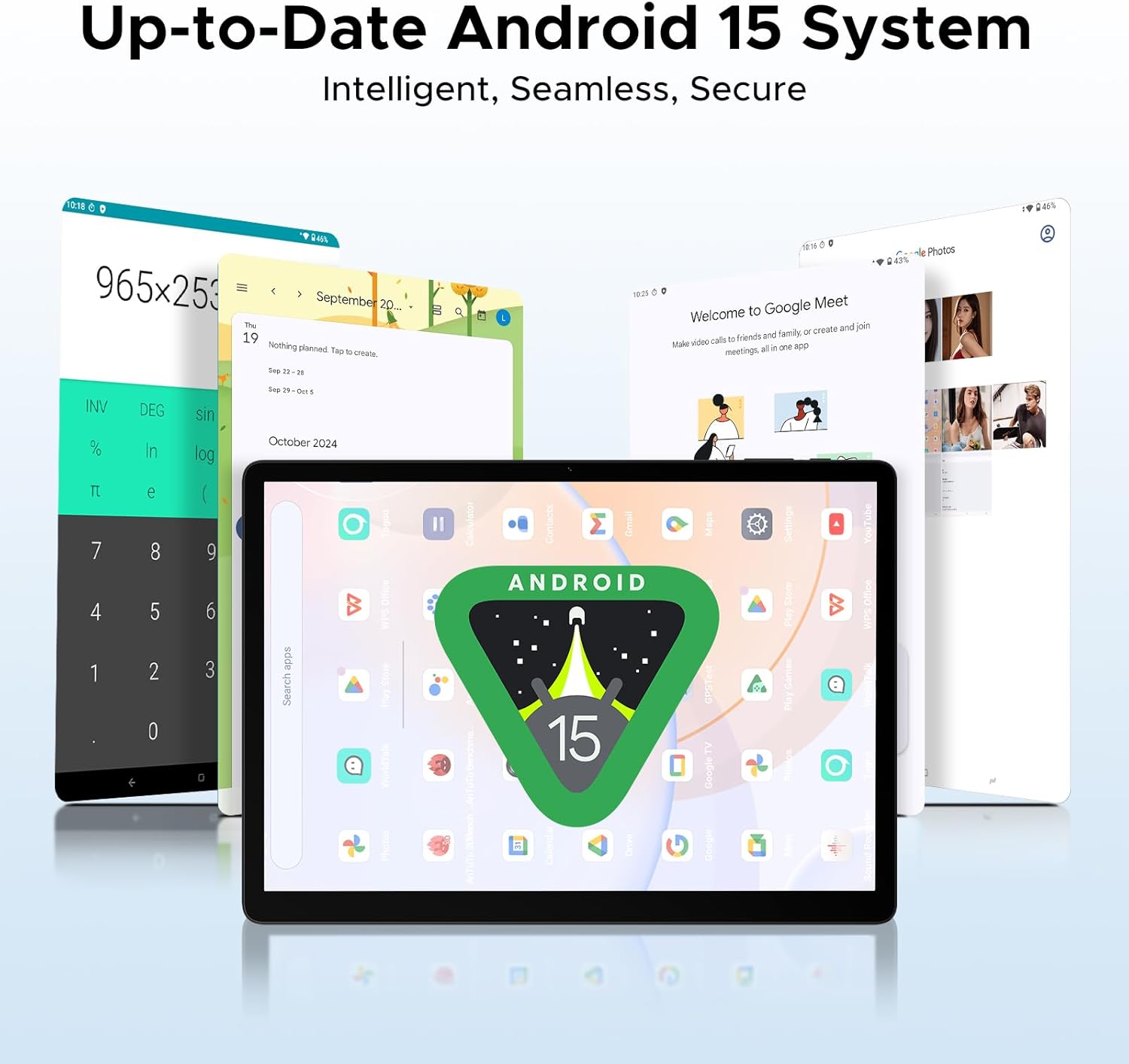
Image: An illustration demonstrating the 13500mAh mega battery life, comparing its capacity and 18W charging to ordinary tablets.
5.4 Konektivita
The Tab E3 Max supports dual-band Wi-Fi (2.4G/5GHz) for stable and fast internet access, and 4G LTE for mobile data and calls via dual SIM card support.
5.5 Kamery
Capture moments with the 16MP rear camera, take clear selfies and make video calls with the 8MP front camera, and explore intricate details with the 2MP macro camera.
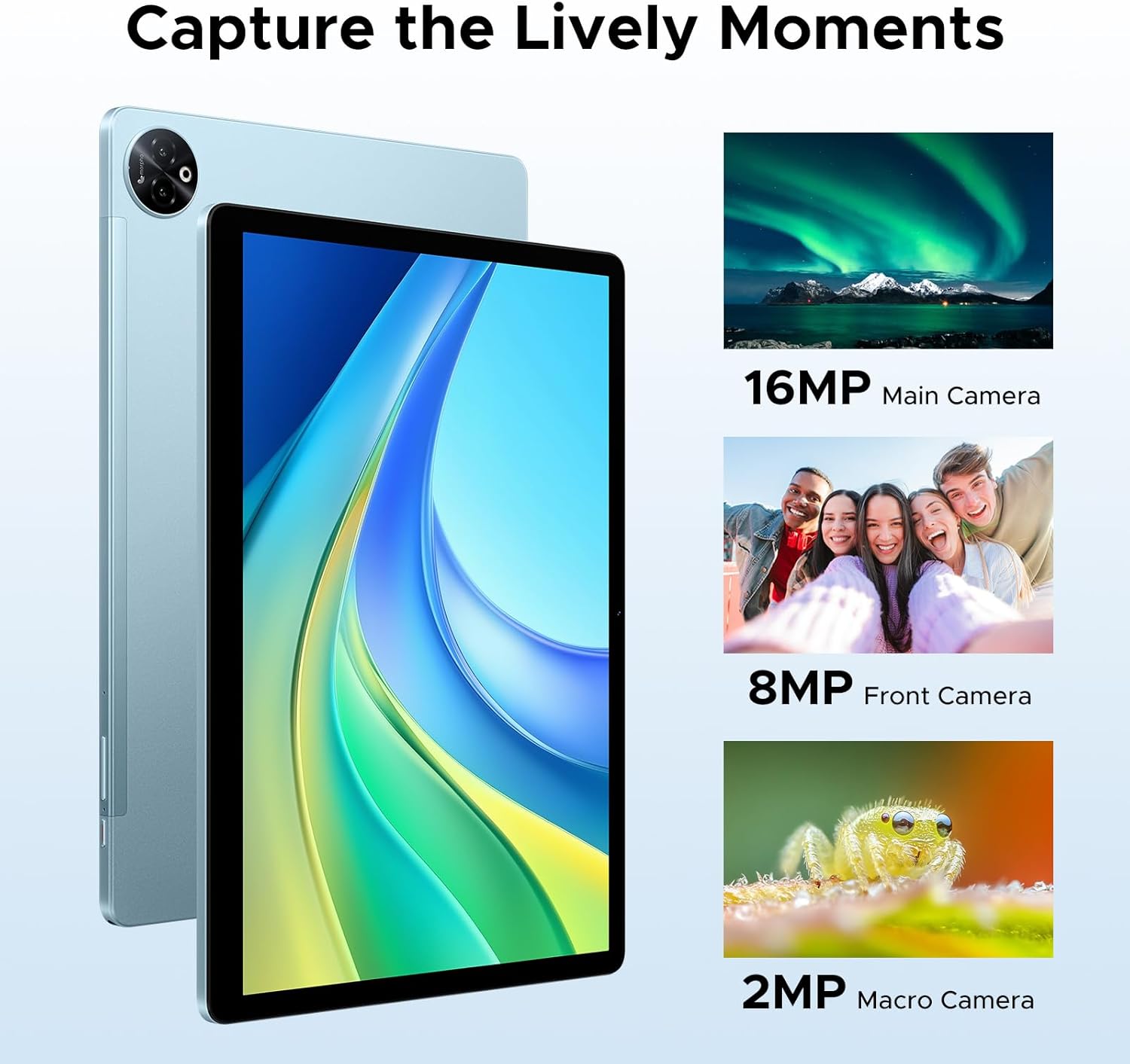
Obrázek: Vizuální examples of photos taken with the tablet's 16MP main camera, 8MP front camera, and 2MP macro camera.
5.6 Vestavěná umělá inteligence Gemini
The integrated Gemini AI enhances your tablet experience with features such as content creation, information retrieval and summarization, image analysis, code development, language learning, and smart assistance. Utilize Gemini Deep Research for in-depth analysis and insights.

Image: Various tablet screens showcasing the capabilities of the built-in Gemini AI, including content creation, information retrieval, and smart assistance.
5.7 Accessories and PC Mode
The included Bluetooth keyboard, mouse, and stylus allow you to transform your tablet into a portable workstation. Effortlessly switch to PC mode for a desktop-like experience, enhancing productivity for tasks like document editing and presentations. The protective case also functions as a stand for comfortable viewpsaní a psaní.
5.8 Zvukový zážitek
The tablet is equipped with four premium 1217 BOX Quad Speakers, delivering crystal-clear sound for an enhanced audio experience. A standard 3.5mm audio jack is also available for private listening with headphones.
6. Údržba
6.1 Čištění
K čištění tabletu použijte měkký hadřík, který nepouští vlákna. V případě odolných šmouh lehceampOtřete hadřík vodou nebo čističem obrazovek určeným pro elektroniku. Nepoužívejte agresivní chemikálie, abrazivní materiály ani nadměrnou vlhkost.
6.2 Péče o baterii
- Avoid exposing the tablet to extreme temperatures (hot or cold), as this can degrade battery life.
- Do not leave the tablet fully charged or completely drained for extended periods.
- Používejte pouze originální nabíječku a kabel dodané se zařízením.
7. Řešení problémů
Běžné problémy a řešení:
| Problém | Možné řešení |
|---|---|
| Tablet se nezapne. | Ujistěte se, že je baterie nabitá. Připojte nabíječku a před opětovným zapnutím počkejte několik minut. Pokud zařízení nereaguje, stiskněte a podržte tlačítko napájení po dobu 10–15 sekund, abyste vynutili restart. |
| Nelze se připojit k Wi-Fi. | Zkontrolujte, zda je v nastavení povolena Wi-Fi. Restartujte Wi-Fi router. Zapomeňte na síť a znovu se připojte. Ujistěte se, že zadáváte správné heslo. |
| Pomalý výkon nebo pády aplikací. | Close unused apps running in the background. Clear cache for problematic apps. Restart the tablet. Ensure sufficient storage space is available. |
| Příslušenství Bluetooth se nepřipojuje. | Ensure Bluetooth is enabled on both the tablet and the accessory. Put the accessory in pairing mode. Restart both devices. Check accessory battery levels. |
| Obrazovka nereaguje. | Restart the tablet. If the issue persists, perform a factory reset (note: this will erase all data). |
8. Specifikace
| Funkce | Detail |
|---|---|
| Název modelu | Tab E3 Max 14 inch Tablet |
| Operační systém | Android 15 |
| Velikost displeje | 14 palce |
| Rozlišení displeje | 2160*1440 pixelů |
| Procesor | Osmijádrový procesor MediaTek Helio G100 |
| BERAN | 32 GB (8GB physical + 24GB expandable) |
| Interní úložiště | 256 GB |
| Rozšiřitelné úložiště | Až 2 TB přes TF kartu (prodává se samostatně) |
| Kapacita baterie | 13500 XNUMX mAh |
| Zadní kamera | 16 MP |
| Přední kamera | 8 MP |
| Makro fotoaparát | 2 MP |
| Konektivita | 2.4G/5GHz Dual-Band Wi-Fi, 4G LTE (Dual SIM) |
| Audio Jack | 3.5 mm |
| Rozměry (D x Š x V) | 12.55 x 0.35 x 8.89 palce |
| Hmotnost položky | 4.6 libry (cca 992 g) |
| Barva | Modrá (varianta) |
9. Záruka a podpora
DOOGEE is committed to providing excellent customer service and product support.
- 30denní záruka vrácení peněz: If you are not satisfied with your purchase, you may be eligible for a refund or return within 30 days.
- 2letá omezená záruka: Your DOOGEE Tab E3 Max is covered by a 2-year limited warranty against manufacturing defects. Please retain your proof of purchase for warranty claims.
- Nepřetržitá online podpora: For any technical assistance or inquiries, please visit the official DOOGEE support webnebo kontaktujte jejich tým zákaznických služeb.
Další informace a podporu získáte na adrese Official DOOGEE Store on Amazon.
Ask a question about this manual
Ask about setup, troubleshooting, compatibility, parts, safety, or missing instructions. Manuals+ will review the question and use this page’s manual context to help answer it.