
DOOGEE Tab E3Pro
DOOGEE Tab E3 Pro 13-inch Android Tablet User Manual
Model: Tab E3Pro
1. Úvod
The DOOGEE Tab E3 Pro is a high-performance 13-inch Android tablet designed for both productivity and entertainment. Featuring a vibrant FHD+ display with a 90Hz refresh rate, a powerful Helio G100 Octa-Core processor, and a large 11000mAh battery, it offers a seamless user experience. This manual provides essential information for setting up, operating, maintaining, and troubleshooting your device.
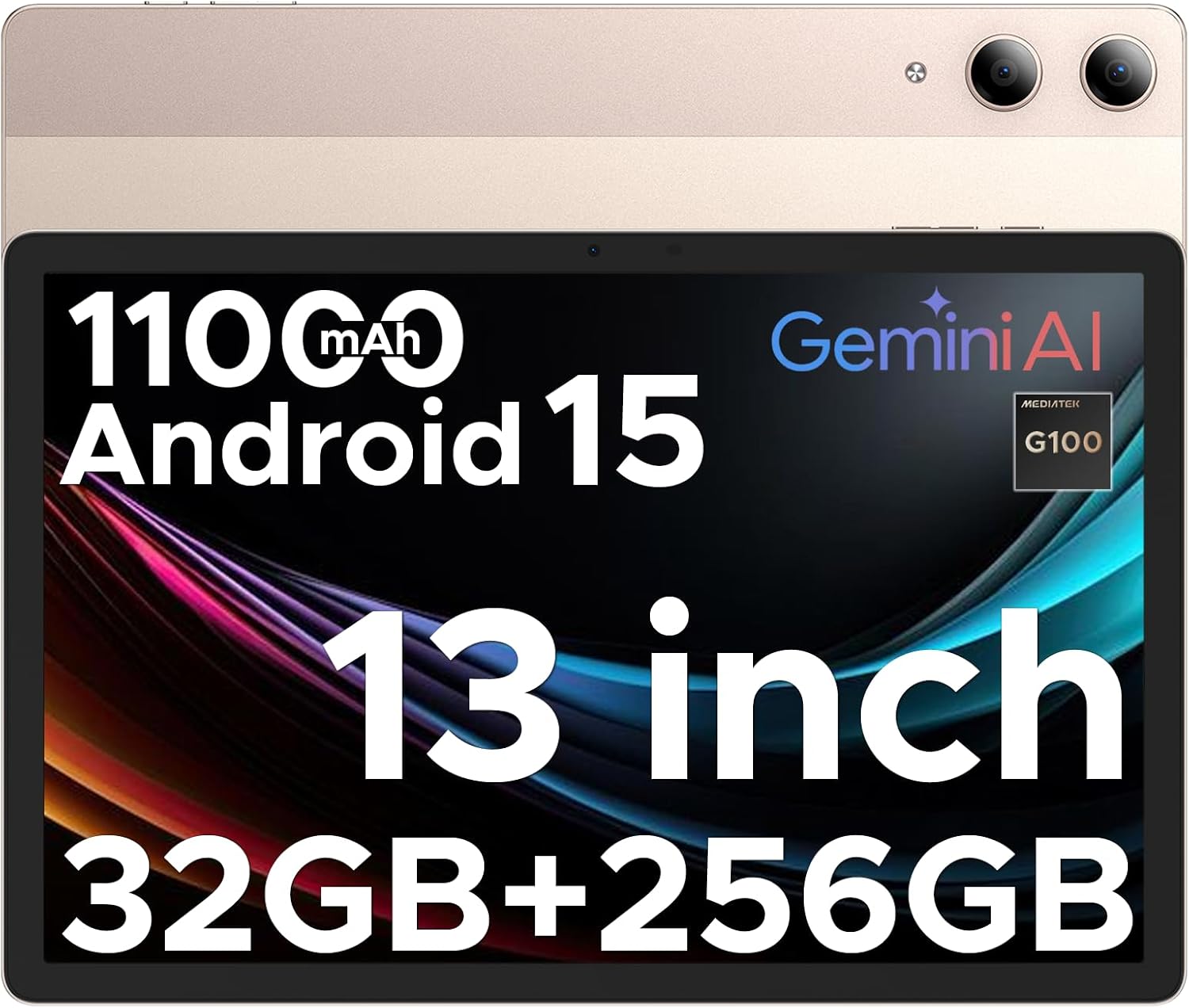
Image: The DOOGEE Tab E3 Pro tablet, showcasing its large screen and sleek design.
2. Nastavení
2.1. Obsah balení
Než začnete, ujistěte se, že balení obsahuje všechny položky:
- 1* DOOGEE Tab E3 Pro Tablet
- 1* USB kabel typu C
- 1* nabíječka
- 1* SIM Card Remover
- 1 * Balicí krabice
- 1* Uživatelská příručka
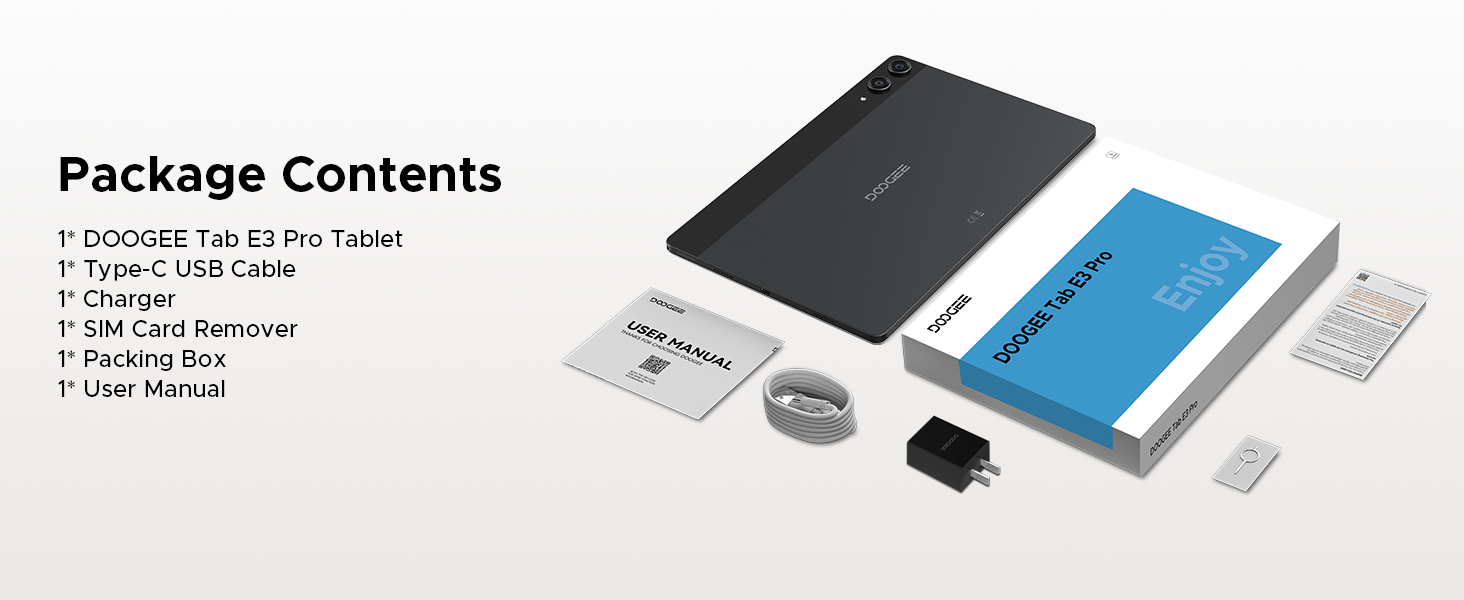
Image: A visual representation of all items included in the DOOGEE Tab E3 Pro package.
2.2. Nabíjení tabletu
Connect the provided Type-C USB cable to the tablet's charging port and the other end to the charger. Plug the charger into a power outlet. The tablet supports 18W fast charging. A full charge ensures extended usage time.
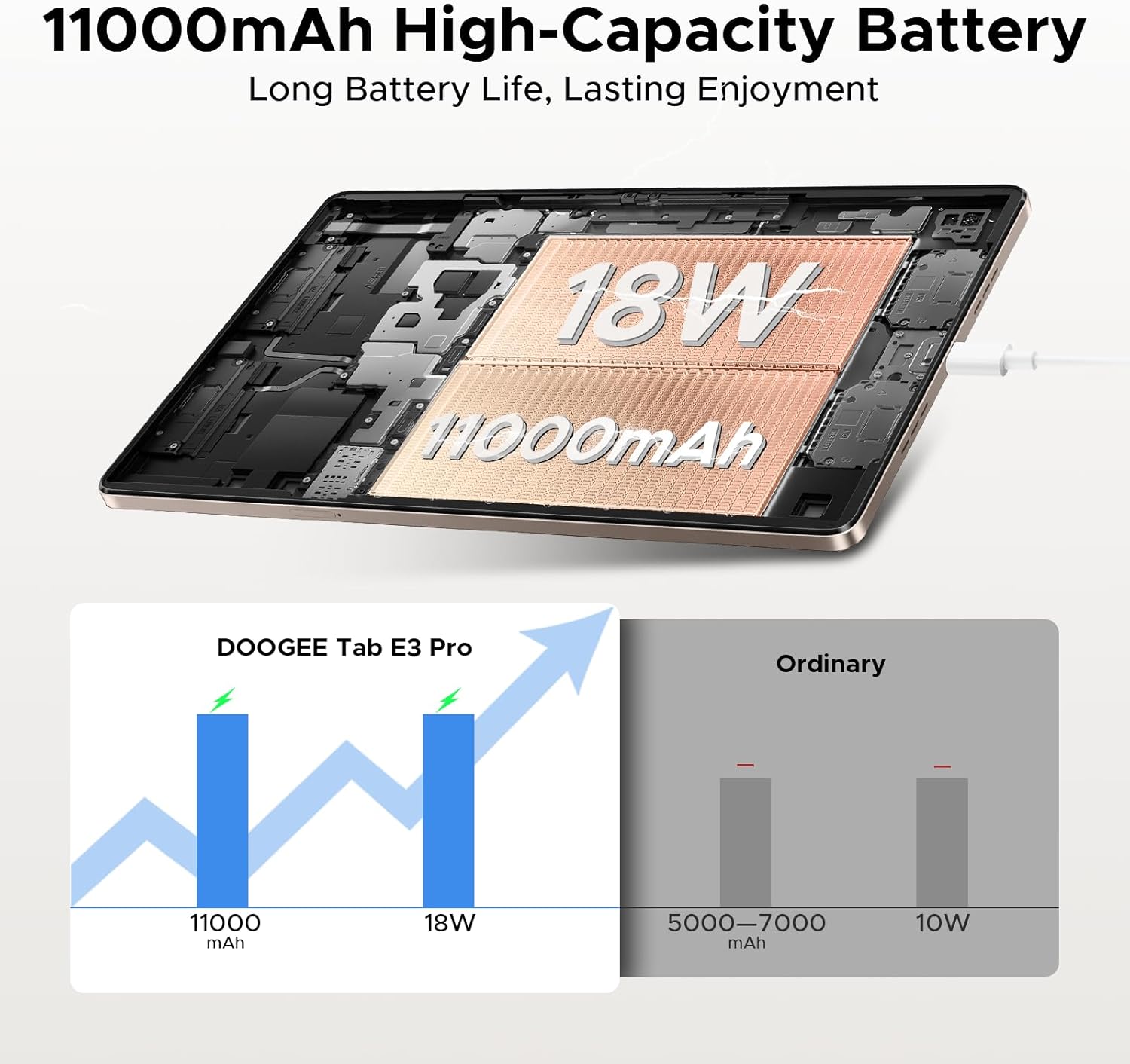
Image: The DOOGEE Tab E3 Pro connected to its 18W fast charger, illustrating the charging process and battery capacity.
2.3. Vložení SIM/TF karty
The DOOGEE Tab E3 Pro supports dual SIM card slots, allowing for two Nano SIMs or one Nano SIM and one TF (microSD) card for expanded storage up to 2TB. Use the provided SIM card remover tool to open the SIM tray. Carefully place the card(s) into the tray according to the diagram and reinsert it into the tablet.
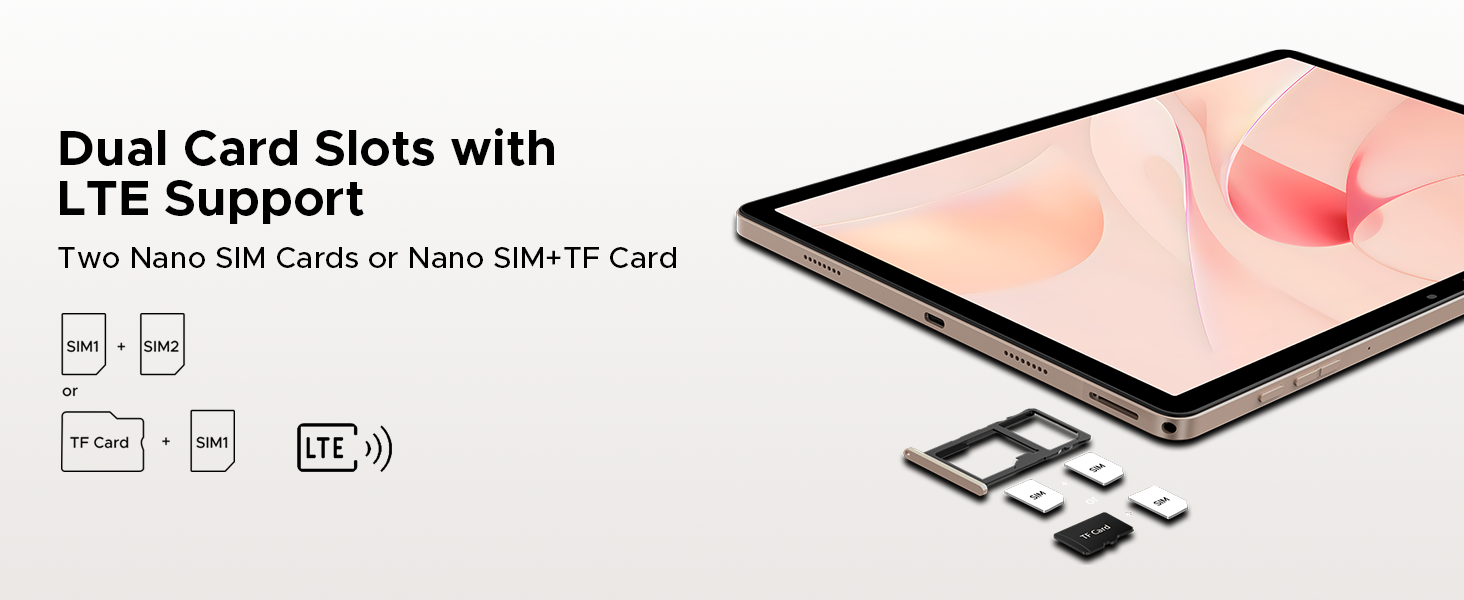
Image: Diagram showing the dual SIM card slots and options for two Nano SIMs or one Nano SIM plus a TF card.
2.4. Initial Power On and Face Unlock Setup
Press and hold the power button until the DOOGEE logo appears. Follow the on-screen instructions to complete the initial setup, including language selection, Wi-Fi connection, and Google account login. For enhanced security, you can set up Face Unlock during this process or later in the tablet's security settings.
3. Ovládání tabletu
3.1. Zobrazení a vizuální zážitek
The Tab E3 Pro features a 13-inch IPS FHD+ display with a resolution of 1920x1200 pixels and an 84.6% screen-to-body ratio, providing an immersive viewing experience. The 90Hz refresh rate ensures smooth scrolling and fluid visuals for videos and games. An Eye-Caring Mode is available to reduce blue light emission, protecting your eyes during prolonged use.
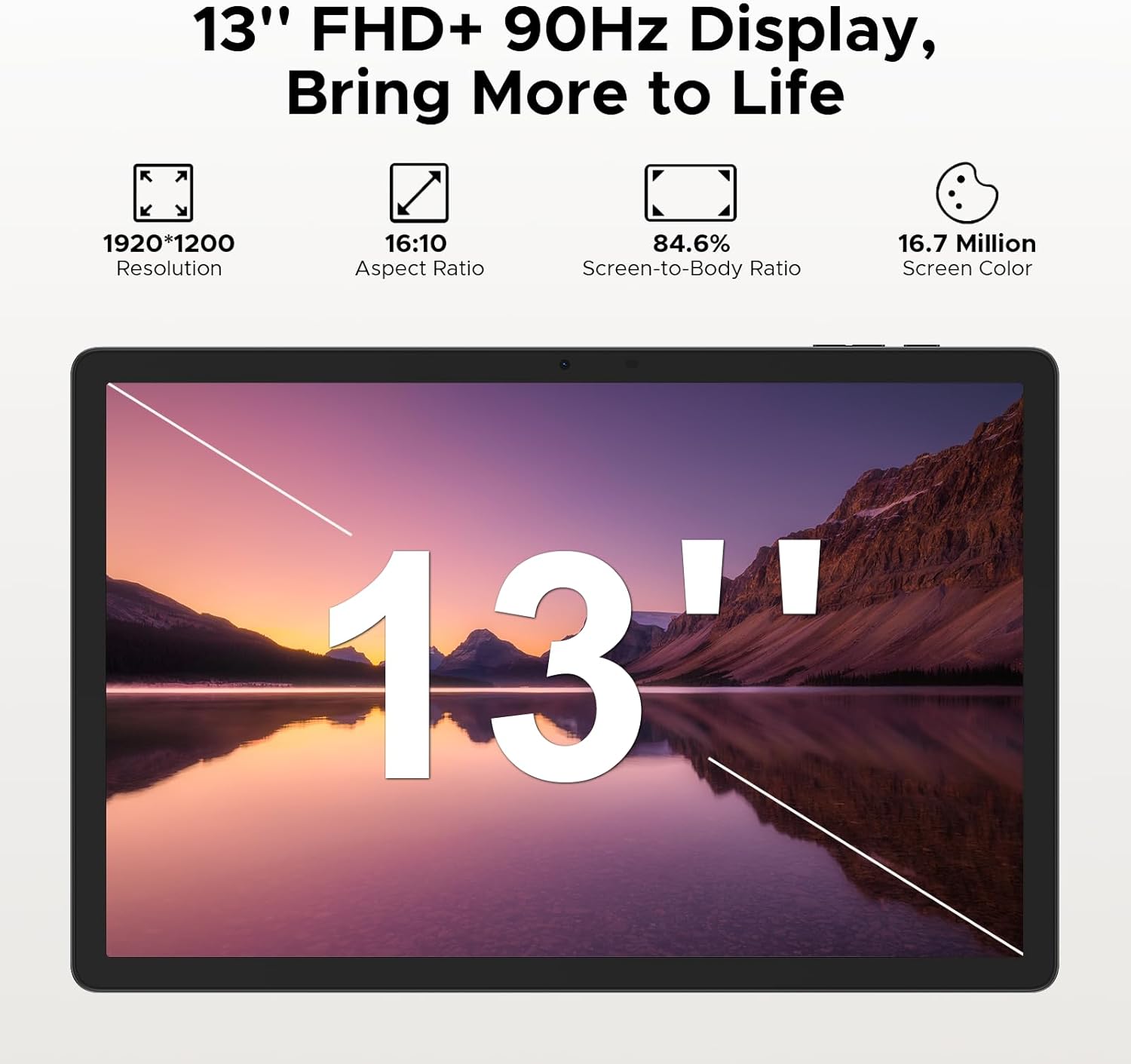
Image: The 13-inch FHD+ display of the DOOGEE Tab E3 Pro, highlighting its resolution, aspect ratio, screen-to-body ratio, and screen color capabilities.
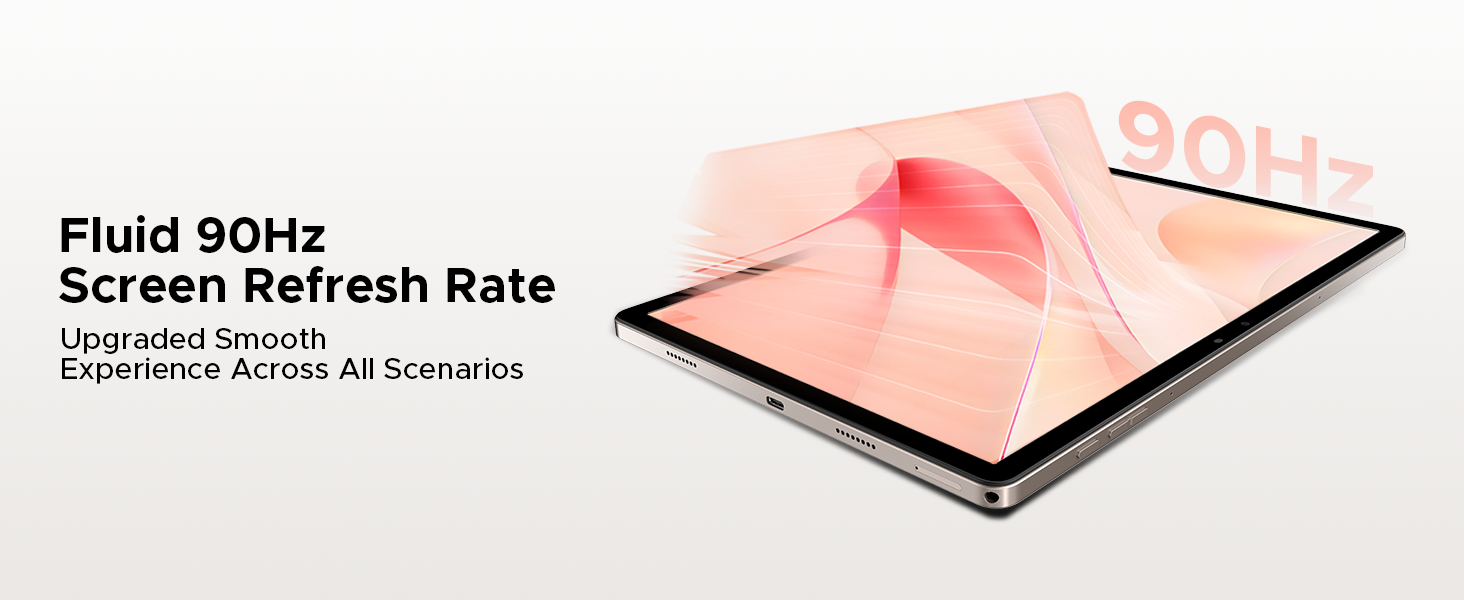
Image: Visual representation of the 90Hz screen refresh rate, indicating smooth performance across various scenarios.
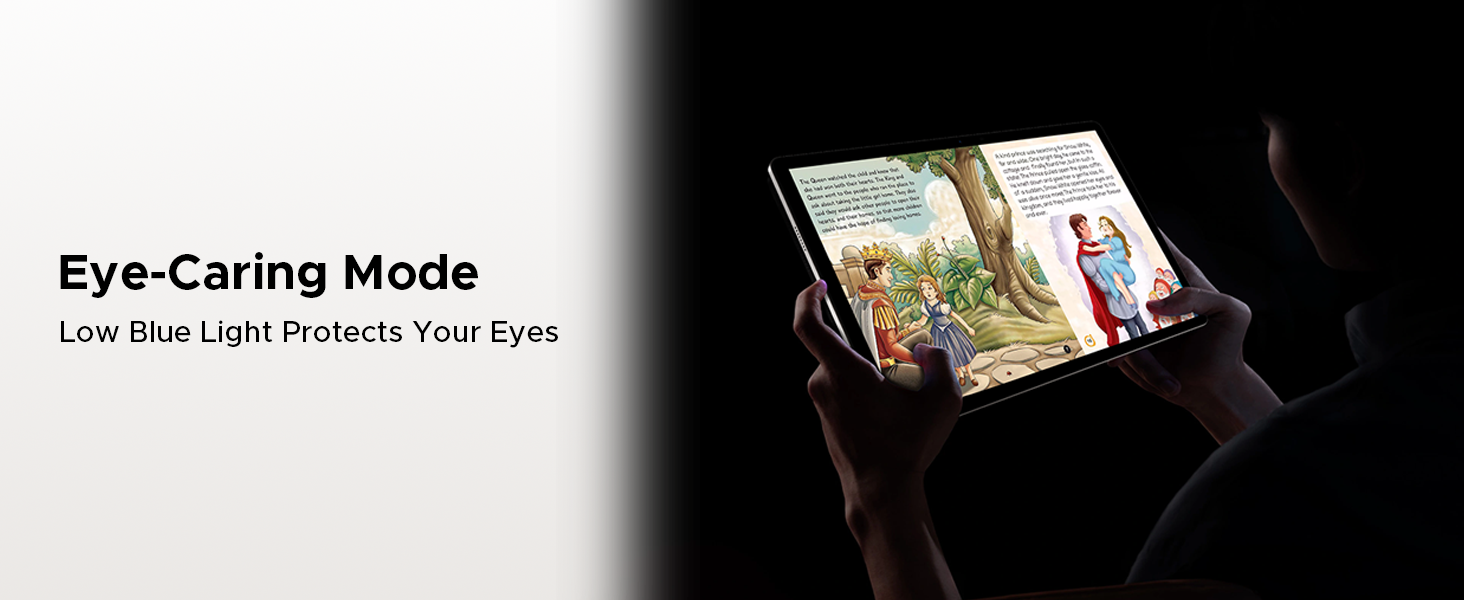
Image: A person using the tablet in Eye-Caring Mode, demonstrating its low blue light protection feature.
3.2. Výkon a úložiště
Powered by the Helio G100 Octa-Core processor and running on the latest Android 15 system, the tablet delivers robust performance for multitasking, gaming, and productivity. It comes with 32GB of RAM (8GB physical + 24GB virtual) and 256GB of internal storage, expandable up to 2TB via a microSD card (sold separately).
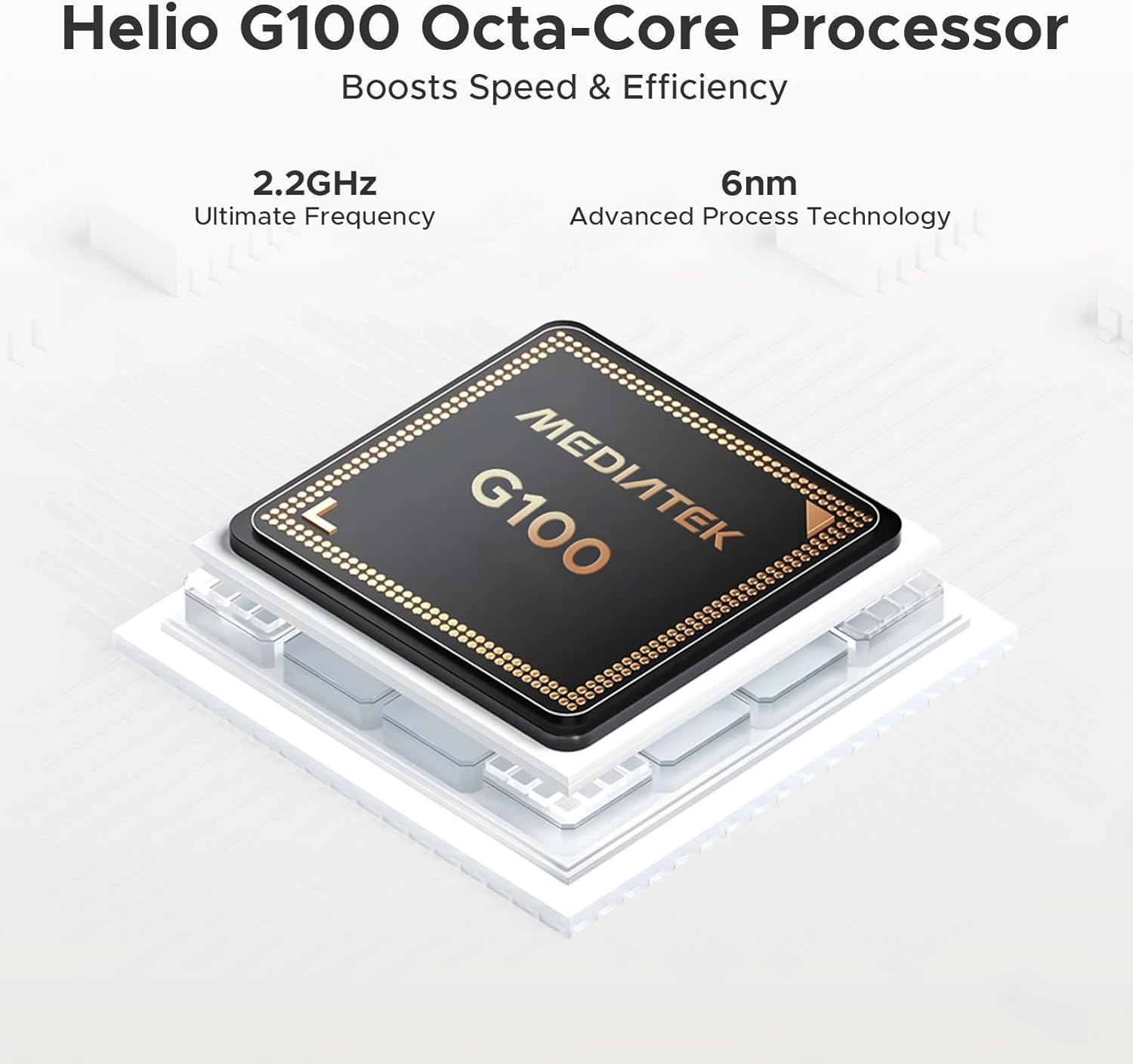
Obrázek: Podrobný view of the MediaTek Helio G100 Octa-Core processor, highlighting its 2.2GHz ultimate frequency and 6nm advanced process technology.
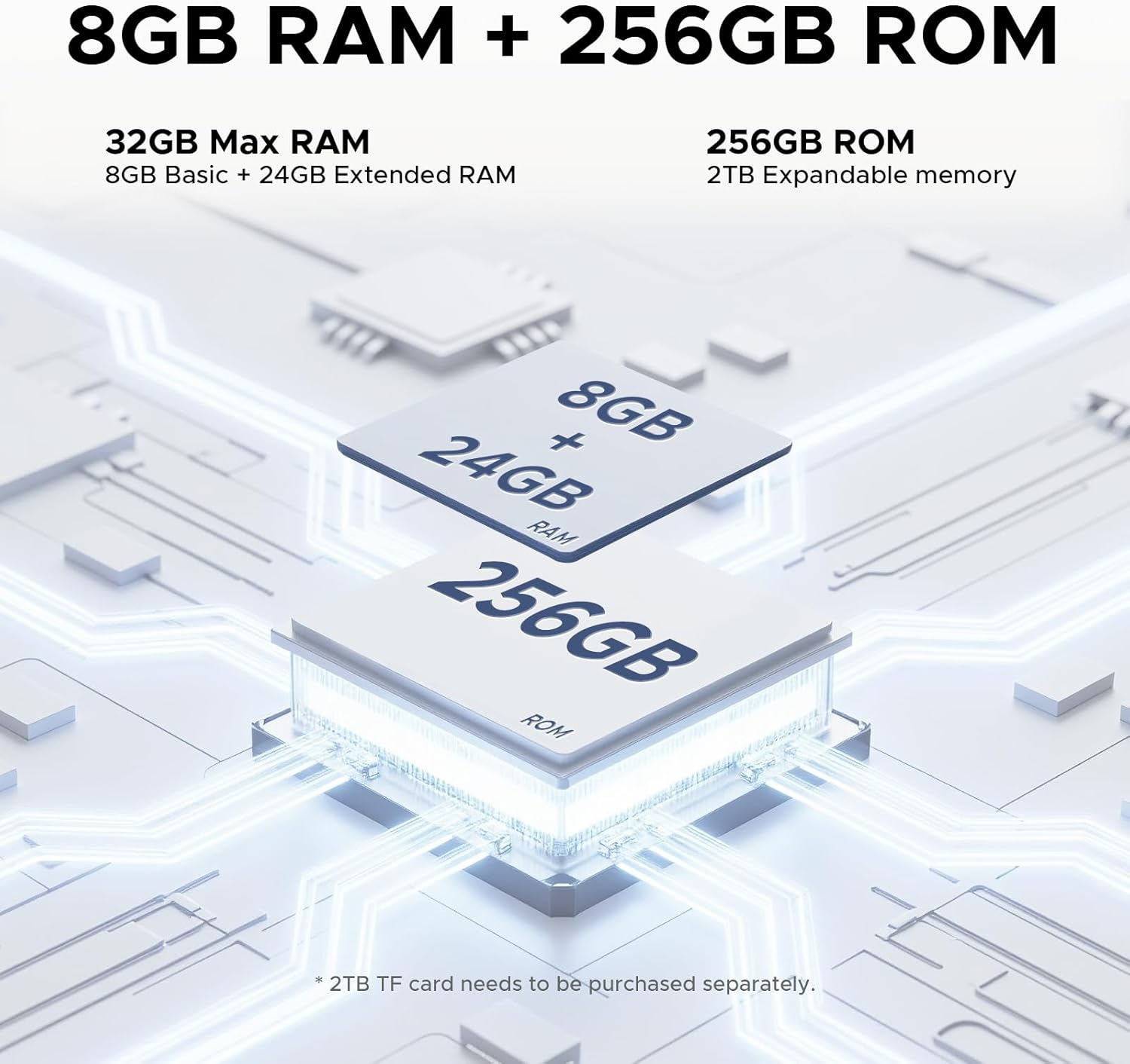
Image: Illustration of the 8GB RAM (expandable to 32GB) and 256GB ROM, with a note about 2TB expandable memory.
Image: The Android 15 logo, indicating an intelligent, seamless, and secure operating system.
3.3. Funkce fotoaparátu
Capture moments with the 13MP rear camera and 8MP front camera. Both support 2K video recording, anti-flicker, portrait mode, and beauty filters, making them suitable for video calls, selfies, and content creation.

Image: Depiction of the tablet's 13MP main camera and 8MP front camera, with exampfotografie pořízené fotoaparáty.
3.4. Zvuk a konektivita
Experience rich audio with the built-in 1217 BOX quad-speaker system. The tablet supports Bluetooth 5.2 for wireless audio accessories and includes a standard 3.5mm headphone jack. Stay connected with dual-band 2.4G/5G WiFi and LTE support for mobile data.

Image: The tablet with sound waves emanating from its four corners, illustrating the premium 1217 BOX quad-speaker system.
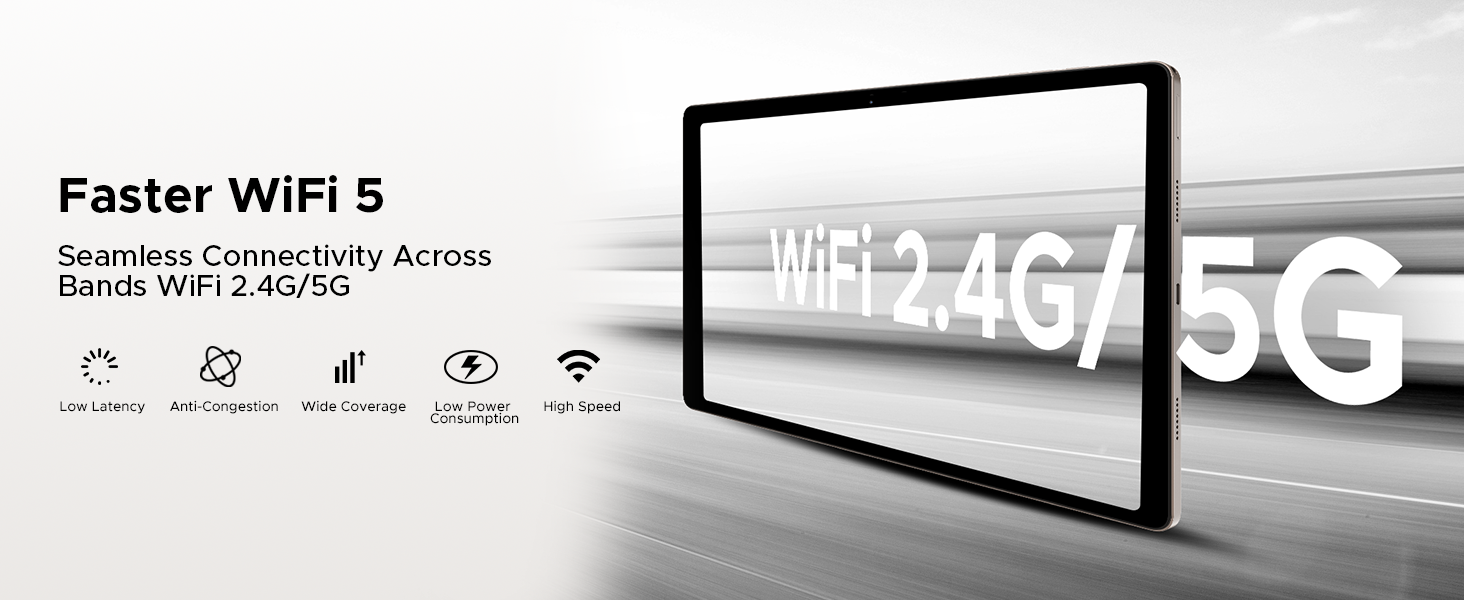
Image: Graphic illustrating the tablet's dual-band 2.4G/5G WiFi capabilities for fast and seamless connectivity.
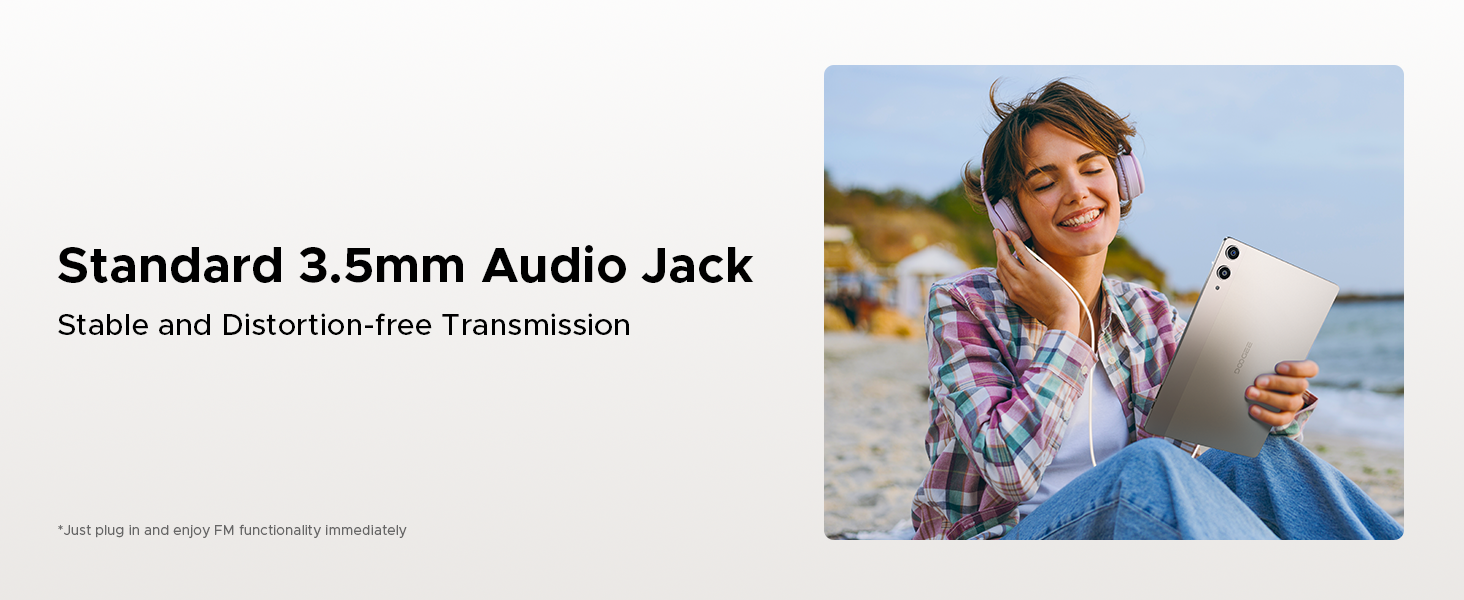
Image: A person enjoying music with wired headphones connected to the tablet's 3.5mm audio jack.
3.5. Asistent umělé inteligence Gemini
The tablet integrates the intelligent Gemini AI assistant to streamline daily tasks. Gemini AI supports various functions including content creation, information retrieval and summarization, image analysis, code development, language learning, and smart assistance. Utilize Gemini Live for conversational interaction and task assistance, and Gemini Deep Research for in-depth reports and analysis.

Image: A circular diagram showing the various functions of the built-in Gemini AI, such as Content Creation, Image Analysis, and Smart Assistant.
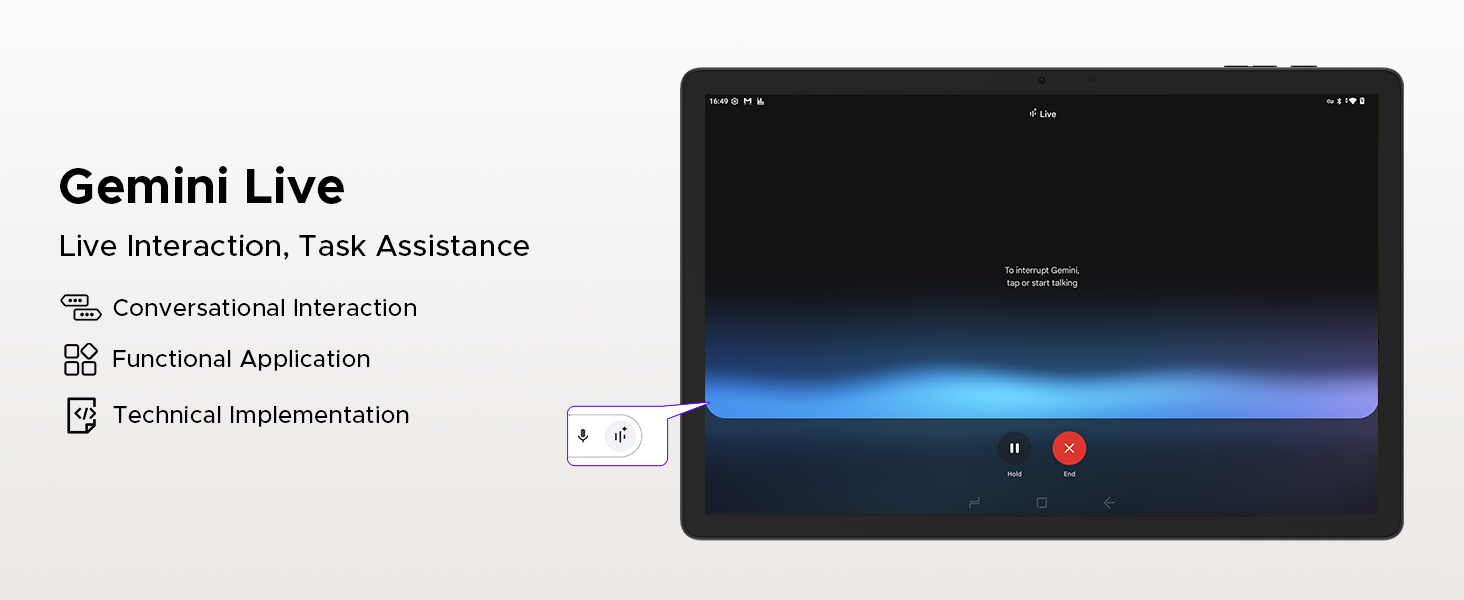
Image: A screenshot of the Gemini Live interface on the tablet, demonstrating conversational interaction and task assistance.
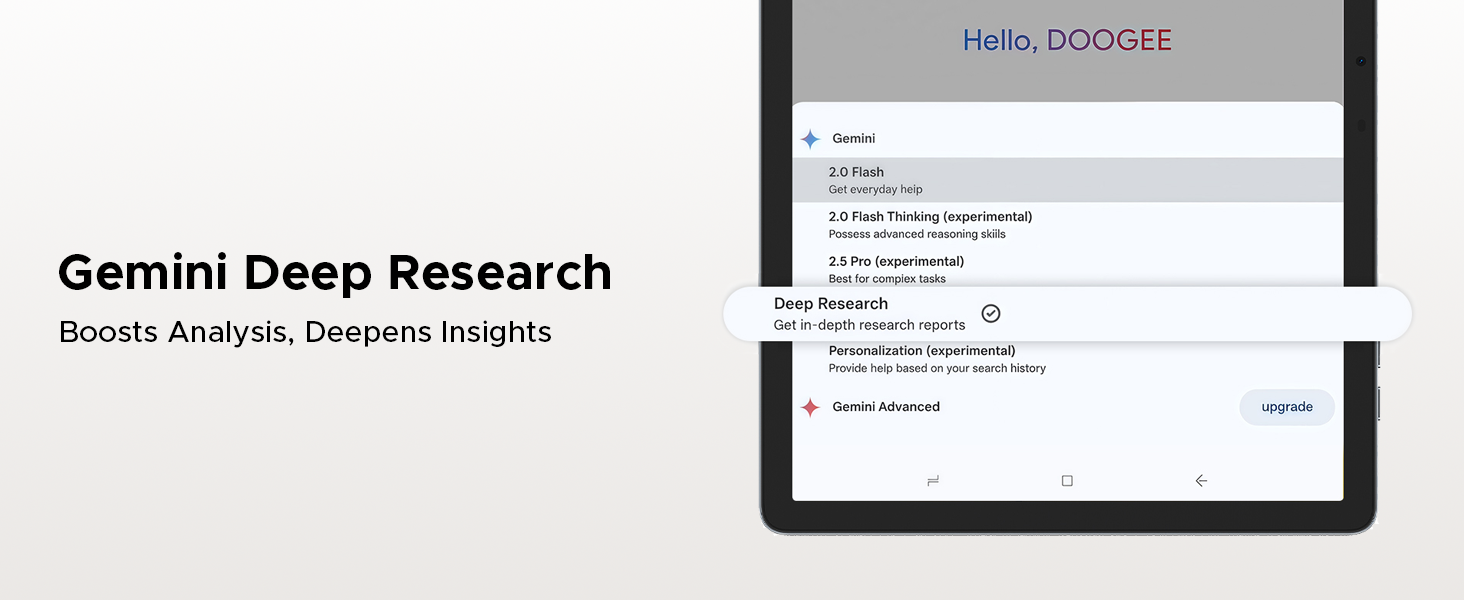
Image: A tablet screen displaying options for Gemini Deep Research, indicating its capability for in-depth analysis and insights.
3.6. Navigation and Productivity
The Tab E3 Pro includes a high-precision GPS system supporting GPS, Glonass, Galileo, and Beidou for accurate navigation. For productivity, it features built-in PC-level WPS Office, enabling seamless work on documents, spreadsheets, and presentations on the go.
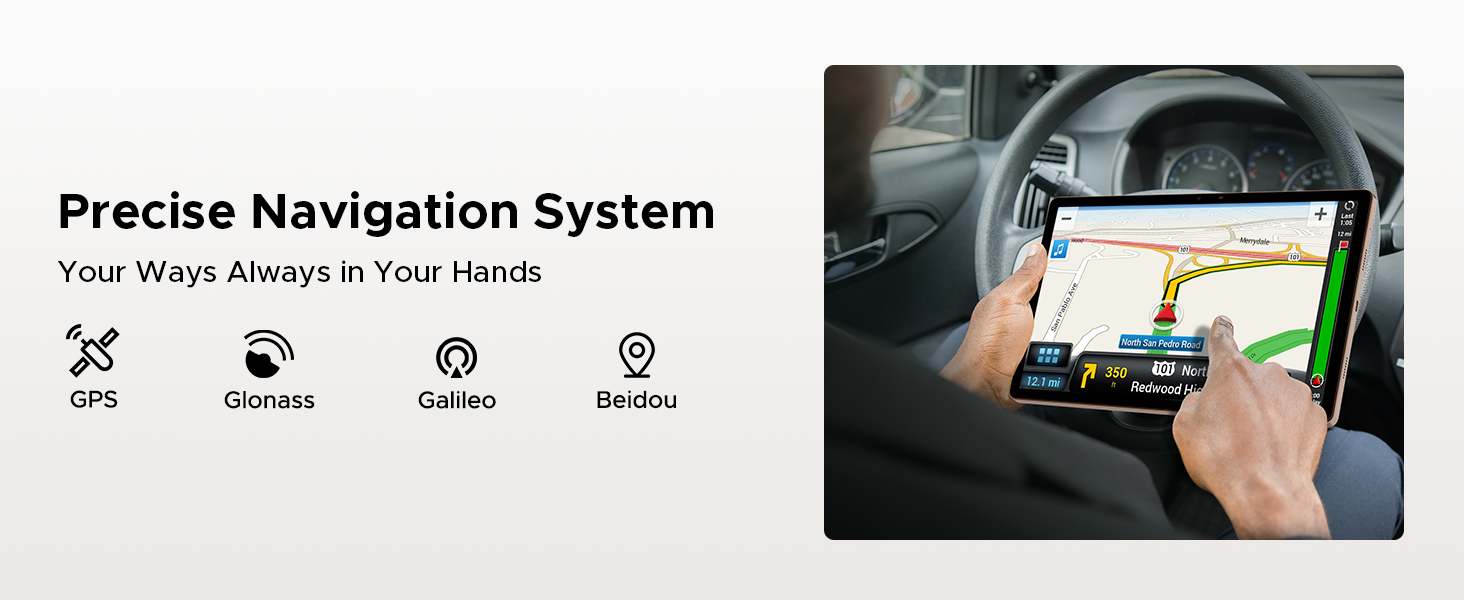
Image: A person using the tablet for navigation in a car, showing the precise GPS system in action.
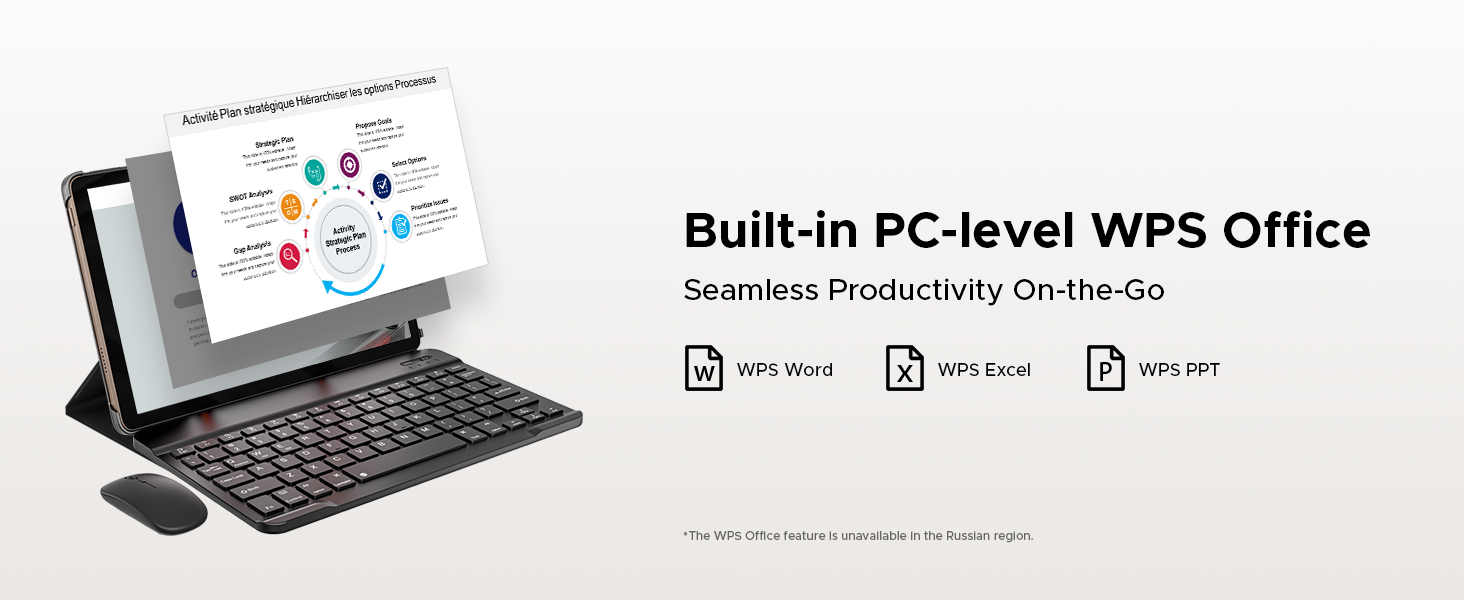
Image: The tablet connected to a keyboard and mouse, displaying WPS Office applications for seamless productivity.
4. Údržba
4.1. Péče o baterie
To maximize battery lifespan, avoid extreme temperatures. Do not fully discharge the battery regularly; instead, charge it when the battery level is low. Use only the provided charger and cable for optimal charging performance.
4.2. Čištění tabletu
K čištění obrazovky a těla tabletu použijte měkký hadřík, který nepouští vlákna. V případě odolných šmouh je lehceampen the cloth with water or a screen-cleaning solution. Avoid using harsh chemicals or abrasive materials, as they can damage the screen and finish.
5. Řešení problémů
5.1. Běžné problémy a jejich řešení
- Tablet se nezapíná: Ujistěte se, že je baterie nabitá. Připojte nabíječku a před opětovným zapnutím počkejte několik minut.
- Obrazovka nereaguje: Try restarting the tablet by holding the power button for about 10-15 seconds until it powers off, then power it on normally.
- Aplikace padá nebo zamrzá: Close background applications. Clear the cache of the problematic app in Settings > Apps. If the issue persists, uninstall and reinstall the app.
- Pomalý výkon: Uvolněte úložný prostor smazáním nepotřebných files or apps. Restart the tablet regularly.
- Problémy s připojením k Wi-Fi: Restartujte Wi-Fi router a tablet. V nastavení tabletu zapomeňte na síť a znovu se připojte.
Pokud narazíte na problémy, které zde nejsou uvedeny, nebo pokud navrhovaná řešení problém nevyřeší, podívejte se prosím do sekce podpory, kde vám pomohou.
6. Specifikace
| Funkce | Detail |
|---|---|
| Značka | DOOGEE |
| Název modelu | TABE3PRO |
| Operační systém | Android 15 |
| Velikost obrazovky | 13 palce |
| Maximální rozlišení obrazovky | 1920x1200 pixelů (FHD+) |
| Obnovovací frekvence | 90 Hz |
| Procesor | Osmijádrový procesor Helio G100 |
| BERAN | 32 GB (8 GB fyzické + 24 GB virtuální) |
| Interní úložiště | 256 GB |
| Rozšiřitelné úložiště | Až 2 TB (microSD) |
| Kapacita baterie | 11000 XNUMX mAh |
| Nabíjení | Rychlé nabíjení 18W |
| Zadní kamera | 13 MP |
| Přední kamera | 8 MP |
| Zvuk | 1217 BOX Quad Speakers, 3.5mm Audio Jack |
| Konektivita | Dual-band 2.4G/5G WiFi, Bluetooth 5.2, LTE (Dual SIM) |
| Navigace | GPS, Glonass, Galileo, Beidou |
| Rozměry (DxŠxV) | 11.89 x 7.78 x 0.31 palce (302.1 x 197.5 x 7.9 mm) |
| Hmotnost | 2.58 liber (718 g) |
| Barva | Zlato |
7. Záruka a podpora
7.1. Informace o záruce
Your DOOGEE Tab E3 Pro comes with a standard manufacturer's warranty. Please refer to the warranty card included in your package for specific terms, conditions, and duration. Keep your proof of purchase for warranty claims.
7.2. Zákaznická podpora
For technical assistance, troubleshooting, or service inquiries, please visit the official DOOGEE support website or contact their customer service. You can find contact details on the DOOGEE brand store page on Amazon or in your product documentation.
DOOGEE Brand Store: https://www.amazon.com/stores/DOOGEE/page/A39652BD-4C9E-4786-9C34-8ABB68DE0373
Ask a question about this manual
Ask about setup, troubleshooting, compatibility, parts, safety, or missing instructions. Manuals+ will review the question and use this page’s manual context to help answer it.