
1. Úvod
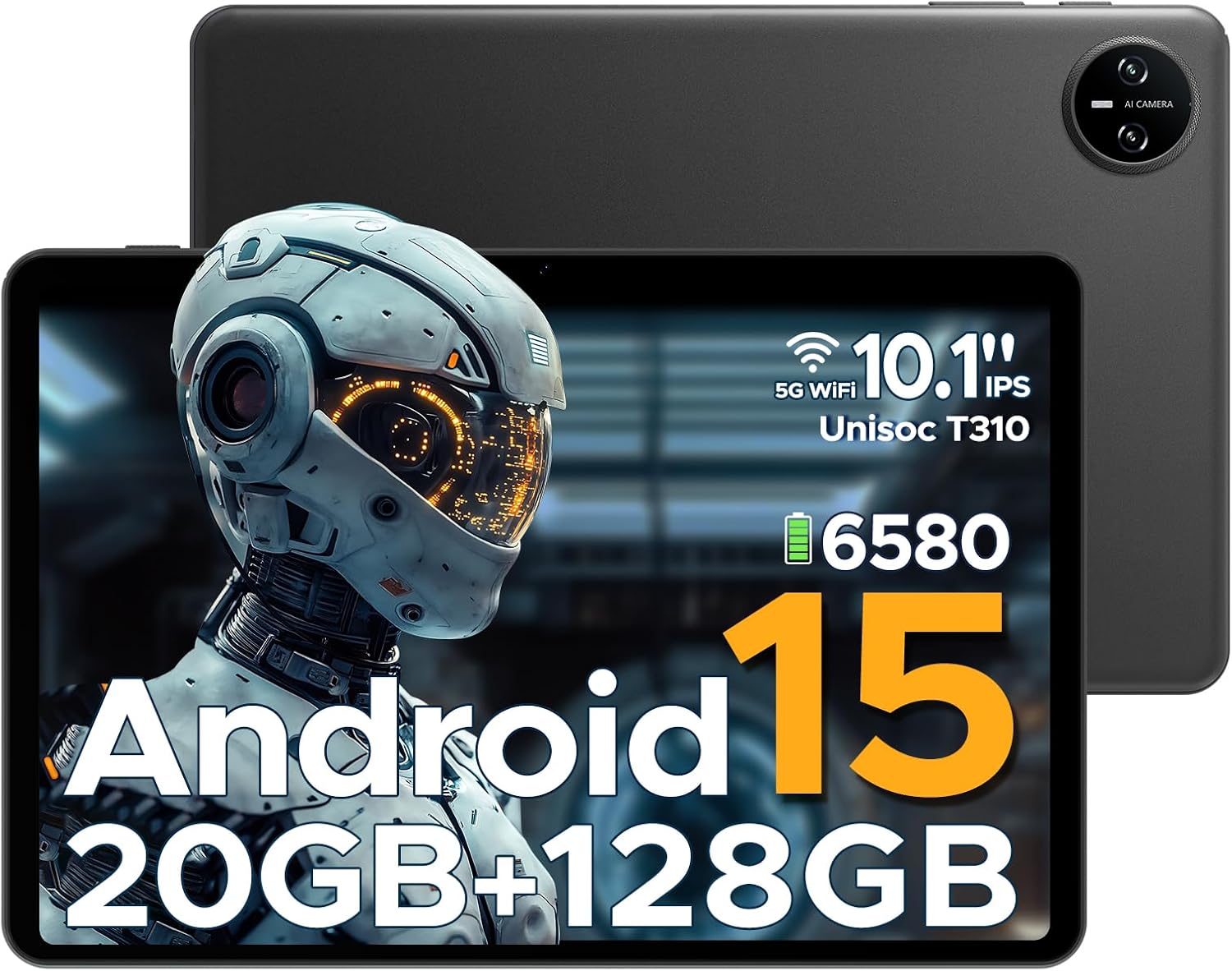
This manual provides essential information for the safe and efficient use of your DOOGEE Tab A9 Pro Android 15 Tablet. Please read this manual thoroughly before operating the device and retain it for future reference. The DOOGEE Tab A9 Pro is a 10-inch tablet featuring the latest Android 15 system, a Unisoc T310 processor, 20GB RAM, 128GB ROM (expandable to 2TB), a 6580mAh battery, and dual speakers, designed for a smooth and versatile user experience.
2. Co je v krabici
Po vybalení zkontrolujte, zda jsou všechny položky přítomny:
- 1 x DOOGEE Tab A9 Pro Tablet
- 1x Nabíječka
- 1 x USB kabel typu C
- 1 x Uživatelská příručka
Note: The OTG cable is not included with the tablet and needs to be purchased separately.
3. Konec produktuview
3.1 Klíčové vlastnosti
- Operační systém: Latest Android 15, offering enhanced speed and privacy features.
- Procesor: Unisoc T310 Quad-Core Processor (2.0 GHz Cortex-A75 core) for efficient performance and low power consumption.
- Paměť a úložiště: 20GB RAM (4GB base + 16GB expandable virtual RAM) and 128GB internal storage, expandable up to 2TB via Micro SD card (sold separately).
- Zobrazit: 10.1-inch IPS HD display with 1280x800 resolution, 16:10 aspect ratio, and 2.5D cover glass.
- Baterie: 6580mAh high-capacity battery for extended use.
- Kamery: 8MP AI rear camera and 5MP front camera for photography and video calls.
- Zvuk: 1217 BOX Dual Speakers for clear sound.
- Konektivita: 5G WiFi, Bluetooth, GMS certified.
- Zabezpečení: Face ID for convenient unlocking.
- Porty: 3.5mm headphone jack, USB Type-C port.
- Další vlastnosti: OTG support, built-in WPS Office, Eye-Caring Mode, Dark Mode, Split-Screen Multitasking, Parental Control, Bedtime Mode, Multi-user System.
3.2 Vizuální komponenty


4. Nastavení
4.1 Nabíjení tabletu
Before first use, fully charge the tablet using the provided charger and Type-C USB cable. Connect the Type-C cable to the tablet's charging port and the charger to a power outlet. The battery indicator on the screen will show charging status.
4.2 Zapnutí/vypnutí
- Zapnutí: Stiskněte a podržte tlačítko napájení, dokud se nezobrazí logo DOOGEE.
- Vypnutí: Stiskněte a podržte tlačítko Napájení, dokud se nezobrazí nabídka možností napájení, a poté vyberte možnost „Vypnout“.
- Restartovat: Stiskněte a podržte tlačítko Napájení, dokud se nezobrazí nabídka možností napájení, a poté vyberte možnost „Restartovat“.
4.3 Počáteční nastavení
Upon first power-on, the tablet will guide you through the initial setup process. This includes selecting your language, connecting to a Wi-Fi network, setting up your Google account, and configuring basic security settings like Face ID or a PIN/pattern.
5. Návod k obsluze
5.1 Navigace
The Android 15 operating system provides intuitive navigation. Use gestures or on-screen buttons to navigate home, go back, or switch between recent applications.
5.2 Instalace a správa aplikací
Download and install applications from the Google Play Store. To manage apps, go to Settings > Apps & notifications. From here, you can uninstall, force stop, or clear data for applications.
5.3 Odemknutí pomocí Face ID
To set up Face ID, go to Settings > Security & privacy > Face unlock. Follow the on-screen instructions to register your face. Once set up, you can unlock the tablet by simply looking at the front camera.
5.4 Funkce OTG
The tablet supports USB On-The-Go (OTG), allowing you to connect external USB devices such as flash drives, keyboards, or mice. An OTG adapter cable (not included) is required for this functionality. Connect the OTG adapter to the tablet's Type-C port, then connect your USB device to the adapter.
5.5 Split-Screen Multitasking
To use split-screen mode, open an app, then swipe up from the bottom of the screen and hold to access recent apps. Tap the app icon at the top of the app's card and select 'Split screen'. Choose a second app to open in the other half of the screen.
5.6 Eye-Caring Mode and Dark Mode
These modes can be enabled in the display settings to reduce eye strain. Eye-Caring Mode adjusts screen colors to warmer tones, while Dark Mode changes the interface to a darker theme, ideal for low-light environments.
6. Údržba
6.1 Péče o baterii
- Nevystavujte tablet extrémním teplotám.
- Nedovolte, aby se baterie často úplně vybila.
- Používejte pouze originální nabíječku nebo certifikovanou kompatibilní nabíječku.
6.2 Čištění
K čištění obrazovky a těla tabletu používejte měkký hadřík, který nepouští vlákna. Nepoužívejte abrazivní čisticí prostředky ani rozpouštědla. V případě odolných šmouh lehceampOtřete hadřík vodou nebo čističem obrazovek určeným pro elektroniku.
6.3 Aktualizace softwaru
Pravidelně kontrolujte a instalujte aktualizace softwaru, abyste zajistili optimální výkon, zabezpečení a přístup k novým funkcím. Přejděte do Nastavení > Systém > Aktualizace systému a zkontrolujte dostupné aktualizace.
7. Řešení problémů
| Problém | Možná příčina | Řešení |
|---|---|---|
| Tablet se nezapne | Vybitá baterie; Havárie systému | Charge the tablet for at least 30 minutes; Press and hold the Power button for 10-15 seconds to force restart. |
| Aplikace jsou pomalé nebo padají | Too many apps running; Insufficient storage; App bug | Close background apps; Clear app cache/data; Free up storage space; Update the app or tablet software. |
| Problémy s připojením Wi-Fi | Nesprávné heslo; Problém s routerem; Rušení signálu | Re-enter Wi-Fi password; Restart router; Move closer to the router; Forget and reconnect to the network. |
| Nefunguje Face ID | Poor lighting; Face not properly aligned; Face ID not set up correctly | Ensure adequate lighting; Hold tablet at eye level; Re-register your face in settings. |
| Tablet se nenabíjí | Faulty cable/charger; Dirty charging port | Try a different cable/charger; Clean the charging port gently with a dry, soft brush. |
8. Specifikace
| Funkce | Detail |
|---|---|
| Značka | DOOGEE |
| Název modelu | Tab A9 Pro |
| Operační systém | Android 15 |
| Procesor | Unisoc T310 (1.8 GHz) |
| Grafický koprocesor | Mali-G52 |
| Velikost nainstalované paměti RAM | 20 GB (4 GB základní + 16 GB virtuální) |
| Kapacita paměti | 128 GB (rozšiřitelné až na 2 TB pomocí Micro SD karty) |
| Velikost obrazovky | 10.1 palce |
| Rozlišení obrazovky | 1280 x 800 pixelů |
| Zadní WebRozlišení vačky | 8 MP |
| Přední WebRozlišení vačky | 5 MP |
| Kapacita baterie | 6580 mAh (lithium-polymerová) |
| Typ připojení | Bluetooth, Wi-Fi (5G WiFi) |
| Rozměry produktu | 25.7 x 16.88 x 0.79 cm |
| Hmotnost položky | 910 g |
| Speciální funkce | Stereo Speakers, Supports USB OTG, Expandable Storage, Face ID |
| Modelový rok | 2025 |
9. Záruka a podpora
For warranty information and technical support, please refer to the warranty card included with your product or visit the official DOOGEE webmísto. Můžete také navštívit Obchod DOOGEE na Amazonu pro další podrobnosti o produktu a zdroje podpory.