
1. Úvod
Thank you for choosing the Vonztek Wireless Headset. This manual provides essential information for the proper setup, operation, and maintenance of your headset. Please read it thoroughly before use to ensure optimal performance and longevity of your device.
2. Obsah balení
Ověřte, zda jsou v balení přítomny všechny položky:
- Vonztek Wireless Headset
- Type-C Charge Cable x1
- USB dongle x1
3. Konec produktuview
The Vonztek Wireless Headset (Model XSY-BT882M-BJ-D-NEW2) is designed for business and work-from-home environments, offering clear communication and comfortable wear. It features AI Noise Canceling for the microphone and Passive Noise Cancellation for the earpieces.

Figure 3.1: Vonztek Wireless Headset with included accessories.
Klíčové vlastnosti:
- Špičkový stereo zvuk: Equipped with 40mm dynamic drivers for clear audio reproduction.
- Pohodlný design: Ultra-soft memory foam ear cushions and an adjustable one-piece steel headband ensure comfort during extended use.
- Bidirectional Microphone with AI Noise Canceling: The flexible 270° rotatable microphone arm can be positioned on either side and features AI noise cancellation to focus on your voice, reducing background noise.
- Široká kompatibilita: Connects to cellphones and desktops via Bluetooth 5.3 or the included USB dongle.
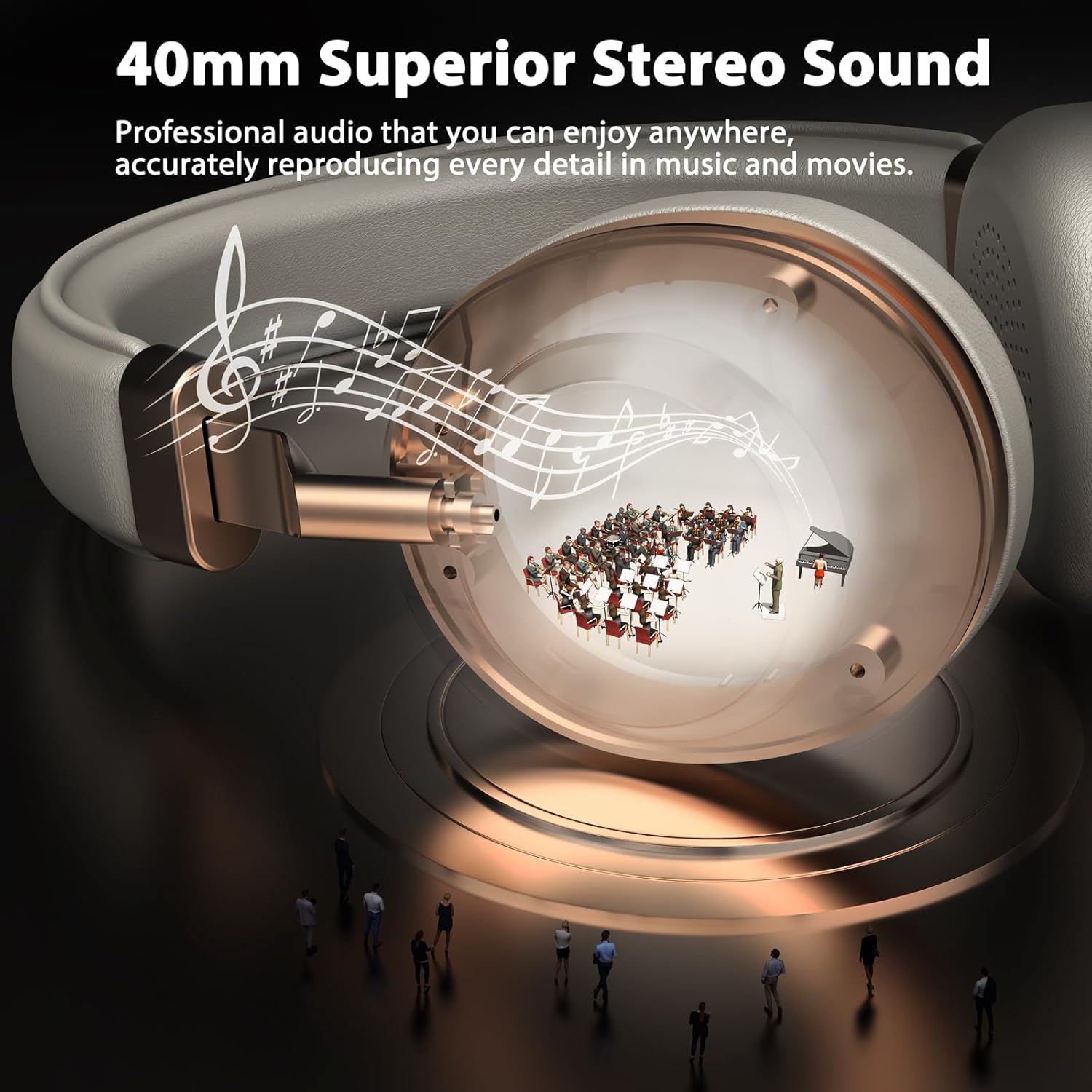
Figure 3.2: 40mm Superior Stereo Sound.
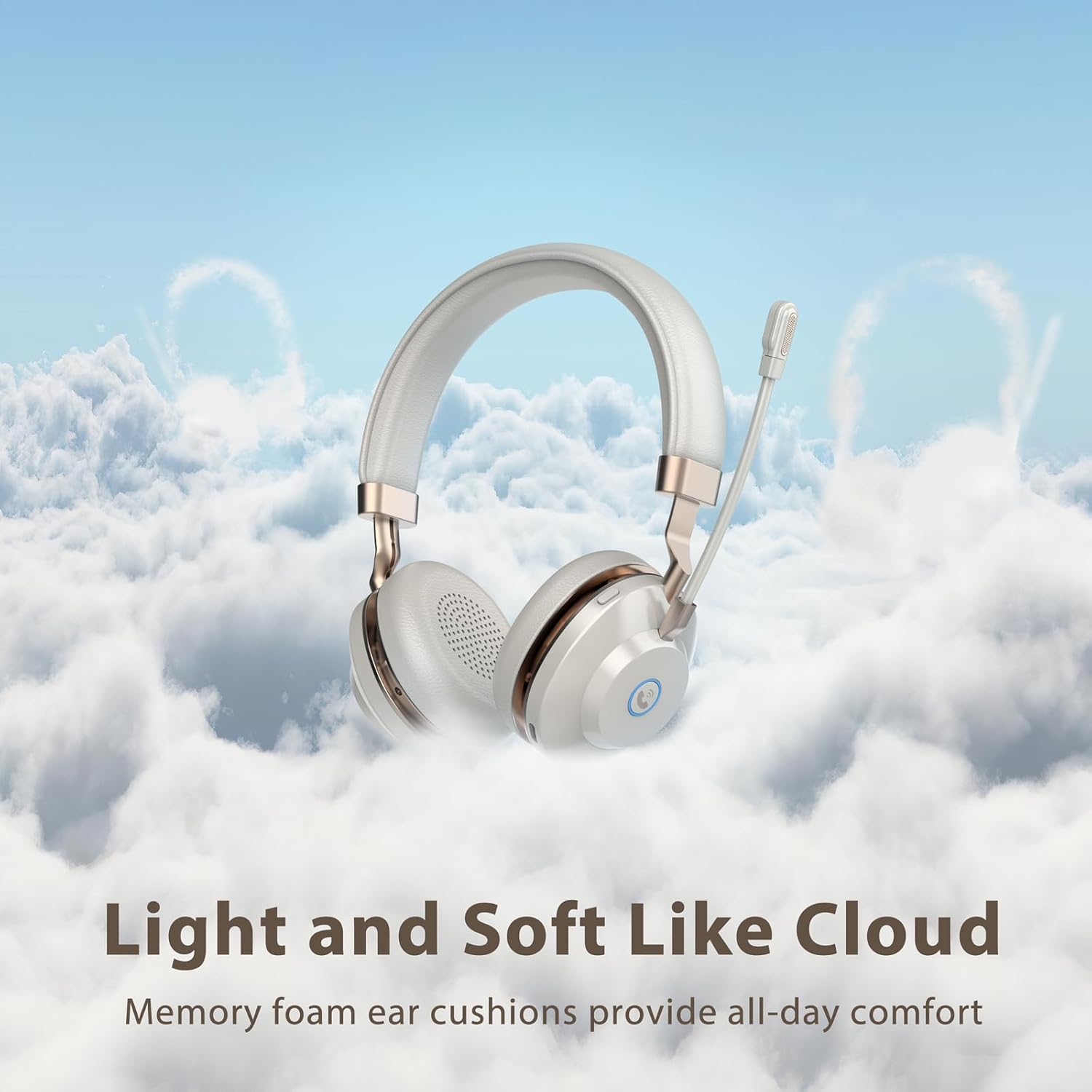
Figure 3.3: Light and Soft Design for Comfort.

Figure 3.4: Bidirectional Microphone with Noise Cancellation.
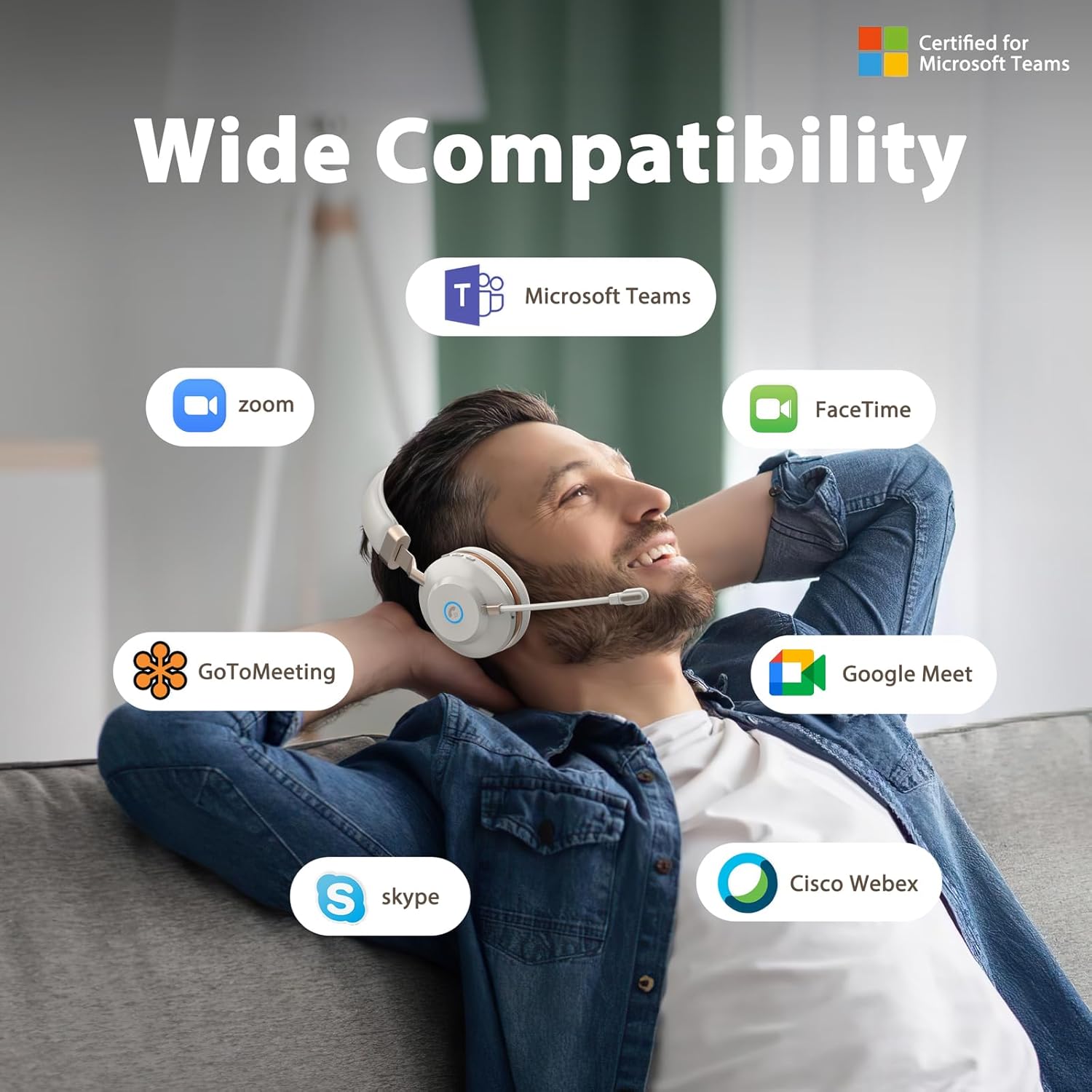
Figure 3.5: Wide Compatibility with Communication Platforms.
4. Nastavení
4.1 Nabíjení headsetu
Before first use, fully charge the headset. Connect the provided Type-C charge cable to the headset's charging port and the other end to a USB power source (e.g., computer USB port, wall adapter). A full charge takes approximately 2 hours.
4.2 Připojení pomocí USB adaptéru
- Zapojte USB dongle do volného USB portu v počítači.
- Zapněte náhlavní soupravu stisknutím a podržením tlačítka napájení.
- The headset will automatically connect to the dongle. An indicator light on the headset will confirm connection (refer to LED indicator section in operating instructions for details).
4.3 Připojení přes Bluetooth
- Zkontrolujte, zda je náhlavní souprava vypnutá.
- Stiskněte a podržte tlačítko napájení, dokud LED indikátor nezačne rychle blikat (obvykle modře a červeně), což signalizuje režim párování.
- On your device (e.g., cellphone, computer), enable Bluetooth and search for new devices.
- Select "Vonztek Headset" from the list of available devices.
- Once connected, the LED indicator will show a steady blue light or flash slowly. The Bluetooth range is up to 15 meters.
5. Návod k obsluze
5.1 Zapnutí/vypnutí
- Zapnutí: Stiskněte a podržte tlačítko napájení po dobu 3 sekund.
- Vypnout: Stiskněte a podržte tlačítko napájení po dobu 3 sekund.
5.2 Ovládání hlasitosti
- Zvýšit hlasitost: Stiskněte tlačítko „+“.
- Snížit hlasitost: Stiskněte tlačítko „-“.
5.3 Použití mikrofonu
- The microphone arm is flexible and can be rotated 270° to be worn on either the left or right side. Adjust it to position the microphone close to your mouth for optimal voice pickup.
- The AI Noise Canceling feature is automatically active to reduce background noise during calls.
5.4 Správa hovorů
- Přijmout/ukončit hovor: Press the multi-function button (often indicated by a phone icon).
- Odmítnout hovor: Stiskněte a podržte multifunkční tlačítko po dobu 2 sekund.
5.5 Ovládání médií
- Přehrát/pozastavit: Stiskněte multifunkční tlačítko.
- Další skladba: Stiskněte a podržte tlačítko „+“.
- Předchozí skladba: Stiskněte a podržte tlačítko „-“.
6. Údržba
- Čištění: K čištění sluchátek s mikrofonem používejte měkký, suchý hadřík. Nepoužívejte abrazivní čisticí prostředky ani rozpouštědla.
- Skladování: Sluchátka skladujte na chladném a suchém místě mimo dosah přímého slunečního záření a extrémních teplot.
- Péče o baterie: Pro prodloužení životnosti baterie nabíjejte sluchátka pravidelně, i když je nepoužíváte často. Nevystavujte baterii úplnému vybíjení po delší dobu.
- Voděodolnost: Tato sluchátka nejsou voděodolná. Zabraňte kontaktu s tekutinami.
7. Řešení problémů
| Problém | Možná příčina | Řešení |
|---|---|---|
| Náhlavní souprava se nezapne | Slabá baterie | Nabíjejte sluchátka alespoň 30 minut. |
| Nelze se připojit přes Bluetooth | Headset not in pairing mode; Device Bluetooth off; Out of range | Ensure headset is in pairing mode (flashing blue/red LED). Turn on Bluetooth on your device. Move closer to your device (within 15 meters). |
| Žádný zvuk nebo špatná kvalita zvuku | Volume too low; Incorrect audio output selected; Headset not properly connected | Increase volume on headset and device. Check audio settings on your device to ensure Vonztek Headset is selected as output. Reconnect the headset. |
| Mikrofon nefunguje | Microphone muted; Incorrect input device selected | Ensure microphone is not muted. Check audio input settings on your device to ensure Vonztek Headset is selected as input. |
8. Specifikace
| Funkce | Detail |
|---|---|
| Název modelu | XSY-BT882M-BJ-D-NEW2 |
| Technologie připojení | Bezdrátové (Bluetooth) |
| Technologie bezdrátové komunikace | Bluetooth 5.3 |
| Dosah Bluetooth | 15 metrů |
| Velikost zvukového ovladače | 40 milimetrů |
| Kontrola hluku | AI Noise Cancellation (Mic), Passive Noise Cancellation (Earpiece) |
| Životnost baterie | 45 hodiny |
| Doba nabíjení | 2 hodiny |
| Jack pro sluchátka | Typ-C (pro nabíjení) |
| Citlivost | 118 dB |
| Impedance | 32 ohmů |
| Materiál | Faux Leather, Plastic, Stainless Steel |
| Hmotnost položky | 13.1 unce |
| Kompatibilní zařízení | Cellphones, Desktops |
9. Záruka a podpora
For warranty information or technical support, please refer to the contact details provided with your purchase or visit the official Vonztek webUschovejte si doklad o koupi pro případ reklamace.