
Zavedení
Thank you for choosing the Gravity C20 Pro Smartwatch. This rugged smartwatch is designed for durability and advanced functionality, featuring a 1.83-inch TFT display, IP68 waterproofing, Bluetooth calling, AI voice assistant, and over 100 sports modes. This manual will guide you through the setup, operation, and maintenance of your new device.

Obrázek: Přední strana view of the Gravity C20 Pro Smartwatch, showcasinjeho robustní konstrukce a displej.
Co je v krabici
- Gravity C20 Pro Smartwatch
- Nabíjecí kabel
- Uživatelská příručka
Konec produktuview a funkce
The Gravity C20 Pro is built to withstand challenging environments while providing comprehensive smart features. Its robust construction and advanced sensors make it an ideal companion for active lifestyles.
Klíčové vlastnosti:
- Durable 1.83" TFT Display: Large and clear screen for easy readability.
- Voděodolnost IP68: Designed to protect against dust and water exposure.
- Bluetooth volání: Volejte a přijímejte hovory přímo ze svého zápěstí.
- Hlasové ovládání s umělou inteligencí: Hands-free operation for various functions.
- Více než 100 sportovních režimů: Komplexní sledování pro širokou škálu fyzických aktivit.
- Monitorování zdraví: Includes heart rate, sleep tracking, step counting, and sedentary reminders.
- Dlouhá výdrž baterie: 380mAh battery offering extended standby time.
- Chytrá upozornění: Receive alerts for calls, messages, and apps.

Image: Two Gravity C20 Pro smartwatches, emphasizing their robust and outdoor-ready design.

Image: A graphic displaying icons for key features such as heart rate monitoring, call reminders, pedometer, information reminders, blood pressure monitor, sleep monitor, calories, sedentary reminder, exercise data, IP68 waterproof, stress monitor, voice assistant, blood oxygen monitor, heart rate warning, and calculator.
Nastavení
1. Počáteční nabíjení
Before first use, fully charge your Gravity C20 Pro Smartwatch. Connect the magnetic charging cable to the charging points on the back of the watch and plug the USB end into a power adapter (not included) or a computer's USB port. The watch display will indicate charging status.
2. Zapnutí/vypnutí
- Zapnutí: Stiskněte a podržte tlačítko napájení (obvykle na boku), dokud se obrazovka nerozsvítí.
- Vypnout: Stiskněte a podržte tlačítko napájení a poté na obrazovce vyberte možnost „Vypnout“.
3. Instalace a párování aplikace
To unlock the full potential of your smartwatch, download the companion app on your iOS or Android device. Hledat the app name (refer to the packaging or quick start guide for the exact name) in the App Store or Google Play Store.
- Stáhněte si a nainstalujte aplikaci do smartphonu.
- Otevřete aplikaci a podle pokynů na obrazovce vytvořte účet nebo se přihlaste.
- Povolte na svém smartphonu Bluetooth.
- V aplikaci přejděte do sekce „Zařízení“ nebo „Přidat zařízení“.
- Select 'Gravity C20 Pro' from the list of available devices.
- Potvrďte požadavek na párování na telefonu i na chytrých hodinkách.
Návod k obsluze
Základní navigace
- Přejetí nahoru/dolů: Procházení nabídek a oznámení.
- Přejetí doleva/doprava: Přístup k rychlým funkcím nebo různým ciferníkům.
- Klepněte na: Vyberte položku nebo otevřete aplikaci.
- Vypínač: Press to wake/sleep the screen, or return to the home screen. Long press for power options.
- Sportovní tlačítko: Dedicated button to quickly access sports modes.
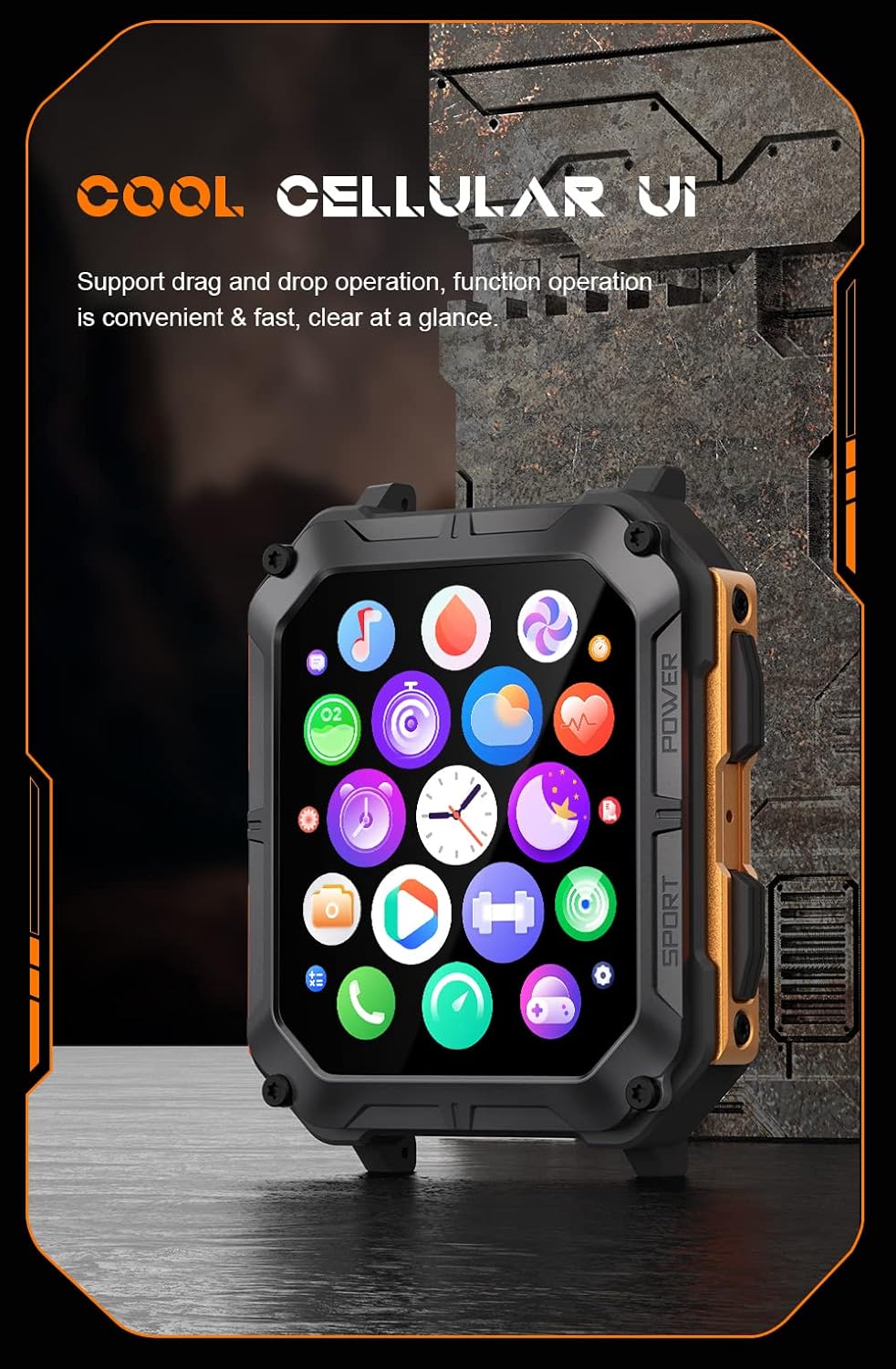
Image: The smartwatch display showing a grid of colorful application icons, illustrating the user interface.
Volání pomocí Bluetooth
Po spárování můžete volat a přijímat hovory přímo z hodinek.
- Přijímání hovorů: Když přijde hovor, klepněte na zelenou ikonu přijetí hovoru na obrazovce hodinek.
- Uskutečňování hovorů: Pro zahájení hovoru otevřete seznam kontaktů nebo číselník na hodinkách.
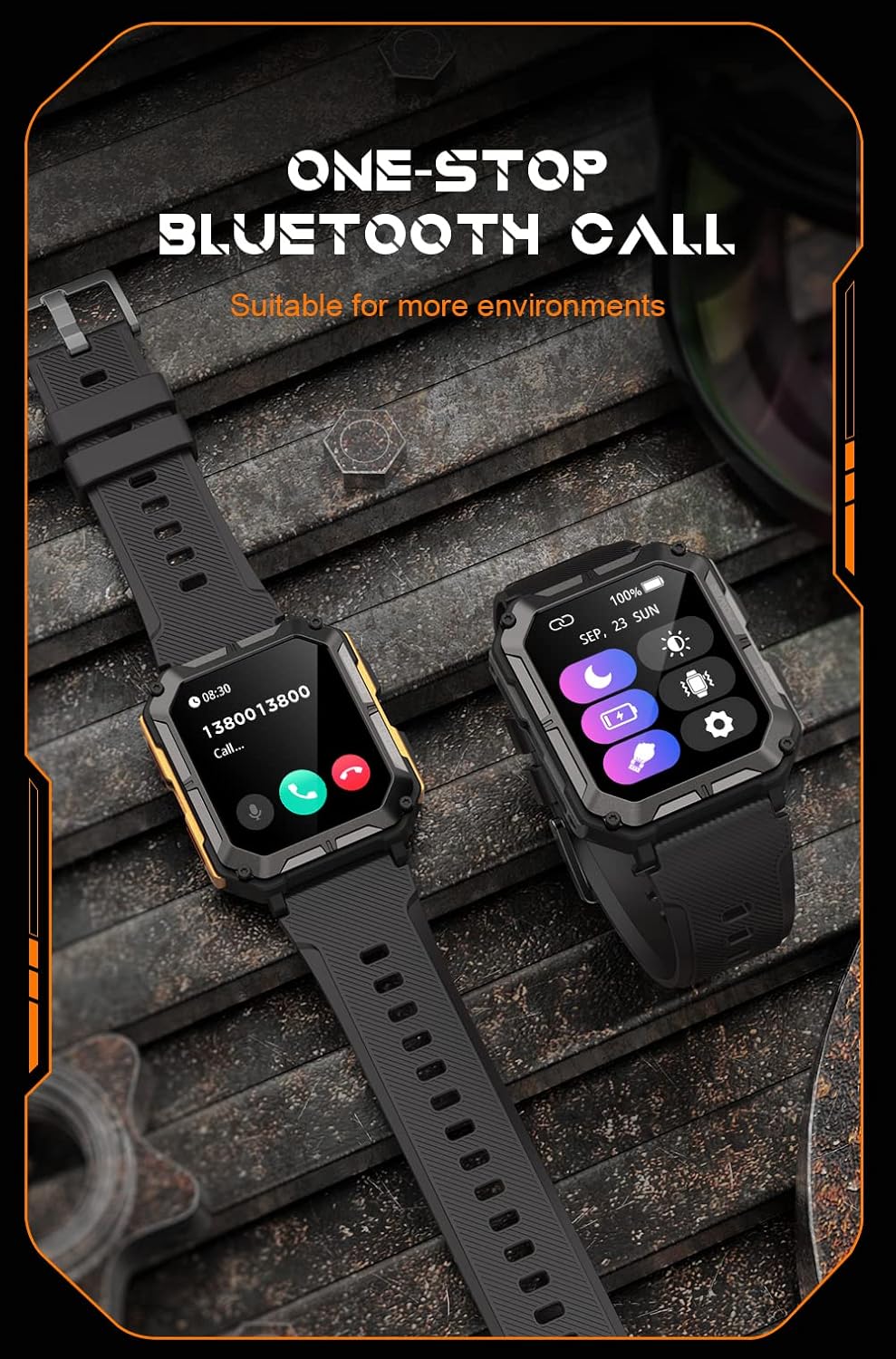
Image: Two smartwatches, one showing an incoming call notification with options to answer or decline, demonstrating the Bluetooth call feature.
Hlasový asistent AI
Activate the AI voice assistant by a designated gesture or button press (refer to in-app settings). You can then use voice commands for various tasks, such as checking weather, setting alarms, or initiating calls.
Sportovní režimy
The watch supports over 100 sports modes. Access them via the Sport button or the main menu. Select your activity to start tracking metrics like duration, distance, calories burned, and heart rate.
Monitorování zdraví
The C20 Pro continuously monitors your health data.
- Srdeční frekvence: View tepovou frekvenci v reálném čase na hodinkách nebo v aplikaci.
- Sledování spánku: Wear the watch to bed for detailed sleep analysis (deep sleep, light sleep, awake time).
- Krevní kyslík: Změřte si hladinu SpO2.
- Kroky a kalorie: Track your daily activity and calorie expenditure.

Image: The smartwatch display showing current heart rate (BPM) and blood oxygen saturation (SpO2) levels, indicating health monitoring capabilities.
Oznámení
Přijímejte oznámení ze smartphonu přímo na hodinky. Ujistěte se, že máte povolena oznámení v nastavení telefonu i v doprovodné aplikaci.
Údržba
Čištění chytrých hodinek
Regularly clean your watch to ensure optimal performance and hygiene. Use a soft, lint-free cloth to wipe the screen and body. For stubborn dirt, slightly damphadřík vodou. Nepoužívejte agresivní chemikálie ani abrazivní materiály.
Vodotěsnost (IP68)
The Gravity C20 Pro is IP68 water-resistant, meaning it can withstand dust and immersion in water up to 1.5 meters for 30 minutes. It is suitable for daily use, such as washing hands or light rain. However, it is not recommended for hot showers, saunas, or diving, as steam and high water pressure can compromise the seals.
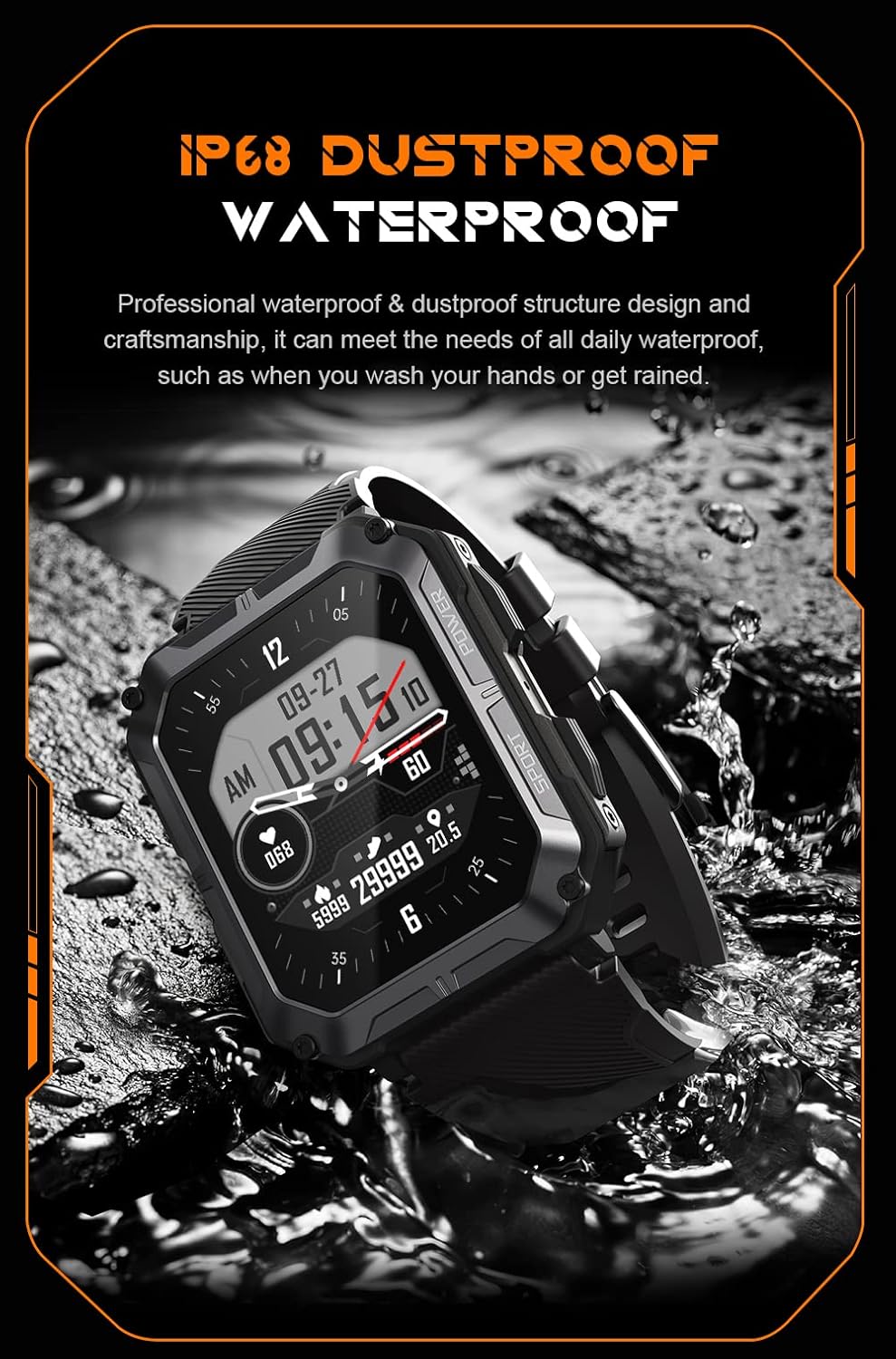
Image: The smartwatch partially submerged in water, illustrating its IP68 dustproof and waterproof capabilities.
Péče o baterie
Chcete -li prodloužit životnost baterie:
- Vyhněte se extrémním teplotám.
- Charge the watch before the battery completely drains.
- Pokud jej skladujete delší dobu, nabijte jej na přibližně 50 % a vypněte.
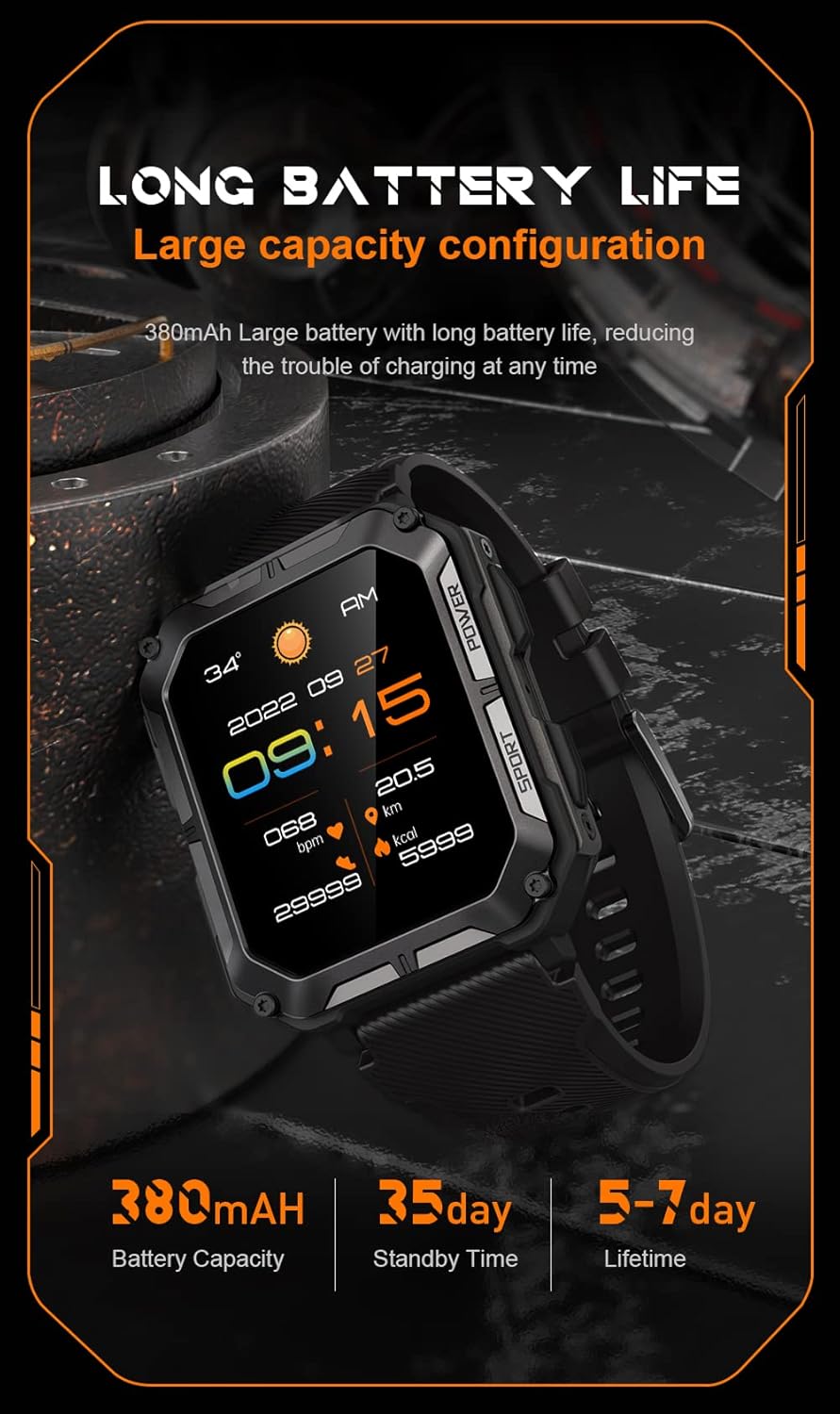
Image: The smartwatch display showing the time, date, weather, heart rate, steps, and battery level, with accompanying text emphasizing its long battery life and 380mAh capacity.
Odstraňování problémů
| Problém | Možné řešení |
|---|---|
| Watch won't power on | Ensure the watch is fully charged. Press and hold the Power button for at least 10 seconds to force a restart. |
| Nelze spárovat s telefonem | Ensure Bluetooth is enabled on your phone. Restart both the watch and phone. Clear previous pairings in phone's Bluetooth settings. Make sure the app is updated. |
| Nepřesné zdravotní údaje | Ensure the watch is worn snugly on your wrist, not too tight or too loose. Clean the sensor on the back of the watch. Update watch firmware via the app. |
| Oznámení nebyla přijata | Check notification permissions in your phone's settings for the companion app. Ensure the app is running in the background. Verify Bluetooth connection. |
| Krátká výdrž baterie | Reduce screen brightness. Turn off unnecessary features like 'Always-On Display'. Limit frequent heart rate monitoring. Ensure no background apps are draining power. |
Specifikace
| Funkce | Detail |
|---|---|
| Číslo modelu | W4-C28 |
| Velikost obrazovky | 1.83 palce |
| Kapacita baterie | 380 XNUMX mAh |
| Voděodolnost | IP68 |
| Konektivita | Bluetooth |
| Operační systém | Android OS (compatible with iOS) |
| Hmotnost položky | 1 libry |
| Teplotní odolnost | -24 °C až 60 °C |
Záruka a podpora
Informace o záruce
The Gravity C20 Pro Smartwatch comes with a standard manufacturer's warranty. Please refer to the warranty card included in your product packaging or visit the official Gravity webPodrobné podmínky týkající se záručního krytí a doby trvání naleznete na webových stránkách.
Zákaznická podpora
For any technical assistance, troubleshooting not covered in this manual, or warranty claims, please contact Gravity customer support. Contact information can typically be found on the official Gravity webmístě nebo na obalu produktu.