
Gravitace W4-C28
Uživatelská příručka chytrých hodinek Gravity C20 Pro
Model: W4-C28
Zavedení
This manual provides essential information for the safe and effective use of your Gravity C20 Pro Smartwatch. Please read it thoroughly before operating the device.
The Gravity C20 Pro Smartwatch is designed for durability and advanced functionality, featuring a rugged 1.83-inch TFT display. It is built to withstand various conditions, including dust and water, with an IP68 rating. Key features include Bluetooth calling, AI voice assistant, and comprehensive health monitoring.
Obsah balení
Než budete pokračovat v instalaci, ujistěte se, že balení obsahuje všechny položky:
- Gravity C20 Pro Smartwatch
- Nabíjecí kabel
- Uživatelská příručka (tento dokument)
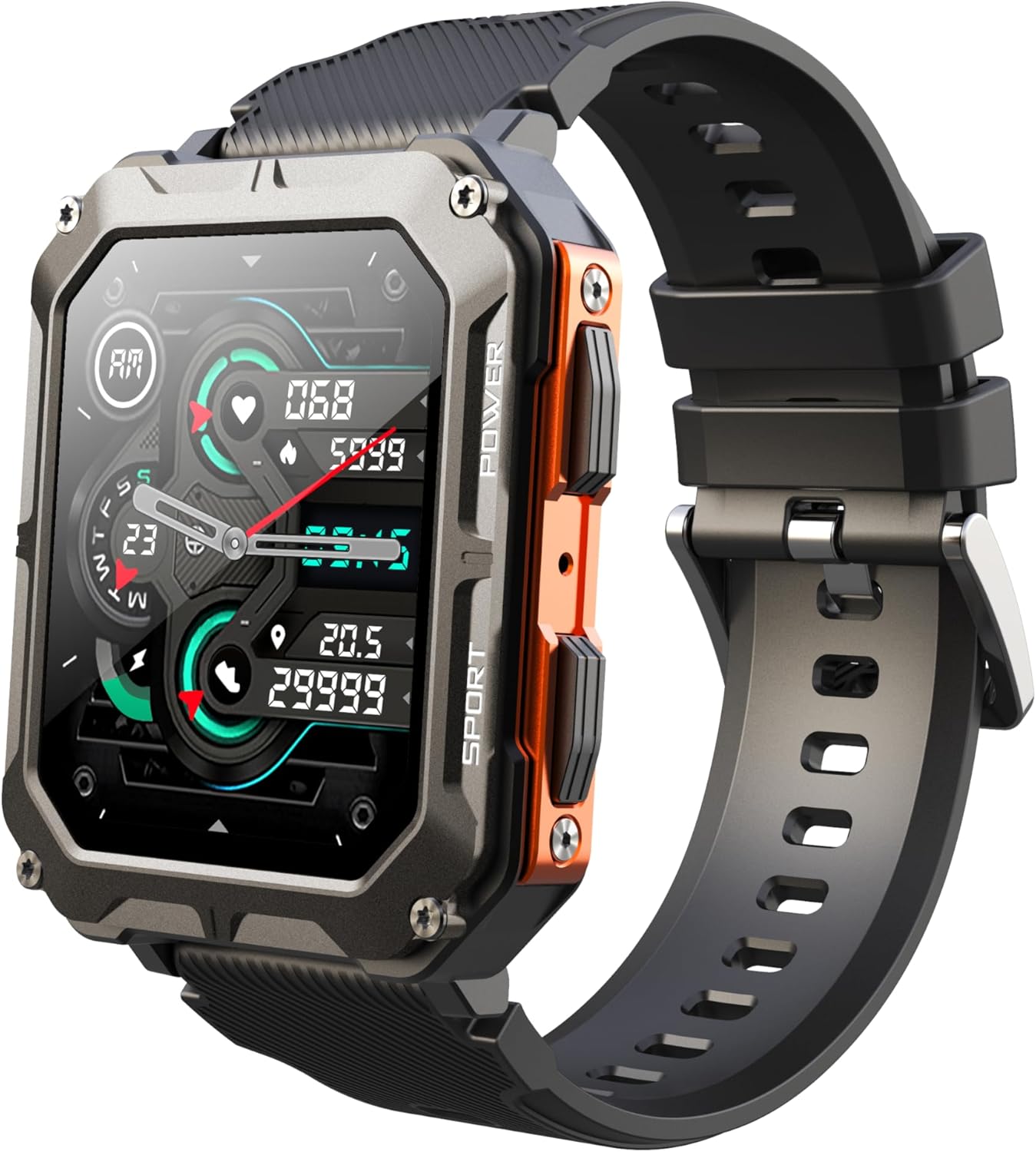
Image: The Gravity C20 Pro Smartwatch, typically accompanied by its charging cable and user manual.
Nastavení
1. Nabíjení zařízení
Before first use, fully charge your smartwatch. Connect the magnetic charging cable to the charging points on the back of the watch and plug the USB end into a compatible power adapter (not included) or a computer USB port.
- Doba nabíjení: Přibližně 2 hodiny pro plné nabití.
- Battery life: Up to 20 days standby time.
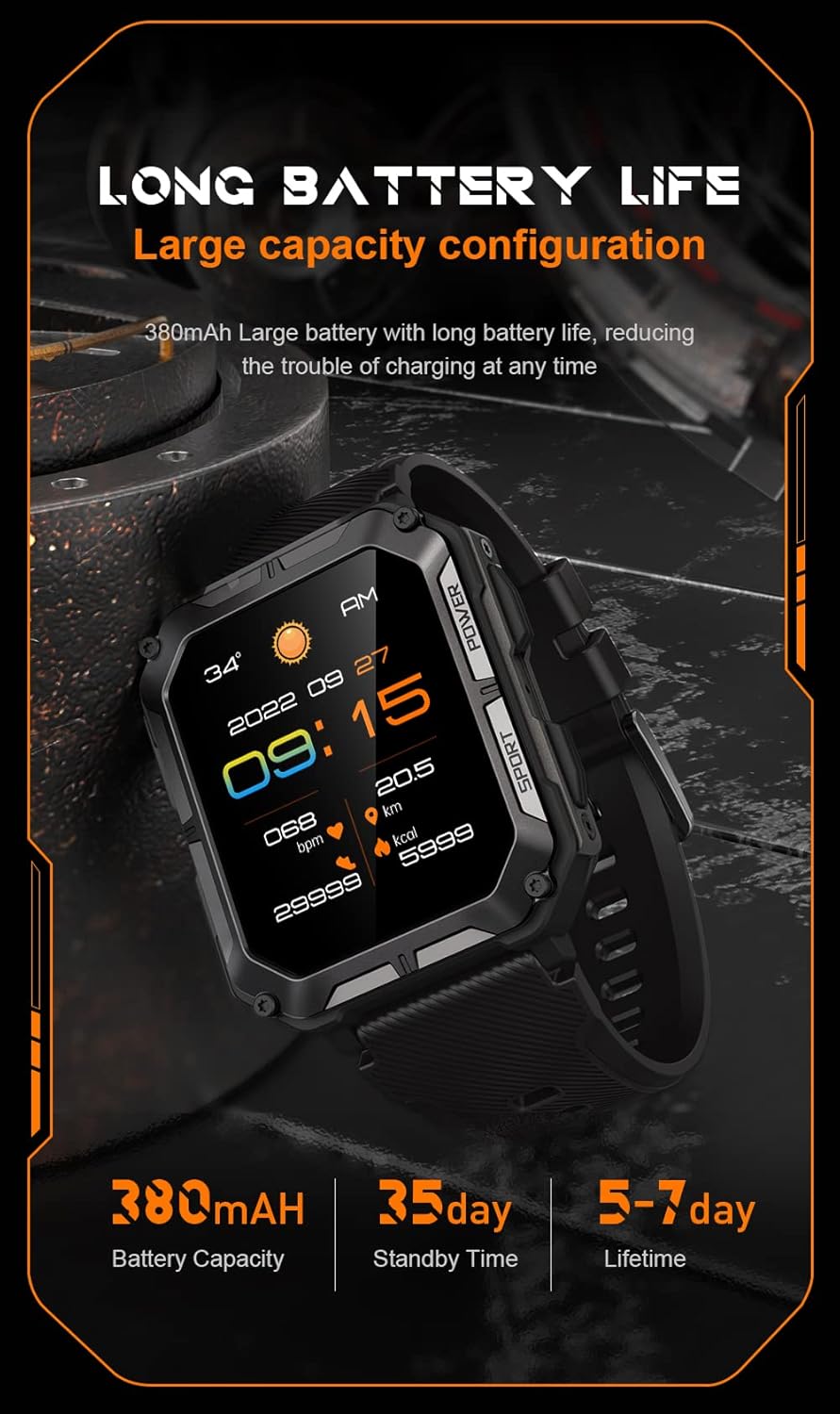
Image: The smartwatch screen showing current time and battery status, indicating long battery life.
2. Stažení doprovodné aplikace
To unlock the full functionality of your Gravity C20 Pro Smartwatch, download the official companion application on your smartphone. Refer to the product packaging or quick start guide for the specific app name (e.g., Da Fit, GloryFit) and search for it in your device's app store (iOS App Store or Google Play Store).
3. Párování s vaším smartphonem
- Ujistěte se, že je na vašem smartphonu povoleno Bluetooth.
- Otevřete doprovodnou aplikaci a podle pokynů na obrazovce přidejte nové zařízení.
- Select "Gravity C20 Pro" from the list of available devices.
- Potvrďte požadavek na párování na smartphonu i na chytrých hodinkách.
Návod k obsluze
Základní navigace
- Vypínač: Located on the side. Press and hold to power on/off. Short press to return to the watch face or wake the screen.
- Dotyková obrazovka: Swipe up, down, left, or right to navigate through menus and notifications. Tap to select an option.
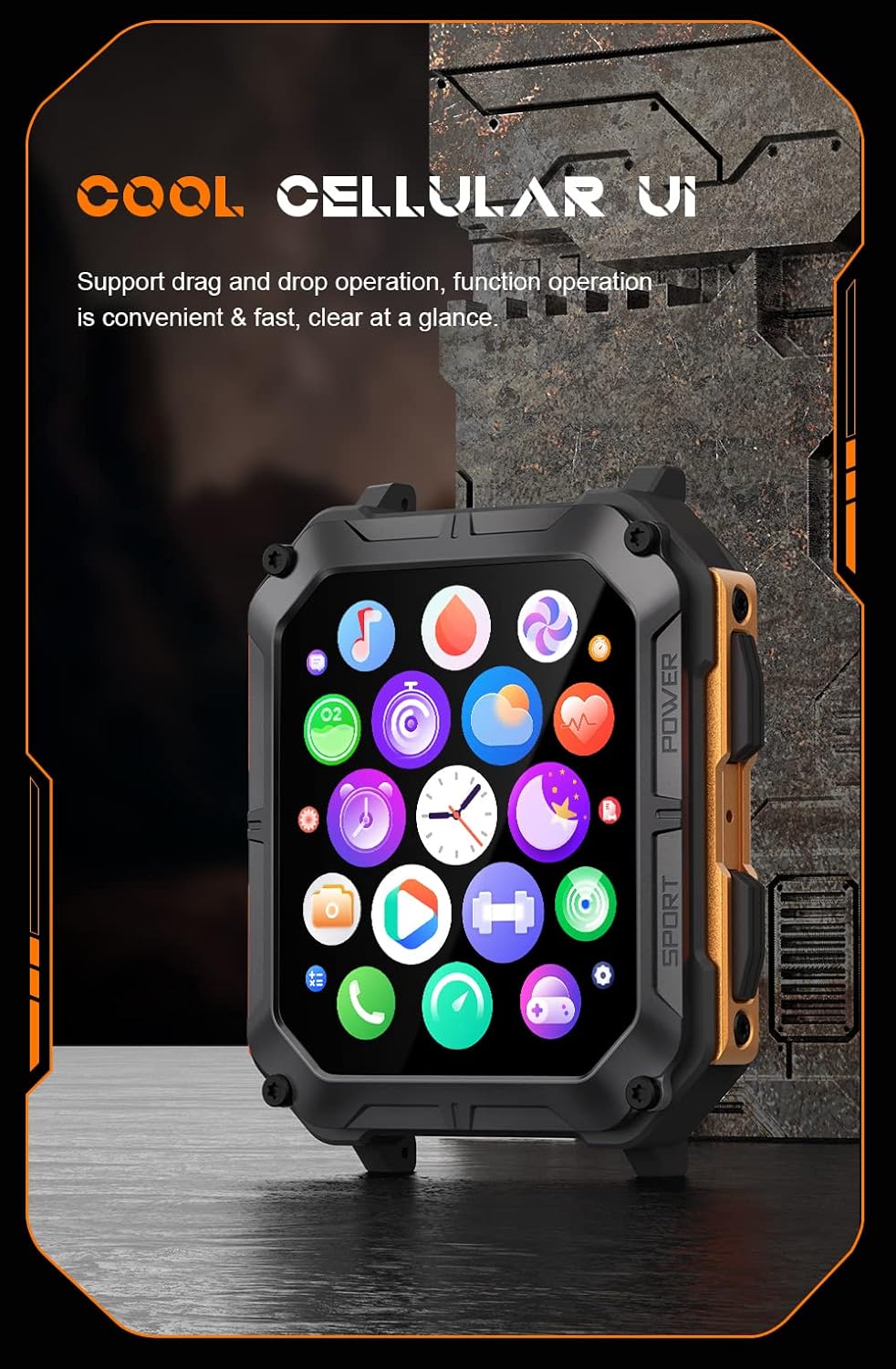
Image: The smartwatch screen showing a grid of application icons, demonstrating the cellular user interface for easy navigation.
Klíčové vlastnosti
- Bluetooth volání: Once paired, you can make and receive calls directly from your wrist. Access the call function via the watch's menu.
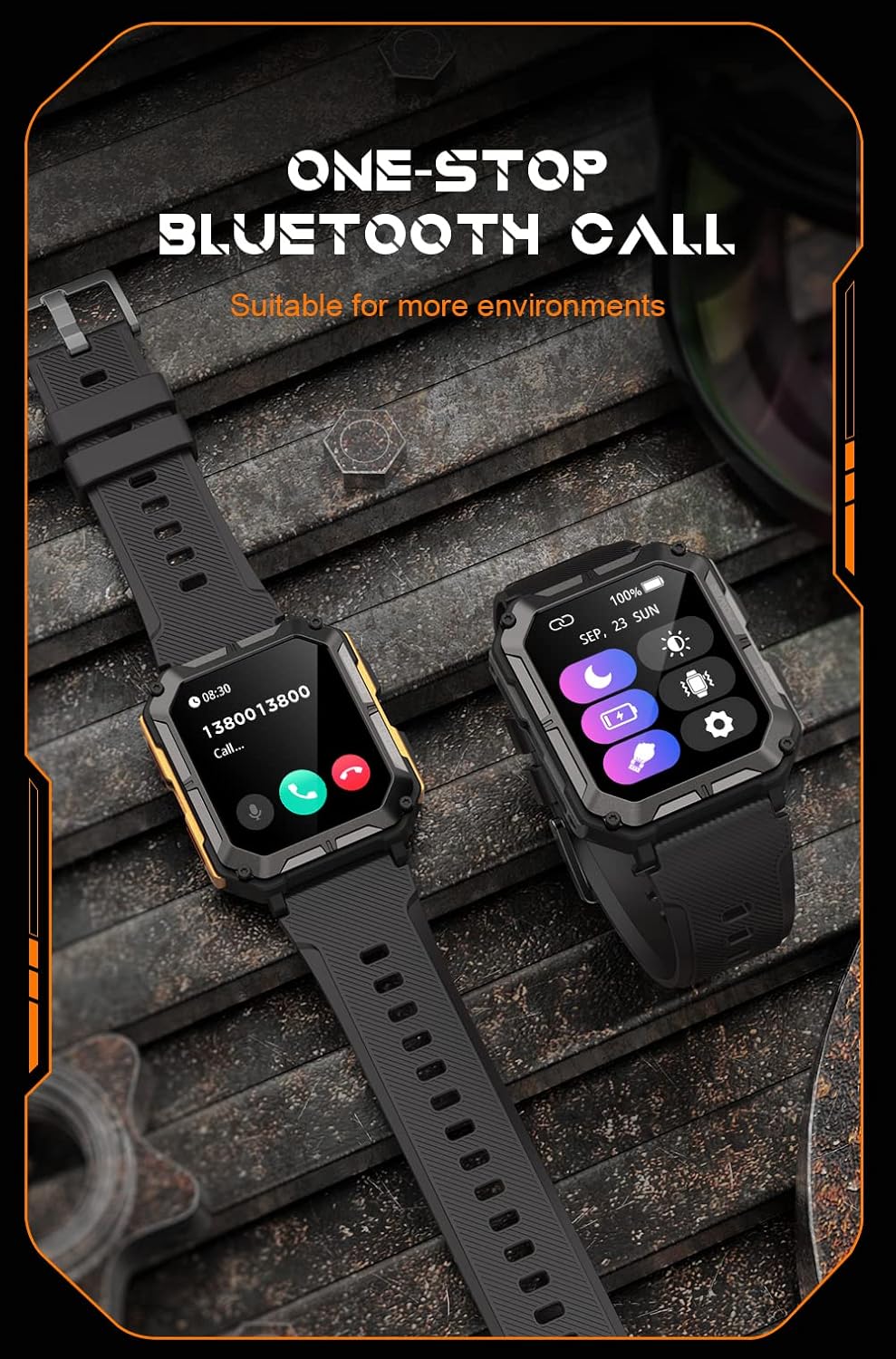
Image: The smartwatch screen showing an incoming call, illustrating the Bluetooth calling feature.
- Monitorování zdraví:
- Srdeční frekvence: Sledujte si tepovou frekvenci po celý den.
- Kyslík v krvi (SpO2): Změřte si hladinu kyslíku v krvi.
- Monitorování spánku: Sleduje spánkové vzorce a kvalitu spánku.

Image: The smartwatch screen displaying real-time heart rate and blood oxygen saturation (SpO2) data, highlighting its health monitoring capabilities.
- Sportovní režimy: The watch supports over 100 sports modes. Select your activity to track performance metrics such as steps, distance, calories burned, and duration.
- Chytrá upozornění: Receive alerts for calls, messages, and app notifications directly on your watch. Ensure notification permissions are enabled in the companion app.
- Hlasový asistent AI: Aktivujte hlasového asistenta pro ovládání bez použití rukou a vyhledávání informací.

Image: A graphic displaying various features of the smartwatch, including heart rate, call reminder, pedometer, information reminder, blood pressure monitor, sleep monitor, calories, sedentary reminder, exercise data, IP68 waterproof, stress monitor, voice assistant, blood oxygen monitor, heart rate warning, and calculator.
Údržba
Čištění
Pravidelně čistěte své chytré hodinky, abyste zajistili optimální výkon a hygienu.
- Otřete obrazovku a tělo měkkým hadříkem, který nepouští vlákna.
- Pro odolné nečistoty, damphadřík lehce navlhčete vodou. Nepoužívejte agresivní chemikálie ani abrazivní materiály.
- Pravidelně čistěte nabíjecí kontakty, aby se zajistilo správné nabíjení.
Vodotěsnost (IP68)
The Gravity C20 Pro is IP68 rated, meaning it is protected against dust ingress and can withstand immersion in water up to 1.5 meters for up to 30 minutes. While it is waterproof for daily use (e.g., hand washing, rain), it is not recommended for hot showers, saunas, or diving, as steam and high pressure can compromise the seals.
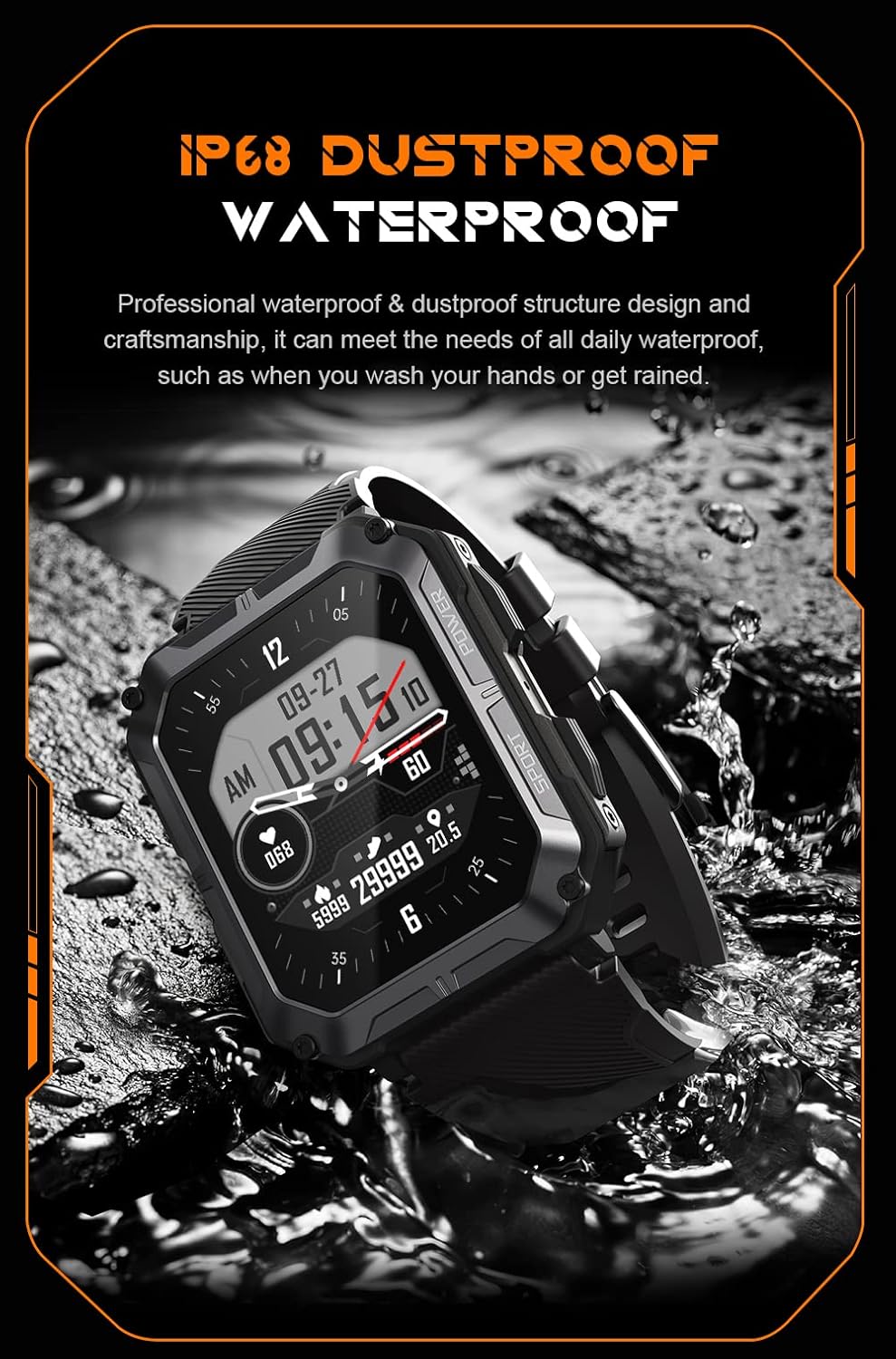
Image: The smartwatch partially submerged in water, demonstrating its IP68 dustproof and waterproof capabilities, suitable for daily exposure to water.
Skladování
Pokud chytré hodinky delší dobu nepoužíváte, skladujte je na chladném a suchém místě mimo dosah přímého slunečního záření a extrémních teplot.
Odstraňování problémů
| Problém | Možná příčina | Řešení |
|---|---|---|
| Hodinky se nezapínají. | Slabá baterie. | Nabíjejte hodinky alespoň 30 minut. |
| Nelze spárovat se smartphonem. | Bluetooth is off; app issue; watch not discoverable. | Ensure Bluetooth is on. Restart the app and watch. Try resetting the watch to factory settings if issues persist. |
| Oznámení nebyla přijata. | App permissions not granted; app not running in background. | Check app notification permissions on your phone. Ensure the app is running and not optimized for battery saving. |
| Nepřesné zdravotní údaje. | Watch fit is too loose; sensor dirty. | Ensure the watch is snug on your wrist. Clean the heart rate sensor on the back of the watch. |
Specifikace
| Funkce | Detail |
|---|---|
| Číslo modelu | W4-C28 |
| Velikost displeje | 1.83 palce TFT |
| Kapacita baterie | 380 XNUMX mAh |
| Životnost baterie (pohotovostní režim) | Až 20 dní |
| Voděodolnost | IP68 |
| Konektivita | Bluetooth |
| Operační systém | Android OS (compatible) |
| Teplotní odolnost | -24 °C až 60 °C |
| Hmotnost položky | 1 libry |
| Rozměry balení | 9 x 4 x 1 palce |
Informace o záruce
Gravity products are covered by a limited warranty from the date of purchase. This warranty covers manufacturing defects and workmanship under normal use. It does not cover damage caused by misuse, accidents, unauthorized modifications, or normal wear and tear.
For specific warranty terms and conditions, please refer to the warranty card included with your product or visit the official Gravity webmísto.
Zákaznická podpora
If you encounter any issues or have questions not covered in this manual, please contact Gravity customer support:
- Webmísto: www.gravity.com/support (Napřample URL, replace if actual URL is known)
- E-mail: support@gravity.com (Napřampe-mail)
- Telefon: Obraťte se na úředníka webmísto pro regionální kontaktní čísla.
When contacting support, please have your product model number (W4-C28) and purchase details ready.
Ask a question about this manual
Ask about setup, troubleshooting, compatibility, parts, safety, or missing instructions. Manuals+ will review the question and use this page’s manual context to help answer it.