
Zavedení
Thank you for choosing the Walfront 2.4G Wireless Gaming Headset B100. This headset offers versatile connectivity options including 2.4G wireless, Bluetooth, and 3.5mm wired connections, designed to provide a low-latency audio experience for gaming and multimedia. This manual provides detailed instructions for setup, operation, and maintenance to ensure optimal performance and longevity of your device.
Obsah balení
Zkontrolujte prosím obsah balení, abyste se ujistili, že jsou přítomny všechny položky:
- 1 x Walfront 2.4G Wireless Gaming Headset (Model B100)
- 1 x 2.4G USB adaptér
- 1 x 3.5 mm audio kabel
- 1 x USB nabíjecí kabel
- 1 x Uživatelská příručka

Image: The Walfront B100 headset shown with its 2.4G USB adapter, 3.5mm audio cable, and USB charging cable.
Konec produktuview
The Walfront B100 headset features a robust design with comfortable earcups and an adjustable headband. It integrates a retractable microphone and intuitive controls on the earcup for easy access to volume, mute, and connectivity options. The headset is equipped with 50mm drivers for clear audio output.
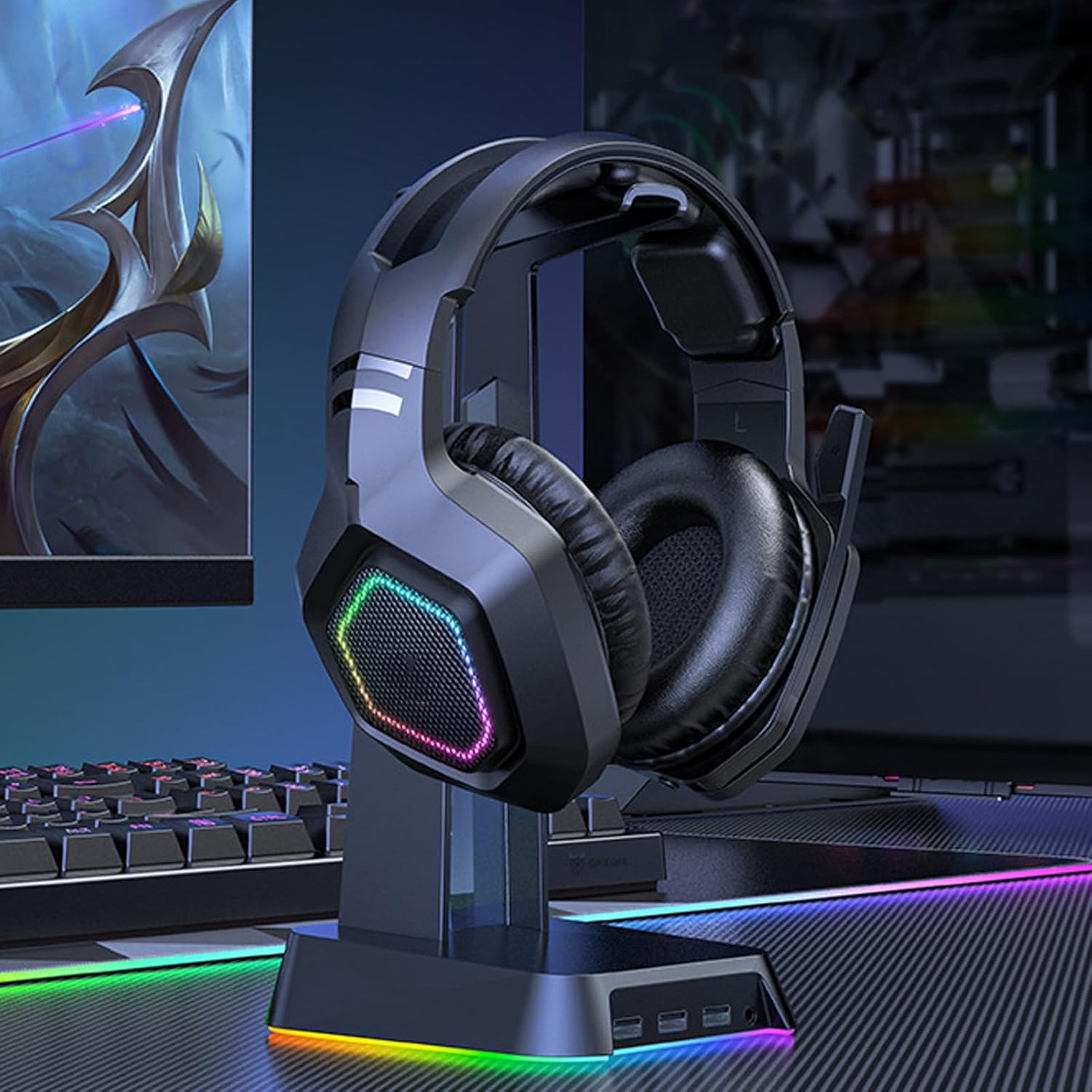
Image: The Walfront B100 gaming headset displayed on a headset stand, showcasing its design and RGB lighting on the earcups.

Obrázek: Explodoval view diagram of a 50mm diaphragm unit, highlighting its internal structure for balanced sound performance.

Obrázek: Podrobný view of the headset's earcup, illustrating the location of the power button and charging port.
Nastavení
2.4G Wireless Connection (USB Adapter)
- Insert the 2.4G USB adapter into an available USB port on your device (PC, PS4, PS5, Switch dock).
- Power on the headset by pressing and holding the power button until the indicator light illuminates.
- The headset will automatically attempt to pair with the USB adapter. A solid indicator light on the headset typically signifies a successful connection.
- On your device, ensure the headset is selected as the default audio input and output device in the sound settings.
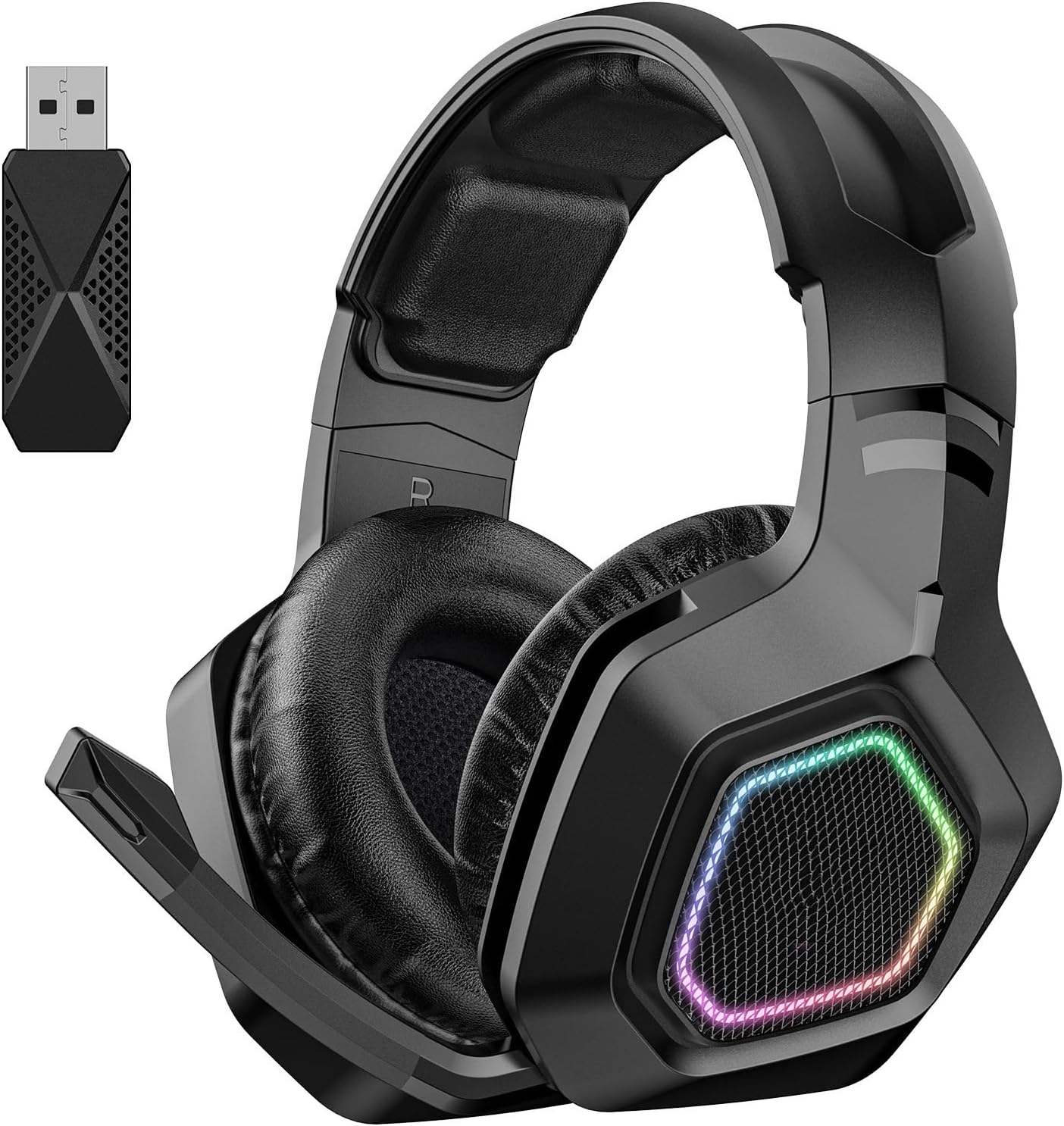
Image: The Walfront B100 headset shown alongside its dedicated 2.4G USB wireless adapter, used for low-latency gaming connections.
Bluetooth připojení
- Zkontrolujte, zda je náhlavní souprava vypnutá.
- Stiskněte a podržte tlačítko napájení po dobu přibližně 5–7 sekund, dokud kontrolka nezačne rychle blikat, což signalizuje režim párování.
- On your Bluetooth-enabled device (smartphone, tablet, laptop), go to Bluetooth settings and search for available devices.
- Select "Walfront B100" (or similar name) from the list to connect.
- Once connected, the indicator light on the headset will typically become solid or flash slowly.
Kabelové připojení 3.5 mm
- Connect one end of the 3.5mm audio cable to the audio jack on the headset.
- Connect the other end of the 3.5mm audio cable to the 3.5mm audio port on your device.
- The headset will function in passive wired mode. Power is not required for basic audio playback in this mode, but some features like RGB lighting may require power.
Návod k obsluze
Zapnutí/vypnutí
- Zapnutí: Stiskněte a podržte tlačítko napájení po dobu 2-3 sekund.
- Vypnout: Stiskněte a podržte tlačítko napájení po dobu 3-4 sekund.
Ovládání hlasitosti
- Locate the volume roller or buttons on the earcup.
- Roll up/press '+' to increase volume.
- Roll down/press '-' to decrease volume.
Ztlumení mikrofonu
- Press the microphone mute button (if available) on the earcup to toggle mute on/off.
- Alternatively, retracting the microphone boom may automatically mute the microphone on some models.
Správa hovorů (režim Bluetooth)
- Přijmout/ukončit hovor: Stiskněte jednou multifunkční tlačítko.
- Odmítnout hovor: Stiskněte a podržte multifunkční tlačítko po dobu 2 sekund.
Přehrávání hudby (režim Bluetooth)
- Přehrát/pozastavit: Stiskněte jednou multifunkční tlačítko.
- Další skladba: Dvakrát stiskněte multifunkční tlačítko.
- Předchozí skladba: Třikrát stiskněte multifunkční tlačítko.
Ovládání osvětlení
- If your headset features RGB lighting, there may be a dedicated button to cycle through lighting modes or turn them off. Refer to the specific button layout on your headset.
Nabíjení
To charge your Walfront B100 headset:
- Připojte nabíjecí kabel USB k nabíjecímu portu na sluchátkách.
- Connect the other end of the USB charging cable to a DC 5V power source (e.g., computer USB port, USB wall adapter).
- The indicator light on the headset will typically show red during charging and turn off or change color when fully charged.
Doba nabíjení: Přibližně 3 hodiny.
Doba přehrávání: Až 20 hodin na plné nabití.
Údržba
Správná údržba zajišťuje dlouhou životnost a výkon vaší náhlavní soupravy:
- Čištění: K otření sluchátek s mikrofonem používejte měkký, suchý hadřík. Nepoužívejte agresivní chemikálie ani abrazivní materiály.
- Skladování: Sluchátka skladujte na chladném a suchém místě mimo dosah přímého slunečního záření a extrémních teplot.
- Péče o baterie: For optimal battery life, avoid fully discharging the headset frequently. Charge it regularly, even if not in use for extended periods.
- Vyhněte se vlhkosti: Nevystavujte sluchátka vodě ani nadměrné vlhkosti.
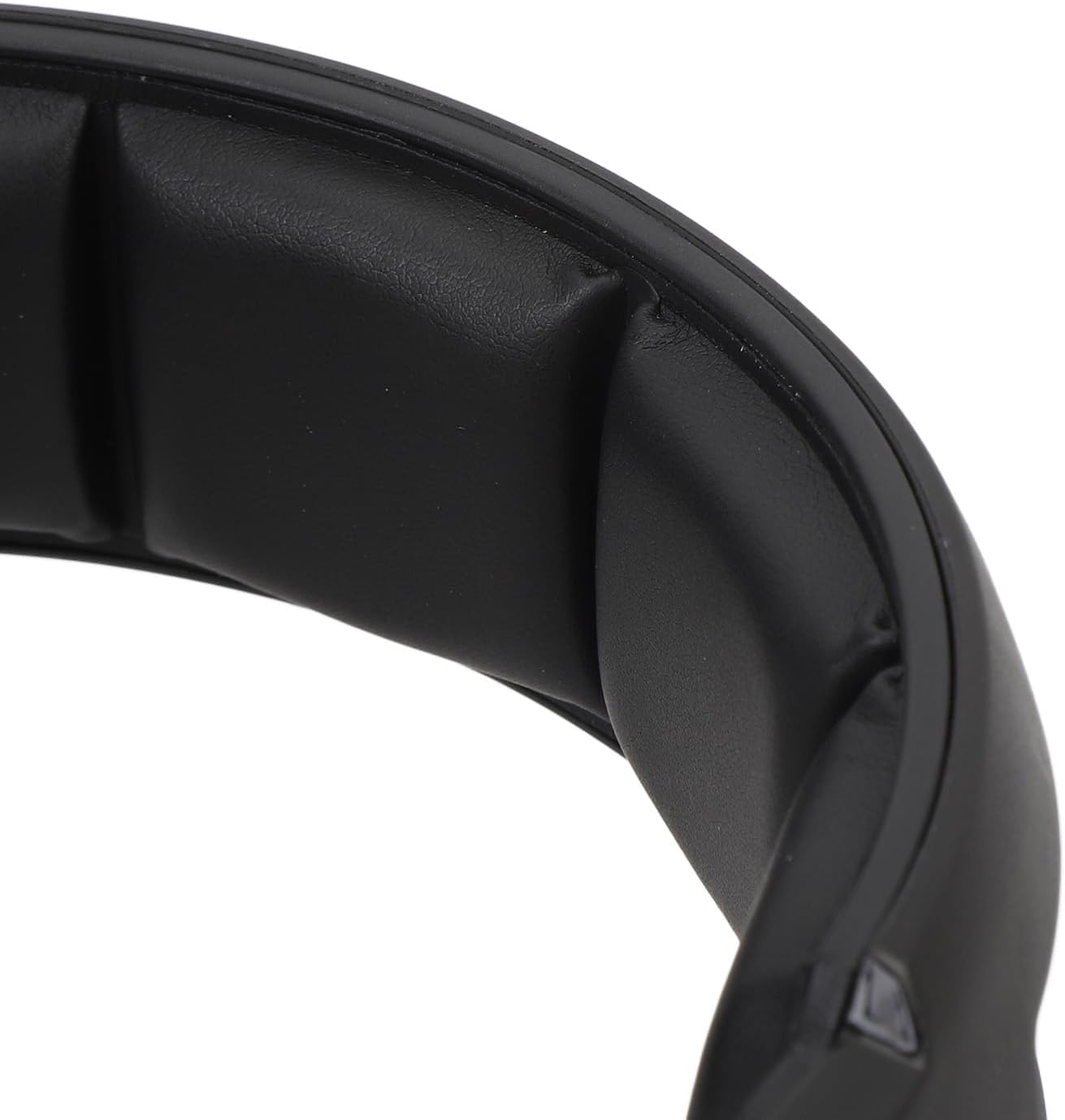
Obrázek: Detailní záběr view of the soft padding on the headband, designed for comfort during extended use.
Odstraňování problémů
| Problém | Možné řešení |
|---|---|
| No sound from headset (2.4G/Bluetooth) |
|
| Mikrofon nefunguje |
|
| Headset se nenabíjí |
|
| Poor audio quality or disconnections |
|
Specifikace
| Model | B100 |
| Materiál | ABS |
| Napájení | 1 Li-Ion Battery 1000mAh (Included) |
| Způsob nabíjení | DC 5V |
| Průměr ovladače | Přibližně 50 mm / 1.97 palce |
| Čipová sada | JL7018 |
| Podporované protokoly | AVRCP1.4, A2DP1.2, HFP1.6, HSP1.2 |
| Sound Decoding | WMA, APE, FLAC, AAC, M4A, WAV, AIF, AIFC |
| Vzdálenost Bluetooth | Cca. 10m / 32.8ft |
| Přenosová rychlost | 2 Mbps |
| RF výstupní výkon | 9dBm |
| RX Receiver Sensitivity | -92 dBm |
| RF TX Frequency Drift | ±15 kHz |
| Frekvence | 2401MHz-2478MHz |
| Citlivost mikrofonu | -42±3DB |
| Citlivost | 105 ± 3DB |
| Impedance | 32 ohmů |
| Rozsah frekvenční odezvy | 20HZ-20KHZ |
| Doba přehrávání | 20 hodiny |
| Doba nabíjení | 3 hodiny |
| Sound Latency | 20mS (2.4G Wireless) |
| Hmotnost položky | 1.16 libry |
| Rozměry balení | 8.66 x 7.48 x 3.94 palce |
Záruka a podpora
Walfront products are designed for reliability and performance. For warranty information, technical support, or customer service inquiries, please refer to the contact details provided on the product packaging or the official Walfront webstránky. Uschovejte si prosím doklad o koupi pro případ reklamace.