
1. Úvod
This manual provides essential information for setting up, operating, maintaining, and troubleshooting your HP 24-CB100 All-in-One Desktop PC. Please read these instructions carefully before using your device to ensure proper function and longevity.
The HP 24-CB100 is an All-in-One desktop computer featuring a 23.8-inch Full HD IPS display, powered by an Intel Core i5-1235U processor with Intel UHD Graphics, 8GB DDR4 RAM, and a 512GB M.2 SSD, running Windows 11 Pro.
2. Co je v krabici
Ověřte, zda jsou v balení přítomny všechny součásti:
- HP 24-CB100 All-in-One Desktop PC
- Napájecí kabel
- HP White Wired Keyboard
- HP White Wired Mouse
- 32GB USB 3.0 flash disk
- Reproduktory (integrované)

Image: Contents of the HP 24-CB100 All-in-One Desktop box, including the computer, wired keyboard, and wired mouse.
3. Nastavení
- Rozbalte plochu: Carefully remove the All-in-One PC and all accessories from the packaging. Place the desktop on a stable, flat surface.
- Připojení klávesnice a myši: Plug the USB cables from the HP White Wired Keyboard and HP White Wired Mouse into the available USB ports on the back of the desktop.
- Připojte napájení: Connect the power cord to the power port on the back of the desktop, then plug the other end into a grounded electrical outlet.
- Počáteční zapnutí: Press the power button, usually located on the side or bottom bezel of the display. The system will boot up and guide you through the Windows 11 Pro initial setup process. Follow the on-screen instructions to configure your operating system, network connection, and user accounts.

Obrázek: Přední strana view of the HP 24-CB100 All-in-One Desktop, illustrating its sleek design and integrated stand.
4. Návod k obsluze
4.1 Zapnutí/vypnutí
- Zapnutí: Stiskněte tlačítko napájení.
- Vypnout: V systému Windows 11 klikněte na tlačítko Start a poté vyberte Napájení > Vypnout.
- Restartovat: Klikněte na tlačítko Start a poté vyberte Napájení > Restartovat.
- Spát: Klikněte na tlačítko Start a poté vyberte Napájení > Režim spánku.
4.2 Displej a grafika
The desktop features a 23.8-inch Full HD (1920 x 1080) IPS Anti-glare display. Adjust display settings through Windows 11 settings (Right-click on desktop > Display settings).
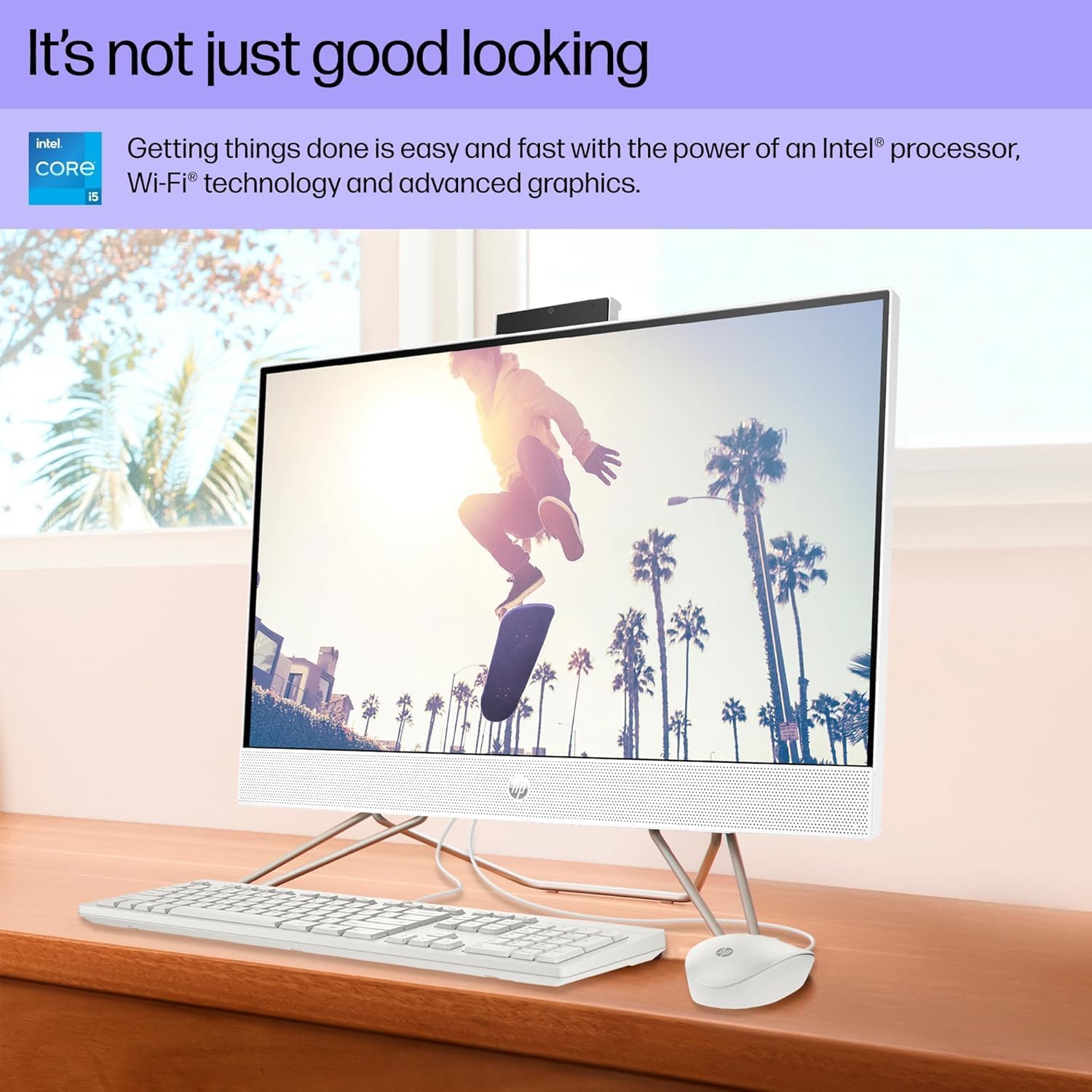
Image: The HP 24-CB100 All-in-One Desktop displaying a vibrant image, showcasing its Full HD IPS screen quality.
4.3 Privacy Camera
The integrated 720p HD camera features a privacy shutter. The camera and microphone are only enabled when the shutter is open and in use by an application.

Image: The HP 24-CB100 All-in-One Desktop during a video call, illustrating the pop-up camera and microphone privacy feature.
4.4 Konektivita
- Wi-Fi: Connect to wireless networks using Realtek Wi-Fi 6 (2x2). Access Wi-Fi settings via the Windows 11 taskbar network icon.
- Bluetooth: Pair Bluetooth devices using Bluetooth 5.3. Manage Bluetooth devices in Windows 11 Settings > Bluetooth & devices.
- Porty: Utilize the available ports for peripherals and external displays.
5. Údržba
- Čištění: Use a soft, lint-free cloth to clean the screen and exterior surfaces. Avoid abrasive cleaners or solvents. For the screen, use a specialized screen cleaner if necessary.
- Aktualizace softwaru: Pravidelně kontrolujte a instalujte aktualizace systému Windows a aktualizace ovladačů HP, abyste zajistili optimální výkon a zabezpečení.
- Větrání: Ensure the desktop's vents are clear of obstructions to prevent overheating.
- Záloha dat: Pravidelně zálohujte důležitá data na externí disk nebo cloudové úložiště, abyste předešli jejich ztrátě.
6. Řešení problémů
- Bez napájení: Ensure the power cord is securely connected to both the desktop and the electrical outlet. Test the outlet with another device.
- Problémy se zobrazením: If the screen is blank, ensure the desktop is powered on. If an external monitor is connected, check its power and cable connections.
- Žádné internetové připojení: Verify Wi-Fi is enabled and connected to the correct network. If using an Ethernet cable, ensure it is securely plugged into the RJ-45 port.
- Periferie nefunguje: Ensure USB devices (keyboard, mouse) are properly connected to the correct ports. Try connecting them to a different USB port.
- Zpomalení systému: Zavřete nepotřebné aplikace. Zkontrolujte ve Správci úloh procesy na pozadí. Zajistěte dostatek volného místa na SSD disku.
Další pomoc získáte na stránkách podpory HP. webnebo kontaktujte zákaznický servis.
7. Specifikace
| Funkce | Specifikace |
|---|---|
| Název modelu | 24-CB1210NISS |
| Procesor | Intel Core i5-1235U (Up to 4.4 GHz, 10 Cores, 12 Threads) |
| BERAN | 8GB DDR4 3200 MHz |
| Skladování | 512GB M.2 SSD |
| Zobrazit | 23.8-inch FHD (1920 x 1080) IPS Anti-glare |
| Grafika | Grafická karta Intel UHD (integrovaná) |
| Operační systém | Windows 11 Pro |
| Bezdrátové připojení | Realtek Wi-Fi 6 (2x2), Bluetooth 5.3 |
| Porty | 2x USB 3.2 Gen 1, 2x USB 2.0, 1x HDMI 1.4, 1x RJ-45, 1x Headphone/microphone combo |
| Fotoaparát | 720p HD kamera s clonou pro soukromí |
| Rozměry (Š x H x V) | 21.28 cm x 7.23 cm x 16.50 cm palce |
| Hmotnost | 11.84 liber |
| Barva | Starry White |
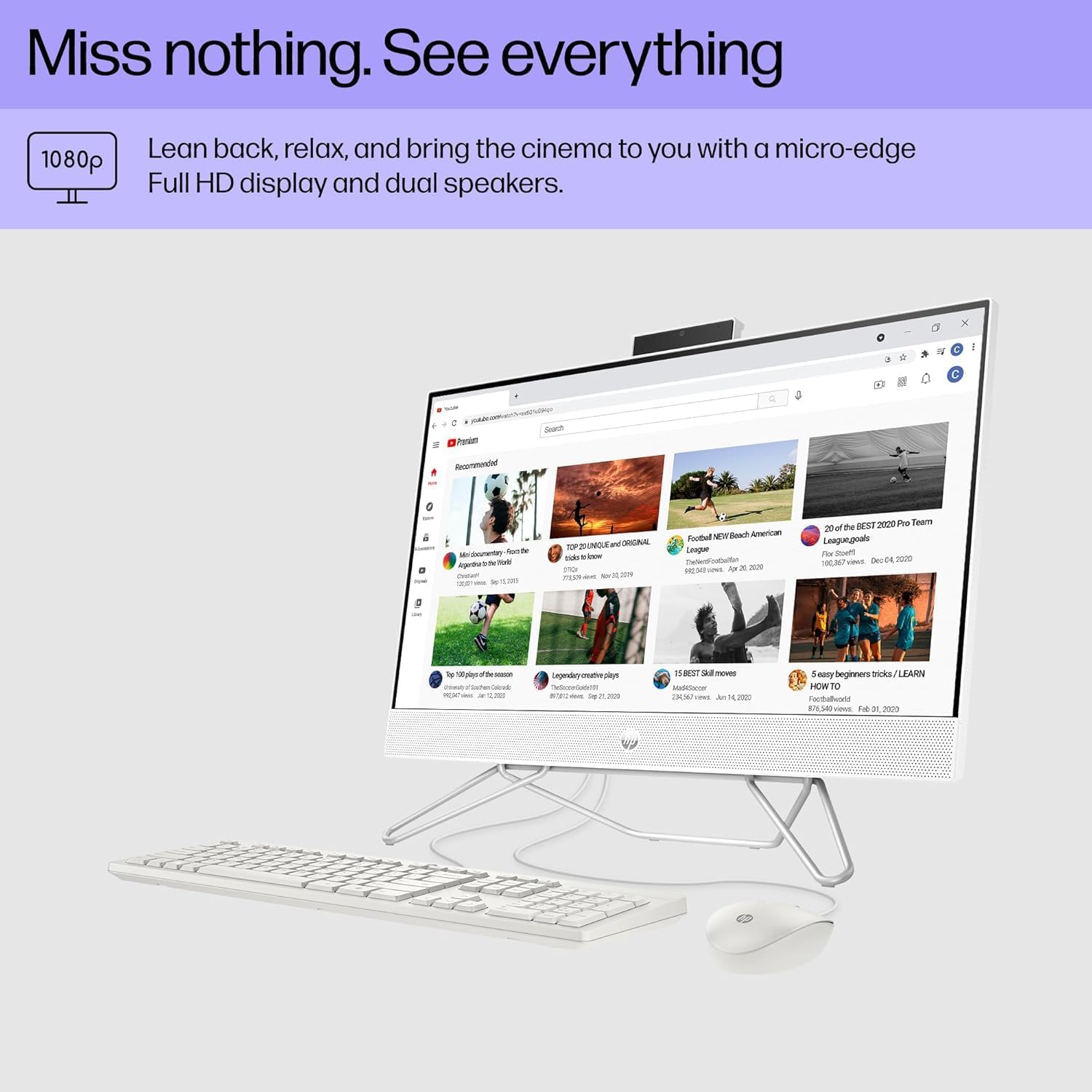
Image: Dimensions of the HP 24-CB100 All-in-One Desktop.
8. Záruka a podpora
Your HP 24-CB100 All-in-One Desktop is covered by HP's standard warranty. For detailed warranty information, including terms and conditions, please refer to the warranty documentation included with your product or visit the official HP support webmísto.
For technical support, driver downloads, and troubleshooting resources, please visit the Podpora HP Webmísto nebo se obraťte přímo na zákaznický servis HP.