
1. Úvod
This manual provides comprehensive instructions for the installation, operation, and maintenance of your Beetronics 12HB9M/U1 12-inch high brightness touchscreen monitor. This industrial-grade display features Full HD 1920x1080 resolution, a high brightness IPS panel, and a capacitive multi-touch panel with 10-point touch support. Its IP66-rated front panel ensures protection against dust and water, making it suitable for various demanding environments.
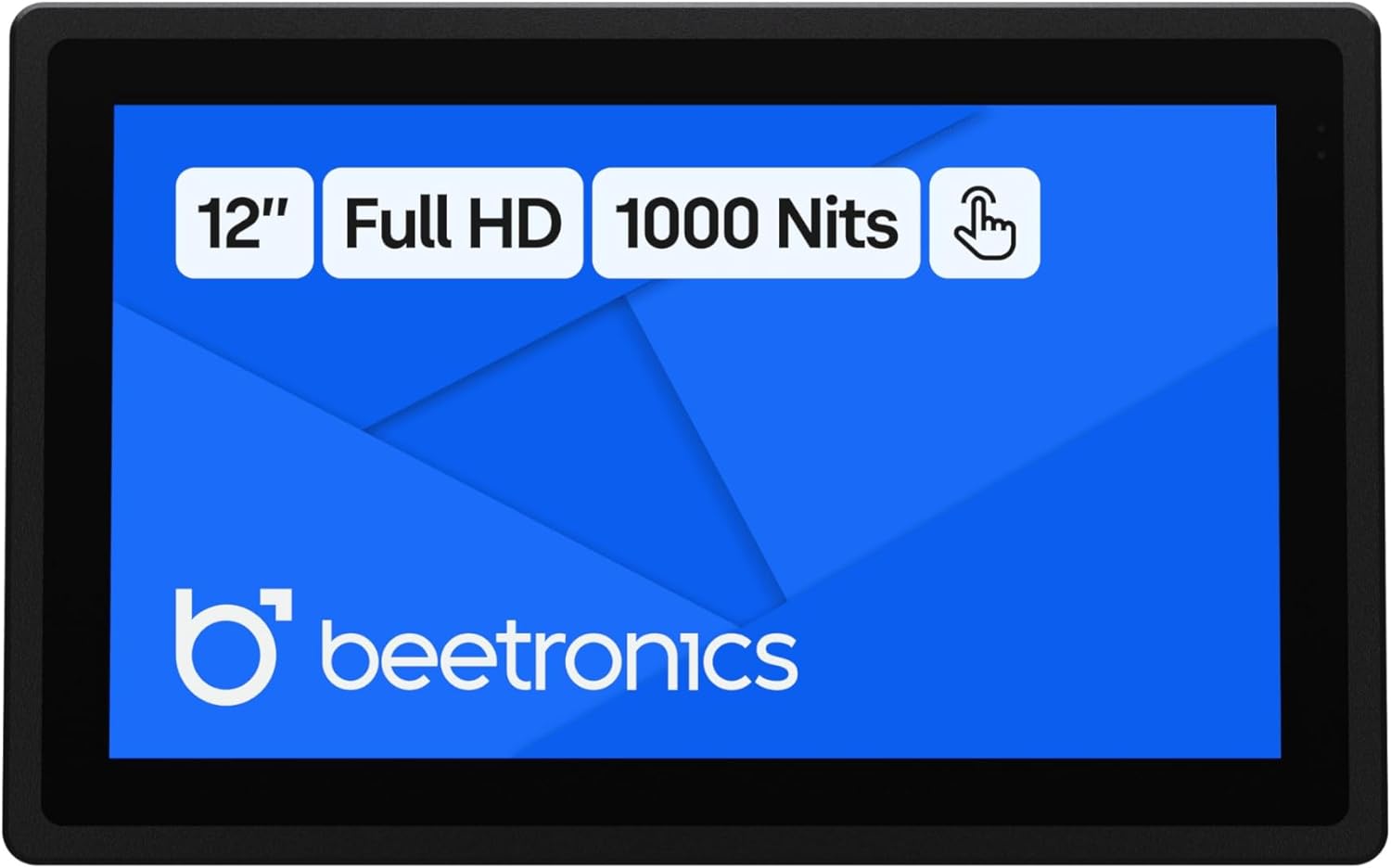
Obrázek 1: Přední strana view of the Beetronics 12HB9M/U1 monitor, highlighting its 12-inch Full HD display, 1000 Nits brightness, and touch functionality.

Obrázek 2: Přesview of the Beetronics 12HB9M/U1 monitor, emphasizing its Full HD resolution, 1000 Nits brightness, and touchscreen capabilities.
2. Co je v krabici
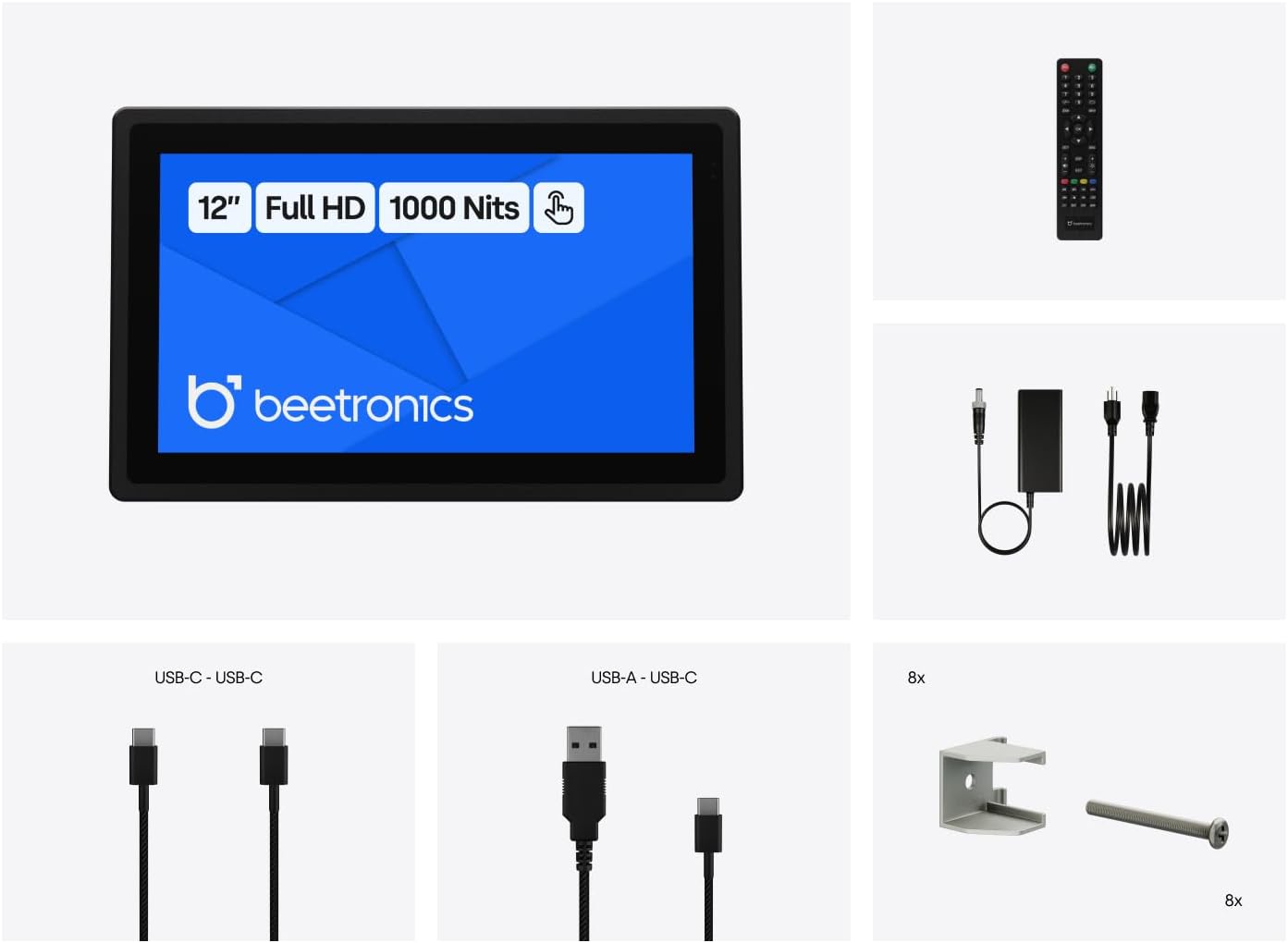
Před zahájením instalace ověřte, zda jsou přítomny všechny komponenty.
- Power Cord and Power Supply
- USB C to USB C Cord
- USB C to USB A Cord
- Dálkové ovládání
- Panel Mounting Clips (8x)

Figure 3: All items included in the product packaging: monitor, power supply, USB cables, remote control, and panel mounting clips.
3. Nastavení
3.1 Fyzická instalace
The 12HB9M/U1 monitor offers versatile installation options, including desktop, wall-mounted, or panel-mounted configurations. Its compact dimensions are 12.0 x 7.6 x 1.6 inches.
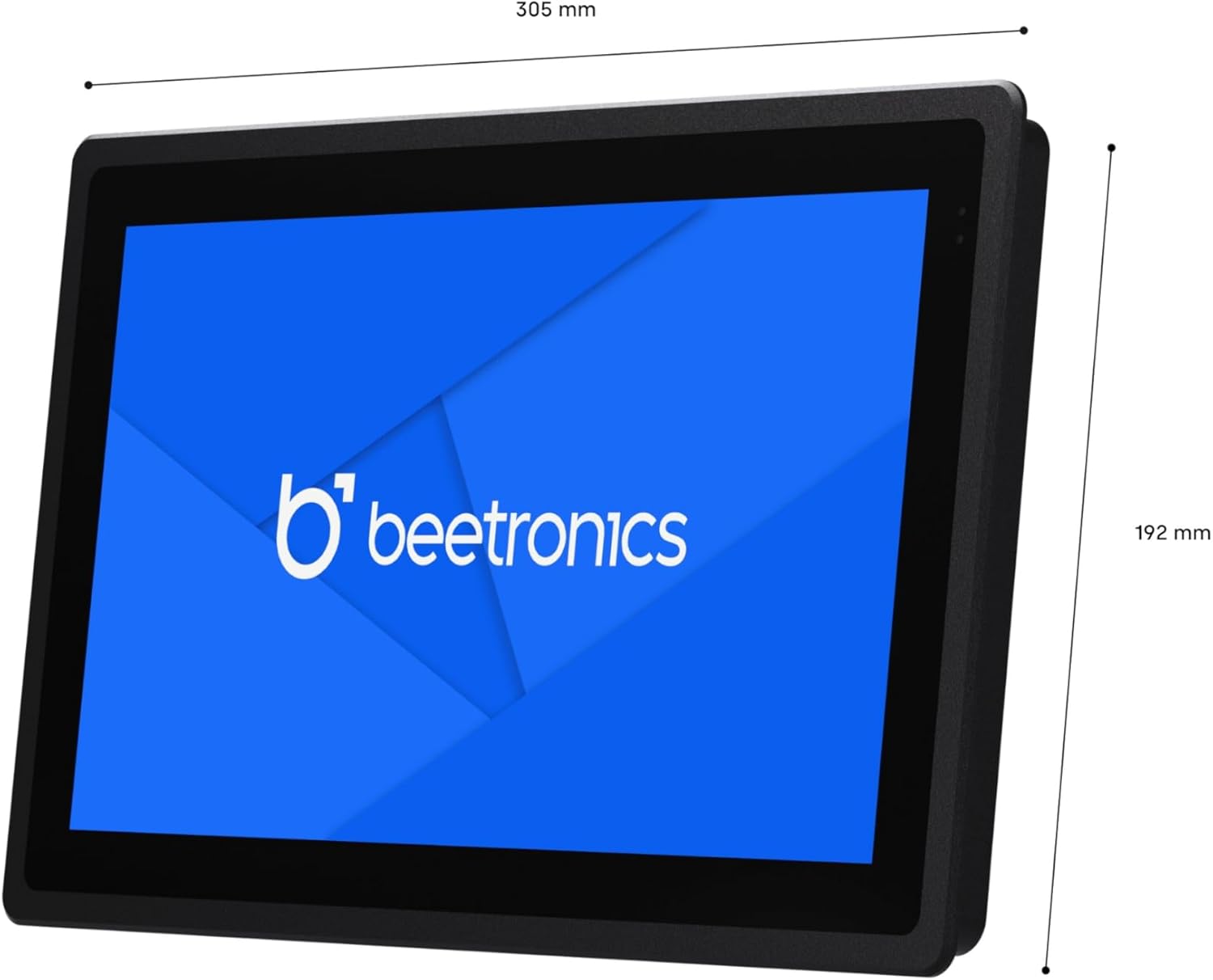
Figure 4: Dimensional drawing of the Beetronics 12HB9M/U1 monitor, showing its width of 305mm and height of 192mm.

Figure 5: Illustration of how the panel mounting clips are used to secure the monitor into an enclosure.
3.2 Připojení monitoru
The monitor features multiple connectivity ports for video input and touch functionality.

Obrázek 6: Detailní view of the monitor's rear ports, including AUX in/out, USB-C, VGA, DisplayPort, HDMI, and 5.5mm DC power input.

Figure 7: Rear panel of the monitor showing control buttons (ON/OFF, -, MENU, AUTO, +) and port labels.
- Připojení napájení: Connect the provided power supply to the 5.5mm DC input port on the monitor. The monitor supports a wide input voltage rozsah 9-36V.
- Video vstup: Connect your source device (PC, Mac, Linux system) to one of the following video input ports:
- HDMI
- Display Port (DP)
- USB-C (for video and touch data)
- VGA
- Dotyková funkce: For touch functionality, connect the monitor to your source device using either the provided USB-C to USB-C cable or the USB-C to USB-A cable. This connection enables the 10-point capacitive touch interface.
- Zvuk: Use the AUX in/out ports for audio connections if required.
4. Návod k obsluze
4.1 Zapnutí/vypnutí
Stiskněte tlačítko ON/OFF button located on the rear of the monitor or use the remote control to power the unit on or off.
4.2 Navigace v nabídce
Použijte MENU button to access the On-Screen Display (OSD) menu. Navigate through options using the + a - tlačítka. The AUTO button can be used for automatic image adjustment (VGA only) or as a selection/exit button in the OSD.
4.3 Funkce dotykové obrazovky
Once connected via USB, the capacitive multi-touch panel will be recognized by your operating system. It supports up to 10 pressure points for gestures like swiping, zooming, and tapping. The monitor is compatible with Windows, macOS, and Linux operating systems.

Figure 8: Icons representing compatibility with Windows, macOS, ChromeOS, and Linux operating systems.
4.4 Nastavení jasu
The monitor features a high brightness IPS panel with 1000 Nits. Brightness can be adjusted via the OSD menu or using the dimmer control if connected.
5. Údržba
5.1 Čištění monitoru
The front panel of the 12HB9M/U1 monitor is IP66 rated, providing protection against dust and powerful water jets. To clean the screen, gently wipe it with a soft, lint-free cloth. For stubborn marks, use a mild, non-abrasive screen cleaner applied to the cloth, not directly to the screen. Ensure the monitor is powered off before cleaning.
5.2 Obecná péče
Avoid exposing the monitor to extreme temperatures or direct sunlight for prolonged periods. Ensure proper ventilation around the unit. Do not attempt to open the monitor casing, as this will void the warranty and may cause damage.
6. Řešení problémů
| Problém | Možná příčina | Řešení |
|---|---|---|
| Na obrazovce není žádný obraz |
|
|
| Dotykový displej nereaguje |
|
|
| Obrázek je zkreslený nebo má nesprávné barvy |
|
|
7. Specifikace
| Číslo modelu | 12HB9M/U1 |
| Velikost obrazovky | 11.6 Inches (12 Inch product variant) |
| Rezoluce | 1920 x 1080 pixelů (Full HD 1080p) |
| Poměr stran | 16:9 |
| Jas obrázku | 1000 kandel (nitů) |
| Typ dotykové obrazovky | Capacitive Multi-Touch (10 points) |
| Ingress Protection (Front) | IP66 vodotěsný a prachotěsný |
| Vstupní objemtage | 9–36 voltů (DC) |
| Porty připojení | HDMI, DisplayPort, USB-C, VGA, AUX in/out, 5.5mm DC |
| Rozměry produktu (D x Š x V) | 12.0 x 7.6 x 1.6 palce (305 x 192 x 40.6 mm) |
| Hmotnost položky | 4.1 libry |
| Výrobce | Beetronics |
Obrázek 9: Rozložené view illustrating key features such as Tempered Glass, Rugged Metal Enclosure, Conformal Coated PCB, IP66-Rated Front Panel, Full Lamination Optical Bonding, and Wide Input Voltage Rozsah.
8. Záruka a podpora
The Beetronics 12HB9M/U1 monitor comes with a 2-letá záruka, ensuring reliability for continuous and intensive professional use. For technical support, warranty claims, or further assistance, please contact Beetronics Inc. directly.
Výrobce: Beetronics Inc.
Pro více informací navštivte oficiální Beetronics Store on Amazon.