
Zavedení
Thank you for choosing the CRUA 27-inch 4K UHD 144Hz IPS Gaming Monitor. This monitor is designed to deliver an immersive visual experience with its high resolution, fast refresh rate, and vibrant color reproduction. This manual provides essential information for the proper installation, operation, and maintenance of your new monitor. Please read it thoroughly before use and retain it for future reference.
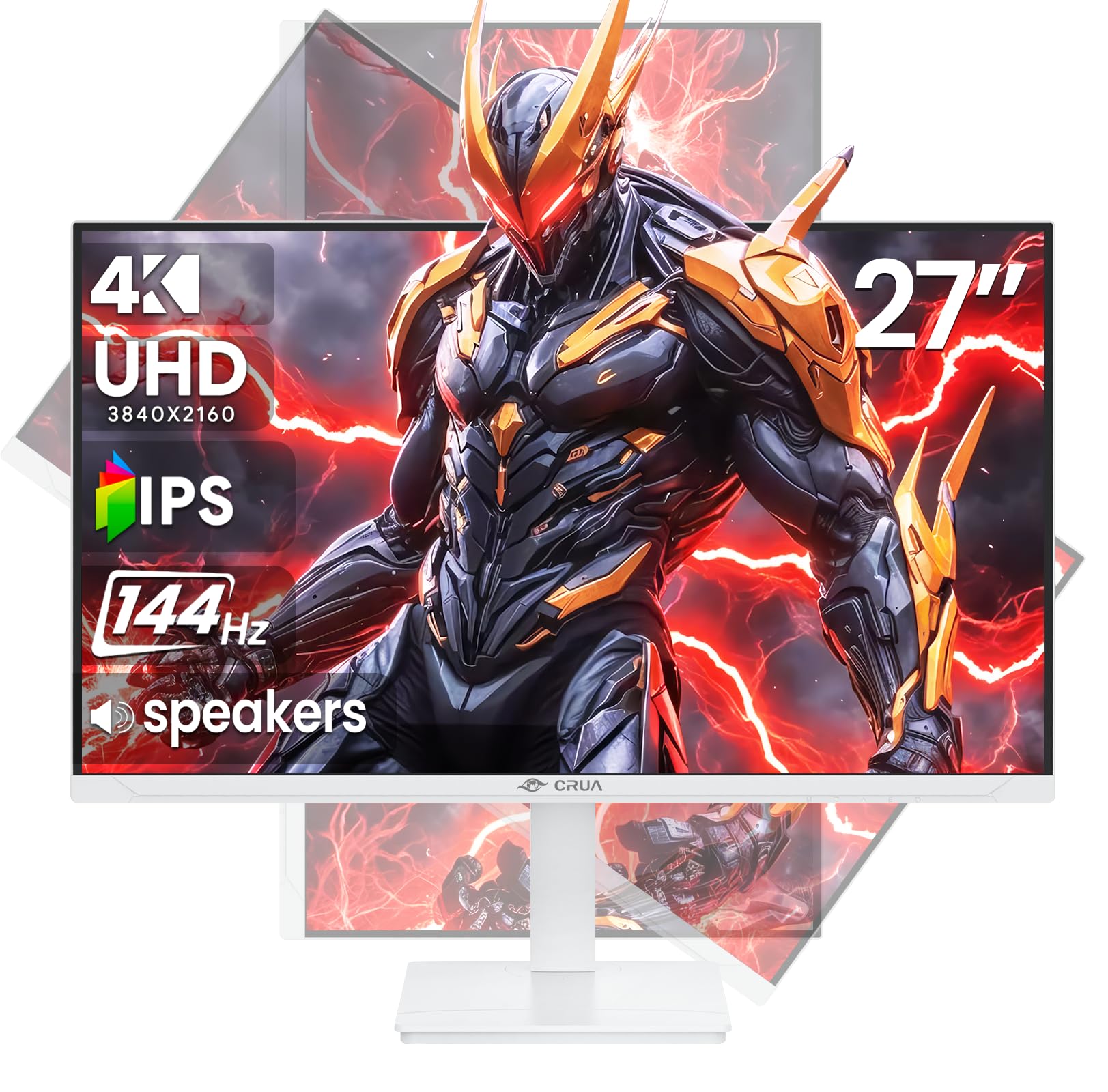
Obrázek: Přední strana view of the CRUA 27-inch 4K UHD 144Hz IPS Gaming Monitor.
Co je v krabici
Zkontrolujte prosím obsah balení. Pokud některé položky chybí nebo jsou poškozené, obraťte se na prodejce.
- 27palcový monitor
- DP kabel
- Base and Support
- Uživatelská příručka
- Napájení
Vlastnosti produktu
- 27" 4K Display with IPS Panel: Experience ultra-clear visuals with a 3840x2160P resolution.
- Obnovovací frekvence 144Hz: Enjoy fluid and sharp motion, ideal for competitive gaming and fast-paced content.
- 120% sRGB Color Accuracy: Delivers rich and accurate tones with 350cd/m² brightness and 1000:1 high-contrast.
- Vestavěné reproduktory: Provides clear audio for daily use.
- Full Ergonomic Adjustment: Features height, pivot, tilt, and rotation adjustments for optimal viewing úhly.
- Více možností připojení: Equipped with 2x HDMI 2.1 and 2x DP 1.4 ports.
- Podpora AMD FreeSync: Synchronizuje obnovovací frekvenci monitoru s grafickou kartou pro hraní bez trhání obrazu.
- Montáž na stěnu: Supports VESA 75mm x 75mm wall mounts for flexible installation.
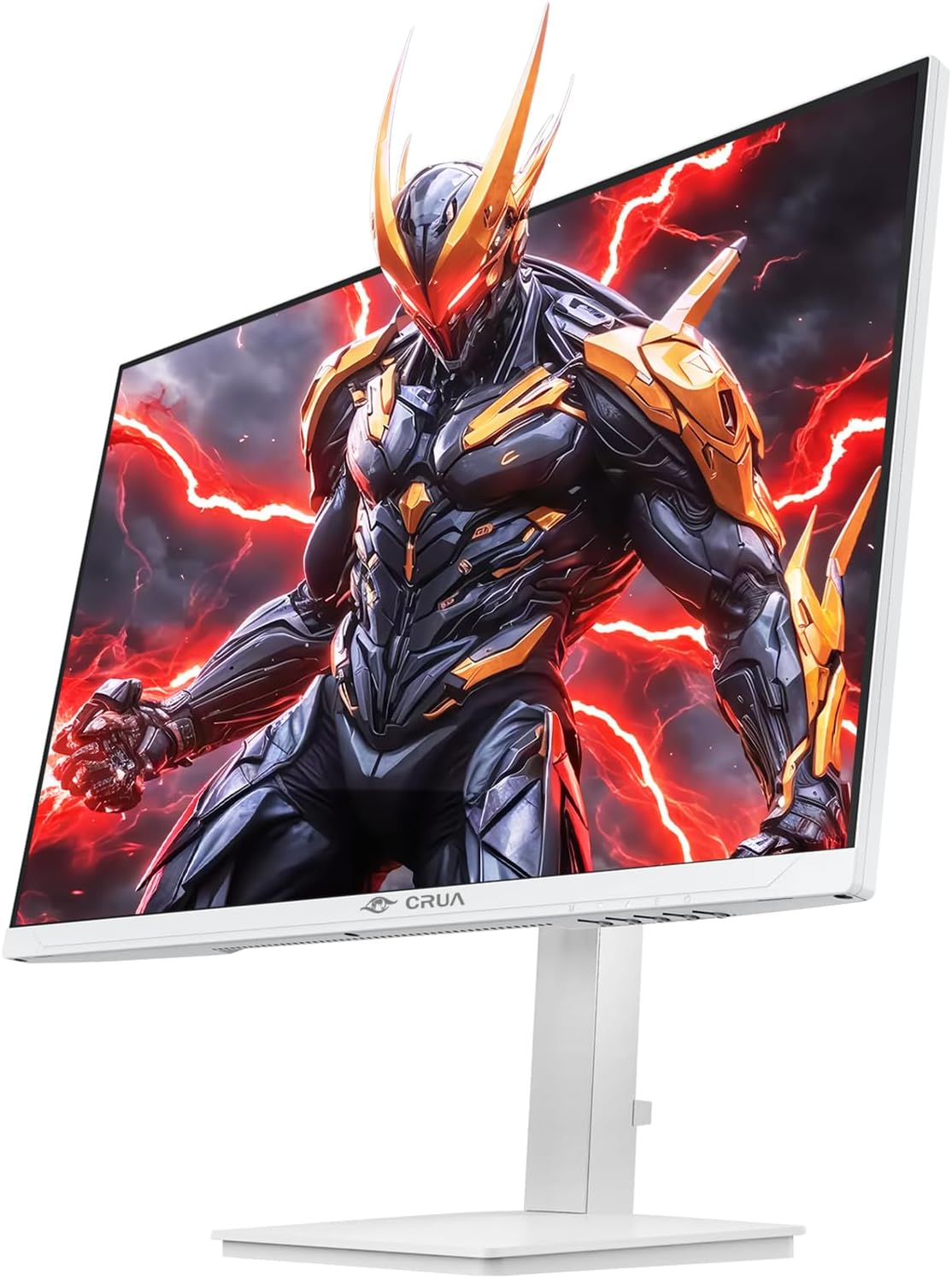
Obrázek: Přední strana view of the CRUA 27-inch 4K UHD 144Hz IPS Gaming Monitor displaying a game scene.

Obrázek: Zadní view of the CRUA 27-inch 4K UHD 144Hz IPS Gaming Monitor showing the stand and RGB lighting.

Obrázek: Zadní view of the CRUA 27-inch 4K UHD 144Hz IPS Gaming Monitor highlighting the input ports (2x DP 1.4, 2x HDMI 2.1, and 3.5mm Audio Port).

Image: Diagram illustrating the adjustable height (110mm), tilt (-5° to +15°), swivel (±30°), and pivot (90°) features of the CRUA 27-inch 4K UHD 144Hz IPS Gaming Monitor.
Pokyny pro nastavení
1. Sestavení stojanu
- Opatrně vyjměte komponenty monitoru a stojanu z obalu.
- Připevněte krk stojanu k panelu monitoru. Ujistěte se, že bezpečně zacvakne, nebo je upevněn šrouby, pokud jsou součástí dodávky.
- Attach the base to the stand neck, securing it with the thumb screw or other fasteners.
- Sestavený monitor umístěte na stabilní, rovný povrch.
2. Montáž na stěnu (volitelné)
The monitor supports VESA 75mm x 75mm wall mounts. Remove the stand before attaching a compatible wall mount bracket (not included). Follow the instructions provided with your wall mount.
3. Propojovací kabely
- Moc: Connect the power supply to the monitor's power input and then to a power outlet.
- Video vstup: Connect one end of the provided DP cable (or an HDMI cable) to the corresponding port on your computer's graphics card and the other end to a DP 1.4 or HDMI 2.1 port on the monitor.
- Zvukový výstup (volitelný): If using external speakers or headphones, connect them to the 3.5mm audio jack on the monitor.
4. Počáteční zapnutí
Press the power button on the monitor. The monitor should automatically detect the input signal. If not, you may need to manually select the input source using the OSD menu.
Návod k obsluze
1. Zapnutí/vypnutí
Stisknutím tlačítka napájení umístěného na monitoru jej zapnete nebo vypnete.
2. Navigace v nabídce OSD
The On-Screen Display (OSD) menu allows you to adjust various monitor settings. Navigate the menu using the joystick or buttons typically located on the back or bottom of the monitor.
- Stisknutím joysticku/tlačítka otevřete nabídku OSD.
- Move the joystick up/down or use corresponding buttons to navigate through menu options.
- Move the joystick left/right or use corresponding buttons to adjust values or enter sub-menus.
- Press the joystick/button again to confirm selections or exit sub-menus.
3. Výběr zdroje vstupu
If the monitor does not automatically detect the correct input, open the OSD menu, navigate to "Input Source," and select the active input (e.g., HDMI1, HDMI2, DP1, DP2).
4. Úprava nastavení zobrazení
V nabídce OSD můžete přizpůsobit nastavení, jako například:
- Jas/kontrast: Upravte celkovou úroveň jasu a kontrastu.
- Nastavení barev: Jemné doladění teploty barev, gamy a jednotlivých hodnot RGB.
- Kvalita obrázku: Select preset modes (e.g., Standard, Game, Movie) or customize sharpness and dynamic contrast.
- Rozlišení a obnovovací frekvence: Ensure your computer's display settings match the monitor's native 4K UHD (3840x2160P) resolution and 144Hz refresh rate for optimal performance.
- AMD FreeSync: Enable FreeSync in the OSD menu and your graphics card control panel for adaptive synchronization.
5. Nastavení zvuku
Adjust the volume of the built-in speakers or connected external audio devices through the OSD menu's audio section. You can also mute the audio if desired.
6. Ergonomické úpravy
Nastavte monitor podle svých preferencí viewpozice:
- Výška: Jemně zatlačte nebo zatáhněte monitor nahoru nebo dolů podél stojanu.
- Náklon: Nakloňte obrazovku dopředu nebo dozadu.
- Otočný: Otočte monitor doleva nebo doprava na jeho základně.
- Pivot: Rotate the screen 90 degrees for vertical orientation.
Údržba
Čištění obrazovky
- Před čištěním vždy vypněte monitor a odpojte napájecí kabel.
- Lehce používejte měkký hadřík, který nepouští vlákna dampvodou nebo specializovaným čističem obrazovek.
- Nestříkejte čisticí prostředek přímo na obrazovku.
- Avoid using abrasive cleaners, alcohol, or ammonia-based solutions, as they can damage the screen surface.
Obecná péče
- Chraňte monitor před přímým slunečním zářením, zdroji tepla a nadměrným prachem.
- Zajistěte dostatečné větrání kolem monitoru, aby nedošlo k jeho přehřátí.
- Nepokládejte těžké předměty na monitor ani na jeho kabely.
- Nedotýkejte se obrazovky ostrými předměty.
Odstraňování problémů
| Problém | Možné řešení |
|---|---|
| Na obrazovce není žádný obraz |
|
| Žádný zvuk z reproduktorů |
|
| Blikání nebo zkreslení obrazu |
|
| Tlačítka nereagují |
|
For further assistance, please refer to the CRUA support webnebo kontaktujte zákaznický servis.
Specifikace
| Funkce | Detail |
|---|---|
| Číslo modelu | CR270E |
| Velikost obrazovky | 27 palce |
| Rezoluce | 4K UHD (3840 x 2160 pixelů) |
| Obnovovací frekvence | 144 Hz |
| Typ panelu | IPS |
| Poměr stran | 16:9 |
| Barevný gamut | 120% sRGB |
| Jas | 350 kandel (cd/m²) |
| Kontrastní poměr | 1000:1 |
| Konektivita | 2x DP 1.4, 2x HDMI 2.1, 1x 3.5mm Audio Jack |
| Adaptivní synchronizace | AMD FreeSync |
| Ergonomie | Height, Pivot, Tilt, Rotate Adjustable |
| Držák na zeď | VESA 75 mm x 75 mm |
| Vestavěné reproduktory | Ano |
| Rozměry produktu | 2.5 x 24 x 14 palce |
| Hmotnost položky | 11.38 libry |
Záruka a podpora
CRUA provides high-quality computer monitors and premium services. For warranty information, technical support, or any questions regarding your monitor, please visit the official CRUA website or contact their customer service team. Details can typically be found on the product packaging or the CRUA brand store on Amazon.
Kontaktní údaje: Refer to your purchase documentation or the CRUA official webweb, kde najdete nejaktuálnější kontaktní údaje podpory.