
VIDCASTIVE V20
Uživatelská příručka k bezdrátové WiFi vnitřní kameře VIDCASTIVE 4K Mini
Model: V20
1. Konec produktuview
The VIDCASTIVE 4K Mini Wireless WiFi Indoor Camera (Model V20) is a compact security device designed for indoor monitoring. It features 4K video resolution, AI human detection, automatic night vision, and flexible storage options including cloud and local SD card support. Its long-lasting battery provides extended standby time, making it suitable for various indoor surveillance needs.

Image: The compact VIDCASTIVE 4K Mini Wireless WiFi Indoor Camera, shown with its adjustable stand and a comparison to a human finger for size. An inset image displays a smartphone screen with a live feed from the camera, showing a baby and a dog.
Klíčové vlastnosti:
- Crystal Clear 4K Live View: Enjoy stunning 4K video quality with our compact security camera, offering crystal-clear visuals whether you're monitoring live or reviewing playback. Perfect for home, office, or travel use.
- Prodloužená životnost baterie: Equipped with a powerful 3000mAh rechargeable battery, this camera records continuously for up to 10 hours. Enable power-saving mode for several days or weeks of use. In remote shutdown mode, it offers up to 100 days of standby, ensuring peace of mind.
- Detekce pohybu s umělou inteligencí: Advanced AI technology intelligently detects human activity, reducing false alarms. Get instant alerts on your phone when motion is detected, keeping you connected no matter where you are.
- Možnosti bezpečného úložiště: Choose between free 3-day rolling cloud storage (no subscription required) or local storage with support for up to 256GB SD cards (SD card not included). Always have access to your most recent recordings with ease.
- Night Vision & Remote Monitoring: Automatically switches to night vision for 24/7 surveillance. Use the user-friendly app to monitor live, replay footage, and even activate or deactivate the camera remotely.
2. Co je zahrnuto
Ověřte, zda jsou v balení přítomny všechny komponenty:
- Tělo fotoaparátu
- Držák fotoaparátu
- Nabíjecí kabel
- USB čtečka paměťových karet
- Uživatelská příručka
3. Průvodce nastavením
3.1 Nabíjení fotoaparátu
Before initial use, fully charge the camera. Connect the provided charging cable to the camera's charging port and a USB power adapter (not included). The charging indicator light will show the charging status.

Image: A visual representation of the camera's 3000mAh battery life, detailing up to 10 hours of continuous recording, 7-15 days in sleep mode, 15-30 days in deep sleep mode, and up to 100 days in remote shutdown standby.
3.2 Vložení karty Micro SD (volitelné)
For local storage, insert a Micro SD card (up to 256GB, not included) into the designated slot. Ensure the card is inserted correctly with the contacts facing the proper direction. The camera supports continuous recording and motion-activated recording to the SD card.

Image: A graphic illustrating the camera's storage options, including free 3-day rolling cloud service and local storage support for Micro SD cards up to 256GB (not included).
3.3 Instalace a připojení aplikace
- Download the official application for the camera from your smartphone's app store (Android or iOS). Refer to the user manual included in the box for specific app name and QR codes.
- Zaregistrujte si účet a přihlaste se.
- Follow the in-app instructions to add your camera. This typically involves powering on the camera and scanning a QR code displayed in the app with the camera's lens.
- Ensure your smartphone is connected to a 2.4GHz Wi-Fi network during the setup process.
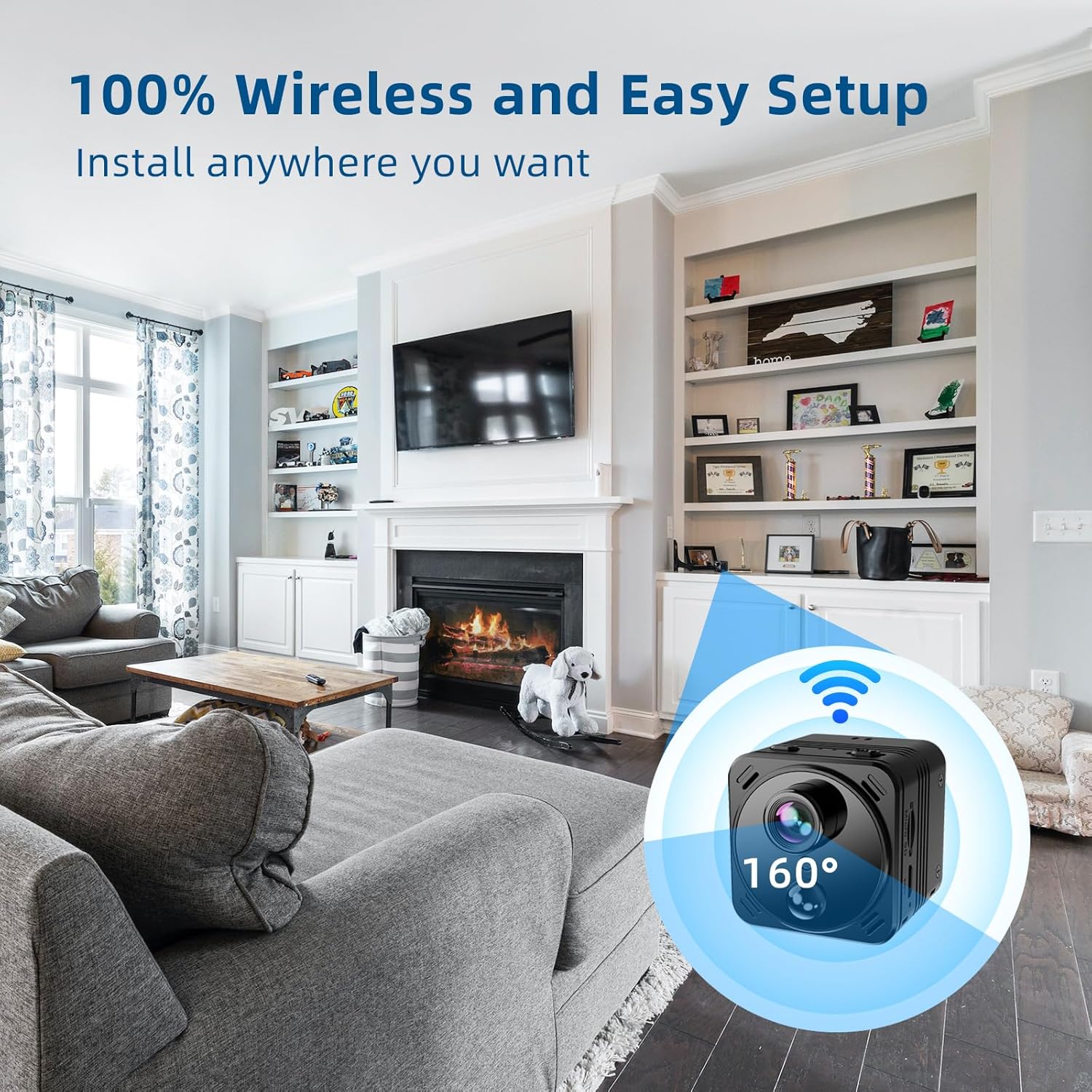
Image: A depiction of the camera's wireless capability, showing it placed in a living room environment with a 160-degree field of view, highlighting its easy and flexible installation.
4. Ovládání fotoaparátu
4.1 Živě View a Nahrávání
Once connected, open the app to access the live view from your camera. You can initiate manual recordings, take snapshots, and monitor the area in real-time.
4.2 Detekce pohybu a upozornění
The camera features AI-powered human detection. Enable motion detection in the app settings to receive instant alerts on your smartphone when activity is detected. This helps reduce false alarms from pets or inanimate objects.
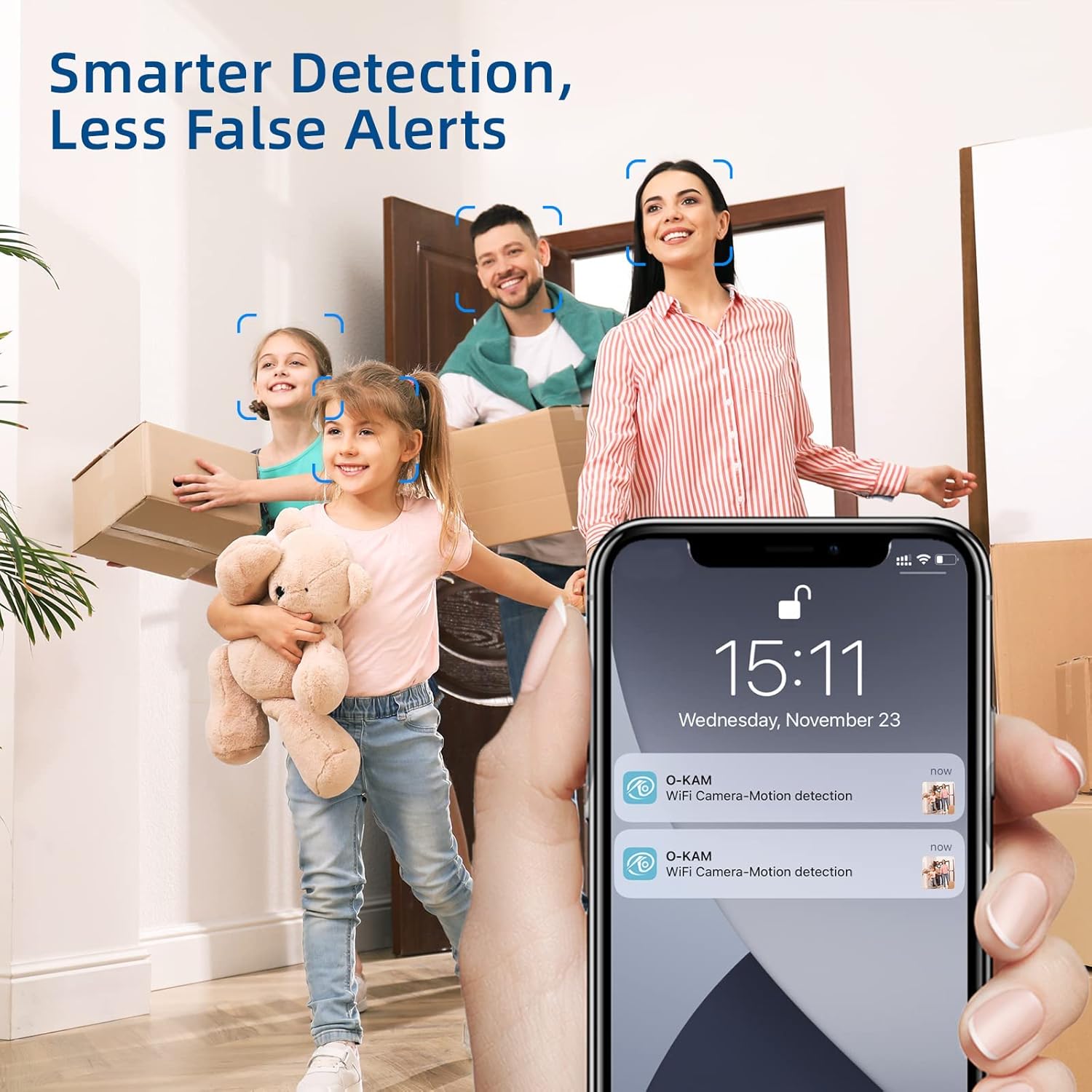
Image: A family is shown entering a home, while a smartphone in the foreground displays notifications for "WiFi Camera-Motion detection," illustrating the camera's smart detection capabilities and reduced false alerts.
4.3 Noční vidění
The camera automatically switches to night vision mode in low-light conditions, providing clear surveillance 24/7. No manual adjustment is required.
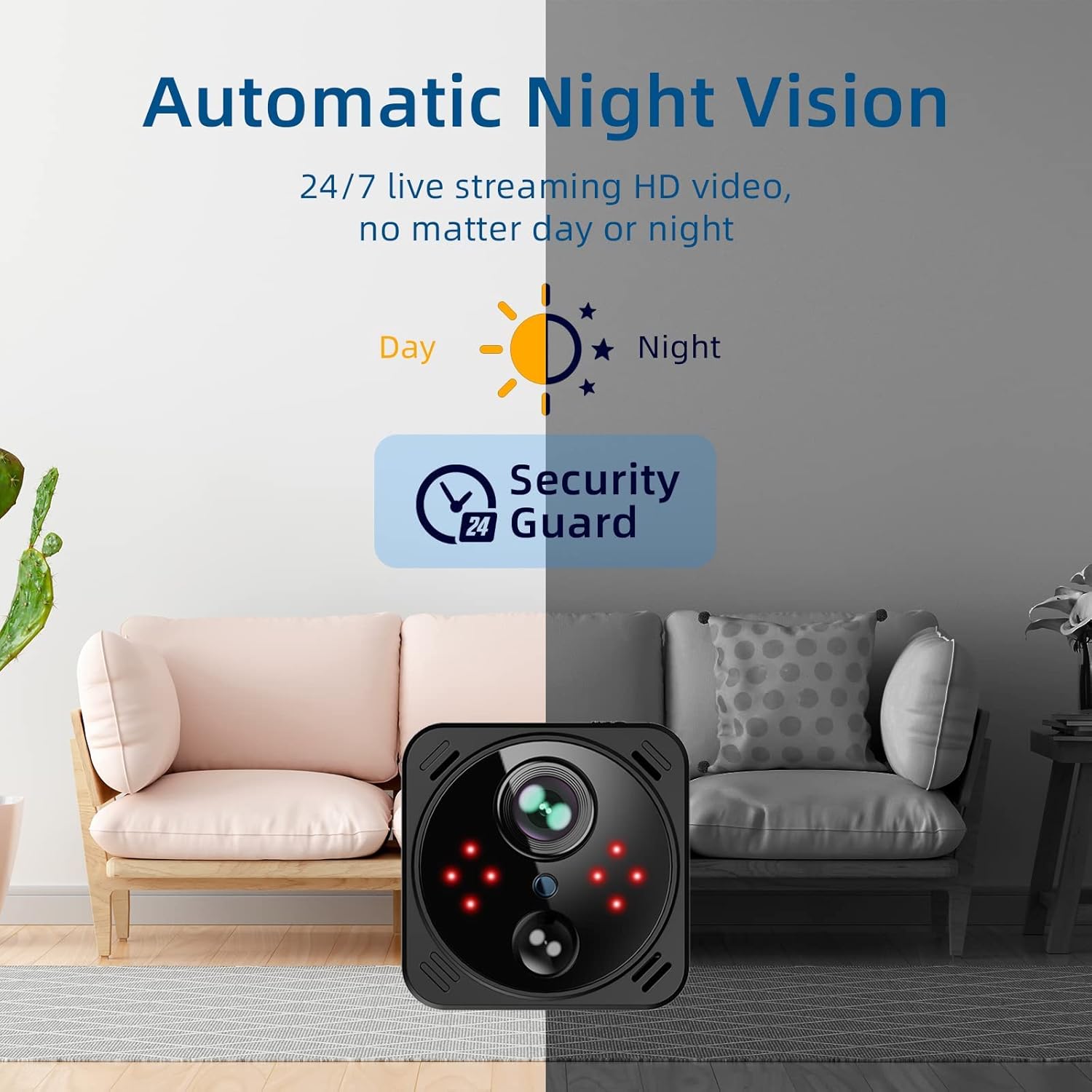
Image: A split image demonstrating the camera's automatic night vision, showing a room in daylight and then the same room in infrared night vision, emphasizing 24/7 HD video streaming.
4.4 Dálkové ovládání napájení
Utilize the app to remotely activate or deactivate the camera, offering convenience and control over its operation from anywhere.

Image: A woman is shown using her smartphone to remotely control the camera, with the phone screen displaying a live view of a child playing, highlighting the one-click remote power on/off feature via the app.
5. Údržba
- Čištění: K čištění objektivu a těla fotoaparátu používejte měkký, suchý hadřík. Nepoužívejte abrazivní čisticí prostředky ani rozpouštědla.
- Péče o baterie: To prolong battery life, avoid exposing the camera to extreme temperatures. Recharge the battery regularly, especially if the camera will be stored for an extended period.
- Aktualizace firmwaru: Periodically check the app for available firmware updates to ensure optimal performance and access to new features.
6. Řešení problémů
| Problém | Možná příčina | Řešení |
|---|---|---|
| Fotoaparát se nepřipojuje k Wi-Fi. | Nesprávné heslo k Wi-Fi; kamera je příliš daleko od routeru; síť Wi-Fi 5 GHz. | Verify Wi-Fi password. Move camera closer to router. Ensure you are connecting to a 2.4GHz Wi-Fi network. |
| Špatná kvalita videa. | Insufficient light; dirty lens; weak Wi-Fi signal. | Ensure adequate lighting or allow night vision to activate. Clean the camera lens. Improve Wi-Fi signal strength. |
| Detekce pohybu nefunguje nebo je příliš mnoho falešných poplachů. | Incorrect sensitivity settings; camera placement. | Adjust motion detection sensitivity in the app. Ensure camera is placed to minimize unwanted triggers (e.g., tree branches, direct sunlight). |
| Baterie se rychle vybíjí. | Continuous recording; frequent live view access; high motion activity. | Utilize power-saving modes. Reduce frequency of live viewing. Adjust motion detection sensitivity. |
7. Specifikace
| Funkce | Detail |
|---|---|
| Název modelu | V20 |
| Vnitřní/venkovní použití | Krytý |
| Rozlišení záznamu videa | 4K |
| Technologie připojení | Bezdrátové (Wi-Fi) |
| Zdroj napájení | Napájení z baterie (3000 mAh) |
| Typ ovladače | Android, iOS |
| Typ montáže | Stolní držák |
| Možnosti úložiště | Free 3-day rolling cloud storage, up to 256GB Micro SD card (not included) |
| Rozměry položky (D x Š x V) | 1.57 x 1.57 x 1.57 palce |
| Hmotnost položky | 8.1 unce (0.23 kilogramů) |
| Zahrnuté komponenty | Camera Body, Camera Holder, Charging Cable, USB Card Reader, User Manual |
8. Bezpečnostní informace
- Nevystavujte fotoaparát vodě ani nadměrné vlhkosti.
- Avoid placing the camera near heat sources or in direct sunlight for prolonged periods.
- Používejte pouze dodaný nabíjecí kabel nebo jeho certifikovaný ekvivalent.
- Uchovávejte fotoaparát mimo dosah dětí a domácích zvířat.
- Nepokoušejte se fotoaparát rozebírat ani opravovat sami. Požádejte o pomoc zákaznickou podporu.
9. Záruka a podpora
For warranty information and technical support, please refer to the official VIDCASTIVE website or contact their customer service directly. Details can typically be found on the product packaging or within the included user manual.
Výrobce: VIDCASTIVNÍ
ASIN: B0DSV3NNFZ
Ask a question about this manual
Ask about setup, troubleshooting, compatibility, parts, safety, or missing instructions. Manuals+ will review the question and use this page’s manual context to help answer it.