
Zavedení
This manual provides instructions for the YOUTHINK Electronic Digital Magnetic Timer, Model youtWqwRHQbpa7-12. This device is designed for precise time management in various settings, including cooking, baking, studying, and office tasks. Please read this manual thoroughly before using the timer to ensure proper operation and longevity.
Nastavení
Instalace baterie
- Vyhledejte přihrádku na baterie na zadní straně časovače.
- Gently slide the battery compartment cover downwards to open it.
- Insert three (3) AAA batteries (not included) into the compartment, ensuring the correct polarity (+/-) as indicated inside the compartment.
- Zasuňte kryt přihrádky na baterie zpět na místo, dokud bezpečně nezacvakne.

Obrázek: Zadní view of the YOUTHINK Electronic Timer with the battery compartment open, showing slots for three AAA batteries.
Návod k obsluze
Nastavení časovače
- The timer features a rotating outer ring. Turn the ring clockwise to increase the time and counter-clockwise to decrease the time.
- The display shows minutes (M) and seconds (S). The maximum setting is 99 minutes and 55 seconds.
- To set a specific time, rotate the outer ring until the desired minutes and seconds are displayed. For example, to set 5 minutes, rotate until '05:00' is shown.

Obrázek: Přední strana view of the YOUTHINK Electronic Timer displaying '99:55', indicating the maximum time setting.
Starting and Pausing the Countdown
- After setting the desired time, press the button located at the bottom center of the display to start the countdown.
- To pause the countdown, press the button again.
- To resume the countdown, press the button once more.
Clearing the Timer
- To clear the current time setting or stop a running timer and reset it to '00:00', press and hold the button for approximately 3 seconds.
Funkce alarmu
- When the countdown reaches '00:00', the timer will emit an audible alarm.
- To stop the alarm, press any button or rotate the outer ring.

Obrázek: Přední strana view of the YOUTHINK Electronic Timer displaying '00:00' with 'M' for minutes and 'S' for seconds.
Klíčové vlastnosti
- Digitální displej: Large, clear black screen with white numbers for easy readability.
- Magnetický design: The timer features a magnetic back, allowing it to be securely attached to metal surfaces such as refrigerators, freezers, or whiteboards.
- Integrovaný stojan: A foldable stand is included for convenient placement on flat surfaces like countertops or desks.
- Jednoduchá obsluha: Intuitive 1-touch operation and rotary setting for ease of use.

Obrázek: Boční view of the YOUTHINK Electronic Timer, highlighting its integrated stand and magnetic back for versatile placement.
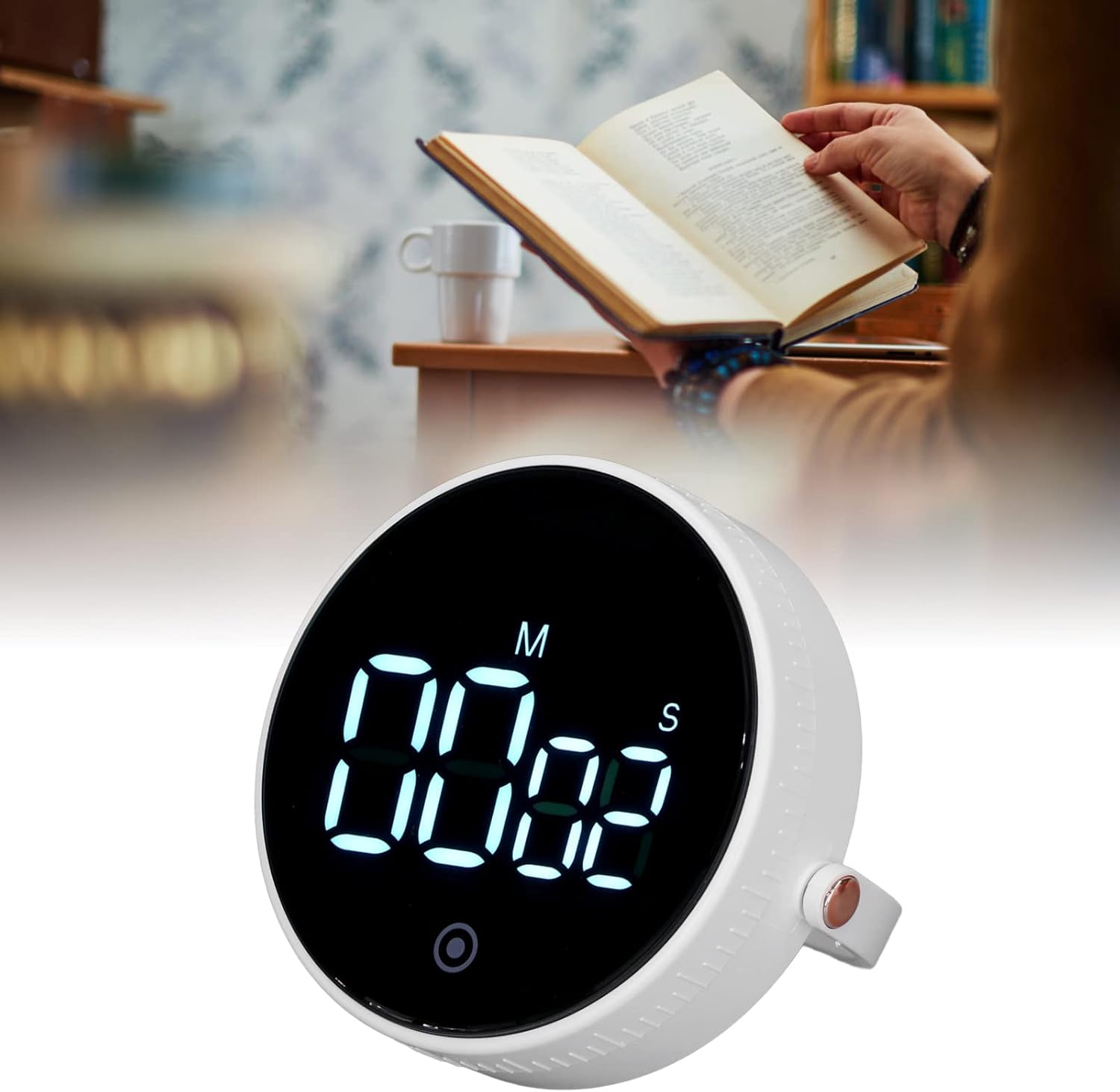
Image: The YOUTHINK Electronic Timer placed on a desk next to a person reading a book, demonstrating its use in a study environment.
Údržba
Čištění
- Wipe the timer with a soft, dry cloth.
- Do not use abrasive cleaners or immerse the timer in water.
Výměna baterie
- When the display dims or the timer functions erratically, it is time to replace the batteries.
- Postupujte podle kroků pro instalaci baterie uvedených v části „Nastavení“.
- Použité baterie zlikvidujte zodpovědně v souladu s místními předpisy.
Odstraňování problémů
- Časovač se nezapíná: Ensure batteries are inserted correctly with the right polarity and are not depleted. Replace batteries if necessary.
- Displej je slabý nebo bliká: This indicates low battery power. Replace the AAA batteries.
- Časovač nereaguje na stisknutí tlačítek: Try removing and reinserting the batteries to reset the device. If the issue persists, replace the batteries.
- Budík je příliš tichý nebo vůbec nezvoní: Ensure the timer is not obstructed. Check battery level.
Specifikace produktu
| Funkce | Specifikace |
|---|---|
| Typ položky | Elektronický časovač |
| Číslo modelu | youtWqwRHQbpa7-12 |
| Materiál | ABS |
| Zdroj napájení | 3 x AAA baterie (nejsou součástí balení) |
| Rozsah časování | Minutes 00-99, Seconds 00-55 |
| Hmotnost produktu | Přibl. 92 g / 3.2 oz |
| Rozměry balení | 4.33 x 3.54 x 2.36 palce |
| Výrobce | YOUTHINK |
Informace o záruce
For information regarding the product warranty, please refer to the documentation provided at the time of purchase or contact YOUTHINK customer support directly.
Zákaznická podpora
If you encounter any issues or have questions not covered in this manual, please contact YOUTHINK customer support through the retailer's platform or the official YOUTHINK webmísto pro pomoc.