
Zavedení
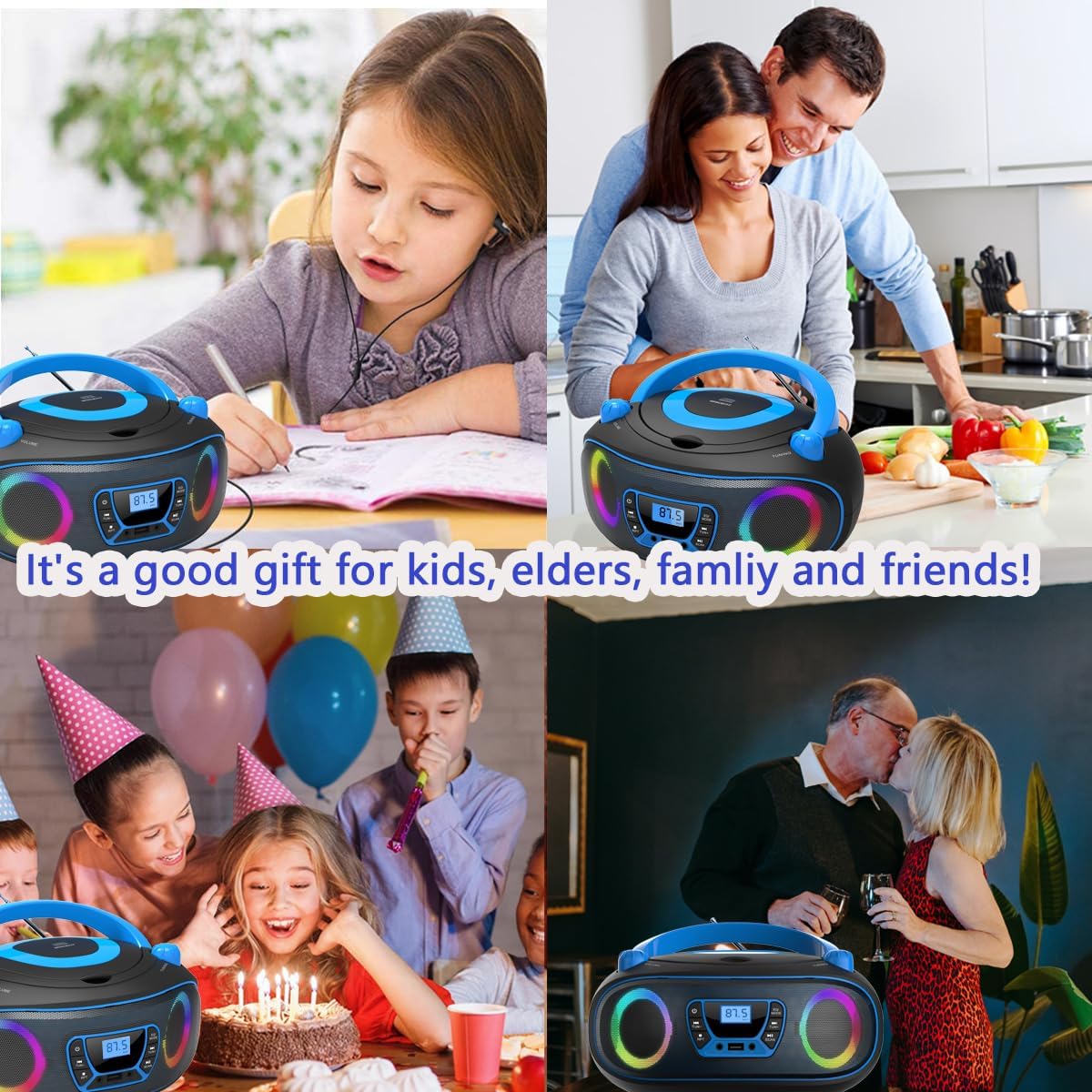
Thank you for choosing the WIITHINK WTB-771 Portable Radio CD Player Boombox. This device offers versatile audio playback options including CD, FM radio, Bluetooth, USB MP3, and AUX-in. This manual provides detailed instructions to help you set up, operate, and maintain your new boombox for optimal performance.
Co je v krabici
- CD Boombox
- Rychlý průvodce
- US AC Power Cable
- AUX kabel

Konec produktuview a ovládací prvky
Familiarize yourself with the main unit and its control buttons and ports.

- Vypínač: Zapíná/vypíná jednotku.
- Tlačítka pro ovládání hlasitosti +/-: Nastavuje hlasitost zvuku.
- EQ/Mode Button: Cycles through different playback modes (CD, USB, AUX, Bluetooth, FM Radio) and EQ presets.
- Play/Pause/Scan Button: Plays or pauses media; initiates FM radio scan.
- Stop/Repeat/Memory Button: Stops playback; activates repeat functions; saves FM radio stations.
- Tune +/- / Skip +/- Buttons: Tunes FM radio frequencies; skips tracks on CD/USB; fast forwards/rewinds.
- LCD displej: Zobrazuje aktuální režim, číslo skladby, FM frekvenci atd.
- Vstup AUX: Připojuje externí audio zařízení pomocí 3.5mm kabelu.
- USB port: For MP3/WMA playback from USB flash drives (FAT32 format, up to 128GB).
- Sluchátkový jack: Pro soukromý poslech s 3.5mm sluchátky.
- Anténa FM: Pro lepší příjem FM rádia vytáhněte.
Nastavení
Napájení zařízení
Boombox lze napájet buď střídavým proudem, nebo bateriemi.
- Napájení střídavým proudem: Connect the provided AC power cable to the AC jack on the back of the unit and plug it into a standard wall outlet.
- Napájení baterie: For portable use, open the battery compartment on the bottom of the unit. Insert 4 x UM2-C 1.5V batteries (not included), ensuring correct polarity. Close the battery compartment securely.
Návod k obsluze
Přehrávání CD
- Stiskněte tlačítko Moc button to turn on the boombox.
- Stiskněte tlačítko EQ/Mode button repeatedly until "CD" appears on the LCD screen.
- Gently open the top-loading CD compartment cover.
- Place a CD (compatible with CDs, CD-R/RW, MP3 CDs, audiobook CDs) onto the spindle with the label side facing up.
- Close the CD compartment cover. The CD will begin playing automatically.
- Použijte Přehrát/Pozastavit, Stop/Repeata Přeskočit +/- tlačítka pro ovládání přehrávání.

FM rádio
- Stiskněte tlačítko Moc button to turn on the boombox.
- Stiskněte tlačítko EQ/Mode button repeatedly until "FM" appears on the LCD screen.
- Pro optimální příjem vytáhněte FM anténu.
- Stiskněte tlačítko Skenovat tlačítko pro automatické prohledávání a ukládání dostupných FM stanic (až 30 předvoleb).
- Použijte Naladit +/- buttons to manually adjust the frequency or select saved stations.

Připojení Bluetooth
- Stiskněte tlačítko Moc button to turn on the boombox.
- Stiskněte tlačítko EQ/Mode button repeatedly until "BT" appears on the LCD screen. The boombox will enter pairing mode.
- Na zařízení s podporou Bluetooth (např. chytrý telefon, tablet) povolte Bluetooth a vyhledejte dostupná zařízení.
- Select "WIITHINK" from the list of devices to pair. Once connected, you will hear a confirmation tone.
- Begin playing audio on your device. The sound will be streamed through the boombox.

Video 1: Portable Cute Radio CD Player Boombox with Bluetooth. This short video demonstrates the boombox's various modes, including Bluetooth, and shows its compact, portable design.
USB MP3 Playback
- Stiskněte tlačítko Moc button to turn on the boombox.
- Insert a USB flash drive (FAT32 format, up to 128GB) containing MP3/WMA audio filedo portu USB.
- Stiskněte tlačítko EQ/Mode button repeatedly until "USB" appears on the LCD screen.
- The boombox will automatically detect and begin playing audio files z USB disku.
- Použijte Přehrát/Pozastavit, Stop/Repeata Přeskočit +/- tlačítka pro ovládání přehrávání.
Připojení AUX-in
- Stiskněte tlačítko Moc button to turn on the boombox.
- Connect one end of the provided 3.5mm AUX cable to the AUX In port on the boombox.
- Connect the other end of the AUX cable to the headphone jack or audio output port of your external audio device.
- Stiskněte tlačítko EQ/Mode button repeatedly until "AUX" appears on the LCD screen.
- Play audio from your external device. The sound will be routed through the boombox.
Použití sluchátek
For private listening, plug any standard 3.5mm headphones into the Headphone Jack on the front of the boombox. The internal speakers will automatically mute when headphones are connected.
Režimy EQ
The boombox supports five EQ modes to customize your listening experience: ROCK / POP / FLAT / CLASS / JAZZ. Press the EQ/Mode button briefly to cycle through these presets while playing audio.
Údržba a péče
- Chraňte jednotku před přímým slunečním zářením, zdroji tepla a nadměrným prachem nebo vlhkostí.
- Čistěte přístroj měkkým, suchým hadříkem. Nepoužívejte abrazivní čisticí prostředky ani rozpouštědla.
- For CD playback, ensure the disc is clean and free of scratches. Handle CDs by the edges to avoid fingerprints.
- Pokud používáte baterie, vyjměte je, pokud nebudete přístroj delší dobu používat, abyste zabránili jejich vytečení.
Odstraňování problémů
| Problém | Řešení |
|---|---|
| Žádná síla | Zkontrolujte připojení k napájení střídavým proudem nebo vyměňte baterie. |
| CD se nepřehrává | Ensure CD is clean, unscratched, and inserted correctly. Close the CD compartment fully. |
| Špatný příjem FM | Extend and adjust the FM antenna. Try repositioning the unit. |
| Bluetooth se nepřipojuje | Ensure the boombox is in "BT" mode and your device's Bluetooth is enabled and searching. Move devices closer. |
| USB nebylo rozpoznáno | Ensure USB drive is FAT32 format and contains MP3/WMA files. Zkuste jiný USB disk. |
Specifikace
- Číslo modelu: WTB-771
- Rozměry produktu: 10.3 x 9.4 x 4.8 palce
- Hmotnost položky: 2.64 libry
- Technologie připojení: Pomocný, Bluetooth, USB
- Typ reproduktoru: Vestavěný
- Zdroj napájení: AC (included cable) or 4 x UM2-C 1.5V batteries (not included)
- USB kompatibilita: MP3/WMA files, FAT32 format, up to 128GB
- CD kompatibilita: CD, CD-R/RW, MP3 CDs, audiobook CDs
- FM rádio: 87.5-108 MHz, 30 presets
- Režimy EQ: ROCK / POP / FLAT / CLASS / JAZZ
Záruka a podpora
The WIITHINK WTB-771 Portable Radio CD Player Boombox comes with an 18-month warranty from the date of purchase. For technical support, warranty claims, or any questions regarding your product, please contact WIITHINK customer service through the retailer's platform or visit the official WIITHINK webstránky pro kontaktní informace.