
Pard FD1-850 no LRF
Návod k obsluze puškohledu PARD FD1 pro noční vidění
Model: FD1-850 no LRF | Brand: Pard
1. Konec produktuview
The PARD FD1 is a versatile front-mounted clip-on night vision scope designed to enhance your optical scope with advanced night vision capabilities. It can also function as a standalone digital night vision monocular or a digital riflescope, offering precision and adaptability in various low-light conditions.
Klíčové vlastnosti:
- Three-in-one Functionality: Front clip-on, digital night vision monocular, and digital riflescope.
- Quick Attach/Detach: Includes a 63mm adapter for swift transitions.
- Ballistics Calculator: Integrated system for precise aiming point calculation.
- Displej s vysokým rozlišením: OLED screen (1440*1080) and CMOS sensor (1920*1080) for clear imaging.
- Nastavitelný IR přísvit: 6 levels with 350m range, 850nm/940nm options.
- VLEA & PIP Mode: Visible Light Enhancement Algorithm and Picture-in-Picture for enhanced clarity and target identification.
- Automatické nahrávání: Intelligent 20-second video recording upon action detection.
- Trvanlivost: 6000J Recoil resistance and IP67 waterproof rating.
- Wi-Fi připojení: Connects to PardVision app for viewpořizování obrázků a videí.

Figure 1.1: PARD FD1 Night Vision Scope, main view.
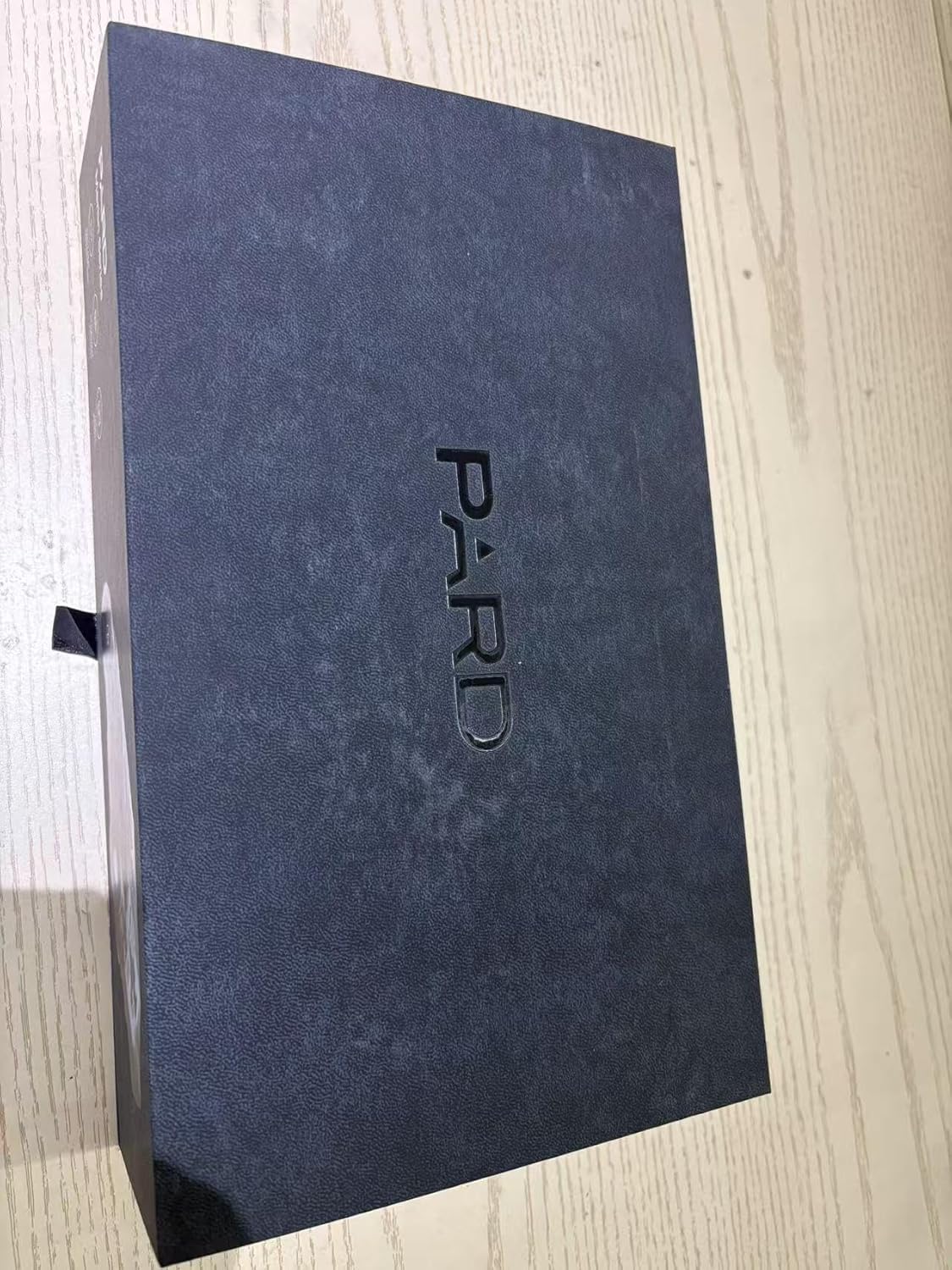
Figure 1.2: The PARD FD1 offers versatile 3-in-1 functionality as a clip-on, monocular, or riflescope.
Video 1.1: Official PARD FD1/LRF product overview demonstrating key features and quick attachment.
2. Průvodce nastavením
2.1 Vybalení a počáteční kontrola
- Opatrně otevřete obal a vyjměte všechny součásti.
- Ověřte, zda jsou přítomny všechny položky uvedené v obsahu balení.
- Zkontrolujte zařízení, zda není viditelně poškozeno. Pokud zjistíte poškození, okamžitě kontaktujte zákaznickou podporu.

Figure 2.1: PARD FD1 Night Vision Scope and included accessories.
2.2 Attaching the FD1 as a Clip-on
The FD1 can be quickly attached to your existing optical scope using the provided 63mm adapter.
- Ensure your optical scope is securely mounted and zeroed.
- Attach the 63mm adapter to the objective lens of your optical scope. Tighten securely but do not overtighten.
- Align the PARD FD1 with the adapter and slide it into place until it clicks securely.
- Verify the FD1 is firmly attached and stable before use.

Figure 2.2: The quick attach and detach mechanism of the PARD FD1.
2.3 Zapnutí a počáteční nastavení
- Vložte nabitou baterii do přihrádky na baterie.
- Press and hold the power button (usually marked with Ⓘ) until the display illuminates.
- Follow on-screen prompts for initial language and time settings.
- Adjust the diopter for a clear view přes okulár.
3. Návod k obsluze
3.1 Základní ovládací prvky
The PARD FD1 features intuitive controls for easy operation. Refer to the image below for button layout.

Obrázek 3.1: Strana view of PARD FD1 showing control buttons.
| Tlačítko/ovládání | Funkce |
|---|---|
| Power Button (Ⓘ) | Press and hold to power on/off. Short press for display sleep mode. |
| Tlačítko OK | Confirm selection in menus, take photo/start recording. |
| Tlačítko Menu | Přístup k hlavní nabídce. |
| Up/Down/Left/Right Buttons | Navigate menus, adjust settings (e.g., IR intensity, zoom). |
| IR tlačítko | Activate/adjust Infrared (IR) illuminator intensity. |
3.2 Režim nočního vidění
The FD1 automatically switches to night vision mode in low light. Adjust the IR illuminator for optimal visibility.
- Stiskněte tlačítko IR button to cycle through IR intensity levels (Level 1-6).
- Choose between 850nm (brighter, longer range) and 940nm (less visible to animals) IR wavelengths via the menu.

Figure 3.2: Adjustable IR Illuminator with multiple levels for varying conditions.
3.3 Ballistics Calculator (If LRF model)
For models with LRF (Laser Rangefinder), the integrated ballistics calculator assists in precise shot placement.
- Access the Ballistics Calculator from the main menu.
- Input parameters such as projectile velocity, weight, and zero range.
- The system will calculate and display the precise aiming point.

Figure 3.3: The integrated Ballistics Calculator helps improve accuracy.
3.4 Rangefinder (If LRF model)
The FD1-850 no LRF model does not include a laser rangefinder. For models with LRF, follow these steps:
- Point the device at the target.
- Activate the rangefinder function (refer to specific button in menu).
- Vzdálenost k cíli se zobrazí na obrazovce.

Figure 3.4: Rangefinder in action, displaying target distance.
3.5 Nahrávání a přehrávání videa
The FD1 can record high-resolution videos and automatically capture 20-second clips upon detecting action.
- Stiskněte tlačítko Záznam button (usually marked with a camera icon) to start/stop manual recording.
- Access recorded videos via the Playback menu.
- Ujistěte se, že je pro nahrávání vložena karta Micro SD.
3.6 Připojení k Wi-Fi
Connect your FD1 to a smartphone via Wi-Fi using the PardVision app for remote viewing a file řízení.
- Stáhněte si PardVision aplikaci z obchodu s aplikacemi ve vašem zařízení.
- Enable Wi-Fi on your FD1 via the system menu.
- Connect your smartphone to the FD1's Wi-Fi network (SSID and password displayed on the FD1 screen).
- Otevřete aplikaci PardVision view live feed, photos, and videos.

Figure 3.5: Wi-Fi connectivity allows remote control and media access.
4. Údržba a péče
- Čištění: Use a soft, lint-free cloth to clean the lenses. For stubborn dirt, use a lens cleaning solution specifically designed for optics. Do not use abrasive materials.
- Skladování: Store the device in a cool, dry place away from direct sunlight and extreme temperatures. Remove the battery if storing for extended periods.
- Péče o baterie: Use only recommended batteries. Ensure batteries are fully charged before use and properly disposed of when depleted.
- Vodotěsný: The FD1 is IP67 rated, meaning it is protected from dust and can withstand immersion in water up to 1 meter for 30 minutes. Ensure all covers and caps are securely closed before exposure to water.
5. Řešení problémů
| Problém | Možná příčina | Řešení |
|---|---|---|
| Zařízení se nezapne. | Low or depleted battery; incorrectly inserted battery. | Charge or replace the battery. Ensure battery is inserted with correct polarity. |
| Obraz je rozmazaný nebo nejasný. | Diopter not adjusted; dirty lens; focus ring not adjusted. | Adjust the diopter. Clean the lens. Adjust the focus ring on the objective lens. |
| Výkon nočního vidění je slabý. | IR illuminator off or low intensity; insufficient ambient light. | Activate or increase IR illuminator intensity. Ensure there is some ambient light for the sensor to pick up. |
| Nelze se připojit k Wi-Fi. | Wi-Fi not enabled on device; incorrect password; app not updated. | Enable Wi-Fi in device settings. Double-check Wi-Fi password. Update PardVision app. |
| Nahrávání nefunguje. | No SD card; full SD card; corrupted SD card. | Insert a compatible SD card. Delete old files or format SD card (backup data first). Try a different SD card. |
6. Technické specifikace
| Specifikace | Detail |
|---|---|
| Název modelu | FD1-850 no LRF |
| Rozlišení snímače | 1920 * 1080 CMOS |
| Rozlišení displeje | 1440*1080 OLED |
| Vlnová délka infračerveného iluminátoru | 850nm (Adjustable) |
| Dosah infračerveného osvětlení | Do 350m |
| Odolnost proti zpětnému rázu | 6000 J |
| Hodnocení voděodolnosti | IP67 |
| Rozměry (DxŠxV) | 4.53"D x 2.95"Š x 2.05"V (115*75*52 mm) |
| Hmotnost položky | 328 gramů |
| Materiál | Hliník |
| Kompatibilní zařízení | Rifle, Shotgun, Handgun |
| Skladování | Micro SD karta (není součástí balení) |
7. Záruka a podpora
7.1 Informace o záruce
The PARD FD1 Night Vision Scope comes with a 1-letá záruka od data nákupu. Tato záruka se vztahuje na výrobní vady a poruchy při běžném používání. Uschovejte si prosím doklad o koupi pro případ uplatnění záruky.
7.2 Zákaznická podpora
For technical assistance, warranty claims, or any other inquiries, please contact PARD customer support:
- Navštivte úředníka Obchod Pard na Amazonu pro informace o produktech a zdroje.
- Refer to the contact information provided in your product packaging or on the official PARD webmísto.
Ask a question about this manual
Ask about setup, troubleshooting, compatibility, parts, safety, or missing instructions. Manuals+ will review the question and use this page’s manual context to help answer it.