
Zavedení
This manual provides detailed instructions for the JZK Voice Remote Control, designed as a replacement or secondary remote for NVIDIA Shield TV Pro models from 2015, 2017, and 2019. This remote features voice search capabilities and an ergonomic design for comfortable use. Please read this manual thoroughly before operating your device.
Obsah balení
Ověřte, zda jsou v balení přítomny všechny položky:
- 1 x JZK Voice Remote Control
- 1 x Uživatelská příručka (tento dokument)
Note: 2x AAA batteries are required and are not included in the package.

Image: Contents of the JZK remote control package, including the remote and a small user guide.
Nastavení
1. Instalace baterie
- Najděte přihrádku na baterie na zadní straně dálkového ovladače.
- Posuňte kryt baterie dolů a otevřete jej.
- Vložte dvě (2) baterie typu AAA a dbejte na správnou polaritu (+ a -) uvedenou uvnitř přihrádky.
- Zasuňte kryt baterie zpět na místo, dokud bezpečně nezapadne.

Image: The remote control with its battery cover removed, illustrating where to insert two AAA batteries.
2. Spárování dálkového ovladače
The remote control uses an infrared connection. For initial setup or re-pairing, follow these steps:
- Ensure your NVIDIA Shield TV is powered on and within 1 foot (approx. 30 cm) of the remote control.
- On your NVIDIA Shield TV, navigate to Settings > Device Preferences > Remotes & Accessories.
- Stiskněte a podržte Zadní tlačítko a Domov button simultaneously on the JZK remote control until the remote's indicator light begins to flash.
- The NVIDIA Shield TV should detect the new remote. Select it from the list of available devices to complete the pairing process.
- Once paired, the remote's light will stop flashing, and you can begin using it.
If pairing fails, ensure the batteries are correctly installed and charged, and try the process again. You may also need to restart your NVIDIA Shield TV.
Návod k obsluze
Seznamte se s tlačítky a jejich funkcemi:

Image: Detailed button layout of the JZK remote control with labels for each function.
| Žádný. | Tlačítko | Funkce |
|---|---|---|
| 1 | Vestavěný mikrofon | Used for Voice Search commands. |
| 2 | Moc | Turns the NVIDIA Shield TV on or off. |
| 3 | Nastavení | Accesses the NVIDIA Shield TV settings menu. (Customizable in Settings > Devices & Accessories > Customize Settings button) |
| 4 | Navigační kroužek | Navigates menus: Up, Down, Right, Left. |
| 5 | Select (OK) | Potvrzuje výběry nebo otevírá položky. |
| 6 | Zadní | Vrátí se na předchozí obrazovku nebo nabídku. |
| 7 | Domov | Návrat na hlavní domovskou obrazovku. |
| 8 | Rychlý posun vpřed | Skips forward in media playback. |
| 9 | Přehrát/Pozastavit | Přehraje nebo pozastaví přehrávání médií. |
| 10 | Přetočit zpět | Skips backward in media playback. |
| 11 | Hlasové vyhledávání | Activates voice command input. Press and hold, then speak your command. |
| 12 | Zvýšit hlasitost | Zvyšuje hlasitost. |
| 13 | Snížit hlasitost | Snižuje hlasitost. |
| 14 | Otevřete Netflix | Přímo spouští aplikaci Netflix. |
Using Voice Search
The voice search feature allows for quick navigation and content discovery. To use it:
- Stiskněte a podržte Hlasové vyhledávání tlačítko (11).
- Speak your command clearly into the built-in microphone (1). For example, say "Open YouTube," "Find action movies," or "Adjust volume."
- Uvolněte Hlasové vyhledávání tlačítko, jakmile domluvíte.
Údržba
Čištění dálkového ovladače
K čištění dálkového ovladače použijte měkký, suchý hadřík. V případě odolných nečistot lehceampen the cloth with water or a mild, non-abrasive cleaner. Avoid using harsh chemicals or solvents, as these can damage the remote's surface or internal components.
Výměna baterie
When the remote's performance degrades or it becomes unresponsive, it's time to replace the batteries. Follow the battery installation steps outlined in the Nastavení section. Always replace both AAA batteries at the same time with new ones.
Odstraňování problémů
If you encounter issues with your JZK Voice Remote Control, refer to the following common problems and solutions:
| Problém | Možná příčina | Řešení |
|---|---|---|
| Dálkový ovladač nereaguje. | Low or dead batteries. Incorrect battery installation. Remote not paired. Obstruction between remote and Shield TV. | Replace batteries. Check battery polarity. Re-pair the remote (see Setup section). Ensure clear line of sight to Shield TV. |
| Voice Search not working. | Microphone blocked. Remote not properly paired for voice functions. Software glitch. | Ensure microphone is clear. Re-pair the remote. Restart NVIDIA Shield TV. |
| Buttons are sticky or not registering presses. | Nečistoty nebo úlomky pod tlačítky. | Clean the remote (see Maintenance section). |
| Vzdálené připojení se často odpojuje. | Rušení. Slabé baterie. | Ensure no strong interference sources nearby. Replace batteries. Re-pair the remote. |
Specifikace
| Funkce | Detail |
|---|---|
| Značka | JZK |
| Kompatibilita modelu | NVIDIA Shield TV Pro (2015, 2017, 2019 models), NVIDIA Shield TV Cube (2019) |
| Typ připojení | Infračervený (IR) |
| Zdroj napájení | 2 x alkalické baterie AAA (nejsou součástí balení) |
| Speciální funkce | Voice Search, Ergonomic Design, Dedicated Netflix Button |
| Materiál | Odolné ABS |
| Barva | Černá / Bílá |
| Rozměry (D x Š x V) | Přibližně 16.8 x 6 x 2.6 cm (6.6 x 2.4 x 1.0 palce) |
| Hmotnost | Přibližně 60 gramů (2.1 unce) |

Image: Dimensions of the JZK remote control, indicating its length, width, and thickness.
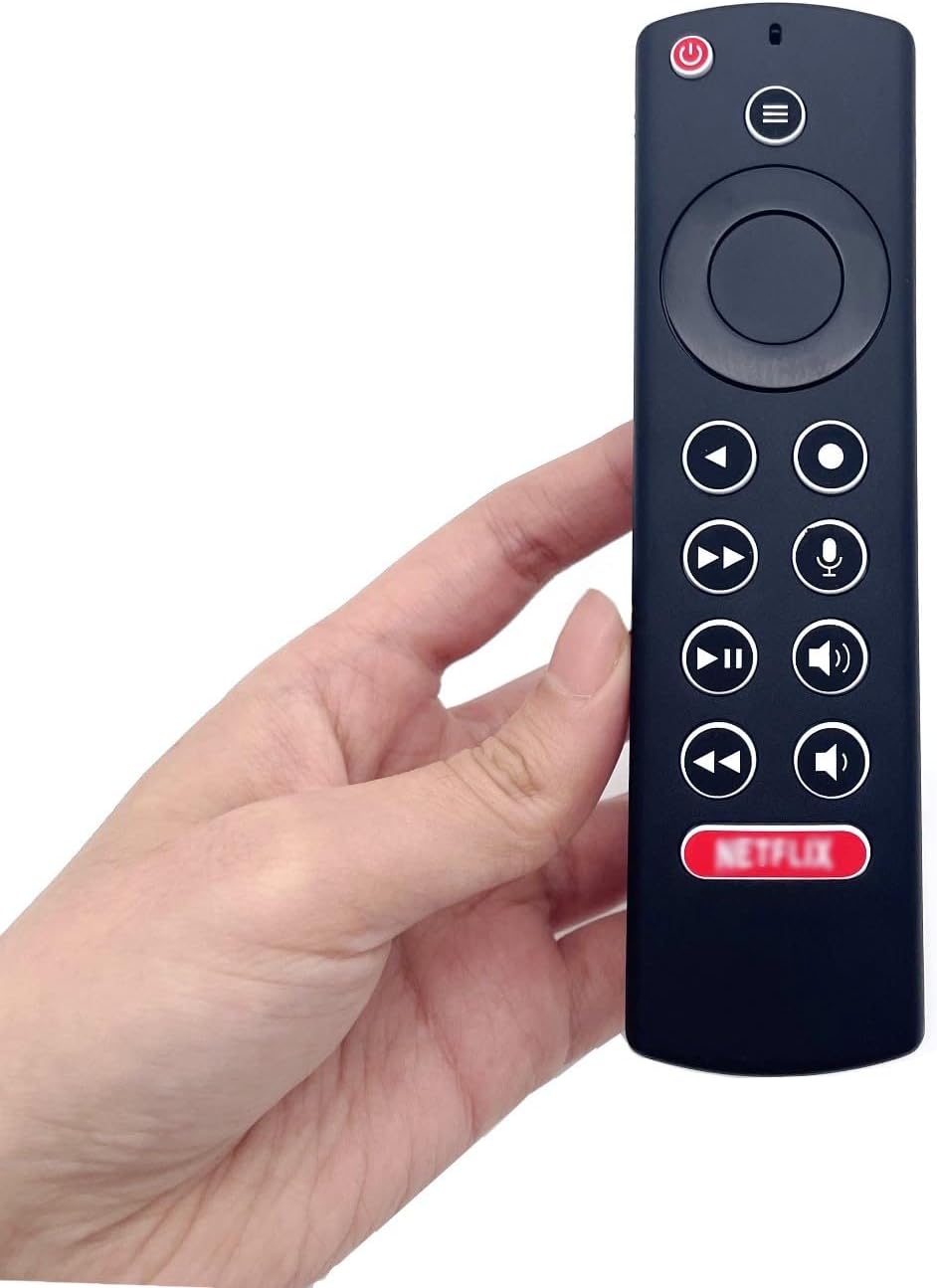
Image: The JZK remote control held in a hand, highlighting its comfortable and ergonomic design.
Informace o záruce
Specific warranty details for this JZK product are not provided in the product description. Please refer to the retailer's return policy or contact JZK customer support for information regarding warranty coverage and terms.
Podpora
For further assistance, troubleshooting, or inquiries about your JZK Voice Remote Control, please contact the retailer where you purchased the product or refer to the official JZK webstránky s možnostmi zákaznické podpory.