
1. Úvod
This manual provides detailed instructions for the setup, operation, and maintenance of your ATTACK SHARK X98PRO Wireless Mechanical Keyboard. The X98PRO features tri-mode connectivity (Bluetooth, 2.4GHz wireless, USB-C wired), hot-swappable switches, a customizable TFT screen, and a multi-function CNC knob, designed for both gaming and productivity across various operating systems.
2. Obsah balení
- ATTACK SHARK X98PRO Mechanical Keyboard
- USB-C to USB-A Braided Cable
- 2.4 GHz bezdrátový přijímač
- Stahovač klíčů
- Stahovák spínačů
- Uživatelská příručka (tento dokument)
3. Keyboard Layout and Components
The X98PRO features a compact 98-key layout, integrating a numeric keypad while maintaining a smaller footprint than a full-size keyboard. Key components include:
- 1.14palcový TFT displej: Located above the numeric keypad, this screen displays various information and allows for customization.
- CNC Multi-Function Knob: Positioned next to the TFT screen, this knob controls volume, brightness, RGB effects, and connection modes.
- Port USB-C: Pro kabelové připojení a nabíjení.
- 2.4GHz Wireless Receiver Storage: Typically located in a dedicated slot on the keyboard for safekeeping.


4. Nastavení
4.1. Nabíjení klávesnice
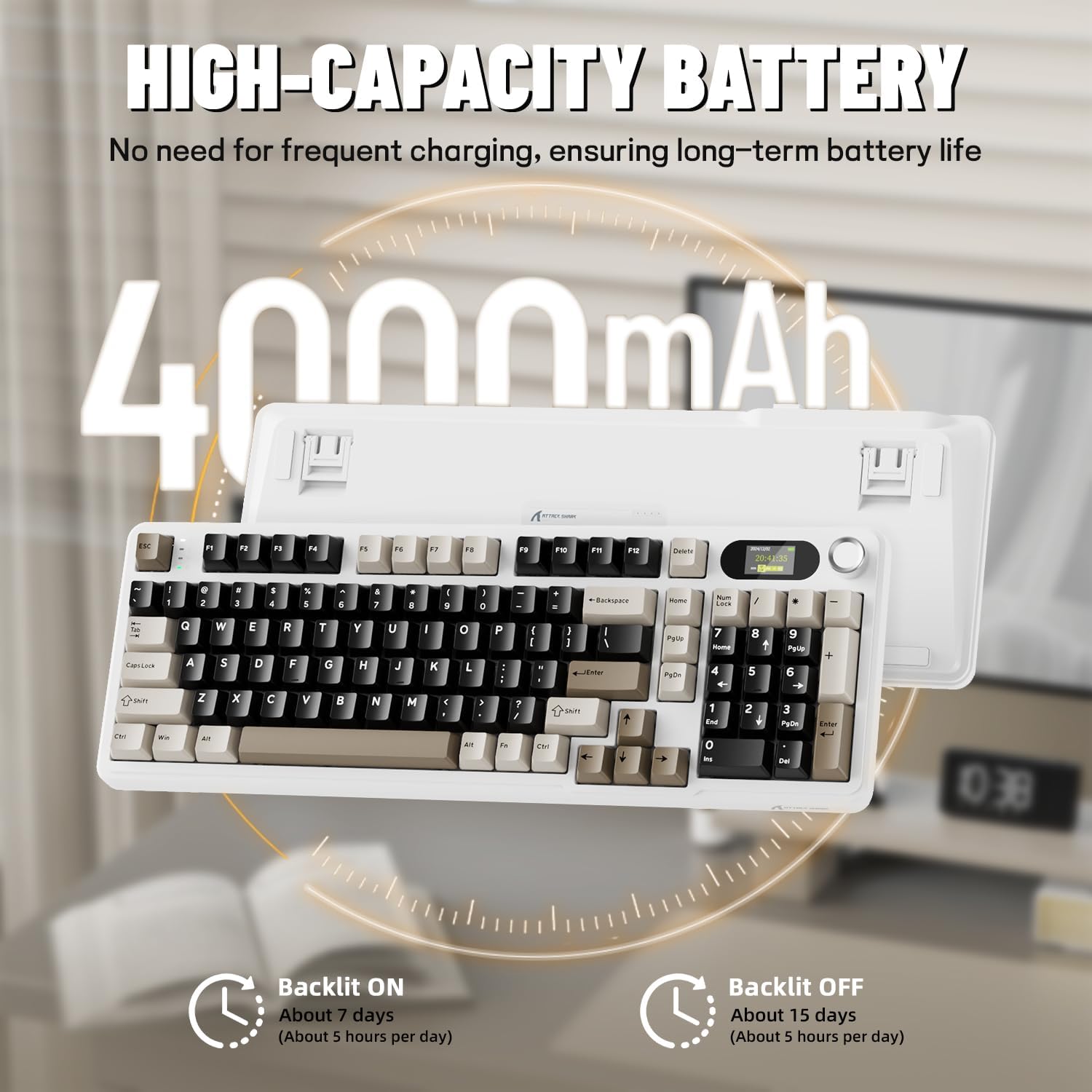
Before first use, it is recommended to fully charge the keyboard. Connect the provided USB-C cable to the keyboard's USB-C port and the other end to a USB-A power source (e.g., computer, wall adapter). The TFT screen will indicate charging status. The keyboard features a 4000mAh battery for extended wireless use.
4.2. Režimy připojení
The X98PRO supports three connection modes:
- Drátový režim USB-C: Connect the keyboard directly to your device using the USB-C cable. This mode also charges the keyboard.
- Bezdrátový režim 2.4 GHz:
- Vložte bezdrátový přijímač 2.4 GHz do volného portu USB v počítači.
- Switch the keyboard's mode selector to 2.4G. The keyboard should automatically connect.
- Režim Bluetooth 5.0: Klávesnice se může spárovat až se třemi zařízeními Bluetooth.
- Switch the keyboard's mode selector to Bluetooth.
- Stiskněte a podržte Fn + 1, Fn + 2nebo Fn + 3 for 3-5 seconds until the indicator light flashes, indicating pairing mode.
- On your device (PC, Mac, Tablet), search for Bluetooth devices and select "ATTACK SHARK X98PRO" to pair.
- Chcete-li přepínat mezi spárovanými zařízeními Bluetooth, stiskněte Fn + 1, Fn + 2nebo Fn + 3 krátce.

4.3. Počáteční konfigurace (Web-based Driver)
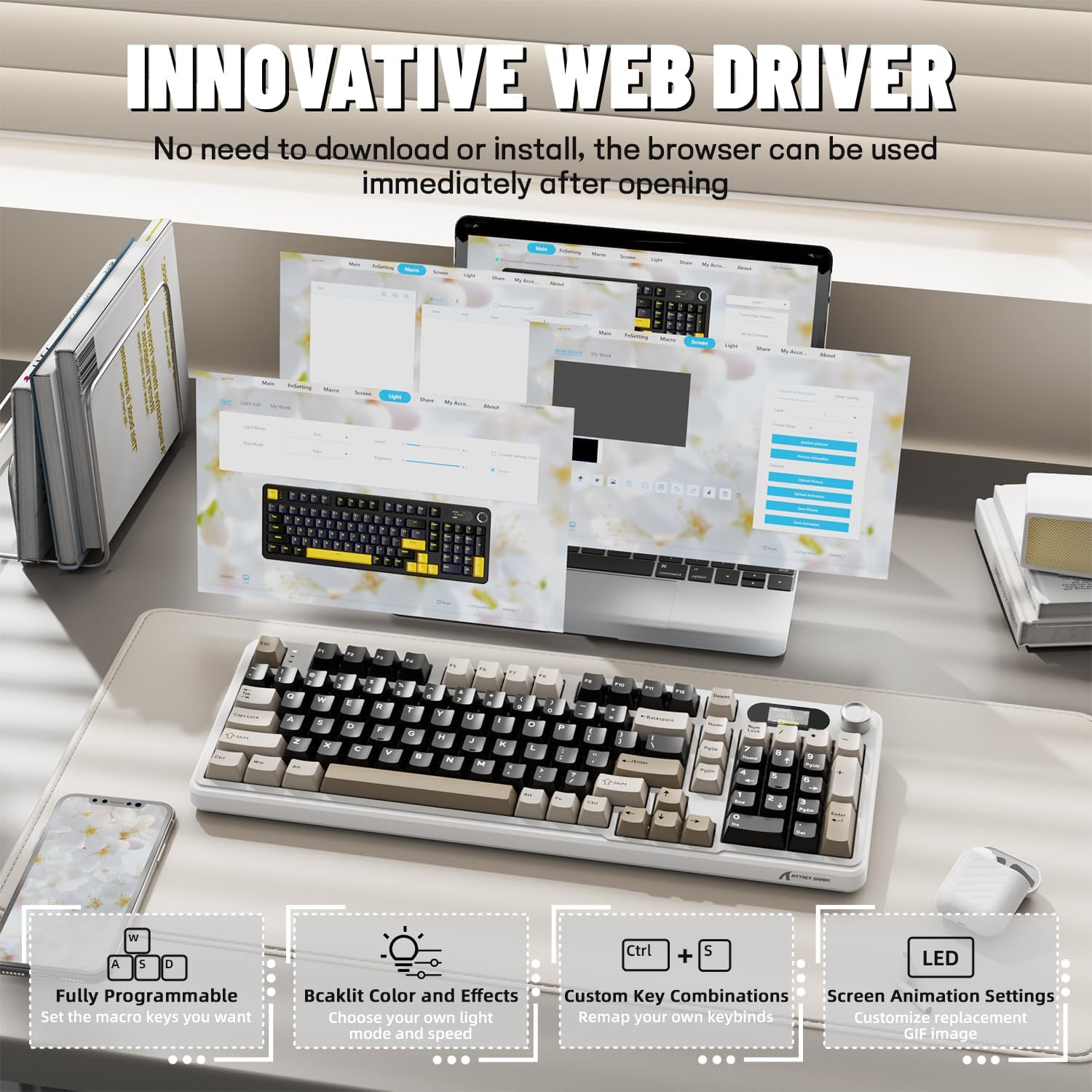
The X98PRO utilizes an intuitive web-based driver for advanced customization. This allows you to edit, upload, and switch display content for the TFT screen, customize RGB lighting, remap keys, and set macros without installing dedicated software. Access the official ATTACK SHARK webmísto pro web rozhraní ovladače.
5. Návod k obsluze
5.1. TFT Screen Functions
The 1.14-inch TFT screen can display various information:
- Stav systému: Connection mode (wired, 2.4G, BT1/2/3), operating system (Win/Mac).
- Životnost baterie: Real-time battery level.
- Čas: Aktuální čas.
- Vlastní GIFy: Upload personalized animations via the web řidič.
To navigate the TFT screen menu, rotate the CNC knob to scroll through options and press the knob to confirm a selection.
5.2. CNC Multi-Function Knob
The CNC knob provides intuitive control over several keyboard features:
- Ovládání hlasitosti: By default or after switching, rotate to adjust system volume.
- Ovládání jasu: Upravte jas podsvícení.
- RGB efekty: Procházejte různými efekty RGB osvětlení.
- Režimy připojení: Switch between wired, 2.4GHz, and Bluetooth modes.
To switch the knob's function (e.g., between volume and RGB control), press Fn + knoflík (press the knob down).
5.3. RGB podsvícení
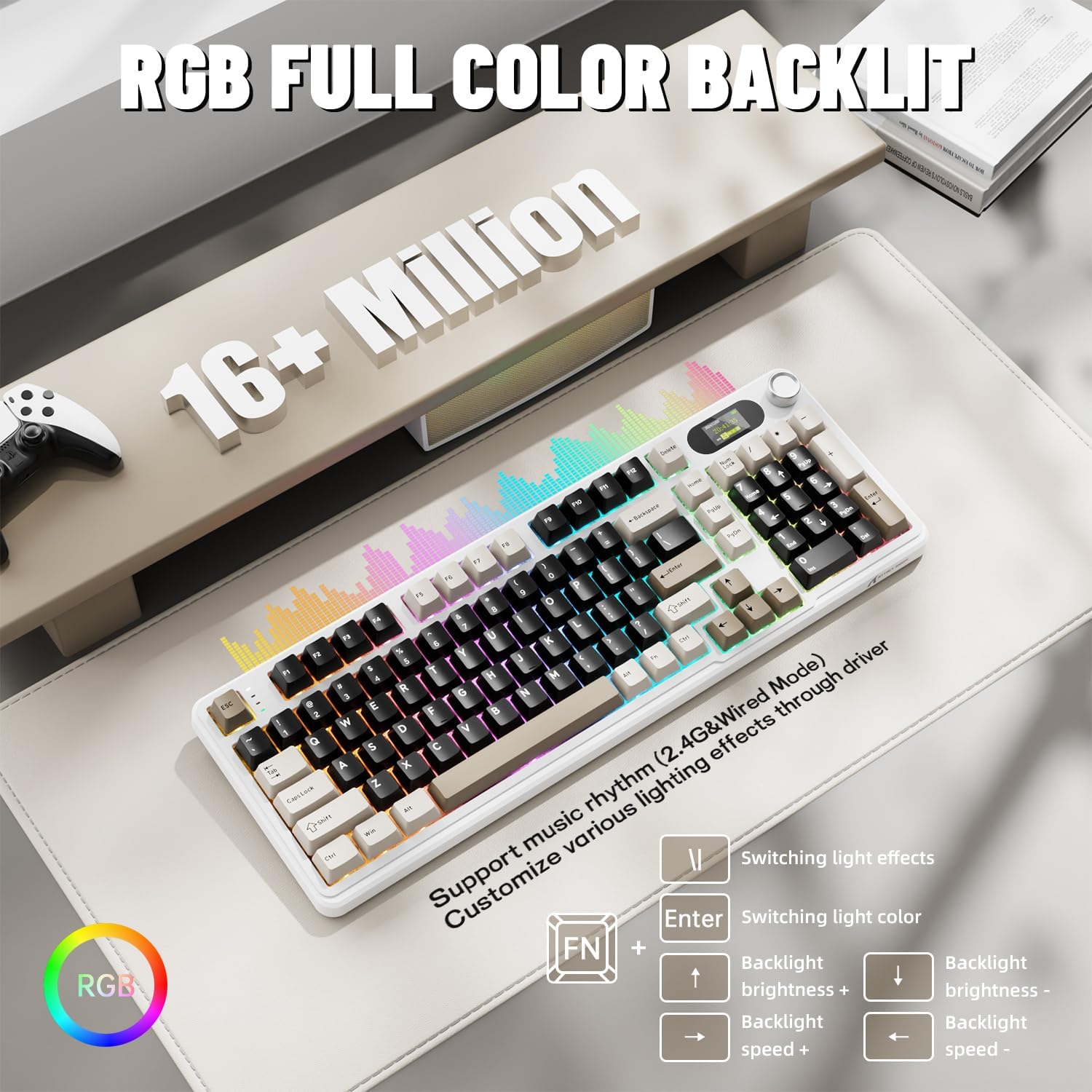
The X98PRO features full RGB backlighting with multiple effects. Control options include:
- Přepínání světelných efektů: Stiskněte Fn + Enter.
- Switching Light Color: Stiskněte Fn + \|.
- Jas podsvícení: Stiskněte Fn + šipka nahoru (zvýšení) nebo Fn + šipka dolů (pokles).
- Rychlost podsvícení: Stiskněte Fn + šipka doleva (snížení) popř Fn + šipka vpravo (zvýšení).
Further customization of RGB lighting, including per-key lighting and custom profiles, is available through the webovladač založený na -.
5.4. Přepínače vyměnitelné za provozu
The X98PRO features a hot-swappable PCB, allowing you to easily change mechanical switches without soldering. It is compatible with most 3-pin and 5-pin mechanical switches.
- Using the provided switch puller, carefully grip the switch and pull it straight up to remove it.
- Zarovnejte piny nového spínače s otvory na desce plošných spojů. Ujistěte se, že piny jsou rovné.
- Gently press the new switch into place until it clicks. Do not force it.

6. Údržba
6.1. Čištění
- Před čištěním odpojte klávesnici od všech zdrojů napájení.
- Pro důkladné vyčištění použijte stahovák na klávesy.
- Otřete povrch klávesnice měkkým hadříkemamp tkanina. Vyhněte se agresivním chemikáliím.
- K odstranění prachu a nečistot z prostor mezi klávesami použijte stlačený vzduch.
6.2. Výměna spínače a krytky kláves
Refer to Section 5.4 for instructions on replacing switches. Keycaps can be removed using the provided keycap puller and replaced with compatible sets.
7. Řešení problémů
- Klávesnice nereaguje: Ensure the keyboard is charged. Check the connection mode (wired, 2.4G, BT) and ensure it matches your device. For 2.4GHz, ensure the receiver is properly inserted. For Bluetooth, re-pair if necessary.
- TFT screen not updating/syncing: Ensure the keyboard is connected to a device. For time synchronization or custom GIFs, use the webovladač založený na -.
- Krátká výdrž baterie: Ensure the keyboard is fully charged. Reduce backlight brightness or disable RGB effects to conserve battery.
- Klíče se neregistrují: If a specific key is not working, try removing and re-inserting its switch. If the issue persists, consider replacing the switch.
- Problémy s přizpůsobením: Ensure you are using the official web-based driver. Clear browser cache or try a different browser if experiencing issues.
8. Specifikace
| Značka | ÚTOČNÉHO ŽRALOKA |
| Model | X98PRO |
| Technologie připojení | 2.4GHz, Bluetooth 5.0, USB-C Wired |
| Popis klávesnice | Mechanické |
| Typ přepínače | Linear (Blueberry switches) |
| Možnost výměny za provozu | Yes (3-pin and 5-pin compatible) |
| Kapacita baterie | 4000 XNUMX mAh |
| Speciální funkce | Customizable TFT Display, Multi-Function CNC Knob, RGB Backlit, Gasket Mount |
| Kompatibilní zařízení | Laptop, PC, Tablet (Windows, Mac, Linux) |
| Rozměry | 16.4 x 5.8 x 1.8 palce (přibližně) |
| Hmotnost položky | 2.9 libry |
9. Záruka a podpora
Informace o záruce a technickou podporu získáte na oficiálních stránkách ATTACK SHARK. webnebo se obraťte na jejich zákaznický servis. Uschovejte si doklad o koupi pro případ reklamace.