
1. Úvod
This manual provides detailed instructions for the Varmilo Sword68 Sakura 65% Hotswap Wireless RGB Mechanical Keyboard. Please read this manual thoroughly before using the product to ensure proper operation and to maximize its lifespan. This keyboard features a full 6063 aluminum CNC case, multiple connectivity options, hot-swappable switches, and customizable RGB lighting.
2. Bezpečnostní informace
- Chraňte klávesnici před tekutinami a nadměrnou vlhkostí, abyste předešli jejímu poškození.
- Nevystavujte klávesnici extrémním teplotám.
- Nepokoušejte se klávesnici rozebírat ani upravovat, mohlo by dojít ke ztrátě záruky a poškození.
- Pro nabíjení a kabelové připojení používejte pouze dodaný kabel USB-C.
- Uchovávejte mimo dosah dětí.
3. Obsah balení
Ověřte, zda jsou v balení přítomny všechny položky:
- Varmilo Sword68 Mechanical Keyboard
- USB-C kabel
- Stahovák kláves (může být součástí balení)
- Stahovák spínačů (může být součástí balení)
4. Nastavení
4.1 Počáteční nabíjení
Before first use, connect the keyboard to a USB power source using the provided USB-C cable. The keyboard features a 4000mAh rechargeable battery. A full charge is recommended for optimal wireless performance.
4.2 Možnosti připojení
The Varmilo Sword68 supports three connection modes:
- Kabelové (USB-C): Connect the keyboard directly to your computer using the USB-C cable. The keyboard will automatically switch to wired mode.
- Bluetooth 5.0:
- Turn on the keyboard and switch to Bluetooth mode (refer to the keyboard's function keys for mode switching).
- On your device (PC, laptop, smartphone, tablet), enable Bluetooth and search for new devices.
- Select 'Varmilo Sword68' from the list of available devices to pair.
- Bezdrátové připojení 2.4 GHz:
- Vložte 2.4 GHz USB přijímač do volného USB portu v počítači.
- Switch the keyboard to 2.4 GHz wireless mode (refer to the keyboard's function keys for mode switching). The keyboard should automatically connect to the receiver.
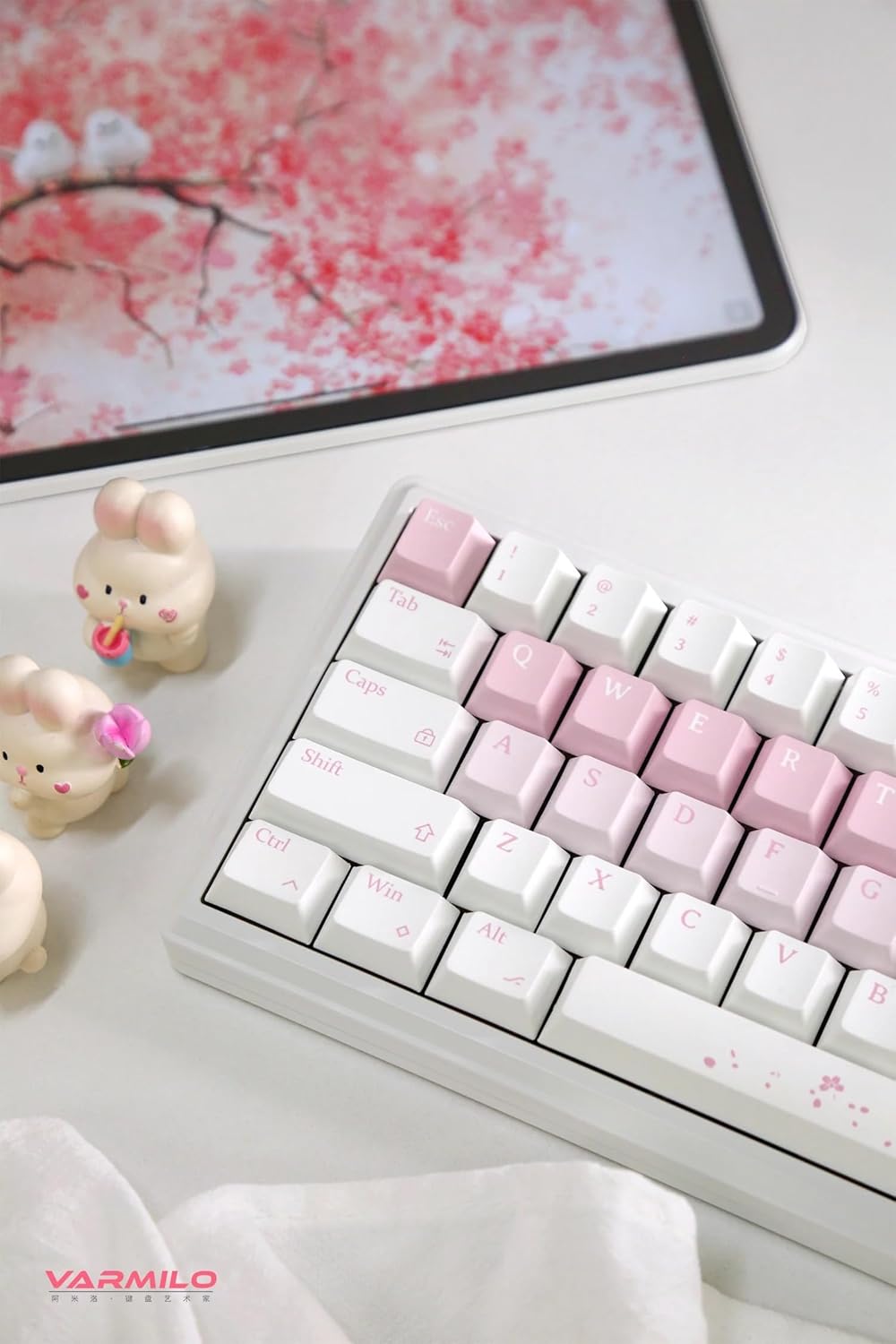
Image: The Varmilo Sword68 keyboard set up on a desk, demonstrating its compact size and aesthetic design alongside a tablet.
5. Provoz
5.1 Základní funkce klávesnice
The Varmilo Sword68 functions as a standard 65% mechanical keyboard. All keys perform their labeled functions. For secondary functions (accessed via the Fn key), refer to the keycap legends or the custom software.

Obrázek: Podrobný view of the Varmilo Sword68 keyboard's right side, highlighting the white and pink keycaps and the Sakura-themed spacebar and escape key.
5.2 RGB podsvícení
The keyboard features RGB backlighting. Lighting effects and colors can be customized using the dedicated software. Refer to the software's instructions for detailed customization options.
5.3 Custom Layout Control
The Varmilo Sword68 supports custom layout control through its software. This allows users to remap keys, create macros, and personalize the keyboard's functionality to suit their workflow or gaming preferences.
5.4 Přepínače vyměnitelné za provozu
The PCB is hot-swappable, allowing users to change mechanical switches without soldering. This feature supports both plate mount and PCB mount stabilizers. To replace a switch:
- Jemně sejměte krytku kláves pomocí stahováku na krytky kláves.
- Use a switch puller to carefully extract the switch from the PCB.
- Zarovnejte piny nového spínače s otvory na desce plošných spojů a pevně zatlačte, dokud nezacvakne. Ujistěte se, že piny nejsou ohnuté.

Obrázek: Detailní záběr view of the Varmilo Sword68 keyboard, showcasing the arrangement of its white and pink keycaps and the decorative spacebar.
6. Údržba
6.1 Čištění klávesnice
Pro zachování vzhledu a funkčnosti klávesnice:
- Před čištěním odpojte klávesnici od všech zdrojů napájení.
- Použijte měkký hadřík, který nepouští vlákna dampKlávesy a pouzdro otřete vodou nebo jemným čisticím roztokem.
- Pro odstranění prachu a nečistot mezi klávesami použijte stlačený vzduch nebo malý kartáč.
- Vyhněte se používání agresivních chemikálií nebo abrazivních materiálů.
6.2 Péče o klávesy a spínače
The Double Shot ABS keycaps are durable. If removing keycaps or switches, do so gently to avoid damaging the components or the PCB.
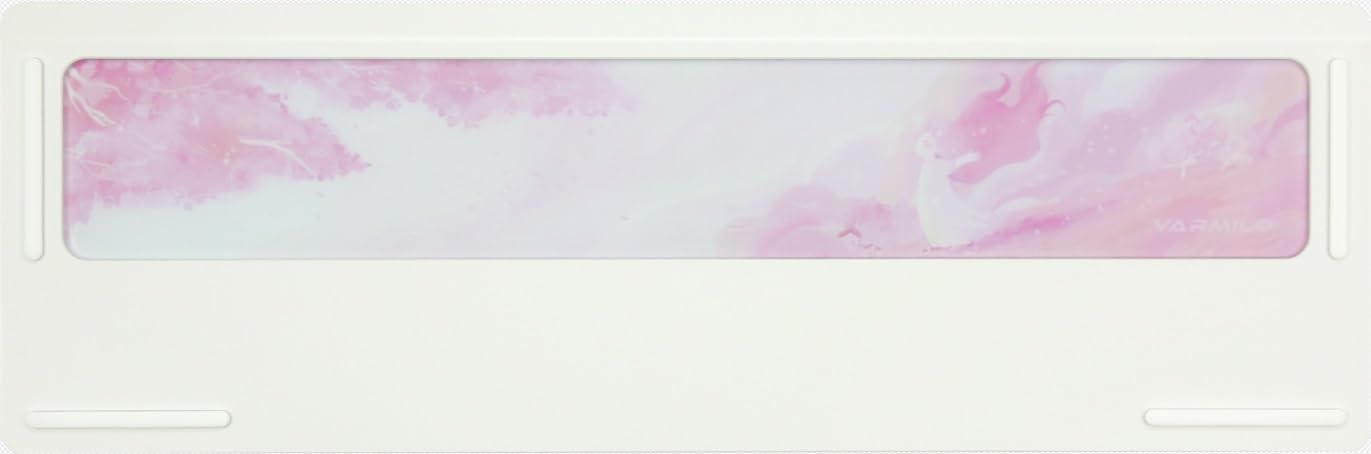
Image: The underside of the Varmilo Sword68 keyboard, revealing the frosted glass weight and rubber feet for stability.
7. Řešení problémů
- Klávesnice nereaguje: Ensure the USB-C cable is securely connected or that the wireless receiver is properly inserted and the keyboard is in the correct mode (wired, Bluetooth, 2.4 GHz). Check battery level if in wireless mode.
- Problémy s párováním Bluetooth: Ensure the keyboard is in pairing mode and your device's Bluetooth is enabled. Try removing previous pairings and re-pairing.
- RGB osvětlení nefunguje: Check the software settings for RGB control. Ensure the keyboard is not in a low-power mode that disables lighting.
- Klíče se neregistrují: For hot-swappable switches, ensure the switch is fully seated and its pins are not bent. Try replacing the switch if the issue persists.
- Přerušované bezdrátové připojení: Ensure the keyboard is within range of the receiver/device and there are no significant obstructions or interference sources.
8. Specifikace
| Značka | Varmilo |
| Model | Sword68 |
| ASIN | B0DMXL67WS |
| Technologie připojení | Bluetooth, USB-C |
| Popis klávesnice | Mechanické |
| Speciální funkce | Podsvícený, vyměnitelný za provozu, dobíjecí |
| Podpora barev podsvícení klávesnice | RGB |
| Materiál | Hliník, Polykarbonát |
| Kapacita baterie | 4000 XNUMX mAh |
| Klíčenky | Double Shot ABS |
| Absorpce zvuku | 3x Poron foam, 2x PET foam, 1x IXPE foam |
| Materiál pouzdra | 6063 Aluminum CNC with electrophoresis finish |
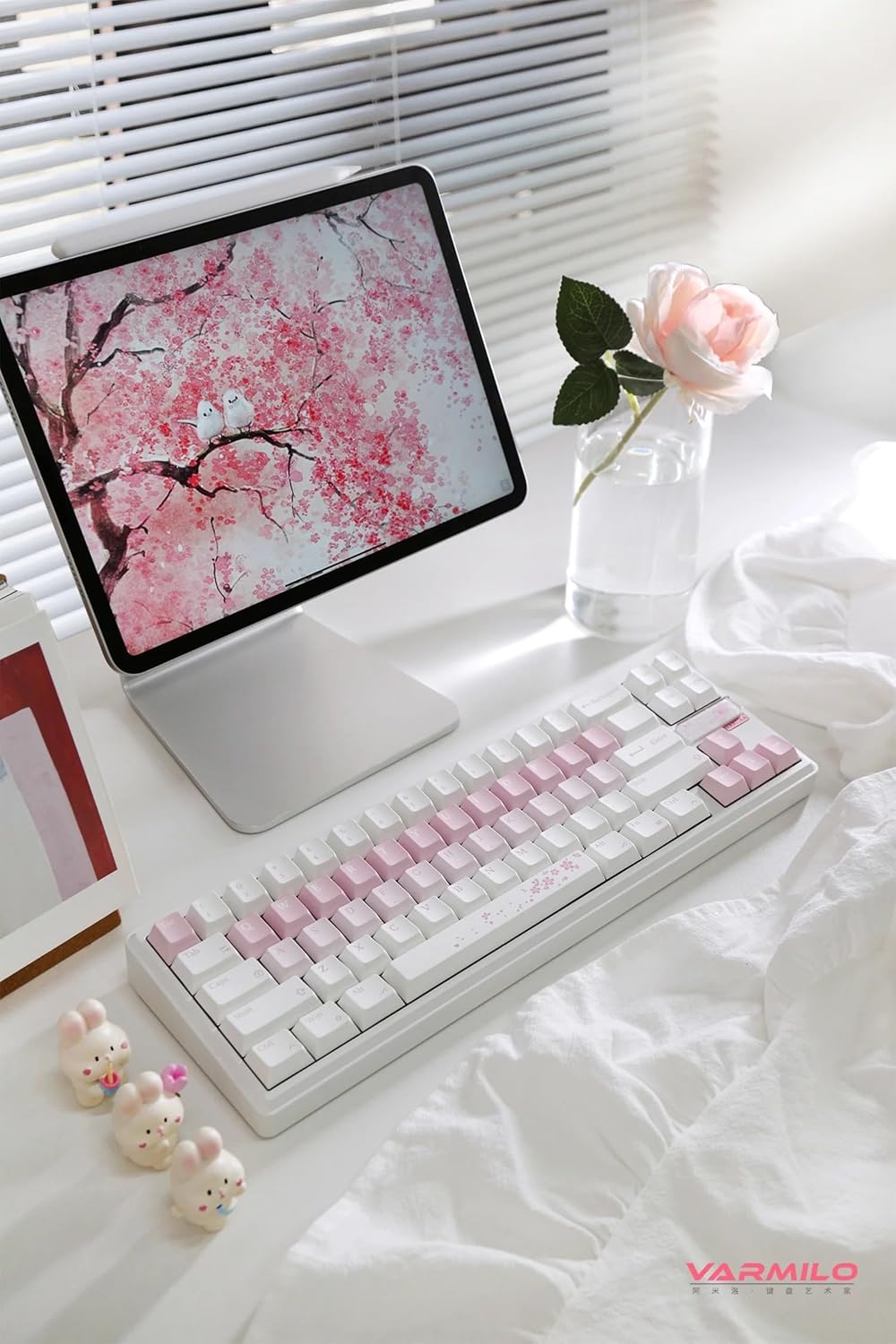
Obrázek: Kompletní view of the Varmilo Sword68 keyboard in a desk setup, showcasing its elegant design and compact form factor.
9. Záruka a podpora
For warranty information, technical support, or service inquiries, please refer to the official Varmilo webwebu nebo se obraťte přímo na jejich zákaznickou podporu. Uschovejte si doklad o koupi pro případ reklamace.