
1. Úvod a konecview
This manual provides comprehensive instructions for the Beyution SE-R0220 replacement remote control. It is designed to function as a direct replacement for the original remote controls of various Toshiba DVD VCR Combo units. This remote control operates using infrared technology and does not require any programming or setup for most compatible models. Simply insert batteries, and it is ready for use.
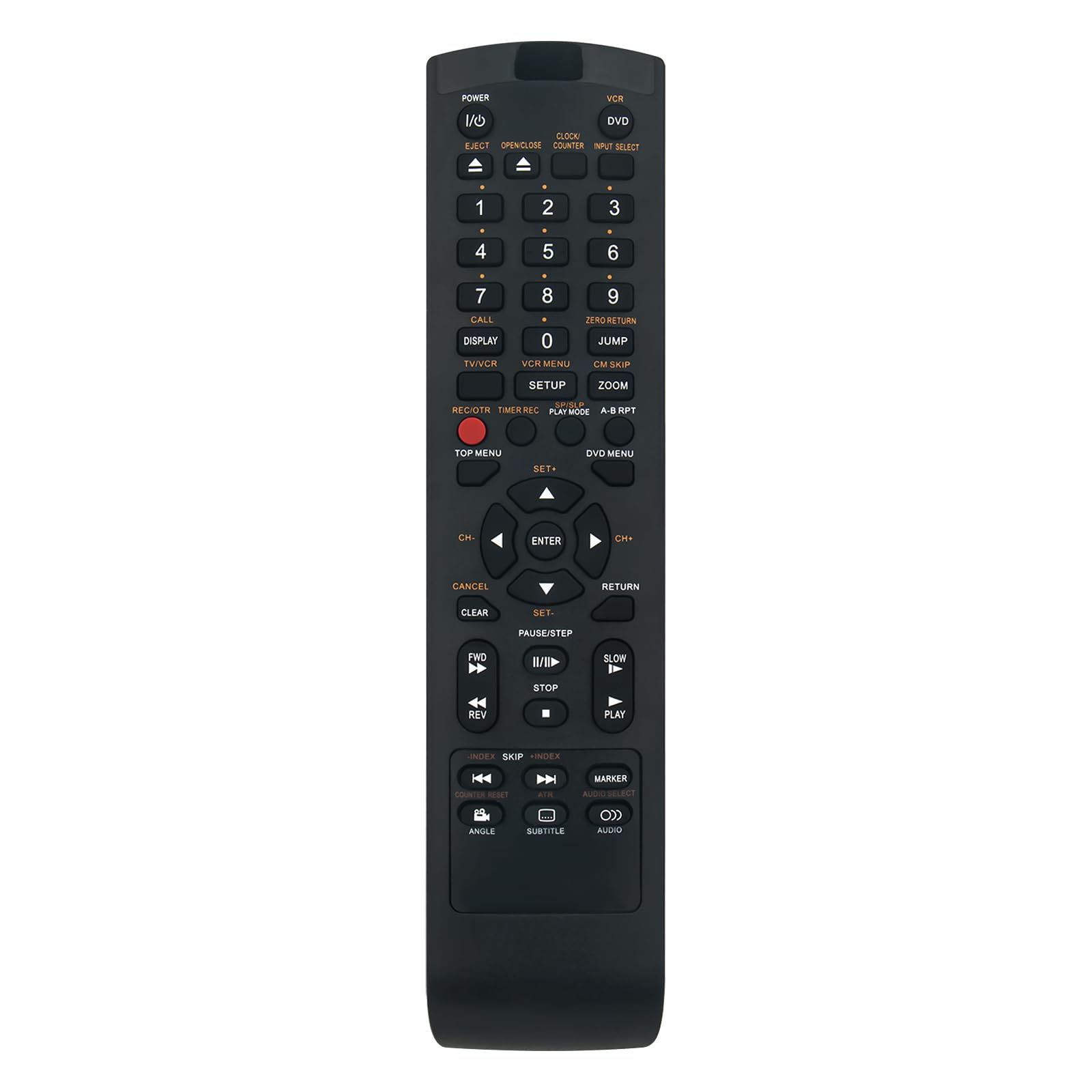
Image 1.1: The Beyution SE-R0220 replacement remote control.
2. Klíčové vlastnosti
- Přímá náhrada: Functions immediately without programming for compatible Toshiba DVD VCR Combo models.
- Infračervená technologie: Utilizes standard infrared signals for reliable communication with your device.
- Ergonomický design: Lightweight and comfortable to hold, with responsive buttons for ease of use.
- Rozšířený rozsah: Features upgraded smart chips for a stable performance and a transmitting distance of up to 10 meters (approximately 30 feet).
- Rychlá odezva: Provides quick induction and response time, typically within 0.2 seconds.

Image 2.1: Key features of the remote control, including fast response and ergonomic design.
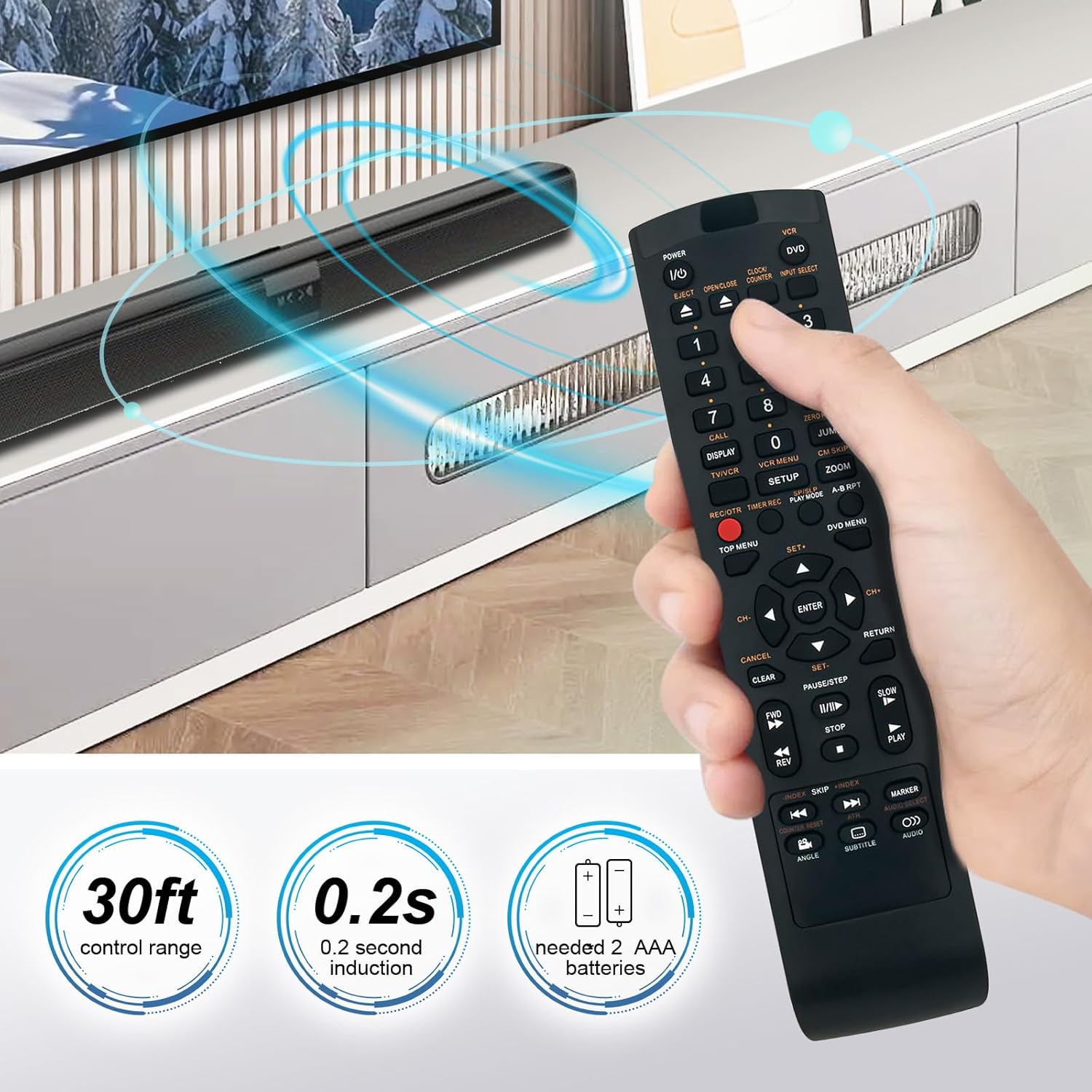
Image 2.2: Illustration of the remote's control range and response time.
3. Kompatibilita
The SE-R0220 replacement remote control is compatible with a wide range of Toshiba DVD VCR Combo models. A partial list of compatible models includes:
- SD-KV550, SD-KV550SU
- SD-V394, SD-V394SU, SD-V394SC
- SDV394SU, SDV394SC
- SD-550SU, AE008159
- TVD-3790, TVD3790
- SDV330, SDV330SC, SDV330SC/DVD, SDV330SC1
- SDV393SU/DVD, SDV393SU1, SDV393SU2
- SDV295, SDV295KU
- SDV394SC/VCR, SDV394SU/VCR, SDV395KC
If your specific model is not listed, please refer to the product packaging or contact customer support for verification.

Image 3.1: Visual comparison of the replacement remote with an original unit.
4. Nastavení
The Beyution SE-R0220 remote control is designed for immediate use with compatible devices. No complex programming or pairing procedures are required.
4.1 Instalace baterie
- Najděte přihrádku na baterie na zadní straně dálkového ovladače.
- Posuňte kryt přihrádky na baterie dolů nebo ve směru šipky, abyste jej otevřeli.
- Vložte dvě (2) baterie typu AAA a ujistěte se, že kladný (+) a záporný (-) pól správně odpovídají označením uvnitř přihrádky.
- Zasuňte kryt přihrádky na baterie zpět na místo, dokud bezpečně nezacvakne.
The remote control is now ready for operation.

Obrázek 4.1: Zadní strana view dálkového ovladače s přihrádkou na baterie.
5. Návod k obsluze
The layout of the SE-R0220 remote control mirrors that of the original Toshiba remote, allowing for intuitive operation of your DVD VCR Combo unit.
5.1 Základní funkce
- Napájení (vstupy/výstupy): Stisknutím zařízení zapnete nebo vypnete.
- Výběr vstupu: Cycles through available input sources (e.g., DVD, VCR).
- Číselná tlačítka (0-9): Used for direct track selection or time input.
- Hlasitost (+/-): Nastavuje hlasitost zvuku.
- Kanál (CH nahoru/dolů): Changes TV channels if the device is connected to a tuner.
- Ovládání přehrávání: Includes buttons for Play, Pause/Step, Stop, Fast Forward (FF), Rewind (REW), Skip Forward, and Skip Back.
- Vysunout: Opens or closes the disc tray or cassette door.
- Menu/Top Menu/DVD Menu: Accesses the main menu or DVD menu functions.
- Navigace (nahoru/dolů/doleva/doprava) a Enter: Používá se k navigaci v nabídkách a potvrzování výběrů.
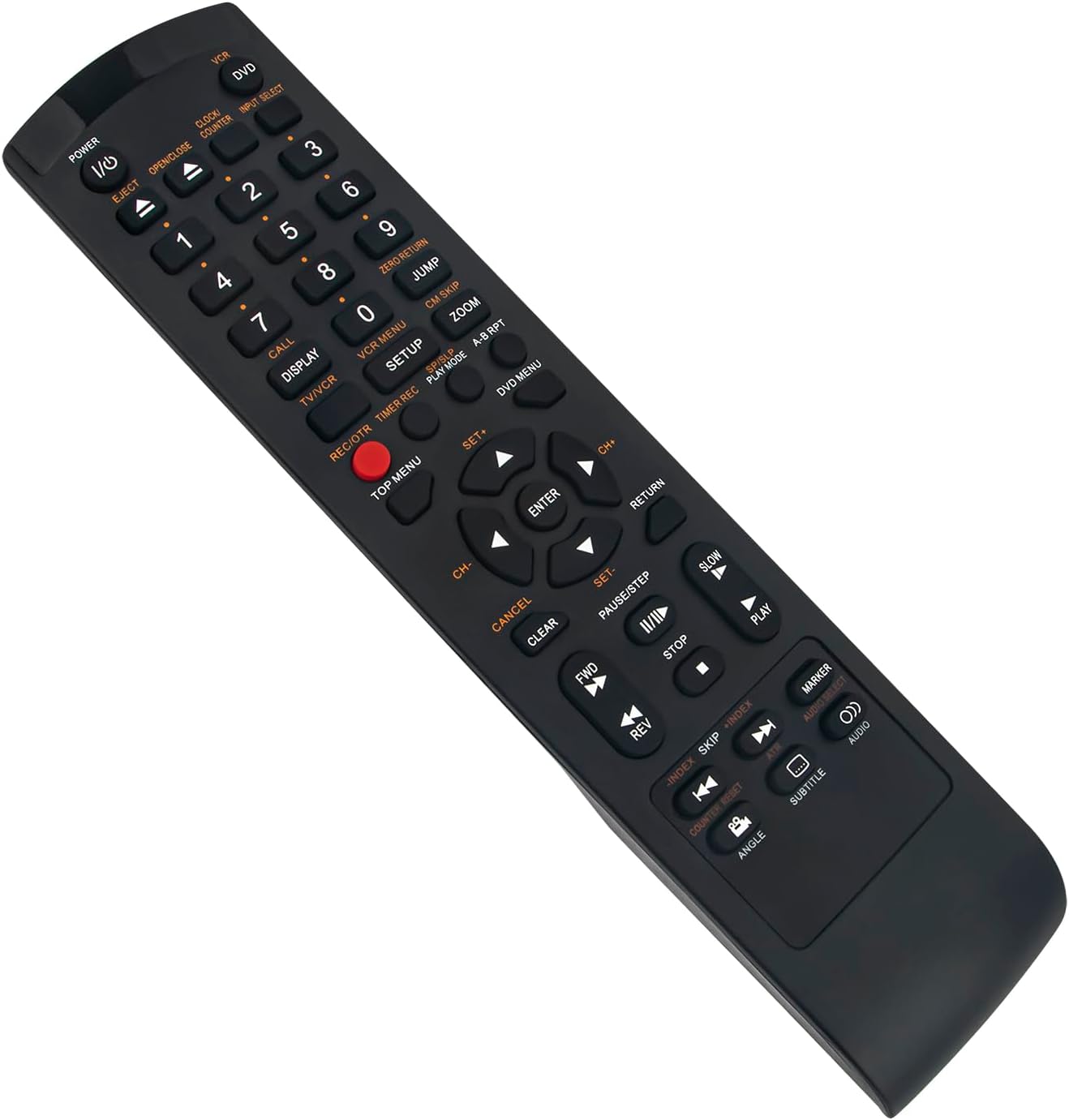
Obrázek 5.1: Úhlové view dálkového ovladače, znázorňující rozložení tlačítek.
6. Specifikace
| Číslo modelu | SE-R0220 |
| Technologie připojení | Infračervený |
| Materiál | ABS plast |
| Barva | Černý |
| Zdroj napájení | 2 x AAA baterie (nejsou součástí balení) |
| Rozměry produktu | 5 x 1 x 0.5 palce (přibližně 12.7 x 2.54 x 1.27 cm) |
| Hmotnost položky | 1.9 unce (přibližně 53.86 gramů) |
| Maximální ovládací vzdálenost | 10 metrů (30 stop) |

Image 6.1: Dimensions of the remote control.
7. Řešení problémů
Pokud narazíte na problémy s dálkovým ovladačem, postupujte podle následujících běžných kroků pro řešení problémů:
- Dálkové ovládání nereaguje:
- Ensure batteries are inserted correctly with the proper polarity (+/-).
- Vyměňte staré baterie za nové baterie typu AAA.
- Check for any obstructions between the remote control and the device's infrared receiver.
- Verify that the remote control is pointed directly at the device.
- Přerušovaná funkce:
- Slabé baterie mohou způsobovat přerušovaný provoz. Vyměňte je.
- Ujistěte se, že žádné silné zdroje světla (jako je přímé sluneční světlo nebo zářivky) neruší infračervený signál.
- Konkrétní tlačítka nefungují:
- Clean the remote control buttons and surrounding areas to remove any dirt or debris that might be obstructing button presses.
8. Podpora a záruka
For further assistance or if the troubleshooting steps do not resolve your issue, please contact customer support.
If the remote control you receive is damaged or does not work as expected, please reach out to us via email. We are committed to providing a satisfactory solution.
Podrobnosti o záruce a kontaktní informace naleznete v dokumentaci k nákupu.