
1. Úvod
The TOALLIN WL568 Wireless PTZ Conference Camera is designed for high-quality video conferencing, live streaming, and online teaching. It features 10X optical zoom, 1080P Full HD resolution, and 5.8Ghz wireless connectivity, offering flexibility and clear visuals for various professional and educational environments.
2. Konec produktuview
Familiarize yourself with the components and ports of your TOALLIN WL568 camera.
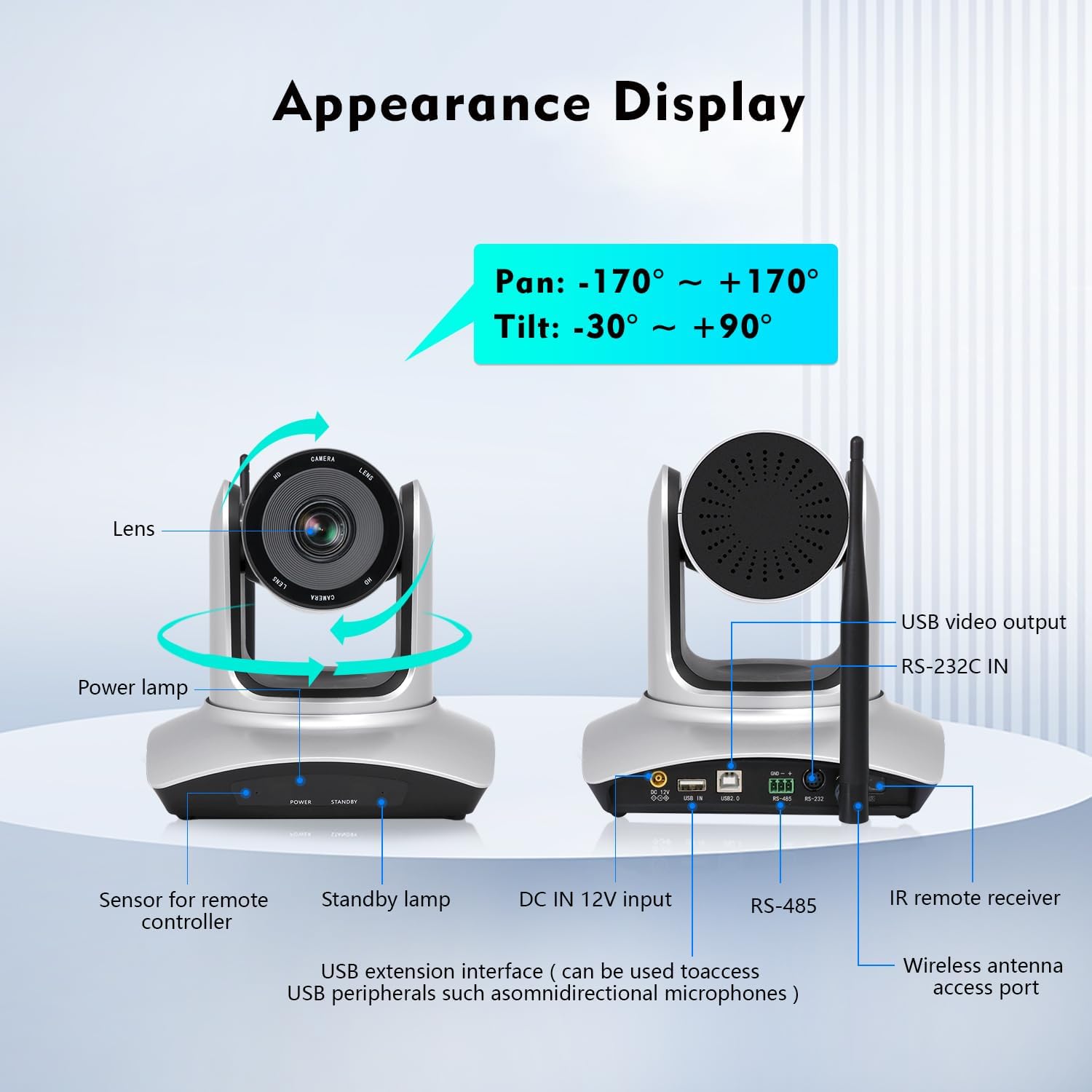
Image: TOALLIN WL568 Camera Appearance Display with labeled ports and features.
- Čočka: Captures video feed.
- Výkon Lamp: Indikuje stav napájení.
- Sensor for Remote Controller: Receives signals from the IR remote.
- Standby Lamp: Indicates standby status.
- DC IN 12V Input: Port pro připojení napájení.
- USB Extension Interface: Can be used to connect USB peripherals like omnidirectional microphones.
- RS-485 / RS-232C IN: Control interfaces for advanced integration.
- Wireless Antenna Access Port: Pro připojení bezdrátové antény.
- USB video výstup: For wired connection to a computer.
3. Co je v krabici
Ověřte, zda jsou v balení přítomny všechny položky:
- Tělo fotoaparátu
- IR dálkový ovladač
- Wireless Antenna (x2)
- USB přijímač
- Napájecí adaptér
4. Průvodce nastavením
4.1 Bezdrátové připojení
- Connect one wireless antenna to the camera body.
- Connect the second wireless antenna to the USB receiver.
- Zapojte USB přijímač do volného USB portu na vašem počítači.
- The camera and receiver will automatically pair. This process may take several seconds to complete before the video feed appears.

Image: Steps for wireless connection setup.
Poznámka: For wired connection mode, turn off the wireless mode switch located at the bottom of the camera and connect via the provided USB cable.
4.2 Umístění kamery
The camera offers flexible placement options:
- Directly on a conference room desktop.
- Mounted on a tripod.
- Installed on a wall mount support.

Image: Various camera placement options.
4.3 Počáteční zapnutí
Connect the power adapter to the camera and a power outlet. The power lamp will illuminate, indicating the camera is receiving power.
Video: Demonstrates the initial setup process, including connecting antennas and the USB receiver, and showing the camera's functionality with remote control.
5. Klíčové vlastnosti
- 5.8Ghz Wireless Connectivity: Offers stable transmission up to 15 meters indoors with low latency, allowing flexible camera placement without cables.
- Pan & Tilt & 10X Optical Zoom: Pan angle of ±170° and Tilt angle of -30° to +90°. The 10X optical zoom with auto-focus (manual focus optional) ensures clear visuals at any distance.
- Rozlišení FHD 1080P: Built-in 1/2.8" CMOS Sensor delivers 2 million pixels high-quality video.
- 71° široký úhel View: Ensures all participants are visible during meetings.
- Nastavení Plug and Play: No drivers or apps required for installation.
- Široká kompatibilita: Compatible with Windows 7 or above, MacOS, Linux, Android, and major conferencing software like Zoom, Skype, Webex, GoToMeeting, and Microsoft Teams.
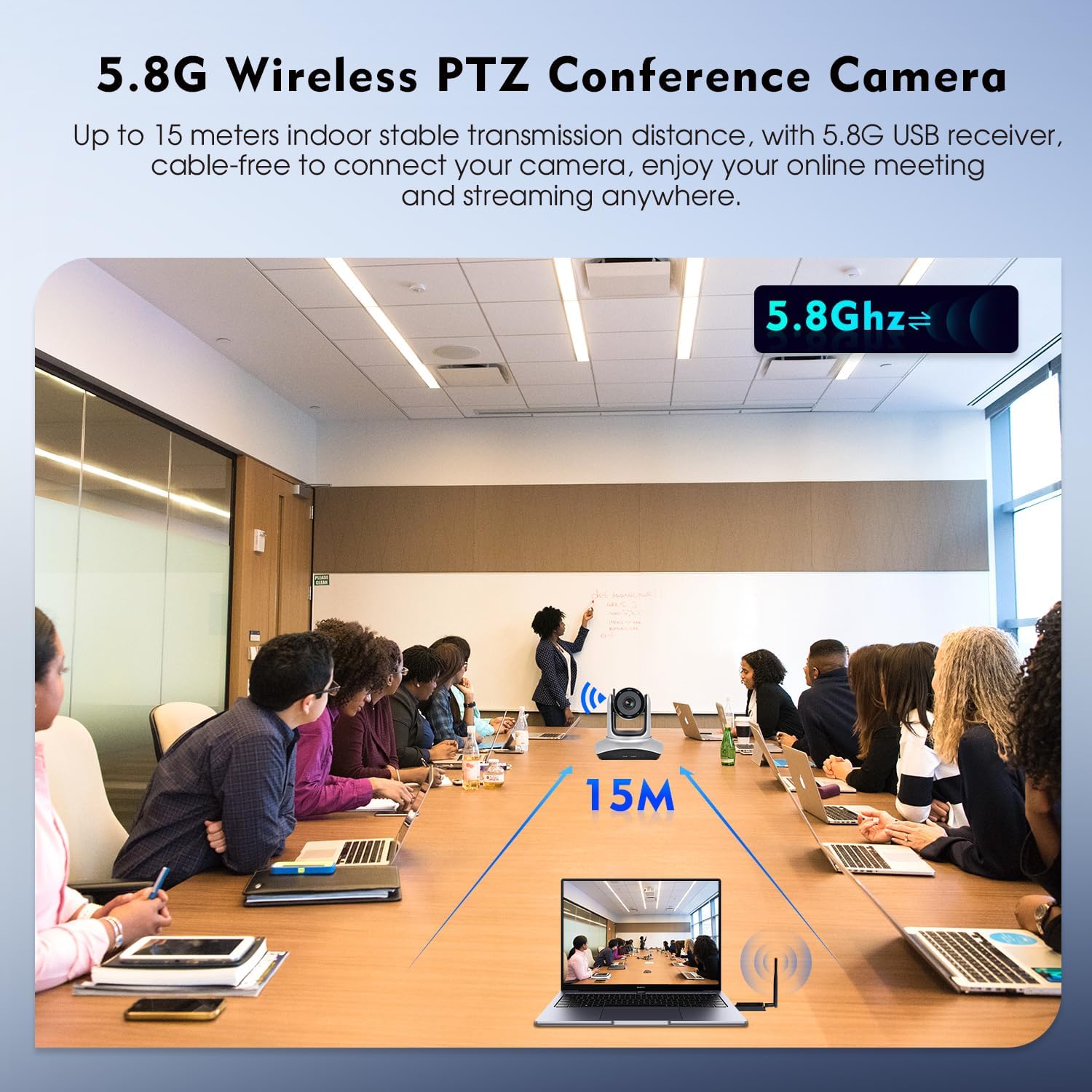
Image: 5.8G Wireless Connectivity in a conference setting.
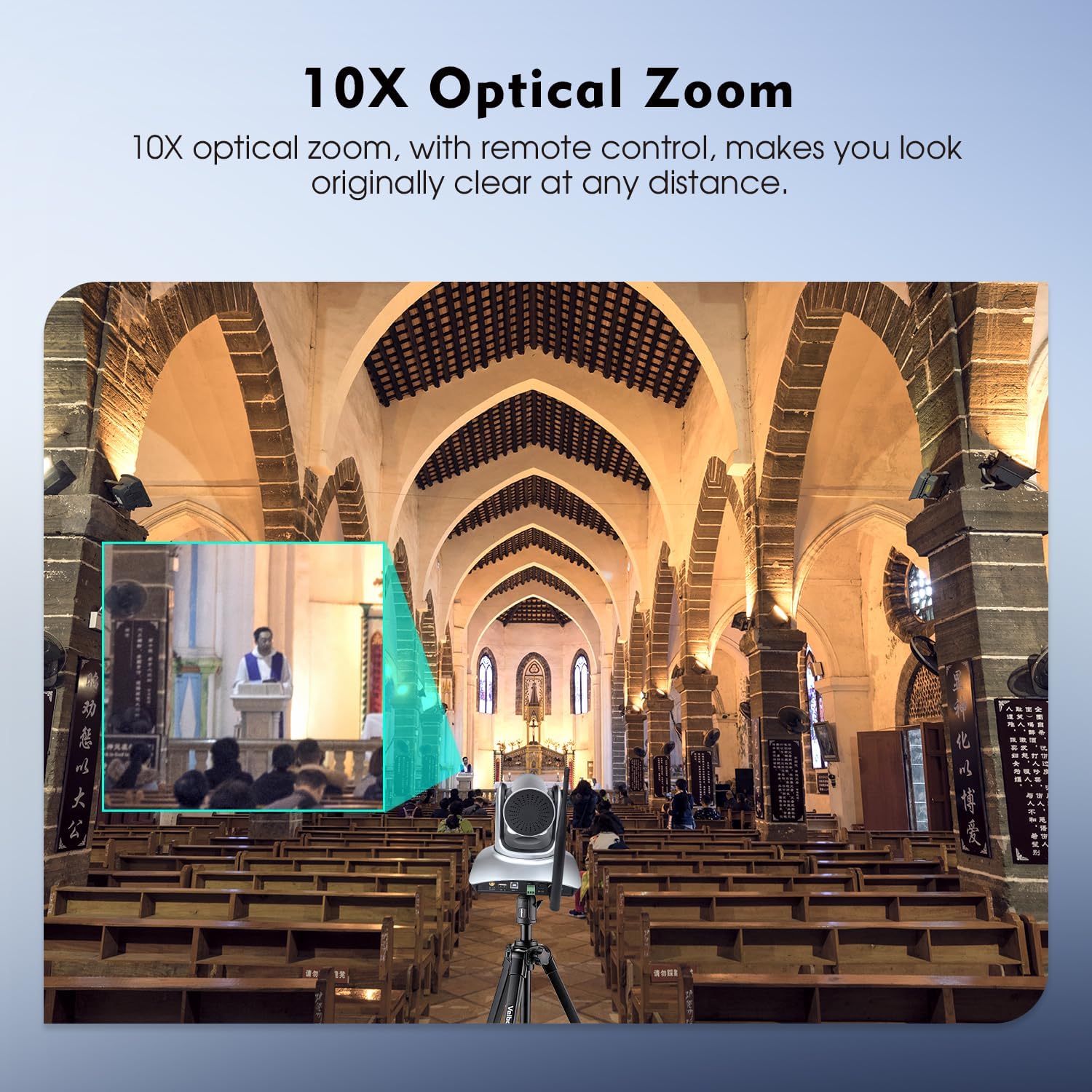
Image: 10X Optical Zoom in action.
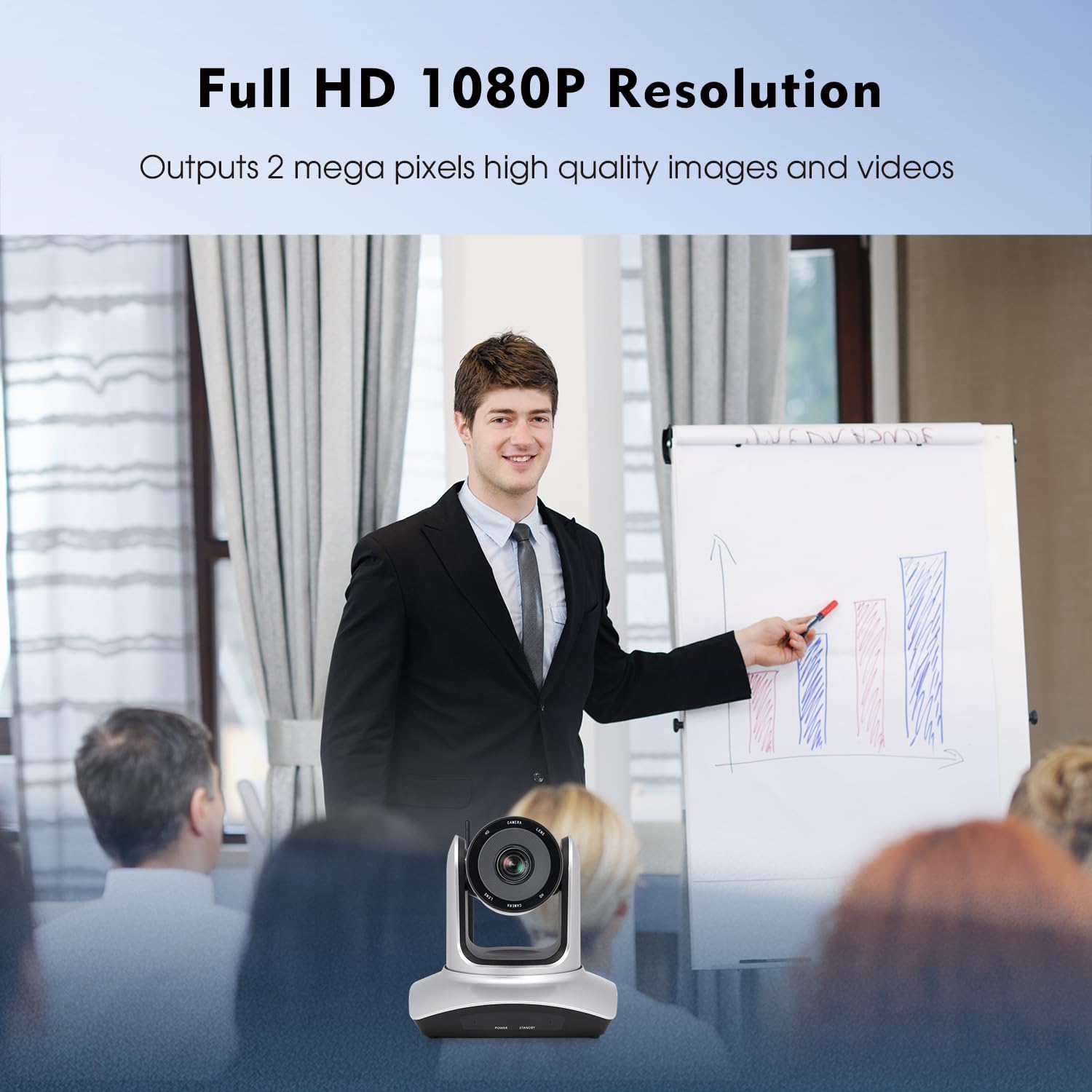
Image: Full HD 1080P Resolution output.
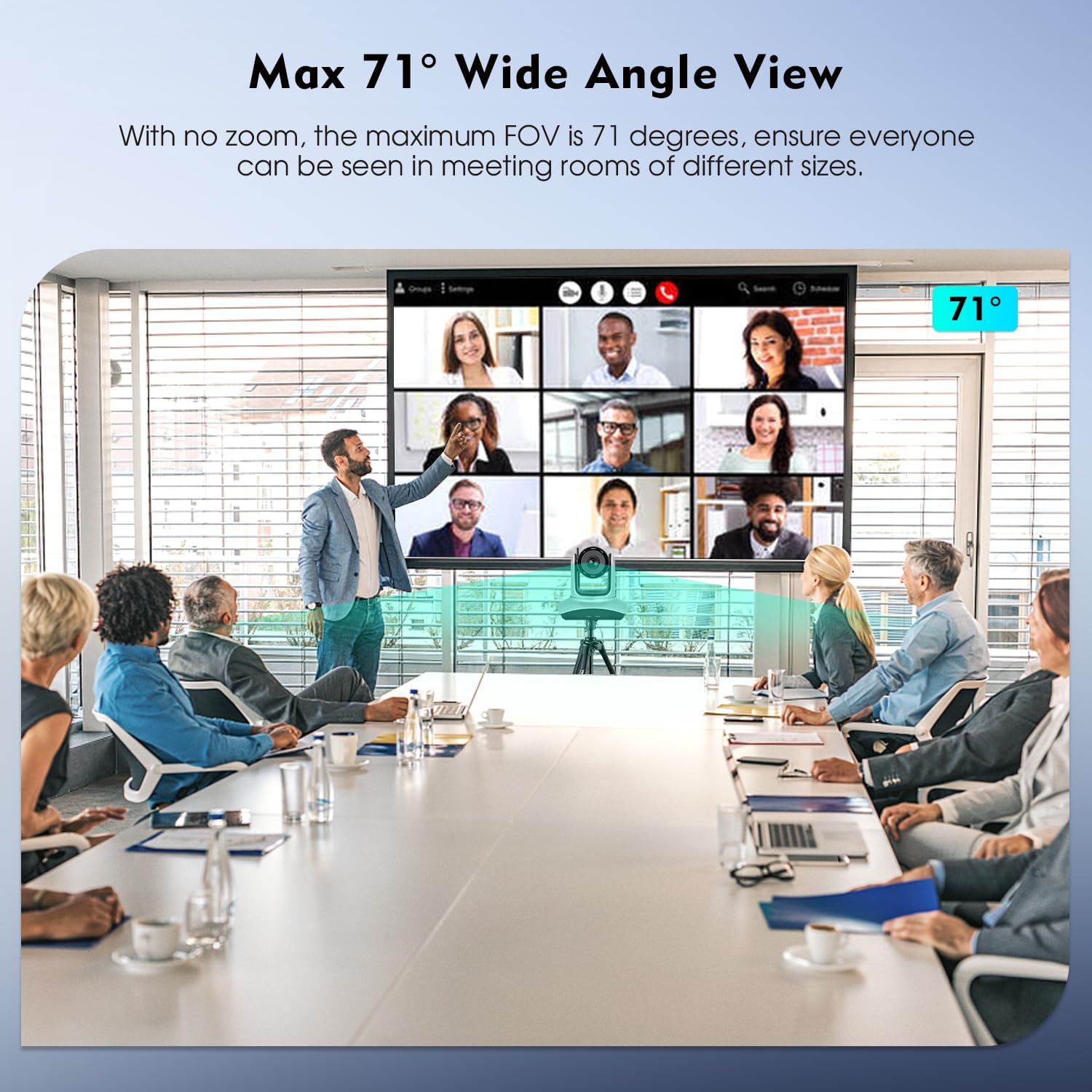
Image: Max 71° Wide Angle View.
6. Provoz
6.1 Funkce dálkového ovládání
The camera's Pan, Tilt, and Zoom (PTZ) functions are controlled using the included IR remote controller. Point the remote at the camera's IR receiver.

Image: IR Remote Control layout and functions.
Mezi klíčové funkce dálkového ovládání patří:
- MOC: Zapíná/vypíná fotoaparát.
- PAN-TILT RESET: Resets the camera's pan and tilt position.
- POSITION (1-9): Use to set and recall preset camera positions. Press PRESET then a number (1-9) to save. Press a number (1-9) to recall.
- RESETOVÁNÍ: Stiskněte RESETOVAT then a number (1-9) to eliminate a preset position.
- JÍDELNÍ LÍSTEK: Accesses the camera's on-screen menu.
- PAN-TILT: Moves the camera horizontally (pan) and vertically (tilt). DOMOV returns the camera to its middle position.
- ZOOM: Adjusts the optical zoom (Telephoto for zoom in, Wide Angle for zoom out).
- SOUSTŘEDIT SE: Adjusts focus (auto or manual).
- F1: Press and hold for 3 seconds to quickly switch image normal and inversion.
- F2: Press and hold for 3 seconds to quickly restore factory settings.
- F3: Press and hold for 3 seconds to quickly switch image normal and mirror.
- JAS: Upravuje jas obrazu.
- ZADNÍ SVĚTLO: Controls backlight compensation.
6.2 Kompatibilita softwaru
Once connected, the camera functions as a standard webcam and is compatible with most video conferencing and streaming software. Select "TOALLIN WL568 Camera" as your video input device within your chosen application settings.
7. Údržba
To ensure optimal performance and longevity of your TOALLIN WL568 camera:
- Keep the camera lens clean using a soft, dry, lint-free cloth. Avoid abrasive cleaners.
- Fotoaparát skladujte na chladném a suchém místě mimo dosah přímého slunečního záření a extrémních teplot.
- Avoid exposing the camera to moisture or liquids.
- Nepokoušejte se fotoaparát rozebírat ani opravovat sami, jinak ztratíte platnost záruky.
8. Řešení problémů
| Problém | Možná příčina | Řešení |
|---|---|---|
| No video output after connection. |
|
|
| Dálkové ovládání nereaguje. |
|
|
| Kvalita videa je špatná nebo rozmazaná. |
|
|
9. Specifikace
| Funkce | Detail |
|---|---|
| Značka | TOALLIN |
| Číslo modelu | WL568 |
| Technologie připojení | Wi-Fi (5.8 GHz) |
| Rozlišení záznamu videa | 1080p Full HD |
| Efektivní rozlišení | 2 MP |
| Technologie fotosenzoru | CMOS (1/2.8 palce) |
| Optický zoom | 10x |
| Pan Angle | ±170° |
| Úhel náklonu | -30° až +90° |
| Pole View (FOV) | 71° (max) |
| Typ zaměření | Auto Focus, Manual Focus |
| Kompatibilita operačního systému | Windows 7+, MacOS, Linux, Android |
| Form Factor | Desk/Tabletop, Wall/Ceiling Mountable |
| Hmotnost položky | 2.6 kg |
10. Záruka a podpora
The TOALLIN WL568 Wireless PTZ Conference Camera comes with a 1-letá záruka od data nákupu.
For any product-related issues, technical assistance, or warranty claims, please contact TOALLIN customer support. We provide 7*24-hours customer support to assist you.
You can find contact information on the official TOALLIN webwebu nebo prostřednictvím vaší nákupní platformy.