
Zavedení
The SHIDU H11 is a versatile 40W wireless voice amplifier designed to provide clear and powerful sound projection for various applications. This portable PA system features Bluetooth connectivity, support for USB, TF card, and Aux inputs, and includes both wireless headset and handheld microphones. Its robust design and long-lasting battery make it suitable for teachers, public speakers, tour guides, and karaoke enthusiasts.
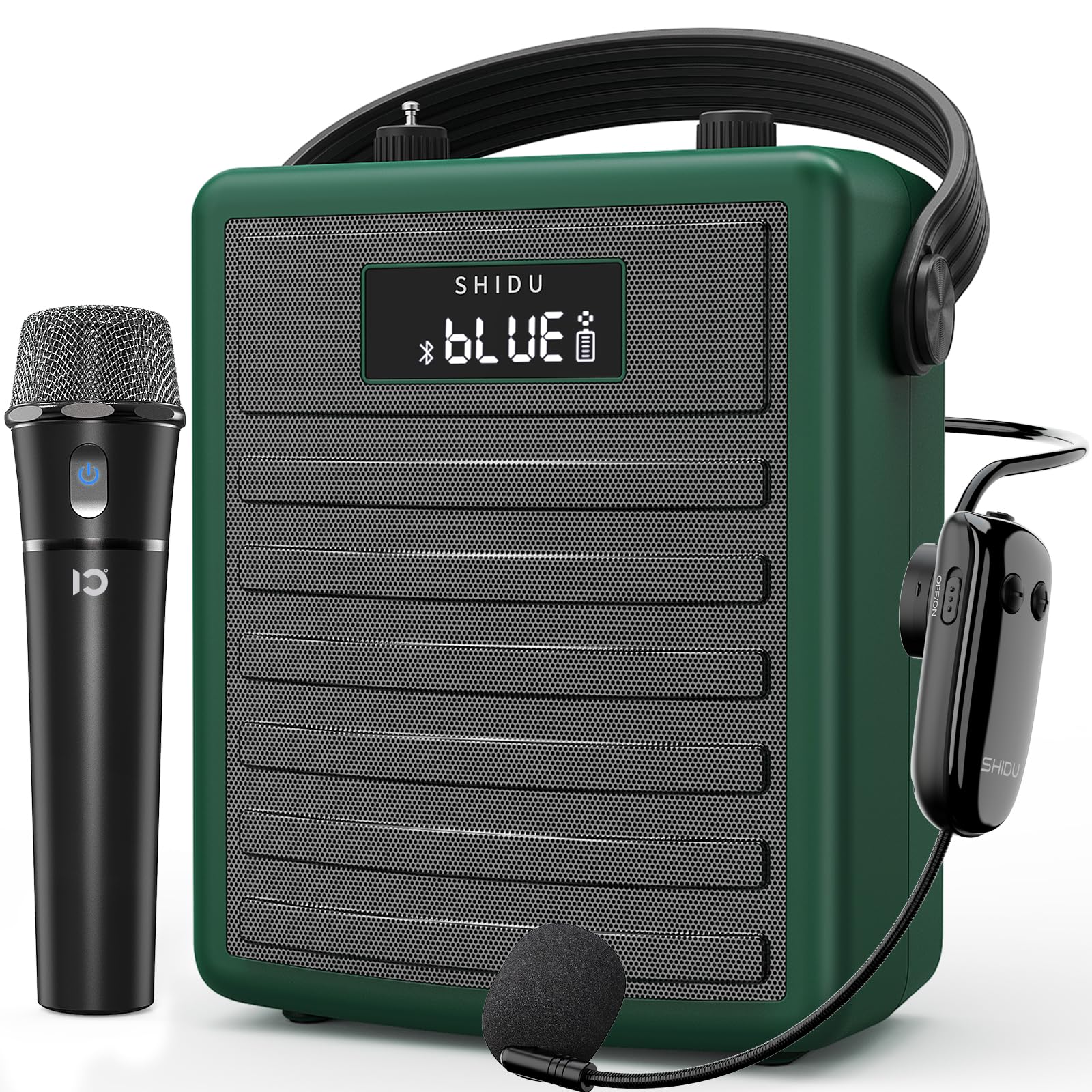
Figure 1: SHIDU H11 40W Wireless Voice Ampdoživotní
Obsah balení
Pečlivě zkontrolujte balení, abyste se ujistili, že jsou přítomny všechny položky:
- Hlas SHIDU H11 AmpLifikační jednotka
- Bezdrátový mikrofon s mikrofonem
- Bezdrátový ruční mikrofon
- Nabíjecí kabel typu C.
- Adjustable Carrying Strap
- Audio kabel (3.5 mm)
- Anténa
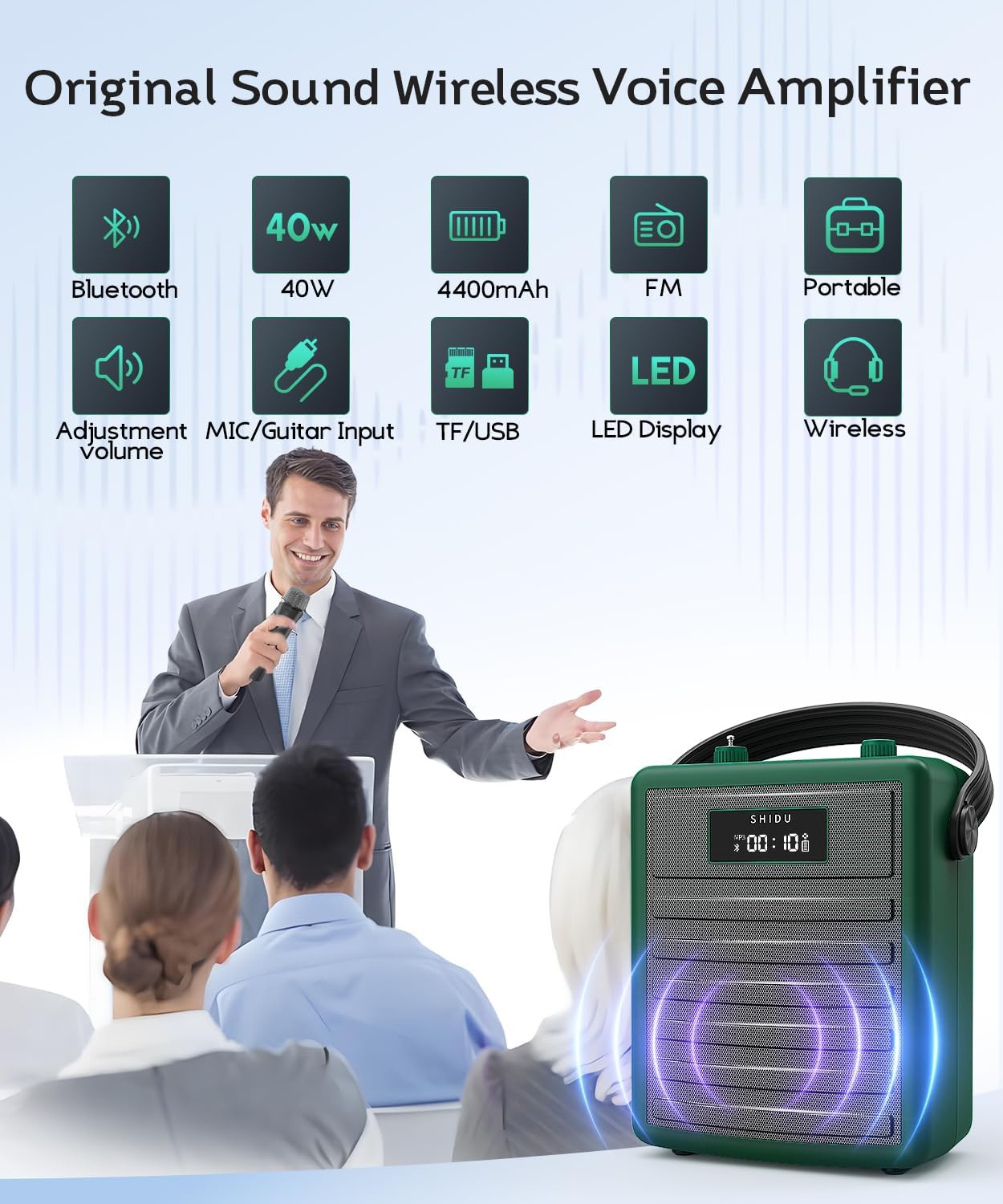
Figure 2: All items included in the SHIDU H11 package.
Konec produktuview
Ovládací prvky a porty hlavní jednotky

Obrázek 3: Detailní view of the SHIDU H11 controls and ports.
- Zapnutí/vypnutí: Hlavní vypínač.
- Tlačítko režimu: Switches between Bluetooth, FM, USB, TF Card, and AUX modes.
- Tlačítka Předchozí/Další: Navigates tracks in music playback modes.
- Tlačítko Přehrát/Pozastavit: Ovládá přehrávání hudby.
- Funkce REC: Pro záznam zvuku.
- Číselná klávesnice: For direct track selection or FM frequency input.
- Ovladač hlasitosti hudby: Adjusts the volume of music playback.
- Knoflík Echo: Upravuje efekt ozvěny pro mikrofony.
- Instrument Input (INST): 6.35mm jack for connecting instruments like a guitar.
- Instrument Volume Knob (INST VOL): Nastavuje hlasitost připojeného nástroje.
- Audio Input (AUX IN): 3.5mm jack pro externí audio zdroje.
- Audio Output (AUX OUT): 3.5mm jack for connecting to other audio devices.
- USB slot: Pro USB flash disky.
- Slot na kartu TF: Pro karty TF (MicroSD).
- DC 5V nabíjecí port: Type-C port for charging the unit.
Podrobnosti o mikrofonu

Obrázek 4: Bezdrátové mikrofony
- Bezdrátový ruční mikrofon: Features an on/off switch, UHF pairing indicator light, and DC 5V charge jack. Provides 8-10 hours of work time.
- Adjustable Wireless Headset Microphone: Includes an indicator light, ON/OFF switch, volume controls (+/-), pairing key, and DC 5V charge port. Offers 3-5 hours of work time. The flexible gooseneck allows for distance adjustment.
Nastavení
1. Charging the Unit and Microphones
Před prvním použitím hlasovou sluchátku plně nabijte amplifier and both wireless microphones. Use the provided Type-C charging cable. The amplifier has a robust 4400mAh rechargeable battery.

Obrázek 5: Indikace životnosti baterie a nabíjení.
2. Připojení antény
Screw the included antenna into the designated port on the top of the amplifier unit for optimal wireless signal reception, especially for FM radio and microphone connectivity.
3. Wearing the Ampdoživotní
Attach the adjustable carrying strap to the amplifier. You can wear it over your shoulder, across your body, or around your waist for hands-free operation.
Návod k obsluze
1. Zapnutí/vypnutí
Chcete-li zapnout amplifier, turn the Power On/Off knob (1) clockwise. The display will light up. To power off, turn the knob counter-clockwise until it clicks.
2. Používání bezdrátových mikrofonů
Turn on your preferred wireless microphone (headset or handheld) using its dedicated ON/OFF switch. The microphone will automatically pair with the amplifier. Adjust the microphone's volume using the volume controls on the headset or the main unit's master volume. Use the Echo knob (8) on the main unit to add or remove echo effects.
3. Párování Bluetooth
Press the Mode button (2) until "BLUE" appears on the display. On your mobile device, search for "SHIDU H11" in the Bluetooth settings and connect. Once paired, you can play audio from your device through the amplifier. Adjust music volume using the Music Volume knob (7).
4. USB/TF Card/AUX Playback
- USB/TF karta: Insert a USB flash drive into the USB Slot (13) or a TF card into the TF Card Slot (14). The amplifier will automatically switch to the corresponding mode and begin playback. Use the Previous/Next (3, 4) and Play/Pause (4) buttons to control playback.
- Vstup AUX: Connect an external audio device (e.g., smartphone, MP3 player) to the Audio Input (AUX IN) (11) using the 3.5mm audio cable. Press the Mode button (2) to select AUX mode.
5. Instrument Connectivity
Connect an instrument, such as a guitar, to the Instrument Input (INST) (9) using a 6.35mm cable. Adjust the instrument's volume using the Instrument Volume knob (INST VOL) (10).

Figure 6: Instrument connectivity for music and karaoke.
6. Funkce nahrávání (REC)
In USB or TF card mode, press the REC button (5) to start recording. Press it again to stop. Recordings will be saved to the inserted storage device.
Video 1: Official product video demonstrating the features and sound quality of the SHIDU H11 40W Wireless Voice Amplifier, including its design, controls, and usage in various settings.
Specifikace
| Funkce | Detail |
|---|---|
| Značka | SHIDU |
| Číslo modelu | H11 |
| Výstupní Wattage | 40 wattů |
| Technologie připojení | Bluetooth, AUX, USB |
| Zvukový vstup | Microphone, Bluetooth, AUX, TF Card, USB Disk |
| Zdroj napájení | Napájení z baterie (42 800 mAh dobíjecí) |
| Hmotnost položky | 1.71 kg |
| Materiál pouzdra | Akrylonitrilbutadienstyren (ABS) |
| Hodnocení voděodolnosti | IPX5 (odolné proti stříkající vodě) |
| Speaker Coverage | Up to 320 people / 22,000 square feet |
Údržba
To ensure the longevity and optimal performance of your SHIDU H11 voice ampzáchranáře, dodržujte tyto pokyny pro údržbu:
- Čištění: Use a soft, dry cloth to clean the exterior of the unit and microphones. Avoid using harsh chemicals or abrasive cleaners.
- Skladování: Uložte amplifier and accessories in a cool, dry place away from direct sunlight and extreme temperatures.
- Péče o baterie: For long-term storage, charge the battery to about 50-70% every three months to prevent deep discharge.
- Voděodolnost: The unit has an IPX5 waterproof rating, protecting it from gentle water sprays and splashes. Do not submerge the device in water.
Odstraňování problémů
If you encounter any issues with your SHIDU H11, please refer to the following common problems and solutions:
- Žádný zvuk z mikrofonu:
- Zajistěte, aby oba amplifikátor a mikrofon jsou zapnuté.
- Check if the microphone is properly paired with the ampživější.
- Increase the volume on both the microphone and the ampživější.
- Ujistěte se, že je mikrofon nabitý.
- Hluk zpětné vazby:
- Move the microphone further away from the ampživější.
- Reduce the volume of the microphone or the ampživější.
- Adjust the position of the microphone to avoid pointing directly at the speaker.
- Problémy s párováním Bluetooth:
- Zajistěte amplifier is in Bluetooth mode ("BLUE" displayed).
- Vypněte a zapněte Bluetooth na zařízení a zkuste spárování znovu.
- Ensure no other devices are currently connected to the ampzvlhčovač přes Bluetooth.
- USB/TF karta se nepřehrává:
- Zajistěte amplifier is in the correct mode (USB or TF Card).
- Zkontrolujte, zda je zvuk files on the device are in a supported format.
- Ensure the USB drive or TF card is inserted correctly and is not corrupted.
Pokud problém přetrvává, kontaktujte prosím zákaznickou podporu.
Záruka a podpora
The SHIDU H11 Voice Amplifier je dodáván s a 1 roky záruka výrobce. SHIDU is dedicated to delivering superior sound quality and customer satisfaction. If you have any questions, require assistance, or experience any issues with your product, please do not hesitate to contact SHIDU customer support. We are always here to help.