
Zavedení
This manual provides comprehensive instructions for the setup, operation, and maintenance of your TD80W Mini Portable Projector. Designed for versatility, this projector offers Full HD 1080P resolution with 4K video decoding support, Android 13.0 OS, dual-band WiFi, and Bluetooth connectivity, making it suitable for home theater, gaming, and presentations.
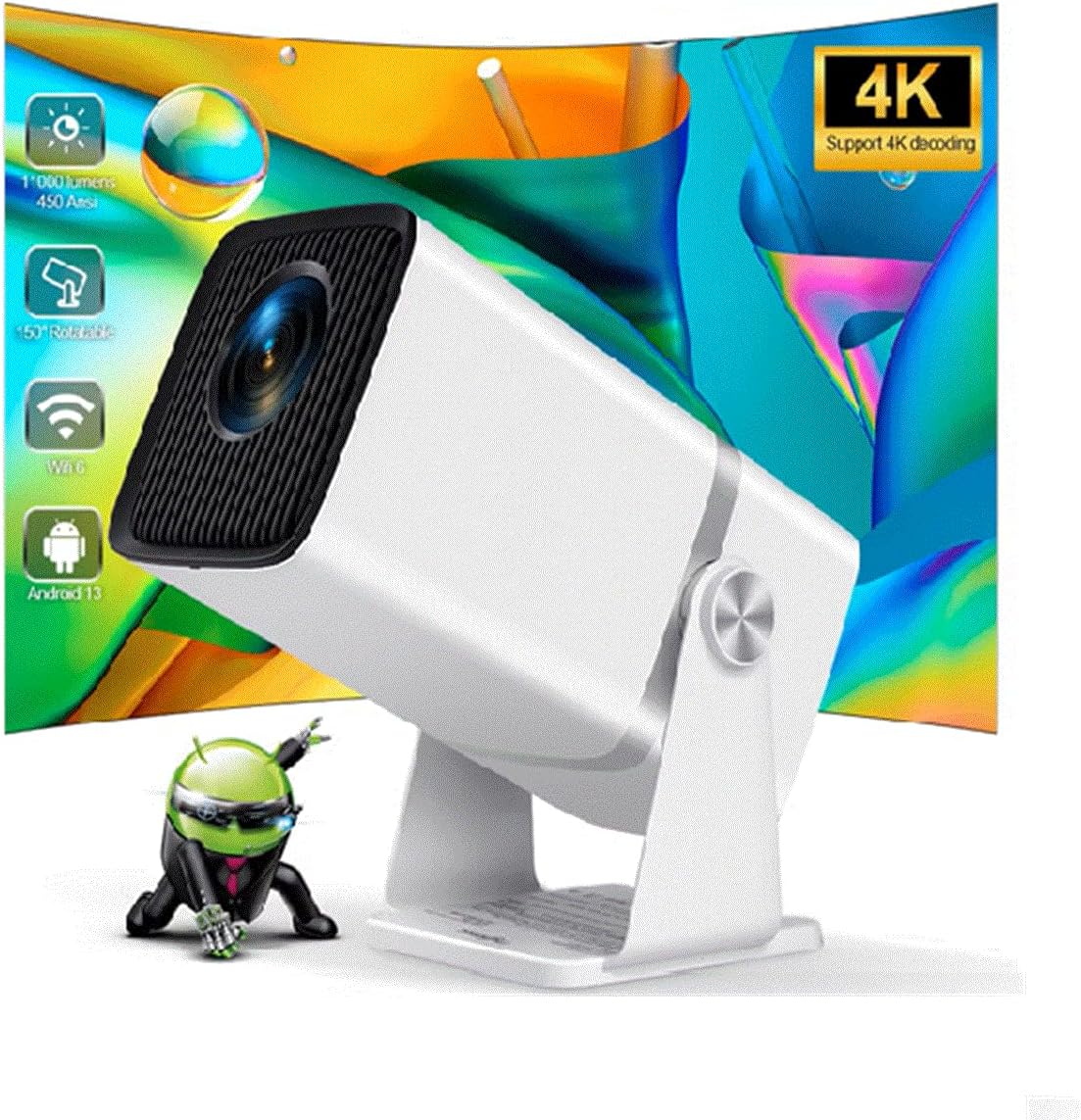
Image: The TD80W Mini Portable Projector, showcasing its compact design and projection capabilities.
Co je v krabici
Po vybalení se prosím ujistěte, že jsou přítomny všechny následující položky:
- Dálkové ovládání
- Napájecí kabel
- HDMI kabel
- AV kabel
Nastavení
1. Umístění a moc
Place the projector on a stable, flat surface. Ensure adequate ventilation around the device. Connect the power cord to the projector's power input and then to a suitable electrical outlet (AC110-240V / 50-60Hz).
2. Počáteční zapnutí
Press the power button on the projector or the remote control to turn on the device. The projector will boot into the Android 13.0 OS interface.
3. Zaostření a korekce lichoběžníkového zkreslení
Adjust the focus manually using the focus ring on the projector lens until the image is clear. The TD80W supports 6D Keystone correction, including 4-point manual keystone correction and auto vertical keystone correction, to ensure a perfectly rectangular image even when the projector is not directly aligned with the screen. Utilize the settings menu to access these adjustments.

Image: Visual representation of the TD80W projector's features, including 150-degree rotating projection and 6D keystone correction.
4. Konektivita
The TD80W offers multiple connectivity options:
- HDMI: Connect external devices like laptops, gaming consoles, or TV boxes using the HDMI port.
- USB: Insert USB drives for direct media playback or to read office documents (Excel/Word/PDF/PowerPoint).
- Wi-Fi: Connect to your home network via 2.4G, 5G, or WiFi 6 for online streaming and app downloads. Navigate to Nastavení > Síť a internet > Wi-Fi připojit.
- Bluetooth: Pair Bluetooth-enabled devices like external speakers or headphones (BT 5.0). Go to Nastavení > Připojená zařízení > Spárovat nové zařízení.
- 3.5mm výstup pro sluchátka: Pro kabelový audio výstup do sluchátek nebo externích reproduktorů.

Image: Diagram illustrating the various input/output ports on the TD80W projector, including USB, HD (HDMI), ON/OFF, Headset jack, and Power.

Image: Depiction of the projector's dual-band WiFi 6 capabilities, showing seamless video streaming for both 2.4G and 5G connections.
Návod k obsluze
1. Navigace v operačním systému Android 13.0
The projector runs on Android 13.0 OS. Use the remote control to navigate the interface. The home screen provides access to installed applications, settings, and media inputs. You can download and install additional applications from the Play Store.
2. Screen Mirroring
The TD80W supports DLAN, Airplay, and Mirocast for wireless screen synchronization with Android and iOS phones. Follow the on-screen instructions within the respective mirroring app on the projector to connect your mobile device.
3. 3D funkce
The projector supports red-blue 3D content. To experience 3D, you will need compatible red-blue 3D glasses (sold separately) and 3D content. Activate the 3D mode through the projector's display settings if available, or ensure your media player supports 3D output.
Video: A comparison video showcasing the clarity and color vibrancy of the TD80W projector compared to the HY320 model, highlighting improved image quality and features like easy dust cleaning.
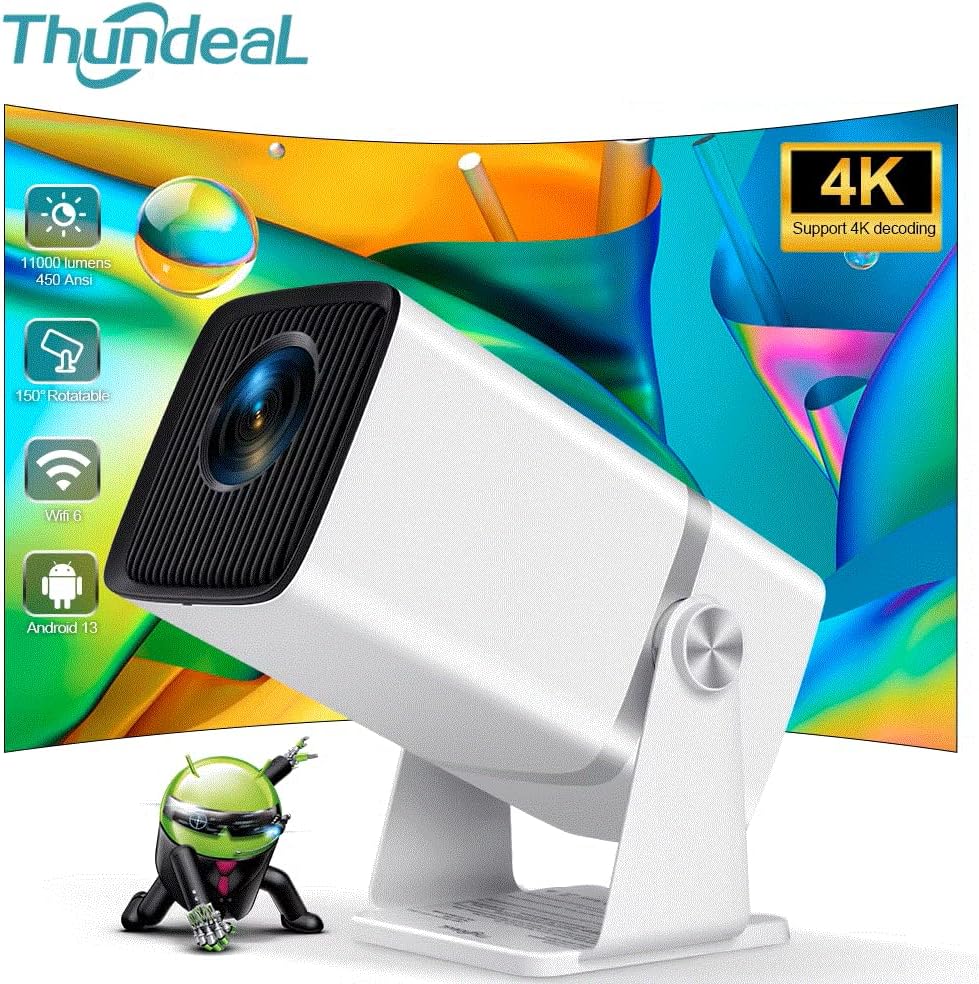
Image: A side-by-side comparison of the TD80W and HY320 projectors, illustrating the TD80W's superior native 1080P resolution, 11000 lumens brightness, and 10000:1 contrast ratio.

Image: Various scenarios demonstrating the TD80W projector's versatility, including home entertainment, business presentations, and outdoor movie nights.
Údržba
Pravidelná údržba zajišťuje optimální výkon a prodlužuje životnost vašeho projektoru.
- Čištění objektivu: Používejte měkký hadřík bez žmolků, speciálně určený pro optické čočky. Vyhněte se abrazivním materiálům nebo agresivním chemikáliím.
- Odstranění prachu: The TD80W is designed for easy dust cleaning. Refer to the video demonstration in the Operating section for visual guidance on accessing and cleaning internal dust accumulation.
- Větrání: Ujistěte se, že ventilační otvory projektoru nejsou zablokované, aby nedošlo k jeho přehřátí.
- Lamp Život: The LED light source has an estimated lifespan of 50,000 hours, providing long-term reliability.
Odstraňování problémů
Pokud se s projektorem setkáte s problémy, podívejte se na následující běžné problémy a jejich řešení:
| Problém | Možná příčina / řešení |
|---|---|
| Žádný nebo zkreslený obraz |
|
| Poor image quality (blurry, dim colors) |
|
| Žádný zvuk |
|
| Nelze se připojit k Wi-Fi/Bluetooth |
|
Specifikace
Detailed technical specifications for the TD80W Mini Portable Projector:
| Funkce | Popis |
|---|---|
| Značka | Obecný |
| Číslo modelu | 4K Full HD Projector FHD TD80W |
| Nativní rozlišení | 1920x1080P Full HD |
| Podpora maximálního rozlišení | 4K Video Decoding 30fps |
| Jas | 11000 Lumens (450 Ansi Lumens) |
| Kontrastní poměr | 10,000:1 - 20,000:1 |
| Operační systém | OS Android 13.0 |
| CPU + GPU | Amlogic950S 4-core A53 + Mali-450 |
| Paměť | RAM 1G + ROM 8G |
| Wi-Fi | 2.4G / 5G / Wi-Fi 6 |
| Bluetooth | BT 5.0 |
| Korekce lichoběžníkového zkreslení | Electronic Corr, Auto Correction (6D Keystone) |
| Projektovaný rozměr | 40-120 inches (up to 250" screen mentioned in image) |
| Projekční vzdálenost | 1.2-4 metry |
| Světelný zdroj | LED (50,000 hours lamp život) |
| Reproduktor | 4Ohms, 3W HIFI STEREO |
| Pracovní svtage | AC110-240V / 50-60Hz |
| 3D funkce | Podpora červená modrá 3D |
| Obrátit obrázek | překlopení o 360 stupňů |
| Přiblížení | 0–100 % |
| Technologie připojení | VGA, Bluetooth, Wi-Fi, USB, HDMI |
Záruka a podpora
For warranty information and technical support, please refer to the documentation provided with your purchase or contact the manufacturer directly. General product support and FAQs may also be available on the brand's official webmísto.
Poznámka: Konkrétní záruční podmínky se mohou lišit v závislosti na regionu a prodejci.