
DOOGEE U11
Uživatelská příručka k tabletu DOOGEE U11 s Androidem 15
Model: U11
1. Konec produktuview
The DOOGEE U11 is an 11-inch Android 15 tablet designed for efficient and smooth performance. It features a powerful octa-core processor, ample memory and storage, a high-refresh-rate display, and a long-lasting battery, making it suitable for various tasks from entertainment to productivity.

Figure 1.1: DOOGEE U11 Android 15 Tablet, showcasinjeho elegantní design a displej.

Figure 1.2: The DOOGEE U11 features an elegant metal body design, contributing to its robustness and lightweight feel.
Klíčové vlastnosti:
- Operační systém: Android 15
- Zobrazit: 11-inch IPS Full Color 90Hz Display (1280x800 pixels)
- Procesor: Osmijádrový procesor T606
- Paměť: 16GB RAM (4GB physical + 12GB expansion)
- Skladování: 128GB ROM, expandable up to 2TB via MicroSD/TF card
- Baterie: 8580mAh High-capacity Battery with reverse charging support
- Kamery: 13MP Main Camera, 5MP Front Camera
- Zvuk: Smart PA 128 dB Dual Speakers
- Konektivita: WiFi 5G & 2.4G, Bluetooth 5.0, AGPS
- Zabezpečení: Face ID Unlock
Video 1.1: Overview of the DOOGEE U11, highlighting its key features and the new Android 15 operating system.
2. Nastavení
2.1 Vybalení a úvodní kontrola
Opatrně vyjměte všechny součásti z obalu. Zkontrolujte, zda jsou všechny položky uvedené v obsahu balení přítomny a nepoškozené. Pokud některé položky chybí nebo jsou poškozeny, ihned kontaktujte zákaznickou podporu.
2.2 Nabíjení tabletu
Before first use, fully charge the tablet. Connect the provided USB Type-C cable to the tablet's charging port and the other end to a compatible power adapter. The battery indicator on the screen will show charging progress. A full charge typically takes several hours.
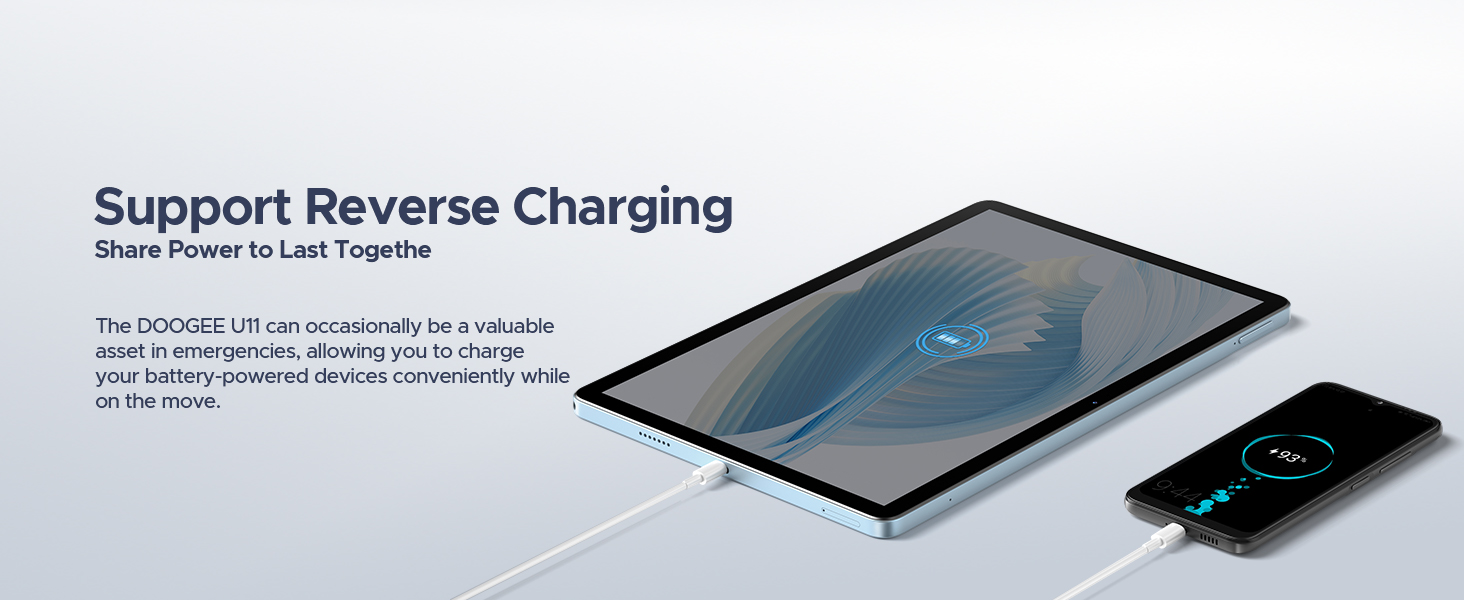
Figure 2.1: The DOOGEE U11 supports reverse charging, allowing it to charge other devices.
2.3 Zapnutí a počáteční nastavení
Press and hold the power button located on the side of the tablet until the DOOGEE logo appears. Follow the on-screen prompts to complete the initial setup, which includes:
- Výběr jazyka a regionu.
- Připojování k síti Wi-Fi.
- Přihlášení pomocí účtu Google nebo vytvoření nového.
- Setting up screen lock (PIN, pattern, password, or Face ID).
2.4 Vložení karty MicroSD/TF
Locate the card slot on the side of the tablet. Use the provided SIM ejector tool to open the tray. Insert the MicroSD/TF card into the designated slot with the gold contacts facing down. Gently push the tray back into the tablet until it clicks into place. The tablet supports up to 2TB of expandable storage.
3. Ovládání tabletu
Operační systém 3.1 Android 15
The DOOGEE U11 runs on the Android 15 operating system, offering a smart, smooth, and secure user experience. It provides personalized settings, split-screen functionality, parental controls, and multi-user features. Access millions of applications through the Google Play Store.
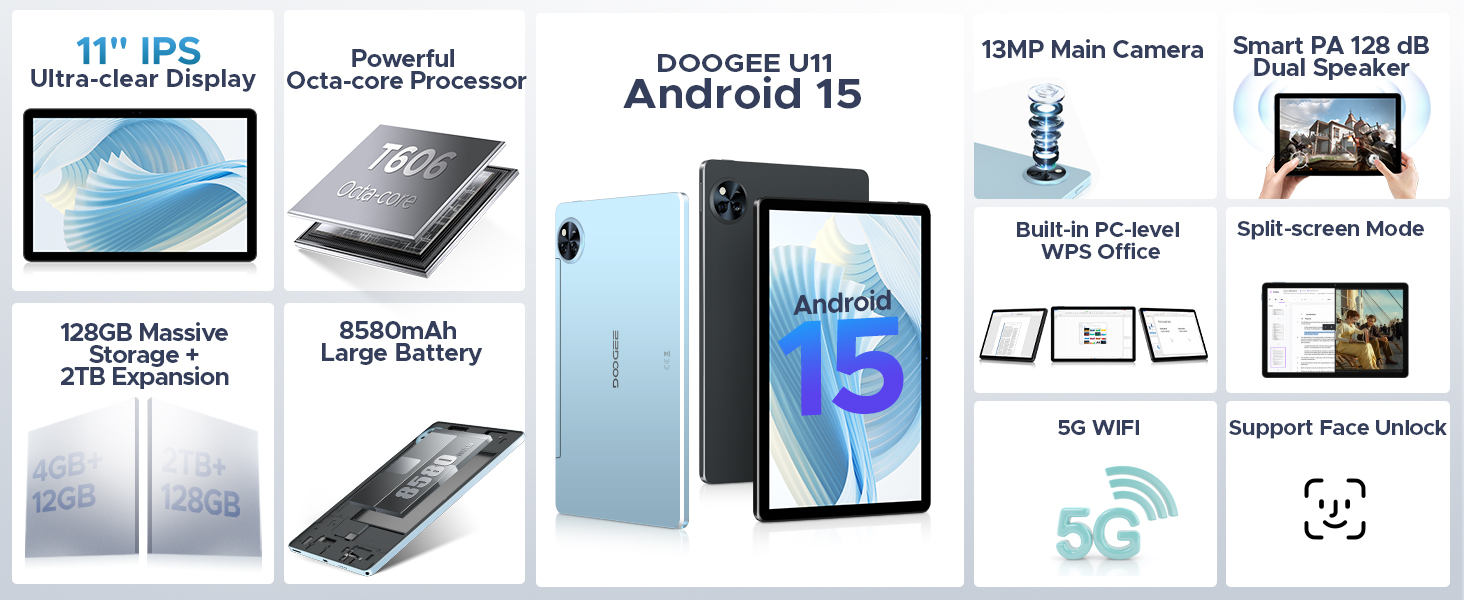
Figure 3.1: The DOOGEE U11 features the cutting-edge Android 15 system for an intelligent and smooth experience.
3.2 Zobrazení a interakce
The 11-inch IPS display offers brilliant colors and a comfortable touch experience with a 90Hz refresh rate for smooth scrolling and visual fluidity. The tablet also includes a Low Blue Light Mode to protect your eyesight during extended use.

Figure 3.2: The 90Hz high refresh rate screen delivers an exceptionally smooth operating experience.
3.3 Performance and Storage Management
Equipped with a Unisoc T606 octa-core processor, the U11 ensures robust power and outstanding performance for seamless multitasking and gaming. The 16GB RAM (4GB + 12GB RAM expansion) and 128GB ROM provide ample space. The Memory Manager offers cleaning suggestions to free up space by identifying junk files, duplicates, large files, and downloaded files.
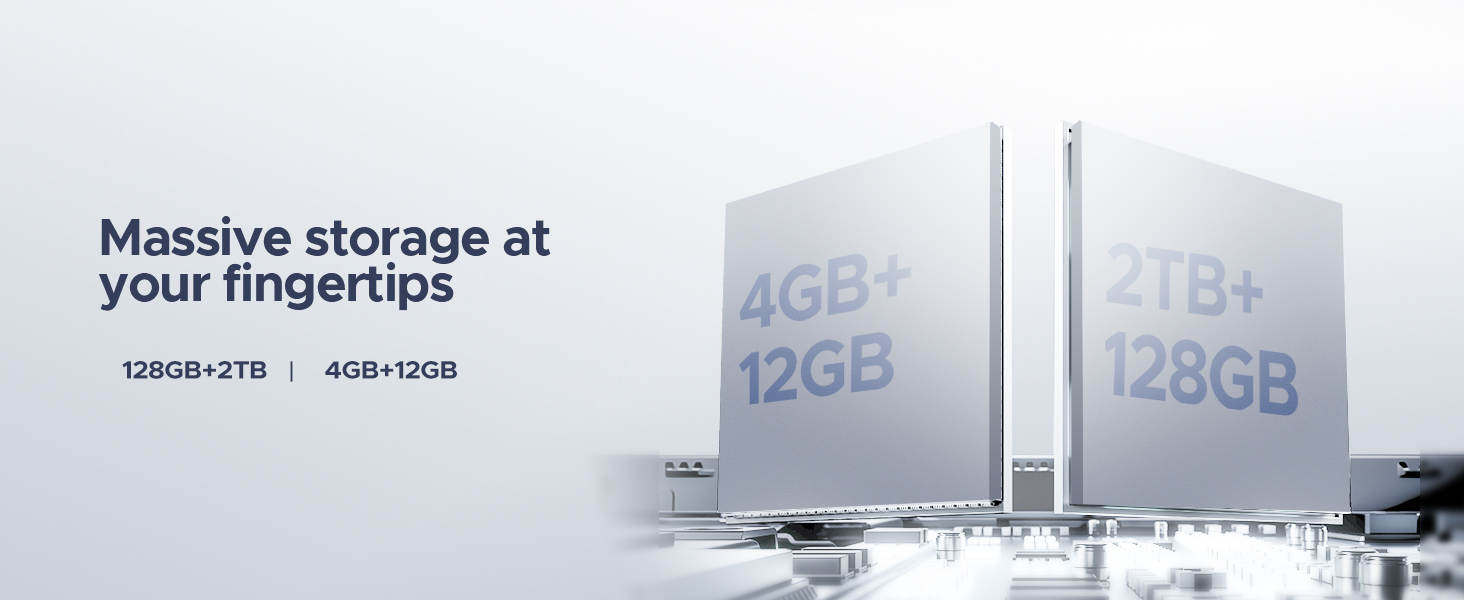
Figure 3.3: Massive storage and RAM expansion capabilities of the DOOGEE U11.
3.4 Funkce fotoaparátu
The tablet features a 13MP main camera and a 5MP front camera, allowing you to capture clear photos and engage in video calls. The front camera is ideal for video conferencing and selfies.
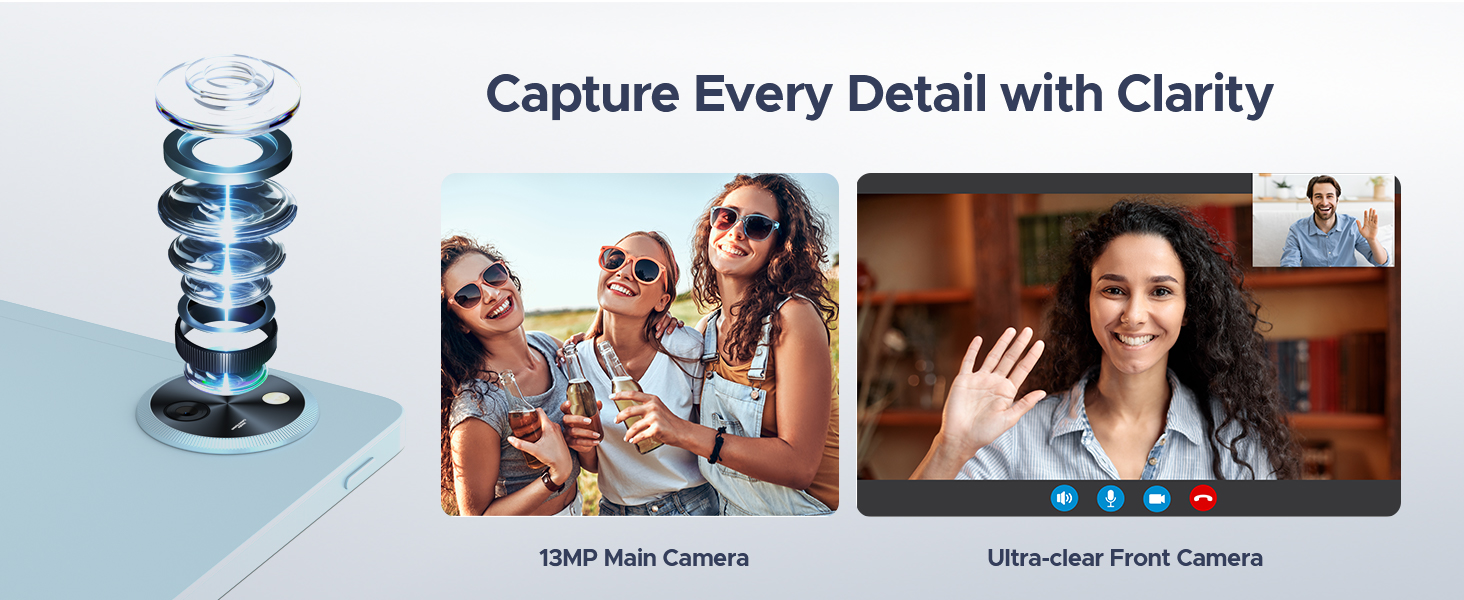
Figure 3.4: Capture every detail with the 13MP main camera and ultra-clear 5MP front camera.
3.5 Zvuk a zábava
Enjoy immersive audio with the Smart PA 128 dB Dual Speakers. The tablet supports Widevine L1, enabling 1080P resolution streaming on platforms like Netflix, YouTube, HBO, and Amazon Prime Video. It also includes a built-in FM radio function.
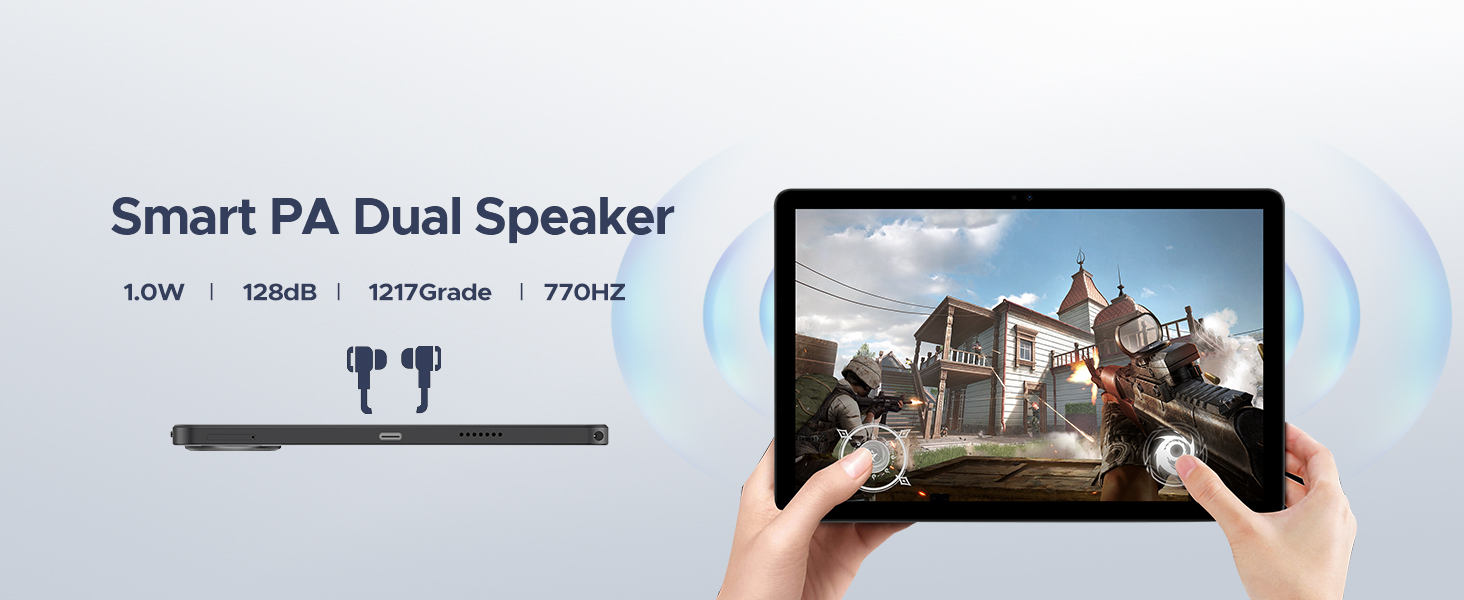
Figure 3.5: The Smart PA Dual Speakers provide enhanced audio experience.
Video 3.1: Demonstrates the large battery capacity of the DOOGEE U11 tablet.
3.6 Připojení a navigace
The U11 supports both 5G and 2.4G WiFi for high-speed internet access. Bluetooth 5.0 ensures fast and stable connections with wireless accessories. The accurate navigation system, including GPS, Beidou, GLONASS, Gali, and AGPS, provides reliable directions.
3.7 Funkce pro zvýšení produktivity
The tablet comes with built-in PC-level WPS Office, offering a smooth user experience for document creation and editing. The split-screen feature enhances multitasking by allowing you to run two applications simultaneously.
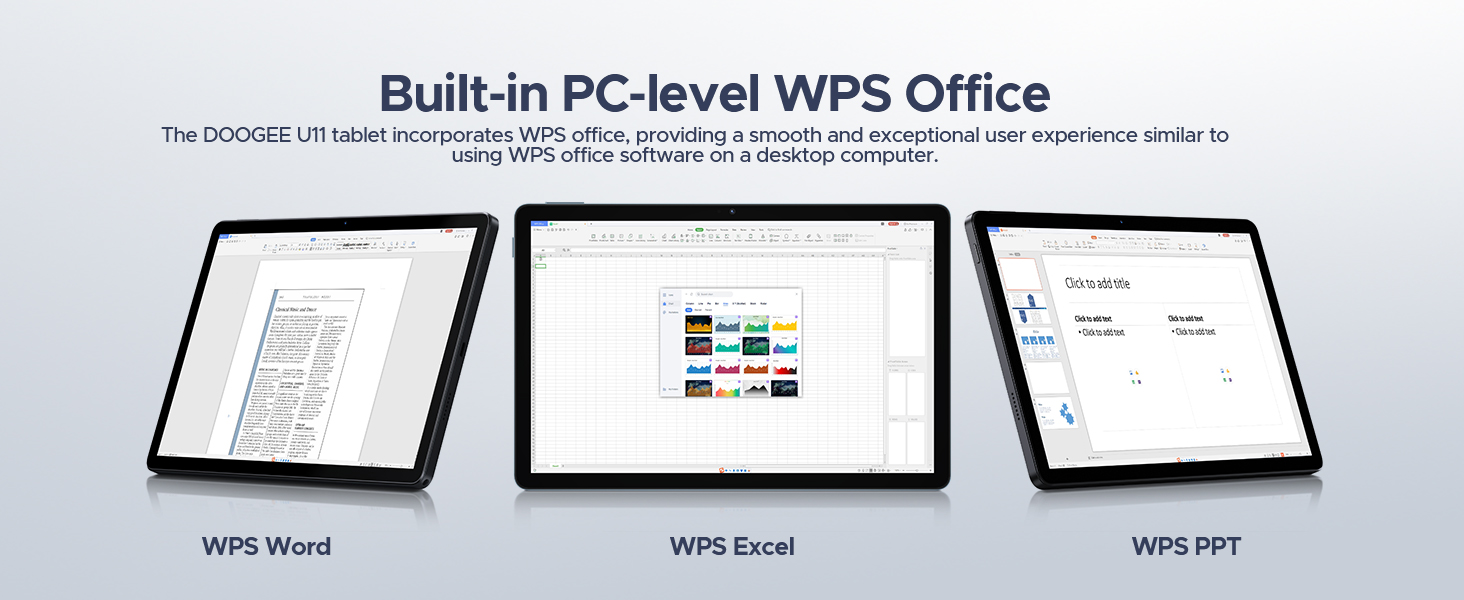
Figure 3.6: The DOOGEE U11 incorporates WPS Office for a desktop-like productivity experience.
4. Údržba
4.1 Péče o baterii
To maximize battery life, avoid extreme temperatures. Do not expose the tablet to direct sunlight or very cold environments for prolonged periods. It is recommended to keep the battery charge between 20% and 80% for optimal longevity. Use only the provided charger or a certified compatible charger.
4.2 Čištění a skladování
Clean the tablet's screen and body with a soft, lint-free cloth. For stubborn smudges, slightly dampen the cloth with water or a screen cleaner. Avoid using harsh chemicals or abrasive materials. Store the tablet in a cool, dry place away from direct sunlight and moisture when not in use for extended periods.
4.3 Aktualizace softwaru
Regularly check for and install system updates to ensure your tablet has the latest features, security patches, and performance improvements. You can usually find update options in the tablet's Settings menu under "System" or "About tablet."
5. Řešení problémů
Tato část se zabývá běžnými problémy, se kterými se můžete setkat u tabletu DOOGEE U11.
5.1 Tablet se nezapíná
- Zkontrolujte baterii: Ujistěte se, že je tablet dostatečně nabitý. Připojte jej k nabíječce a před opětovným zapnutím počkejte několik minut.
- Tvrdý reset: Press and hold the power button for about 10-15 seconds until the tablet vibrates or the logo appears.
5.2 Pomalý výkon
- Zavřít aplikace na pozadí: Swipe up from the bottom of the screen and close unnecessary applications running in the background.
- Vymazat mezipaměť: Go to Settings > Storage > Memory Manager to clear junk filea uvolněte místo.
- Restartujte tablet: Jednoduchý restart může často vyřešit dočasné problémy s výkonem.
5.3 Problémy s připojením k Wi-Fi
- Přepnout Wi-Fi: V Nastavení vypněte a znovu zapněte Wi-Fi.
- Restartujte router: Vypněte a znovu zapněte Wi-Fi router.
- Zapomeňte na síť: Go to Wi-Fi settings, forget the problematic network, and then reconnect.
5.4 Aplikace padá nebo nereaguje
- Force Stop App: Go to Settings > Apps > [App Name] > Force Stop.
- Vymazat mezipaměť/data aplikace: In the same App Info screen, select "Storage & cache" and then "Clear cache" or "Clear data" (note: clearing data will delete app settings and login info).
- Přeinstalovat aplikaci: Uninstall and then reinstall the app from the Google Play Store.
6. Specifikace
Detailed technical specifications for the DOOGEE U11 Android 15 Tablet.
| Funkce | Specifikace |
|---|---|
| Značka | DOOGEE |
| Název modelu | U11 |
| Operační systém | Android 15 |
| Velikost obrazovky | 11 palce |
| Rozlišení obrazovky | 1280 x 800 pixelů |
| Maximální rozlišení obrazovky | 1280*800 pixelů |
| Procesor | Octa-Core (Unisoc T606) |
| BERAN | 16 GB (4 GB + 12 GB rozšíření) |
| Kapacita paměti | 128 GB |
| Rozšiřitelné úložiště | Až 2 TB (MicroSD/TF) |
| Kapacita baterie | 8580 XNUMX mAh |
| Průměrná životnost baterie | 300 hodin (pohotovostní režim) |
| Hlavní fotoaparát | 13 MP |
| Přední kamera | 5 MP |
| Konektivita | WiFi 5G & 2.4G, Bluetooth 5.0, AGPS |
| Porty | 1x Type-C, 1x 3.5mm AUX headphone jack, 1x SD card port |
| Hmotnost položky | 1.98 libry (cca 537 g) |
| Rozměry produktu | 10.12 x 6.68 x 0.31 palce (26 x 17 x 0.8 cm) |
7. Záruka a podpora
7.1 Informace o záruce
The DOOGEE U11 tablet typically comes with a 2letá omezená záruka. Please refer to your purchase documentation for specific terms and conditions. This warranty generally covers manufacturing defects and malfunctions under normal use.
7.2 Plány ochrany
Additional protection plans may be available for purchase, such as a Dvouletý ochranný plán nebo a Complete Protect plan. These plans offer extended coverage beyond the standard manufacturer's warranty. For details on these plans, please check the product listing or contact your retailer.
7.3 Zákaznická podpora
For technical assistance, troubleshooting, or warranty claims, please contact DOOGEE customer support. You can typically find contact information on the official DOOGEE website or through your product's packaging. Many issues can be resolved with 24/7 online support.
Ask a question about this manual
Ask about setup, troubleshooting, compatibility, parts, safety, or missing instructions. Manuals+ will review the question and use this page’s manual context to help answer it.