
WisFox 2.4GHz Full-Size Silent Wireless Keyboard and Mouse Combo (White)
Uživatelská příručka k bezdrátové klávesnici a myši WisFox 2.4 GHz
Model: Full-Size Silent Wireless Keyboard and Mouse Combo (White)
1. Úvod
Thank you for choosing the WisFox 2.4GHz Wireless Keyboard and Mouse Combo. This product is designed to provide a comfortable, efficient, and quiet wireless computing experience. This manual will guide you through the setup, operation, and maintenance of your new device.

Figure 1: WisFox Wireless Keyboard and Mouse Combo (White) with USB receiver.
2. Bezpečnostní informace
- Chraňte zařízení před vodou, ohněm a vysokými teplotami.
- Nepokoušejte se zařízení rozebírat ani opravovat sami. Požádejte o pomoc kvalifikovaný servisní personál.
- Baterie zlikvidujte v souladu s místními předpisy. Nekombinujte staré a nové baterie.
- Zabraňte pádu zařízení nebo jeho vystavení silným nárazům.
3. Obsah balení
Po otevření zkontrolujte obsah balení:
- 1 x WisFox Wireless Keyboard
- 1 x WisFox Wireless Mouse
- 1 x USB přijímač (uložený v přihrádce na baterie myši)
- 1 x Uživatelská příručka (tento dokument)
Poznámka: Appropriate batteries are not included and must be purchased separately.
4. Průvodce nastavením
4.1. Instalace baterií
- Pro myš: Open the battery compartment cover on the bottom of the mouse. Insert the appropriate battery (not included), ensuring correct polarity (+/-). Close the cover.
- Pro klávesnici: Open the battery compartment cover on the back of the keyboard. Insert the appropriate batteries (not included), ensuring correct polarity (+/-). Close the cover.

Figure 2: Location of battery compartment and USB receiver storage on the mouse.
4.2. Připojení USB přijímače
- Locate the USB receiver, which is conveniently stored in the battery compartment of the mouse. Gently pull it out.
- Zapojte USB přijímač do volného USB portu na vašem počítači, notebooku nebo kompatibilním zařízení.
- Your operating system should automatically detect and install the necessary drivers. This is a Plug and Play device, requiring no additional software installation.

Figure 3: USB receiver connected to a device, enabling 2.4GHz wireless communication.
4.3. Zapnutí
- Pro myš: Locate the ON/OFF switch on the bottom of the mouse (near the battery compartment) and slide it to the "ON" position.
- Pro klávesnici: The keyboard typically powers on automatically once batteries are inserted and the USB receiver is connected. Some models may have an ON/OFF switch on the back or side.
Vaše klávesnice a myš jsou nyní připraveny k použití.
5. Návod k obsluze
5.1. Obecné použití
The WisFox Wireless Keyboard and Mouse Combo provides a seamless and responsive experience for daily computing tasks. The 2.4GHz wireless connection ensures a stable link up to 33 feet (10 meters) with minimal delays or dropouts.
5.2. Ergonomický design a pohodlí
- Keyboard Tilt: The keyboard features an 8° foldable stand on the back, allowing you to adjust the typing angle for optimal comfort and to reduce wrist fatigue during long periods of use.
- Rozložení v plné velikosti: The keyboard includes a full-size F-keys row, a dedicated numeric keypad, and arrow keys for enhanced productivity.

Figure 4: Keyboard with 8° foldable tilt and ergonomic mouse design.
5.3. Tichý provoz
- Silent Mouse: The mouse is designed for 100% silent clicking, ensuring a quiet working environment.
- Quiet Keyboard: The keyboard's keys are engineered to be over 90% quieter than standard keyboards, minimizing typing noise.
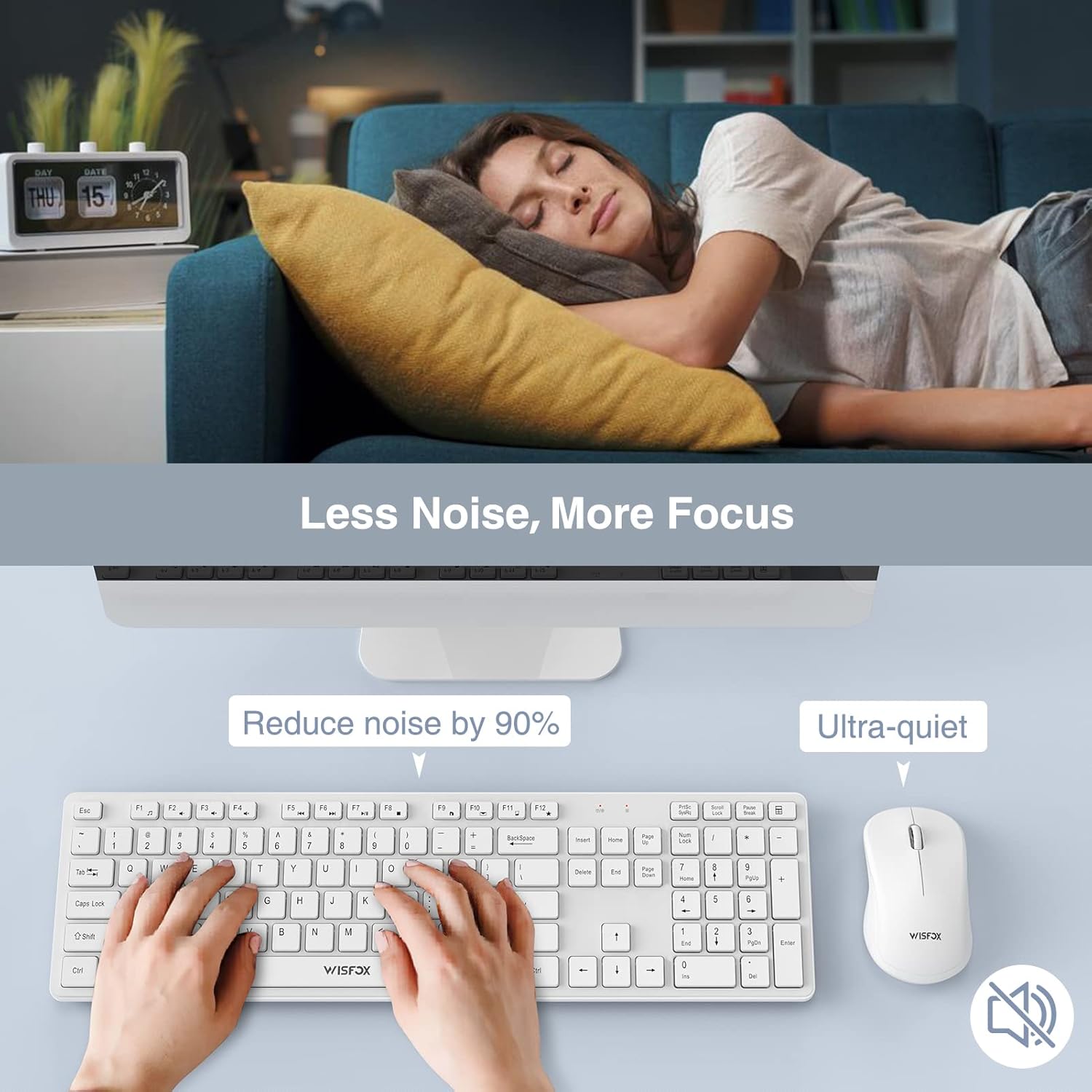
Figure 5: The quiet design of the combo promotes a peaceful work environment.
5.4. Funkce úspory energie
To conserve battery life, both the keyboard and mouse feature intelligent power-saving modes:
- The mouse will enter sleep mode after 1 minute of inactivity.
- Klávesnice přejde do režimu spánku po 8 minutách nečinnosti.
- To wake the devices, simply press any key on the keyboard or click/move the mouse.
- Both devices also have ON/OFF switches to manually power them down for extended storage or travel, further prolonging battery life up to 365 days.
5.5. Multimedia Keys (Fn+ Keys)
The keyboard includes 12 multimedia keys accessible by pressing the Fn key in combination with the F1-F12 keys. These provide quick access to functions such as volume control, media playback, and more.

Figure 6: The combo's features, including multimedia keys, enhance efficiency.
5.6. Široká kompatibilita
This keyboard and mouse combo is compatible with a broad range of operating systems and devices, including:
- All Windows system versions (e.g., Windows 2000/Vista/XP/7/8/10/Visa)
- Linux
- Chrome OS
- Mac OS
It works well with desktops, Chromebooks, PCs, laptops, computers, and even Smart TVs and HTPCs.
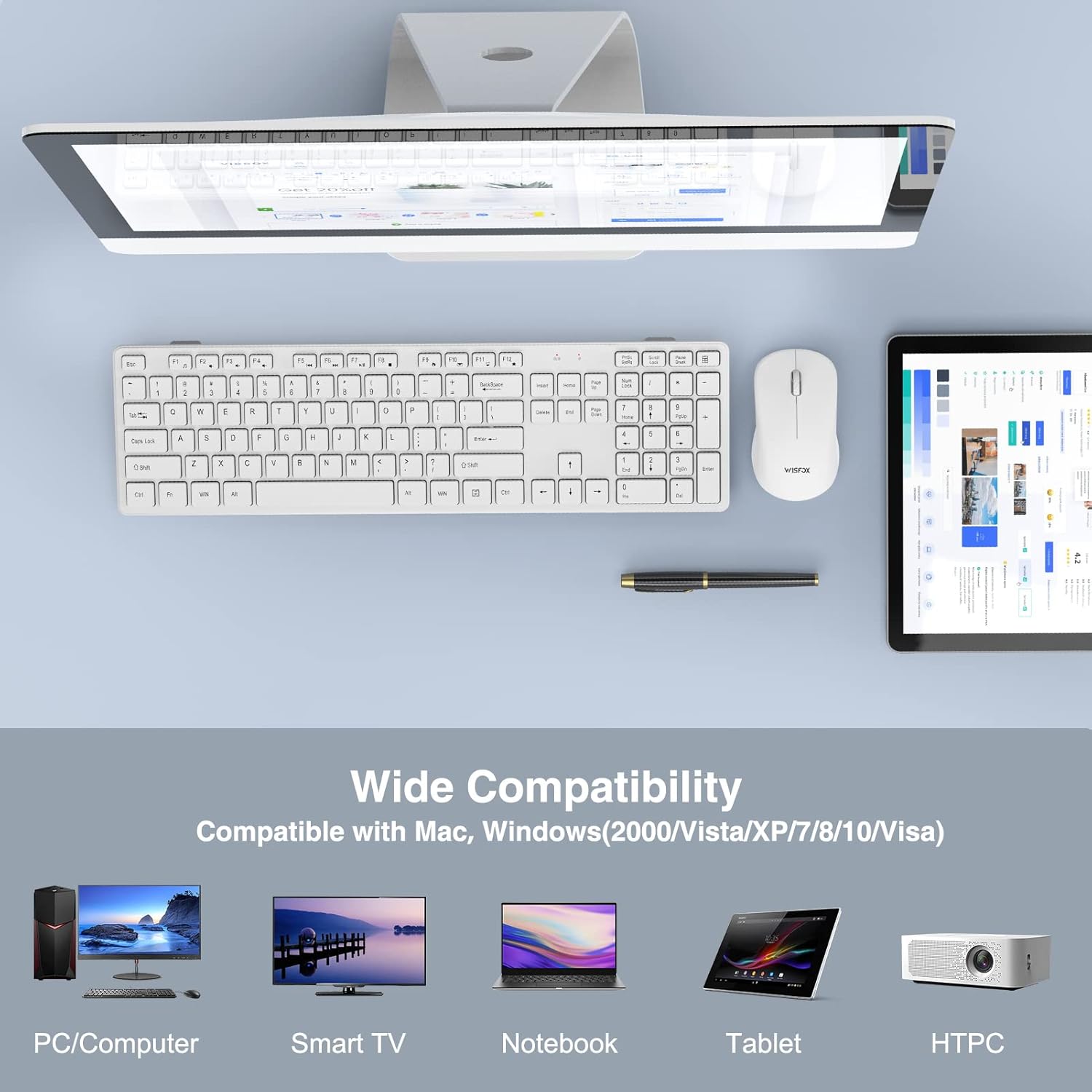
Figure 7: Broad compatibility with various devices and operating systems.
6. Údržba
- Čištění: K čištění povrchů klávesnice a myši používejte měkký, suchý hadřík. V případě odolných nečistot použijte lehceamp cloth can be used, but ensure no liquid enters the device. Do not use harsh chemicals or abrasive cleaners.
- Výměna baterie: When the devices stop responding or show signs of low power, replace the batteries with new ones, ensuring correct polarity.
- Skladování: If storing the devices for an extended period, remove the batteries to prevent leakage and turn off the power switches.
7. Řešení problémů
| Problém | Možná příčina | Řešení |
|---|---|---|
| Klávesnice/myš nereaguje |
|
|
| Zpoždění nebo přerušované připojení |
|
|
| Kurzor myši se pohybuje nepravidelně nebo se nepohybuje plynule |
|
|
8. Specifikace
| Funkce | Detail |
|---|---|
| Značka | WisFox |
| Model | 2.4GHz Full-Size Silent Wireless Keyboard and Mouse Combo |
| Barva | Bílý |
| Technologie připojení | Bezdrátové připojení 2.4 GHz (USB přijímač) |
| Bezdrátové Dosah | Až 33 stop (10 metrů) |
| Rozložení klávesnice | Full-Size with Numeric Keypad and F-keys |
| Keyboard Special Features | 8° Foldable Tilt, 12 Multimedia Keys, Quiet Operation |
| Mouse Special Features | 100% Silent Click, Optical Sensor |
| Úspora energie | Auto-sleep mode, ON/OFF switches |
| Životnost baterie (pohotovostní režim) | Až 365 dní |
| Kompatibilní zařízení | Personal Computer (Desktops, Laptops, Chromebooks, Smart TVs, HTPCs) |
| Kompatibilita operačního systému | Windows (all versions), Linux, Chrome OS, Mac OS |
| Rozměry klávesnice | 16.93 x 4.72 x 0.7 palce (43 x 12 x 1.8 cm) |
| Rozměry myši | 4.16 x 2.4 x 1.45 palce (10.6 x 6.1 x 3.7 cm) |
| Hmotnost položky | 1.54 libry (0.7 kg) |
| Výrobce | WisFox |
| Země původu | Čína |
9. Záruka a podpora
For warranty information or technical support, please refer to the product packaging or contact WisFox customer service directly. You can typically find contact details on the manufacturer's official webna webu nebo prostřednictvím vašeho nákupního místa.
Nejnovější informace a podporu naleznete na WisFox Store on Amazon.
Související dokumenty - 2.4GHz Full-Size Silent Wireless Keyboard and Mouse Combo (White)
 |
Uživatelská příručka WISFOX K31G+M27 2.4G bezdrátové klávesnice a myši Uživatelská příručka pro bezdrátovou klávesnici a myš WISFOX K31G+M27 2.4G, která zahrnuje nastavení, specifikace produktu, řešení problémů, multifunkční klávesy, varování a informace o záruce. |
 |
WISFOX M189 Wireless Keyboard and Mouse Combo: User Manual & Setup Guide Official user manual for the WISFOX M189 wireless keyboard and mouse combo. Learn how to set up, connect, use multi-function keys, troubleshoot issues, and understand warranty information for your 2.4G wireless office peripherals. |
 |
Uživatelská příručka k bezdrátové podsvícené klávesnici a myši Wisfox Komplexní uživatelská příručka pro bezdrátovou podsvícenou klávesnici a myš Wisfox s podrobným popisem 2.4GHz a Bluetooth konektivity, specifikací produktu, funkcí, multimediálních kláves, LED indikátorů, řešení problémů a bezpečnostních opatření. |
 |
Uživatelská příručka bezdrátové klávesnice WISFOX 636 2.4G Uživatelská příručka pro bezdrátovou klávesnici WISFOX 636 2.4G s podrobnými specifikacemi produktu, pokyny k nastavení, tipy pro řešení problémů, používáním multifunkčních kláves, důležitými varováními a informacemi o záruce. |
 |
Uživatelská příručka a specifikace kancelářské klávesnice WISFOX 650-637 Uživatelská příručka a technické specifikace pro kancelářskou klávesnici WISFOX 650-637, včetně pokynů k nastavení, nejčastějších dotazů, řešení problémů a informací o záruce. |
Ask a question about this manual
Ask about setup, troubleshooting, compatibility, parts, safety, or missing instructions. Manuals+ will review the question and use this page’s manual context to help answer it.