
1. Úvod
Thank you for choosing the ANSTEN Q40 Open-Ear Earphones. This manual provides essential information for setting up, operating, and maintaining your device. Please read it carefully before use to ensure optimal performance and longevity of your earphones.
2. Bezpečnostní informace
- Do not disassemble or modify the earphones or charging case.
- Chraňte zařízení před extrémními teplotami, vlhkostí a korozivními materiály.
- Vyhněte se delšímu poslechu při vysoké hlasitosti, abyste předešli poškození sluchu.
- Sluchátka pravidelně čistěte měkkým, suchým hadříkem.
- Zařízení a jeho baterii zlikvidujte zodpovědně v souladu s místními předpisy.
3. Obsah balení
Zkontrolujte prosím balení, zda neobsahuje následující položky:
- ANSTEN Q40 Open-Ear Earphones (Left and Right)
- Nabíjecí pouzdro
- USB nabíjecí kabel
- Uživatelská příručka
4. Konec produktuview
The ANSTEN Q40 earphones feature an open-ear design for comfort and situational awareness. The compact charging case provides extended battery life and includes a digital display for battery status.

5. Nastavení
5.1. Nabíjení sluchátek a pouzdra
Před prvním použitím sluchátka a nabíjecí pouzdro plně nabijte.
- Vložte sluchátka do nabíjecího pouzdra.
- Připojte nabíjecí kabel USB k nabíjecímu portu na pouzdře a ke zdroji napájení.
- The digital display on the case will show the charging progress. Once 100% is displayed, charging is complete.

5.2. Párování s vaším zařízením
- Otevřete nabíjecí pouzdro. Sluchátka se automaticky zapnou a přejdou do režimu párování.
- Povolte Bluetooth na svém smartphonu nebo jiném zařízení.
- Hledat V seznamu dostupných zařízení Bluetooth vyhledejte „Q40“ a vyberte jej pro připojení.
- Once connected, you will hear a confirmation tone. The earphones will automatically reconnect to the last paired device when taken out of the case.
5.3. Nošení sluchátek
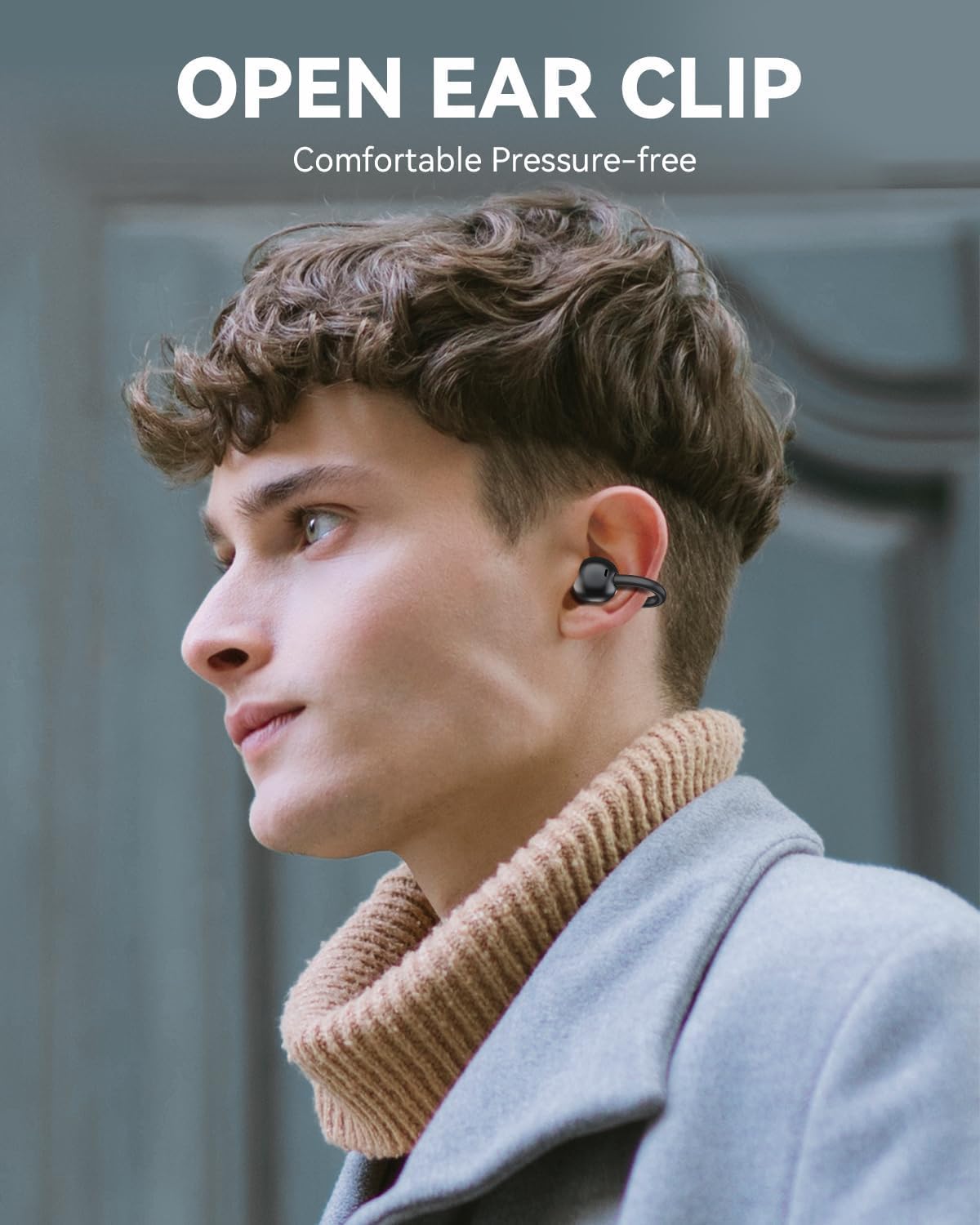
The ANSTEN Q40 earphones feature an open-ear clip design for comfortable and stable wear.
- Gently clip the earphone onto your ear, ensuring the speaker is positioned near your ear canal.
- Adjust the earphone for a secure and comfortable fit. The lightweight design (approximately 5.2g per earbud) ensures minimal pressure even during extended use.

6. Ovládání sluchátek
6.1. Stiskněte Ovládací prvky
The ANSTEN Q40 earphones feature multi-function touch controls on each earbud. The following actions can be performed:
- Jedno klepnutí: Přehrát/Pozastavit hudbu, Přijmout/Ukončit hovor.
- Dvojité klepnutí (pravé sluchátko): Zvýšit hlasitost.
- Dvojité klepnutí (levé sluchátko): Snížit hlasitost.
- Trojité klepnutí (pravé sluchátko): Další stopa.
- Trojité klepnutí (levé sluchátko): Předchozí stopa.
- Dlouhé stisknutí (2 sekundy): Reject call, Activate Voice Assistant.

6.2. Zapnutí/vypnutí
- Zapnutí: Otevřete nabíjecí pouzdro a sluchátka se automaticky zapnou.
- Vypnout: Vložte sluchátka zpět do nabíjecího pouzdra a zavřete víko. Automaticky se vypnou a začnou se nabíjet.
7. Údržba
7.1. Čištění
Pravidelné čištění pomáhá udržovat kvalitu zvuku a hygienu.
- K otření sluchátek a nabíjecího pouzdra použijte měkký, suchý hadřík, který nepouští vlákna.
- Nepoužívejte abrazivní čisticí prostředky, alkohol ani chemická rozpouštědla.
7.2. Voděodolnost (IPX7)
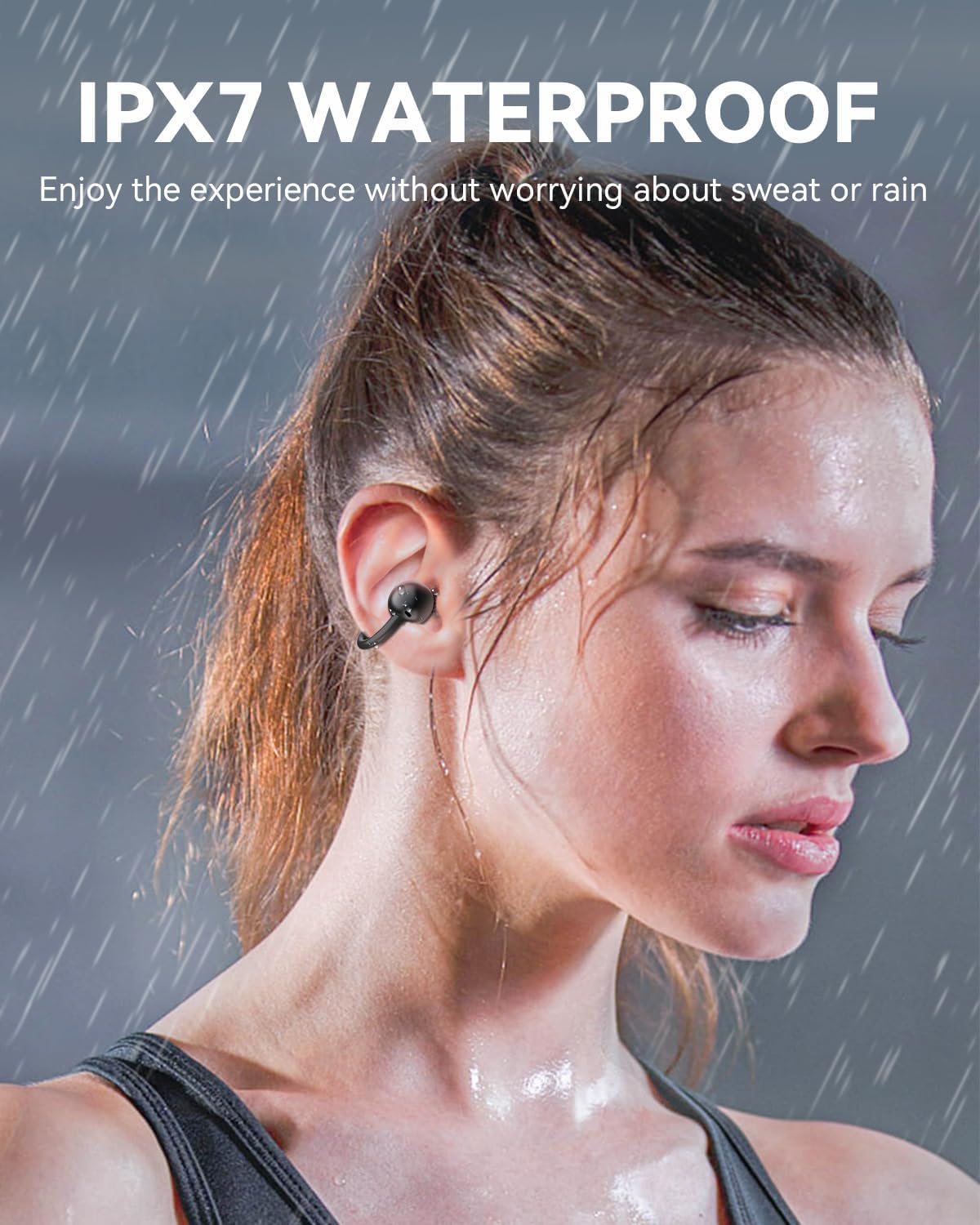
The ANSTEN Q40 earphones are IPX7 waterproof, meaning they can withstand immersion in water up to 1 meter for 30 minutes. This makes them suitable for use during workouts or in light rain.
- Před nabíjením se ujistěte, že je nabíjecí port suchý.
- Nabíjecí pouzdro úmyslně neponořujte, protože není vodotěsné.
8. Řešení problémů
8.1. Earphones not connecting/pairing
- Ujistěte se, že jsou sluchátka nabitá.
- Ujistěte se, že je na vašem zařízení povoleno Bluetooth.
- Vypněte Bluetooth na zařízení, poté jej znovu zapněte a zkuste spárování zopakovat.
- If issues persist, try resetting the earphones (refer to specific reset instructions if available, otherwise place them back in the case and try again).
8.2. No sound or low volume
- Zkontrolujte úroveň hlasitosti na sluchátkách i na připojeném zařízení.
- Ensure the earphones are properly paired and connected.
- Vyčistěte reproduktory sluchátek od nečistot.
8.3. Problémy s nabíjením
- Ujistěte se, že je nabíjecí kabel bezpečně připojen k pouzdru i ke zdroji napájení.
- Zkuste použít jiný nabíjecí kabel nebo napájecí adaptér.
- Make sure the charging contacts on the earphones and inside the case are clean and free of obstruction.
9. Specifikace
| Název modelu | Q40 |
| Značka | ANSTEN |
| Technologie připojení | Bezdrátové (Bluetooth) |
| Tvarový faktor sluchátek | In-Ear (Open-Ear Clip) |
| Velikost ovladače | 11 mm |
| Voděodolnost | IPX7 |
| Hmotnost sluchátek | Přibližně 5.2 g na sluchátko |
| Headset Life Time | 6 hodin |
| Charging Case Duration | 18 hodin (dodatečných) |
10. Záruka a podpora
ANSTEN products are designed and manufactured to the highest quality standards. This product is covered by a limited warranty from the date of purchase. Please refer to the warranty card included in your package for specific terms and conditions.
For technical support, warranty claims, or any other inquiries, please contact ANSTEN customer service through the retailer where you purchased the product or visit the official ANSTEN webstránky pro kontaktní informace.