
Odokee UE-268S-Black
Odokee Sound Machine Alarm Clock
Model: UE-268S-Black
Zavedení
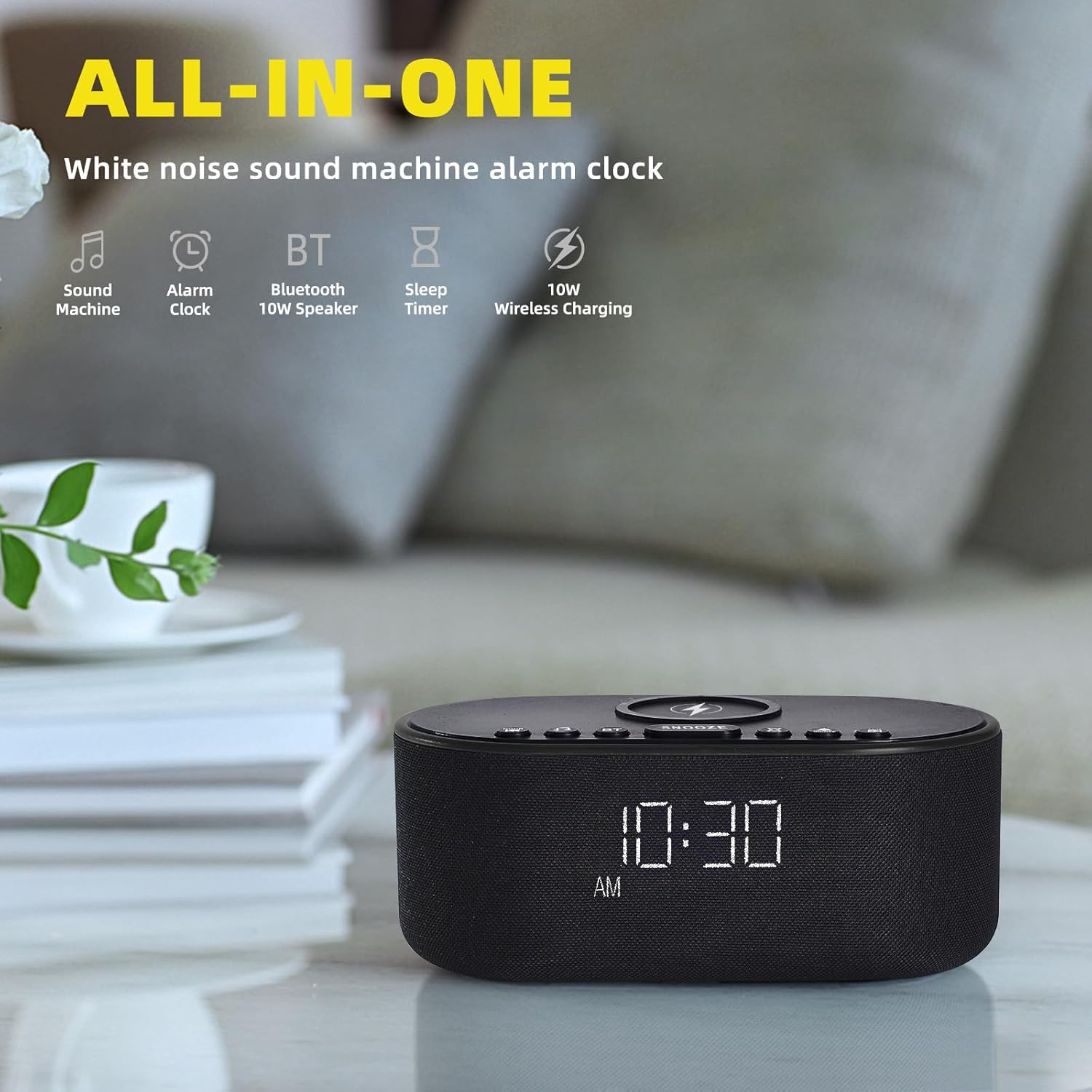
Thank you for choosing the Odokee Sound Machine Alarm Clock. This multi-functional device combines a white noise machine, alarm clock, Bluetooth speaker, and wireless charger, designed to enhance your sleep environment and daily routine. Please read this manual carefully to ensure proper use and optimal performance.

Bezpečnostní informace
- Nevystavujte zařízení vodě ani nadměrné vlhkosti.
- Vyhněte se extrémním teplotám a přímému slunečnímu záření.
- Nerozebírejte ani se nepokoušejte o opravu zařízení sami. Obraťte se na kvalifikovaný servisní personál.
- Uchovávejte mimo dosah dětí.
- Používejte pouze dodaný napájecí adaptér.
Obsah balení
- Odokee Sound Machine Alarm Clock
- Napájecí adaptér
- Uživatelská příručka
Konec produktuview
Familiarize yourself with the various components and controls of your Odokee Sound Machine Alarm Clock.

Ovládací prvky a porty:
- Bezdrátová nabíjecí podložka: Located on top for compatible devices.
- Tlačítko "Odložit: Aktivuje funkci odložení budíku.
- Sound Buttons: Select and cycle through soothing sounds.
- Tlačítka alarmu: Nastavovat a spravovat alarmy.
- Tlačítko pro nastavení času: Upravte čas a datum.
- Stmívač displeje: Upravuje jas obrazovky.
- Tlačítko Bluetooth (BT): Aktivuje režim párování Bluetooth.
- USB nabíjecí port: For charging other devices.
- Vstup DC 9V: Připojení napájení.
- Ovládání hlasitosti: Adjusts sound output.
Nastavení
1. Připojení napájení
Connect the provided power adapter to the DC 9V input port on the back of the alarm clock and plug it into a wall outlet. The display will light up.
2. Počáteční nastavení času
- Stiskněte a podržte NASTAVENÍ ČASU button. The hour display will start flashing.
- Použijte +/- tlačítka pro nastavení hodiny.
- Stiskněte NASTAVENÍ ČASU znovu pro potvrzení hodiny a přechod na minuty.
- Použijte +/- tlačítka pro nastavení minut.
- Stiskněte NASTAVENÍ ČASU pro potvrzení a ukončení režimu nastavení času.
- To switch between 12/24-hour format, press the 12/24 hod tlačítko.
- To enable/disable Daylight Saving Time (DST), press the DST ZAP / VYP tlačítko.
3. Bezdrátové nabíjení
Place your Qi-compatible smartphone centrally on the wireless charging pad located on top of the device. Ensure there are no metal objects or thick cases (over 3mm) between your phone and the charging pad. The charging indicator on your phone will confirm charging. This device supports 10W for Samsung and 7.5W for iPhone.


4. USB nabíjení
The built-in USB charging port on the back allows you to conveniently charge other electronic devices, such as smartwatches or earbuds, using their respective USB cables.

Návod k obsluze
1. Alarm Clock Functions
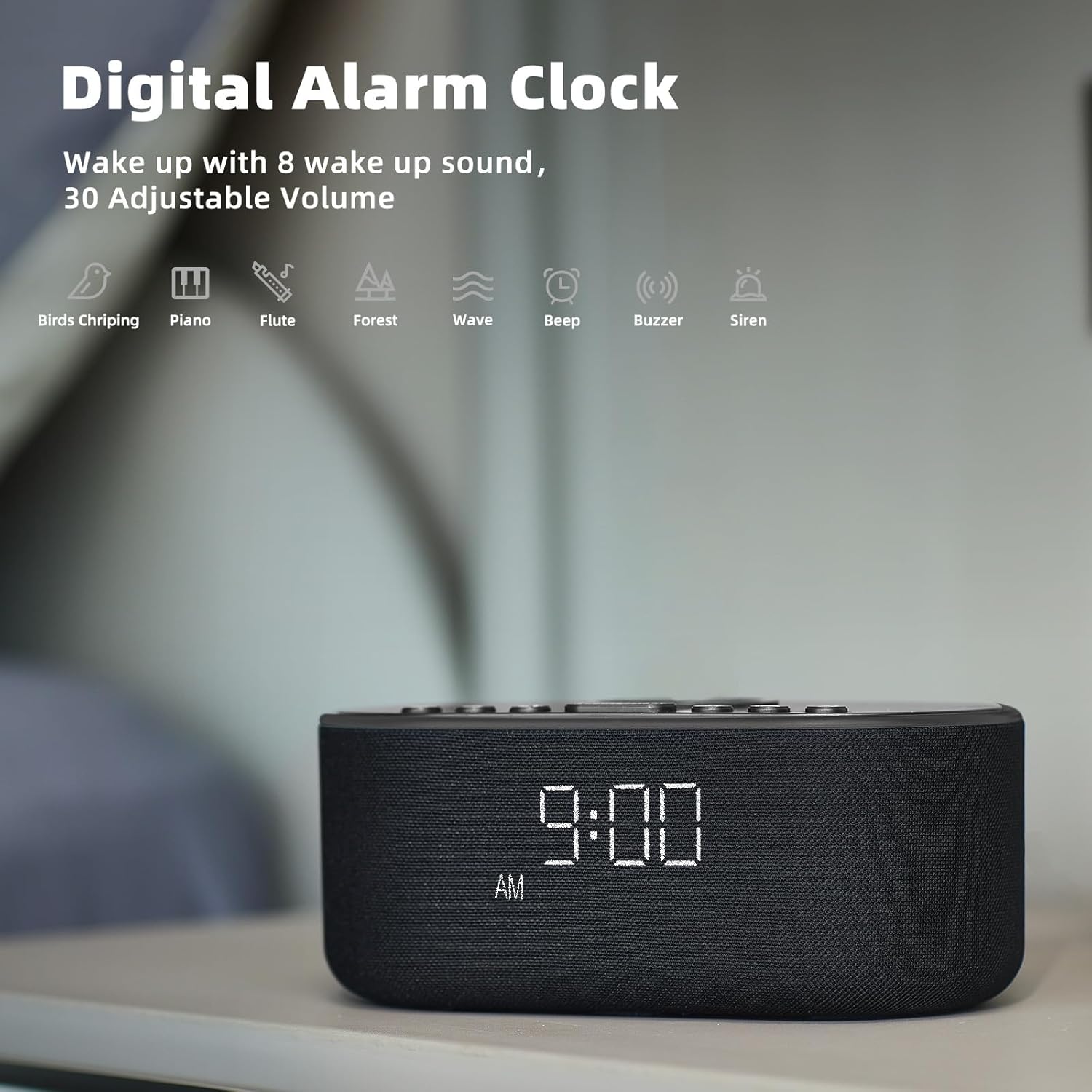
The alarm clock features 8 custom alarm sounds and a 9-minute snooze function.
- Nastavení budíku: Stiskněte tlačítko NASTAVENÍ ALARMU button. The alarm time will flash. Use the +/- tlačítky nastavte požadovaný čas budíku. Stiskněte NASTAVENÍ ALARMU znovu pro potvrzení.
- Výběr zvuku budíku: After setting the alarm time, use the Zvuk buttons to cycle through the 8 available alarm sounds (Beep, Birds Chirping, Wave, Piano, Flute, Forest, Buzzer, Siren).
- Aktivace/deaktivace alarmu: Stiskněte tlačítko ALARM ZAPNUTO / VYPNUTO tlačítko pro zapnutí nebo vypnutí budíku. Po aktivaci se na displeji zobrazí ikona budíku.
- Funkce odložení: Když zazní alarm, stiskněte PODŘIMOVAT tlačítko pro dočasné ztlumení zvuku na 9 minut.

2. Sound Machine Functions
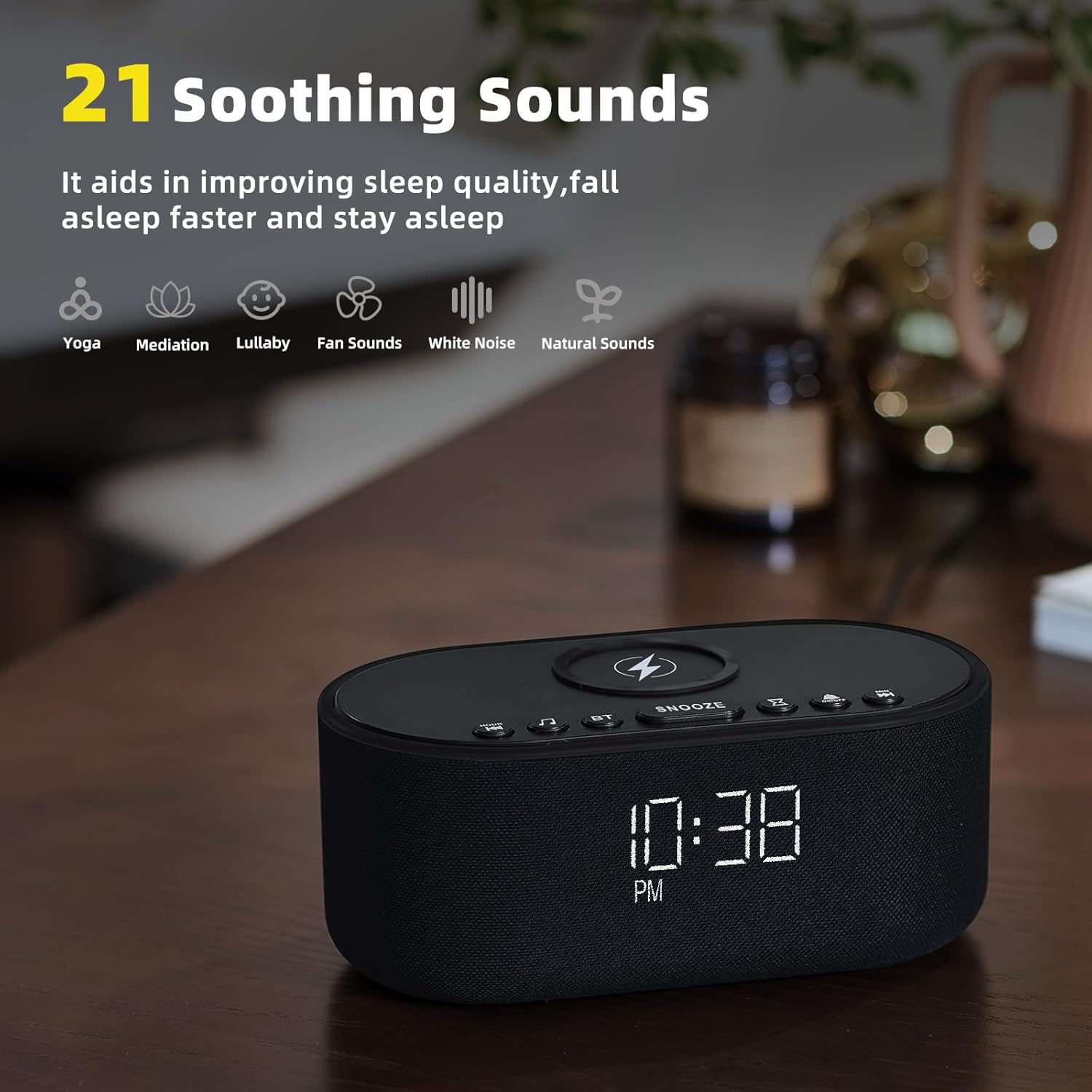
The device offers 21 soothing sounds to aid in sleep and relaxation.
- Výběr zvuků: Stiskněte tlačítko Zvuk buttons to cycle through the 21 available sounds, including 5 white noise variations (Pink and Brown noise included), 4 fan sounds, 6 nature sounds (waves, rains, thunderstorms, brook, birds chirping, wind), 2 lullabies, Heart Beat, Sh Sound, Yoga, and Meditation.
- Nastavení hlasitosti: Použijte Volume HIGH/LOW switch on the back of the unit to adjust the sound output level.
3. Bluetooth Speaker Pairing
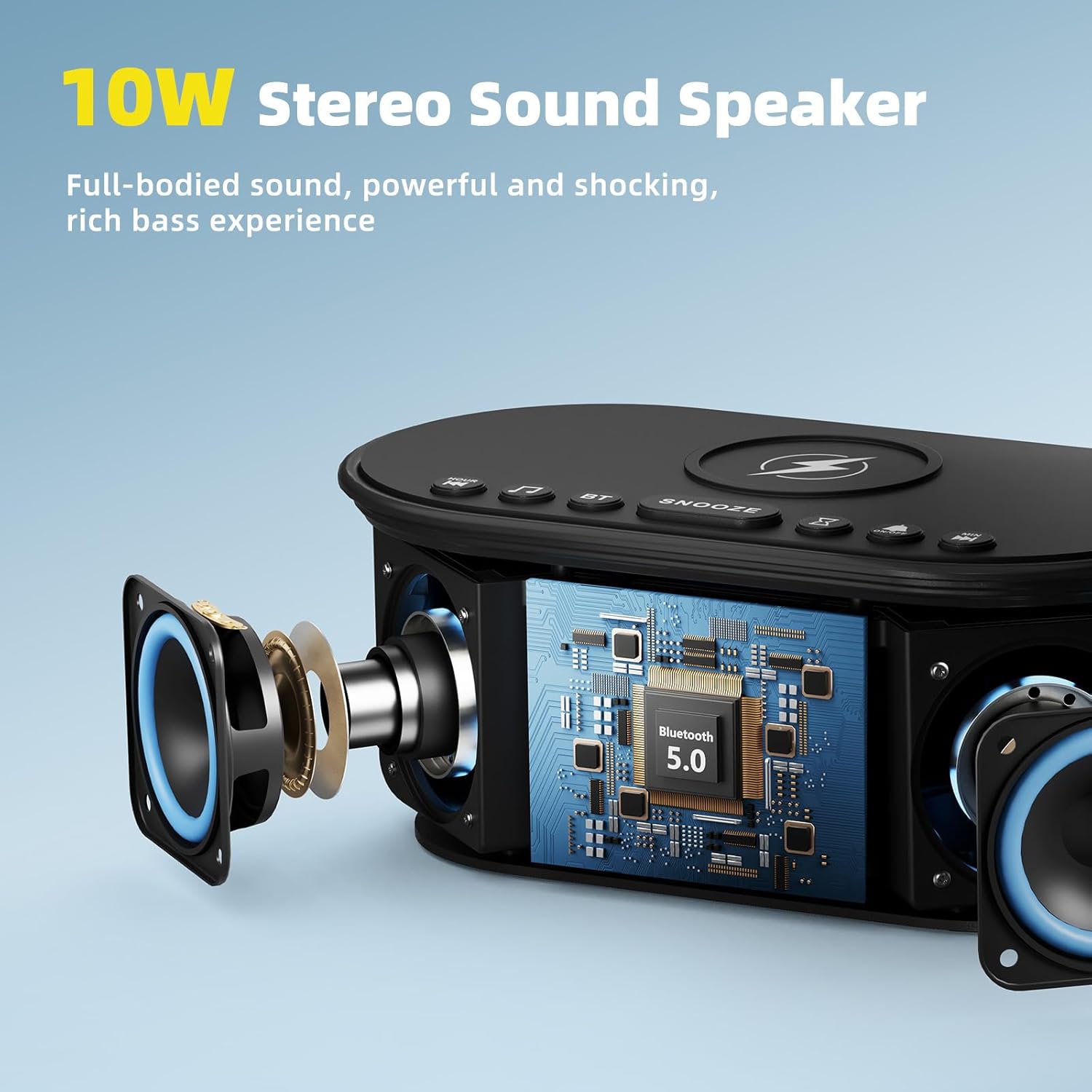
The 10W stereo Bluetooth 5.0 speaker provides high-quality audio for music playback.
- Stiskněte tlačítko BT button on the top of the device. The Bluetooth indicator on the display will flash, indicating pairing mode.
- On your smartphone or other Bluetooth-enabled device, go to Bluetooth settings and select "Odokee Sound Machine" from the list of available devices.
- Po připojení přestane indikátor Bluetooth blikat a zůstane svítit nepřerušovaně. Nyní můžete přehrávat zvuk přes reproduktor.

4. Stmívač displeje
Adjust the display brightness from 0% to 100% to suit your preference and ambient lighting conditions.
- Stiskněte tlačítko Zobrazit stmívač button repeatedly to cycle through brightness levels.
- The display will adjust instantly.

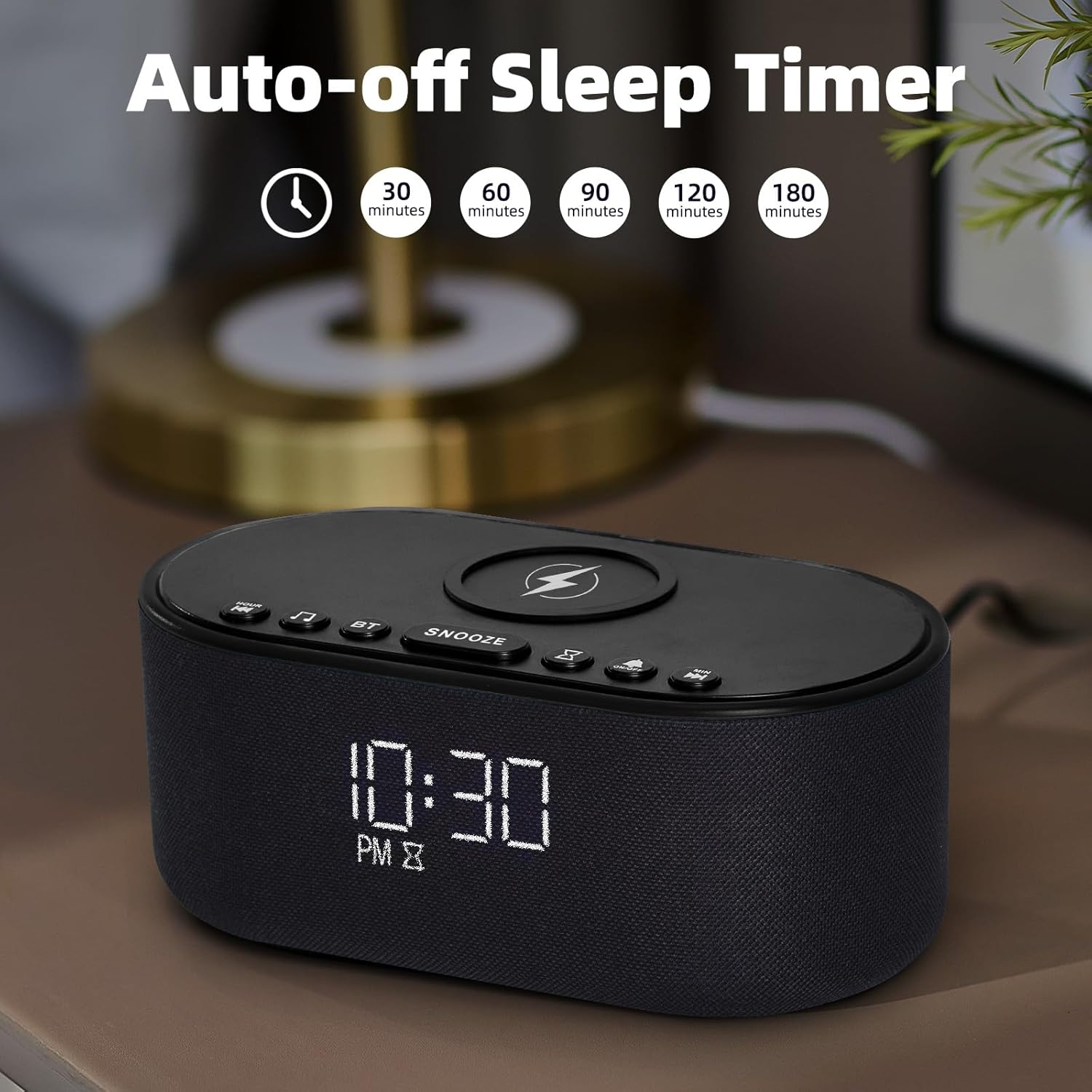
5. Časovač vypnutí
The sleep timer allows you to set the sound machine to automatically turn off after a specified duration.
- While a soothing sound is playing, press the Časovač spánku tlačítko.
- Each press will cycle through available timer options: 30, 60, 90, 120, 180 minutes, or OFF.
- The selected timer duration will be displayed. The sound will automatically turn off after the set time.
Údržba
- Zařízení čistěte měkkým, suchým hadříkem. Nepoužívejte abrazivní čisticí prostředky ani rozpouštědla.
- Keep the wireless charging pad free of dust and debris to ensure efficient charging.
- Pokud zařízení delší dobu nepoužíváte, skladujte jej na chladném a suchém místě.
Odstraňování problémů
| Problém | Možná příčina | Řešení |
|---|---|---|
| Zařízení se nezapne. | Napájecí adaptér není připojen nebo je zásuvka vadná. | Ujistěte se, že je napájecí adaptér bezpečně připojen, a zkuste jinou zásuvku. |
| Bezdrátové nabíjení nefunguje. | Phone not Qi-compatible, not centered, or thick case/metal objects. | Ensure phone supports Qi wireless charging. Reposition phone centrally. Remove thick cases or metal objects. |
| Párování Bluetooth se nezdařilo. | Device not in pairing mode, or too far from source. | Press the BT button to enter pairing mode. Ensure device is within 10 meters of the source. Forget device on your phone and re-pair. |
| Z reproduktoru není slyšet žádný zvuk. | Hlasitost je příliš nízká nebo ztlumená. | Adjust the volume switch on the back of the unit. Check volume on connected Bluetooth device. |
| Alarm nezní. | Budík není aktivován nebo je hlasitost příliš nízká. | Ensure alarm is set and activated (alarm icon visible). Increase alarm volume. |
Specifikace
- Název modelu: UE-268S-Black
- Značka: Odokee
- Materiál: Plast
- Rozměry balení: 9.57 x 5.12 x 4.09 palce
- Hmotnost položky: 1.16 libry
- Příkon: DC 9V
- Výstup bezdrátového nabíjení: 10W (max.)
- Verze Bluetooth: 5.0
- Výstup reproduktoru: 10W stereo zvuk
- Uklidňující zvuky: 21 (White Noise, Fan, Nature, Lullabies, etc.)
- Zvuky alarmu: 8
- Stmívač displeje: 0–100 %
- Potřebné baterie: Žádný
Záruka a podpora
Odokee products are designed and manufactured to the highest quality standards. This product comes with a standard manufacturer's warranty. For detailed warranty information, please refer to the warranty card included in your package or visit the official Odokee website. If you encounter any issues or have questions regarding your device, please contact Odokee customer support for assistance. Please have your model number (UE-268S-Black) and purchase information ready when contacting support.
Online podpora: Navštivte Odokee Store on Amazon pro časté dotazy a další informace o produktu.
Ask a question about this manual
Ask about setup, troubleshooting, compatibility, parts, safety, or missing instructions. Manuals+ will review the question and use this page’s manual context to help answer it.