
FLEXISPOT FLEXISPOT-VH
FLEXISPOT Electric Height Adjustable Standing Desk User Manual
Model: FLEXISPOT-VH
Značka: FLEXISPOT
Konec produktuview
Build your own standing desk. With premium FLEXISPOT height-adjustable desks, you can easily achieve the perfect sit-stand balance throughout your workday. Using a sit-stand desk helps counteract the negative health effects of sedentary activity. This high-quality height-adjustable desk features all the necessary functionalities to provide the benefits you expect from a standing desk, such as improved concentration and calorie burning. Enjoy the health benefits when you are more upright and less seated.
SAFETY WARNING: Be careful not to exceed the weight limit of 70 kg (mobile mode) and 100 kg (fixed setting) and ensure the desk is securely fastened for stability.

Image: The FLEXISPOT Electric Height Adjustable Standing Desk in white, featuring a spacious desktop, sturdy legs, and a control panel. Accessories like a monitor, keyboard, and headphones are shown on and around the desk.
Klíčové vlastnosti:
- Highly Adjustable with Height Setting: The tabletop height can be adjusted from 73.5 cm to 118 cm, making it suitable for people of various heights. The frame size is extendable to accommodate different tabletop sizes, easily creating space for computer monitors, keyboards, laptops, and other office accessories to increase work efficiency.
- Robust, Stable, and Durable: The table legs are made of industrial steel, making them not only robust and durable but also extremely resistant. The frame can support a maximum of 70 kg (mobile) and is equipped with non-slip pads that effectively protect the floor, allowing you to use it without worry.
- User-Friendly Manual Control: Our desk features an innovative 6-button manual control design that allows you to effortlessly store four different height positions to meet the varying height needs of your family. The real-time height display and standby power consumption of less than 0.5W make it energy-efficient and environmentally friendly, ensuring convenient operation.
- Create the Ideal Work Area: Our ergonomic standing desk has been carefully designed and is height-adjustable to help you easily find the most comfortable working position. Not only does this save space, but it also helps create a unique work style between your home and office, allowing you to find the perfect balance between work and personal life and experience a sense of happiness like never before.
- FlexiSpot Quality Guarantee: As experts in ergonomics, we have 20 years of experience. Each desk undergoes rigorous pressure testing 20,000 times to meet international industry standards and is CE/BIFMA/ROHS certified. We offer a 5-year frame warranty, a 3-year motor warranty, and free lifetime technical support so you can purchase with peace of mind.
Nastavení a montáž
The FLEXISPOT standing desk is designed for easy assembly. Please follow these general steps. Refer to the included physical instruction manual for detailed, step-by-step diagrams specific to your model.
- Rozbalte komponenty: Opatrně vyjměte všechny díly z obalu a ověřte je podle seznamu dílů ve fyzické příručce.
- Sestavte rám: Attach the lifting columns to the foot supports. Ensure all screws are tightened securely.
- Attach Crossbar/Frame: Connect the crossbar or expandable frame sections between the lifting columns.
- Připojit plochu: Place the desktop upside down on a soft, clean surface. Align the assembled frame with the pre-drilled holes on the desktop and secure it with the provided screws.
- Instalace ovládacího panelu: Attach the control panel to the underside of the desktop in the designated location. Connect all necessary cables from the motors and power supply to the control box and then to the control panel.
- Správa kabelů: Use the included cable ties or management solutions to neatly organize all wires.
- Zapnutí: Připojte napájecí kabel do elektrické zásuvky.
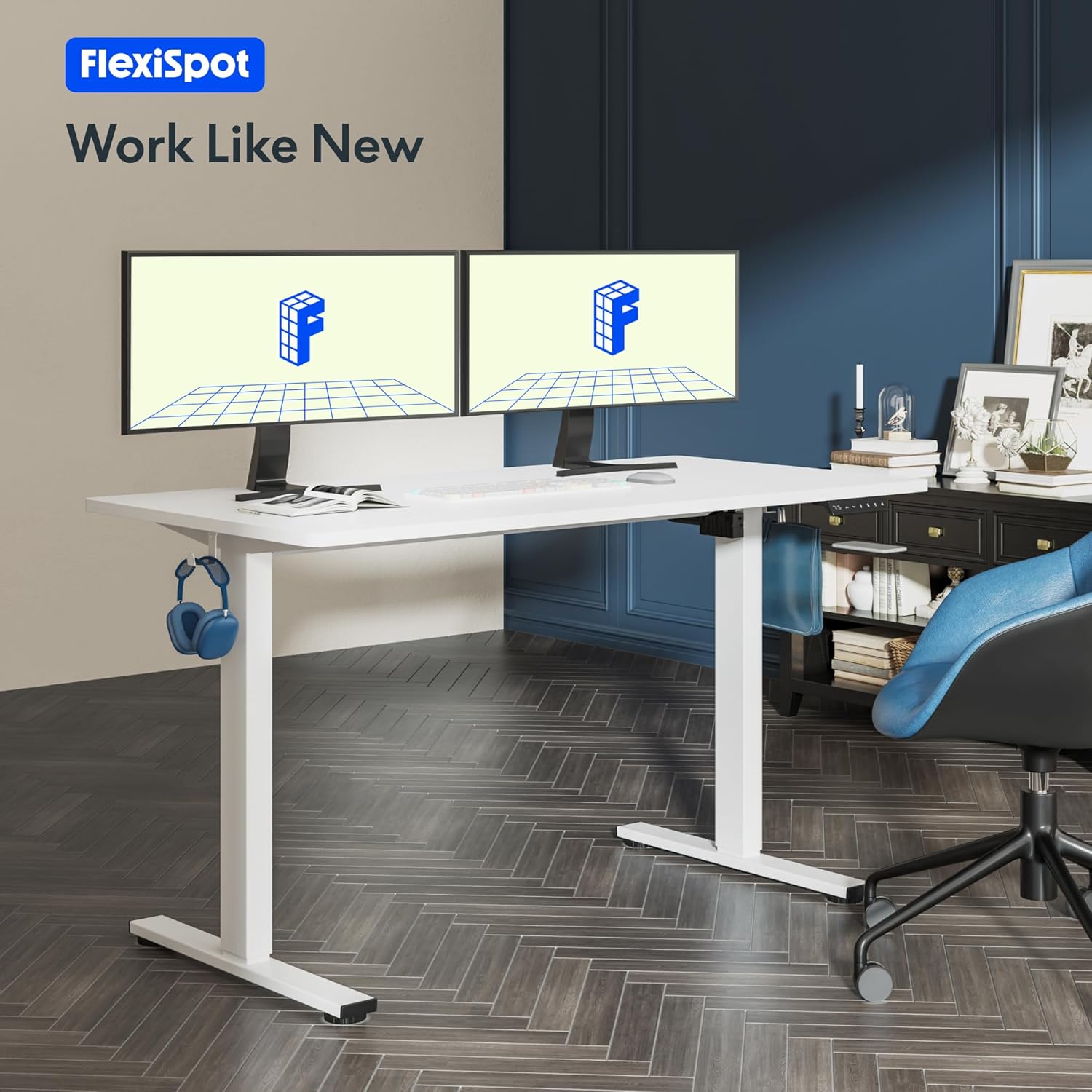
Image: A FLEXISPOT standing desk with two monitors, a keyboard, and other office accessories, set up in a modern office environment. This illustrates the desk in its intended use.
Návod k obsluze
Funkce ovládacího panelu:

Obrázek: Podrobný view of the FLEXISPOT smart control panel, showing the LED display, up/down buttons, and four memory preset buttons (1, 2, 3, 4).
- LED displej: Zobrazuje aktuální výšku stolu v centimetrech.
- Up/Down Buttons (∧ / ∨): Press and hold to smoothly adjust the desk height upwards or downwards. Release the button to stop at the desired height.
- Předvolby paměti (1, 2, 3, 4):
- Uložení výšky: Adjust the desk to your desired height. Press the 'M' or 'Set' button (if available, otherwise hold the number button) followed by the desired number button (1, 2, 3, or 4). The display will show 'S-' followed by the number, indicating the height is saved.
- Vyvolání výšky: Jednoduše stiskněte odpovídající číselné tlačítko (1, 2, 3 nebo 4). Stůl se automaticky přesune do uložené výšky.
Rozsah nastavení výšky:
The desk offers a wide height adjustment range to accommodate various user heights and preferences, from a minimum of 73.5 cm to a maximum of 118 cm.

Image: A visual representation illustrating the extensive height adjustment capabilities of the FLEXISPOT desk, showing different desk heights suitable for sitting, standing, and various activities. The minimum height is indicated as 73.5cm and maximum as 118cm.

Image: A diagram illustrating how the FLEXISPOT desk frame adapts to different desktop sizes, including 120cm, 140cm, and 160cm widths, and 60cm, 70cm, and 80cm depths. This highlights the versatility of the frame.
Údržba
- Čištění: Použijte měkký, damp cloth to wipe down the desktop and frame. Avoid abrasive cleaners or harsh chemicals that could damage the finish.
- Pravidelné kontroly: Periodically check all screws and bolts to ensure they remain tight. Loose connections can affect stability and performance.
- Správa kabelů: Ensure cables are not pinched or tangled, which could lead to damage or malfunction.
- Rozložení hmotnosti: Distribute weight evenly on the desktop to prevent strain on the lifting mechanism. Adhere to the maximum weight limits.
Odstraňování problémů
If you encounter any issues with your FLEXISPOT standing desk, please refer to the following common troubleshooting steps:
| Problém | Možná příčina | Řešení |
|---|---|---|
| Stůl se nehýbe ani nereaguje na ovládací prvky. | Power cable disconnected; Overload protection activated; Motor overheating. | Check power connections. Reduce weight on the desk. Allow the motor to cool down for 20 minutes. Perform a reset (refer to manual for specific reset procedure). |
| Stůl se pohybuje nerovnoměrně nebo vydává neobvyklé zvuky. | Volné spoje; Překážka; Nerovnoměrné rozložení hmotnosti. | Check all assembly screws for tightness. Ensure no objects are obstructing the desk's movement. Redistribute weight evenly on the desktop. |
| Předvolby paměti nefungují. | Předvolby nebyly správně uloženy. | Re-save your desired height settings by following the "To Save a Height" instructions in the Operating section. |

Image: An illustration highlighting the core technology and safety features of the FLEXISPOT desk, including overload protection, overcurrent protection, and overheating protection, ensuring reliable and safe operation.

Image: The FLEXISPOT desk being tested with multiple 18kg weights, demonstrating its robust and secure support structure capable of withstanding over 50,000 lifting/lowering tests.
Specifikace
| Atribut | Detail |
|---|---|
| Značka | FLEXISPOT |
| Číslo modelu | FLEXISPOT-VH |
| Barva | White Frame + White Top |
| Rozměry produktu (D x Š x V) | 100 x 60 x 73 cm (initial, adjustable height) |
| Nastavitelný rozsah výšky | 73.5 cm až 118 cm |
| Materiál | Metal (Frame), Engineered Wood (Top) |
| Maximální nosnost | 70 kg (mobile), 100 kg (fixed setting) |
| Design stolu | Stojící stůl |
| Speciální funkce | Ergonomic, Height Adjustable, Memory Presets, Overload/Overcurrent/Overheating Protection |
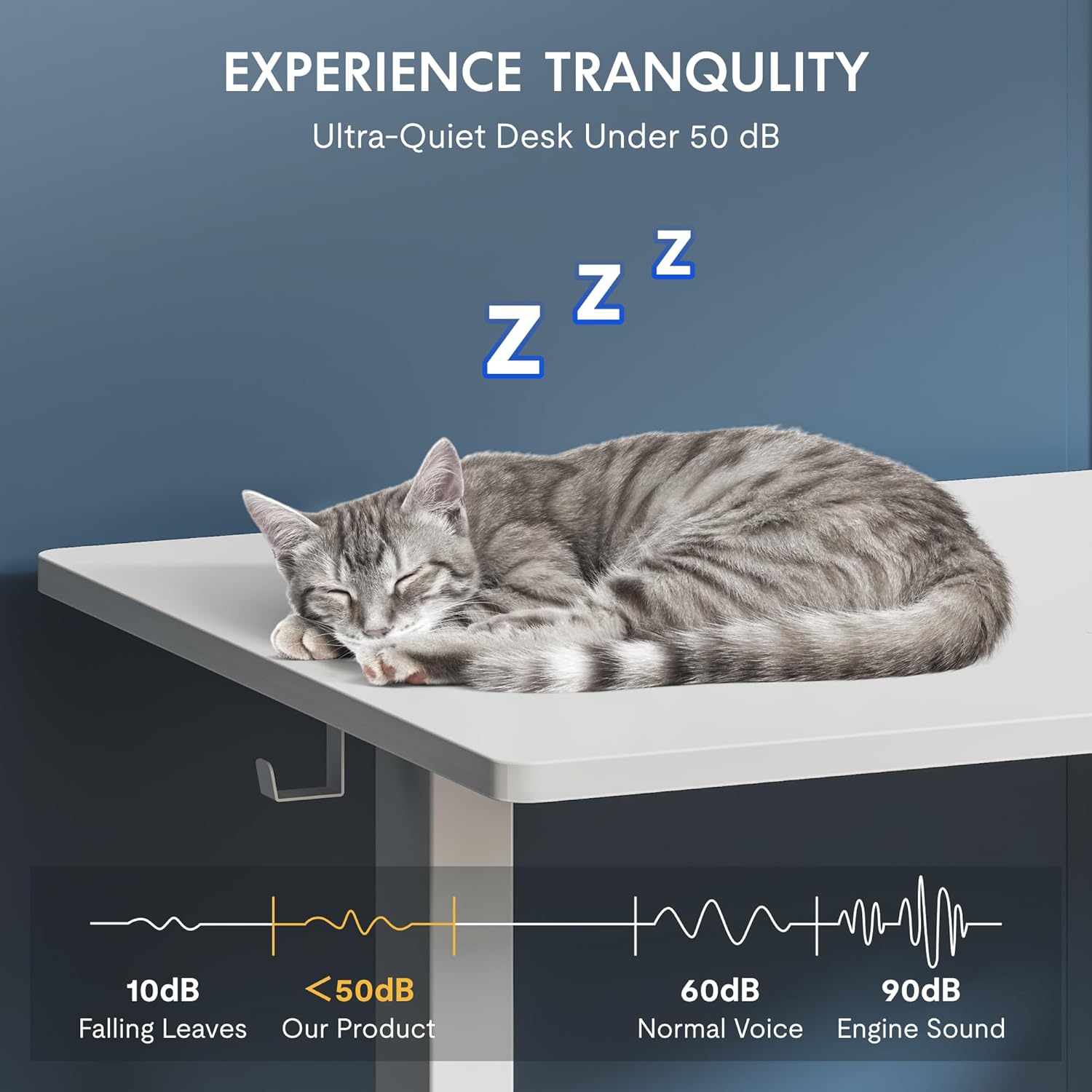
Image: A visual representation emphasizing the ultra-quiet operation of the FLEXISPOT desk, with noise levels below 50 dB, comparable to falling leaves, ensuring a tranquil work environment.
Záruka a podpora
FLEXISPOT stands behind the quality of its products. As experts in ergonomics with 20 years of experience, each desk undergoes rigorous testing to meet international industry standards (CE/BIFMA/ROHS certified).
- Záruka na rám: 5 roky
- Záruka na motor: 3 roky
- Technická podpora: Bezplatná doživotní technická podpora
For further assistance, technical support, or warranty claims, please visit the official FLEXISPOT website or contact their customer service directly. Refer to your purchase documentation for specific contact details.
Ask a question about this manual
Ask about setup, troubleshooting, compatibility, parts, safety, or missing instructions. Manuals+ will review the question and use this page’s manual context to help answer it.